Five minutes. That is all the time separating your PDF from a polished, page-turning digital publication with a live share link you can paste into any email, chat, or social post. No software to install, no design work required, and no waiting around for file uploads to crawl through. Flipbooks AI handles the entire conversion automatically, and the process from first upload to active share link fits inside a single coffee break.
This article walks through each step precisely, explains what your share link actually does, and shows you which features matter most depending on how you plan to use it.
Why PDF Attachments Get Ignored
Most people still send PDFs by email. The problem is that attachments have increasingly low open rates, require a download step, and look identical whether you are sharing a polished 60-page product catalog or a one-page invoice. Recipients have no way to preview, no way to skim visually, and no engagement data comes back to the sender.
The Open Rate Problem
PDFs sent as email attachments average around a 20% open rate. That means 80% of the carefully designed catalogs, proposals, menus, and brochures that teams spend hours creating never get looked at. Even when a PDF is opened, there is no way to know which pages received attention, how much time was spent on each section, or whether the recipient forwarded it on.
What a Share Link Changes
A direct share link to a flipbook changes the entire equation. The recipient clicks and the flipbook opens instantly in any browser, no download required. The page-turn format signals quality before a single word is read. For senders using Flipbooks AI's Professional plan, built-in analytics show exactly which pages were viewed, for how long, and by how many people.

What You Need Before You Start
Getting started requires almost nothing. A PDF file and a browser. That is the short list.
File Requirements at a Glance
| Requirement | Details |
|---|
| File type | PDF (required) |
| Max file size | Up to 100MB depending on plan |
| Page count | No hard limit on Standard and above |
| Design software | Not needed, any PDF works |
| Browser | Any modern browser (Chrome, Safari, Firefox, Edge) |
💡 If your content lives in PowerPoint, Canva, or Google Slides, export it as a PDF first. The export takes 10 seconds and your design comes through perfectly.
Account Setup in 60 Seconds
Creating an account on Flipbooks AI takes under a minute. You only need an email address. No credit card is required to start. Once logged in, you land directly on the upload dashboard and the workflow begins immediately.

How to Create a Flipbook in 5 Minutes on Flipbooks AI
The steps below follow the actual interface. Each one takes between 20 and 60 seconds. The total time adds up to under five minutes on any reliable internet connection.
Step 1: Upload Your PDF
Once logged in, click the New Flipbook button on your dashboard. A file picker opens. Select your PDF from your computer, or drag and drop it directly onto the upload zone. Flipbooks AI processes the file page by page, converting each one into a high-resolution interactive spread.
For files under 10MB the processing is near-instant. Larger files (50-100MB) with complex graphics may take 60 to 90 seconds.
✅ PDFs exported at 150-300 DPI produce the sharpest results. Higher resolution exports give crisper text and images in the final flipbook.
Step 2: Set Branding and Style
After processing, the editor opens. Here you can:
- Set a custom cover title that appears in the browser tab and share previews
- Choose a background color for the viewer frame
- Select a page-turn style (standard flip, slide, or fade)
- Add a logo to the viewer header (Standard plan and above)
- Enable or disable page numbers
None of these steps are required. You can skip directly to publish and the flipbook will look professional using default settings. The branding options exist for teams that need consistent visual identity across every document they share.
Step 3: Preview and Publish
Click the Preview button to open a full-screen test of the flipbook exactly as recipients will see it. Flip through every page. Check that images are sharp, text is readable, and the page order is correct.
When satisfied, click Publish. The flipbook goes live immediately. No approval queue, no processing delay after publishing.
Step 4: Copy Your Share Link
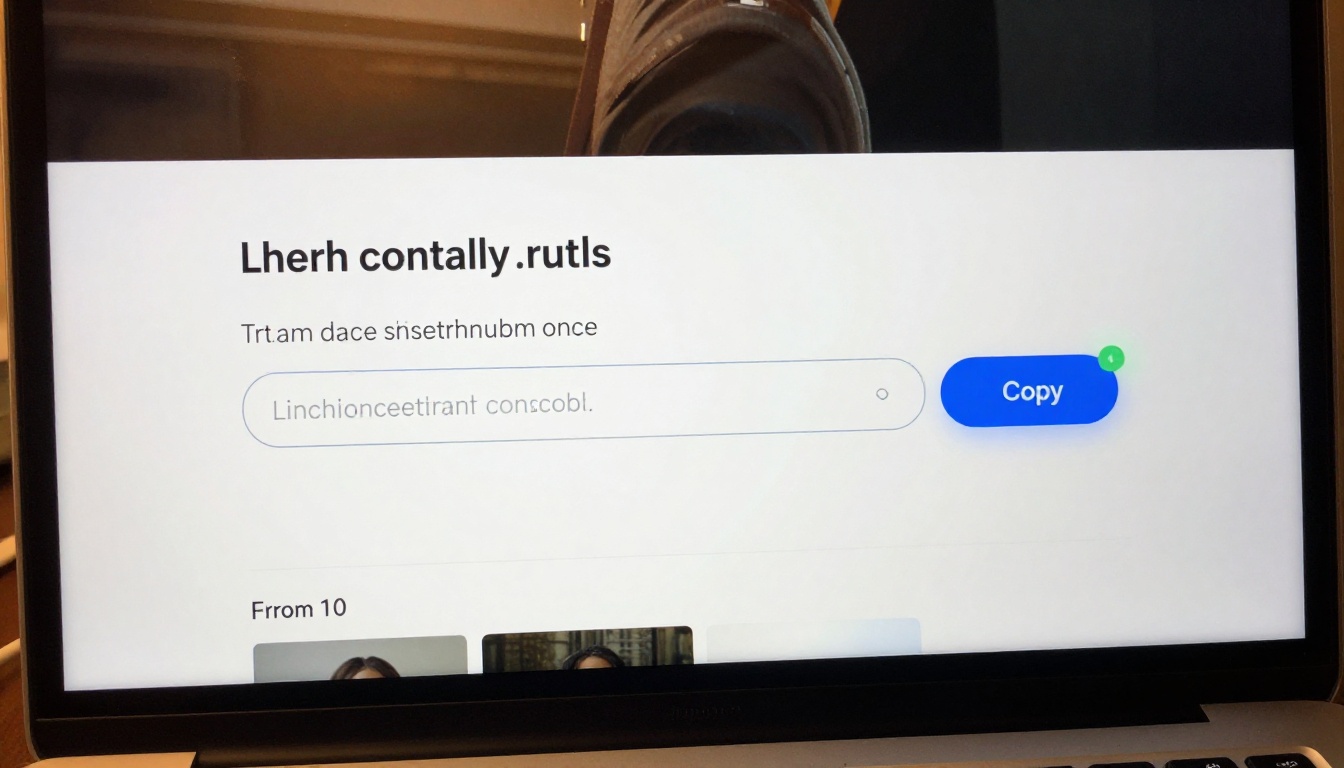
After publishing, a share link appears in a text field at the top of the settings panel. Click Copy Link. The URL is copied to your clipboard and ready to paste anywhere.
The link is permanent. It does not expire unless you manually unpublish or delete the flipbook.
The Share Link Explained
The share link is a direct URL that opens the flipbook in a full-screen responsive viewer. There is nothing to install. It works on desktop, tablet, and mobile without any additional configuration.
What the Link Actually Does
When someone opens the share link, the viewer loads the flipbook from a global CDN. Pages load progressively, meaning the first spread appears immediately while remaining pages load in the background. On a standard broadband connection, the entire viewer is ready in under three seconds.
The viewer is mobile-responsive by default. On smaller screens, the layout automatically adjusts to single-page view with touch-swipe navigation. This happens without any manual settings change on your end.
Password Protection Option
Sensitive documents like internal reports, financial statements, or private client proposals can be protected with a password. Enable password protection from the flipbook settings panel and set a password of your choice. Recipients who open the share link will see a password prompt before the content loads.
⚠️ Password protection prevents casual access through the link. For classified content, pair it with your organization's existing access control policies.
Embed vs. Direct Link
Beyond the share link, Flipbooks AI also provides an embed code. This is an HTML snippet you paste into any website, landing page, or CMS to display the flipbook directly within your site, no redirect required.
| Distribution Method | Best For | User Experience |
|---|
| Direct share link | Email, chat, social, SMS | Opens in new browser tab |
| Embed code | Websites, landing pages, blogs | Displays inline on the page |
| PDF download | Offline use, printing | Saves to device |
| Password-protected link | Internal or confidential docs | Requires password entry |
Use the Embed Flipbook on Website tool if your primary distribution channel is a website rather than direct link sharing.

Plans and What Each One Unlocks
Flipbooks AI offers three tiers. The differences matter depending on how many flipbooks you create and what data you need back from them.
| Feature | Free | Standard | Professional |
|---|
| Flipbooks per month | Limited | Unlimited | Unlimited |
| Watermark | Yes | No | No |
| Custom branding | No | Yes | Yes |
| Password protection | No | Yes | Yes |
| Analytics and tracking | No | No | Yes |
| Lead generation forms | No | No | Yes |
| Offline downloads | No | Yes | Yes |
| Embed on website | No | Yes | Yes |
| Video and audio in pages | No | Yes | Yes |
💡 For most solo creators and small teams, Standard covers everything needed. Professional is the right choice for sales teams who need to know which recipients engaged with which pages.
See the full breakdown on the pricing page to compare plans side by side.
Real-World Use Cases
The five-minute workflow changes how different professionals handle document sharing daily.
Sales Teams and Proposals
A sales rep finishes a custom proposal in PowerPoint, exports to PDF, and uploads it to Flipbooks AI. Two minutes later they have a polished share link that opens to a branded page-turning viewer. When the prospect clicks the link, the Professional plan analytics note the open time and which pages received the most attention. The rep follows up the same afternoon with specific references to the sections the prospect spent the most time on.
Event Organizers
Event programs, schedules, and sponsor packages sent as PDFs often go unread. As a flipbook share link, the same content looks like a premium publication. An event organizer using the Event Program Maker tool can produce a professional program, embed videos directly in the pages, and share the link with attendees on the morning of the event.
Educators and Trainers
A corporate trainer building a new onboarding module uploads the training PDF, enables password protection so only enrolled staff can access it, and shares the link with the new hire cohort. The Training Manual Flipbook tool is specifically designed for this workflow, with formatting optimized for multi-section documents with numbered steps and callouts.
Restaurant and Hospitality
A restaurant manager updating seasonal menus uploads the new PDF each quarter. Five minutes later, every digital menu link across the website, Google Business Profile, and delivery app bios are current because the share link never changes. The Restaurant Menu Creator and Spa & Wellness Menu tools provide templates designed for hospitality professionals who need to produce and publish menus quickly.
Real Estate
Property brochures are among the most shared PDFs in professional contexts. An agent who converts a listing brochure into a flipbook and shares the link in a text message gives prospective buyers an instant viewing experience that rivals a dedicated listing website. The Real Estate Brochure Creator tool handles the layout and structure while the upload-to-share-link process takes the rest.

The platform includes purpose-built tools for specific document types. Each one produces a print-ready PDF automatically, which you then convert using the same five-minute workflow.
Browse the full library at flipbooksai.com/tools to find the right starting point for your document type.
Speed Comparison: Flipbooks AI vs Alternatives
Not every platform that offers PDF conversion gives you a live share link in five minutes. Some require approval workflows, others charge per page, and several have interface complexity that adds significant time to the process.
| Platform Type | Time to Share Link | Custom Branding | Analytics | No Watermark |
|---|
| Flipbooks AI | Under 5 min | Yes (Standard+) | Yes (Pro) | Yes (Standard+) |
| Desktop PDF software | 15-30 min setup | Limited | No | Yes |
| Generic file hosting | 2-3 min | No | Basic | Yes |
| Enterprise DMS | 20-60 min | Yes | Yes | Yes |
| Manual HTML conversion | Hours | Yes | Yes | Yes |
The five-minute benchmark is not marketing language. It is a measurable outcome of removing every unnecessary step between file and share link.
The Flipbook Sharing Checklist
Before you send your share link, run through this short checklist to confirm everything is exactly right:
✅ Always open the share link in an incognito window before sending. This confirms it works exactly as a recipient would see it, without your logged-in session affecting the view.
Not every PDF converts with equal impact. Certain formats benefit most from the page-turn format and the share link distribution model.
High impact:
- Product and fashion catalogs
- Magazines and newsletters
- Annual reports and company presentations
- Real estate and hospitality brochures
- Training manuals and course materials
- Event programs and schedules
- Digital portfolios and lookbooks
Lower impact:
- Single-page documents (invoices, receipts)
- Technical specification sheets with dense tabular data
- Internal working documents not meant for external audiences
For portfolios specifically, the Digital Portfolio Creator produces a layout optimized for page-by-page visual presentation, which is exactly what the flipbook format was built for.
Take Action Right Now
The five-minute timeline is not hypothetical. Open a PDF you already have on your computer, go to Flipbooks AI, create a free account, upload the file, and time yourself. Most people reach the share link step in three to four minutes on their first try.
Once the share link is in your clipboard, send it somewhere. Drop it in a Slack message, paste it in an email, or post it to a private group. Watch how differently people respond to a live flipbook link compared to a static PDF attachment.
Ready to create without limits? Compare pricing plans to see which tier fits your volume. For teams that need advanced tracking and lead capture, the Professional plan pays for itself after a single proposal campaign.
Browse the full toolkit at flipbooksai.com/tools to find the right document type for your next project. Whether it is a seasonal restaurant menu, a quarterly investor report, or a new employee training manual, the workflow is identical: upload, publish, copy the link, share it anywhere.



