Your puppet theater puts weeks of rehearsal, set construction, and costume work into every show. The program your audience holds for fifteen minutes before lights dim deserves that same level of care. Paper programs get left on seats, spilled on, or forgotten in jacket pockets by the time the curtain comes down. A digital flipbook for your puppet theater stays with every audience member forever: on their phone, shareable to anyone, and beautiful enough to actually read from front to back. Flipbooks AI makes this process straightforward for any theater company, from a one-person touring act to a full children's ensemble with a packed season calendar.
Why Paper Programs Fall Short
They Disappear Before Intermission
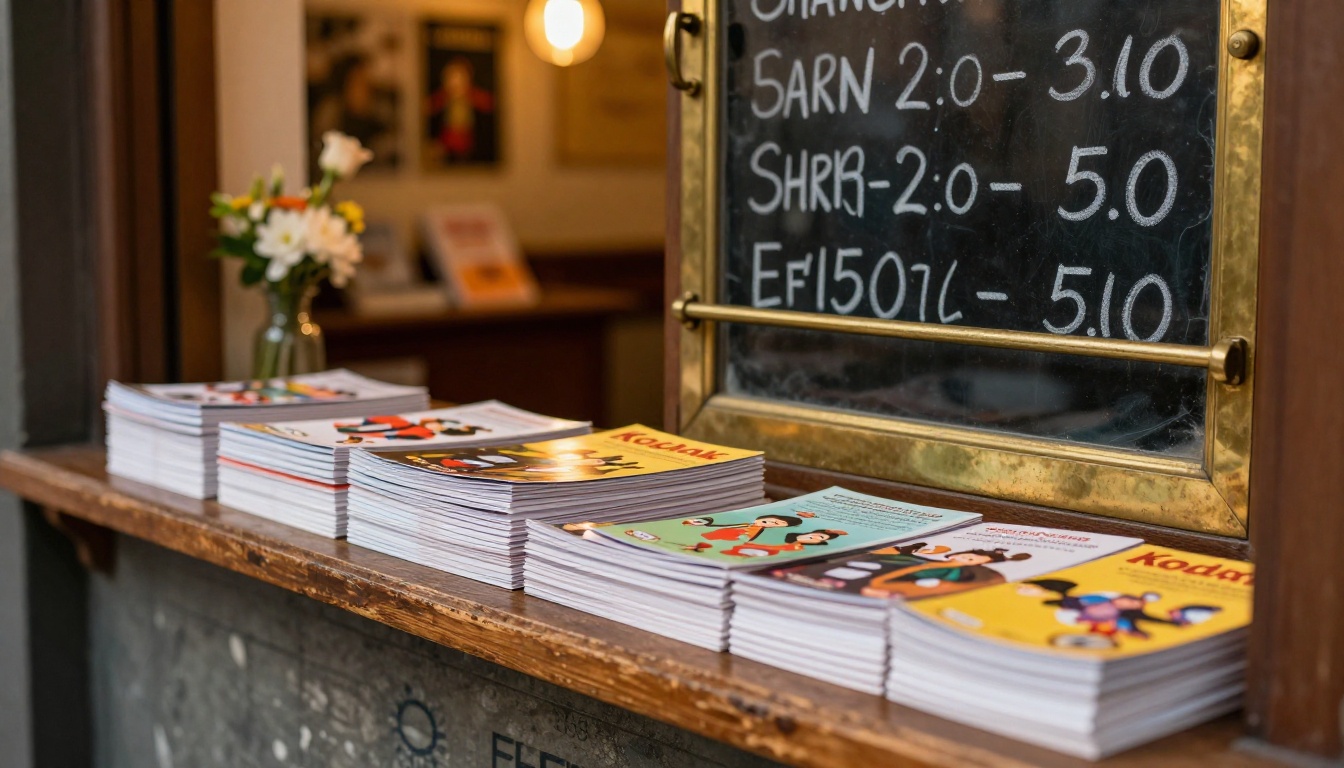
Walk into any small theater after a performance and you will find them: programs folded into thirds, used as fans during the show, or simply abandoned on the seat cushion when the audience files out. Printing costs money. Distribution takes time. Most programs never make it past the lobby trash can on the way home.
A digital flipbook changes that equation entirely. Once an audience member opens the link on their phone, the program is bookmarked, shareable, and accessible days or weeks after the show ends. Parents can forward it to grandparents who missed the performance. Teachers can link to it from a class newsletter. The program becomes part of your ongoing marketing reach rather than a throwaway handout that served its purpose in 20 minutes.
The Real Cost of Print
Printing even a modest 100 programs per show costs money that scales across every production. Consider what else that same budget could accomplish for your theater:
- Better set materials or costume detailing
- A second performance night to serve overflow demand
- Social media promotion to fill seats earlier in the season
- Higher quality photography for next season's promotional materials
💡 A digital program for your puppet theater costs nothing to distribute. Send it via text, email, QR code, or a link embedded in your ticketing confirmation. Every single person who buys a ticket can receive it automatically, with zero per-copy expense.
What Your Puppet Theater Flipbook Should Include
Character Bios and Cast Lists
This is the section audiences actually hunt for. Parents want to find the child who played the dragon. Teachers want to acknowledge every student who participated. A well-structured character bio section with photos or hand-drawn illustrations gives your flipbook genuine reading value that paper programs often lack simply due to space constraints.
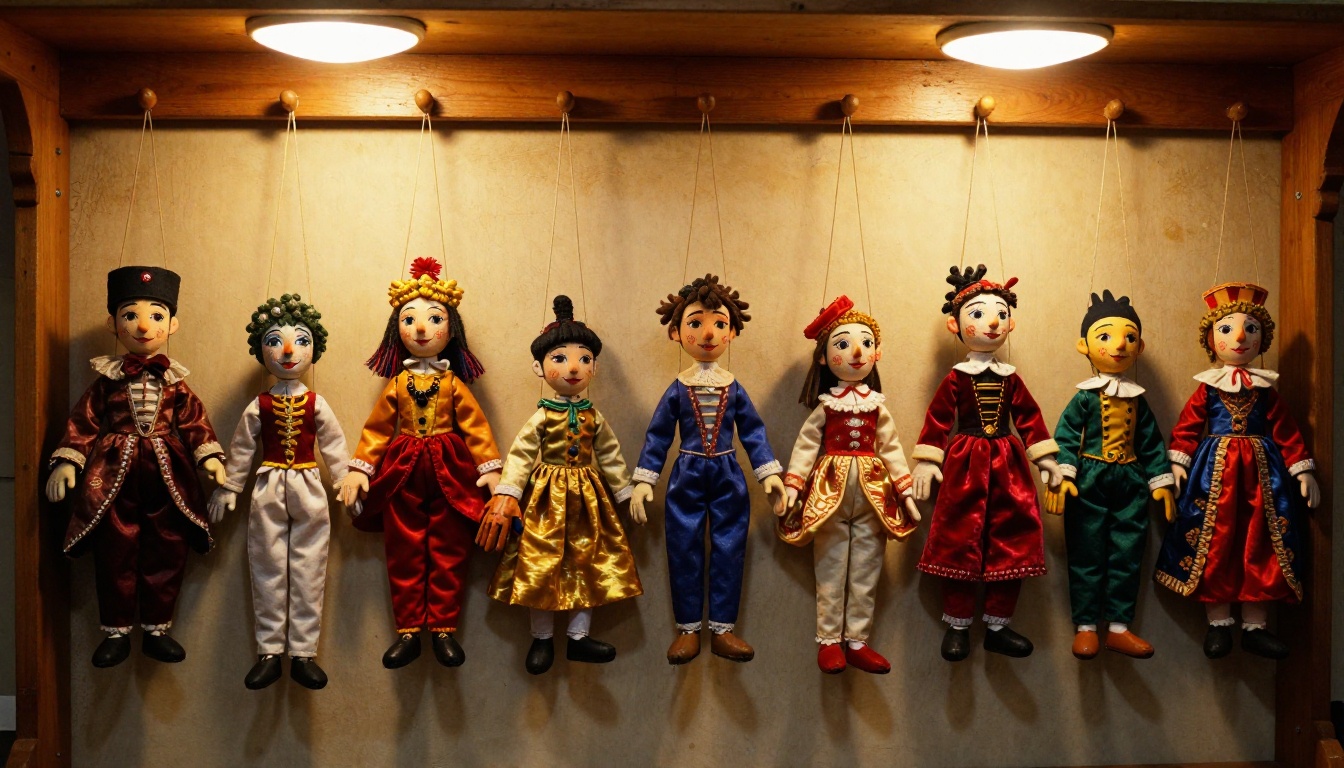
For a puppet theater, character bios work differently than a standard cast list. You are introducing the puppets as characters, the puppeteers who bring them to life, and in many cases the builders who crafted the physical puppet itself. That three-layer story is something a paper program can only hint at. A digital flipbook has the room to tell it properly, with full detail and visual context.
Story Synopses and Scene Breakdowns
Include a brief overview of each act or scene. For children's theater specifically, this helps parents and teachers prepare young audiences for what they are about to see, reducing anxiety and increasing how much they absorb from the performance. A scene-by-scene breakdown also gives the flipbook a readable structure that encourages front-to-back reading rather than just scanning for names.
Sponsor Recognition and Credits
A digital flipbook lets you give sponsors a full, properly designed page rather than a logo squeezed into a footer. This matters enormously for community sponsors and local businesses who evaluate whether their partnership with your theater produces visible results. A well-designed digital sponsor page with their logo at full resolution and a clickable link to their website is genuinely more valuable than a small-print credit at the bottom of a paper program.
Behind-the-Scenes Content
Add a short section on how the puppets were built, where the story idea came from, or what challenges the production team solved. Audiences who attend puppet theater are already more interested than average in the craft behind the performance. Giving them a window into the process increases their connection to the show and makes them far more likely to return for the next production.
How to Create a Flipbook for Your Puppet Theater Step by Step
Step 1: Design Your Program as a PDF
You do not need expensive software. Canva, Google Slides, or Adobe InDesign all export clean, print-ready PDFs. The important things are page size consistency and high-resolution images. Use standard letter or A4 page size, and export at 150 DPI minimum, 300 DPI preferred for images and logos.
A basic puppet theater program PDF might follow this page structure:
- Opening page with show title, date, and venue
- Welcome note from the director or puppet maker
- Cast and character bios with photos or illustrations
- Scene synopsis or act breakdown
- Behind-the-scenes story: how the puppets were made
- Sponsor acknowledgment page with clickable logos
- Upcoming show dates and booking information
✅ Keep your PDF under 50MB for the fastest upload and conversion. Compress large images before export if needed, using a free tool like Squoosh or Photoshop's Save for Web export.
Step 2: Upload to Flipbooks AI
Head to Flipbooks AI and create your free account. The upload process takes under two minutes:
- Click New Flipbook from your dashboard
- Drag and drop your PDF file into the upload area
- Wait for the automatic conversion to finish (typically 30 to 60 seconds depending on page count)
- Preview the flipbook in the built-in viewer to confirm all pages converted correctly
The PDF to Flipbook Converter handles the technical conversion automatically. Every page of your PDF becomes a flipbook page with smooth turning animation, a mobile-responsive layout, and a shareable URL. No coding or technical setup required.
Step 3: Brand It for Your Theater
This is where your flipbook becomes unmistakably yours. The branding options in Flipbooks AI let you:
- Add your theater's logo to the flipbook viewer header
- Match the background color to your show's palette or season branding
- Set custom thumbnail images for each page
- Apply your theater's color scheme to the viewer controls
- Upload a custom loading screen image with your theater's name or show art
For a puppet theater, consider using a texture or pattern drawn from your set design as the flipbook background. Even a subtle fabric or wood-grain texture behind the page viewer reinforces the physical craft of puppet work while keeping the reading experience clean and focused.
Step 4: Add Interactivity
Flipbooks AI supports embedded multimedia, which is one area where a digital program genuinely surpasses print. Consider adding:
- A short video clip of a rehearsal or the puppet construction process
- An audio recording of your theme music that plays on the opening page
- Clickable links to your ticket booking page and social media accounts
- An embedded map for audience members attending your venue for the first time
💡 For the Event Program Maker use case, adding a QR code to your final page that links to booking for your next show is one of the simplest and highest-return things you can do inside a theater program.
Step 5: Share and Embed
Once your flipbook is published, you have multiple distribution options that paper simply cannot match:
- Direct link: A clean URL you can paste into emails, texts, and social media posts
- QR code: Auto-generated by Flipbooks AI and ready to print on physical tickets, lobby posters, or table cards
- Embed code: Drop your flipbook directly onto your theater website using the Embed Flipbook on Website tool
- Password protection: Lock the flipbook so only ticket holders with the correct password can access exclusive content

Digital vs. Paper Program at a Glance
The choice between digital and print is not just about preference. Here is how the two formats compare on what theater producers actually care about:
| Feature | Paper Program | Digital Flipbook |
|---|
| Distribution cost per show | $0.50 to $2.00 per copy | $0 after creation |
| Audience reach beyond venue | Limited to attendees | Unlimited via sharing |
| Updates after production | Impossible once printed | Instant and free |
| Sponsor link clickability | Not possible | Tracked and clickable |
| Accessible on mobile devices | No | Yes, fully responsive |
| Program analytics | Not possible | Yes (Professional plan) |
| Environmental impact | Paper waste per show | Zero physical waste |
| Shelf life | Days to weeks | Permanent and archivable |
| Last-minute content changes | Costly reprint | Free instant edit |
⚠️ One important note: some older audience demographics genuinely prefer print. For senior audiences or venues with limited smartphone access, printing a small backup batch alongside your digital version is a sensible approach rather than a complete replacement.
Plans That Fit Theater Operations
Flipbooks AI pricing is structured to work at every scale, from a school puppet club running two shows a year to a professional touring company with a full production calendar.
| Plan | Flipbooks | Watermarks | Password Protection | Analytics | Offline Download |
|---|
| Free | 3 total | Yes | No | No | No |
| Standard | Unlimited | No | No | No | No |
| Professional | Unlimited | No | Yes | Yes | Yes |
For most puppet theaters, the Standard plan covers everything needed: unlimited flipbooks, no watermarks, and full sharing options. The Professional plan becomes worth the investment when you need password-protected programs for ticket holders only, or when you want to see precisely how many people read your program and which pages held their attention longest.
💡 A touring puppet company running four to six shows per year will hit the Standard plan's value point quickly. The cost of a single print run for one show often exceeds an entire year of Flipbooks AI subscription fees.
School and Children's Theater Programs
Schools using puppet theater as a teaching and performance tool often produce several shows per academic year. A digital program for each production builds an impressive archive that parents and students can access years after graduation. This kind of lasting documentation is simply not possible with paper.

The School Newsletter Creator format also works well for programs that combine the show content with school news, parent information, and upcoming event dates in a single shareable document.
Festival and Outdoor Events
Outdoor puppet festivals with multiple companies performing across a full day need a different kind of program: a multi-act, multi-stage schedule with maps, timing, and company bios. A digital flipbook handles this beautifully. Attendees reference it on their phone between shows, zoom into the schedule, and tap links to each company's social pages without carrying a paper booklet around all day.
✅ QR codes on physical posters at each festival stage that link to the corresponding section of your digital program create a genuinely seamless experience for attendees moving between stages at a large outdoor venue.
Touring Puppet Companies
A company that performs at schools, libraries, community centers, and festivals across multiple cities faces a persistent logistics problem: printing programs in advance without knowing the exact audience size at each venue. Ordering too many wastes money and creates disposal issues. Ordering too few means some audiences go without. Digital programs solve this entirely. Print a small backup batch for venues that specifically request paper, and send the digital link to every booker, venue contact, and audience member automatically.
What Makes a Puppet Program Worth Keeping
The Sections Audiences Actually Read
Not everything in a program gets real attention. Based on consistent audience behavior at live theater events, here is what actually gets read vs. what gets skimmed:
Read thoroughly:
- Character photos and names (the first thing children reach for every time)
- The making-of story and production notes from the creative team
- Upcoming show dates and how to book tickets for the next production
- Behind-the-curtain photographs of puppeteers at work or puppets being built
Rarely read in full:
- Lengthy director's notes beyond two paragraphs
- Sponsor lists in small-print text without visual context or branding
- Long biographical paragraphs about general theater history
The good news: in a digital flipbook, sections that rarely get read on page three of a paper program can be moved to later pages without cutting them entirely. They exist for the audience members who want them, without front-loading the experience for everyone else.
Visual Design That Matches the Show
Your flipbook's visual design should feel like an extension of your stage world. If your puppets have a folk art aesthetic, use warm earth tones and hand-drawn typography in your program design. If your show is a modern adaptation with clean geometric sets, use a minimal layout with bold contemporary type.
The goal is simple: someone should open the flipbook and immediately feel the same world they are about to watch on stage. That visual coherence is what makes a program memorable rather than merely informational.
Where to Share Your Flipbook After the Show
The real power of a digital program reveals itself after the curtain falls. Here is how to extend its reach well beyond the performance night:
- Email newsletter: Send the flipbook link to your mailing list with a post-show recap and audience reaction highlights
- Social media: Share a specific page such as a character bio spread as a preview image, with the full flipbook link in your bio
- Ticketing confirmation emails: Include the link in every purchase confirmation so audiences arrive already having read the program
- Theater website: Embed it on a dedicated Programs archive page so past shows remain accessible indefinitely
- Local press and grant applications: Send the link to journalists covering community arts and to grant reviewers as part of a digital press presentation
The Digital Portfolio Creator format is also worth considering as a separate flipbook showcasing your theater's full season work for funding applications, venue partnership pitches, or school district presentations.
Your Next Show Deserves a Better Program
Puppet theater is one of the oldest storytelling traditions in human history. The program your audience holds is their first and last physical connection to that story. Making it digital does not diminish that connection. It extends it: puts it in a pocket instead of a recycling bin, gives it a life that outlasts the performance, and puts it in front of people who were never even in the room.
Create your puppet theater flipbook on Flipbooks AI and have it ready before your next show opens. Upload your PDF, brand it for your theater, and share it anywhere in minutes. No design experience required. No technical setup. No watermarks on your work.
Compare pricing plans to find the option that fits your season size and budget. Or browse all available tools and templates to see what else a digital flipbook can do for your productions throughout the year.



