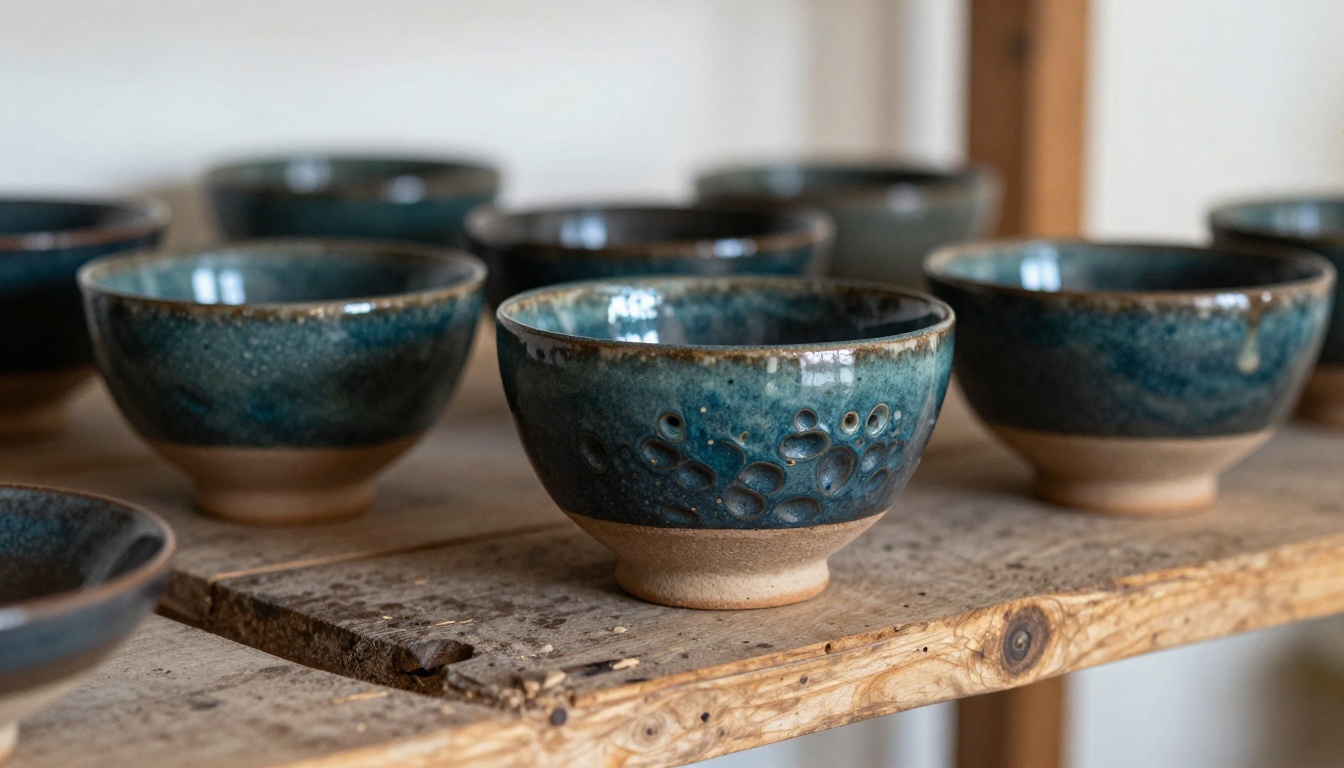
Your ceramics studio is full of things that demand to be seen in their full, tactile glory: the texture of a freshly thrown bowl, the depth of a reactive glaze, the warmth of your studio space at golden hour. A basic website or a stack of PDFs doesn't do any of that justice. A digital flipbook does. And with Flipbooks AI, you can go from a raw PDF to a page-turning, shareable, brandable online experience in under 15 minutes. This is exactly how ceramics studios, pottery artists, and clay workshops are building professional digital presences that convert browsers into buyers and curious visitors into enrolled students.
Why Static PDFs Are Costing You Clients
If you've been sending potential customers a PDF price list, a flat image gallery, or a link to your Instagram, you're leaving real money on the table. Static documents and social feeds give people no reason to linger. They feel disposable. A ceramics flipbook, on the other hand, presents your work with the weight it deserves, in an interactive format that mimics the physical experience of browsing a beautifully printed catalog.
Digital flipbooks built on Flipbooks AI offer page-turning animation, embedded images, clickable links, and a browsing experience that keeps visitors on your page far longer than any flat PDF ever will.
The Problem with Instagram Alone
Instagram is brilliant for discovery, but difficult for conversion. People heart your cobalt blue vase and move on. There's no place to see your full collection organized coherently, no pricing context, no "how to commission" flow. A ceramics flipbook fills that gap. It gives buyers a reason to stay, compare, and reach out.
What Flipbooks Offer That Nothing Else Does
- Page-by-page browsing that mimics holding a physical catalog
- Embedded links going directly to your shop, booking form, or contact page
- Mobile-responsive design so clients on phones see the same quality experience
- Password protection for private price lists sent to wholesale buyers
- Analytics (on the Professional plan) showing exactly which pages get the most attention
- No watermarks on Standard plans and above
What to Put Inside Your Ceramics Flipbook
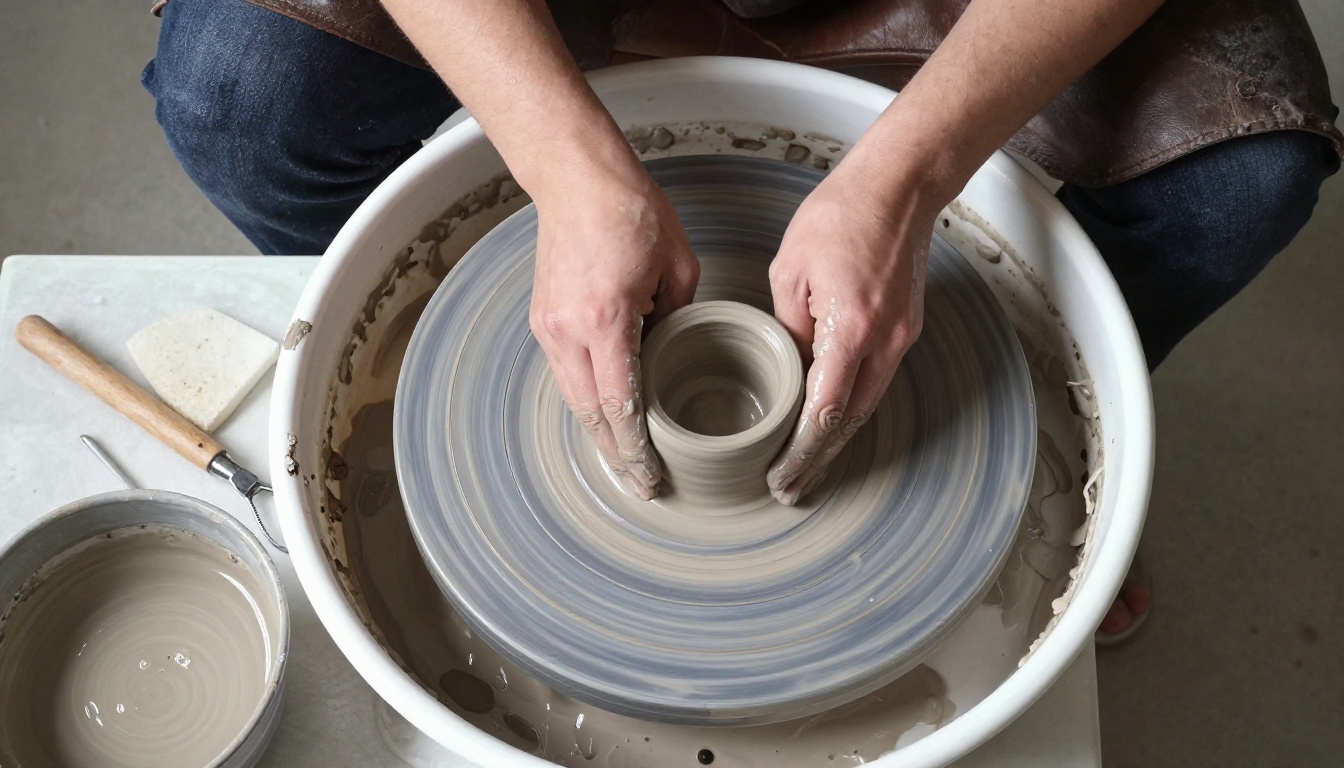
The content you include depends on what your studio does. Most ceramics businesses benefit from a mix of at least three of the following sections, organized into a PDF that tells a coherent story from first page to last.
Your Pottery Collection Catalog
This is the spine of your flipbook. Organize your pieces by category: tableware, sculptural work, functional homewares, limited edition pieces. Give each piece a name, a brief description covering clay body, firing method, and glaze, plus a price or "contact for pricing" note.
💡 Group pieces into collections with a consistent visual theme rather than listing them alphabetically. It reads as more intentional and increases perceived value.
Studio Tour and Process Pages
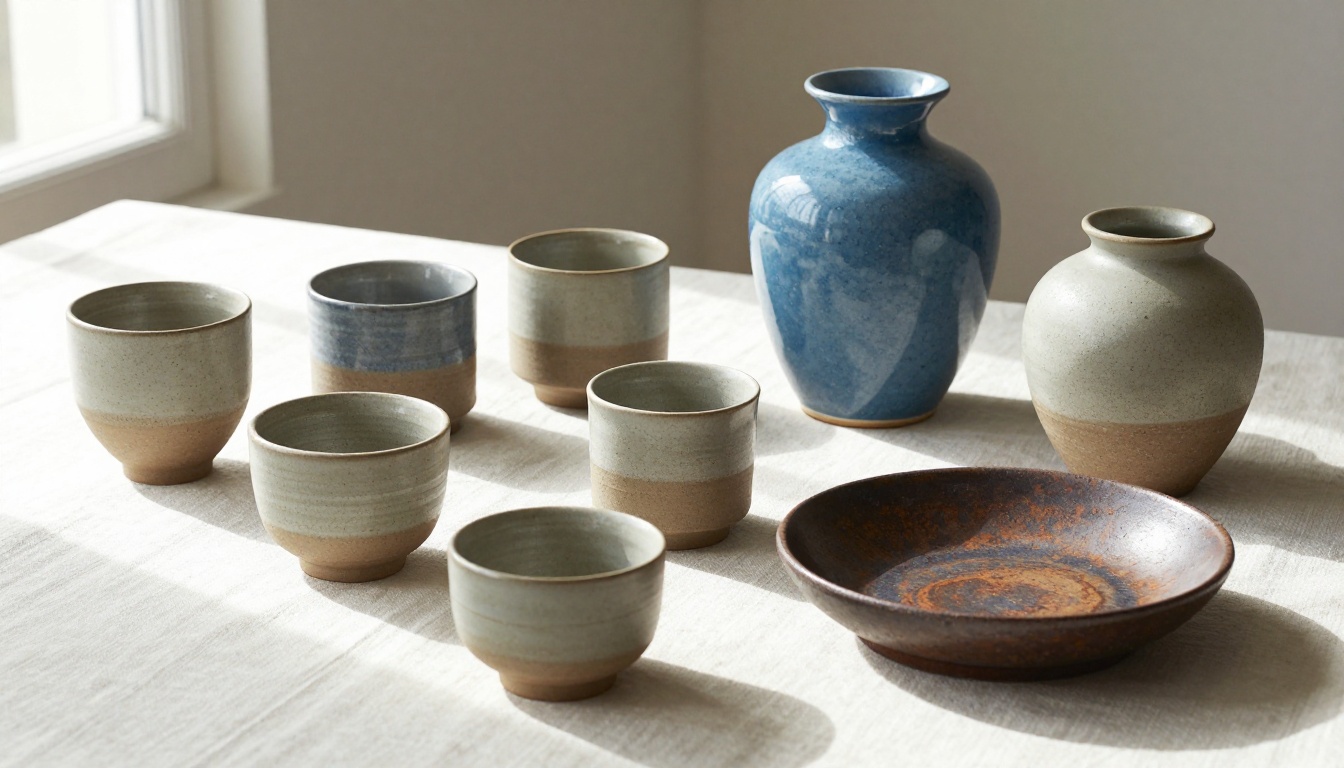
Buyers who understand your process are buyers who value your prices. A two-to-three page studio tour section showing your wheel, your kiln, and your glaze mixing station humanizes the brand and builds trust in a way a grid of product shots never can.
Class Schedule and Workshop Info
If you run pottery classes, throwing workshops, or glazing intensives, a dedicated section in your flipbook with dates, skill levels, pricing, and booking links converts casual readers into paying students far more effectively than a bare events page on your website.
Pricing, Commissions, and Wholesale
A password-protected flipbook sent to interior designers or boutique shop buyers is one of the most underused tools in ceramics marketing. Include wholesale minimum order quantities, custom commission specs, lead times, and your portfolio in a single document they can browse at their own pace and share with their buying team without you re-sending anything.
How to Create Your Ceramics Flipbook Step by Step
Flipbooks AI turns any PDF into a fully interactive digital flipbook with no coding required. Here's how to do it from scratch:
Step 1: Design your PDF
Open Canva, Adobe InDesign, or Google Slides. Build your ceramics catalog using your best photography, your text descriptions, pricing, and branding. Export as a high-resolution PDF, aiming for at least 150 DPI for images so nothing looks soft when zoomed.
Step 2: Create your account
Head to flipbooksai.com/account and sign up. The free tier lets you publish one flipbook to test the platform before choosing a plan.
Step 3: Upload your PDF
From your dashboard, click "New Flipbook" and upload your PDF. The platform processes your file and automatically converts every page into an interactive format with smooth page-turn animations.
Step 4: Customize your branding
Set your studio's brand colors, upload your logo, and choose a background for the viewer shell. Flipbooks AI supports custom domain embedding so the flipbook can live on your own website rather than a generic third-party URL.
Step 5: Add interactive elements
Click on any page to add clickable hotspots. Point readers directly to your online shop, workshop booking form, social profiles, or contact email from within the pages of the flipbook itself.
Step 6: Set access and sharing options
- Public link: paste it into your email newsletter or Instagram bio
- Embed code: drop it onto your website's "Collection" or "Work" page
- Password protection: use this for wholesale buyers or private commission clients
- Offline download: allow clients to save a PDF copy for offline reference
✅ Always embed your ceramics flipbook on a dedicated page of your website, not just share the raw link. This keeps traffic on your domain, supports your SEO, and makes the flipbook feel like part of your brand.
Step 7: Share and track performance
On the Professional plan, you get analytics showing page-by-page view counts, time spent on each spread, and built-in lead generation forms. You'll quickly see which pieces attract the most attention and which pages buyers skip.
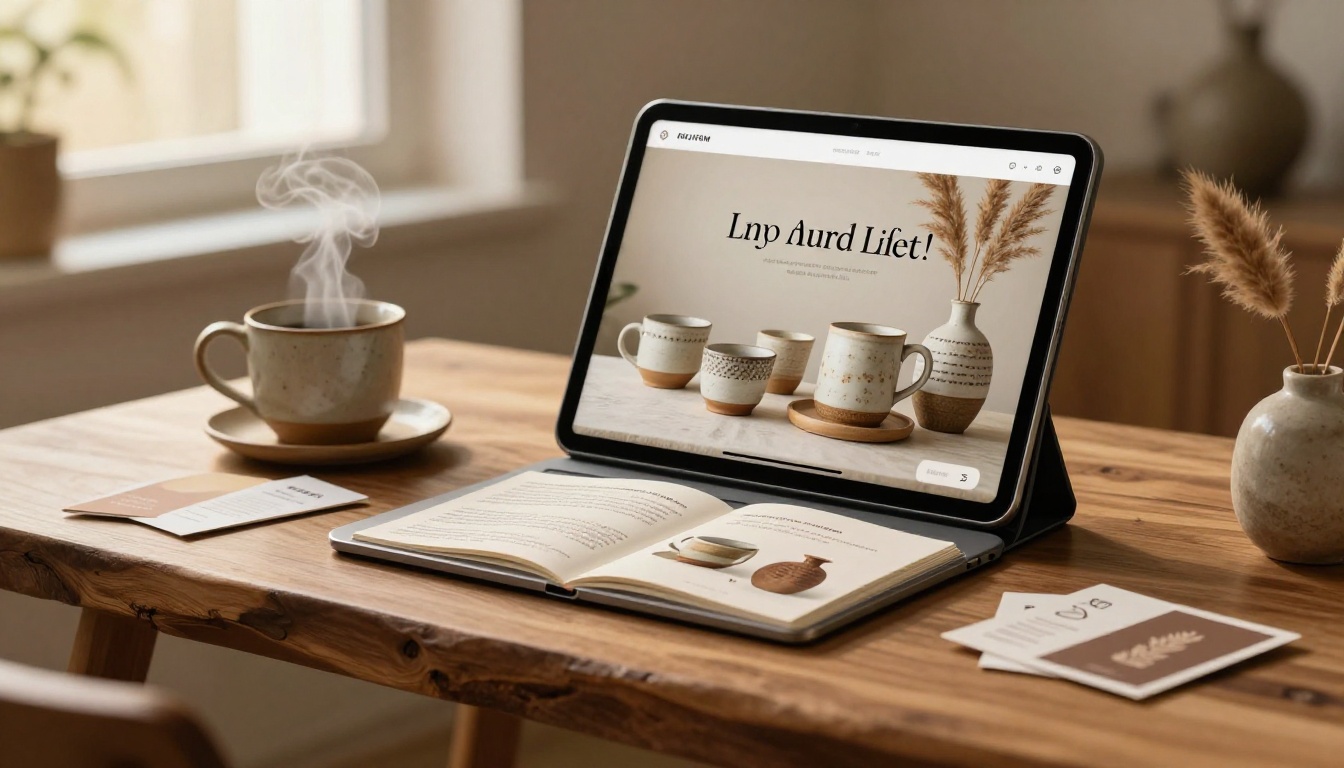
Flipbooks AI Plans for Studio Owners
Choosing the right plan depends on how many flipbooks you need and whether analytics matter to your operation. Here's a side-by-side breakdown:
| Feature | Free | Standard | Professional |
|---|
| Number of flipbooks | 1 | Unlimited | Unlimited |
| Watermark on flipbook | Yes | No | No |
| Custom branding | No | Yes | Yes |
| Password protection | No | Yes | Yes |
| Embed on your website | No | Yes | Yes |
| Offline downloads | No | Yes | Yes |
| Analytics dashboard | No | No | Yes |
| Lead generation forms | No | No | Yes |
⚠️ If you're sending flipbooks to wholesale buyers or interior designers, you'll want at minimum the Standard plan to remove watermarks and add password protection.
For most ceramics studios, the Standard plan is the right starting point: unlimited flipbooks, no watermarks, custom branding, and website embedding. Upgrade to Professional when you want to see which pages buyers linger on and capture leads directly inside the flipbook without sending people away to a contact form.
See full pricing details at Flipbooks AI
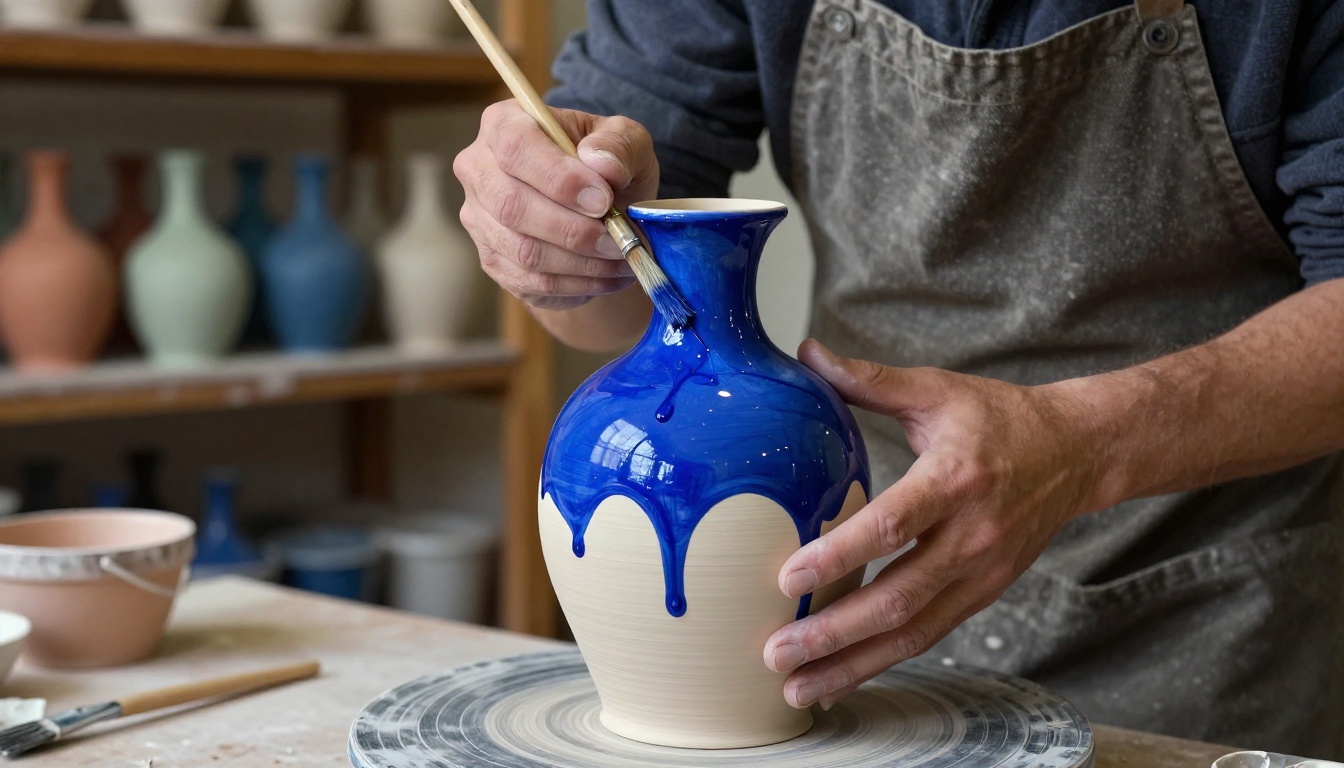
3 Real Ways Ceramics Studios Use Flipbooks
The Studio Open Day Catalog
A ceramics studio creates a new flipbook for every quarterly open day. Two weeks before the event, they embed it on their homepage and share the link across email and social channels. Each piece has a name, price, and a note showing how many are available. By the morning of the open day, several pieces are already reserved through the contact form linked inside the flipbook, before a single visitor walks through the door.
The Wholesale Buyer Package
A pottery studio supplying boutique homeware shops sends a password-protected flipbook to every new wholesale inquiry. The flipbook shows their full tableware range organized by collection, with minimum order details, lead times, and photography styled for retail display. The buyer browses at their desk, shares it with their buying team internally, and returns to it days later without asking for a re-send.
The Workshop Booking Brochure
A ceramics school runs six different workshop formats throughout the year, from beginners' wheel-throwing afternoons to multi-day glazing retreats. Their flipbook acts as their workshop brochure: each spread covers one format with photography from past sessions, instructor bios, skill levels, dates, and a direct booking link. It lives embedded on their website and gets shared organically by participants after every session.
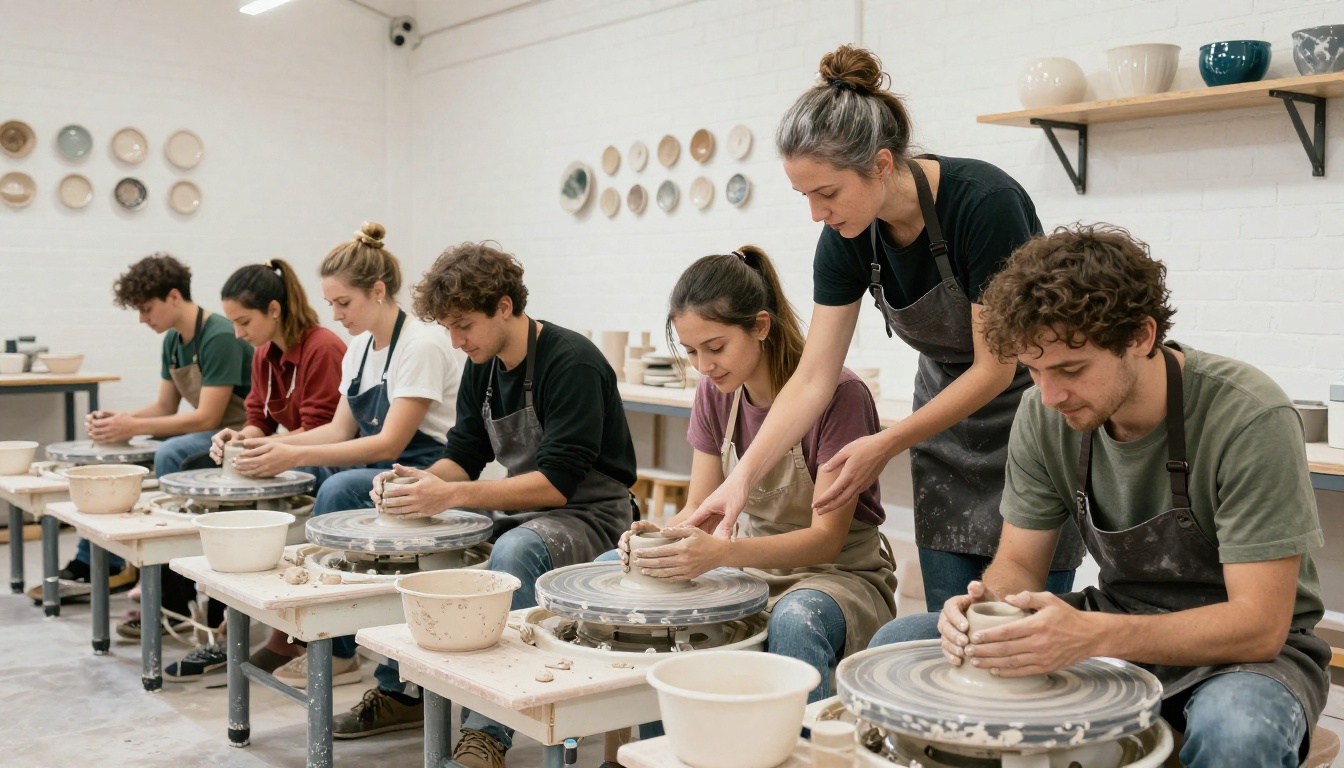
Design Tips for a Flipbook That Sells Pottery
Photography Is Everything
Your pottery is tactile and three-dimensional. Flat, brightly lit phone photos shot against a white table don't communicate that. Before building your flipbook, invest a few hours in a proper photography session:
- Use natural north-facing daylight or soft window light rather than direct flash
- Shoot each piece from three angles minimum: front, three-quarter, and interior/overhead
- Place pieces on natural materials: linen cloth, raw oak boards, slate or stone surfaces
- Include in-use shots: a mug being held with steam rising, a bowl filled with fruit, a vase with dried botanicals
The difference between mediocre and compelling ceramics photography is almost entirely lighting direction and surface context. The same bowl photographed in flat overhead flash vs. raking morning window light looks like two completely different price points.
Color and Layout Choices
Your flipbook's visual design should reflect your studio's aesthetic, not fight against it. Use this as a starting reference:
| Studio Aesthetic | Background | Font Style | Accent Color |
|---|
| Minimalist / Wabi-sabi | Off-white, linen | Serif (Cormorant, Playfair) | Terracotta, sage |
| Contemporary / Bold | Charcoal, slate | Sans-serif (Neue Haas, DM Sans) | Cobalt, ochre |
| Traditional / Folk | Cream, parchment | Slab serif (Rockwell) | Rust, forest green |
| Studio / Artisan | Raw linen, kraft | Mixed serif and script | Clay, warm grey |
💡 Keep your collection flipbook to no more than 20 pages. Buyers skim; the goal is to make every single spread count.
How to Share Your Ceramics Flipbook
Embed It on Your Website
The most powerful placement for your ceramics flipbook is directly on your own website, embedded on a dedicated "Collection" or "Catalog" page. Flipbooks AI generates an embed code you paste into any website builder: WordPress, Squarespace, Wix, Webflow, or plain HTML. Embedding on your site keeps visitors browsing your domain, makes the flipbook feel like an integrated brand element, and improves the time-on-site signals that search engines measure.
Use the Embed Flipbook on Website tool for platform-specific setup steps.
Email and Social Media
- Email newsletter: paste a screenshot of your flipbook's opening spread, linked to the live URL. Tell subscribers "browse the full spring collection here." Visual linked images outperform plain text links significantly in click-through rates.
- Instagram bio link: point followers directly to your flipbook. Update the link each time you publish a new collection or seasonal catalog.
- WhatsApp and DMs: the shareable link opens cleanly on any mobile device. When someone asks about your work in a DM, send the flipbook link rather than a gallery of individual photos.
For ceramics artists who also want a standalone artistic presentation, the Digital Portfolio Creator and Portfolio Flipbook Builder offer templates built specifically for visual artists and makers.
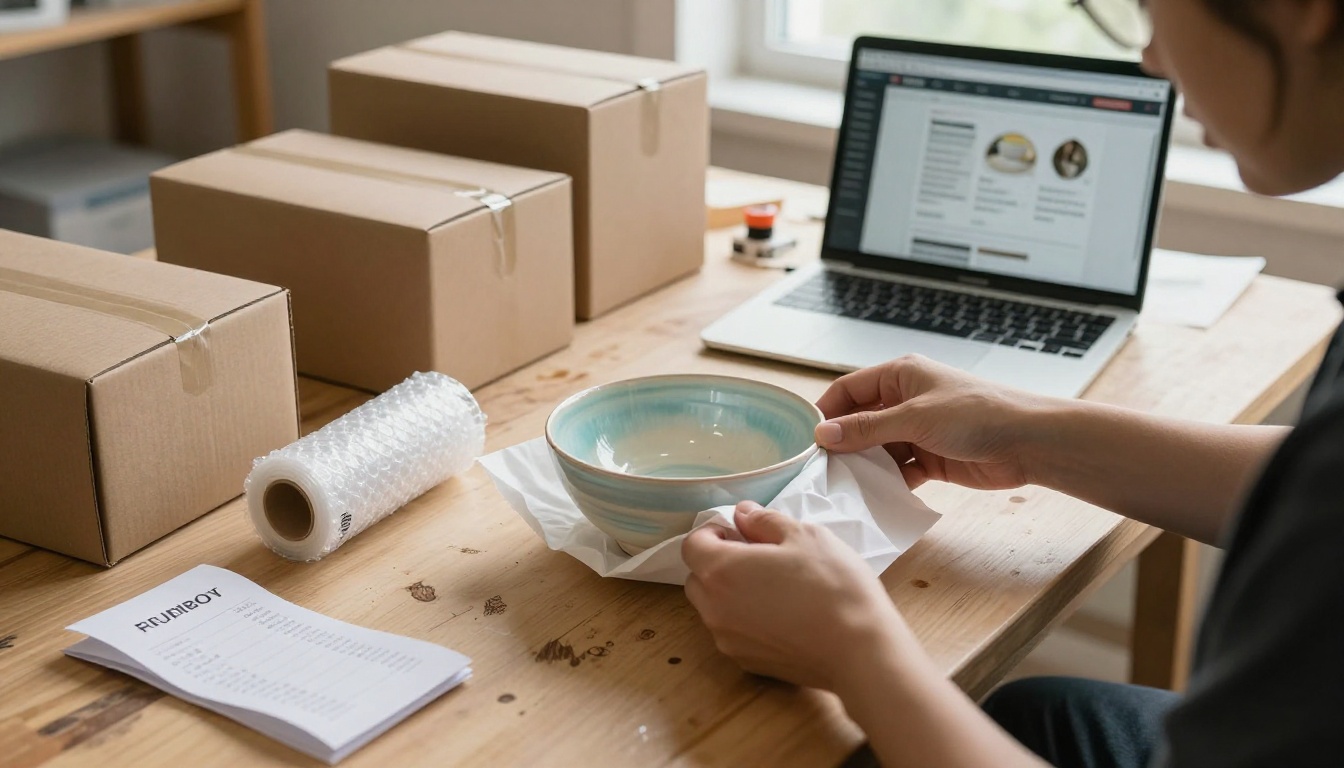
When to Create a New Flipbook vs. Update an Existing One
One of the practical questions every studio owner hits after their first flipbook: do I build a new one, or update what I have? Here's a quick reference:
| Situation | Recommended Action |
|---|
| New seasonal collection | Create a new flipbook |
| Price change on existing pieces | Update existing PDF and re-upload |
| New workshop dates added | Update existing workshop flipbook |
| New wholesale range for buyers | Create a separate password-protected flipbook |
| Open day or market event | Create a limited-time event-specific flipbook |
| Commission portfolio for a new client | Duplicate an existing flipbook and customize |
| New product line in a different category | Create a new dedicated flipbook |
Keeping your flipbooks current is painless with Flipbooks AI. Re-uploading a revised PDF at any time preserves the same shareable link and embed code. No broken links in old emails, no asking clients to find a new URL, no re-embedding on your website.
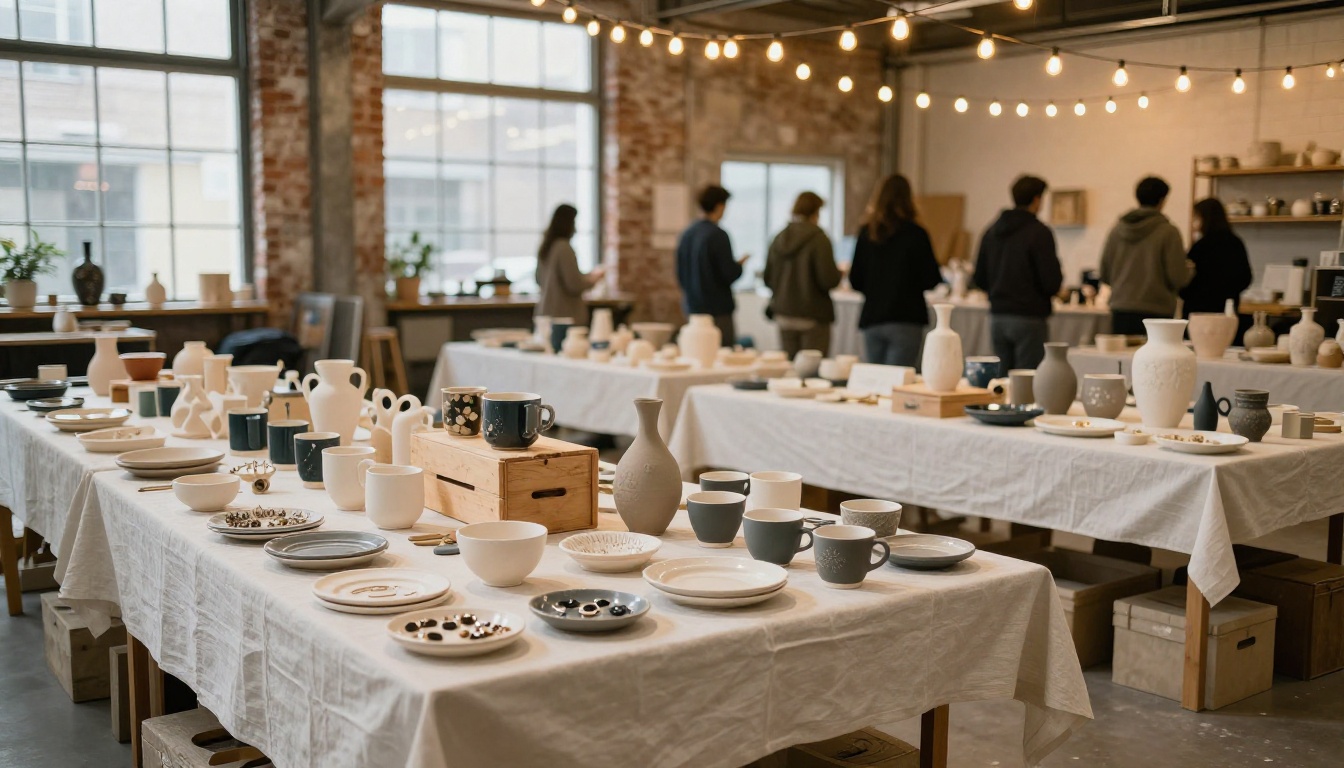
Your Ceramics Studio Deserves a Better Digital Presence
Every ceramics studio owner knows the work is good. The challenge is that most people never see it presented at its best. A well-built flipbook changes that: your pottery gets the same visual treatment as a high-end brand catalog, your workshops are presented with the polish that fills spots faster, and your wholesale buyers have a document they can share internally without you having to re-send anything.
The Digital Portfolio Creator is a strong starting point for visual artists, and the PDF to Flipbook Converter handles the technical conversion instantly from any PDF you already have.
Ready to put your ceramics work in front of the right people? Create your first flipbook on Flipbooks AI and see how your collection looks when it finally gets the presentation it deserves. Browse all available tools and templates to find the right fit for your studio, or check pricing plans to choose what works for your budget.



