Most locksmiths are exceptional at their craft but lose potential clients before the first phone call, simply because they have nothing professional to share. When a homeowner searches for a local locksmith at 11pm in a panic, the business that sends back a polished, organized digital document wins. Flipbooks AI makes it straightforward to build exactly that kind of material, even if you have never designed anything in your life.
Why Locksmiths Struggle to Stand Out
The locksmith industry is intensely local and intensely competitive. In most cities, a quick search returns dozens of options, and most of them look identical. No website stands out, no pricing is clear, no credentials are visible at a glance. The business that closes the most calls is usually the one that builds the fastest trust, and trust in a service trade comes down to one thing: professionalism in every touchpoint.
The Problem with Paper Flyers and Business Cards
Paper flyers get thrown away. Business cards get lost. A PDF attached to an email feels outdated. None of these formats tell your potential client what they actually want to know in the first 30 seconds:
- What services do you offer, specifically?
- How much does it cost for a standard residential lockout?
- Are you licensed and insured?
- Do you operate 24/7?
- What do past clients say about your response time?
A printed brochure cannot update itself when your pricing changes. It cannot be shared across a neighborhood Facebook group or forwarded in a text message with one tap. A digital flipbook can.

What Clients Actually Want Before They Call
Before a potential client picks up the phone, they want to feel certain. Research consistently shows that service businesses with clear, professional digital materials close more calls, face fewer price objections, and receive better reviews. A flipbook gives you a structured space to answer every hesitation before it becomes a reason not to call.
💡 Pro tip: Send your flipbook link as a follow-up after every estimate. Clients who review your services, credentials, and testimonials before the job are far less likely to haggle on price.
What to Put Inside Your Locksmith Flipbook
The content inside your flipbook is what does the selling. Think of it as a silent salesperson that works while you are on a job. Here is what every locksmith flipbook should include.
Services and Pricing
Clarity on pricing is the single biggest trust signal in a trade business. Most locksmiths avoid showing prices publicly out of fear of comparison shopping. The reality is that clients who cannot find pricing estimates simply move on to someone who provides them. Even a price range builds confidence.
| Service | Typical Price Range | Response Time |
|---|
| Residential lockout | $75 - $150 | 20-45 min |
| Car lockout | $65 - $125 | 15-30 min |
| Lock rekey | $50 - $100 per lock | Same day |
| Lock installation | $100 - $250 | Scheduled |
| Commercial lockout | $100 - $200 | 30-60 min |
| Safe opening | $150 - $400 | By appointment |
Emergency Response Information
Your emergency availability is not just a feature, it is the feature for many clients. Dedicate a full page of your flipbook to:
- 24/7 availability with your after-hours number prominently displayed
- Average response times by neighborhood or zone (clients love specifics)
- What to do while you wait to keep clients calm and set expectations
- Service area map so clients know immediately if you cover their street
Licenses, Insurance, and Credentials
In a service industry with a trust problem, credentials are currency. Your flipbook should display:
- State locksmith license number with current expiration date
- General liability insurance certificate
- Any manufacturer certifications (Medeco, Mul-T-Lock, etc.)
- Better Business Bureau membership or rating
- Years in business and a brief company history
✅ Best practice: Scan your license and insurance certificate and include them as actual visible pages in your flipbook. Do not just claim you are licensed, show it.
Testimonials and Social Proof
A page of real client reviews, formatted cleanly, is worth ten advertising campaigns. Include:
- 5-8 short, specific testimonials with name, date, and service type
- Star ratings pulled from Google or Yelp
- Before and after photos of a satisfying job with client permission
- Any press mentions or neighborhood awards
How to Create Your Locksmith Flipbook with Flipbooks AI
Flipbooks AI turns any PDF into a fully interactive digital flipbook with realistic page-turning animations and mobile-responsive design. Here is exactly how to do it for your locksmith business.
Step 1: Build Your PDF in Canva or PowerPoint
Start by creating your service document in whatever tool you are comfortable with. Canva has free service business templates you can adapt quickly. Structure your PDF as individual pages, each with a clear purpose:
- Title page: Business name, logo, tagline, and phone number
- Services overview: All service categories listed at a glance
- Residential services: Detailed residential offerings
- Commercial services: Commercial and industrial offerings
- Auto locksmith: Vehicle-related services
- Emergency services: 24/7 info and response times
- Pricing reference: Transparent ranges by service type
- Credentials: License, insurance, and certifications
- Testimonials: Client reviews and ratings
- Contact and coverage: Map, phone, email, and service zones
Export as a PDF at 150-300 DPI and keep the file size under 50MB for fast upload.
Step 2: Upload to Flipbooks AI
Create your account on Flipbooks AI in under two minutes. Then:
- Click New Flipbook from your dashboard
- Drag and drop your PDF or browse to upload it
- Wait 30-60 seconds for conversion with a live progress indicator
- Your flipbook is instantly viewable with the default page-turn animation
The PDF to Flipbook Converter handles all technical conversion automatically. No design skills are needed once your PDF is ready.
Step 3: Brand Your Flipbook
Once converted, the editor lets you customize the full appearance:
- Set your brand colors for the toolbar and background
- Add your logo to the reader interface
- Choose a background texture (dark leather looks professional for a security business)
- Set the opening thumbnail to your best-looking page
- Enable autoplay for trade show displays or waiting rooms
💡 Pro tip: Use a dark background with gold or silver accent tones. It signals premium service and contrasts cleanly with white page content.
Step 4: Configure Sharing and Privacy
Your flipbook can be shared in multiple formats:
- Public link: Anyone with the link can view, perfect for social media sharing
- Password protected: For individual quotes or sensitive pricing details
- Embedded on your website via the Embed Flipbook on Website tool using one line of code
- QR code: Print on vehicle wraps, invoices, or yard signs
⚠️ Warning: Do not password-protect your general services flipbook. Reserve that feature for customized client proposals you send individually.
Step 5: Track Opens and Capture Leads
The Professional plan on Flipbooks AI includes analytics that show you:
- How many times your flipbook was opened
- Which pages clients spend the most time on
- Geographic location of viewers
- Lead capture forms embedded within the flipbook
This data is extraordinarily valuable for a local business. If you notice that everyone stops reading after page 3, your pricing page needs work. Check pricing plans to see which tier suits your business size.
Many locksmiths wonder whether a flipbook is actually better than alternatives they already use. Here is an honest comparison:
| Format | Shareable | Updatable | Mobile-Friendly | Analytics | Cost |
|---|
| Paper brochure | No | No | No | No | $200-500 print run |
| Static PDF | Partly | Manual re-send | Sometimes | No | Free |
| Website page | Yes | Yes | Yes | Limited | $50-200/mo |
| Social media post | Yes | Yes | Yes | Basic | Free or ad spend |
| Digital flipbook | Yes | Yes | Yes | Yes (Pro) | Low monthly |
A digital flipbook fills a specific niche that nothing else quite reaches: it is visually engaging like a print brochure, shareable like a link, updateable instantly, and trackable with real data. No other format combines all four of those qualities at a price a small trade business can afford.
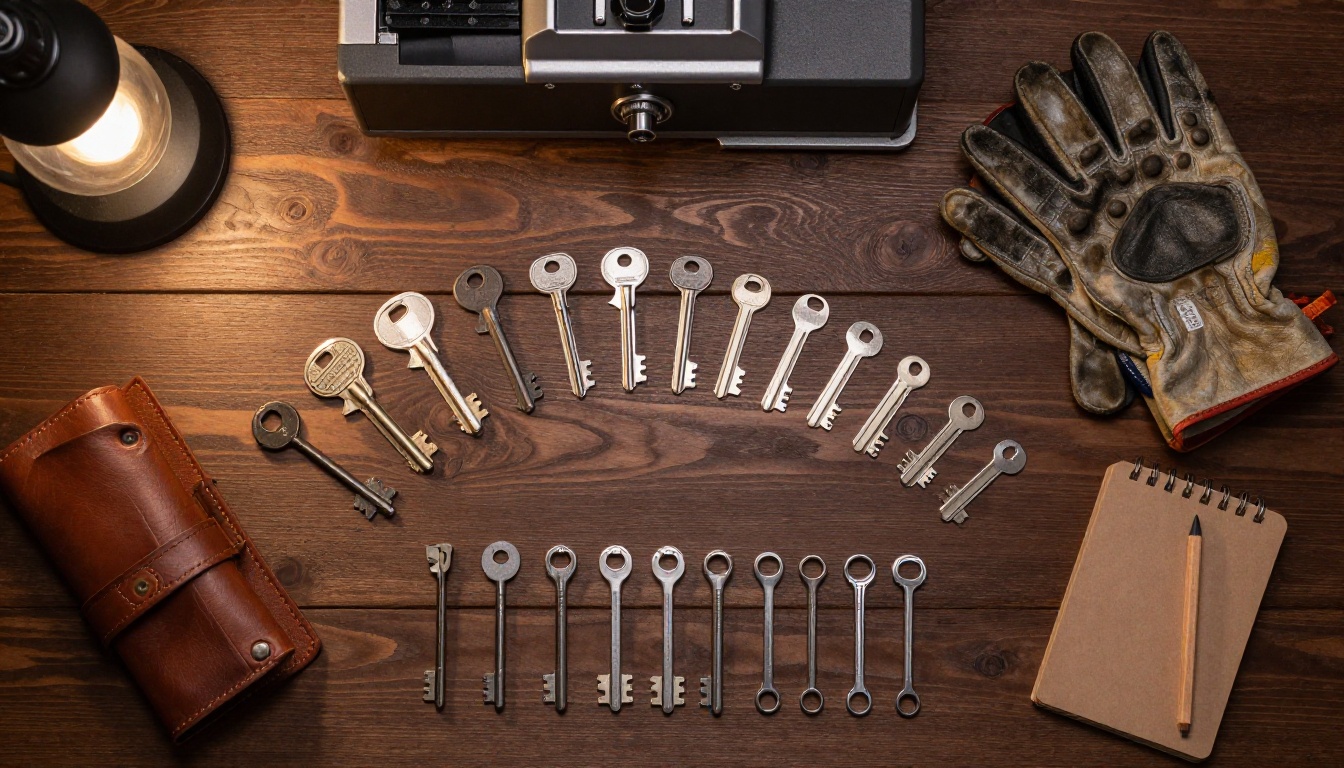
Real-World Uses for Locksmith Flipbooks
A flipbook is not just a static brochure you create once and forget. Here are the most effective ways locksmiths use them day-to-day.
Residential Service Marketing
When a new family moves into a neighborhood, they need a locksmith on speed dial before they need one in a crisis. A flipbook covering rekeying after a home purchase, smart lock installation, and key-cutting services, shared in a local Facebook group, gets saved by multiple households at once.
💡 Idea: Create a "New Homeowner Security Checklist" PDF, convert it to a flipbook, and share it on neighborhood apps like Nextdoor. Add a first-time client discount on the back page to drive calls.
Commercial Client Proposals
A commercial property manager handling 12 buildings does not want a verbal quote. They want something they can review, forward to an accounts payable department, and file for their records. A password-protected flipbook with your commercial services, references, and pricing proposal closes contracts at a dramatically higher rate than a phone call recap alone.
Auto Locksmith Services
Car lockout calls often come with skepticism from clients who fear inflated prices. A clean, mobile-friendly flipbook listing your vehicle service prices, average response times by area, and a few testimonials from satisfied clients reduces that hesitation significantly. People stranded in a parking lot at night will check your flipbook on their phone before calling, and what they find there determines whether they call you or scroll to the next result.
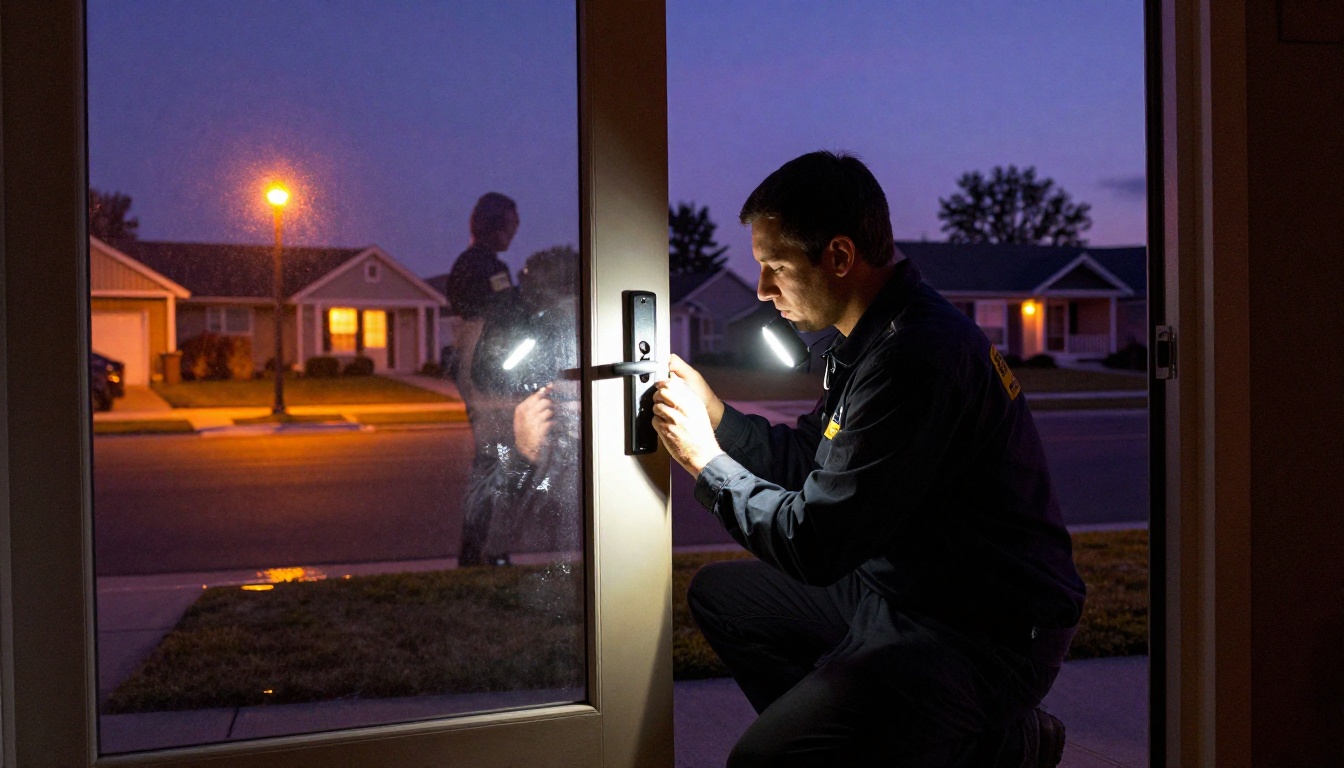
Trade Show and Networking Events
Local trade shows, home expos, and business networking events give locksmiths excellent foot traffic opportunities. A flipbook displayed on a tablet at your booth allows visitors to browse at their own pace without needing you to recite your entire service list. It also runs on a loop in autoplay mode, attracting attention even when you are mid-conversation with someone else.
Flipbooks AI Plans for Small Businesses
Flipbooks AI offers tiered pricing designed for businesses of different sizes. Here is how it breaks down for a locksmith operation:
| Plan | Flipbooks | Analytics | Password Protection | Offline Downloads | Best For |
|---|
| Free | 1 | No | No | No | Testing the platform |
| Standard | Unlimited | No | Yes | No | Solo operators |
| Professional | Unlimited | Yes | Yes | Yes | Growing businesses |
For most locksmith businesses, the Standard plan is the entry point that removes all meaningful restrictions. The Professional plan pays for itself quickly once you use its lead capture and analytics features to identify which referral sources send you the most clients. See all pricing plans and pick the one that fits your current business stage.
What Makes a Flipbook Convert Clients
Not all flipbooks convert equally well. These are the elements that separate a flipbook that generates calls from one that gets politely closed.
Mobile-First Design
Over 70% of local service searches happen on mobile devices. Your flipbook needs to feel native on a phone screen. Flipbooks AI renders all flipbooks in a responsive mobile viewer automatically. But your original PDF needs to be designed with mobile in mind: large text, high contrast, phone numbers formatted as tappable links, and no small footnotes that disappear on a compact screen.
One Clear Call to Action Per Page
Every page of your flipbook should have one action you want the reader to take. The services page: call this number. The testimonials page: check our Google reviews. The emergency services page: tap to call now. The pricing page: request a free quote. Scattered or absent calls to action waste pages and lose clients.
Speed and Simplicity
A client in a lockout situation has no patience. Your flipbook should load instantly, and your most critical information, your phone number and service list, should appear within the first two pages.
✅ Best practice: Put your phone number on every single page of your flipbook, in the header or footer. Do not make a stressed client hunt for it.
Consistent Branding Across Every Touchpoint
Your flipbook, your van wrap, your invoices, and your business cards should all feel like they come from the same company. Consistent colors, fonts, and logo placement build the kind of brand familiarity that makes clients recommend you by name to their neighbors.
3 Common Mistakes Locksmiths Make with Digital Materials
Before you start building, here is what to avoid based on patterns that consistently hurt conversion rates for trade service businesses.
1. Too much text, not enough structure. Clients scan, they do not read. Use bullet points, short headers, and bold text to make every page skimmable in under 10 seconds. A wall of paragraph text sends clients to the next result.
2. No phone number on the first page. If someone opens your flipbook in an emergency and cannot find your number immediately, you have already lost that call. Your number belongs on page one, in large type, and ideally as a tap-to-call link.
3. Sending the same flipbook to every client type. A homeowner locked out at midnight has completely different concerns than a commercial property manager shopping for an annual maintenance contract. Once you are comfortable with the format, create two or three targeted versions: one for residential emergency calls, one for commercial prospects, and one for auto services.
Build Your Locksmith Flipbook Today
The locksmiths who consistently grow their client base are not necessarily the most skilled in the trade. They are the ones who look the most professional at every touchpoint, from the initial search result to the follow-up after the job. A polished digital flipbook is one of the highest-leverage marketing assets a locksmith business can produce, and it costs a fraction of a traditional print run.
Ready to build yours? Get started for free on Flipbooks AI and have your first locksmith flipbook live within an hour. Browse all flipbook tools to see what else you can create for your business, or check all available plans to choose the one that fits where your business is right now.



