If you've ever spent twenty minutes trying to read a scanned contract with half the text swallowed by shadow, or watched a colleague squint at a yellowed archival page that somehow passed for a "clean scan," you already know the problem. Scanned documents carry every imperfection of their physical source straight into the digital world, and those imperfections compound the moment you try to share, publish, or archive the file. Fortunately, AI tools that clean up scanned pages have gotten remarkably good, fast, and in several cases, free.
This article breaks down seven tools worth using, the specific problems each one targets, how to choose between them, and how to take your cleaned PDFs one step further by turning them into interactive digital publications with Flipbooks AI.
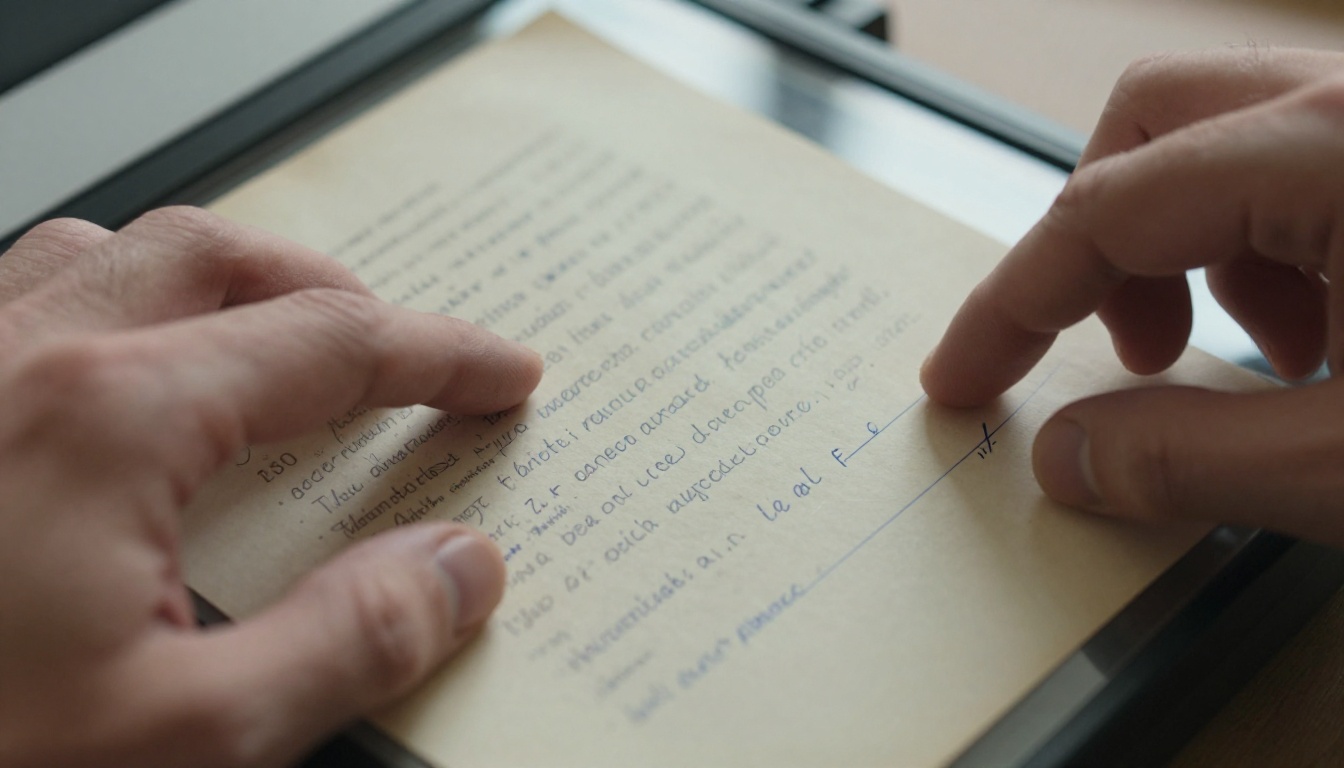
What Makes a Scanned Page Dirty
Not all scan problems are the same, and identifying what's actually wrong with your documents helps you select the right tool. Most cleanup issues fall into a handful of recurring categories.
Paper Aging and Physical Stains
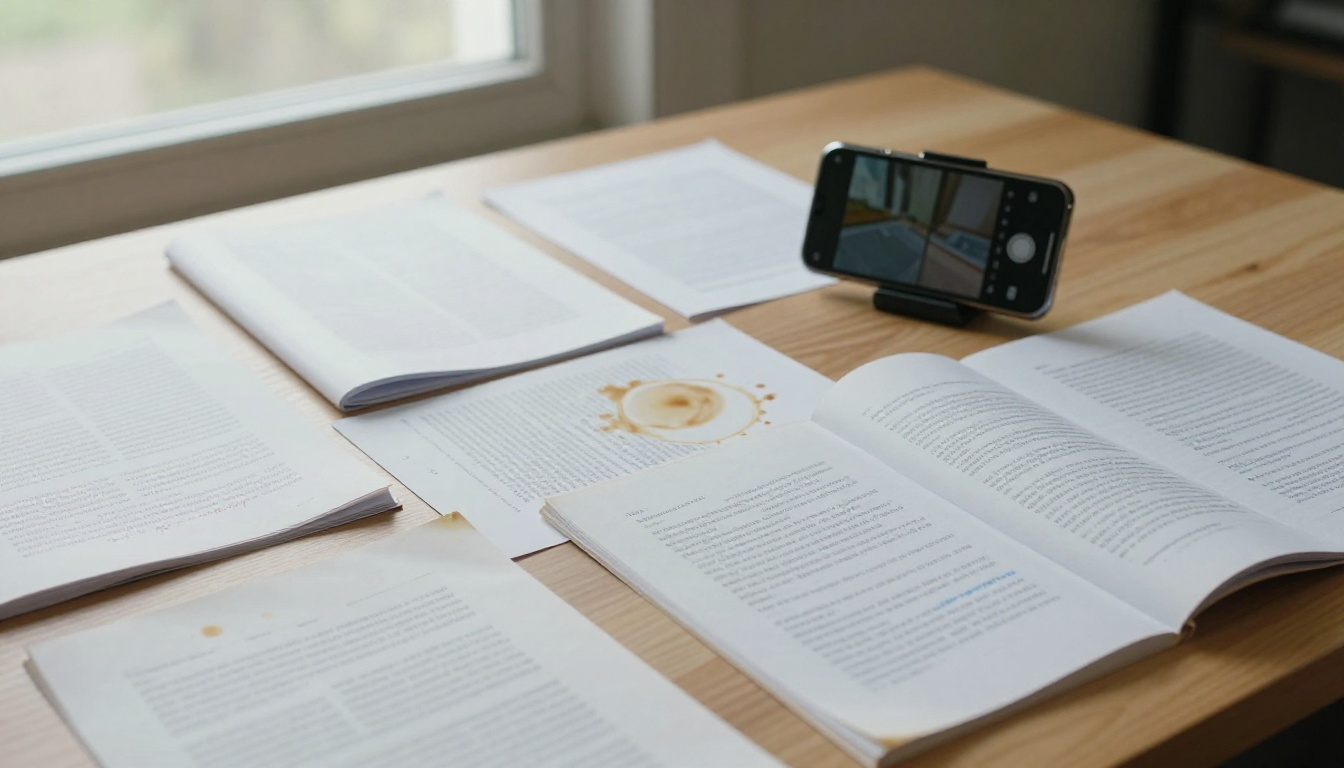
Old paper yellows. Coffee rings, ink bleed, foxing spots, and water damage translate directly into visual noise when scanned. The scanner captures every fiber, every discoloration, and every variation in paper tone as pixel data. The result is a background that isn't white; it's a muddy gradient of cream, tan, and grey that makes text harder to read and causes OCR engines to misfire on characters they'd otherwise recognize instantly.
Scanner Shadows and Uneven Lighting
Even high-end flatbed scanners cast a subtle shadow along the spine of bound documents. Portable scanners and phone cameras are worse: they pick up ambient light variations, cast their own shadows at the page edges, and sometimes produce a hot spot of overexposure at the center. These lighting artifacts sit on top of your text and cannot be fixed by simply boosting contrast.
Skew, Rotation, and Page Warp
Paper doesn't always land perfectly flat on the scanner glass. Even a two-degree tilt makes long documents look unprofessional when stacked into a PDF. Bound books warp dramatically toward the gutter. Deskewing, dewarping, and perspective correction are among the most important features to look for in any cleanup tool.
Scan Resolution and Compression Artifacts
Low-resolution scans produce text that blurs at the edges, especially on printed halftone patterns. JPEG compression adds block artifacts in solid-color areas. AI upscaling and sharpening tools specifically address this by reconstructing detail at the subpixel level rather than resampling the existing pixel data.
7 AI Tools for Scanned Page Cleanup
Adobe Acrobat
Adobe Acrobat's scan cleanup capability applies ClearScan OCR technology to convert rasterized text into actual selectable characters, then flattens the background, removes scanner shadows, and sharpens edges. The AI works on the whole page at once, not just the text layer, which means it handles mixed-content pages containing diagrams, photos, and handwritten notes without breaking the layout.
Best for: Business users already in the Adobe ecosystem, legal teams, HR departments.
Weak point: Subscription cost. You need Acrobat Standard or Pro to access the full suite of scan cleanup tools.
ABBYY FineReader PDF
ABBYY FineReader is widely considered the gold standard for document recognition and cleanup. Its AI doesn't just sharpen text; it reconstructs the original document structure, identifying headers, columns, tables, and footnotes. The noise reduction algorithm is trained on millions of document types and handles everything from faded typewriter text to smudged carbon copies.
The deskew and dewarping engine is particularly strong. It corrects page curvature in bound books, something most tools handle poorly.
Best for: Archives, legal firms, publishers working with legacy documents.
Weak point: Price. The standalone license requires significant investment, though the output quality justifies it for high-volume professional work.
Scan Tailor Advanced
Scan Tailor Advanced is a free, open-source desktop application built specifically for cleaning scanned pages, nothing else. It doesn't do OCR. It doesn't do cloud processing. What it does, exceptionally well, is split book pages, deskew, dewarp, remove backgrounds, equalize lighting, and threshold images into clean black-and-white output.
The workflow is manual and visual: you set parameters per page or in bulk, preview the result, adjust, and export. It's the preferred tool of archivists and book digitization projects precisely because every single step is under your control.
Best for: Book scanning projects, archival digitization, users who want full control over every processing step.
Weak point: Steep learning curve for new users; operates algorithmically rather than via trained AI inference.
Upscayl
Upscayl is a free, open-source AI upscaler built on Real-ESRGAN models. While primarily an image upscaling tool, it's highly effective at recovering detail in low-resolution scans. If your scan came in at 150 DPI and you need 300 DPI for print-quality output, Upscayl reconstructs the missing pixels using AI inference rather than standard bicubic interpolation.
It also reduces JPEG compression artifacts and softens the aliasing on diagonal lines in text characters. The output consistently looks sharper than the original without the over-processed appearance that comes from traditional sharpening filters.
Best for: Low-resolution or highly compressed scans where text is blurry at the edges.
Weak point: Not a full document processing suite. You'll pair it with another tool for background removal and deskewing.
Microsoft Office Lens
Microsoft Office Lens, now integrated into the Microsoft 365 mobile app, uses AI to correct perspective in real time as you frame a document with your phone camera. It detects page boundaries, corrects keystone distortion, and applies a whitening filter to eliminate background color and shadows.
The scan is delivered as a clean PNG, PDF, or directly to Word for OCR processing. For quick field scanning of receipts, whiteboards, or loose documents, it's genuinely excellent.
Best for: Mobile scanning in the field, quick whiteboard or receipt capture.
Weak point: Not designed for batch processing or archival-quality output at scale.
Img2Go
Img2Go is a browser-based toolkit that includes several relevant functions: PDF denoiser, image sharpener, background cleaner, and color equalizer. No installation required. You upload a file, select a process, and download the result.
The AI tools aren't as powerful as ABBYY or Scan Tailor, but for a quick one-off cleanup of a single page or small PDF, the convenience is substantial.
Best for: Occasional users who need a fast result without software installation.
Weak point: Less granular control over specific parameters; quality ceiling lower than desktop tools.
DocSumo
DocSumo positions itself as an intelligent document processing platform, but its scan preprocessing layer is genuinely strong. Before it extracts structured data via AI, it cleans the input: corrects skew, normalizes lighting, and removes background noise. For teams processing hundreds or thousands of invoices, contracts, or forms, DocSumo handles cleanup as part of an automated pipeline.
Best for: Business automation, high-volume document intake, data extraction workflows.
Weak point: Overkill for single-document cleanup; pricing is designed for enterprise use cases.

| Tool | Price | OCR | Deskew | Background Removal | Batch Processing | Platform |
|---|
| Adobe Acrobat | Paid (subscription) | Yes | Yes | Yes | Yes | Desktop + Web |
| ABBYY FineReader | Paid (license) | Yes | Yes | Yes | Yes | Desktop |
| Scan Tailor Advanced | Free (open source) | No | Yes | Yes | Yes | Desktop |
| Upscayl | Free (open source) | No | No | No | Yes | Desktop |
| Microsoft Office Lens | Free (Microsoft 365) | Yes | Yes | Yes | No | Mobile |
| Img2Go | Freemium | No | Partial | Yes | Limited | Web |
| DocSumo | Paid (enterprise) | Yes | Yes | Yes | Yes | Web/API |
💡 Pro tip: Pair Scan Tailor Advanced for background cleanup and deskewing with Upscayl for resolution improvement. This completely free combination rivals paid tools for most document types.
Different tools excel at different scan problems. Before downloading anything, identify the primary issue with your documents.
| Problem | Best Tool | Why |
|---|
| Background yellowing or staining | ABBYY FineReader | Trained on aged paper types; controlled aggressive whitening |
| Scanner lid shadow at page edge | Adobe Acrobat | ClearScan handles mixed lighting well across the full page |
| Rotated or tilted pages | Scan Tailor Advanced | Most precise deskew with visual preview and per-page control |
| Book gutter warp or curvature | ABBYY FineReader | Dedicated dewarping model for bound documents |
| Blurry text from low DPI | Upscayl | Real-ESRGAN AI reconstruction works at subpixel level |
| Phone camera perspective distortion | Microsoft Office Lens | Real-time AI perspective correction built for mobile capture |
| One-off quick cleanup | Img2Go | No setup; fast results for single files |
| High-volume pipeline automation | DocSumo | API-ready with preprocessing built into the extraction workflow |
⚠️ Warning: Never rely solely on contrast filters to "clean" a scan. Increasing contrast without proper background removal darkens both the noise and the text simultaneously, making the result harder to read, not easier.
Cleaned Scans to Digital Flipbooks
Once your scanned pages are clean, there's a meaningful publishing question: what do you do with them? A flat PDF is shareable but passive. Converting it into an interactive digital flipbook with Flipbooks AI turns a cleaned document archive into something people actually read, share, and return to.
This is particularly useful for:
- Digitized annual reports shared with stakeholders and board members
- Cleaned vintage cookbooks or recipe collections published online
- Archived newsletters or school yearbooks preserved in interactive format
- Restored legal or real estate documents shared securely with clients
- Digitized product catalogs distributed without print costs
Here is how the process works, step by step.
Step 1: Export Your Cleaned PDF
From whichever AI cleanup tool you used, export the final output as a PDF rather than individual JPEGs. PDF format preserves page order, maintains resolution, and is the required input for the conversion step. Aim for 150 to 300 DPI in the output, which balances file size against readability on screen.
Step 2: Create Your Account
Go to Flipbooks AI and sign up for free. No credit card required to start. Once logged in, you land on the dashboard where all your projects are stored and managed.
Step 3: Upload the Cleaned PDF
Click New Flipbook and upload your PDF. Flipbooks AI processes each page automatically, converting the document into a page-turn-ready format. For a 50-page cleaned scan, this typically finishes in under 60 seconds.
💡 Pro tip: Use the PDF to Flipbook Converter tool for a direct, streamlined upload experience optimized specifically for document conversion.
Step 4: Apply Branding
After the upload, you can:
- Set a branded opening page with your logo and color palette
- Add a background color or texture to the reading interface
- Enable page-flip sound effects for a more tactile reading feel
- Embed video or audio directly into specific pages, useful for annotated archival collections or product catalogs
Step 5: Set Sharing Options
Flipbooks AI gives full control over who sees the document:
- Public link: shareable with anyone, no login required
- Password protection: ideal for client-facing legal or real estate documents
- Embed code: paste into any website or CMS with a single HTML snippet using the Embed Flipbook on Website tool
Step 6: Access Analytics
The Professional plan includes per-reader analytics: who opened the flipbook, how long they spent on each page, and where they stopped reading. For shared annual reports or educational materials distributed at scale, this data is genuinely actionable. Lead generation forms can also be embedded to capture reader information before they access the full document.
Plan Comparison at Each Tier
| Feature | Free | Standard | Professional |
|---|
| Flipbooks | 1 | Unlimited | Unlimited |
| Watermark | Yes | No | No |
| Password protection | No | Yes | Yes |
| Custom branding | No | Yes | Yes |
| Embed on website | No | Yes | Yes |
| Video and audio embeds | No | Yes | Yes |
| Analytics | No | No | Yes |
| Lead generation | No | No | Yes |
| Offline downloads | No | No | Yes |
| Mobile-responsive | Yes | Yes | Yes |
✅ Best practice: Clean your scans to at minimum 150 DPI before uploading to Flipbooks AI. Higher-resolution inputs produce crisper page renders and better readability across mobile devices.
Real-World Use Cases
The combination of AI scan cleanup and digital flipbook publishing solves concrete problems across several industries.
Law firms: Decades of case files stored in physical folders can be scanned, cleaned with ABBYY FineReader, and published as password-protected flipbooks accessible only to named clients. No mailing physical copies. No unsecured email attachments.
Publishers and libraries: Out-of-copyright books and periodicals can be restored using Scan Tailor Advanced, sharpened with Upscayl, and published as open-access digital flipbooks. The Interactive E-Book Publisher tool is built specifically for this type of project.
Schools and universities: Scanned course materials, handouts, and archival yearbooks benefit from both the cleanup step and the interactive presentation format. The Yearbook Flipbook Maker handles the publishing side after the source scans are clean.
Real estate agencies: Scanned property documents, floor plans, and printed brochures can be cleaned and turned into polished digital presentations shared directly with buyers. The Real Estate Brochure Creator handles the publishing workflow once the source material is clean.
Corporate teams: Digitized annual reports and printed presentations become shareable, brand-consistent interactive documents accessible from any device. The Annual Report Creator is purpose-built for this output format.
The choice between tools isn't about which is best in isolation; it's about which fits your volume, budget, and tolerance for manual adjustment.
- One-off cleanup, no software installation: Img2Go
- Best overall quality, budget available: ABBYY FineReader
- Free, maximum control, archival-quality output: Scan Tailor Advanced paired with Upscayl
- Already using Adobe software: Acrobat scan cleanup
- Mobile capture in the field: Microsoft Office Lens
- Enterprise automation at scale: DocSumo
These tools are not mutually exclusive. Many professional digitization workflows chain two or three together: Office Lens for capture, Scan Tailor for background removal and deskewing, Upscayl for resolution improvement, then Flipbooks AI for publishing and distribution.
What This Workflow Actually Costs
A clean, publish-ready digitization workflow doesn't have to carry a large price tag.
| Stage | Tool | Cost |
|---|
| Mobile capture | Microsoft Office Lens | Free |
| Page cleanup and deskew | Scan Tailor Advanced | Free |
| Resolution improvement | Upscayl | Free |
| Digital flipbook publishing | Flipbooks AI (Standard) | Paid (no watermarks, unlimited flipbooks) |
The only point in the chain where you pay is at the publishing and presentation layer, and that's also where the value is most visible to whoever receives the document. Compare Flipbooks AI pricing plans to see which tier fits your publishing volume.
Scanned pages don't have to stay messy. The tools in this article address every major problem, from yellowed backgrounds and scanner shadows to rotated pages and blurry text, with varying tradeoffs between cost, control, and automation. Pick the tool that matches your current volume, clean the scans, and when you're ready to share them, get started for free on Flipbooks AI.
Browse the full tools directory to find publishing templates for your specific document type, or check pricing to pick a plan that scales with your workflow.



