Architecture portfolios have a visibility problem. You spend weeks carefully curating your best projects, photographing every angle, writing precise descriptions, then compress it all into a PDF that gets downloaded once and never opened again. Clients scan it on their phones, recruiters scroll past page three, and collaborators struggle to zoom into your floor plans on a small screen. The format works against you. Flipbooks AI offers a direct fix: turn that same PDF into a page-turning interactive flipbook that actually holds attention.
Why the Static PDF Fails Architects
The Attention Problem with PDF Portfolios
A PDF architecture portfolio is a one-way broadcast. You send it, the recipient downloads it (maybe), scrolls through it on a 9-inch screen, and closes it. There is no page-turning sensation, no layered navigation, no way to embed a walkthrough video alongside a floor plan. The file format was built for documents, not for design presentations that need to communicate space, light, and materiality.
Architects know this better than anyone. A residential project needs to tell a story: site analysis, concept diagrams, material palette, construction photography, completed interiors. That narrative collapses when a client is pinching and zooming through a 24MB PDF attachment.
What Clients Actually Notice
Client behavior with digital portfolios is predictable: they look at the images first, skip most of the text, and spend under two minutes with the document before forming a judgment. The format needs to support that behavior, not fight it. An interactive flipbook loads fast in any browser, presents images at full width, and invites clients to flip forward rather than scroll down. That small shift in interaction changes how the work is perceived.

What an Interactive Flipbook Actually Does Differently
Real Page-Turning Interaction
The page-flip animation is not decoration. It signals to the viewer that they are moving through a document with a beginning, middle, and end, much like a printed magazine or book. This changes reading behavior. People slow down, look at each spread as a composition, and engage with the sequence of information you have designed.
For an architecture portfolio, this matters because you are curating a narrative. Project A leads to Project B. The concept section flows into the execution photography. The page-flip reinforces that deliberate sequencing.
Embedded Media and Annotations
A flipbook built with Flipbooks AI can carry more than static images. You can embed videos directly into spreads: drone flyover footage, time-lapse construction sequences, client testimonial clips. Audio annotations let you narrate a project without overloading pages with text. This is impossible in a PDF and impractical on most portfolio websites.
Works Across Every Device
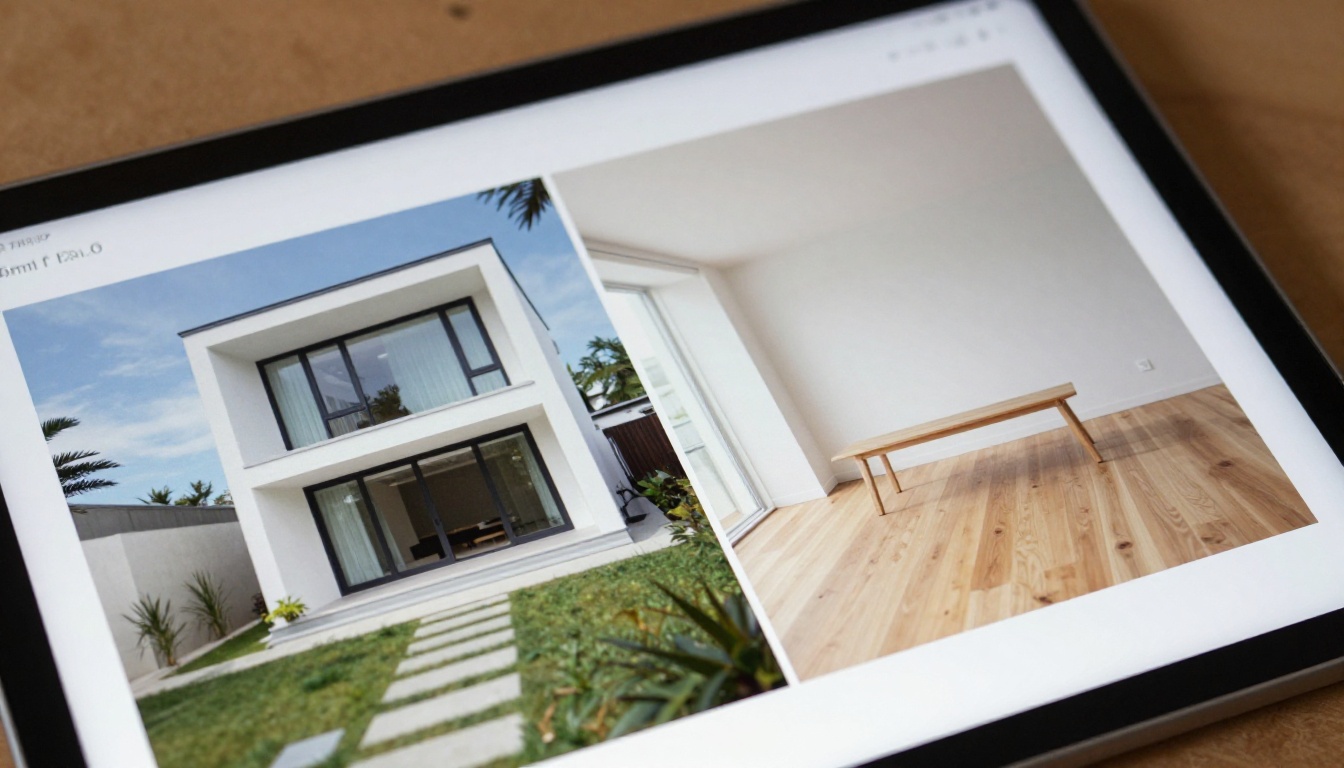
Architecture clients review portfolios on iPads during site visits, on laptops during board meetings, and on phones while commuting. A flipbook is fully responsive, meaning the layout adapts to each screen without requiring the viewer to zoom, rotate, or download an app. This removes every friction point between your work and the person looking at it.
💡 Send your portfolio as a direct flipbook link instead of an email attachment. The link opens instantly in any browser, no download required, and you can track exactly who opened it and how long they spent on each page.
Not all digital portfolio formats perform equally for architecture. Here is how they stack up:
| Format | Page-Flip Interaction | Video Embed | Analytics | Mobile-Friendly | Direct Link Share |
|---|
| PDF | No | No | No | Poor | Attachment only |
| Portfolio Website | No | Yes | Limited | Yes | Yes |
| PowerPoint/Keynote | No | Yes | No | Poor | File share |
| Interactive Flipbook | Yes | Yes | Yes (Pro) | Yes | Yes |
| Printed Book | Yes | No | No | N/A | Physical only |
The interactive flipbook is the only format that combines the tactile page-turning experience of print with the distribution and tracking advantages of digital.
How to Build Your Architecture Flipbook with Flipbooks AI
This is where the actual work happens. Flipbooks AI makes the conversion straightforward, but the quality of the result depends on how you prepare your source PDF.
Step 1: Prepare Your PDF Portfolio
Before uploading, make sure your PDF is print-ready quality, not a compressed web version. Use 300 DPI images throughout. Organize spreads as double-page layouts (two pages wide) if you want the page-turning view to look like an open book rather than single pages. Standard A3 landscape (420 x 297mm) works well for architecture portfolios.
Avoid embedding tiny text that will not survive screen rendering. Use a minimum 10pt font for body text, 14pt for labels and captions. If you have floor plans with fine linework, export them at the highest resolution your PDF application allows.
Step 2: Upload and Convert
Go to Flipbooks AI and create a free account. Upload your PDF directly from the dashboard. The converter handles files up to several hundred pages without quality loss. Conversion typically takes between 30 seconds and a few minutes depending on file size.
The Digital Portfolio Creator and Portfolio Flipbook Builder tools are purpose-built for this use case and provide optimized settings for design portfolios.
Step 3: Customize Your Flipbook
Once converted, the customization panel opens. For an architecture portfolio, these settings matter most:
- Cover style: Choose the cover page that appears before the reader enters the flipbook. Upload a standalone cover image or use the first page of your PDF.
- Background color: A clean white or light grey background keeps focus on your work. Avoid dark backgrounds that compete with your imagery.
- Page effect: The classic curl animation works best for portfolio presentations. It reinforces the physical book metaphor.
- Branding: Add your firm's logo to the header bar and customize the accent color to match your visual identity.
✅ Use the custom domain feature (Professional plan) to share your portfolio from your own URL, for example portfolio.yourfirm.com/2025. This looks far more professional than a generic shared link.
Step 4: Add Multimedia to Project Spreads
Select any page in the editor to add overlay elements. For an architecture portfolio, the highest-value additions are:
- Video embed on the project intro spread: Link a 60-second drone video or time-lapse showing the completed building.
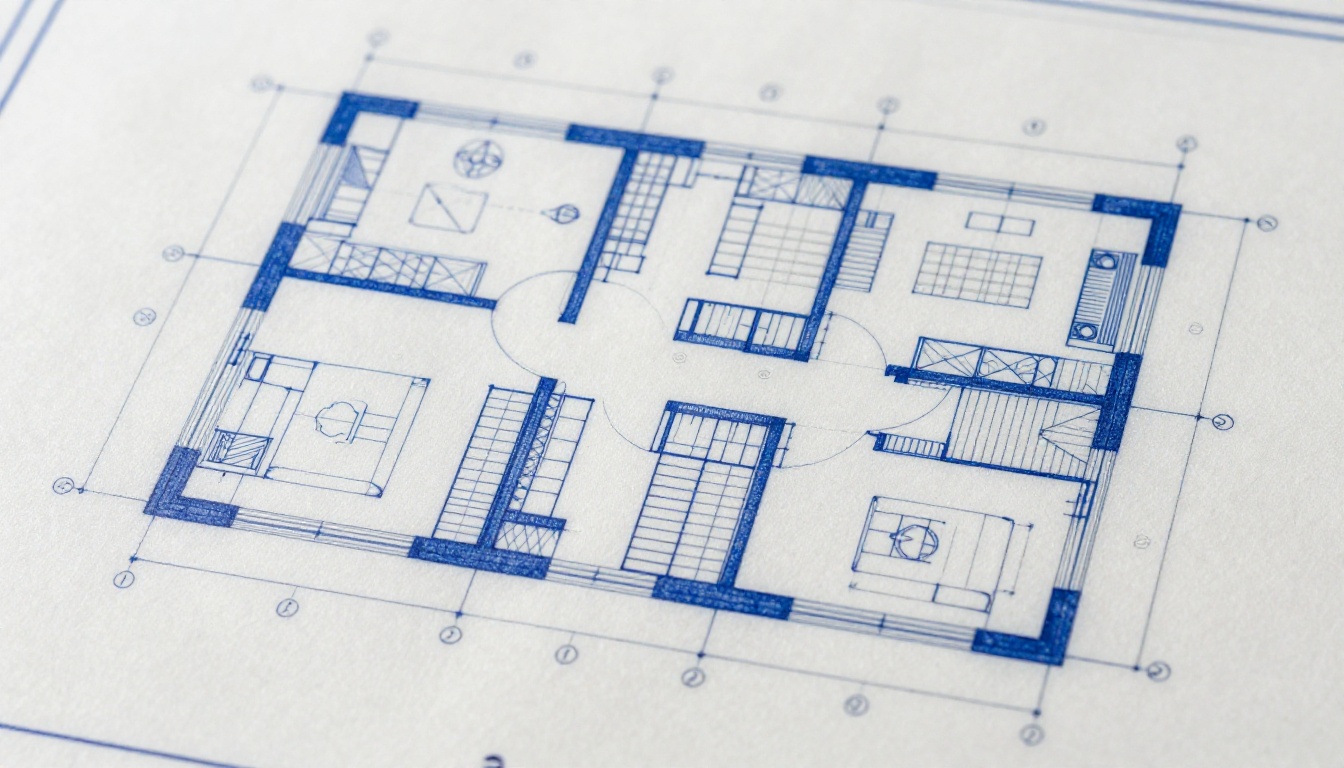
- Clickable hotspots on floor plans: Add popup labels to room names or area dimensions that appear when a viewer taps a specific zone.
- External links on the contact page: Link your email, phone, and firm website directly from the final spread.
Step 5: Share and Track
Every flipbook published on Flipbooks AI gets a direct shareable link. Options for architecture portfolios:
- Direct link: Send via email or WhatsApp. The recipient clicks and the flipbook opens in their browser, no download required.
- Embed code: Paste an iframe embed code directly into your firm's website. The flipbook lives inside your existing web presence. Use the Embed Flipbook on Website tool for guided setup.
- Password protection: Lock the portfolio with a password before sending to prospective clients. This keeps unreleased projects private.
What Belongs in Each Section
Project Pages That Communicate Space
Each project should follow a consistent structure within the flipbook:
- Full-bleed project photography (exterior and interior)
- Site plan or location diagram
- Floor plans at a legible scale
- Section drawings highlighting spatial quality
- Materiality page with texture and finish samples
- Construction detail or process photography
- Brief project data block: area, location, completion year, collaborators
Resist the urge to fill every page with text. Let the drawings and photographs carry the story. Text serves as caption and data, not narrative paragraphs.
About Page and Contact Information
The final section of your flipbook should include a brief firm or personal profile, a photograph, and direct contact information with clickable links. Many architecture portfolios skip this and make potential clients work to find who to call. Put your contact details one flip away from your best project photography.
⚠️ Do not share your portfolio in a format that requires the client to create an account before viewing. Friction at the viewing stage kills conversions. A public direct link (or a password-protected one you share with the password) removes all barriers.
Architecture Students vs. Established Firms
The portfolio objectives differ significantly between students applying for internships and established firms pitching for commissions. The flipbook format serves both, but the content strategy changes.
Students: Internship and Application Portfolios
Architecture students compete for internship positions and graduate school spots with a limited body of built work. The flipbook format lets student portfolios present academic projects with the same polish as completed buildings.
- Include academic project briefs and instructor feedback to show design process
- Show multiple design iterations, not just the final product
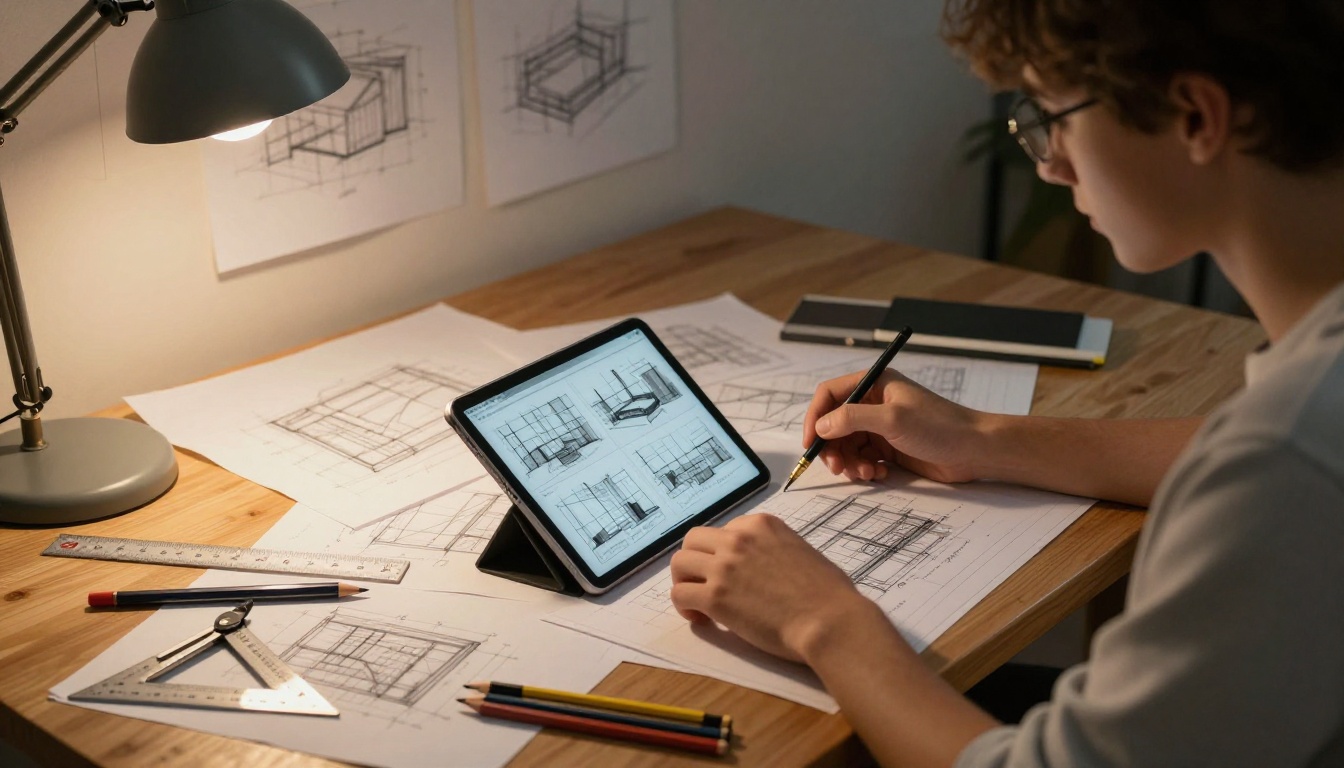
- Devote spreads to hand drawings and physical models alongside digital renders
- Keep the total length to 20-30 pages maximum
💡 As a student, use the free tier on Flipbooks AI to publish your portfolio. The Standard plan provides unlimited flipbooks, password protection for private submissions, and a direct link you can paste into job applications.
Firms: Client Proposals and Project Showcases
Established firms need portfolios that communicate credibility, specialization, and scale. A firm presenting for a large commercial commission needs to show relevant precedents, team depth, and project management capability alongside design quality.
For firm portfolios, the analytics feature (available on the Professional plan) becomes particularly valuable. Knowing which projects a prospective client spent the most time reviewing informs how you structure follow-up conversations.
| Portfolio Type | Length | Primary Audience | Content Focus |
|---|
| Student Portfolio | 20-30 pages | Internship/School reviewers | Process, academic projects, hand drawing |
| Junior Architect | 30-40 pages | Employers, HR | Built work, collaborations, technical skills |
| Independent Designer | 20-30 pages | Direct clients | Completed projects, client testimonials |
| Small Firm | 40-60 pages | Institutional clients | Project range, team, relevant precedents |
| Large Firm | 60+ pages | Developer/Government clients | Scale, credentials, specialized capabilities |

Flipbooks AI Plan Comparison for Architects
Choosing the right plan depends on how many portfolios you manage and whether you need advanced features like analytics or offline downloads.
| Feature | Free | Standard | Professional |
|---|
| Flipbooks | 3 | Unlimited | Unlimited |
| Watermark | Yes | No | No |
| Password Protection | No | Yes | Yes |
| Analytics | No | No | Yes |
| Lead Generation | No | No | Yes |
| Offline Downloads | No | No | Yes |
| Custom Domain | No | No | Yes |
| Embedded Video/Audio | No | Yes | Yes |
For individual architects, the Standard plan eliminates watermarks and adds password protection, which is the minimum requirement for professional client submissions. Firms actively pitching for new business benefit most from the Professional plan's analytics, which show exactly how clients engage with each spread.

Real Use Cases Across Architecture Practice
The architecture portfolio as an interactive flipbook applies differently across practice types:
Residential architects send password-protected flipbooks to homeowner prospects showing relevant residential projects. The client browses at their own pace before the initial consultation.
Urban designers and planners use the format for public consultation documents: large-format site plans, zoning diagrams, and community feedback summaries that need to reach non-technical audiences.
Interior designers working alongside architects treat the flipbook as a combined mood board and project record: material swatches, furniture selections, lighting specifications, and completed photography in one flowing document.
Real estate developers commission architecture firms to produce marketing flipbooks for new residential developments. The Real Estate Brochure tool handles this case specifically, and the output can be embedded directly on the developer's website.
Academic institutions teaching architecture use student portfolio flipbooks during semester-end reviews, allowing external reviewers to access student work before presentation day without printing costs.

Before You Publish: A Short Checklist
Before sharing your flipbook with clients or submitting it to recruiters, run through these checks:
Start Presenting Your Work the Right Way
The architecture profession runs on reputation and presentation. A static PDF is a passive document. An interactive flipbook is an active presentation that works for you around the clock, whether a client opens it at 11pm before a morning meeting or a recruiter reviews it between interviews.
Flipbooks AI handles the conversion and hosting so you can focus on the portfolio itself. Upload your existing PDF, publish your first flipbook in under ten minutes, and send clients a link rather than an attachment. The difference in how your work is perceived is immediate.
Ready to publish? Create your account on Flipbooks AI and convert your first portfolio for free. When you are ready to remove watermarks and add password protection, compare pricing plans to pick the tier that fits your practice. Browse all portfolio and publication tools to find the right fit for every document you need to share.



