Running a small business means every dollar and every hour counts. Whether you sell handmade goods, run a restaurant, manage a boutique, or consult for clients, how you present your brand online directly affects how people perceive your value. Digital flipbooks have become one of the most cost-effective ways to turn a plain PDF into an interactive, shareable publication that actually gets read. But with dozens of tools on the market, picking the right one matters. This breakdown covers the best flipbook makers for small business owners, what separates them, and how to choose without wasting time or money.
Why Small Businesses Are Switching to Digital Flipbooks
Static PDFs are invisible online. They sit in email attachments or download folders, and most readers give up after the first scroll. Flipbooks solve this by wrapping your content in a page-turning experience that works in any browser, on any device, without requiring downloads.

For small businesses, the real benefits go beyond aesthetics:
- No printing costs: A digital catalog that would cost $500 to print can be published for a few dollars a month
- Real-time updates: Change a price or add a new product without reprinting anything
- Shareable links: Send a single URL instead of a bulky attachment
- Embeddable anywhere: Drop your flipbook into your website, social profile, or email footer
- Detailed metrics: Know exactly which pages your customers actually read
The shift is practical, not just trendy. A restaurant that updates its menu weekly cannot afford to reprint every time. A real estate agent showing 10 properties benefits from a digital brochure that links directly to listings. A boutique owner who launches seasonal lookbooks can do it in minutes rather than days.
What Flipbooks Do That PDFs Cannot
PDFs are flat. Flipbooks are interactive. That distinction matters because interactive content holds attention longer, and interest in your catalog translates directly into sales conversations.
A good flipbook maker lets you:
- Embed clickable links, videos, and audio directly into pages
- Add password protection for private price lists or VIP offers
- Enable lead capture forms so viewers become contacts
- Provide embed codes so your flipbook lives on your website
- Track per-page data so you know what resonates with your audience

💡 Pro tip: The best flipbook makers let you embed your publication directly on your website using a single line of code. This keeps visitors on your site longer and reinforces your brand identity.
Not every flipbook maker is built with small businesses in mind. Some are priced for enterprise teams, others lack basic branding controls, and a few limit how many flipbooks you can publish at any given time. These are the criteria that matter most.
Ease of Use Without a Learning Curve
You should not need a designer or developer to create a flipbook. The right tool offers:
- Drag-and-drop PDF upload: Your file should convert automatically in seconds
- One-click publishing: No technical configuration required
- Template options: Pre-designed layouts save hours of manual work
- Mobile preview: Verify how your flipbook looks on phones before sharing
Pricing That Fits Your Budget
Some tools charge per flipbook, which becomes expensive fast. Others lock reader metrics behind top-tier plans that small businesses cannot justify paying for in year one. Look for:
- A free tier to test the product before committing
- Affordable entry plans with unlimited flipbooks
- Clear upgrade paths that make sense as your audience grows
Sharing and Embedding Options
Your flipbook needs to reach people where they already are. Essential sharing features include a clean direct link you can post anywhere, an embed code for your website or email, password protection for private catalogs or member content, and built-in sharing options visible to readers inside the flipbook viewer.
The Top Flipbook Makers for Small Businesses
Here is a direct comparison of the most relevant tools available right now.
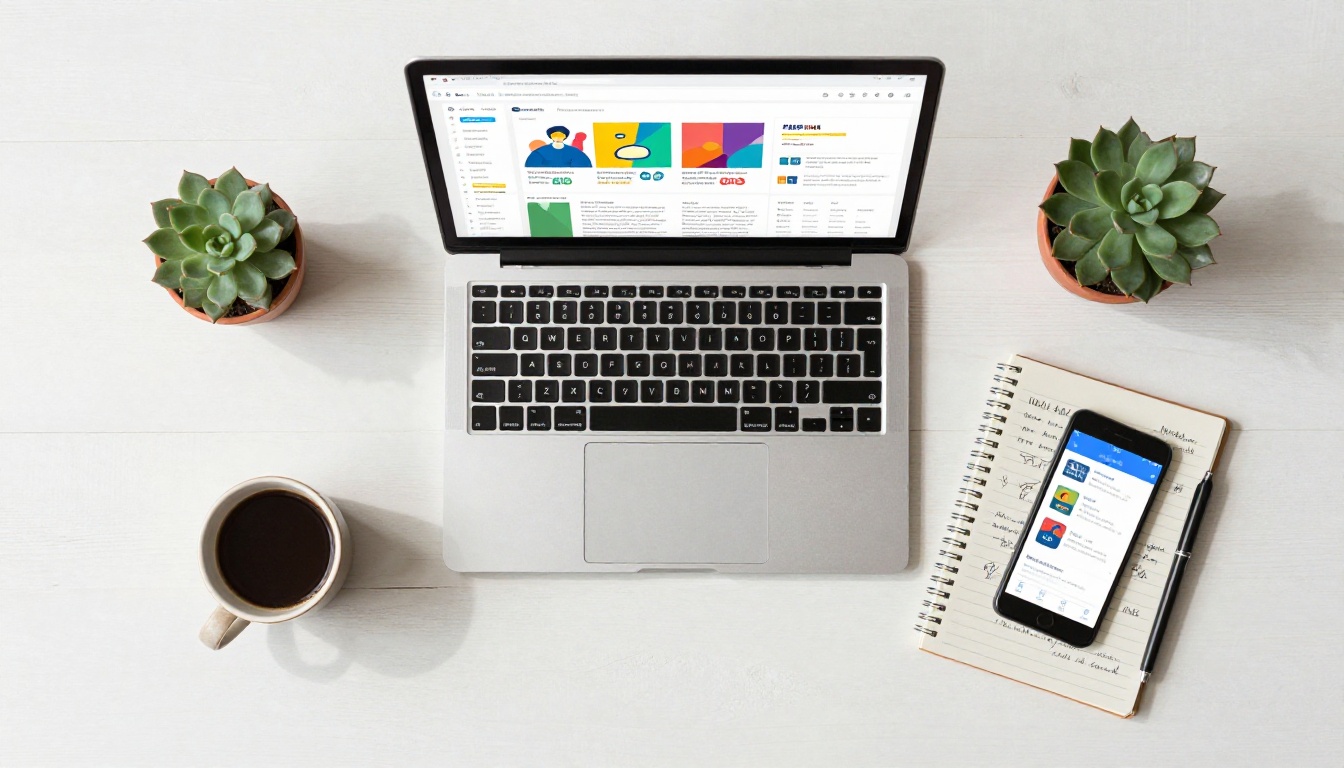
Flipbooks AI
Flipbooks AI is purpose-built for businesses that need professional digital publications without a steep learning curve or price tag. Upload a PDF and your flipbook is ready in seconds. From there, you can customize colors, add branding, embed multimedia, and share with a link or embed code.
What sets it apart for small businesses: no watermarks on any plan, unlimited flipbooks on the Standard plan and above, and a Professional plan that includes analytics and lead generation tools. The platform also offers purpose-built tools for specific business types, including the Restaurant Menu Creator, Digital Catalog Maker, Real Estate Brochure Creator, and Interactive Lookbook Designer.
Offline downloads, video embedding, password protection, and mobile-responsive design are all included without needing to pay for the top tier. For small businesses that publish regularly, this combination is hard to match on the market.
Flipsnack
Flipsnack is a well-established competitor with a solid design editor and a decent template library. It works well for teams that want design flexibility. Reader metrics are available on higher plans, and branding options are strong. For solo operators, the lower-tier plans can feel restrictive in terms of how many publications you can maintain at once.
Issuu
Issuu is popular among publishers and magazines. For small businesses, it often adds more complexity than needed. The free plan includes Issuu branding and limited distribution. Paid plans include custom domains and reader metrics, but the pricing structure is better suited for media companies than a local retail shop.
Publuu
Publuu focuses on a clean viewer experience and solid data tracking. It is a reliable option, especially for businesses that prioritize knowing how readers interact with their publications. The interface is straightforward, though the template library is more limited compared to Flipbooks AI or Flipsnack.
Joomag
Joomag positions itself as a marketing platform with flipbooks as one feature among many. It includes CRM tools and automation, which adds complexity and cost that most small businesses do not need at the start. It works better for businesses already running dedicated digital marketing operations.
Feature Comparison Table
| Feature | Flipbooks AI | Flipsnack | Issuu | Publuu | Joomag |
|---|
| PDF Upload | ✅ | ✅ | ✅ | ✅ | ✅ |
| No Watermarks | ✅ All plans | ❌ Free only | ❌ Free only | ❌ Free only | ❌ Free only |
| Unlimited Flipbooks | ✅ Standard+ | Limited | Limited | Limited | Limited |
| Custom Branding | ✅ | ✅ | ✅ Paid | ✅ Paid | ✅ |
| Analytics | ✅ Pro plan | ✅ Paid | ✅ Paid | ✅ Paid | ✅ |
| Lead Generation | ✅ Pro plan | ✅ Paid | ❌ | ❌ | ✅ |
| Embed Code | ✅ | ✅ | ✅ | ✅ | ✅ |
| Password Protection | ✅ | ✅ | ❌ | ✅ | ✅ |
| Offline Downloads | ✅ | ❌ | ❌ | ❌ | ❌ |
| Video Embedding | ✅ | ✅ | ❌ | ❌ | ✅ |
| Mobile-Responsive | ✅ | ✅ | ✅ | ✅ | ✅ |
✅ Best practice: Prioritize a tool that removes watermarks without requiring the top tier. Watermarked flipbooks undermine your brand credibility in front of clients and customers.
Pricing Plans at a Glance

Pricing varies significantly across tools. The table below shows approximate monthly costs and what each level typically includes.
| Plan Level | Flipbooks AI | Flipsnack | Issuu | Publuu |
|---|
| Free | Limited flipbooks | 1 flipbook | Issuu branding | 1 flipbook |
| Entry (~$10-15/mo) | Standard: unlimited, no watermarks | Starter: 3 flipbooks | Starter: 3 publications | Basic: 10 flipbooks |
| Mid (~$25-30/mo) | Professional: analytics + lead gen | Pro: analytics | Optimal: analytics | Business: analytics |
| Enterprise | Custom pricing | Custom pricing | Premium tier | Custom pricing |
⚠️ Watch out: Some tools charge per flipbook published. If you create seasonal catalogs, monthly menus, or regular newsletters, per-flipbook pricing adds up fast. Unlimited plans are almost always the better investment for active publishers.
See the full Flipbooks AI pricing page for current plan details and a free trial option.
How to Create a Flipbook for Your Business
Flipbooks AI makes the process simple enough to finish in under 10 minutes, even if you have never made a digital publication before.
Step 1: Sign up for an account
Visit flipbooksai.com/account and create your account. No credit card is required to test the platform.
Step 2: Upload your PDF
Click "New Flipbook" and drag in your PDF. The PDF to Flipbook Converter handles the conversion automatically, preserving all formatting and images without quality loss.
Step 3: Apply your branding
Set your brand colors, upload your logo, choose your page transition style, and adjust the viewer background. These controls make your flipbook look like a professional extension of your website rather than a generic document.
Step 4: Add interactive elements
Embed a product video, insert clickable links to your online store, or add a lead capture form so viewers can request more information directly from within your flipbook.
Step 5: Share or embed
Copy the shareable link to post in an email, social bio, or messaging app. Or grab the embed code to place your flipbook directly on your website using the Embed Flipbook on Website tool for step-by-step instructions.
Step 6: Track how readers interact with your content
On the Professional plan, open your analytics dashboard to see total views, per-page time spent, and lead submissions. Use this data to improve your next publication based on what readers actually read.
💡 Pro tip: If you run a product-based business, start with the Product Catalog Generator or Digital Catalog Maker. These templates are pre-built for showcasing products with strong visual presentation.
Real-World Use Cases by Business Type
Different businesses get different value from flipbook software. Here is how specific sectors use these tools day-to-day.
Restaurants and Food Businesses
A restaurant's menu changes seasonally, sometimes weekly. Reprinting is expensive and slow. A digital menu flipbook lets you update items, prices, and specials in minutes, then share the updated link with staff and customers the same day. No waiting for print runs, no outdated menus still in circulation.
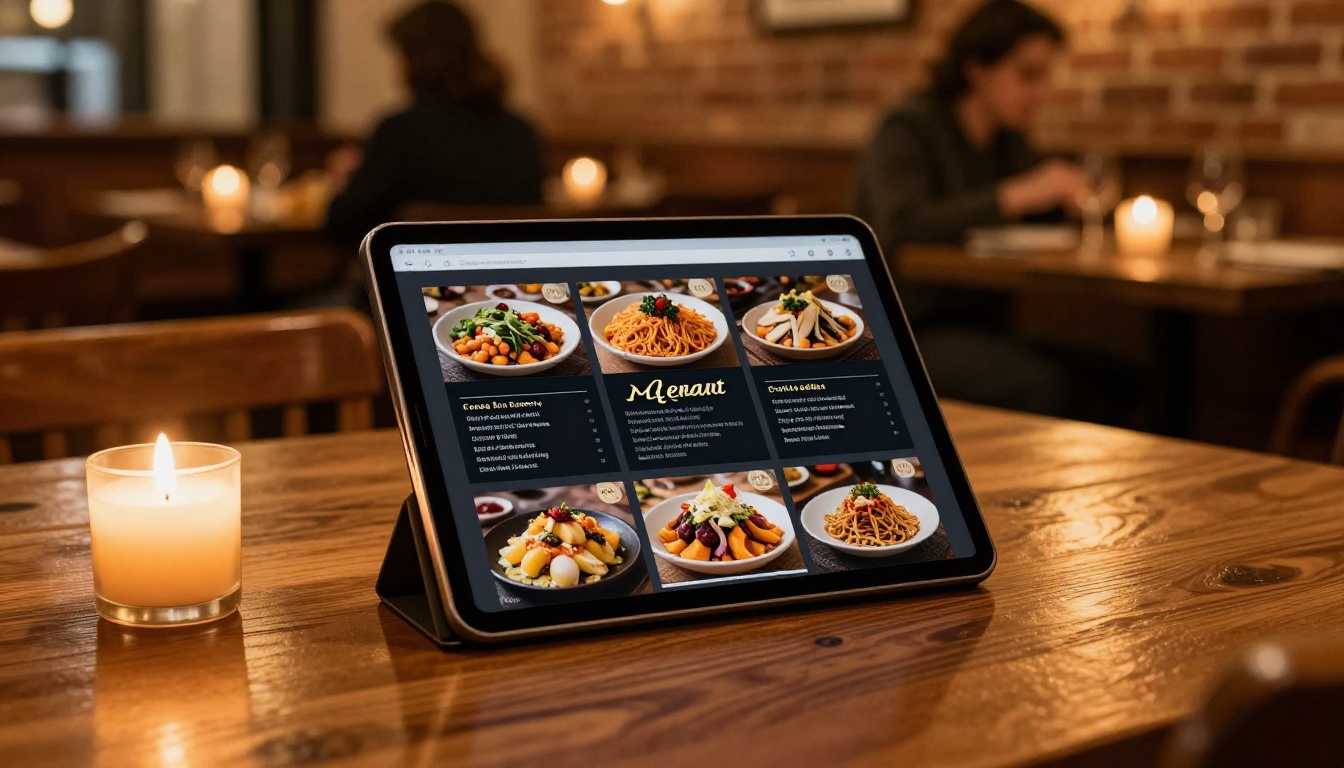
The Restaurant Menu Creator on Flipbooks AI includes templates designed for food service, with elegant typography and layout options that match the visual quality of high-end print menus. The Menu Flipbook Designer gives you even more control over presentation style.
Practical applications for food businesses:
- Seasonal menu refreshes without any print costs
- Catering packages shared directly via WhatsApp or email
- Wine lists with embedded sommelier tasting note videos
- Private dining and event packages presented as interactive publications
Retail and E-Commerce Boutiques
Boutique owners who launch seasonal collections need a way to present new inventory that is more compelling than a standard email blast. A digital lookbook created with the Interactive Lookbook Designer gives shoppers a curated visual experience with clickable product links built directly into each page.

The Lookbook Flipbook Builder pairs well with the Fashion Catalog Creator for boutiques with diverse inventory.
Practical applications for retail:
- Seasonal product catalogs with direct purchase links
- Wholesale line sheets for buyers and distributors
- Holiday gift collections shared via email campaigns
- Brand story content to build customer loyalty between seasons
Real Estate Agents and Brokers
A property brochure that can be shared as a link, viewed on any device, and updated when a listing changes is far more practical than a printed flyer. The Real Estate Brochure Creator produces polished property presentations without requiring a graphic designer.

Practical applications for real estate:
- Individual property brochures with embedded virtual tour videos
- Neighborhood market reports sent as interactive documents
- Open house event programs distributed via QR code
- Investor portfolio presentations with financial summaries
Service Businesses and Consultants
For consultants, agencies, or any service business that presents proposals, portfolios, or reports, a professional flipbook format elevates the perceived value of your work. The Sales Presentation tool and Digital Portfolio Creator are built specifically for these scenarios.
✅ Best practice: Always use password protection when sharing confidential proposals or pricing documents. Flipbooks AI includes this feature on Standard plans and above, ensuring only invited clients can access sensitive content.
Three Common Mistakes to Avoid
Small business owners new to flipbook software make the same errors repeatedly. Here is what to watch for before you publish.
1. Using a watermarked free plan for client-facing work
Sending a client a document with another company's logo stamped across it signals that you are cutting corners. If you plan to use flipbooks for any business purpose, choose a plan that removes watermarks from day one. Flipbooks AI does this on every plan, including the entry level.
2. Skipping mobile testing before sharing
More than half of all web traffic now comes from mobile devices. Before sharing any flipbook, preview it on a phone. Check that images are crisp, text is readable without zooming, and interactive elements work with touch input. A flipbook that looks perfect on a laptop but breaks on a phone loses you the majority of your audience.
3. Publishing without any way to track results
If you do not know which sections of your catalog or brochure actually hold people's attention, you are publishing without any feedback loop. The Professional plan on Flipbooks AI includes per-page analytics that show exactly where readers spend time and where they stop reading. That data is what separates a publication that improves over time from one that just takes up storage.
Every tool on this list will convert a PDF to a flipbook. The decision comes down to your specific situation.
| Business Situation | Best Fit |
|---|
| Budget-conscious solo business | Flipbooks AI Standard plan |
| Restaurant with frequent menu changes | Flipbooks AI + Restaurant Menu Creator |
| Retail boutique with seasonal collections | Flipbooks AI + Lookbook Flipbook Builder |
| Real estate agent | Flipbooks AI + Real Estate Brochure Creator |
| Design-focused marketing team | Flipsnack |
| Large media publisher | Issuu |
| Business needing integrated CRM | Joomag |
| Data-focused publishing | Publuu or Flipbooks AI Pro |
For most small businesses, the combination of no watermarks, unlimited flipbooks, purpose-built templates, and a clean interface makes Flipbooks AI the most practical starting point. The Standard plan handles everyday publishing needs, and the Professional plan adds analytics and lead generation when you are ready to treat your digital publications as a genuine marketing channel.
The best way to know if a tool works for you is to build something with it. Create a free account on Flipbooks AI and convert your most recent catalog, menu, or brochure in a few minutes. See how it looks, share the link with a colleague, and decide from there.
Browse all available tools and templates to find the right fit for your business type. When you are ready to go further, compare pricing plans and pick the option that fits your budget and publishing goals.



