The way students consume content has changed permanently. Static PDFs and printed handouts no longer hold attention the way they did even five years ago, and the schools winning at student participation have one thing in common: they deliver content that moves, breathes, and responds. Flipbooks AI is at the center of that shift, and this article breaks down the best flipbook software for education in 2026, covering what actually matters for teachers, administrators, and e-learning developers who need real results without a steep learning curve.
Why Flipbooks Work in Modern Classrooms
Students process visuals faster than text
Educational psychology research has long established that visual content is processed roughly 60,000 times faster than plain text. But the real insight for 2026 is that interactive visual content drives retention even further. A flipbook with page-turn animation, embedded video, and clickable infographics does not just look impressive. It signals to the brain that something is worth paying attention to.
Teachers working with Gen Z and Gen Alpha students already know: if it does not move, many students do not look.
Static PDFs are holding classrooms back
The standard classroom workflow still involves uploading a PDF to a learning management system, students downloading it, and then nothing. No analytics. No interactivity. No way to know if a student opened it at all.
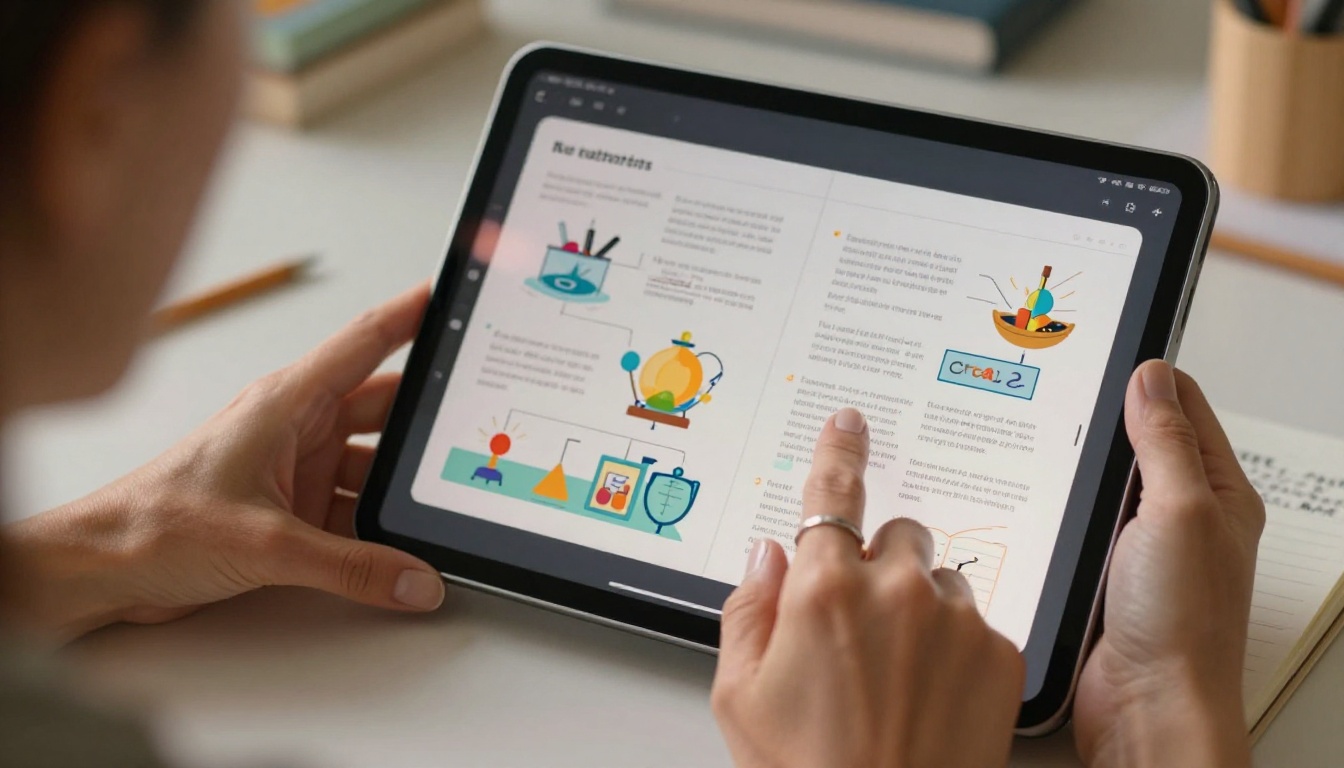
Digital flipbooks flip that model entirely. When a teacher publishes a course module as a flipbook, they immediately get:
- Page-by-page analytics: See exactly where students stop reading
- Embedded multimedia: Video explainers directly inside the pages
- Mobile-responsive layout: Works on any device, no app required
- Real-time sharing: One link, instantly accessible to the whole class
What to Look for in Education Flipbook Software
Must-have features for teachers
Not all flipbook tools are built with educators in mind. When evaluating software for classroom use, prioritize these:
- PDF import with faithful layout preservation — existing lesson plans should convert cleanly
- No watermarks — branded, professional-looking materials matter for credibility
- Mobile responsiveness — students access content on phones, not just school computers
- Sharing via simple URL — no student account required to view
- Password protection — for exam papers or sensitive course content
- Embed capability — publish directly inside your LMS or school website
💡 Many free flipbook tools add prominent watermarks to all published content. In an educational setting, this undermines the professional credibility of your materials. Choose software that includes watermark-free publishing at the base plan.
Features for school administrators
For IT departments and curriculum coordinators, the criteria go a level deeper:
- Multi-user or team accounts — multiple teachers publishing under one school subscription
- Analytics dashboard — aggregate data on content performance across the department
- Custom branding — school logo, colors, and domain throughout all flipbooks
- Lead capture forms — useful for enrollment inquiries embedded in course previews
- Offline access — for students in low-connectivity environments
- GDPR-compliant data handling — required for schools in the EU and increasingly expected everywhere
Top Flipbook Software for Education in 2026
The market has matured considerably over the past two years. Here is how the leading platforms compare across the features that matter most for educational use:
| Feature | Flipbooks AI | Issuu | FlipHTML5 | Publuu | Flipsnack |
|---|
| No Watermarks | ✅ All plans | ❌ Free plan | ❌ Free plan | ❌ Free plan | ❌ Free plan |
| Unlimited Flipbooks | ✅ Standard+ | ❌ Limited | ❌ Limited | ❌ Limited | ❌ Limited |
| Password Protection | ✅ | ✅ | ✅ | ✅ | ✅ |
| Analytics | ✅ Professional | ✅ Premium | ✅ Enterprise | ✅ Business | ✅ Business |
| Offline Downloads | ✅ | ❌ | ✅ | ❌ | ✅ |
| Embed on Website | ✅ | ✅ | ✅ | ✅ | ✅ |
| Video and Audio Embed | ✅ | ✅ | ✅ | ❌ | ✅ |
| Mobile Responsive | ✅ | ✅ | ✅ | ✅ | ✅ |
| Education-Specific Tools | ✅ | ❌ | ❌ | ❌ | ❌ |
✅ Best practice: When shortlisting flipbook software for school-wide adoption, always test the student viewing experience on a mid-range Android phone. Many platforms look perfect on desktop but break on mobile, which is where most students actually read.
Flipbooks AI
Flipbooks AI stands out in 2026 specifically because of its education-focused toolset. Beyond the basic PDF-to-flipbook conversion that most platforms offer, it includes dedicated tools built for school contexts:
The platform's Standard plan includes unlimited flipbooks with no watermarks, which makes it immediately viable for schools without the need to negotiate enterprise contracts or jump through procurement hoops.

Other platforms worth considering
Issuu is widely used in higher education for e-magazines and institutional publications. It handles design-heavy documents well and integrates with Adobe suite workflows. The limitation is pricing: meaningful features require a Premium tier that individual teachers rarely have budget approval for.
FlipHTML5 offers robust customization and has been a go-to for corporate training materials. Its applicability to education is real, but the interface is dated and the learning curve steeper than modern alternatives.
Publuu has gained traction for its clean viewer experience and branded page URLs. Analytics are available but locked to the Business plan, and the lack of audio and video embedding is a genuine gap for multimedia-heavy courses.
Flipsnack provides solid template libraries and has made recent improvements to its education category. Team collaboration features are genuinely useful for schools with large content production teams.
How to Create Educational Flipbooks with Flipbooks AI
Flipbooks AI provides the most direct path from existing educational PDF to published interactive flipbook, making a practical walkthrough useful here.

1. Set up your account
Go to flipbooksai.com and create a free account. The signup takes under two minutes. No credit card required for the free tier.
2. Prepare your PDF
Export your lesson plan, course module, or educational material as a PDF. Flipbooks AI preserves font rendering, image placement, and layout with high fidelity. For best results:
- Use A4 or US Letter orientation
- Embed all fonts in the PDF export settings
- Optimize image resolution to 150-300 DPI for fast browser loading
3. Upload and convert
Click "New Flipbook," drag and drop your PDF, and the platform converts it to an interactive flipbook in seconds. For educational content specifically, use the Course Material Publisher tool for structured multi-chapter documents.
4. Customize the branding
Add your school or institution's logo, set the primary color to match your brand identity, and choose a page-turn style. Available options include:
- Classic page-curl animation
- Slide transition
- Fade effect, which works particularly well for text-heavy academic content
💡 For school-wide consistency, create a brand preset once and apply it to all flipbooks your department publishes. Students will immediately recognize your institution's materials without reading a header.
5. Embed video and audio
Inside the flipbook editor, click any page to add multimedia overlays. For a biology chapter, embed a 90-second explainer video directly on the cell diagram page. For language learning content, add audio pronunciation clips inline. The content plays without leaving the flipbook.
6. Configure sharing and access
- Public link: Share a single URL students can open without logging in
- Password protection: Ideal for exam preparation materials or paid course content
- Embed code: Paste directly into your Moodle, Canvas, or Google Classroom page
- QR code: Print and post in your physical classroom for instant mobile access
7. Monitor with analytics
On the Professional plan, the analytics dashboard shows per-page time-on-content, total reads, completion rates, and geographic distribution. For e-learning programs tracking whether students actually complete assigned readings, this data is invaluable.

Best Use Cases in Education
Textbooks and course materials
The most immediate application is converting existing course packets into interactive flipbooks. A 40-page chemistry unit that was previously a flat PDF becomes a navigable, multimedia-rich document where students can:
- Jump to any chapter from a clickable table of contents
- Watch embedded lab demonstrations without leaving the page
- Zoom in on diagrams with pinch-to-zoom on mobile devices
- Annotate pages using their device's built-in tools
This works across every subject. Language arts, mathematics, history, and science all translate directly. The format is subject-agnostic and requires no special student training.
School newsletters and parent communications
The School Newsletter Creator addresses a specific pain point for administrators: parent communications that actually get read. A flipbook newsletter shared via email or posted to a school website dramatically outperforms a PDF attachment in open rates, because the preview shows an engaging visual flip rather than a generic document icon.
Staff training and onboarding manuals
HR and curriculum teams in school districts spend significant time producing staff training materials that often go unread. Converting these to flipbooks via the Training Manual Flipbook tool creates documents that are:
- Self-paced with clear chapter navigation built in
- Trackable (Professional plan analytics show who completed which sections)
- Updateable without reprinting (edit and republish, the link stays the same)
Student-produced projects and yearbooks
The Yearbook Flipbook Maker is particularly popular with high school journalism classes and student government programs. Students produce content in a design tool, export to PDF, and publish as a flipbook that parents can share via direct link on social platforms.
💡 For student-created flipbooks, use password protection during the editorial review period. Remove the password once the content is approved for public release. This workflow requires no extra steps or file management.
Pricing Comparison for Educators
Understanding what each tier actually delivers helps institutions match budget to genuine need:
| Plan | Flipbooks | Watermarks | Analytics | Offline Downloads | Best For |
|---|
| Free | Limited | Yes | No | No | Individual testing |
| Standard | Unlimited | None | No | No | Single teacher |
| Professional | Unlimited | None | Full dashboard | Yes | Departments and schools |
| Enterprise | Unlimited | None | Full plus custom | Yes | District-wide deployment |
⚠️ Always verify current pricing at flipbooksai.com/pricing as plans and features update regularly. The table above reflects relative tier positioning rather than specific dollar amounts.
For individual teachers, the Standard plan covers the essentials: unlimited watermark-free flipbooks shareable via URL or embedded in a class website. For schools deploying at department or district level, the Professional plan adds the analytics layer that administrators need for reporting and budget justification.
Real Classroom Scenarios
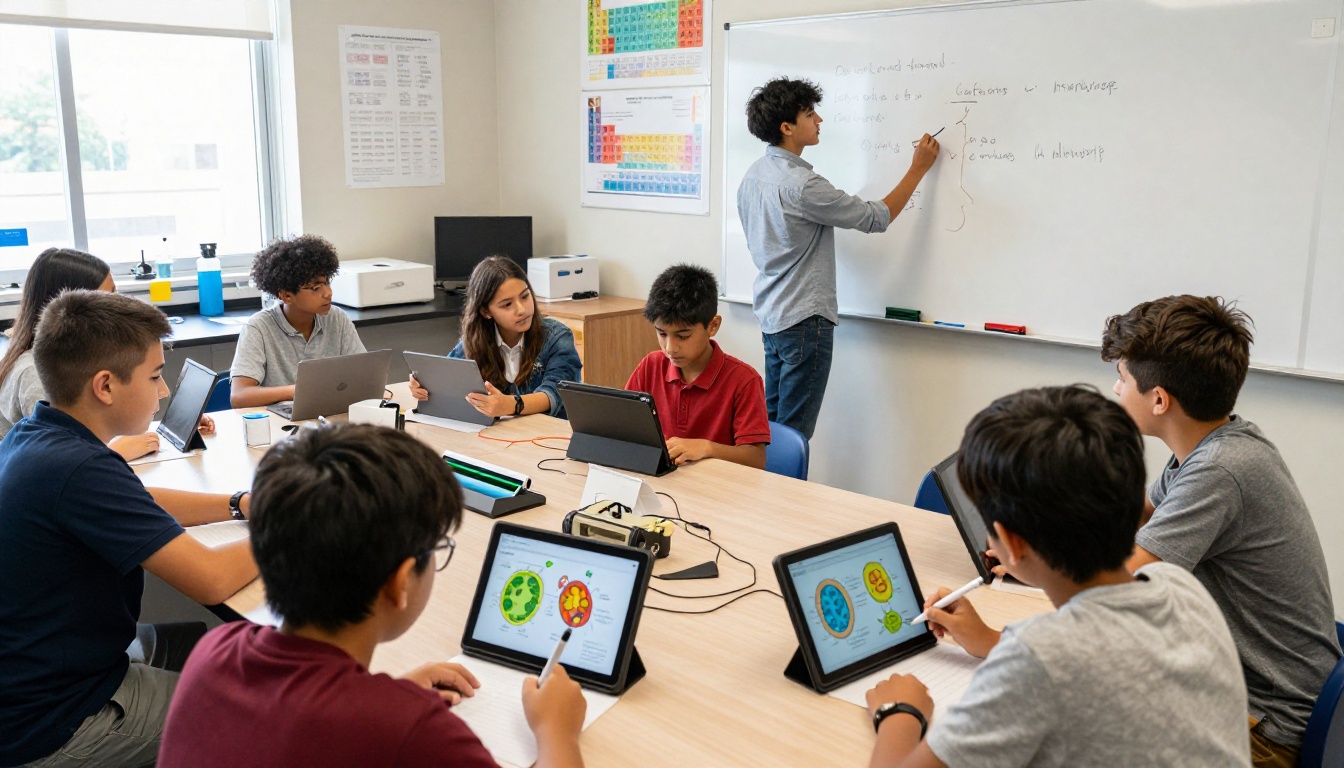
Elementary science teacher, grades 3-4: Converts a 20-page animal kingdom unit into a flipbook with embedded audio clips of animal calls on each species page. Students access it on classroom tablets. Time spent per student on each page increased measurably compared to the printed workbook equivalent, particularly on pages with audio.
High school history teacher: Uses flipbooks for primary source document collections. Each flipbook contains 15-20 historical documents with embedded teacher commentary as audio notes. Students submit reflection responses via a linked Google Form on the final page.
University biology professor: Publishes lecture slide decks as flipbooks instead of static PowerPoint files. Analytics reveal that students spend 3x longer on diagram-heavy pages than text slides, informing future content decisions about where to add visual material.
School district IT coordinator: Manages 40 teacher accounts under one Professional plan subscription. Uses the Course Material Publisher to standardize how all district curriculum materials are formatted and distributed across schools.
Mobile Access Matters More Than Ever
In 2026, assuming students have reliable laptop access is increasingly risky. Many districts operate on a bring-your-own-device model, and in many communities worldwide, a smartphone is the primary internet-connected device in a household. Flipbook software that is not genuinely mobile-optimized is not viable for educational use at scale.
Flipbooks AI renders correctly on Android and iOS browsers without requiring a native app download, which removes the friction of app store installations on school-managed or student-owned devices. The flipbook viewer is responsive, the page-turn animation works via swipe gesture, and content scales correctly from a 5-inch phone screen to a 27-inch monitor.
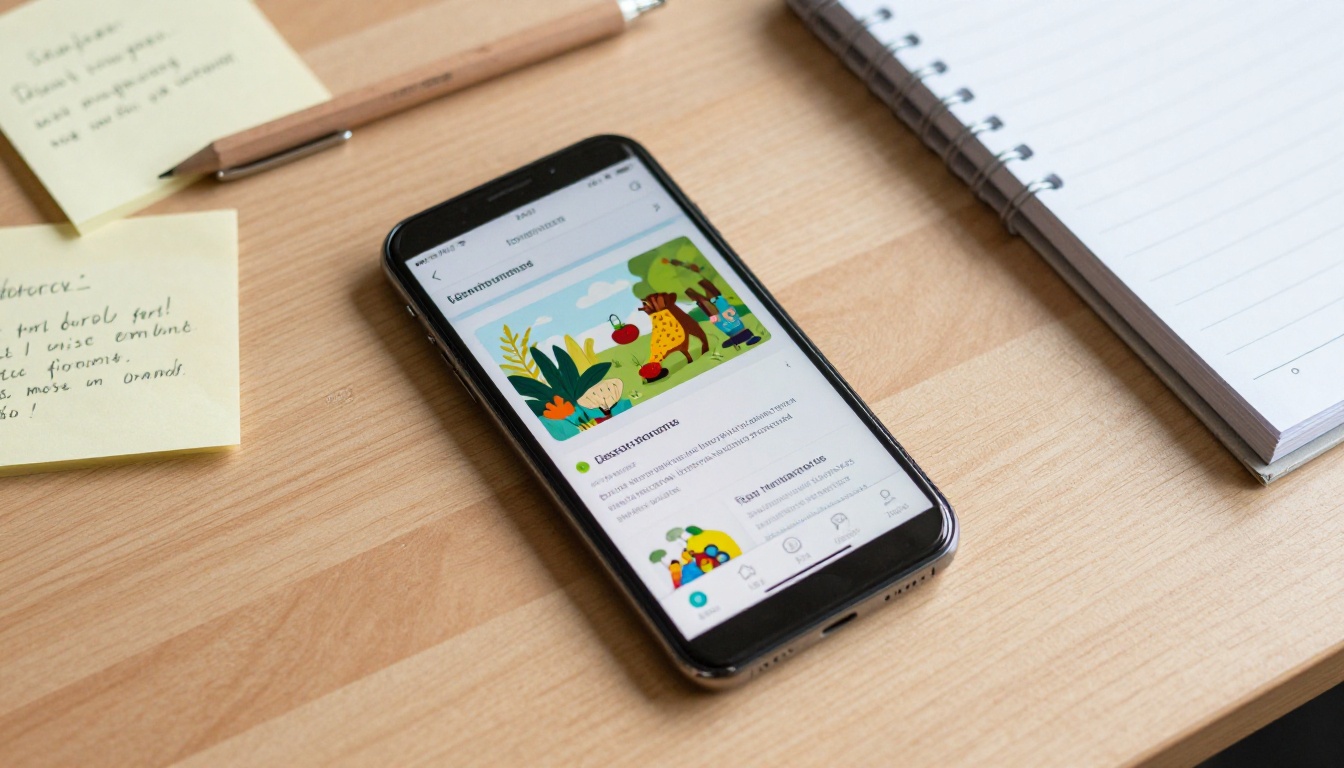
From Printed Pages to Interactive Experiences
The shift from physical textbooks to interactive digital content is not about novelty. It is about meeting students where they already are, on screens, expecting content that responds to them. Flipbooks occupy the practical middle ground between a static PDF and a full learning management system module, requiring none of the technical overhead but delivering most of the participation benefit.
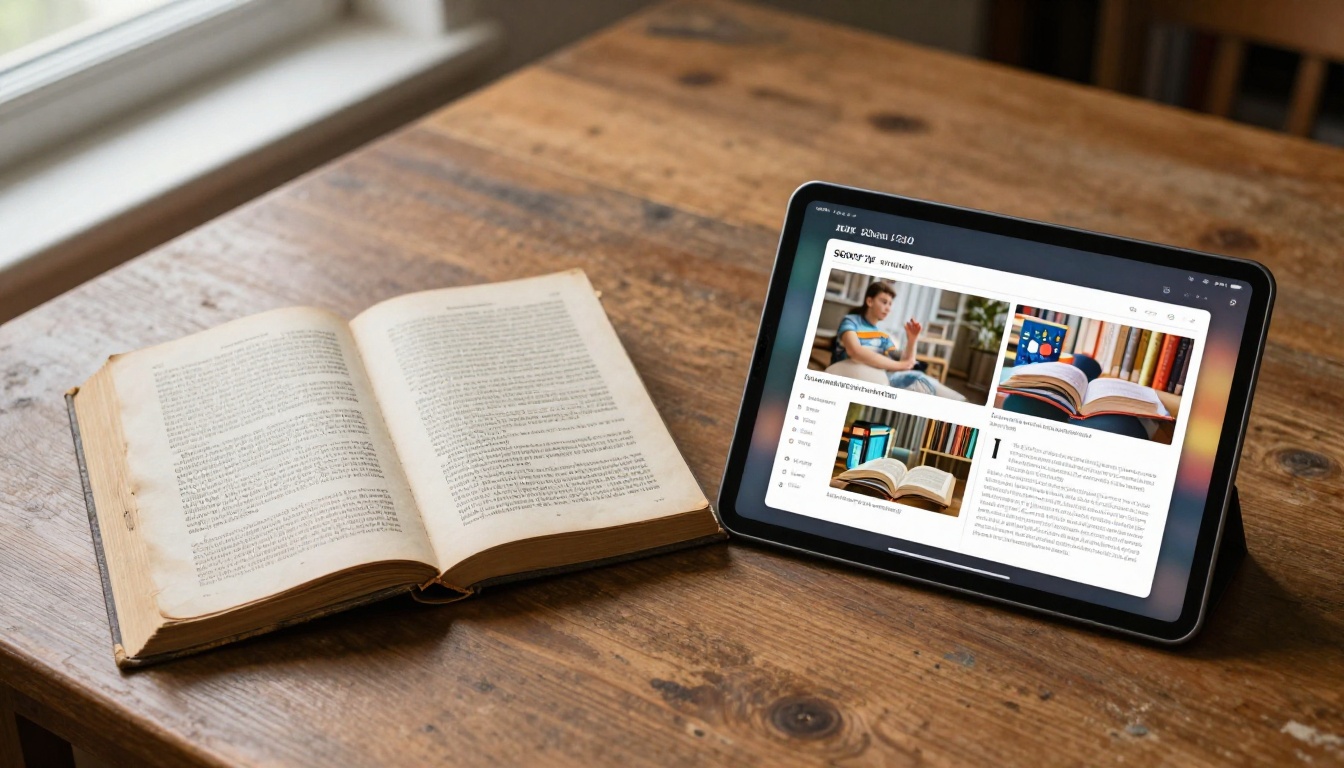
The comparison between printed textbooks and digital flipbooks is no longer theoretical. Schools that have made the transition report higher student content interaction, lower printing costs, and greater flexibility in updating materials mid-semester without reprinting entire packets.
Which Software Should You Choose?
For most educators and schools evaluating flipbook software in 2026, the decision comes down to three factors:
- Scale of deployment: Individual teacher or institution-wide rollout
- Need for analytics: Basic sharing or trackable per-page completion data
- Existing content format: Most schools work from PDFs, which all major platforms handle well
| Situation | Recommended Approach |
|---|
| Individual teacher, tight budget | Free plan, test with 2-3 real lessons |
| Department with shared content | Standard plan, centralize publishing |
| School with reporting requirements | Professional plan, use analytics dashboard |
| District-wide standardization | Enterprise plan, contact for custom pricing |
For individual teachers: Start free at flipbooksai.com/account and test the conversion workflow with two or three real lesson documents before committing to a paid tier.
For departments and schools: The Professional plan at Flipbooks AI delivers the analytics and multi-user capability that justifies institutional adoption.
For IT administrators: Review the full pricing comparison and request an enterprise quote for district-level deployments covering multiple schools.
The tools are available now. Students are already on screens. The only question is whether your educational content is meeting them there.
Ready to convert your first lesson? Start for free on Flipbooks AI and have a published flipbook in under 10 minutes. Browse the full education tools directory for templates built specifically for schools, teachers, and curriculum teams, and check pricing plans to find the right fit for your institution.



