Free doesn't have to mean limited. When it comes to digital publications, the gap between paid and free tools has narrowed dramatically, and the best free flipbook makers available right now can produce results that look completely professional. Whether you're a teacher converting a course handout, a small business owner sharing a catalog, or a freelancer building a portfolio, there's a tool that fits your workflow without costing anything upfront.
Flipbooks AI sits at the top of this space, offering a genuinely capable free tier that spans PDF conversion, embedding, and sharing. But it's not the only option worth knowing about. This article lays out everything you need to make the right call for what you're building today.
What Makes a Flipbook Maker Worth Your Time
The Flip Animation Has to Feel Real
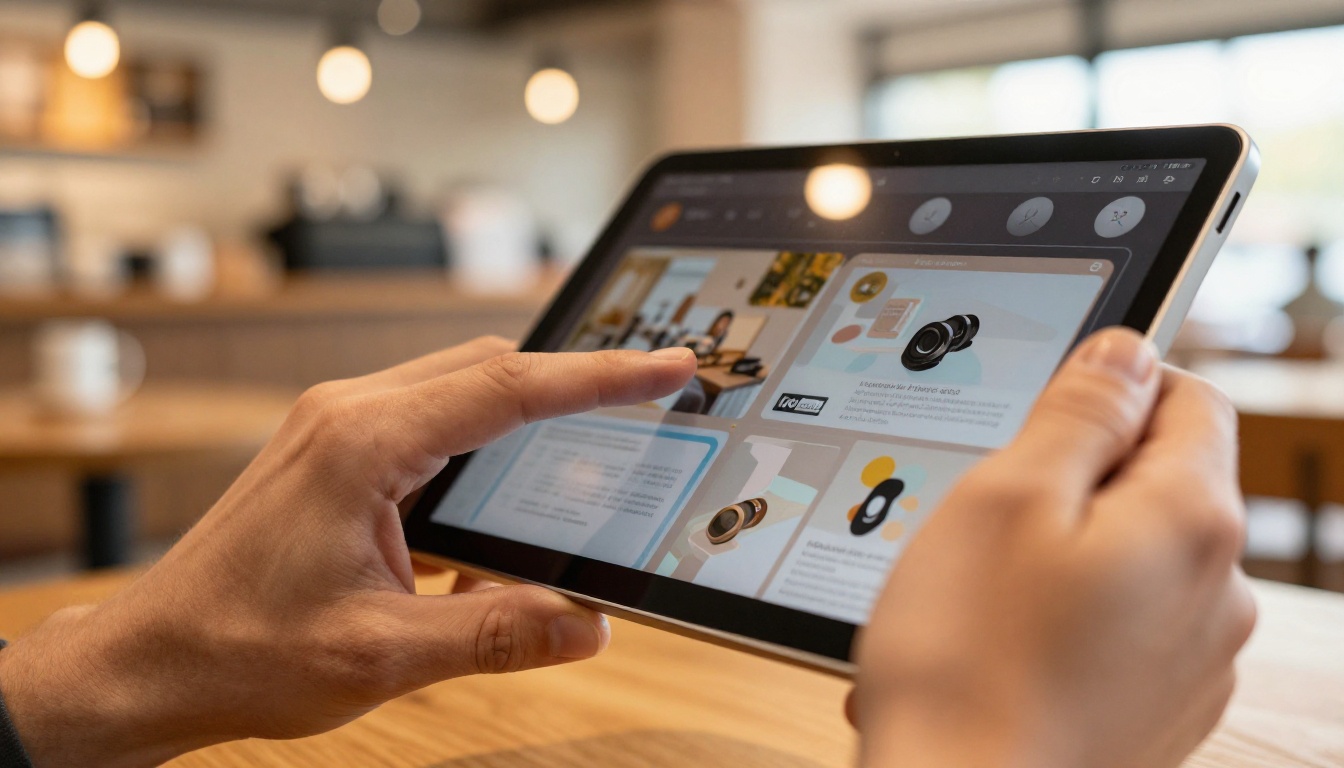
The whole point of a flipbook is the page-turning experience. If the animation is choppy, delayed, or feels like a slideshow with a transition effect tacked on, it defeats the purpose. A genuinely good flipbook maker uses smooth HTML5-based page-flip animations that respond naturally to swipes, drags, and clicks on any device.
The best platforms also handle this responsively, meaning the flipbook looks sharp on a desktop browser, a tablet, and a smartphone without requiring separate configurations.
Sharing Options Determine Real-World Usefulness
Generating the flipbook is only half the job. If you can't share it easily, the tool fails in practice. Look for:
- Direct link sharing (a short URL you can paste anywhere)
- Embed codes (drop into a website, CMS, or email campaign)
- Password protection (for internal or private content)
- Download options (so recipients can view offline)
Platforms that limit sharing behind a paywall add friction that kills the practical value of the free tier.
No Watermarks Equals Professional Results
A watermark stamped across every page makes free tools unusable for professional contexts. This is a dealbreaker for anyone presenting work to clients, sharing a menu with guests, or distributing a report to stakeholders. Flipbooks AI removes watermarks entirely, even on the free plan, which is a notable difference from many competitors.
Top Free Flipbook Makers Available Today
Flipbooks AI
Flipbooks AI is built specifically around the flipbook use case, which means the feature set is deep where it matters and not cluttered with tools you'll never use. The free tier is real, not a trial, and the paid plans are priced for individuals and small teams without enterprise-level commitments.
What you get on the free plan:
- PDF to flipbook conversion
- HTML5 page-flip animations
- Mobile-responsive output
- Direct link sharing
- No watermarks
The Standard plan unlocks unlimited flipbooks, custom branding, and embed codes. The Professional plan adds analytics, lead capture, offline downloads, and password protection, all accessible through flipbooksai.com/pricing.
The platform also has a full library of specialized tools spanning everything from restaurant menus to real estate brochures to digital portfolios.
Flipsnack
Flipsnack is a browser-based tool with a drag-and-drop editor. The free tier is quite limited, allowing only three publications with Flipsnack branding. It works well for basic use cases but requires an upgrade for anything client-facing.
Issuu
Issuu is better known as a publishing platform than a flipbook maker, but it includes page-flip functionality. The free tier limits publications and adds Issuu branding. It's best suited for content you want discovered publicly rather than private or business-specific content.
Yumpu
Yumpu focuses on magazine-style publications and has a functional free tier, though it places ads on free flipbooks. That's a significant limitation for professional use.
Canva
Canva's presentation and document features can approximate a flipbook but don't include actual page-turn animation. It's a design tool first, not a flipbook platform.

| Platform | Free Flipbooks | Watermark-Free | Embed Code | Page-Flip Animation | Mobile-Ready |
|---|
| Flipbooks AI | Yes | Yes | Standard+ | Yes (HTML5) | Yes |
| Flipsnack | 3 only | No | Paid | Yes | Yes |
| Issuu | Limited | No | Paid | Yes | Yes |
| Yumpu | Unlimited | No (ads) | Paid | Yes | Yes |
| Canva | Unlimited | Yes | Yes | No | Yes |
💡 If you need clean, watermark-free output that you can embed and share professionally, Flipbooks AI's free tier wins outright. Other platforms require paid plans to reach that standard.
Flipbooks AI Plan Feature Breakdown
| Feature | Free | Standard | Professional |
|---|
| PDF to flipbook conversion | Yes | Yes | Yes |
| No watermarks | Yes | Yes | Yes |
| Flipbooks allowed | Limited | Unlimited | Unlimited |
| Custom branding | No | Yes | Yes |
| Embed on website | No | Yes | Yes |
| Multimedia (video, audio) | No | Yes | Yes |
| Password protection | No | No | Yes |
| Analytics | No | No | Yes |
| Lead generation | No | No | Yes |
| Offline downloads | No | No | Yes |
Who Actually Needs a Free Flipbook Maker
Small Business Owners
A boutique shop, local restaurant, or independent service provider doesn't need enterprise software to share a product catalog or seasonal menu. A free flipbook maker lets a small business produce something that looks polished without hiring a designer. The Digital Catalog Maker and Menu Flipbook Designer tools on Flipbooks AI are built for exactly this use case.
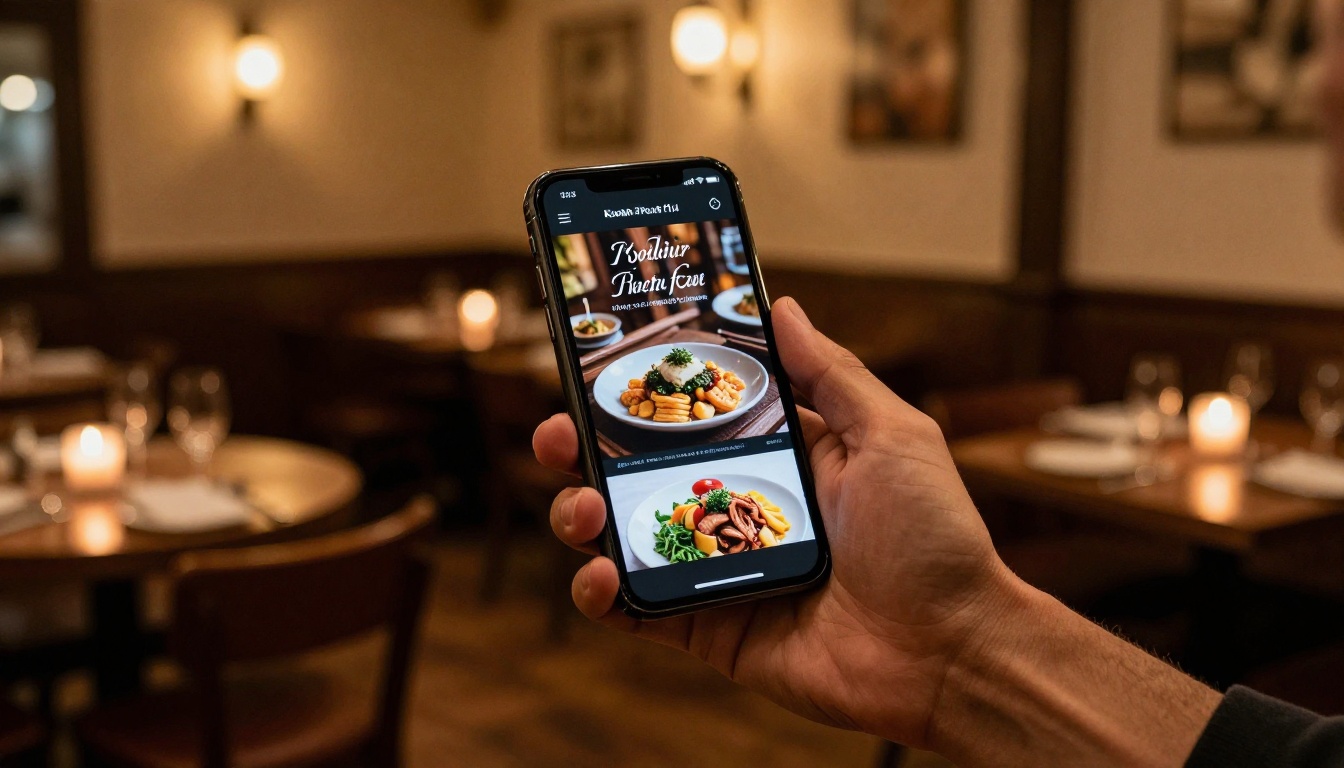
Real-world example: A restaurant updates its menu seasonally. Instead of reprinting paper menus at printing costs, the owner uploads a PDF each season and shares a link. Customers can flip through it on their phones before visiting.
Educators and Trainers
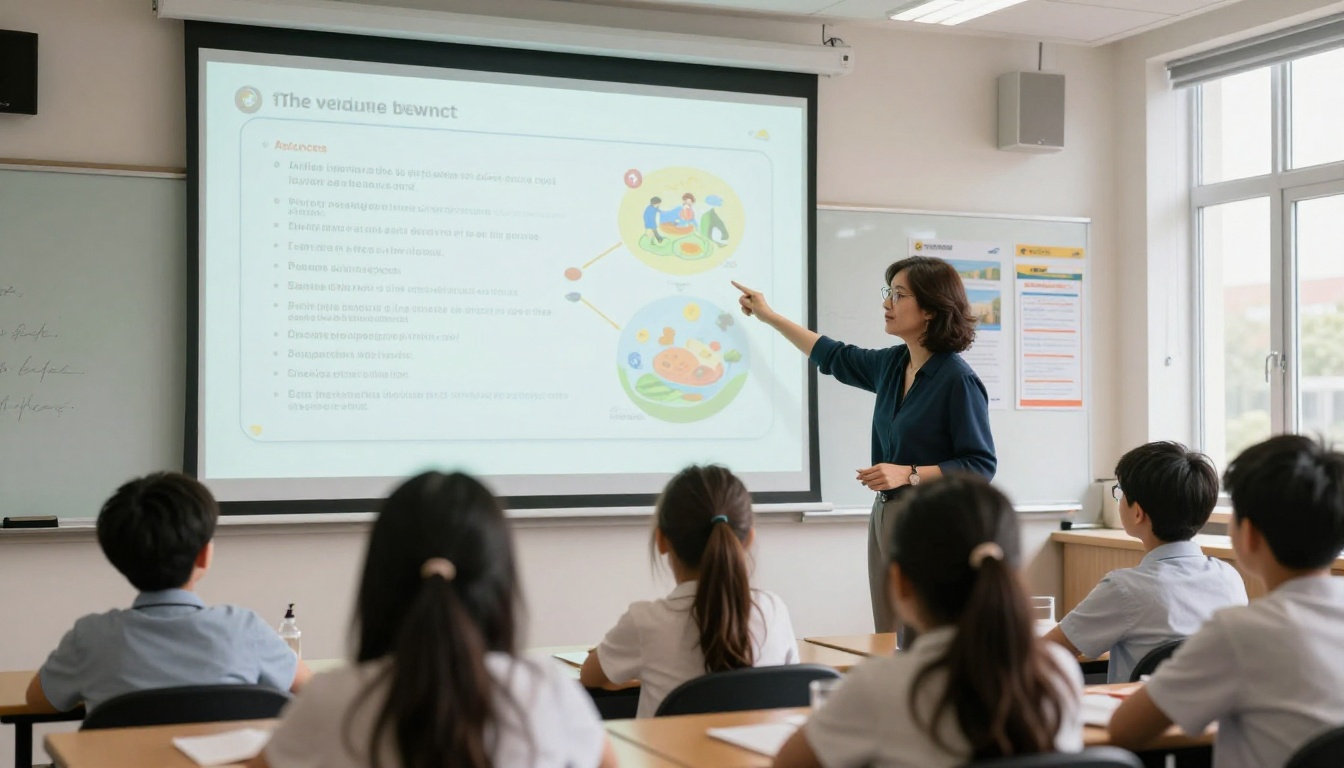
Teachers, professors, and corporate trainers work with PDFs constantly. Converting a course handout, training manual, or student newsletter into a flipbook makes the material more engaging without requiring any extra effort from the educator. The Training Manual Flipbook and Course Material Publisher tools handle this directly.
Students respond differently to interactive content than static PDFs. The page-turn animation alone increases perceived quality and encourages more thorough reading.
Creatives and Freelancers
A photographer or designer sharing their portfolio needs something that feels considered and intentional. A plain PDF link doesn't communicate that. A flipbook with smooth page turns, high-resolution images, and a clean viewing experience does. The Photography Portfolio Flipbook and Digital Portfolio Creator tools on Flipbooks AI are purpose-built for this.

Real Estate Professionals
Property listings with floor plans, neighborhood photos, and feature callouts benefit enormously from the flipbook format. Agents can share a branded brochure via link without printing anything. The Real Estate Brochure Creator on Flipbooks AI is tailored for exactly this workflow.
Real-world example: A real estate agent creates a 12-page property brochure in Canva, exports it as PDF, uploads it to Flipbooks AI, and shares the link in a WhatsApp message to prospective buyers within five minutes.
Marketing and Communications Teams
Marketing teams producing lookbooks, press kits, or event programs need output that matches brand standards. Flipbooks AI's Interactive Lookbook Designer and Press Kit Designer give teams a fast path from InDesign or Illustrator PDFs to shareable interactive publications.
How to Create a Flipbook for Free with Flipbooks AI
Creating your first flipbook takes less than five minutes.
Step 1: Create your account
Go to flipbooksai.com/account and sign up. No credit card needed for the free plan.
Step 2: Upload your PDF
Once logged in, hit the upload button and select your PDF. The platform accepts files from InDesign exports, Word documents saved as PDF, Canva downloads, and any standard PDF source. Conversion happens automatically and typically takes under 60 seconds for a 20-page document.
Step 3: Customize your flipbook
After conversion, you can:
- Adjust the flipbook title and metadata
- Choose page-flip animation style
- Set background color or texture
- Add your logo, brand colors, and custom domain (Standard plan and above)
Step 4: Share or embed
Your flipbook gets a direct sharing link immediately. With a Standard plan, you also get an embed code to drop into any website or CMS. Paste it into WordPress, Webflow, Squarespace, or any HTML block and the flipbook renders natively.
Step 5: Upgrade when you need more
If you need password protection for internal documents, analytics to track who's reading, or offline download capability for events, that's available through the Professional plan at flipbooksai.com/pricing.
✅ Best practice: Export your source document at 150-300 DPI before uploading. This gives you sharp images in the flipbook without files so large they slow down loading. For photography-heavy content, 300 DPI is worth the extra file size.
What Free Plans Usually Don't Include
Being clear-eyed about free tier limitations saves frustration later. Here's what most free plans, including Flipbooks AI's, either limit or exclude:
| Limitation | Most Platforms | Flipbooks AI Free |
|---|
| Watermarks | Yes | No watermarks |
| Number of flipbooks | 1-5 | Limited number |
| Embed codes | No | No (Standard+) |
| Custom branding | No | No (Standard+) |
| Analytics | No | No (Professional) |
| Password protection | No | No (Professional) |
| Offline downloads | No | No (Professional) |
⚠️ Some platforms advertise "free forever" but apply watermarks or ads to all published content. That makes them unusable for professional or client-facing contexts. Always test with a real document before committing your workflow to a platform.
Not all content converts equally well. These formats produce the best results when converted to a flipbook:
High performers:
- Product catalogs and lookbooks
- Menus (restaurant, spa, event)
- Brochures and one-pagers
- Annual reports and whitepapers
- Photography portfolios
- Training materials and course packs
- Magazines and newsletters
Lower performers:
- Documents with heavy text blocks and minimal visuals (better as PDFs)
- Presentation decks with complex animations (static pages in a flipbook)
- Forms requiring user input (flipbooks are viewing experiences, not form tools)
Flipbooks AI has purpose-built tools for most of the high-performing formats. The E-Magazine Publishing Tool, Newsletter Flipbook Publisher, and Annual Report Creator each optimize for their specific content type.

Flipbooks AI maintains a growing library of use-case-specific tools at flipbooksai.com/tools. A few worth noting:
For businesses:
For education:
For creatives:

The free tier on most platforms is either genuinely useful or genuinely limited. There's rarely a middle ground. Platforms that watermark everything or cap you at two publications are effectively free trials, not free tools.
Flipbooks AI stands out because the free tier is functional for basic publishing workflows without forcing you to confront limitations on day one. When you're ready to publish without restrictions, embed on your site, add branding, or track reader behavior, the upgrade path is clear and reasonably priced.
For someone who needs to publish one or two flipbooks occasionally, free is fine. For anyone building this into a regular workflow, whether for a business, a team, or ongoing client work, the Standard plan removes the constraints worth caring about.
The PDF to Flipbook Converter and Embed Flipbook on Website tools are the two most-used entry points. Both are accessible from the free tier, and both take under five minutes from upload to shareable link.
Start Publishing Today
The best flipbook maker is the one you'll actually use. If you've been sharing static PDFs when your content deserves better, today is the right time to change that.
Ready to create your first flipbook? Get started for free on Flipbooks AI and convert your first PDF in minutes. Browse all available flipbook tools to find the right template for your content type. When you're ready to publish without limits, compare pricing plans to pick the tier that fits your workflow.



