If you've been searching for the best free flipbook software in 2026, you're not alone. Whether you're a small business owner who wants to turn a product catalog into an interactive digital experience, a teacher building engaging classroom materials, or a marketer who needs to share a polished brochure without printing costs, the right flipbook tool changes how your content gets consumed. Flipbooks AI is one of the strongest options on the market right now, but it's not the only one worth looking at. This article breaks down the top free tools, what they actually offer on free plans, and how to pick the right one for your situation.
What Makes Flipbook Software Worth Using
Before comparing tools, it helps to know what separates a good flipbook platform from a mediocre one. Page-flip effects are the obvious selling point, but the real value comes from what happens around those effects.
Core Features That Actually Matter
The best flipbook software gives you more than just a visual trick. Here's what to look for:
- PDF conversion speed: How fast does a 50-page PDF become a flipbook?
- Embedding options: Can you drop it onto your website or share a direct link?
- Mobile responsiveness: Does it work cleanly on phones and tablets?
- Customization: Can you add your logo, change colors, or remove branding?
- Sharing controls: Password protection, private links, or public publishing?
- Analytics: Do you know who opened it and how long they stayed?
On free plans, most platforms cut corners somewhere. The question is where.
Free vs. Paid: What You Actually Get
Free flipbook tools tend to follow a predictable pattern: they let you create flipbooks, but they either add their own branding, cap the number of publications you can make, or lock away features like password protection and analytics behind a paywall.
⚠️ Most free plans include a watermark or platform logo on your flipbook. If you're publishing anything client-facing, check the branding terms before committing.
The good news is that some platforms, including Flipbooks AI, offer remarkably capable free tiers, and their paid plans are priced fairly for what they deliver.

Here's a direct look at the platforms worth your attention this year.
Flipbooks AI
Flipbooks AI is built specifically for people who need clean, professional digital publications without a steep setup process. The platform converts PDFs into HTML5 flipbooks in seconds, supports custom branding, and works across all devices without requiring Flash or any plugins.
What sets it apart is the tooling depth. There are dedicated creators for specific content types: the Product Catalog, Fashion Catalog, Real Estate Brochure, Interactive E-Book Publisher, and dozens more. Each one is purpose-built for its use case rather than being a generic upload-and-publish tool.
The free plan includes enough to get started, and upgrading to Standard removes all limits.
Flipsnack
Flipsnack is one of the older names in this space. It offers a drag-and-drop editor alongside PDF upload, which gives designers more control over layout. The free tier allows a limited number of publications with Flipsnack branding. It's a solid option for personal projects but gets expensive for teams.
Publuu
Publuu focuses on business use cases, especially sales and marketing materials. Their free plan is limited to one flipbook, which makes it mostly useful for testing the platform before committing. The paid plans add analytics and lead capture, which are genuinely useful for sales teams.
Issuu
Issuu has been around for years and has a large publisher community built around it. The free plan lets you publish flipbooks with Issuu branding and limited customization. It's better suited to editorial content and digital magazines than to product catalogs or business brochures.
Heyzine
Heyzine is a lightweight option that's fast and easy to use. The free plan includes a small number of flipbooks with watermarks. It doesn't offer the breadth of tools that platforms like Flipbooks AI provide, but it works well for simple documents.

Feature-by-Feature Comparison
Here's a direct comparison of what each platform offers on its free plan:
| Feature | Flipbooks AI | Flipsnack | Publuu | Issuu | Heyzine |
|---|
| Free flipbooks | Multiple | 1-3 | 1 | Unlimited* | 3 |
| Watermark on free | No (standard+) | Yes | Yes | Yes | Yes |
| Custom domain | Paid | Paid | Paid | Paid | Paid |
| Password protection | Paid | Paid | Paid | Paid | Paid |
| Analytics | Paid (Pro) | Paid | Paid | Paid | Paid |
| Mobile responsive | Yes | Yes | Yes | Yes | Yes |
| Embed on website | Yes | Yes | Yes | Yes | Yes |
| Dedicated tool types | Yes (30+) | No | No | No | No |
| Offline downloads | Paid | Paid | Paid | Paid | No |
*Issuu free plan limits views per month.
💡 If having no watermark on published content matters to you, Flipbooks AI is one of the few platforms where you can get a clean, branded flipbook without paying premium rates.
Pricing Comparison Across Plans
| Platform | Free | Starter/Basic | Pro/Standard |
|---|
| Flipbooks AI | Free | ~$9/mo | ~$19/mo |
| Flipsnack | Free | $14/mo | $35/mo |
| Publuu | Free | $19/mo | $49/mo |
| Issuu | Free | $19/mo | $59/mo |
| Heyzine | Free | $8/mo | $18/mo |
Prices reflect approximate monthly billing as of early 2026. Always verify current pricing on each platform's site.
The right platform depends on what you're actually building. Here's how each one maps to real-world scenarios.
For Small Businesses
If you're running a retail shop, restaurant, or service business, you need flipbooks that look professional and are easy to share with customers. A cluttered interface or visible platform watermark can undercut the impression you're trying to make.
Flipbooks AI is the strongest choice here. The Restaurant Menu Creator, Digital Catalog Maker, and Automotive Brochure tools are built around common business scenarios. A restaurant can use the menu tool to publish a mobile-optimized menu that customers open on their phones at the table. A boutique can use the catalog creator to share seasonal collections via email or social media.
✅ For businesses, the ability to embed a flipbook directly on your website without third-party watermarks is worth paying for. Check pricing plans to see what fits your budget.
For Educators
Teachers and trainers need content that's easy to distribute and engaging enough to hold attention. Interactive flipbooks that work on tablets and phones are a natural fit for classroom handouts, course materials, and student newsletters.
The Course Material Publisher, Training Manual Flipbook, and School Newsletter Creator on Flipbooks AI are purpose-built for this. Issuu also works for educational publishers who need wider distribution, but its free tier is more restrictive on views.

For Creatives and Designers
Portfolios, lookbooks, and photography collections need to look impressive and load fast. A clunky PDF viewer does the work no favors.
For creatives, the Digital Portfolio Creator, Photography Portfolio, and Interactive Lookbook Designer on Flipbooks AI are the right tools. Flipsnack's drag-and-drop editor is also worth a look if you want to design from scratch rather than uploading a PDF.
How to Create a Flipbook for Free on Flipbooks AI
Flipbooks AI is relevant here because it offers one of the most capable free tiers available and backs it up with a genuinely useful set of tools. Here's how to get a flipbook published in under ten minutes.
Step 1: Create Your Account
Go to flipbooksai.com and sign up for a free account. No credit card required to start.
Step 2: Upload Your PDF
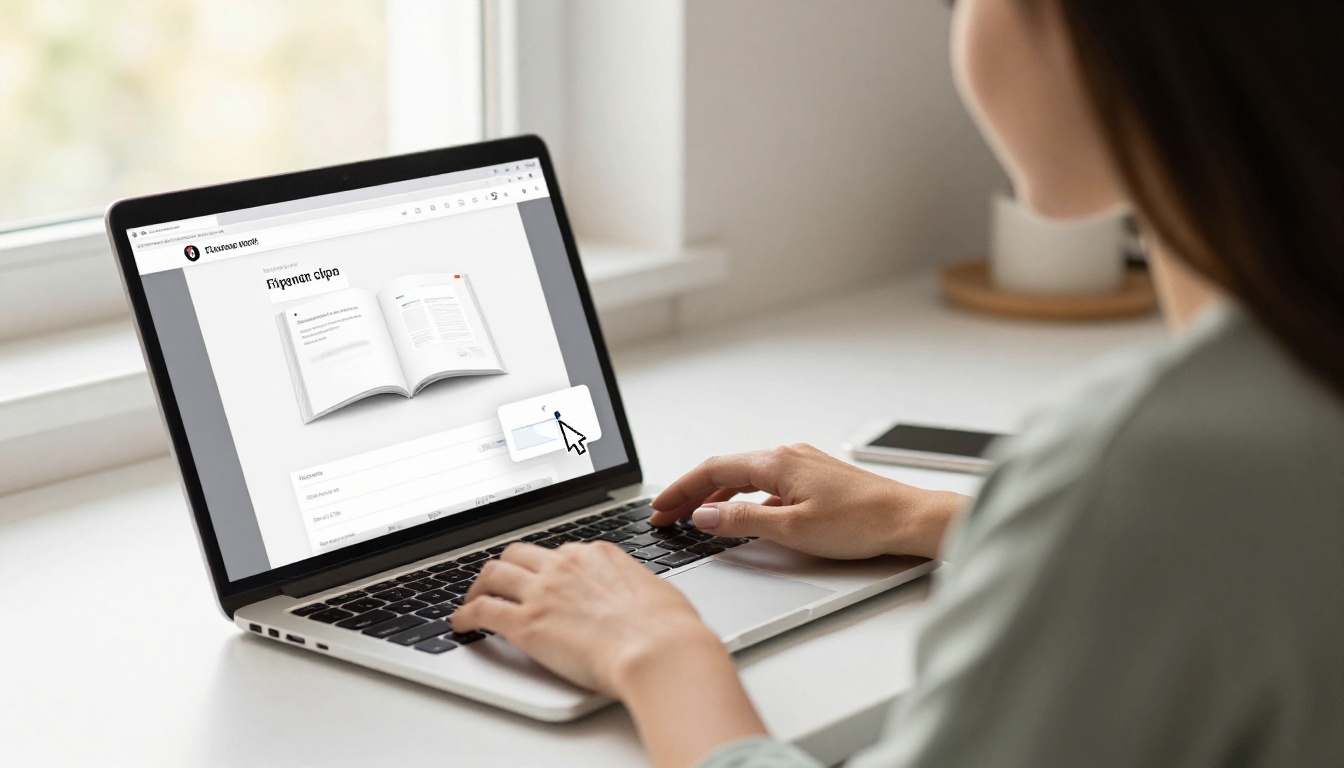
From your dashboard, click the upload button and select your PDF file. The platform converts it automatically. Most PDFs are ready in under 30 seconds. You can also use the PDF to Flipbook Converter tool directly for a focused experience.
Step 3: Customize Your Flipbook
Once uploaded, you can:
- Add your logo and brand colors to match your visual identity
- Set a custom background for the viewer interface
- Enable page effects like realistic paper curl and flip sounds
- Add multimedia by embedding videos and audio tracks directly into pages
- Choose your thumbnail for the public-facing share page
💡 If you're building something for a client or employer, take ten minutes on branding. A flipbook with your colors and logo reads as professional. A generic-looking one doesn't.
Step 4: Share and Embed
After customization, you get three sharing options:
- Direct link: A clean URL you can send via email or share on social media
- Embed code: A snippet you paste into your website HTML, using the Embed Flipbook on Website tool
- Password protection: Available on paid plans, locks the flipbook behind a password for private distribution
For public content, the direct link and embed code are available on all plans. Password protection is a Standard plan feature and above.
Step 5: Track Performance
On the Professional plan, Flipbooks AI gives you per-flipbook analytics: views, time spent on each page, and where your readers are coming from. The lead generation feature lets you add a form inside the flipbook itself, so readers can opt in directly from the publication. This is genuinely useful for sales teams and marketing departments.

Pricing Breakdown: When Free Isn't Enough
Free plans work well for personal use and low-volume publishing. When you start publishing regularly for clients, customers, or teams, you'll hit the limits quickly.
Here's when it makes sense to upgrade:
| Scenario | Free Plan Works? | Recommended Plan |
|---|
| Personal portfolio (1-2 flipbooks) | Yes | Free |
| Small business catalog (monthly updates) | Partially | Standard |
| Agency creating client flipbooks | No | Standard or Pro |
| Sales team with lead capture needs | No | Professional |
| Teacher distributing class materials | Yes | Free or Standard |
| E-commerce with seasonal catalogs | Partially | Standard |
For most small businesses and individual professionals, the Standard plan on Flipbooks AI is the practical sweet spot. It removes limits on flipbook count, removes watermarks, and adds password protection and offline downloads.
✅ The Standard plan is one of the most affordable watermark-free options across the entire market. Compare it at flipbooksai.com/pricing.

Most free flipbook tools are genuinely free in the same way trial software is free: functional enough to show you the value, limited enough to push you toward paying.
The tools that stand out on free tiers do so because they offer enough real utility to justify using them even without paying. Flipbooks AI lands in that category. You can create multiple flipbooks, embed them on a site, share direct links, and access a library of specialized tools without touching your wallet.
If you publish content regularly and value your brand's appearance, upgrading makes sense. If you're experimenting or publishing occasionally for personal use, the free tier holds up well.
The bottom line: for anyone serious about digital publishing in 2026, free flipbook software is a real option, not just a demo. The tools exist. The question is which one fits how you actually work.
Ready to start? Create your first flipbook free on Flipbooks AI, or compare plans to see where you want to land.



