Free flipbook software has a dirty secret: most platforms that advertise "free" are built around making you pay eventually. Whether it's a watermark stamped across every page, a 5-flipbook cap you'll hit in week two, or a bandwidth limit that kicks in the moment you share your content widely, "free" often comes with an asterisk the size of your subscription invoice.
This article cuts through that noise. You'll find a clear breakdown of which flipbook tools actually deliver on the free promise, what hidden limitations are buried in the fine print, and how to create professional digital publications without a surprise charge showing up at the end of the month. Flipbooks AI is a strong starting point for anyone serious about publishing without those hidden catches.
What "Free" Actually Means in Flipbook Software
Not all free tiers are the same. Some tools give you a genuinely usable free plan with enough features to publish real content. Others use the free tier as a demo room designed to frustrate you into upgrading.
The Watermark Problem
The most common "free" catch is the watermark. Some platforms brand every page or cover of your flipbook with their own logo, effectively turning your professional publication into an advertisement for their product. This is particularly damaging for businesses using flipbooks for client-facing materials: sales decks, product catalogs, and proposals.
⚠️ A watermarked flipbook signals unprofessionalism. If you're sharing content with clients or customers, watermarks can actively undermine credibility.
Storage Limits and Page Caps
Many free tiers restrict how many flipbooks you can host or how many pages each one can contain. A tool that caps you at 3 flipbooks or 15 pages per publication isn't truly free for professional use. You'll hit those walls fast.
The Upsell Timeline
Some platforms offer a generous free trial disguised as a permanent free tier. Features work fine for 14 to 30 days, then quietly disappear unless you subscribe. Always check whether the free plan is time-limited or genuinely ongoing.
💡 Before committing to any tool, test its free plan for at least two full weeks and attempt to share a flipbook publicly. The limitations become obvious fast.
Here's a direct comparison of the most popular flipbook platforms and what their free tiers actually provide.

| Platform | Watermark on Free | Page Limit | Flipbook Limit | Free Hosting | Custom Branding |
|---|
| Flipbooks AI | None | Unlimited | Unlimited (Standard+) | Yes | Yes |
| FlipHTML5 | Yes | 300 pages | 3 flipbooks | Yes | No |
| Issuu | Yes (platform branding) | Unlimited | 1 publication | Limited | No |
| Flipsnack | Yes | 30 pages | 3 flipbooks | Yes | No |
| Heyzine | None | Unlimited | 3 flipbooks | Yes | Limited |
| Publuu | Yes | 300 pages | 1 flipbook | Yes | No |
Data reflects publicly available free tier details as of early 2026. Always verify current terms with each platform.
✅ The cleanest free options for professional use are those that skip the watermark entirely and provide hosted sharing links without forced branding.
What "No Hidden Fees" Actually Requires
A truly transparent flipbook tool will show you exactly what's included in the free tier, which features require a paid plan, and clear per-plan pricing on a public page with no automatic trial-to-paid conversions.
Flipbooks AI publishes all plan details upfront at flipbooksai.com/pricing with no ambiguity about what's included at each tier.
Top Free Flipbook Software Worth Your Time
Flipbooks AI: Best Overall for Zero Watermark

Flipbooks AI stands out because it removes the watermark entirely even at lower plan tiers, making it viable for actual professional use from day one. The platform converts PDFs into HTML5 flipbooks with realistic page-turn animations and hosts them instantly with a shareable link.
What makes it particularly practical is the range of specialized tools available for different use cases. Rather than one generic editor, you get purpose-built creators for catalogs, menus, brochures, portfolios, and more, each optimized for that specific content type.
Key strengths:
- No watermarks, ever on any plan
- Unlimited flipbooks on Standard plan and above
- Mobile-responsive by default on all devices
- Password protection for private content
- Embed codes for website integration
- Custom branding options across colors, logos, and layouts
- Analytics and lead generation on Professional plan
FlipHTML5
FlipHTML5 is one of the older platforms in this space with a solid feature set, but the free tier carries their watermark and limits you to 3 flipbooks. It's a workable option for personal projects where branding doesn't matter, but not suitable for business use on the free plan.
Issuu
Issuu positions itself as a digital magazine platform. The free tier allows one publication but keeps Issuu branding visible throughout. For editorial or personal content this can work, but for business or client-facing materials the branded experience is a real limitation.
Heyzine
Heyzine offers a clean free tier with no watermark and unlimited pages per flipbook, though you're capped at 3 flipbooks total. If you need just a couple of permanent publications and don't require analytics or password protection, it's a solid entry point.
Flipsnack
Flipsnack has an intuitive interface and a good template library, but the free tier is quite restricted: 30 pages per flipbook and 3 flipbooks maximum, with their branding attached. The paid plans are more competitive but the free experience feels limited by design.
How to Create a Free Flipbook on Flipbooks AI
Since Flipbooks AI offers the strongest free experience in the comparison above, here's exactly how to publish your first flipbook on the platform.

1. Create Your Account
Go to flipbooksai.com/account and sign up. No credit card required. The process takes under two minutes. You're immediately placed in the dashboard where your flipbooks will live.
2. Upload Your PDF
Use the PDF to Flipbook Converter to import your source file. Drag your PDF into the upload area or browse from your device. The platform processes the file and generates your flipbook with page-turn animations automatically. Large files with many pages are supported.
3. Customize Your Flipbook
Once uploaded, open the editor to configure:
- Colors and branding: Match your brand palette and add your logo
- Page effects: Choose flip speed, animation style, and transition type
- Background: Set a solid color, gradient, or image behind the pages
- Multimedia embeds: Add video or audio clips directly into pages
- Table of contents: Auto-generate or manually define for easy navigation
4. Set Privacy and Sharing Options
Before publishing, decide who can see your flipbook:
- Public link: Anyone with the URL can view
- Password protection: Add a password for private client documents or internal use
- Embed code: Copy the snippet to embed the flipbook on your website
5. Publish and Share
Hit publish. Your flipbook is instantly live at a hosted URL you can copy and share via email, social media, or any messaging platform. No additional setup required.
💡 The Digital Catalog Maker is particularly useful if your PDF is a product catalog. It adds catalog-specific navigation and presentation features automatically.
Use Cases That Work Well on a Free Plan

Product Catalogs for Small Shops
A small retail business with a 20-page product catalog doesn't need analytics or lead generation on day one. Publishing a clean, professional catalog flipbook with a shareable link to send customers is absolutely achievable on a free plan. The Product Catalog Generator handles the formatting automatically.
Restaurant Menus
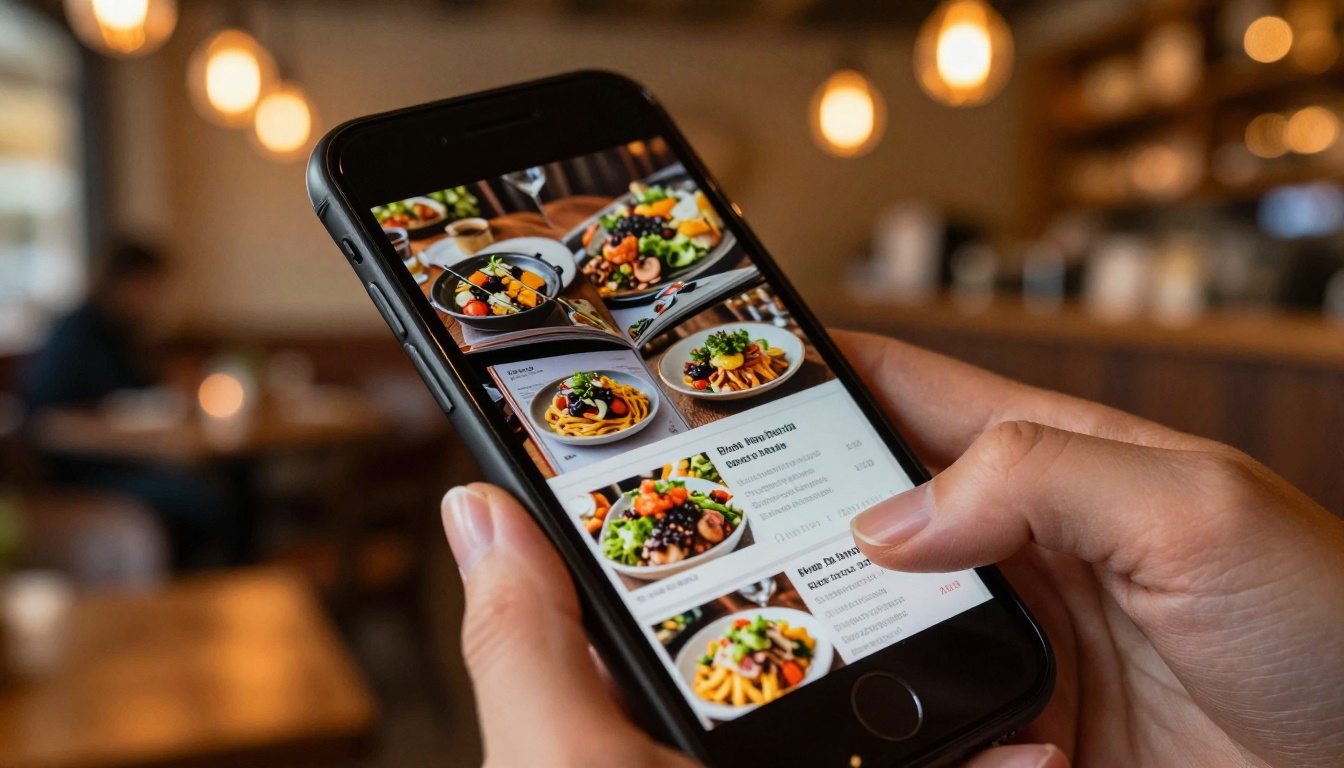
Physical menus are expensive to print and update. A digital flipbook menu shared via QR code at each table costs nothing to distribute and can be updated by simply re-uploading the PDF. The Restaurant Menu Creator is built specifically for this use case.
Educational Materials
Teachers and course creators can distribute reading materials, workbooks, and training guides as flipbooks without any per-student costs. The Course Material Publisher and Training Manual Flipbook tools make this straightforward.

Event Programs
Conference programs, wedding event schedules, and community event materials all work perfectly as flipbooks. They're typically short, one-time publications that don't require ongoing analytics. The Event Program Maker is purpose-built for exactly this type of content.
Real Estate Brochures
Real estate agents regularly create property brochures for listings. A digital version sent via email or embedded on a listing page is far more engaging than a static PDF attachment. The Real Estate Brochure Creator handles property-specific layouts and image-heavy formats cleanly.
When to Upgrade from Free

Signs You've Outgrown the Free Tier
You'll know it's time to look at paid plans when:
- You need to know how many people are reading your flipbooks
- Your flipbook count is growing and you're bumping up against limits
- You need to capture leads directly through the flipbook interface
- You want offline download capability for readers without internet access
- Password protection for confidential client materials becomes essential
- You need a custom domain for white-label publishing
What You Get with Paid Plans
| Feature | Free | Standard | Professional |
|---|
| Watermarks | None | None | None |
| Flipbook Count | Limited | Unlimited | Unlimited |
| Custom Branding | Limited | Full | Full |
| Password Protection | No | Yes | Yes |
| Analytics | No | Basic | Advanced |
| Lead Generation | No | No | Yes |
| Offline Downloads | No | No | Yes |
| Video/Audio Embeds | No | Yes | Yes |
| Custom Domain | No | No | Yes |
💡 Professional plan features like analytics and lead generation are particularly valuable for sales teams using flipbooks as part of a marketing funnel. Explore pricing plans to see the full feature breakdown.
One area where platforms genuinely differ is the availability of specialized tools for specific content types. A generic PDF converter gets the job done, but a purpose-built catalog creator or menu designer adds real value in layout quality and presentation.
Specialized tools handle things generic converters miss: table of contents auto-generation for e-books, price formatting for catalogs, section navigation for annual reports. That's a tangible difference in output quality for zero extra cost when using a platform that includes them.
What Real Users Get Wrong About Free Plans
Free Doesn't Mean Feature-Less
The biggest misconception is that free flipbook tools are inherently basic or unusable. That's not true. A platform like Flipbooks AI offers enough functionality on lower tiers to publish professional-quality digital content with real page-turn animations, mobile responsiveness, and hosted sharing, without paying anything upfront.
The True Cost of Watermarks
A watermark-free experience is worth more than it sounds. Consider that your flipbook might be viewed by hundreds of potential customers or clients. Every one of them sees the watermark. That's unpaid advertising for the platform using your own content as the vehicle.
⚠️ If a "free" tool adds its logo to your work, you're actually paying with your audience's attention. That's not free.
Bandwidth and Hosting Traps
Some platforms offer unlimited uploads but charge overage fees once your flipbooks receive too many views. This is one of the more insidious hidden fees because it only appears after you've already committed to the platform and built an audience. Always check the terms for bandwidth caps or viewer limits before going live with high-traffic content.

Desktop Software vs. Browser-Based Tools
Desktop software and browser-based tools work very differently in terms of hidden costs. Desktop tools often have a one-time purchase price but charge for updates or cloud hosting separately. Browser-based tools have ongoing subscription models but no hardware dependency. For most users, browser-based platforms are cheaper and easier over a 1-2 year horizon because hosting, updates, and sharing are all bundled together with no extra invoices.
Start Publishing Without Paying a Cent

The best free flipbook software is the one that doesn't make you feel the absence of a paid plan. No watermarks, no arbitrary page limits, no subscription countdowns ticking in the background. That's the standard worth holding every platform to.
For most users, Flipbooks AI hits that standard more consistently than the competition. The free entry point is genuinely usable, the specialized tools add real value, and when you're ready to scale, the paid plans are transparent with no surprise charges.
Ready to publish your first flipbook? Create a free account and have your PDF live as an interactive flipbook in under five minutes.
Browse all flipbook tools to find the right creator for your content type, from catalogs and menus to portfolios and annual reports.
When your needs grow, compare pricing plans to pick the tier that fits without overpaying for features you don't need.



