Free flipbook tools have come a long way since the days of expensive desktop software. What once required a paid license and a powerful computer now runs entirely in your browser, and several solid options are available at zero cost in 2026. Whether you're building a digital catalog, publishing a school newsletter, or sharing a photography portfolio, the right platform can make your content feel polished and professional without spending a cent. Flipbooks AI sits at the top of this list for several compelling reasons, but understanding what each platform actually offers helps you make the right call for your specific needs.
The demand for interactive digital content has accelerated. Static PDFs get ignored. Flipbooks with page-turn animations, embedded media, and mobile-responsive layouts get read and shared. Picking the right free tool now can save hours of frustration later.
Not all free plans are equal. Some cap your publications at three flipbooks. Others apply a watermark on every page. A few restrict output to low resolution. Before comparing tools side by side, it's worth being clear about what actually separates a useful free tool from a frustrating one.
Page-Flip Quality
The core feature is the page-turn animation. Look for smooth HTML5 rendering that works on mobile without lag or broken layouts. Tools that still rely on outdated rendering methods are worth skipping in 2026 regardless of how generous their free tier appears.
Upload Limits and File Size
Free plans often cap file size between 10 and 100 MB and restrict page counts. If you're converting a detailed product catalog or multi-page training manual, you'll hit those ceilings quickly. Always verify the limits before starting your workflow.
Watermarks and Branding
This is the most significant dividing line between free and paid tiers. Most tools add a visible watermark on free accounts. Flipbooks AI is one of the few platforms that does not add watermarks on any plan, which is a real differentiator for professional use.
💡 Pro tip: Always test a free plan with your actual content before committing. A tool that handles short brochures well may struggle with a 150-page catalog.
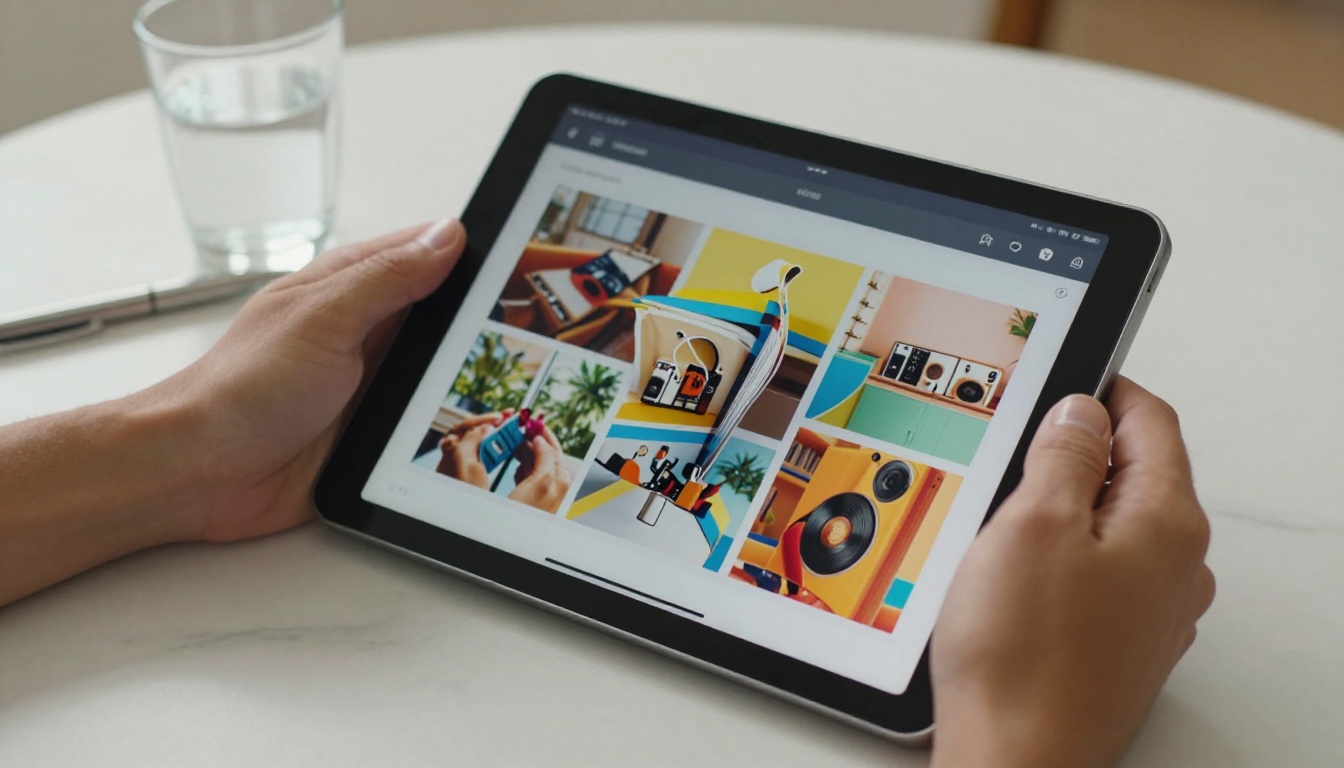
Here's a direct side-by-side comparison of the top free flipbook platforms right now. Each has been evaluated on free plan limits, output quality, and practical usability.
| Tool | Free Flipbooks | Watermark | Upload Limit | Mobile-Ready |
|---|
| Flipbooks AI | Unlimited* | None | 100 MB | Yes |
| Flipsnack | 3 | Yes | 100 MB | Yes |
| Publuu | 1 | Yes | 10 MB | Yes |
| Heyzine | 3 | Yes | 50 MB | Yes |
| Issuu | Unlimited | Yes (ads) | 100 MB | Yes |
| FlipHTML5 | Unlimited | Yes | 50 MB | Yes |
*Standard plan and above for unlimited flipbooks
⚠️ Note: Watermarks on competitor free plans are typically prominent and cannot be removed without upgrading. For client-facing materials, this matters.
Flipbooks AI
Flipbooks AI offers the most competitive free entry point among all major platforms. The no-watermark policy is the first thing that stands out, but the depth of the tool catalog is what makes it a long-term choice rather than just a starting point.
The platform covers an unusually wide range of content types. There's a dedicated PDF to Flipbook Converter for direct conversions, along with specialized tools for product catalogs, restaurant menus, real estate brochures, and digital portfolios. Each tool ships with settings and templates already optimized for that content type.
Strengths:
- No watermarks on any plan
- Mobile-responsive output by default
- Password protection for private content
- Embed video and audio into pages
- Offline download support
- Analytics and lead generation on Professional plan
Who it's for: Anyone who needs clean, professional output from day one, whether for business, education, or creative publishing.
Flipsnack
Flipsnack is a well-established platform with a polished drag-and-drop editor. The free plan limits you to three flipbooks, which works for testing but not for ongoing content production. Watermarks are visible on all free publications and only removed at the Starter paid tier.
Strengths: One of the best design editors in the category for building flipbooks from scratch rather than just converting PDFs. Template variety is strong.
Limitation: The three-flipbook cap becomes a bottleneck quickly for anyone managing multiple campaigns or client projects.
Publuu
Publuu leans into analytics and reader tracking as its main selling point. The free plan is the most restrictive here: one flipbook at a 10 MB limit. That said, the flipbook viewer is visually impressive, and the paid plans offer some of the most detailed reader analytics available.
Best for: Teams that want to preview analytics-driven publishing before committing to a subscription.
Heyzine
Heyzine sits in the middle ground. Three flipbooks on the free plan, a 50 MB upload limit, and watermarks on outputs. The interface is clean and the conversion process is fast, which makes it a popular first stop for users new to flipbook software.
💡 Pro tip: Heyzine works well for a quick personal project. For anything sent to clients or published under your brand, the watermark on free outputs is a problem worth solving before you share.

Issuu
Issuu is one of the oldest digital publishing platforms in the space. The free tier allows unlimited publications, which sounds generous. In practice, every free publication carries Issuu branding and ad placements. The platform has shifted strongly toward a subscription model, and the free experience reflects that trade-off clearly.
Where it stands out: Issuu maintains a built-in discovery network. If organic audience growth within the platform matters to you, the exposure has real value.
FlipHTML5
FlipHTML5 is feature-rich for a free tool. Unlimited flipbooks, HTML5 output, and basic customization are all available at no cost. The 50 MB file limit and watermarks remain, but a desktop app is available alongside the web version for users who prefer offline editing.
Best for: Users who want desktop software capabilities without an upfront investment.
Feature Breakdown by Use Case
Different content types have different requirements. This table maps common use cases to the platforms best suited for them.
| Use Case | Best Tool | Why |
|---|
| Business product catalogs | Flipbooks AI | No watermark, dedicated catalog tools |
| Restaurant and spa menus | Flipbooks AI | Purpose-built menu creators |
| Real estate brochures | Flipbooks AI | Property-specific templates |
| Fashion lookbooks | Flipbooks AI | Interactive lookbook designer |
| Creative portfolios | Flipbooks AI / Issuu | Clean output or audience reach |
| Training manuals | FlipHTML5 | Unlimited flipbooks, offline capable |
| Analytics-focused campaigns | Publuu | Reader tracking features |
| Design-heavy original content | Flipsnack | Drag-and-drop editor |

Free vs Paid Plans: The Real Difference
Here's a clear picture of what free plans cover and where they stop across the major platforms.
| Feature | Free Tier | Paid Tier |
|---|
| Watermark-free output | Flipbooks AI only | All platforms |
| Custom domain | Rare | Most platforms |
| Password protection | Flipbooks AI | Most paid plans |
| Full analytics | None | Available on paid |
| Offline download | Flipbooks AI | Most paid plans |
| Lead generation forms | None | Professional tiers |
| Embedded video and audio | Limited | Full support |
| Priority support | None | Most paid tiers |
✅ Best practice: For any content going to clients or published externally, confirm watermark status before you finalize your tool choice. It's the detail that separates a polished publication from an amateur one.
Real-World Scenarios Worth Considering
Abstract comparisons only go so far. Here's how these tools perform in actual situations:
A restaurant owner wants to publish a seasonal menu customers can browse on their phones. The Restaurant Menu Creator converts a PDF menu into an interactive flipbook in minutes. No watermark means the menu looks clean and branded. The shareable link goes in the restaurant's bio or directly on a QR code table tent.
A real estate agent needs to share property brochures with prospective buyers before a showing. The Real Estate Brochure Creator handles multi-page property presentations. Password protection keeps private listings secure. Embedded video walkthroughs add a layer of depth that static PDFs cannot offer.
A fashion brand launching a seasonal lookbook needs something visually sharp. The Interactive Lookbook Designer produces magazine-quality page-turn presentations. Products flip like editorial spreads and the mobile experience is seamless for social sharing.
An educator building a training manual can use the Training Manual Flipbook tool to convert documentation into an interactive format that staff can access from any device.
How to Create a Flipbook with Flipbooks AI
Here's the full process from zero to published flipbook on Flipbooks AI, taking under 10 minutes from start to finish.
1. Create your account
Visit Flipbooks AI and sign up. No credit card is required to start.
2. Choose your tool
Browse the tools directory and select what fits your content. For direct PDF conversion, use the PDF to Flipbook Converter. For specific formats like catalogs, menus, or brochures, the purpose-built tools have pre-configured settings and templates.
3. Upload your PDF
Upload your file (up to 100 MB). The platform processes each page and renders the flipbook with a realistic page-turn animation. A live preview appears immediately.
4. Customize
Set brand colors, swap the cover image, and configure the page layout. Embed video clips or audio on specific pages for interactive experiences. Enable password protection if the content is private.
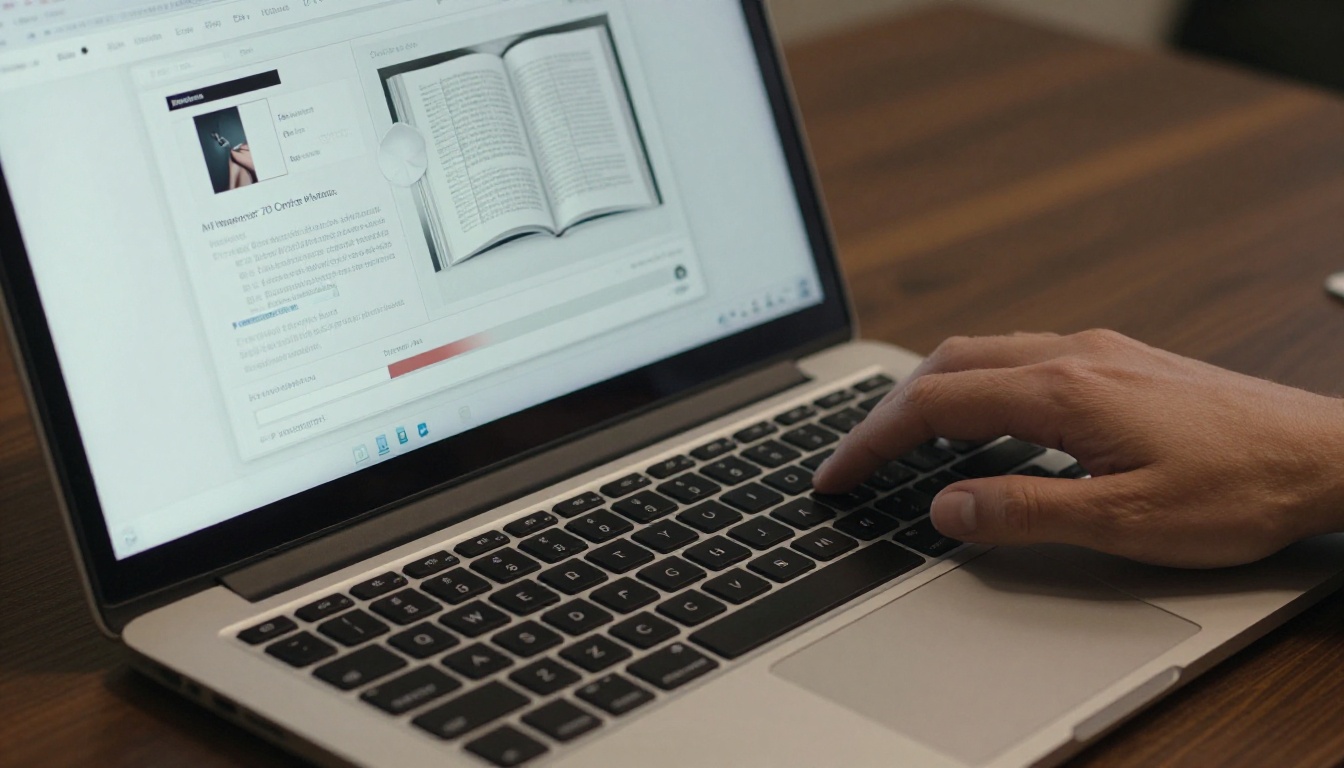
5. Publish and share
Hit publish to generate a shareable link. Copy the embed code to drop the flipbook directly into a website page using the Embed Flipbook on Website tool. Distribute via social, email, or QR code.
6. Track performance
On the Professional plan, the analytics dashboard shows reads, time-on-page, click-through rates, and lead capture data. This is particularly valuable for sales teams using flipbooks as part of a content funnel.
✅ Best practice: Start with a high-resolution PDF (300 DPI or above). Output quality depends directly on the source file. Low-resolution inputs produce blurry flipbook pages regardless of the platform.

Here's the short version for those making a quick decision:
- No watermarks, business-grade output, multiple use cases: Flipbooks AI
- Design-first editor, build from scratch: Flipsnack
- Prioritize reader analytics above all: Publuu
- Desktop offline editing, unlimited publications: FlipHTML5
- Built-in audience discovery network: Issuu
Pricing context matters when you're thinking about where to land long-term. Here's a rough comparison of entry-level paid plans.
| Platform | Starting Paid Plan | What It Adds |
|---|
| Flipbooks AI | Competitive monthly | Custom domain, branding |
| Flipsnack | ~$14/month | Watermark removal, more flipbooks |
| Publuu | ~$18/month | Full analytics, more publications |
| Heyzine | ~$9/month | Watermark removal |
| Issuu | ~$19/month | No Issuu branding, custom domain |
| FlipHTML5 | ~$15/month | Watermark removal, HD output |
See Flipbooks AI pricing plans for a full breakdown of what each tier covers.
Ready to Publish Your First Flipbook
The best free flipbook tool is the one you'll actually use without running into artificial limits on your first real project. For most people, that means a platform with no watermarks, no immediate cap on the number of publications, and enough purpose-built tools to cover real business needs from day one.
Get started for free on Flipbooks AI and have something live in under 10 minutes. Browse all tools and templates to find the right format for your content. When you're ready to add custom domains, analytics, and lead generation, check the pricing options to choose the plan that scales with you.



