If your product catalog is still a flat PDF attachment in an email, you're losing buyers before they even reach page two. The best free tool to make a product flipbook in 2026 turns that static document into a page-turning, mobile-responsive, shareable experience that holds attention and drives clicks. Flipbooks AI is the standout option this year, offering brands a genuinely capable free tier with no watermarks and no limits on flipbook count, ready to use immediately after signup.

The demand for interactive product catalogs has grown sharply. Buyers scroll fast, compare across tabs, and bounce from anything that feels clunky or dated. A well-built flipbook changes that dynamic entirely. It loads fast, works on any device, allows you to embed video, and can be password-protected for VIP clients or wholesale buyers. The tools available for free in 2026 are better than what cost money just three years ago.
What a Product Flipbook Actually Does
A product flipbook is a digital publication that mimics the tactile feel of flipping through a physical catalog, brochure, or lookbook. The page-turn animation is more than a visual effect; it signals to the reader that this is a curated, intentional presentation, and that psychological cue matters when you're selling.
Why PDFs Lose Buyers
Static PDFs require a download. Downloads require trust. Even when a buyer opens one, there's no tracking, no analytics, no way to know if they reached the pricing page. The file sits in a Downloads folder and competes with ten other PDFs that will never be opened again.
A flipbook hosted online behaves differently. It lives at a URL, opens instantly in the browser, and can be embedded directly in a product page, sent via a clean link in an email, or dropped into a proposal document. Every interaction is visible to the sender.
The Real Advantage of Digital Catalogs

The advantages stack up fast when you move from PDF to flipbook:
- Instant access: No downloads, no plugins, no friction for the buyer
- Mobile-first rendering: Pages reflow for small screens automatically
- Embeddable anywhere: Paste an iframe into your website or product page
- Trackable views: See who opened what and how long they stayed
- Multimedia support: Add product demo videos directly inside catalog pages
- Password protection: Restrict access to wholesale or private client catalogs
💡 A product catalog that buyers can share with a single link converts faster than one that requires a download step.
Not all "free" flipbook tools are actually free in any useful sense. Some watermark every page. Others cap you at three flipbooks and call it a plan. Before committing time to any platform, check these factors carefully.
No Watermarks vs. Watermarked Free Plans
Watermarks on a product catalog are a credibility problem. The moment a buyer sees a third-party logo stamped across your product pages, your brand authority drops. The best tools in 2026 offer genuinely watermark-free output even on free tiers.
⚠️ Several popular platforms still add persistent watermarks to free-tier flipbooks. Always test the output before building your full catalog inside any tool.
Conversion Quality That Holds Up
PDF-to-flipbook conversion quality varies significantly between tools. The critical things to verify before committing:
- Font rendering: Does custom typography survive the conversion intact?
- Image fidelity: Are product photos sharp or compressed?
- Layout precision: Do multi-column layouts hold their grid?
- Hyperlink preservation: Do clickable links in your PDF stay functional?
Here's a direct comparison of the major free options available this year. All entries were evaluated on their actual free-tier output, not their marketing claims.
| Tool | Free Flipbooks | Watermark | Custom Domain | Analytics | Embeddable |
|---|
| Flipbooks AI | Unlimited (Standard+) | None | Yes | Yes (Pro) | Yes |
| Yumpu | 1 publication | Yes | No | Limited | Yes |
| FlipHTML5 | Unlimited | Yes | No | No | Yes |
| Issuu | 1 publication | Yes | No | Limited | Yes |
| Publuu | 1 flipbook | Yes | No | No | Yes |
✅ Flipbooks AI is the only tool in this comparison that removes watermarks entirely and allows unlimited flipbooks without requiring an enterprise contract.
Flipbooks AI
Flipbooks AI offers a clean upload-to-publish workflow with no watermarks on Standard plans and above. The PDF to Flipbook Converter handles multi-page documents accurately, preserving custom fonts, high-resolution product images, and embedded hyperlinks. For product catalogs specifically, this matters enormously. A skincare brand's catalog with 40 SKUs and custom typography needs to arrive intact, not compressed into a blurry approximation.
The platform includes tools built for specific product categories: the Product Catalog Generator for general merchandise, the Fashion Catalog Creator for apparel, and the Furniture Catalog Maker for home decor brands.
Yumpu
Yumpu handles large files well and has a clean reader interface, but the free tier places a persistent watermark on every page. The paid tiers remove it, but they're priced for publishers rather than small e-commerce brands. Useful for editorial content; less ideal for product sales.
FlipHTML5
FlipHTML5 has been around long enough to have a reliable conversion engine. The free tier allows unlimited publications but watermarks all of them. The interface is dated and the mobile experience lags behind newer tools. Worth considering for internal documentation, not client-facing product catalogs.
Issuu
Issuu is a well-known name in digital publishing. The free tier limits you to one publication, includes an Issuu watermark, and restricts sharing options. For a brand that needs to publish seasonal catalogs quarterly, this cap becomes a problem immediately.
Publuu
Publuu has a polished interface and good conversion quality. The free plan covers one flipbook and includes a watermark. Stepping up to a paid plan removes both restrictions, but the pricing runs higher than comparable alternatives.
How to Build a Product Flipbook with Flipbooks AI
This is where theory becomes practice. Flipbooks AI is built for non-designers who need professional output without a production team. Here's the full process from file to published link.

Step 1: Create Your Account
Go to flipbooksai.com/account and set up your account. The signup process takes under two minutes with no credit card required. Once inside the dashboard, you'll see your flipbook library, empty and ready for your first upload.
Step 2: Upload Your Product PDF
Click "Create New Flipbook" and upload your product catalog PDF. The converter accepts large files and processes multi-page documents with high accuracy. For a 50-page catalog with mixed text and high-resolution product imagery, conversion typically completes in under a minute.
💡 Before uploading, export your PDF at 150 DPI or higher for clean product photography reproduction. Lower export settings produce blurry images in the final flipbook.
Step 3: Customize Branding and Appearance
After conversion, you can:
- Set an opening thumbnail that appears in your library and link previews
- Add your brand colors to the flipbook frame and navigation controls
- Choose a page-turn style: realistic paper curl or a smooth slide transition
- Embed multimedia: drop a product demo video directly into any page
- Enable password protection for wholesale-only or private client catalogs
For fashion and apparel brands, the Interactive Lookbook Designer offers pre-built layout templates optimized for full-bleed photography and minimal text overlays.
Step 4: Share, Embed, and Track
Once your flipbook is live, you have several distribution options:
- Direct link: Share a clean URL via email, WhatsApp, or proposals
- Embed code: Use the Embed Flipbook on Website tool to paste an iframe into your product page or Shopify store
- QR code: Generate a QR code pointing to the flipbook for print materials and packaging inserts
- Password-protect: Toggle private access for B2B wholesale catalogs
- Analytics (Professional plan): See total views, time spent per page, and reader drop-off points
✅ The embed option is particularly powerful for e-commerce brands. Replacing a static PDF download button with an embedded flipbook on a product category page increases time-on-page and reduces bounce rates significantly.
Product Flipbook Use Cases That Actually Convert
The same tool works across wildly different industries. Here are the scenarios where a product flipbook delivers the most immediate value.
E-Commerce Product Catalogs
An online store with 30 or more products benefits immediately from a browseable catalog format. Rather than asking buyers to click through individual category pages, a flipbook presents the full range in a single scrollable experience. The Digital Catalog Maker is purpose-built for this use case, with page layouts optimized for product grids, pricing tables, and SKU details.
Seasonal catalogs for wholesale buyers work especially well in this format. A clothing brand can send B2B buyers a password-protected Spring/Summer lookbook instead of a PDF attachment, and track exactly which pages received the most attention.
Fashion and Apparel Lookbooks
Fashion photography deserves better than a standard PDF viewer. A lookbook built with the Lookbook Flipbook Builder preserves the editorial quality of full-bleed imagery, allows video embeds for runway clips or styling content, and presents each look within a curated sequence that builds brand narrative.
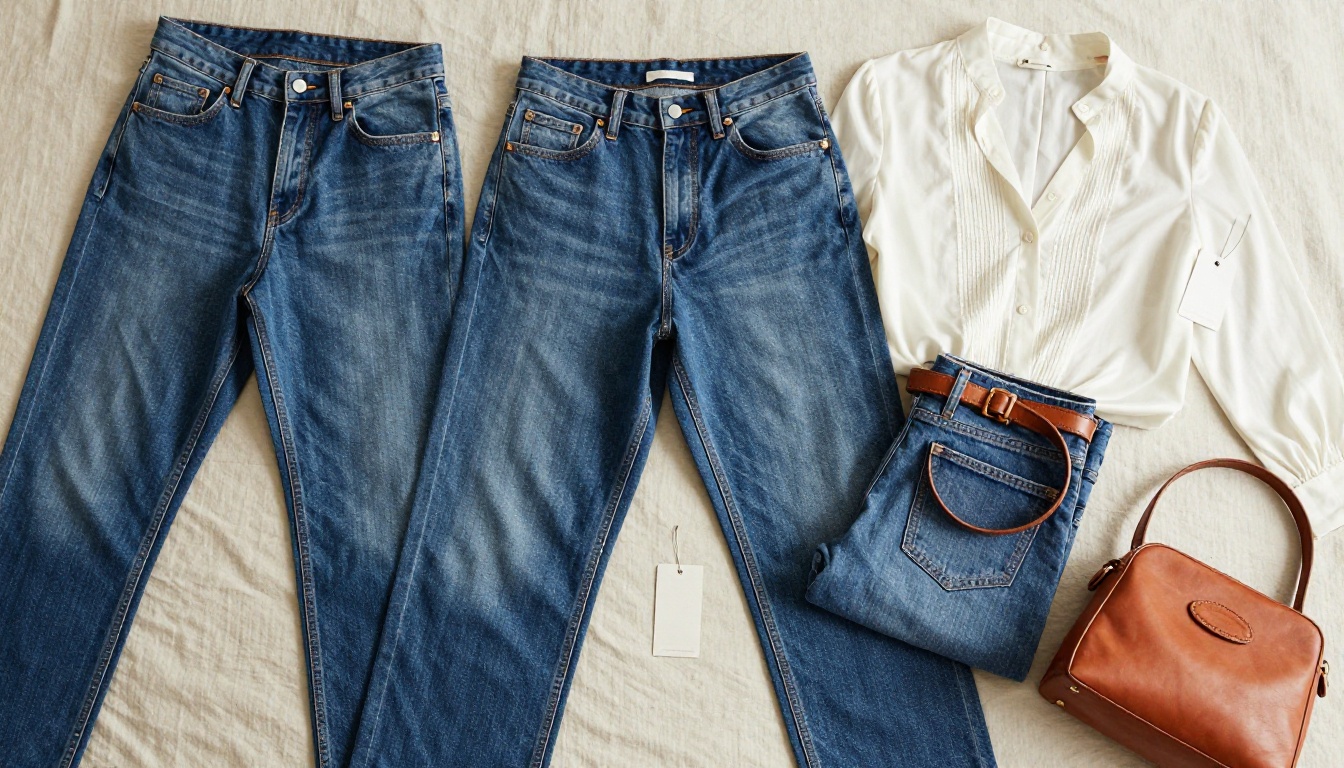
The Fashion Catalog Creator handles the specific challenges of apparel catalogs: multiple colorway options per style, size charts, material details, and pricing in a consistent layout that doesn't break across 40 or more SKUs.
Furniture and Home Decor
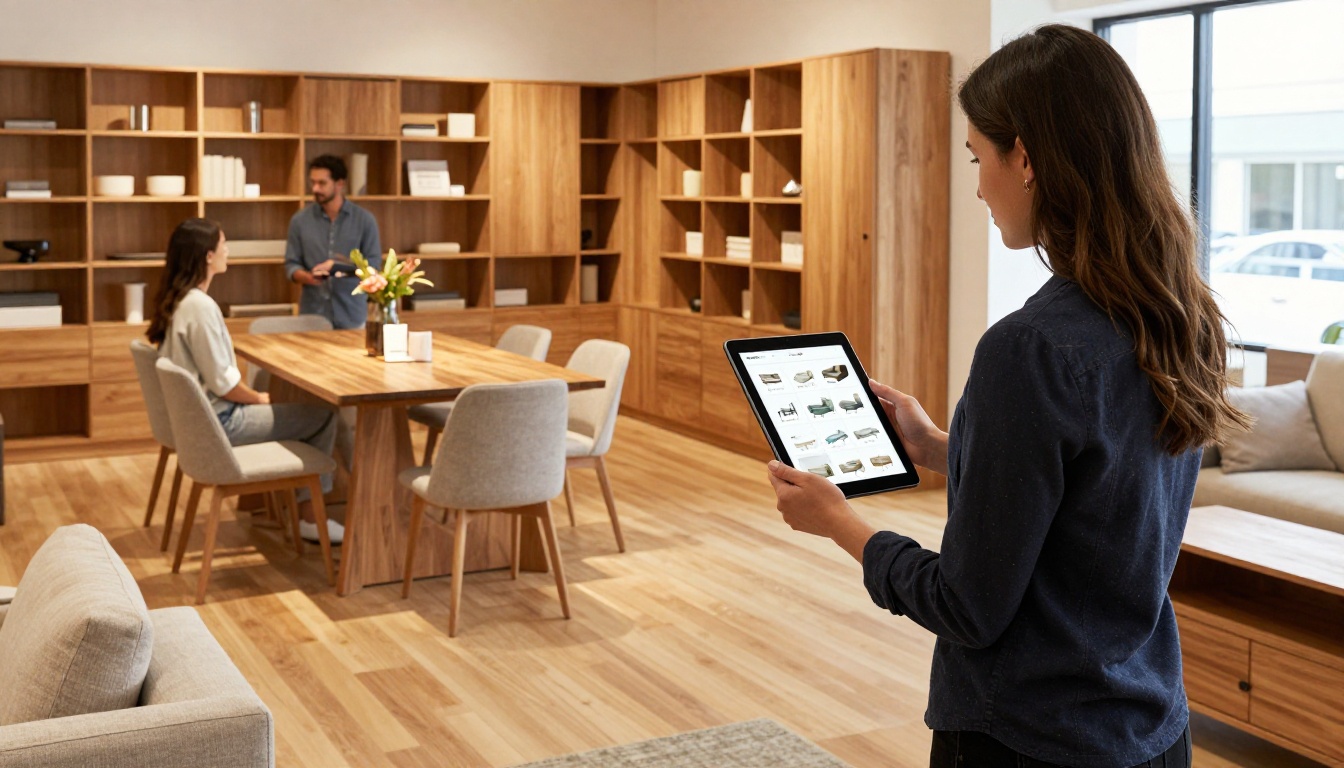
Furniture products require context. A chair photographed against a white backdrop sells less than the same chair in a styled living room setting. A flipbook built with the Furniture Catalog Maker pairs lifestyle photography with technical specifications, dimensions, and material options in a way that static product pages rarely achieve.

Sales associates at furniture showrooms are increasingly using tablets to show digital catalogs to visiting customers. A flipbook at a URL is faster to pull up than a PDF and gives the salesperson a far more polished presentation tool.
Restaurants and Menus
Physical menus are expensive to reprint every time pricing or offerings change. A digital menu built with the Restaurant Menu Creator lives at a permanent URL and can be updated in minutes without a print run. QR codes on table cards link directly to the current version.
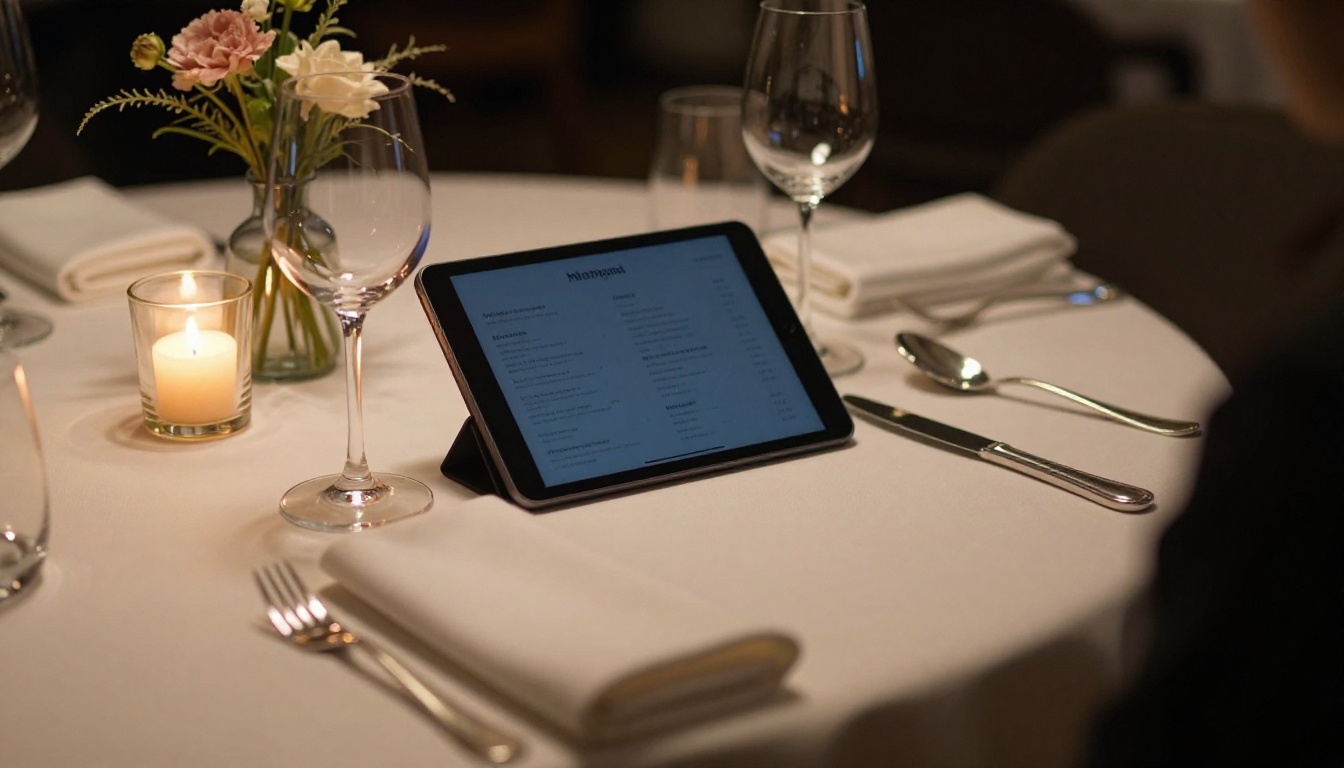
The same logic applies to spas, hotels, and boutique wellness businesses. A hotel brochure or spa menu that looks like a physical publication but lives online and can be updated immediately removes a genuine operational headache.
Free Plan vs. Paid Plans
Understanding exactly what each tier includes helps you decide whether the free plan covers your current needs or whether an upgrade makes sense.
| Feature | Free | Standard | Professional |
|---|
| Flipbooks created | 3 | Unlimited | Unlimited |
| Watermarks | None | None | None |
| Password protection | No | Yes | Yes |
| Custom branding | Limited | Yes | Yes |
| Video and audio embed | No | Yes | Yes |
| Analytics | No | Basic | Full |
| Lead generation forms | No | No | Yes |
| Offline downloads | No | No | Yes |
| Custom domain | No | Yes | Yes |
💡 For most small e-commerce brands starting out, the Standard plan covers everything needed for professional product catalogs. Upgrade to Professional when analytics and lead capture become part of the strategy.
Check the full breakdown at flipbooksai.com/pricing to see which features fit your current workflow.
What Makes a Product Flipbook High-Converting
Not every flipbook performs the same. The difference between a catalog that drives orders and one that gets opened once and forgotten comes down to specific decisions made during setup.
| Element | Low-Performing | High-Performing |
|---|
| Opening image | Generic stock photo | Actual product hero shot |
| Page count | 60+ pages | 20-35 pages |
| CTA placement | Final page only | Every 5-8 pages |
| Typography | Default PDF fonts | Brand-consistent custom type |
| Mobile testing | Not tested | Tested on 3 devices before publishing |
| Sharing method | PDF attached to email | Flipbook link in email body |
| Access control | None | Password-set for B2B wholesale version |
The platforms that let you control all of these variables without forcing you into a watermarked or restricted tier are the ones worth building on. That's why Flipbooks AI holds the top position for 2026: it removes friction at every step from upload to analytics, without the paywalls that most alternatives use to gatekeep basic functionality.
Browse the full range of flipbook tools to find the right format for your specific product type. Whether you're building a jewelry lookbook, an automotive brochure with the Automotive Brochure Generator, or a real estate property brochure with the Real Estate Brochure Creator, the workflow is identical: upload, customize, publish, and share.
Your first product flipbook takes less than five minutes from upload to live link. Create your account on Flipbooks AI and have a shareable catalog ready before the end of the day.
If you're ready to move beyond the free tier and add analytics, lead capture, and offline downloads to your catalog strategy, compare pricing plans to find the right fit for your business.



