Making a PDF interactive used to mean opening Photoshop, fighting with layers, exporting web graphics, and then figuring out how to actually host the result somewhere. Most people gave up halfway through. Flipbooks AI exists precisely because that workflow is broken, expensive, and completely unnecessary for the results most people actually need. A better approach takes under five minutes, costs nothing to start, and produces a result your audience can actually open without downloading anything.
Why PDFs Fall Flat

A standard PDF is a frozen document. It was designed to look the same on every printer, not to behave dynamically in a browser. That made perfect sense in 1993. Today it means your beautifully designed brochure lands in someone's inbox, gets scrolled past in five seconds, and lives in their Downloads folder forever.
Static Doesn't Sell Anymore
Buyers, clients, and readers are trained by the internet. They expect things to respond when they touch them. A PDF that sits still, requires a download, and offers no feedback loop communicates exactly one thing: this came from someone who hasn't updated their process in a while.
Interactive documents tell a different story. Pages that turn with a realistic flip animation. Links that open product pages, booking forms, or video demos. Embedded audio for training materials. A lead capture form before the reader reaches page three. These aren't gimmicks. They are the difference between content that gets read and content that gets closed.
The Real Problem With Photoshop
Photoshop can produce beautiful visuals, but it is not a document publishing tool. To make a PDF interactive using Photoshop alone, you would need to:
- Export each page as a separate PNG or JPG
- Reassemble them in another application
- Add interactivity in a third tool (Acrobat, InDesign, or a web platform)
- Host the final result somewhere accessible to your audience
That is four separate professional applications, potentially four separate subscriptions, and a workflow that breaks every time someone updates the source document. There is a better path, and it starts with understanding what interactivity in a PDF actually means.

What "Interactive PDF" Actually Means
Before choosing a tool, it helps to know exactly what interactivity you are trying to add. Not every solution handles every feature the same way.
Page Flip Effects That Feel Real
The most immediately striking upgrade is the page-turn animation. Instead of scrolling through a flat vertical stack of pages, readers flip through something that feels like a physical publication. The physics simulation, the shadow, the slight curl at the corner of a turning page, all of these signal to a reader: pay attention, this is worth your time.
A realistic page flip effect also changes how readers scan content. They naturally flip back. They revisit sections. Dwell time increases. For anyone tracking document engagement, that behavioral shift has measurable business value.
Clickable Links and Embedded Media
A truly interactive document goes further than page animations. Clickable links that open in-browser without leaving the flipbook, embedded YouTube or Vimeo videos, audio tracks, and image galleries within a single page are all possible in a browser-based flipbook. Achieving the same effect in a raw PDF requires significant custom development and still doesn't work reliably across devices.
💡 Pro tip: Embedding a product video directly into a digital catalog page typically holds reader attention longer than linking out to an external product page. The reader never loses context or gets distracted by another browser tab.
Analytics and Lead Capture
This is where the difference between a flipbook platform and any static PDF solution becomes decisive. Analytics tell you which pages readers spend time on, where they drop off, which links they click, and how they found the document. Lead generation forms can gate specific pages, capturing names and emails from genuinely interested readers before they access your best content.
None of this is possible with a standard PDF. None of it requires Photoshop.
3 Ways to Make a PDF Interactive
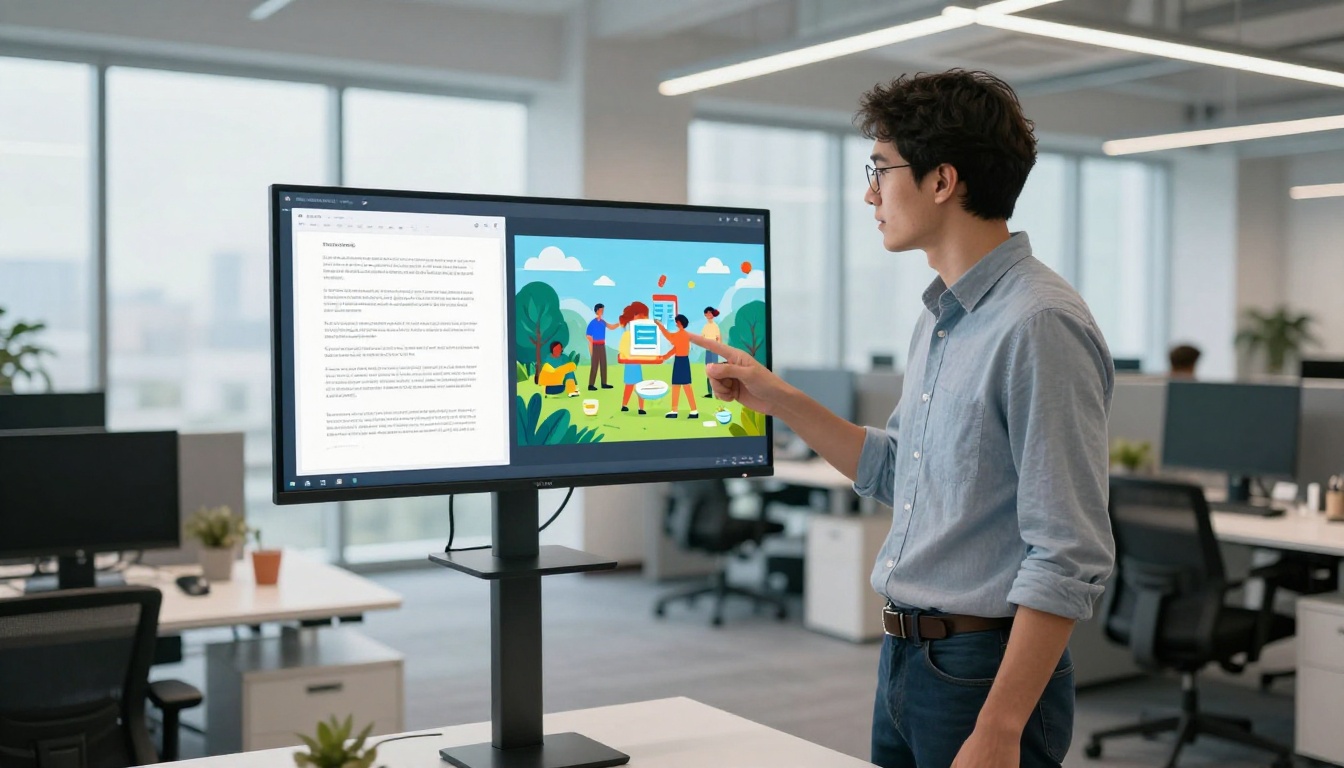
Here is an honest comparison of the three main routes people take to add interactivity to a PDF document.
| Method | Tools Required | Monthly Cost | Interactivity Level | Skill Required |
|---|
| Browser-Based Flipbook Platform | Browser only | Free to ~$29 | High (flip, links, video, analytics) | Beginner |
| Adobe Acrobat Pro | Acrobat Pro | $19.99 | Medium (links, forms, comments) | Intermediate |
| InDesign + Acrobat | InDesign + Acrobat | $54.99+ | Medium-High (buttons, overlays) | Advanced |
| Photoshop Workaround | Photoshop + extras | $20.99+ extra | Low (visual only, no real interactivity) | Advanced |
Browser-Based Flipbook Tools
Online platforms like Flipbooks AI accept your existing PDF and convert it into a fully interactive flipbook in under two minutes. No software installation. No design knowledge required. The source PDF you already have is the only input needed.
What you get on the other side: realistic page flip animation, mobile-responsive layout, shareable link, embed code for your website, custom branding, and depending on your plan, analytics and lead capture. The entire process from upload to live link takes less time than opening Photoshop.
Adobe Acrobat Pro
Acrobat Pro adds real interactivity to PDFs: hyperlinks, form fields, buttons, bookmarks, and basic multimedia. It is a legitimate tool with a 30-year track record. The limitation is that the output is still a PDF file. Readers need a PDF viewer that supports the interactive features, and mobile support is inconsistent. Sharing requires either emailing the file or hosting it on a server your readers need to access.
InDesign Workarounds
Adobe InDesign can create sophisticated interactive documents with buttons, multi-state objects, and rich animations. Exported as an interactive PDF or HTML document, the results are impressive. The barrier is cost: InDesign requires a Creative Cloud subscription, significant learning time, and the interactive HTML export format behaves inconsistently across browsers.
⚠️ Warning: Interactive PDFs built in InDesign often break when readers open them in Chrome's built-in PDF viewer instead of Acrobat. Test your output across multiple devices and browsers before sending to clients.
How to Make Your PDF Interactive With Flipbooks AI
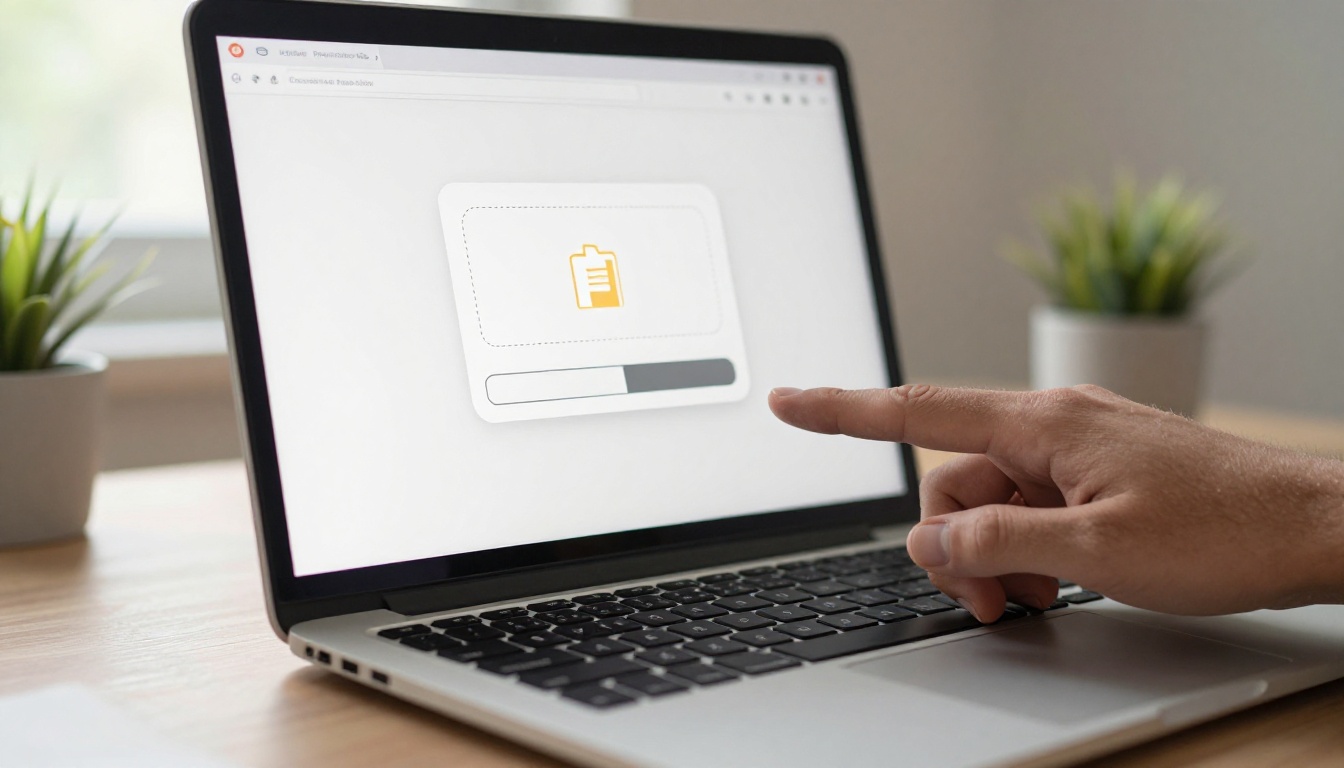
This is the direct, no-detour path. Create a free account and follow these steps.
Step 1: Upload Your PDF
From your dashboard, click Create Flipbook and drag your PDF into the upload zone. Flipbooks AI accepts files up to several hundred pages with no quality loss. The platform renders each page at high resolution and builds the flip animation automatically. No configuration is needed at this stage.
✅ Best practice: Export your source PDF at 150-300 DPI before uploading. Lower resolution files produce blurry pages. Higher than 300 DPI adds file size without any visible quality improvement in the browser.
Step 2: Customize the Experience
After processing, you land in the editor. This is where the document transforms from a converted file into a branded experience.
- Branding: Add your logo, set your brand colors for the interface, and choose a custom background
- Page effects: Select the flip animation style, adjust page shadow intensity, enable or disable the page flip sound
- Multimedia: Click any page to add hotspots, embed video links, and add external URLs to specific text or image areas
- Password protection: Restrict access to specific audiences with a single password field
The PDF to Flipbook Converter tool handles everything from single-page flyers to multi-hundred-page publications with equal reliability.
Step 3: Share and Embed
With one click, the platform generates:
- A direct shareable link that opens the flipbook in any browser, on mobile or desktop
- An embed code to paste into your website, landing page, or email template
- A QR code for print materials that links readers directly to the digital version
The Embed Flipbook on Website tool provides the exact iframe snippet with responsive sizing options. No coding experience required to implement it.
Step 4: Track Your Audience
On the Professional plan, the analytics dashboard shows:
- Total views and unique readers tracked over time
- Page-by-page heatmaps showing where readers spend time and where they leave
- Click tracking on every embedded link and hotspot across the document
- Lead capture data from any gated pages you configure
This is information that a static PDF cannot provide under any circumstances. See pricing plans to compare tiers and find the right fit for your volume and analytics needs.
Who This Works Best For

The interactive PDF question is not abstract. Here is how specific industries put flipbook conversion to use every day.
Real Estate Agents
A property brochure as a PDF attachment gets downloaded, maybe printed, and filed. The same brochure as an interactive flipbook gets shared between family members via link, viewed on a phone during a commute, and bookmarked for the weekend showing. Embedded video walkthroughs increase time-on-document and give buyers a stronger emotional connection before they ever visit in person.
The Real Estate Brochure Creator is purpose-built for this workflow with templates pre-designed for property listings and agent branding.
Restaurant Owners
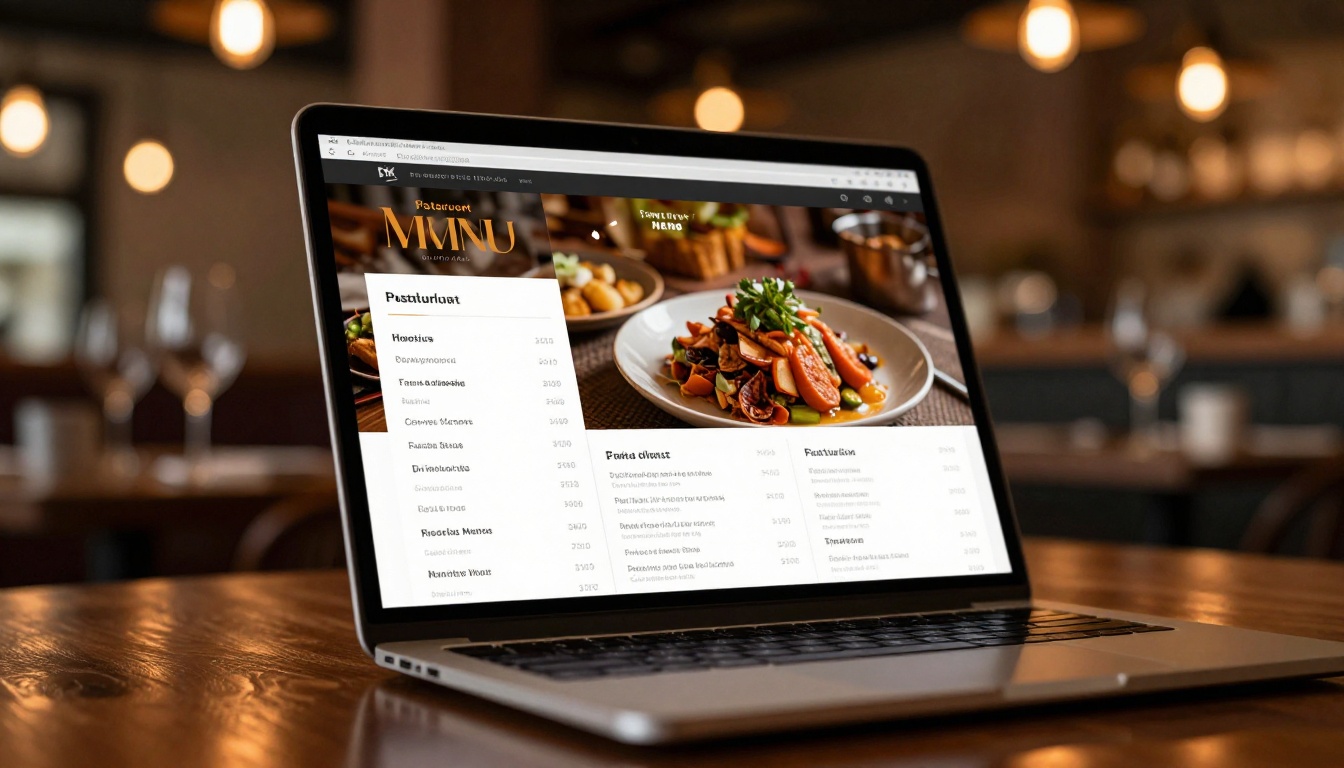
A PDF menu attached to an email is a friction point. An interactive menu that opens instantly in a browser, shows professional food photography at full resolution, and links directly to the reservation system is a conversion tool with no extra development cost.
The Restaurant Menu Creator converts existing menu PDFs into fully interactive online menus. When prices or items change, update the PDF source and re-upload to refresh the published version in minutes.
Marketing Teams
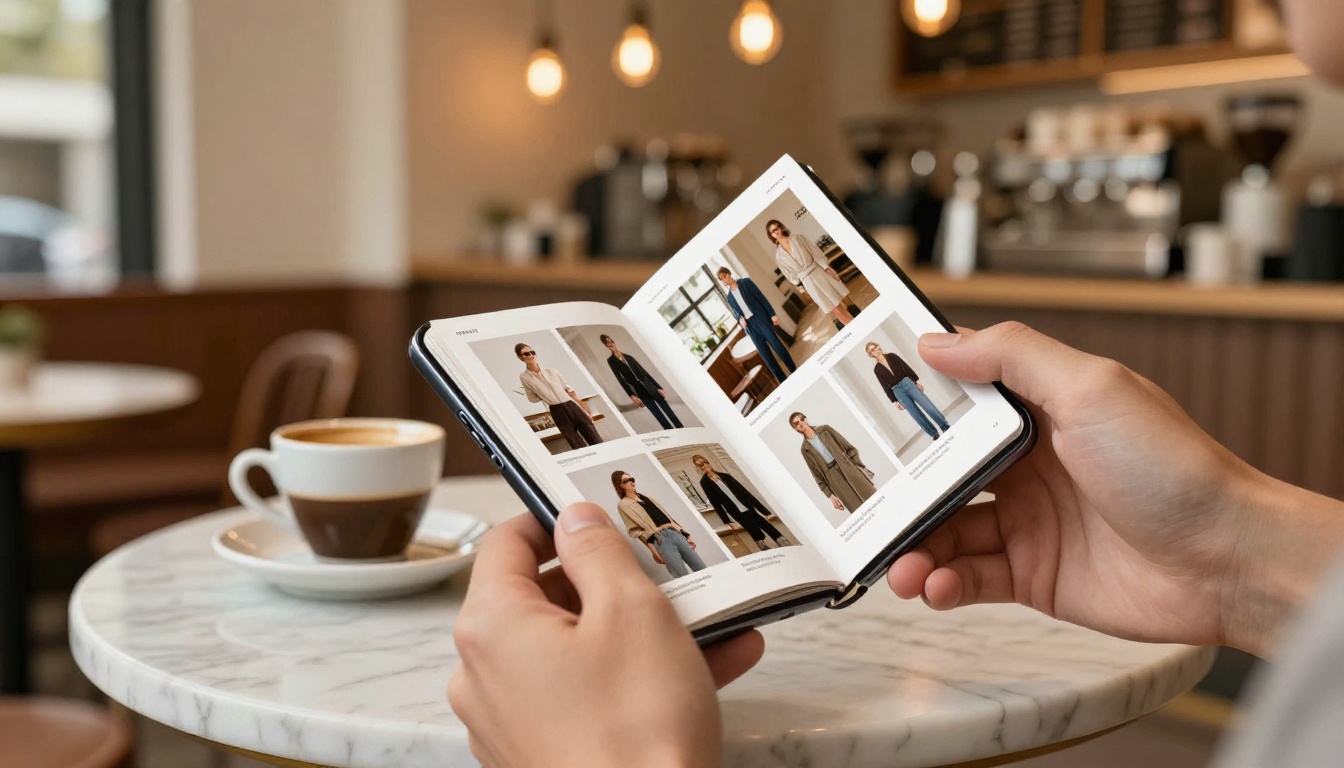
Product catalogs, seasonal lookbooks, company reports, event programs. Any document that currently exists as a PDF and gets distributed to an audience is a candidate for flipbook conversion. The Digital Catalog Maker and the Interactive Lookbook Designer cover the two most common marketing use cases with ready-to-use templates and drag-and-drop customization.
💡 Pro tip: Add a lead generation form on page 2 of your catalog. Readers who reach page 2 are already interested. Capturing their email at that point costs nothing extra on the Professional plan and turns passive readers into qualified contacts.
Plan Comparison at a Glance

| Feature | Free | Standard | Professional |
|---|
| Number of flipbooks | Limited | Unlimited | Unlimited |
| Watermark | Yes | No | No |
| Custom branding | No | Yes | Yes |
| Password protection | No | Yes | Yes |
| Embed on website | Yes | Yes | Yes |
| Video and audio embeds | No | Yes | Yes |
| Analytics dashboard | No | No | Yes |
| Lead generation forms | No | No | Yes |
| Offline downloads | No | No | Yes |
| Mobile responsive | Yes | Yes | Yes |
The Free plan is enough to test the workflow end-to-end with a real document. The Standard plan at flipbooksai.com/pricing removes the watermark and includes unlimited flipbooks, which covers most small business and freelance use cases completely.
Not every browser-based flipbook tool delivers the same quality. Before committing to a platform, check for these specific capabilities.
| Capability | Why It Matters |
|---|
| PDF fidelity | Fonts, images, and layout must match the original exactly |
| Mobile rendering | Over 60% of document views happen on mobile devices |
| No download required | Readers should view in-browser without saving a file |
| Custom domain support | Branded links build more trust than generic platform URLs |
| HTTPS hosting | Security requirement for embedded content on any modern website |
| Large file support | Catalogs and portfolios regularly exceed 50 pages at high resolution |
Flipbooks AI satisfies all six. The rendering engine preserves exact typography and image quality from the source PDF, the output is fully responsive at any screen size, and every published flipbook is served over HTTPS with a shareable link that requires zero setup from your readers.

The best way to make a PDF interactive without Photoshop is through a browser-based flipbook platform. No software installation. No design skills required. No Photoshop, no InDesign, no Acrobat subscription, and no multi-hour production process.
The result is a hosted, mobile-responsive, embeddable, branded interactive document that outperforms any static PDF in every measurable way: dwell time, shareability, click-through rates, and reader experience. The work that used to take a full day in Photoshop now takes four minutes in a browser.
Ready to see how it works with your own document? Create your free account and upload your first PDF today. For teams that need analytics, lead capture, or higher volume, check the pricing plans to find the right tier. Browse all available tools to find the specific template built for your industry.
Your existing PDFs are ready. They just need to be set free.



