Sending a save the date sounds simple, but getting it right in 2027 takes more thought than couples often expect. The format you choose, when you send it, and how you deliver it can determine whether guests actually block the date or forget it entirely. Whether you are planning an intimate backyard ceremony or a destination celebration abroad, this article breaks down every option available today and shows you exactly which approach delivers the best results, including how Flipbooks AI is changing what couples send.
Why Save the Dates Still Matter in 2027
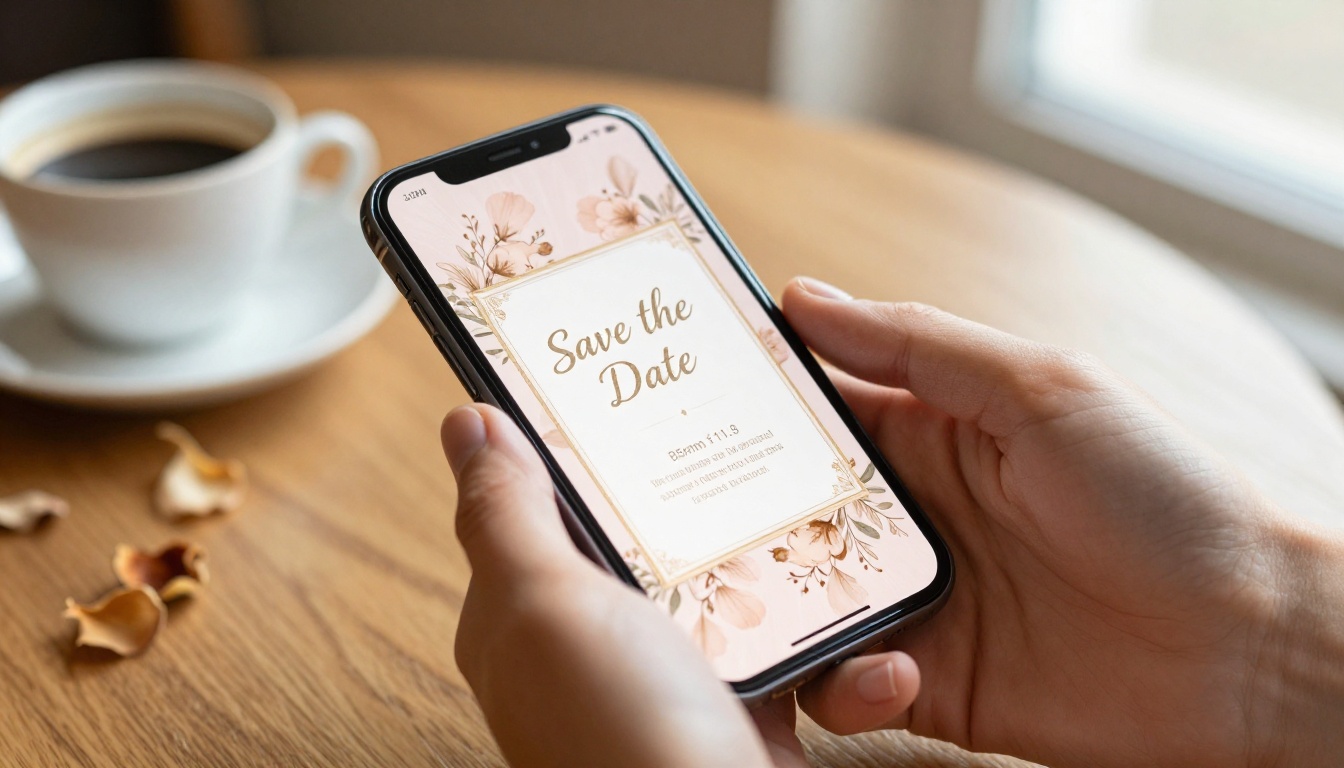
With so many events competing for people's attention, a save the date is no longer just a courtesy. It is a strategic communication tool. Guests need time to book flights, request time off, arrange childcare, and budget for travel. The earlier they know, the more likely they are to show up.
The Right Time to Send
Timing is everything. The general rule has always been 6 to 12 months before the wedding, but destination weddings or events around major holidays warrant even more lead time.
| Wedding Type | Recommended Send Time |
|---|
| Local ceremony | 6 to 8 months before |
| Destination wedding | 10 to 12 months before |
| Holiday weekend wedding | 12 months before |
| Elopement or intimate gathering | 4 to 6 months before |
Who Really Needs to Get One
Not every event requires a save the date for every guest, but for weddings, the answer is almost always: everyone on your list. If they are important enough to invite, they are important enough to give advance notice to. Out-of-town guests and international guests should always be prioritized in your first wave.
💡 Only send save the dates to people you are 100% certain you will invite. They are not an invitation, but revoking one creates genuinely awkward situations.
Digital vs. Physical in 2027
The format debate is real, and couples in 2027 are choosing based on budget, aesthetic, environmental values, and the makeup of their guest list. Here is an honest breakdown of both options side by side.
| Factor | Digital | Physical |
|---|
| Cost | Low to free | $1 to $5 per card plus postage |
| Speed | Instant | 1 to 2 weeks minimum |
| Eco-friendly | Yes | Paper waste involved |
| Personal touch | Moderate | High |
| Trackability | Yes, open rates and clicks | No tracking possible |
| Interactive elements | Videos, links, RSVP forms | Very limited |
| Reach | Global, no postage needed | Limited to mailing list |
| Best for | Modern, tech-savvy guests | Traditional or older guests |
Why Digital Is Winning
Digital save the dates have surpassed physical ones in popularity for the first time in wedding history. The reasons are practical: they cost nothing to send, arrive instantly, and can include everything from an interactive flipbook to a direct RSVP link. Platforms like Flipbooks AI now make it possible to transform a simple PDF design into a fully animated, page-turning digital experience that guests receive as a shareable link and open on any device.
For couples conscious about sustainability, going digital eliminates paper waste entirely. For couples planning a destination wedding, digital delivery solves the international postage headache in seconds.
When Paper Still Makes Sense
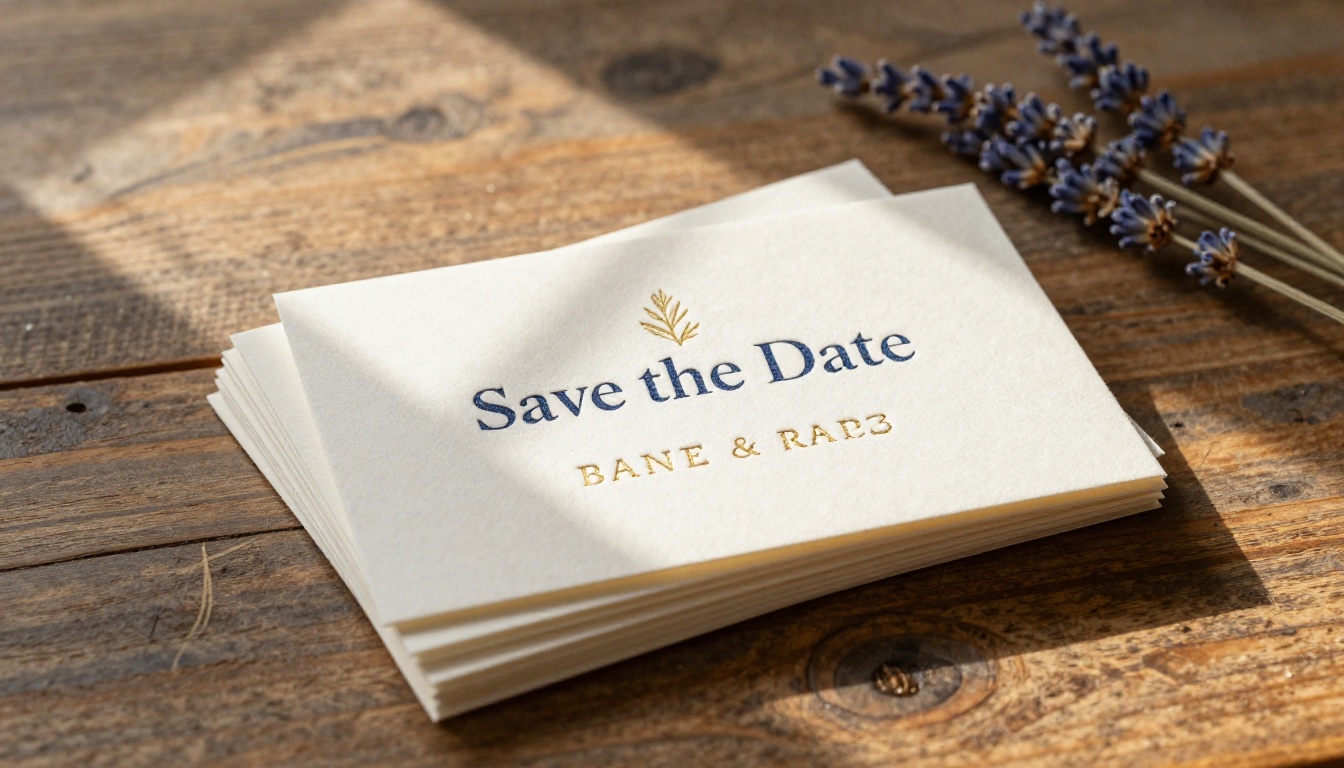
That said, physical cards still carry an emotional weight that digital formats struggle to replicate. A beautifully letterpress-printed card sitting on a refrigerator door functions as a daily visual reminder for guests. For families with older relatives who are not comfortable with technology, printed cards remain the most reliable method.
✅ Best practice: send digital save the dates to guests under 60, and physical cards to older relatives who may not regularly check email or open links.
Not all save the date formats are equal. These five have proven results with modern couples and their guests.
1. Interactive Digital Flipbooks
The biggest shift in 2027 is the rise of interactive digital flipbooks as save the date formats. Instead of a flat image or a static PDF, couples are sending a link to a beautifully designed flipbook that guests can flip through on their phone or computer. These flipbooks can include engagement photos, venue details, a short love story, a countdown, and a direct RSVP button, all within a single shareable link.
Flipbooks AI offers a Wedding Album Flipbook tool specifically designed for this purpose. It converts a PDF design into a smooth, animated flip experience with no watermarks, custom branding, and password protection for private distribution. The result looks like a premium printed piece, but costs a fraction of the price and arrives in seconds.
2. Personalized Email Cards
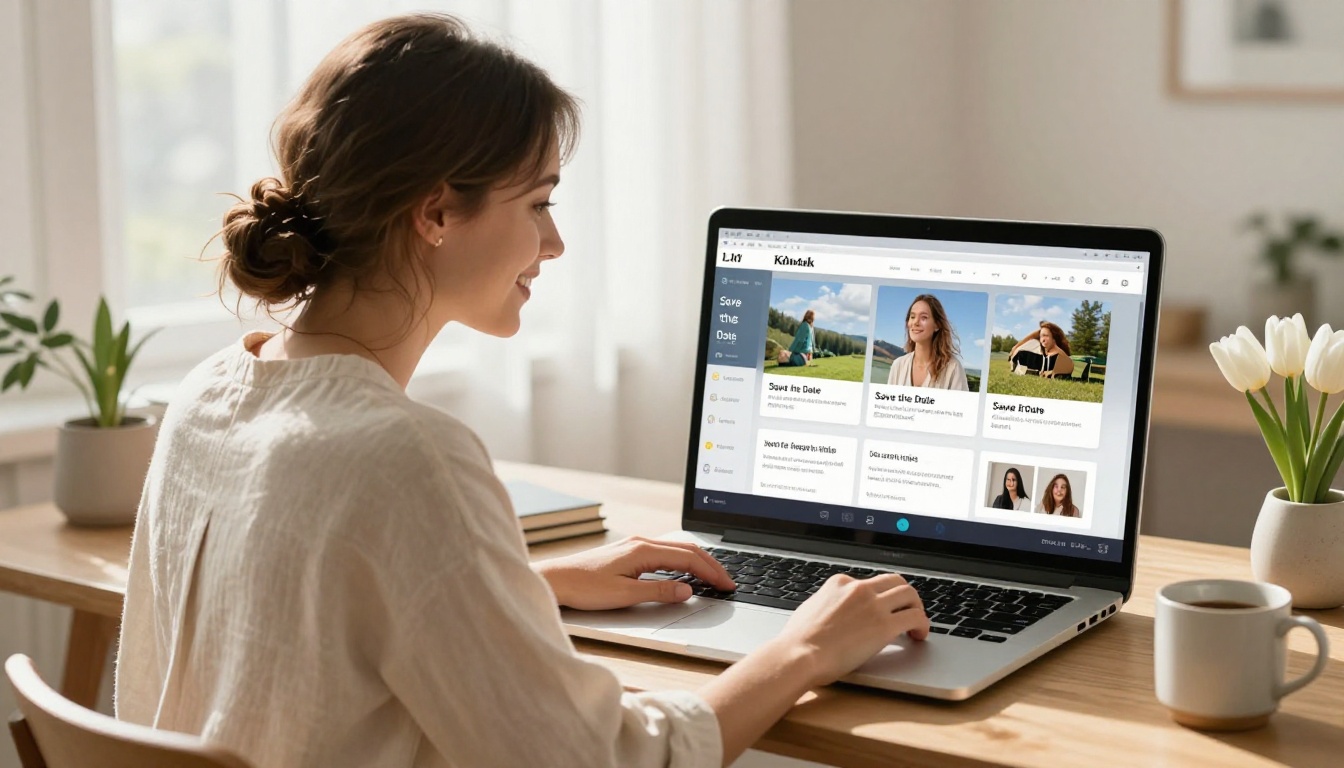
Email-based save the dates are the most common digital format. They work well when designed thoughtfully, with high-quality photos, clear typography, and a direct call to action. Tools like Canva, Minted, and Zola offer templates that can be exported as images and sent via email or embedded in a formatted email campaign.
💡 Always include your wedding website link in the email save the date. This gives guests one central place to find all the information they need as your plans develop.
3. Printed Cards (Classic)
Traditional paper save the dates remain the gold standard for formal, black-tie, or traditional weddings. Thick cotton paper, letterpress printing, custom calligraphy, and coordinated envelope liners all signal the tone of your celebration before the invitation ever arrives.
Expect to spend $2 to $6 per card when printing with quality vendors. Budget an additional 2 to 3 weeks for design approval, print production, and mailing.
4. Text Message Announcements
For casual celebrations, small weddings, or couples whose guest list consists mostly of close friends, a text message with a great photo and a link to the wedding website can be completely appropriate. It is fast, intimate, and has a nearly 100% open rate.
⚠️ Avoid group texts. Send individual messages or use a mass texting service to avoid visible phone numbers and reply-all chaos that can overwhelm your inbox for days.
5. Social Media Announcements
Creating a public or private Instagram or Facebook post as a save the date works for some couples, particularly those with highly connected friend groups. The benefit is zero cost and instant reach. The downside is that not everyone will see it, making it risky as a standalone strategy.
Use social media as a supplement to direct delivery, not a replacement for it.

How to Create a Save the Date Flipbook with Flipbooks AI
Flipbooks AI makes it genuinely easy to create a professional, interactive save the date that looks expensive without the price tag. Here is how to do it from start to finish.
Step 1: Create Your Account
Head to Flipbooks AI and sign up for a free account. No credit card required to get started with the basic plan.
Step 2: Design Your Save the Date PDF
Before uploading, design your save the date as a PDF using Canva, Adobe InDesign, or any design tool you prefer. Your PDF should include your names, the wedding date, city and venue if confirmed, and a note that a formal invitation will follow. Aim for 2 to 4 pages to keep the flipbook engaging without overwhelming guests.
Step 3: Upload and Convert
Use the PDF to Flipbook Converter to upload your PDF. Flipbooks AI converts it automatically into a smooth, animated flipbook in seconds. No design skills or coding required.
Step 4: Customize Your Flipbook
Once converted, personalize the experience to match your wedding's aesthetic:
- Add your custom branding and color scheme
- Set a custom URL for easy sharing
- Enable password protection so only invited guests can view it
- Add your wedding website link directly within the flipbook pages
- Embed a short video message from the couple (Standard plan and above)
Step 5: Share with Guests
Copy your flipbook link and share it via email, text, or include a QR code on printed materials. Guests can view it on any device without downloading anything. No app required.
💡 With the Professional plan, you can track who opened your flipbook and how long they spent with it. Useful for following up with guests who may not have seen it yet.
Step 6: Embed on Your Wedding Website (Optional)
Use the Embed Flipbook on Website tool to add the save the date flipbook directly to your wedding website for guests who visit directly instead of clicking a link.

Save the Date Wording That Converts
What you write matters as much as how you send it. The wording should be warm, clear, and action-oriented. Here are proven examples for different tones and wedding styles.
| Tone | Example Wording |
|---|
| Classic formal | "Please save the date for the marriage of Emily Rose and James Carter. October 11, 2026. Formal invitation to follow." |
| Warm and casual | "We're getting married! Save October 11, 2026, and watch for your invitation soon." |
| Destination wedding | "We're saying 'I do' in Tuscany, Italy. Save the week of October 6 to 13, 2026. Details to follow." |
| With a personal note | "After 5 years, we're finally making it official. Save October 11, 2026. You won't want to miss this one." |
| Minimal modern | "October 11, 2026. Emma and James. Details coming soon." |
Essential information to include in every save the date:
- Full names of both partners
- Wedding date with the day of the week to help guests plan
- City or general location, especially important for destination weddings
- A note that a formal invitation will follow
- Wedding website URL if you have one set up
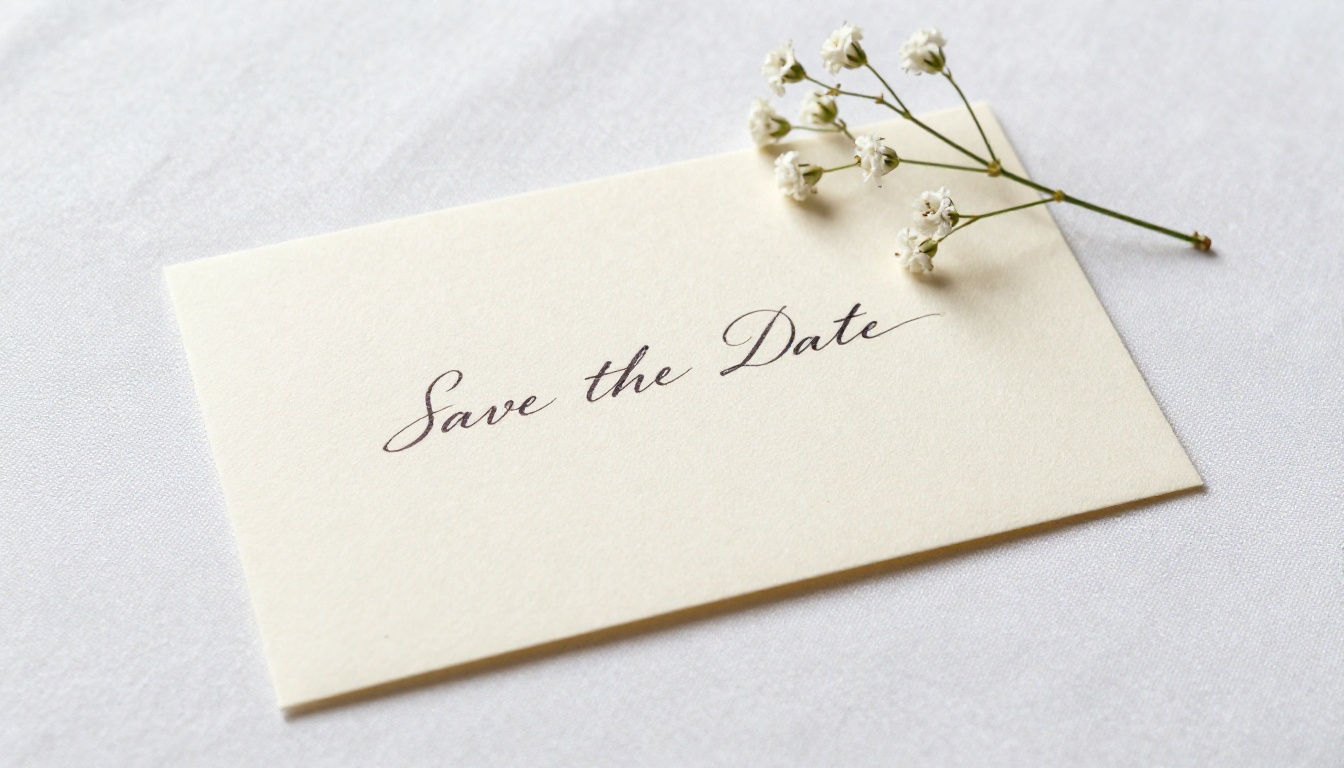
The Outdoor Venue Factor
For couples choosing outdoor or destination venues, save the dates carry extra weight. Guests need to plan not just around a date but around weather, travel logistics, and accommodation availability. Sending your save the date earlier, with a venue name or city included, gives guests the context they need to start making real plans.
✅ For outdoor weddings: include a line about your rain plan or backup venue in your wedding website, and reference the site in your save the date so guests know where to look.
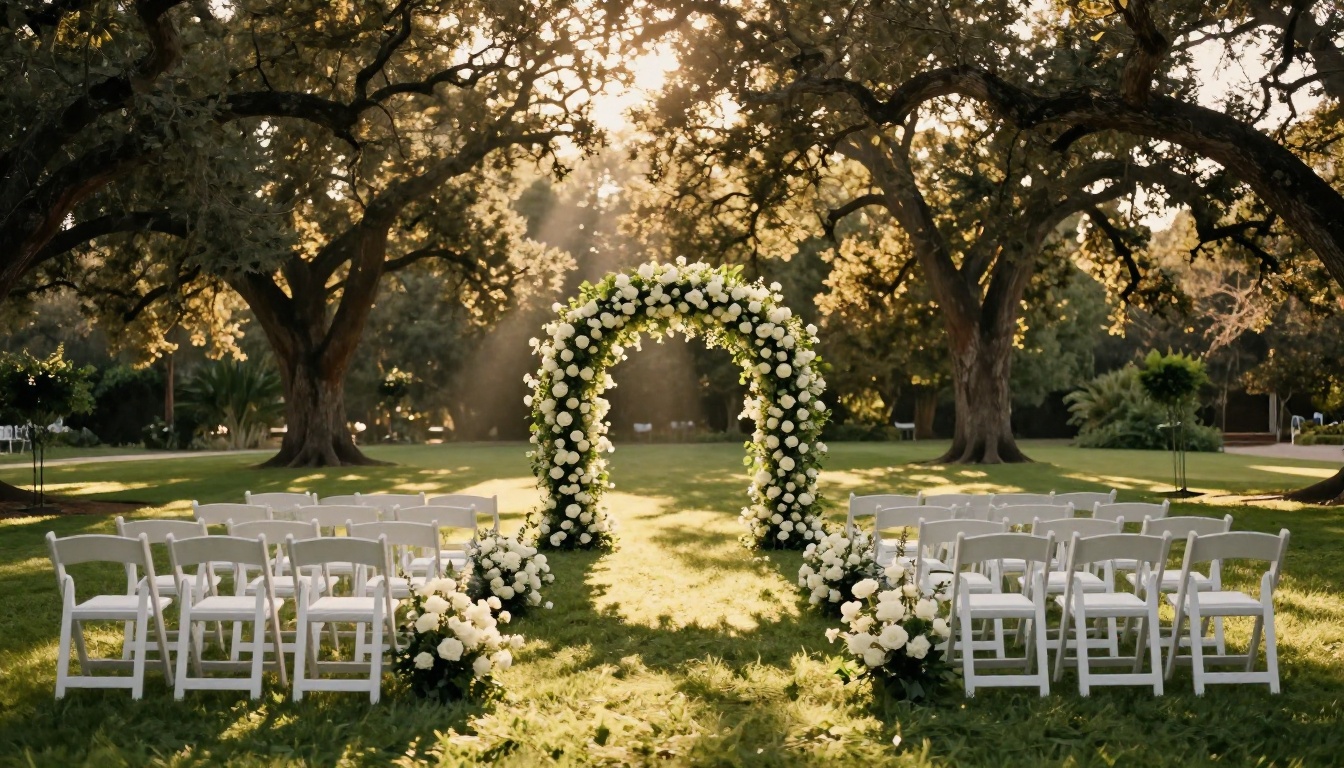
Timing Your Send for Maximum Impact
Even the most beautifully designed save the date loses its effectiveness if it arrives too early or too late. Here is the planning timeline that works.
| Milestone | Recommended Timing |
|---|
| Book venue and confirm date | 12 to 18 months out |
| Finalize guest list | 10 to 12 months out |
| Design save the date | 8 to 10 months out |
| Send digital save the dates | 6 to 8 months out |
| Send physical save the dates | 8 to 10 months out (allow print and mail time) |
| Send formal invitations | 6 to 8 weeks before the date |
| RSVP deadline | 3 to 4 weeks before the date |
For destination weddings, shift all of these timelines 2 to 3 months earlier. Guests booking international flights need maximum runway to find reasonable fares and clear their schedules.
3 Mistakes Couples Make
Most save the date problems are avoidable. These three come up again and again, and each one is easy to prevent.
Sending Before the Guest List Is Final
Sending a save the date is essentially a verbal commitment to invite that person. If you later need to cut someone from the list, it becomes a difficult conversation that can damage relationships. Finalize your list before anything goes out, even if that means waiting an extra week or two.
Forgetting the Wedding Website Link
A save the date without a wedding website link leaves guests with nowhere to go for more information. Always include your site, even if it is still being built. A simple page with your names and date is enough at this stage to give guests somewhere to check back.
Sending in a Format Guests Cannot Open
Sending a save the date as a large PDF attachment may not open correctly on every device, particularly on older smartphones. Sending a flipbook link through Flipbooks AI ensures every guest sees a clean, professional presentation regardless of their device, operating system, or email client.
Make Your First Impression Count
The save the date is the first impression guests get of your wedding's tone and style. Whether you choose a printed card, a personalized email, or an interactive digital flipbook, make sure it reflects who you are as a couple and gives guests everything they need to plan ahead.
For couples who want a save the date that truly stands out in 2027, interactive flipbooks offer the best combination of beauty, practicality, and reach. Get started for free on Flipbooks AI and build your save the date flipbook in minutes.
Already know what you want? Browse all available tools and templates to find the perfect fit for your celebration style. Review pricing plans to see which features match your needs before your big day.



