Instagram is one of the best platforms for showing off visual content, but it was not built for sharing links. That single limitation trips up a lot of people who try to send their audience to a flipbook or digital publication. If you have ever posted "link in bio" and wondered why clicks stayed low, the problem is not your content. It is the strategy. There are several proven methods to share a flipbook on Instagram that actually move traffic, and they work very differently from each other. Flipbooks AI makes it easy to get a clean, shareable link for your flipbook in seconds. Once you have that link, the methods below will show you exactly what to do with it.
Why Instagram Makes Link Sharing Hard
The No-Clickable-Link Problem
Instagram deliberately restricts clickable links in post captions and comments. When you paste a URL into a caption, it renders as plain text. No one can tap it. This is not a bug. It is a design choice Instagram made to keep users inside the app as long as possible. The result is that every time you want someone to visit your flipbook, you need a workaround.
The workaround is not complicated, but it does require some intentional setup. Most people skip this setup and wonder why their posts do not drive traffic. The methods below require a bit of preparation, but once the system is in place, driving flipbook traffic from Instagram becomes repeatable.
What Actually Works in 2025
| Method | Clickability | Available To | Traffic Potential |
|---|
| Bio Link | High | All accounts | Very High |
| Stories Link Sticker | High | All accounts | High |
| Reels with CTA | Medium | All accounts | High |
| Highlights Hub | Medium | All accounts | Medium |
| DM Campaigns | Very High | All accounts | Medium |
| Paid Ads | Very High | Business accounts | Very High |
The methods with the highest consistent return are the bio link and Stories link sticker. Reels add reach. Highlights add longevity. A solid Instagram strategy uses all of them together.
The Bio Link Method
The bio link is the most reliable way to share a flipbook on Instagram. It is always there, always clickable, and every visitor who lands on your profile will see it immediately.
Setting Up Your Bio Link
Go to your Instagram profile, tap "Edit Profile", and paste your flipbook URL directly into the Website field. You get one link. Make it count.
If you only have one flipbook to promote at a time, paste the direct URL from Flipbooks AI and you are done. If you manage multiple flipbooks, a landing page that lists all of them works better than swapping the link constantly.
💡 Write your bio to reference the link directly. Something like "New catalog out now, link below" will always outperform a generic bio with no context.
Using Link-in-Bio Tools
Tools like Linktree, Stan Store, or a simple custom landing page let you put multiple clickable links behind one URL. This is ideal for businesses that publish flipbooks regularly, whether product catalogs, lookbooks, menus, or event programs.
With Flipbooks AI, every flipbook you create gets its own shareable URL. You can add all of them to a link-in-bio page and organize them by category. A fashion brand might have a separate flipbook for Spring and Fall collections. A restaurant might link to its current seasonal menu made with the Restaurant Menu Creator.
✅ Update your bio copy whenever you change the link. Tell people exactly what they will find when they click.
Instagram Stories for Flipbook Traffic
Stories are the second most powerful tool for sending Instagram traffic to a flipbook. They show up at the top of the feed, are hard to ignore, and since the link sticker became available to all accounts, every creator can now add a clickable URL directly to a Story frame.
The Link Sticker Strategy
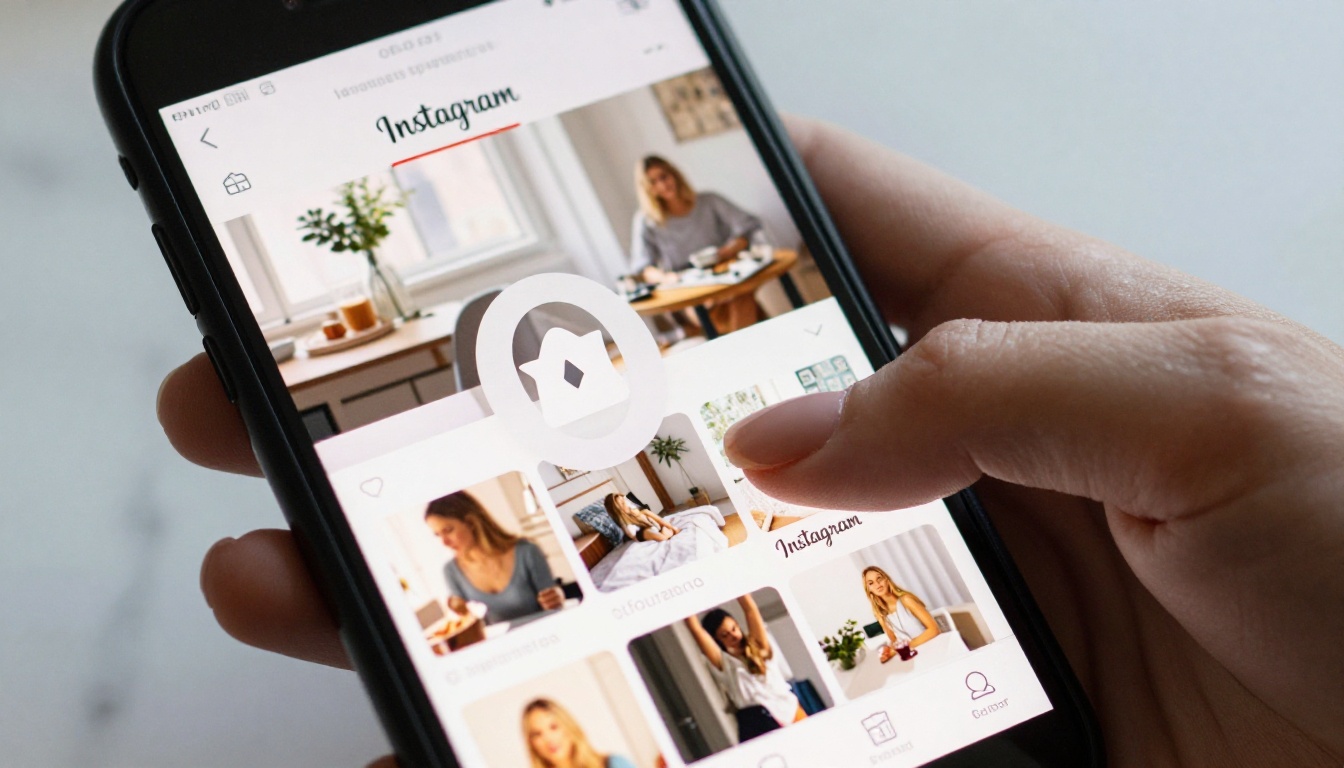
The link sticker is a small interactive element you can add to any Story. When someone taps it, they go directly to the URL you entered. No "link in bio" needed.
How to add a link sticker to your Story:
- Open Instagram and tap the "+" icon to create a new Story
- Add a photo, video, or background color as your base
- Tap the sticker icon at the top of the screen
- Select "Link" from the sticker options
- Paste your flipbook URL from Flipbooks AI
- Customize the sticker label, for example "Read the Catalog"
- Position the sticker prominently on the frame
- Publish the Story
The label on the sticker is customizable. Use action-oriented language like "Flip Through It" or "See the Full Lookbook" instead of the default URL text.
⚠️ Stories disappear after 24 hours. Save your best Story promotions to Highlights so they stay visible permanently.
Creating a Story Series Preview
A single Story with a link sticker works. A short Story series works better. Instead of one frame, create 3 to 5 frames that tease different pages or sections of your flipbook. Each frame builds curiosity, and the final frame has the link sticker.
For a product catalog, you might show:
- Frame 1: A striking cover image with "New Collection Is Here"
- Frame 2: A close-up of two or three featured items from the catalog
- Frame 3: A "See All Products" link sticker pointing to the flipbook
This format dramatically improves tap-through rates compared to a single Story with no buildup.
Using Reels to Tease Your Flipbook

Reels are Instagram's highest-reach format right now. A well-made Reel can land in front of thousands of people who do not follow you yet. That makes Reels the best top-of-funnel channel for promoting a flipbook to a new audience.
Screen Recording Your Flipbook Pages
The simplest Reel concept for a flipbook is a screen recording of someone flipping through pages. Flipbooks AI creates flipbooks with a realistic page-turn animation that looks visually satisfying on video. A 15 to 30 second screen recording with music, showing the best pages of your catalog or magazine, is a compelling Reel that requires almost no editing.
Steps to create a flipbook Reel:
- Open your flipbook on a tablet or desktop
- Screen record 30 to 60 seconds of page-flipping, pausing on visually striking pages
- Trim the clip to the best 15 to 30 seconds
- Add trending audio from the Instagram audio library
- Write a caption that tells people what the flipbook contains
- Add "Link in Bio" to the caption so viewers know where to find it
What to Say in Your Reel Caption
Captions on Reels matter for two reasons: they appear in search, and they tell curious viewers what to do next. A strong caption structure looks like this:
- First line: A specific hook, for example "Our Summer catalog is finally live"
- Middle: One or two details about what is inside, such as "50 new pieces, styled 3 ways each"
- CTA: "Full catalog linked in bio" or "DM me 'catalog' for the link"
The DM trigger approach is increasingly popular. When someone DMs you a keyword, you reply with the link. This works especially well for gated content like lookbooks or portfolio flipbooks created with the Interactive Lookbook Designer.
Instagram Highlights as a Flipbook Hub

Stories disappear. Highlights stay. By saving your flipbook promotion Stories to a dedicated Highlight, you create a permanent feature on your profile that visitors can find any time.
Building a Dedicated Highlight
Create a Highlight specifically for your flipbooks or catalogs. Label it something clear like "Catalogs", "Lookbooks", or "Issues". Every time you post a Story promoting a flipbook with a link sticker, add it to that Highlight.
This means that someone who discovers your profile six months from now can still find your flipbook links without you having to do anything additional.
Good Highlight naming ideas:
- "Catalog 2025"
- "New In"
- "Read Now"
- "Free Lookbook"
- "Our Menu"
Cover Image Design Tips
Highlights with custom cover images look far more professional than the default screenshot previews. Design a simple branded circle icon for each Highlight. Use your brand colors and a one-word label. Keep it clean. This small detail signals to new profile visitors that your account is organized and worth following.
How to Create Your Flipbook with Flipbooks AI
The methods above all rely on having a high-quality flipbook with a clean shareable link. That is where Flipbooks AI comes in. The platform converts a PDF into an interactive digital flipbook in minutes, with no technical setup required.

Upload and Convert Your PDF
- Create a free account on Flipbooks AI
- Click "New Flipbook" and upload your PDF file
- Wait for the conversion to complete, usually under a minute
- Your flipbook is now live with a shareable URL ready to use
Whether you are uploading a product catalog, a fashion lookbook, a restaurant menu, or a real estate brochure made with the Real Estate Brochure Creator, the process is identical.
Customize and Brand It
Before sharing, make your flipbook look polished:
- Custom domain or subdomain: Use your brand name in the URL
- Brand colors: Match your flipbook's interface to your visual identity
- Page effects: Add realistic page-turn sounds and animations
- Multimedia: Embed video or audio directly into pages
- Password protection: Lock private content for VIP or subscriber access
💡 Flipbooks AI includes no watermarks on any plan, including the Standard plan. Your content looks fully professional from day one.
Get Your Shareable Link
Once your flipbook is published, copy the direct link from your Flipbooks AI dashboard. This is the URL you will use everywhere: your bio, Stories stickers, Reel captions, and DM replies.
If you want analytics on who is clicking your link and how long they are reading, upgrade to the Professional plan. The Professional plan also includes lead generation tools, so you can collect emails directly from your flipbook without any third-party integration.

Comparing Instagram Sharing Methods
Not every method fits every use case. Here is a breakdown to help you pick the right approach for your goals:
| Goal | Best Method | Secondary Method |
|---|
| Drive traffic to a product catalog | Bio Link + Stories | Reels teaser |
| Launch a new magazine issue | Reels + Stories series | Highlights |
| Promote a private lookbook | DM campaign with link | Stories with link sticker |
| Build long-term flipbook discovery | Highlights | Bio link |
| Reach new audiences fast | Reels | Paid Story ads |
| Share a seasonal restaurant menu | Stories + Bio Link | Highlights |
✅ Use all methods together for any major flipbook launch. Post a Reel on day one, add Stories with link stickers over the next three days, save everything to a Highlight, and keep the bio link updated.
Flipbooks AI Plan Comparison
Before deciding which features to use, here is a quick look at what each plan includes:
| Feature | Free | Standard | Professional |
|---|
| Flipbooks | Limited | Unlimited | Unlimited |
| Watermarks | Yes | No | No |
| Custom branding | No | Yes | Yes |
| Password protection | No | Yes | Yes |
| Analytics | No | No | Yes |
| Lead generation | No | No | Yes |
| Offline downloads | No | No | Yes |
| Embed videos and audio | No | Yes | Yes |
For most creators sharing on Instagram, the Standard plan is the sweet spot. No watermarks and unlimited flipbooks means every piece of content looks polished and you are never capped on volume. Compare all options on the pricing page.
Pro Tips to Maximize Clicks from Instagram

A few habits consistently separate accounts that drive flipbook traffic from those that do not.
Post timing matters more than most people think. Stories posted during peak engagement hours, typically 9 to 11am and 7 to 9pm in your audience's timezone, get significantly more views. Check your Instagram Insights for your specific audience's active hours before scheduling any flipbook promotion.
Use your feed posts to set context. A carousel post showing five pages from your new catalog, with "Full catalog linked in bio" in the caption, does double duty. It performs well as feed content and primes your followers to click the link.
Repurpose your flipbook content as micro-posts. Pull individual pages, statistics, or product shots from your flipbook and post them as standalone content. Each post becomes a teaser that drives curiosity toward the full flipbook.
Collaborate with others. If your flipbook features multiple brands or contributors, ask them to share to their Stories with the link sticker. A single collab Story from a partner account can triple your link traffic overnight.
Test your link every time before posting. Broken links happen more than anyone admits. Before posting that Reel or Story, open the URL from your phone on mobile data to confirm it loads correctly and fast.

Instagram rewards consistency. An account that regularly posts flipbook previews, maintains an active Highlights section, and keeps a live bio link will see compounding traffic growth over time. The platform was not built for link sharing, but with the right setup, it becomes one of the most effective channels for getting eyes on your digital content.
Ready to build your first flipbook and start driving Instagram traffic? Create a free account on Flipbooks AI and have your first shareable flipbook live in under five minutes. Browse all available tools and templates for catalogs, lookbooks, menus, portfolios, and more. When you are ready for analytics and lead generation, check the pricing plans to find the right fit.



