Running a one-person business on a tight budget is one of the most clarifying experiences you can have. Every tool you pay for needs to earn its place, and every dollar spent on printing, shipping, or outdated PDF attachments is a dollar not going toward growth. That is where digital flipbooks come in, and with the right setup, you can have a professional, shareable, mobile-friendly flipbook operation running for under $20 a month, or even for free. Flipbooks AI makes this setup faster than most solopreneurs expect.

Why Solopreneurs Are Ditching Printed Materials
The math on printed brochures, catalogs, and price lists does not favor a one-person operation. A small print run of 250 tri-fold brochures typically costs between $80 and $150 at a local print shop, and that price resets every time you update your rates, services, or branding. For a solo business that pivots often and iterates fast, that is a recurring cost with no measurable return.
Digital flipbooks solve this directly. You design once, publish once, and update anytime without reprinting. A client gets a link instead of a physical brochure, and that link works on any device, loads in seconds, and looks exactly as intended.
Print Costs Bleed Your Budget Every Year
A realistic breakdown of what solo businesses spend on printed materials annually often surprises people:
| Item | Avg. Annual Cost (Solo Business) |
|---|
| Tri-fold brochures (3 print runs) | $180 to $300 |
| Price list updates (2 reprints) | $60 to $120 |
| Lookbooks or portfolios | $100 to $250 |
| Shipping and distribution | $40 to $80 |
| Total | $380 to $750 per year |
Switching to a digital flipbook workflow wipes out most of that spend. The only recurring cost is the platform subscription, and the better platforms start well below $20 per month.
What a Flipbook Actually Does for Your Business
A digital flipbook is not just a PDF you put online. It is a paginated, page-turning document that feels interactive, renders beautifully on mobile, and can include embedded links, contact forms, and usage analytics. For a one-person operation, that means your service menu, portfolio, or product catalog can do selling work without you in the room.
Free vs. Paid: What You Actually Get
Before spending anything, it is worth being honest about what free tools can and cannot do. Several platforms offer free flipbook tiers, but the limitations make them impractical for client-facing materials.
| Feature | Free Tier | Paid Entry Tier |
|---|
| Custom branding | No | Yes |
| Watermarks on flipbook | Always visible | None |
| Number of flipbooks | 1 to 3 | Unlimited |
| Password protection | No | Yes |
| Analytics | No | Some plans |
| Embed on your website | Limited | Full |
| Offline downloads | No | Yes |
| File size limit | 5 to 10 MB | 50 MB or more |
| Mobile responsive | Yes | Yes |
The pattern is consistent across most platforms: free tiers are fine for personal use or testing, but client-facing materials need a paid plan. Watermarks look unprofessional, and limited branding undermines the credibility you are actively building with every client interaction.
⚠️ Watch Out: Some platforms charge per flipbook or per view on their entry plans. Always verify the pricing structure before committing. Look for unlimited flipbooks with no per-view fees, which matters when your materials get shared beyond the original recipient.

The Minimum Viable Flipbook Stack
For a one-person business, you do not need enterprise software. You need a stack that covers three things: design, convert, and share. Here is how that breaks down by budget tier.
The $0 Route and Its Limits
You can start with free tools. Design your PDF in Canva (free tier), convert it with a free flipbook tool, and share the link. The catch is that most free-tier flipbooks carry the platform's branding, limit you to a handful of documents, and offer no analytics. If you are testing the concept or sharing internally, this works. For anything client-facing, it creates the wrong first impression.
The $10 to $20 Per Month Sweet Spot
This is where most solo operators should land. At this price point, you get unlimited flipbooks, no watermarks, custom branding, and embed codes for your website. Platforms like Flipbooks AI sit in this range and offer a complete, practical toolkit without the bloat of enterprise plans you will never use.
💡 Pro Tip: Look for platforms that include password protection on entry-level plans. Sending a password-protected flipbook to a prospective client adds a layer of perceived exclusivity that costs nothing beyond your monthly subscription.
When to Consider Upgrading
The Professional tier (typically $30 to $50 per month) makes sense when you start tracking whether clients actually read your proposals, or when you want to capture leads directly inside your flipbook. The analytics and lead generation features at that level can genuinely change how you follow up with prospects.
How to Set Up Your Flipbook with Flipbooks AI
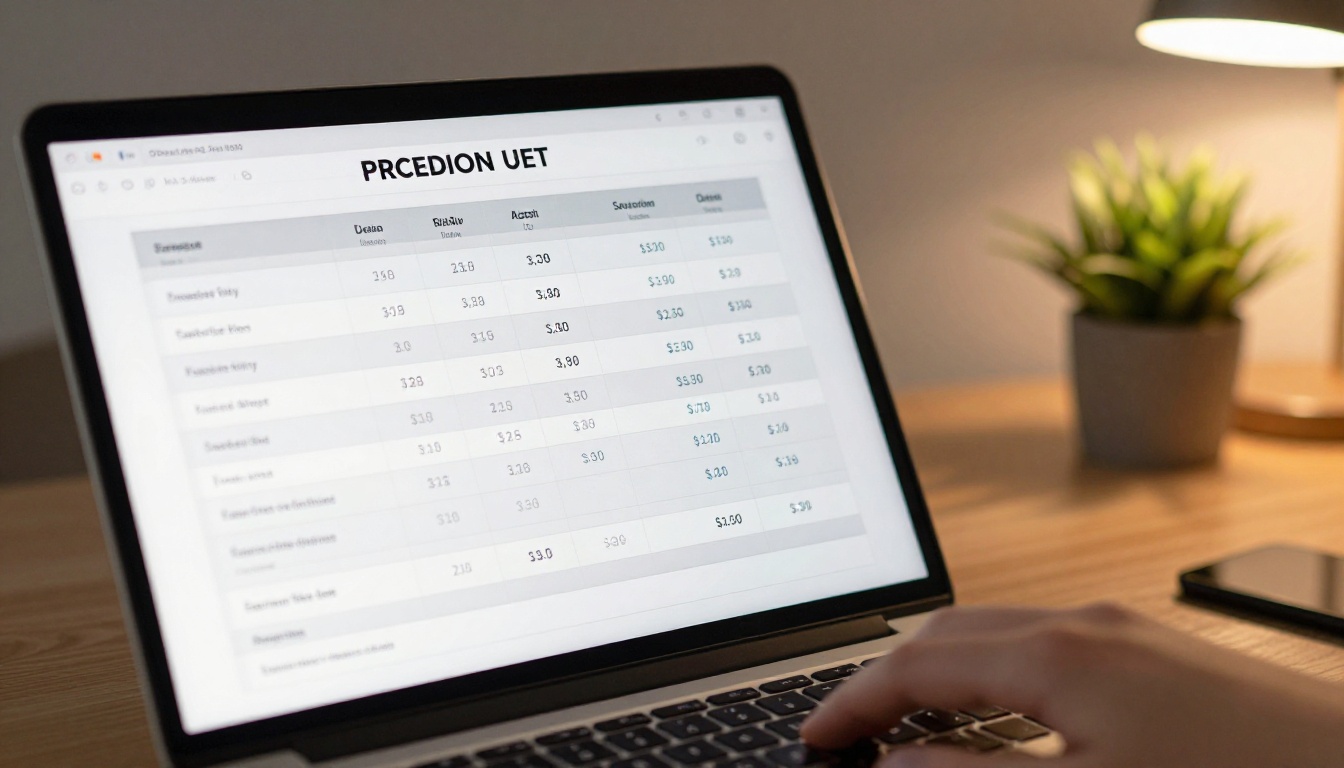
Flipbooks AI is one of the most straightforward platforms for a one-person business setup. The workflow from PDF to published flipbook takes under ten minutes the first time. Here is exactly how to do it.
-
Create your account: Go to flipbooksai.com/account and sign up. No credit card is required to start. The trial gives you enough access to test the full workflow before committing to a plan.
-
Prepare your PDF: Design your document in Canva, Google Slides, or any tool you already use, then export as a PDF. Aim for under 20 MB for fast loading times. Use high-contrast fonts and avoid text below 10pt, since flipbook pages are viewed at different zoom levels across devices.
-
Upload and convert: From your dashboard, click "New Flipbook" and upload your PDF. The PDF to Flipbook Converter processes your file and generates the page-turning interactive version automatically, typically in 10 to 60 seconds.
-
Customize branding and appearance: Once converted, set your brand colors for the reader interface, add your logo to the flipbook toolbar, choose a background texture or color, and toggle the page-turn sound effect on or off. For a one-person business, matching the flipbook's visual style to your website is the highest-impact change at this stage.
-
Configure sharing settings:
- Public link: Anyone with the URL can view it. Best for marketing materials and service menus.
- Password protected: Viewers must enter a password. Best for proposals and pricing documents.
- Embedded on your website: Copy the embed code and paste it into your site. The Embed Flipbook on Website tool makes this a one-step process.
-
Share and track performance: Send your link via email, add it to your email signature, or post it directly in a message. On Professional plans, your analytics dashboard shows page views, time spent per page, and total opens. That data reveals whether your proposal was actually read, something a plain PDF attachment can never tell you.
✅ Best Practice: Create a branded short URL for your flipbook link. A link like yourname.com/menu is more memorable and professional than a raw platform URL. Most website builders let you set up a simple redirect in under a minute.

5 Real Use Cases for One-Person Businesses
The use case shapes the tool, not the other way around. Here is how different types of solo operators actually use flipbooks day-to-day.
Freelance Consultants
Proposals are the lifeblood of consulting. A PDF proposal gets downloaded, renamed, and buried in a client's downloads folder. A flipbook proposal link stays in the email thread, opens instantly on any device, and if you have analytics enabled, tells you the exact moment the client opened it. That timing becomes follow-up intelligence you can act on.
A consultant can build one proposal template in Canva, export to PDF, and convert it into a new flipbook for each prospect. Once the template is built, the whole process takes about 15 minutes per proposal.
Food and Hospitality Solopreneurs
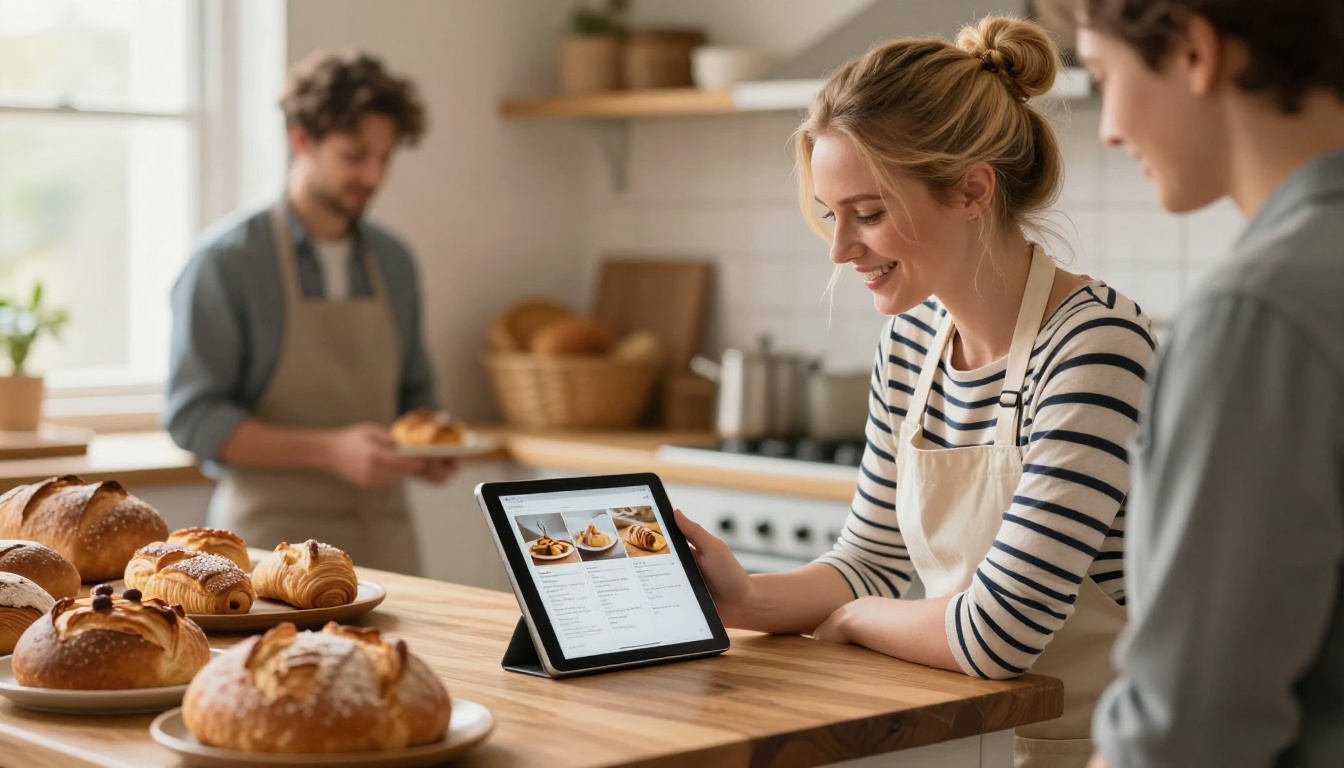
A home baker, private chef, or pop-up restaurant operator needs a menu that looks great and updates without reprinting. A flipbook menu shared via a QR code on a table card or in a WhatsApp group accomplishes both. The Restaurant Menu Creator on Flipbooks AI has layouts built specifically for food photography and clean menu typography.
Real Estate Solo Agents
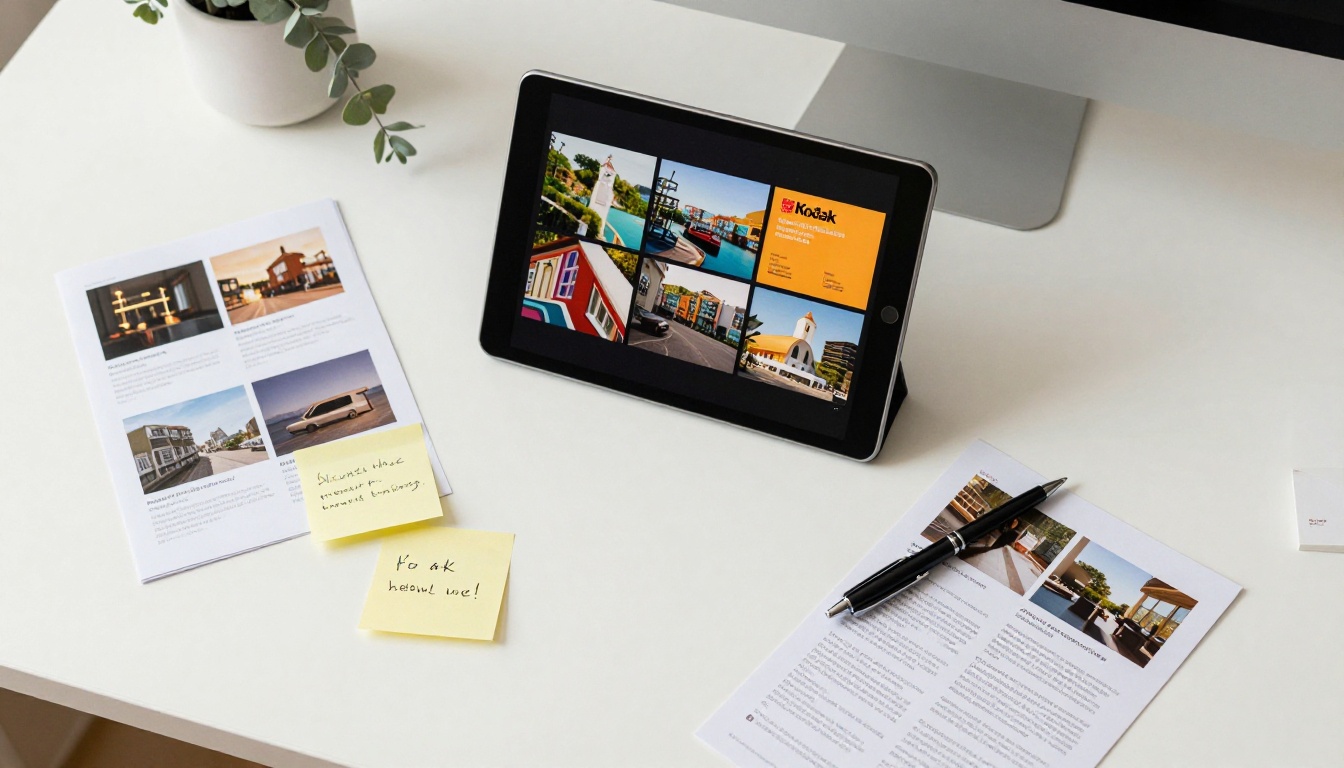
An independent real estate agent competes with large brokerages partly through presentation quality. A digital property brochure that loads instantly on a buyer's phone, includes high-resolution interior photos, and links to a booking calendar closes that perception gap. The Real Estate Brochure Creator handles the layout while you supply the photos and copy.
Photographers and Creatives
A digital portfolio that page-turns like a printed lookbook does something a website image grid cannot: it creates a viewing sequence, a narrative. Clients see work in the order the photographer intended, without distraction. The Photography Portfolio Flipbook tool handles high-resolution images without compression artifacts.
Instructors and Coaches
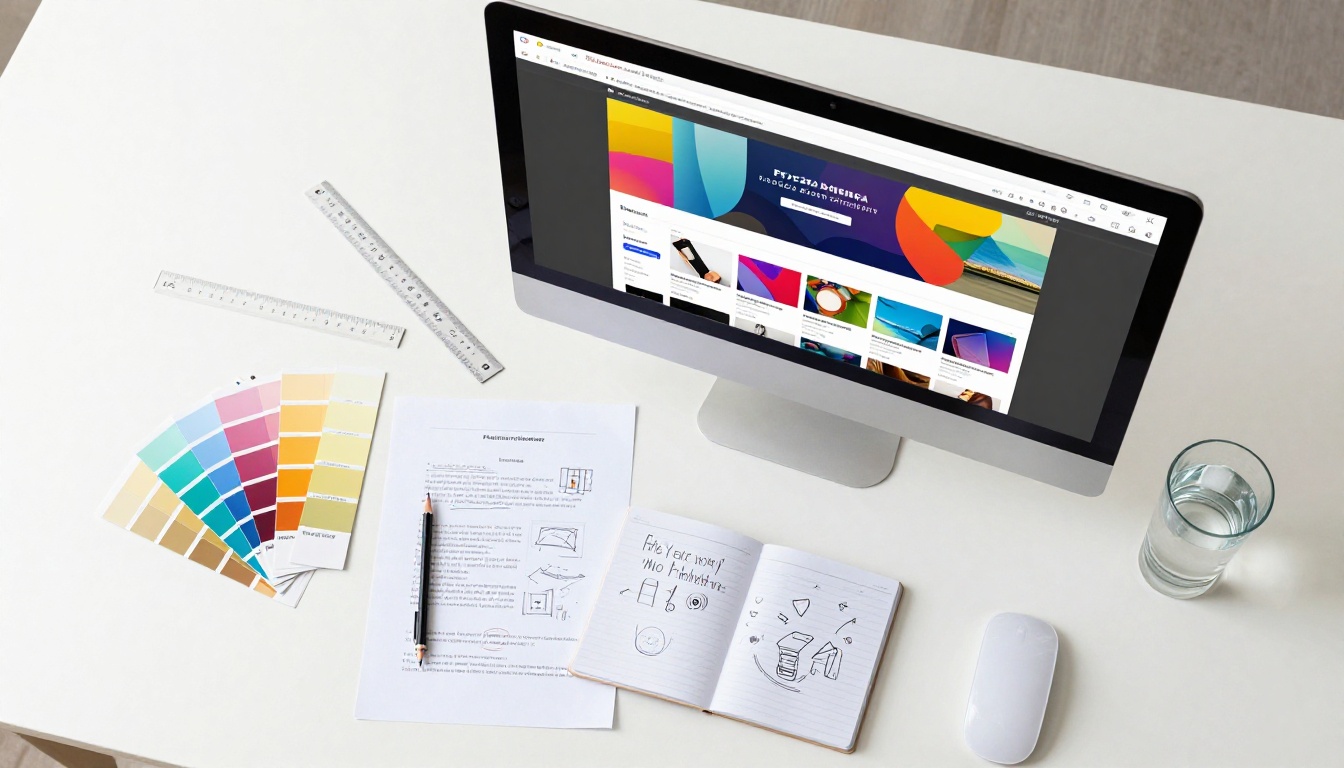
A yoga instructor, business coach, or online course creator can package onboarding materials, course syllabi, or welcome packets as a flipbook. It is more visually engaging than a Google Doc, more professional than a plain PDF, and can be updated between cohorts without sending a new attachment to every student. The Course Material Publisher covers this directly.

Matching Your Business Type to the Right Plan
Not every solo operator has the same needs or the same tolerance for monthly subscriptions. Here is a practical breakdown of which plan tier fits which type of business:
| Business Type | Recommended Tier | Primary Reason |
|---|
| Freelance consultant | Standard | Unlimited flipbooks, password protection for proposals, no watermark |
| Food and hospitality | Standard | Menu updates without reprinting, QR code sharing |
| Real estate agent | Professional | Analytics show if buyers viewed the brochure, lead capture included |
| Photographer or creative | Standard | Portfolio flipbooks with custom branding, no watermark |
| Coach or instructor | Professional | Lead generation forms inside onboarding materials |
| Retail solopreneur | Standard | Product catalog with embedded shop links |
Flipbooks AI Plan Features at a Glance
| Feature | Free | Standard | Professional |
|---|
| Flipbooks | Very limited | Unlimited | Unlimited |
| Watermarks | Yes | No | No |
| Custom branding | No | Yes | Yes |
| Password protection | No | Yes | Yes |
| Embed on website | Limited | Yes | Yes |
| Analytics | No | No | Yes |
| Lead generation | No | No | Yes |
| Offline downloads | No | Yes | Yes |
| Video and audio embed | No | Yes | Yes |
| Mobile responsive | Yes | Yes | Yes |
For most solopreneurs, the Standard plan is the right starting point. It covers every client-facing scenario without paying for Professional features you are not yet using. You can always upgrade when analytics become relevant to your sales process.
See the full breakdown at flipbooksai.com/pricing.

Budget Habits That Stretch Your Subscription Further
Beyond picking the right plan, a few operational habits can dramatically extend the value you get from your flipbook setup.
Reuse Templates, Not Individual Files
The biggest time drain in a solo flipbook operation is rebuilding documents from scratch for every new client. Set up one master Canva template per document type with your brand colors, fonts, and core layout locked in. Every new client-facing piece starts from that template. Per-document time drops from an hour to fifteen minutes. If you create proposals frequently, this single habit pays for your subscription many times over.
Design Mobile-First
If you design for desktop and check mobile as an afterthought, you will spend extra time fixing layout issues that look fine on a large screen but fall apart on a phone. Flip that habit. After converting your PDF, open the flipbook link on your phone first. If it reads clearly on a 6-inch screen, it will look excellent on desktop. Most clients open your links on their phones before they ever sit at a computer, so mobile quality is the standard that actually matters.
Use Data to Stop Guessing
Once you are on a Professional plan, the analytics dashboard tells you things that no PDF can: which pages clients read, how long they spent on each one, and when they closed the document. If clients consistently drop off on page three of your proposal, something on page three is not working. That is actionable feedback you can use to sharpen your materials over time, without any guesswork about what is landing.
💡 Pro Tip: Pair your flipbook data with a simple follow-up rule. When a client spends more than two minutes reading your proposal, send a brief check-in email within the hour. The timing signals attentiveness without pressure, and prompt follow-ups consistently outperform delayed ones.
Your First Flipbook Is One Upload Away
A budget flipbook setup for a one-person business does not require expensive software, a design team, or a large marketing budget. It requires a good PDF, the right platform, and about fifteen minutes of setup time. Everything else builds from there.
The materials you send clients are a direct reflection of how seriously you take your work. An interactive, branded, mobile-ready flipbook signals something different than a flat PDF attachment, and with Flipbooks AI, the gap in effort between those two outcomes is surprisingly small.
Ready to see what your materials look like as a flipbook? Create your account on Flipbooks AI and upload your first PDF today. If you want to browse tools built for your specific type of business, the full tools directory covers everything from product catalogs to coaching packets and restaurant menus. For a side-by-side comparison of what each tier includes, visit flipbooksai.com/account?redirect=pricing and pick the plan that fits where your business is right now.



