Shopping online used to mean visiting a store page, browsing products one by one, and checking out through a standard cart flow. But buyers increasingly expect to shop from wherever they encounter a product, including digital catalogs and interactive publications. If you have built a flipbook to showcase your products and you are wondering whether you can add a true shopping cart experience to it, the answer is more nuanced than a simple yes or no. Understanding that nuance is what separates a passive catalog from a revenue-generating asset. Flipbooks AI is built specifically for this kind of use case.
Not everyone asking this question wants the same thing. Some want a full native cart with inventory management, tax calculation, and checkout built directly inside the flipbook. Others just need a way to let readers click a product and buy it somewhere. Knowing which one you actually need matters before you pick a solution.
The Honest Answer
A native shopping cart embedded inside the flipbook itself (like a standalone checkout with order management) is not something any flipbook platform currently supports out of the box. That is not a limitation unique to any one tool; it is simply a function of how flipbooks work. They are interactive reading experiences built on top of PDFs or designed layouts, not full e-commerce platforms.
What you can do, and what most businesses actually need, is make your flipbook shoppable through one of several proven methods. These are not workarounds; they are how the most effective digital catalogs operate today.
What "Shoppable" Looks Like in Practice
A shoppable flipbook connects readers directly to purchasing without requiring them to hunt for a product elsewhere. It might look like:
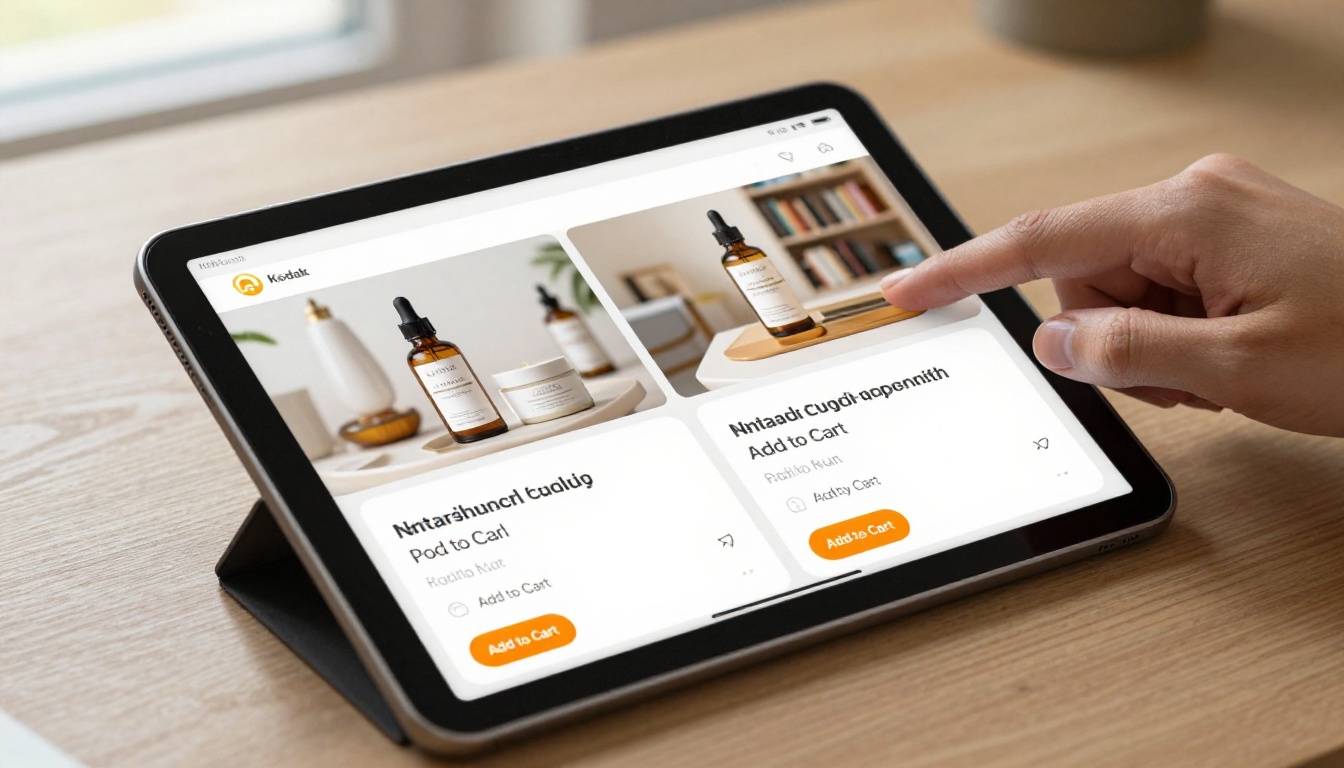
- A reader clicks a product image in your catalog and lands on the product page ready to add to cart
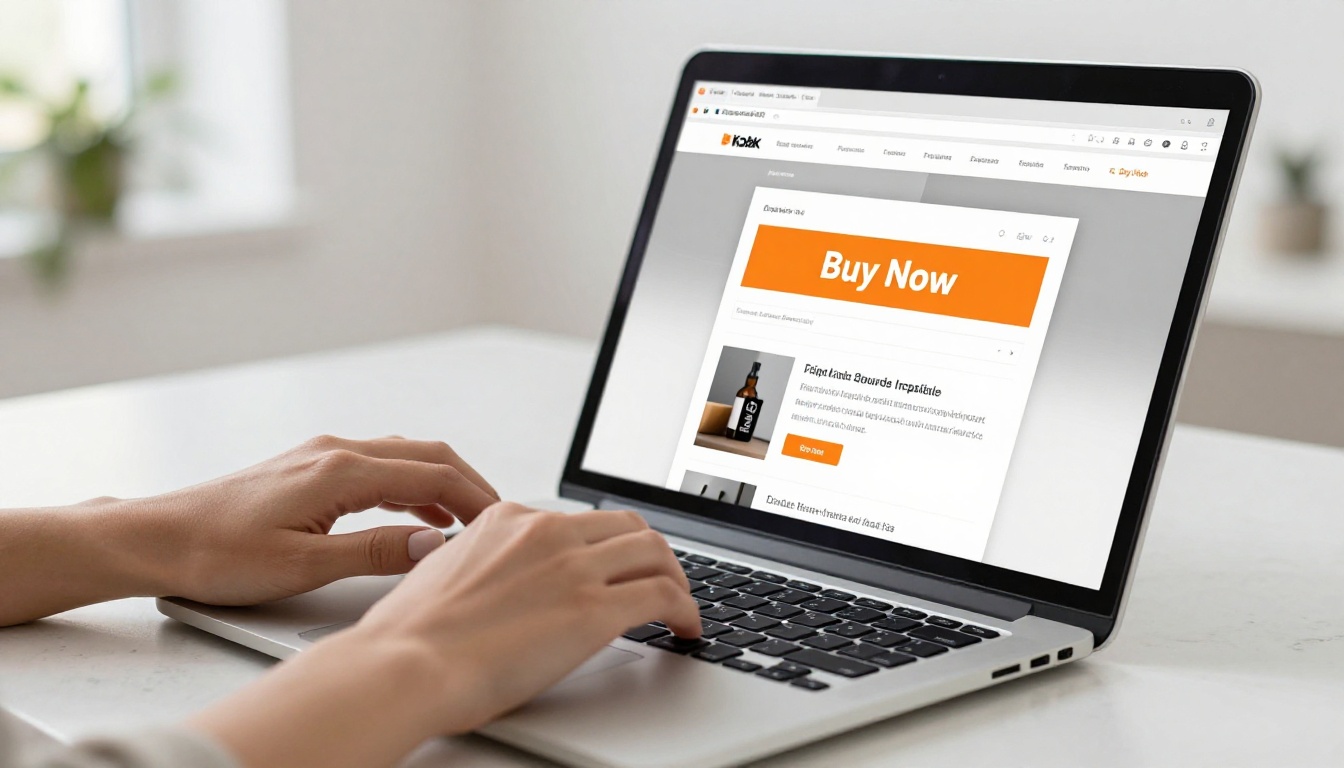
- A "Buy Now" button appears on each product spread, linking directly to a checkout page
- A popup form captures a buyer's interest and sends them a quote or invoice
- An embedded product widget loads inside the flipbook page itself
All of these are achievable. Some require more setup than others.
The 3 Core Methods to Make a Flipbook Shoppable
Every effective shoppable flipbook uses one, or a combination, of these three approaches. Each has different technical requirements and different conversion profiles.
Method 1: Clickable Product Links
This is the most universal approach and the one that works immediately without any special technical setup. You embed hyperlinks directly into your flipbook, either on product images, product names, or dedicated "Shop Now" buttons you design into the PDF layout.
When a reader clicks, they are taken to your existing product page, whether that lives on Shopify, WooCommerce, Amazon, Etsy, or any other platform. The cart lives there. The flipbook drives the intent and the click.
Why this works so well: You are sending buyers to a page already optimized for conversion, with reviews, inventory status, and a checkout flow your customers already know how to use. You do not have to build anything new.
💡 Link to a specific product page rather than a category or homepage. Every additional click between intent and product reduces conversion.
Method 2: Embedded Product Widgets
Some platforms allow you to embed third-party e-commerce widgets directly into flipbook pages. This creates a more self-contained experience where buyers can interact with product options, see pricing, and sometimes even initiate a purchase without leaving the flipbook itself.
This approach works well for businesses that want a fully branded buying experience within the catalog. The setup is more involved because you need to generate embed codes from your store platform and place them into the correct pages.
⚠️ Embedded widgets can slow down page load times if they are pulling live inventory data. Always test the experience on mobile before publishing.
Method 3: Lead Capture and Quote Forms
For B2B companies, luxury products, custom orders, or any category where direct checkout does not fit naturally, a lead capture form is often the highest-converting approach. Instead of a cart, a reader fills out a short form expressing interest in specific products, and your sales team follows up with pricing, availability, and a direct payment link.
Flipbooks AI supports lead generation forms on the Professional plan, turning your digital catalog into a qualified lead machine rather than a passive PDF.
Comparing Your Options
Before committing to any one approach, it helps to see the tradeoffs side by side.
| Method | Setup Complexity | Works on Mobile | Native Cart | Best For |
|---|
| Clickable product links | Low | Yes | No | All businesses |
| Embedded product widget | Medium | Partial | Partial | DTC e-commerce brands |
| Lead capture form | Low | Yes | No | B2B, custom orders, luxury |
| External checkout page | Low | Yes | Yes (external) | Shopify and WooCommerce stores |
✅ For most product catalogs, clickable product links are the fastest path to sales. Add lead capture forms for high-ticket or custom items.
How to Create a Shoppable Flipbook on Flipbooks AI
Flipbooks AI gives you everything you need to turn a standard PDF catalog into an interactive shopping experience. Here is how to set it up from scratch.
Step 1: Create Your Account
Go to flipbooksai.com/account and sign up. The Standard plan and above give you unlimited flipbooks with no watermarks, which is what you want for a professional product catalog.
Step 2: Design Your Catalog PDF
Before uploading, make sure your PDF is formatted like a product catalog: product images prominent, prices clearly visible, and product names easy to read. You do not need to design the interactive elements inside the PDF; those get added inside the Flipbooks AI editor. Use tools like Canva, Adobe InDesign, or Figma to build the layouts.
💡 Design your catalog in spreads (two facing pages) so it looks natural when the flipbook opens. A 16:9 or A4 landscape format works best for screen reading.
Step 3: Upload and Convert
From your dashboard, click Create Flipbook and upload your PDF. Flipbooks AI converts it automatically, rendering each page at high quality with the signature page-flip animation. Standard-length catalogs typically convert in under a minute.
Step 4: Add Clickable Links to Products
This is where your flipbook becomes shoppable. Inside the editor, select any area on a page (a product image, a product title, a "Buy Now" button you designed into your PDF) and attach a hyperlink pointing to the product's store page.
You can add as many links as you need, and each one can open in a new tab, keeping the catalog open in the reader's browser while they shop.
Step 5: Configure Branding and Sharing
Under the Customize section, set your brand colors, logo, and flipbook background. Custom branding makes your catalog feel like a premium shopping experience rather than a generic PDF viewer.
When you are ready to publish, you receive:
- A direct link to share via email, social media, or WhatsApp
- An embed code to place the flipbook on your website or landing page
- Password protection to keep wholesale or private catalogs secure
Explore all embedding options at Embed Flipbook on Website.
Step 6: Track Performance with Analytics
On the Professional plan, you get full analytics: how many people opened your catalog, which pages they spent the most time on, and where they clicked. This is how you find out which products are getting real attention and which need better placement, pricing visibility, or photography.
You can also enable lead generation on any flipbook, capturing contact details from interested readers before they leave the page.
Which Plan Do You Need for E-Commerce?
The features that matter for a shoppable flipbook vary by plan. Here is what each tier delivers.
| Feature | Free | Standard | Professional |
|---|
| Unlimited flipbooks | No | Yes | Yes |
| Clickable product links | Yes | Yes | Yes |
| No watermarks | No | Yes | Yes |
| Custom branding | No | Yes | Yes |
| Analytics | No | No | Yes |
| Lead generation forms | No | No | Yes |
| Offline downloads | No | No | Yes |
| Password protection | No | Yes | Yes |
For a working shoppable catalog, Standard covers everything you need for clickable links, branding, and embed. Upgrade to Professional when you want to track reader behavior and capture leads. Explore pricing plans to find what fits your business.
Real-World Use Cases by Industry
Different industries use shoppable flipbooks in different ways. Here is how each sector puts them to work.
Fashion and Apparel
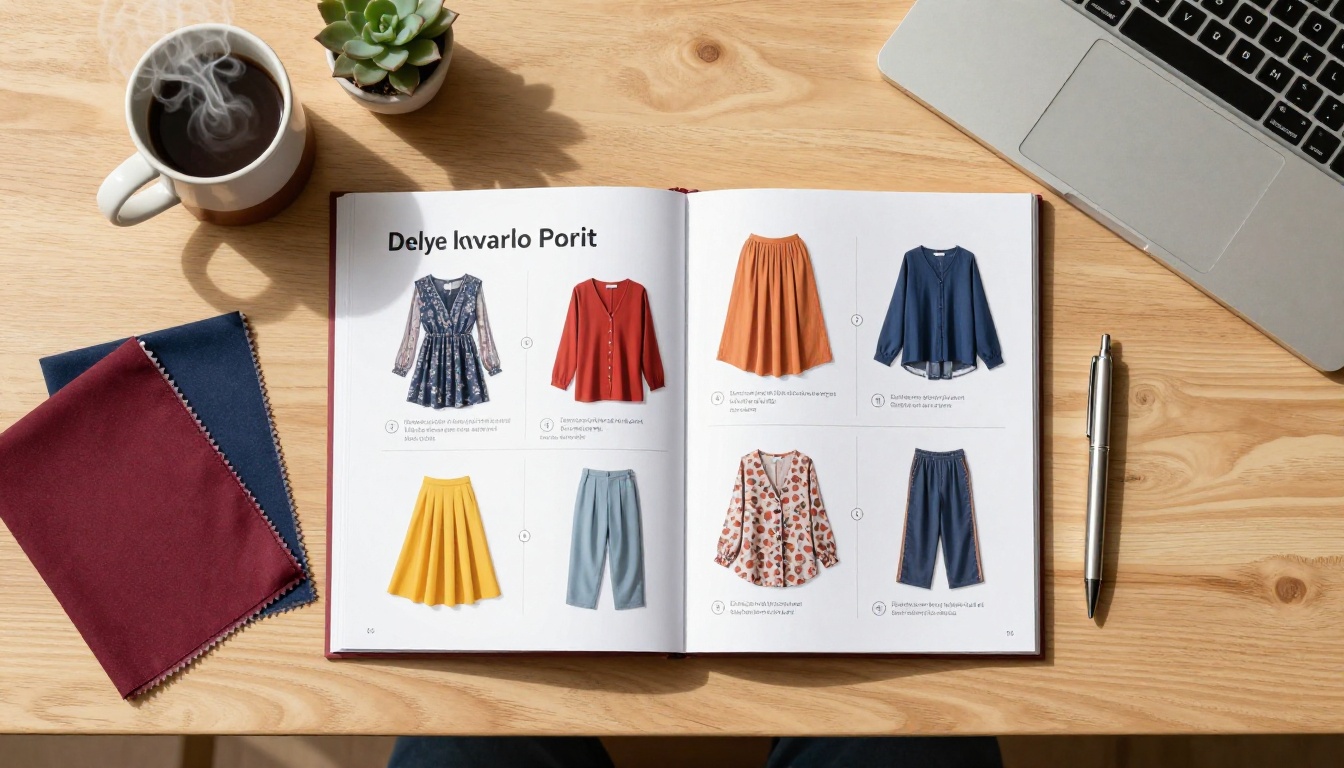
Fashion brands use the Interactive Lookbook Designer to create seasonal lookbooks where every outfit links directly to the product listing. A reader scrolling through a spring collection can tap a jacket and land on the product page with size and color options immediately in view.
Brands typically update their flipbook catalog each season and share it across email newsletters, social media bio links, and their website's collections page.

Home and Furniture
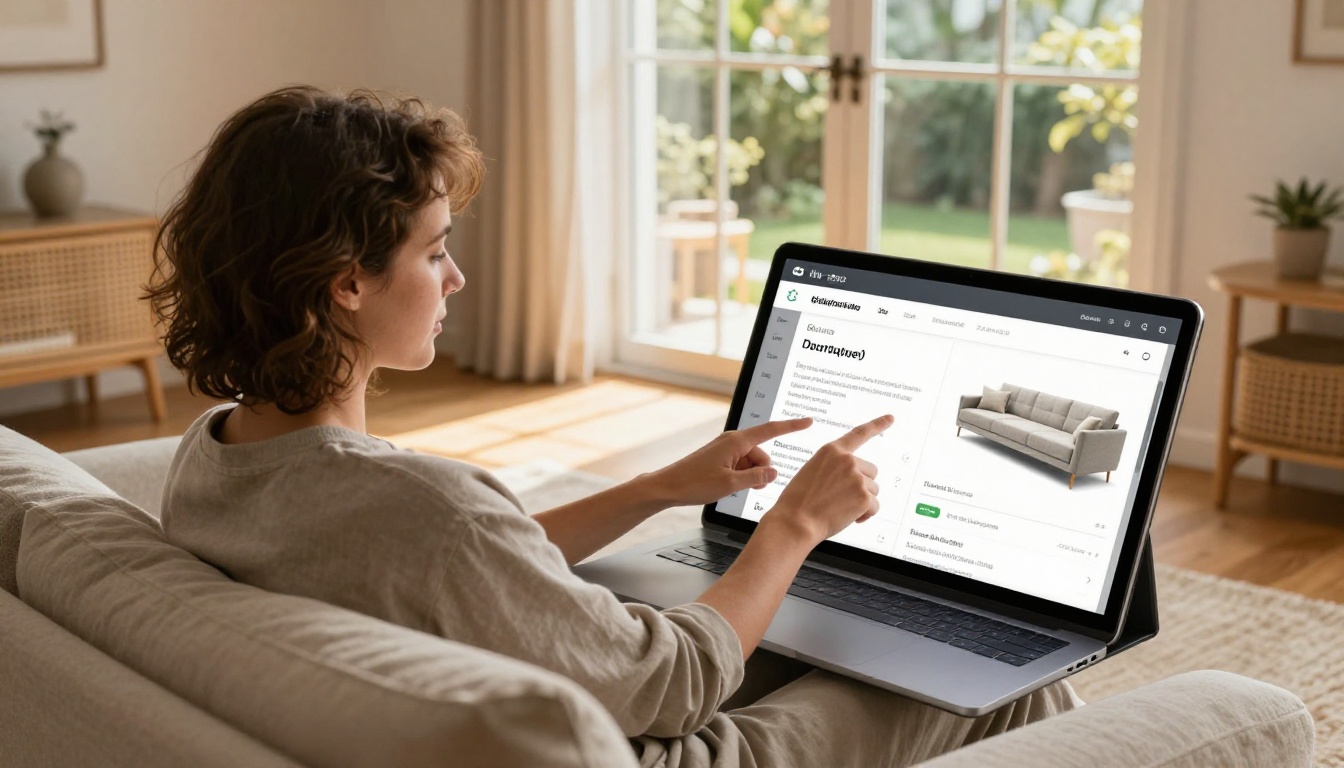
Furniture brands face a challenge that clickable flipbooks solve perfectly: buyers need to see products in context (full room shots, lifestyle photography) before they are ready to consider a price. A standard product grid does not tell that story. A catalog flipbook does.
The Furniture Catalog Maker helps retailers create room-by-room catalogs where each piece links to its product page. For custom or made-to-order furniture, a lead capture form on the same spread replaces a direct "Add to Cart" that would not fit the purchase flow anyway.
Food and Beverage
Restaurants, specialty food producers, and gourmet brands use flipbook catalogs to showcase their product range in a way that pure e-commerce grids cannot match. The Digital Catalog Maker paired with product page links lets buyers order directly from a visually rich, story-driven format.
Wholesale food distributors particularly benefit from lead capture: a buyer reviews the seasonal catalog, fills a short interest form, and a sales rep follows up with a quote and an invoice link.
B2B and Industrial
B2B catalogs rarely support a direct add-to-cart flow. Pricing is often volume-based, contracts are involved, and purchase orders are the norm. For these businesses, a shoppable flipbook means a catalog where every product connects to a quote request form or a contact page.

Using the Product Catalog Generator with embedded lead capture forms turns a static PDF into an active sales tool that generates qualified inbound inquiries without a single cold call.
What You Can and Cannot Do
Let us be direct about the realistic capabilities so you can plan accordingly.
| Capability | Possible in Flipbook? | Notes |
|---|
| Clickable product links | Yes | Standard feature on all platforms |
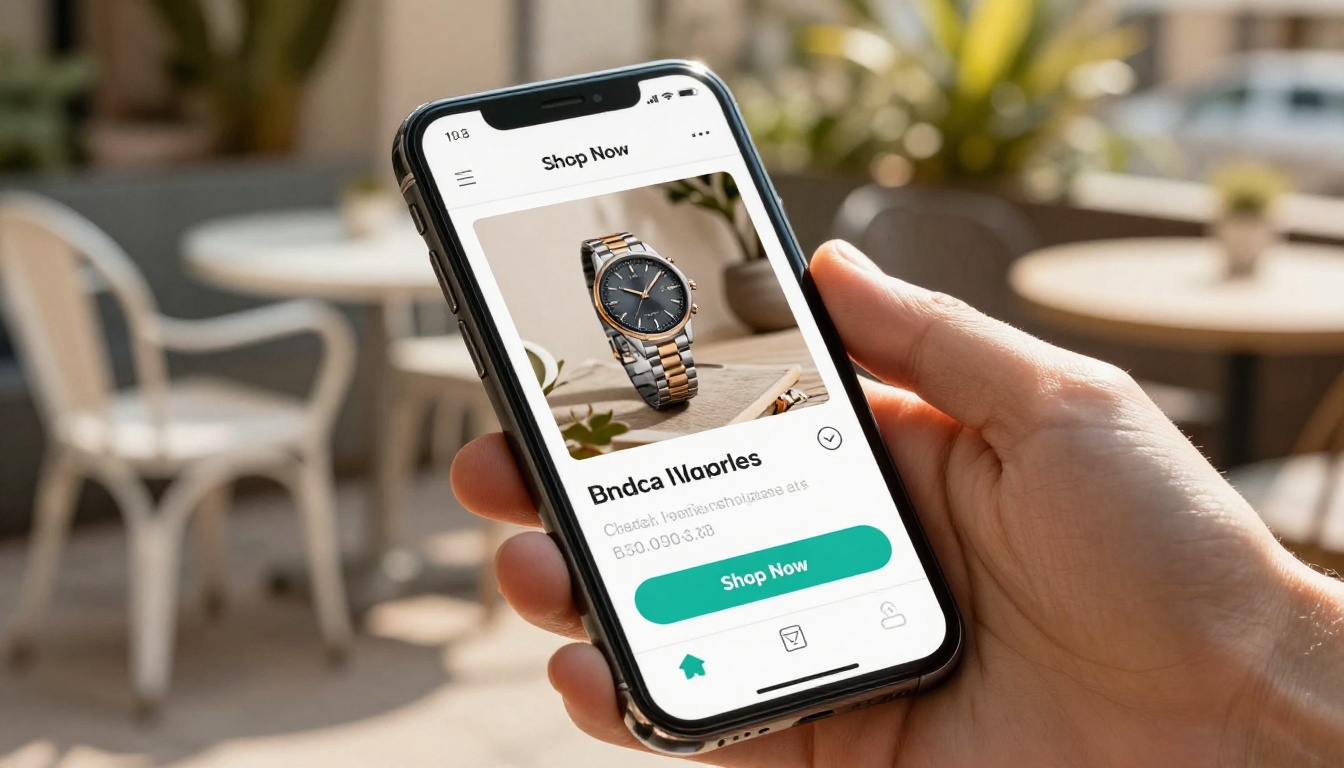
| "Buy Now" button linking to store | Yes | Opens external store cart |
| Native cart inside flipbook | No | No flipbook platform supports this |
| Embedded Shopify widget | Possible | Requires embed code setup |
| Lead capture and quote form | Yes | Professional plan on Flipbooks AI |
| Inventory sync | No | Links go to external store |
| Payment processing | No | Happens on external platform |
| Mobile-optimized shopping | Yes | Flipbooks AI is fully mobile-responsive |
⚠️ Anyone telling you they can put a full native shopping cart inside a flipbook with inventory management and order processing is overselling. The right model is a flipbook that connects to your existing store, not one that tries to replace it.
Making Your Shoppable Catalog Actually Convert
Getting clicks from a flipbook is only half the job. The other half is making sure those clicks lead somewhere that closes the sale. A few principles that matter more than most people realize:
Link to the right page. Do not link to a homepage or a category page. Link directly to the product listing with the exact item featured in the catalog. Every unnecessary navigation step loses buyers who were ready to purchase.
Keep the catalog updated. A flipbook linking to a sold-out product is a trust problem. Either update the links regularly or use platforms that let you adjust links without re-uploading the full PDF.
Use analytics to find what is working. With Flipbooks AI's Professional plan, you can see which pages get the most dwell time and which links get the most clicks. Doubling down on what already resonates is faster than guessing.
Test on mobile before publishing. Most catalog readers are on phones. Your clickable zones need to be large enough to tap accurately on a small screen. Check this before you share the link publicly.

Depending on your industry, these specific tools from Flipbooks AI are worth knowing about:
Each of these connects with the same core workflow: upload your PDF, add product links, publish, and share across your channels.
Start Selling From Your Catalog Today
The idea that you can add a shopping cart to a flipbook is mostly true; it just works differently than you might expect. Rather than a built-in cart with checkout processing, you get something arguably more powerful: a visually rich, interactive catalog that connects directly to your existing store or capture form, exactly where your customers already buy.
That model works for fashion brands, furniture retailers, B2B distributors, specialty food companies, and anyone else who needs to present products in a way that a standard e-commerce grid simply cannot match.
Get started for free on Flipbooks AI and have your first shoppable catalog live in under an hour. When you are ready for analytics and lead generation, compare pricing plans to pick what fits your business right now.



