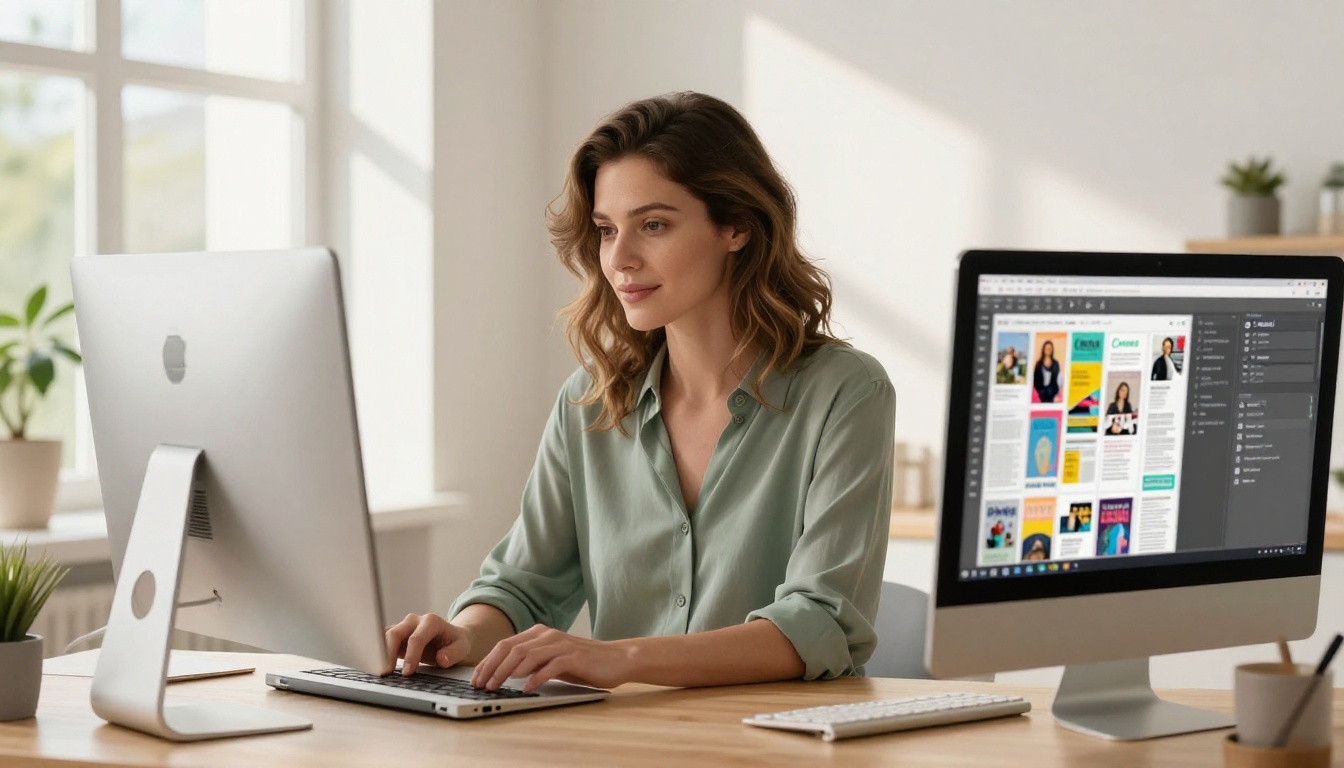
Most Canva designs get exported as flat PDFs that nobody wants to open. But there is one trick that professional marketers have been quietly using to turn those same designs into interactive flipbooks that people actually click, share, and revisit. This article covers exactly that, including how to set it up, what makes it work, and how to use Flipbooks AI to take the whole process to the next level.
Why Flat PDFs Kill Your Click Rate
When you share a Canva design as a standard PDF link, visitors see a static, unresponsive file. It doesn't animate. It doesn't invite interaction. And in a world where social feeds scroll at lightning speed, static content gets scrolled past.
A flipbook changes that dynamic entirely. The page-turn animation signals interactivity. It tells your viewer: this is something worth touching. That psychological trigger alone drives a measurable increase in time-on-page and direct click activity.
💡 Pro Tip: The moment a user sees a page curl animation, their brain registers "interactive content" and click-through rates spike significantly compared to a standard image or PDF link.
Digital flipbooks, with their tactile page-turn animation, consistently outperform static PDFs when measured on opens, scroll depth, and return visits.
The Actual Trick (It's Simpler Than You Think)
The Canva flipbook trick is a three-part process:
- Design in Canva as you normally would (presentation, brochure, catalog)
- Export as PDF (Print quality, multi-page)
- Convert to flipbook using a platform like Flipbooks AI and share the live link
That's it. The transformation from a boring PDF to an animated, interactive flipbook is what drives the click difference. But the way you design in Canva for this format matters enormously.
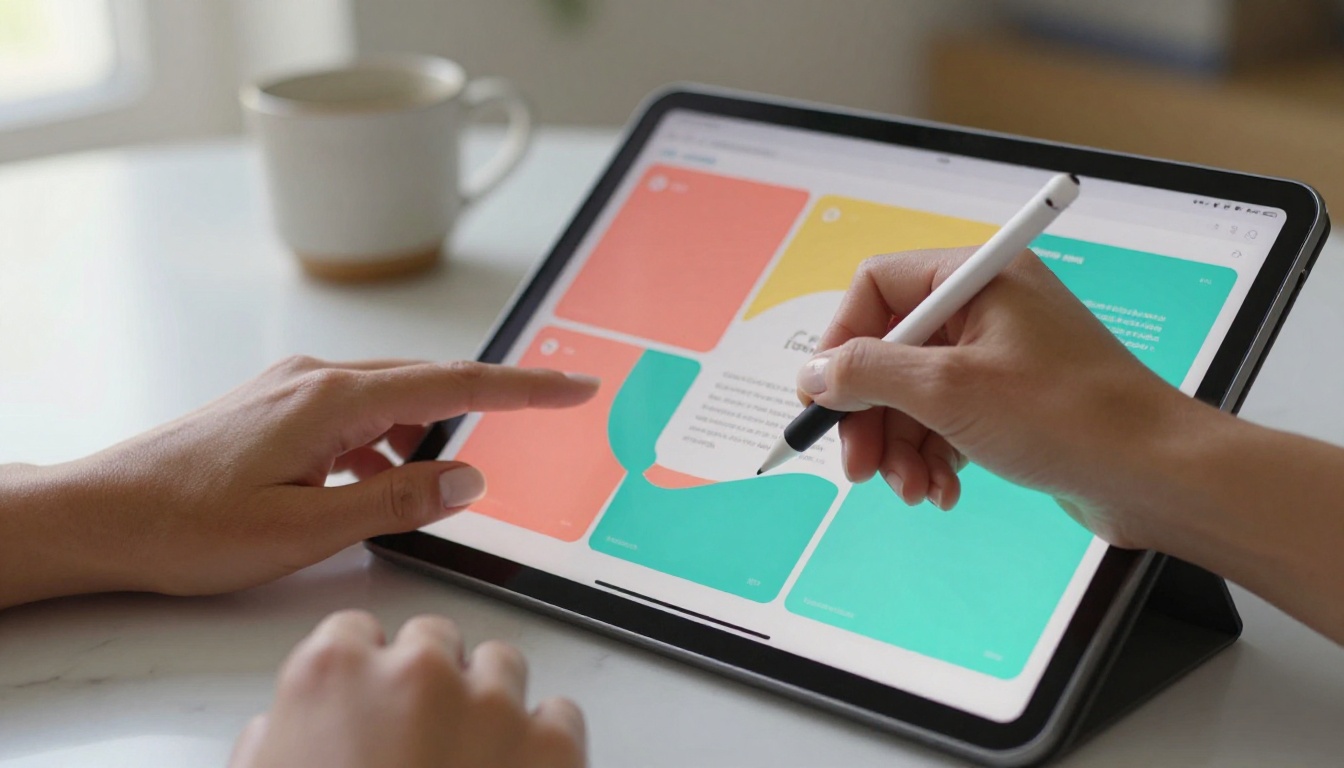
Design Choices That Boost Clicks
Not all Canva designs convert equally well into high-click flipbooks. These specific decisions make the difference.
Use Bold, High-Contrast First Pages
Your flipbook's first page is the thumbnail viewers see before clicking. Treat it like a landing page hero section: bold headline, strong color contrast, one clear focal point.
- Avoid white backgrounds with small text
- Use Canva's full-bleed photo templates
- Add a single action-oriented phrase, not a paragraph
- Stick to 2-3 colors maximum
Think in Page Spreads, Not Single Slides
In a flipbook, pages are viewed in pairs (like a physical book). When designing in Canva, plan your layouts so information flows naturally across spreads. A headline on the left, supporting image on the right. A stat on the left, explanation on the right.
⚠️ Avoid: Centering all content on every slide. It looks great as a slideshow but breaks the spread-reading experience in a flipbook.
Embed Visual Cues That Invite Turning
Design elements that bleed off the right edge of your page (arrows, partial images, text that continues) psychologically compel readers to turn the page. This is the single most effective design trick for increasing page-view depth.
- Use diagonal arrows pointing right at the bottom-right corner
- Let a headline start on one page and finish on the next
- Use a partial circle or image bleeding off the right side

Canva Export Settings That Matter
Before you convert, your export settings in Canva directly affect flipbook quality.
| Setting | Recommended Value | Why |
|---|
| File Format | PDF Print | Highest resolution for crisp page display |
| Compression | Off / High Quality | Prevents blurry text and images |
| Include Bleeds | Yes | Ensures edge-to-edge imagery works correctly |
| Flatten PDF | No | Preserves link interactivity if you have added URLs |
| Page Size | A4 or US Letter | Standard format for best flipbook rendering |
✅ Best Practice: Always export at "PDF Print" quality, not "PDF Standard." The visual difference in your flipbook is significant, especially for photography-heavy designs.
How to Convert Canva to Flipbook with Flipbooks AI
This is where the trick becomes a full system. Flipbooks AI takes your Canva PDF and transforms it into a live, shareable, embeddable interactive flipbook in minutes.
Step 1: Create Your Account
Head to flipbooksai.com/account and sign up. No credit card required to start. The free tier lets you try the platform before committing to a paid plan.
Step 2: Upload Your Canva PDF
Click "New Flipbook" and drag your exported PDF file into the upload area. Flipbooks AI processes the file and generates your page-turn preview within seconds. The PDF to Flipbook Converter tool handles everything automatically, no technical setup required.
Step 3: Customize for Your Brand
This is where Flipbooks AI separates itself from basic converters. You can:
- Set your brand colors for the viewer frame and navigation
- Add your logo to the flipbook player
- Upload a custom thumbnail (use your Canva first page exported as JPG)
- Enable background music or ambient sound
- Add page-specific hotspots and embedded links
Step 4: Set Your Sharing Options
Once published, you receive:
- A direct shareable link for email, social, and chat
- An embed code for placing the flipbook directly on your website
- Password protection if the content is private or for a specific audience
- A QR code for print materials
💡 Pro Tip: For social sharing, use the direct link with a strong thumbnail. On Instagram, share the QR code as a story. On LinkedIn, post the embed preview for native display.
Step 5: Track What Gets Clicked
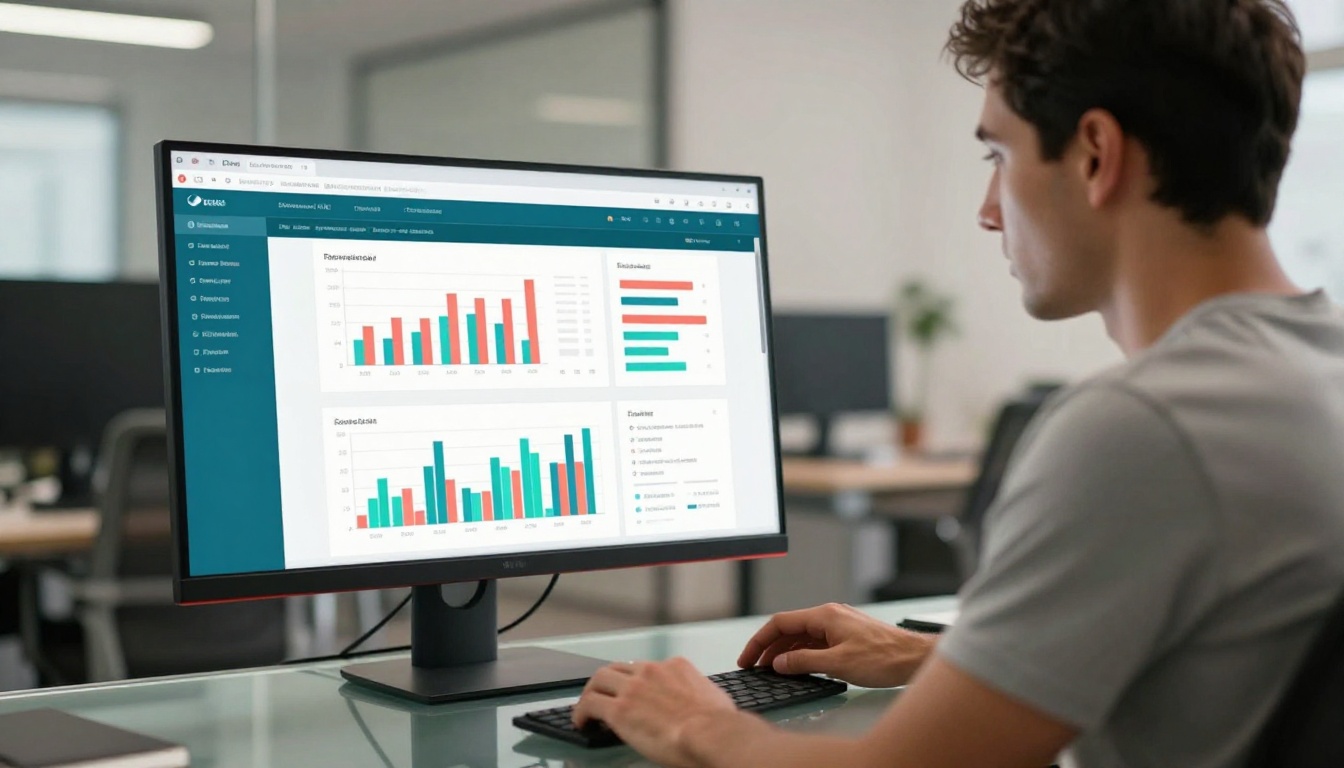
With the Professional plan on Flipbooks AI, you get analytics showing exactly which pages viewers spend the most time on, where they drop off, and what links they click. This data tells you which Canva design choices are working and which need rethinking.
Not all platforms treat flipbook links equally. Here is a practical breakdown of where to share for maximum click impact.
| Platform | Best Format | Click Boosting Tactic |
|---|
| Email Newsletter | Direct link with GIF preview | Use animated thumbnail of page turn |
| LinkedIn | Embedded player or link preview | Write a strong text hook before the link |
| Website | Embedded flipbook | Place above the fold on landing pages |
| Instagram | QR Code in Stories | "Swipe for the full look" caption |
| WhatsApp / Slack | Direct share link | Short URL with compelling first page |
| Facebook Groups | Link post with preview | Ask a question that the flipbook answers |
The highest-performing channel for flipbook click rates is email when paired with an animated GIF preview of the page-turning first spread. Second is website embeds where the flipbook auto-loads and begins animating on page scroll.
Why Flipbooks AI Over a Basic Converter
There are plenty of free PDF-to-flipbook tools online, but they all carry the same problem: watermarks, limited pages, no branding control, and zero analytics.
| Feature | Free Converters | Flipbooks AI |
|---|
| Watermarks | Yes, always | Never |
| Custom Branding | No | Full color and logo control |
| Analytics | No | Professional plan |
| Embed on Website | Limited | Full embed support |
| Password Protection | No | Yes |
| Offline Downloads | No | Yes |
| Unlimited Flipbooks | No | Standard plan and above |
| Lead Generation Forms | No | Professional plan |
For anyone using flipbooks as a marketing tool, the difference is meaningful. A watermarked flipbook undermines trust. No analytics means no way to improve. No branding means no brand equity built over time.
Start with a free account and upgrade when you're ready for the full feature set.
Real-World Use Cases That Drive Clicks
Product Catalogs
E-commerce brands using Canva to design product catalogs see significantly higher interaction when those catalogs are shared as flipbooks versus PDFs. The page-turn animation mimics physical catalog browsing, a format consumers are already conditioned to trust. Use the Digital Catalog Maker tool for a streamlined version of this workflow.
Real Estate Brochures
Real estate agents who send Canva-designed property brochures as flipbook links report higher open rates and callback frequency versus static PDF attachments. The Real Estate Brochure tool pairs perfectly with Canva-exported property layouts.
Restaurant Menus
Restaurants sharing their Canva menus as flipbooks on their social bios and Google Business profiles see higher menu-view-to-reservation conversion. Use the Restaurant Menu Creator for custom-optimized menu formatting that looks great in the flipbook viewer.
Event Programs
Event organizers embed a flipbook program on their event page instead of a PDF download. Attendees browse through sponsor pages, schedules, and maps interactively without downloading anything. The Event Program Maker handles this exact workflow end to end.
Digital Lookbooks
Fashion brands and photographers create stunning Canva lookbooks and share them as flipbooks to simulate a luxury magazine experience. Try the Interactive Lookbook Designer for a purpose-built version of this format.
5 Canva Flipbook Mistakes That Kill Clicks
These are the most common errors that undercut click performance even when the design itself is strong.
- Too much text on each page: Flipbooks are scanned, not read. Dense text blocks stop viewers cold. Use short headlines and visuals instead.
- Low-contrast color choices: Pale palettes look soft in static mode but wash out completely in the flipbook viewer. Increase contrast by at least 20%.
- Missing a strong first-page CTA: Your first page is your ad. If it doesn't tell the viewer what's inside or why they should turn the page, they won't.
- No links embedded: The point of a flipbook is interactivity. Add clickable links in Canva before exporting so they carry through to the flipbook.
- Sharing the PDF instead of the flipbook link: This sounds obvious, but many people convert to flipbook and then still share the PDF link by habit. Always share the live flipbook URL.
Flipbooks AI Pricing at a Glance
Understanding the plan structure helps you choose the right level for your use case.
| Plan | Best For | Highlights |
|---|
| Free | Testing the workflow | Basic flipbook creation, limited storage |
| Standard | Freelancers, small businesses | Unlimited flipbooks, no watermarks, custom branding |
| Professional | Marketing teams, agencies | Analytics, lead generation forms, offline downloads |
Compare all plans in detail on the Flipbooks AI pricing page. Most marketers working at scale will want the Professional plan for the analytics and lead generation features.
The Sharing Strategy That Maximizes Clicks
Generating the flipbook is half the work. The other half is how you share it.
Email strategy: Instead of attaching a PDF, write "Your [content type] is ready to view" and include the flipbook link with the first page as an inline image. Click rates on this format outperform PDF attachments significantly across every industry.
Website embed strategy: Use the Embed Flipbook on Website tool to place your flipbook directly on a product or landing page. Make it auto-start on scroll. Visitors who interact with an embedded flipbook spend 3-4x longer on the page versus those who click a download link.
Social strategy: Post the QR code on Instagram Stories with a "tap for the full version" prompt. Share the direct link on LinkedIn with a 2-3 sentence hook that teases the best page inside.
✅ Best Practice: Always write a teaser for the single most interesting page in your flipbook when sharing. "Page 7 has the pricing breakdown everyone always asks about." This drives direct page-deep clicks from cold audiences.
Who This Trick Works For
This workflow is not industry-specific. It works for:
- Marketing agencies producing client deliverables and pitch decks
- E-commerce brands sharing seasonal catalogs and product ranges
- Coaches and educators distributing course materials via the Course Material Publisher
- Event planners sharing programs, sponsor decks, and schedules
- Restaurants and hospitality sharing menus and venue brochures
- Real estate professionals distributing property brochures to buyers
- Nonprofits publishing annual reports with the Non-Profit Annual Report tool
Essentially: anyone who currently sends a Canva-designed PDF to an audience is leaving clicks on the table.

Start Getting More Clicks Today
The Canva flipbook trick that gets more clicks is not a complicated hack. It's a workflow shift: design in Canva, export as PDF Print quality, and convert to a live flipbook with Flipbooks AI. Then share the flipbook link, not the PDF. Every time.
The page-turn animation does what static PDFs can't: it signals interactivity, builds curiosity, and invites a click. Add custom branding, embedded links, and analytics tracking, and you have a content format that consistently outperforms every static alternative in your marketing stack.
Create your first flipbook free and see the difference a single format change makes to your click rates. Already scaling content output? Check the pricing plans and activate analytics and lead generation for your flipbook strategy. Browse all available tools and templates to find the right format for your next Canva project.



