Choosing between Canva and a dedicated flipbook maker sounds simple until you actually sit down with a catalog project and realize they are solving two completely different problems. Canva is a graphic design tool. Flipbook makers are distribution platforms. That distinction matters more than most businesses realize, especially when your catalog needs to reach customers, track engagement, and actually drive sales.
This breakdown compares both options honestly, from feature depth to pricing to real-world performance, so you can stop guessing and pick the right tool for your catalog goals. And if you are already leaning toward the flipbook side, Flipbooks AI is worth a close look from the start.

What Canva Actually Does Well
Canva built its reputation on making design accessible to non-designers. For catalogs, that means drag-and-drop page building, a massive library of templates, and a smooth learning curve that gets most people productive on day one. It has earned its place in millions of workflows, and for certain catalog needs, it genuinely delivers.
Canva's Real Catalog Strengths
- Template variety: Hundreds of catalog templates covering fashion, retail, real estate, food, and more, most of them well-designed and easy to customize
- Brand kit integration: Fonts, colors, and logos stay consistent across every page without manual effort
- Real-time collaboration: Multiple team members can edit simultaneously, which speeds up revision cycles
- Export flexibility: Download as PDF, PNG, or MP4 for slideshows and presentations
- Canva Pro features: Background remover, AI text generation, and magic resize for multi-format outputs
For a small business printing a physical catalog to hand out at trade shows or leave in lobbies, Canva can absolutely get the job done. The design output is polished, and the process is significantly faster than working in Adobe InDesign.
💡 Pro tip: Canva's catalog templates work best when you are designing for print or a static PDF attachment. If you need something interactive online, you will hit walls very fast.
Where Canva Falls Short
Here is where the comparison gets interesting. Canva is a design tool, not a publishing platform. Once you export that PDF, Canva's job is done. You are entirely on your own for everything that happens next:
- Hosting: Where does your catalog actually live online? Canva does not host it for you
- Interactivity: No clickable links on individual products, no embedded video, no animated page turns
- Analytics: No way to know who viewed your catalog, how long they spent on each page, or which products got attention
- Lead generation: No built-in forms or email capture within the catalog itself
- Mobile experience: A PDF link shared via WhatsApp or email is awkward and clunky on a phone screen
- Updates: Every time you change a product or price, you generate a new PDF and manually replace the old one everywhere it was shared
These are not minor inconveniences. For a catalog designed to drive real sales, these missing features represent most of the business value.
Why Dedicated Flipbook Makers Exist
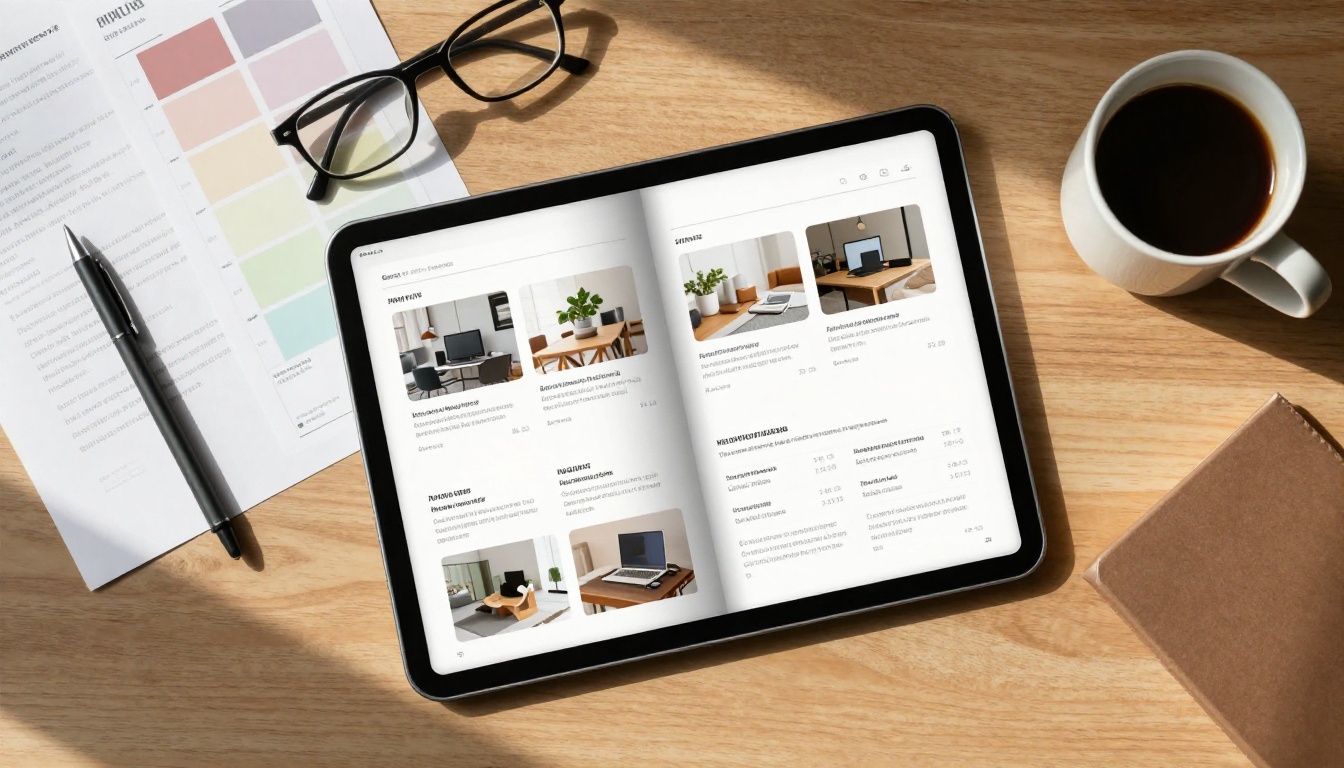
Flipbook makers were built specifically for the problem Canva cannot solve: turning a static document into a living, interactive digital publication. The core mechanic is simple. You upload a PDF, the platform converts it into a page-turning experience with smooth animation, clickable elements, and everything a modern digital catalog needs to actually work in the wild.
The Page-Turn Experience Matters More Than You Think
The page flip effect is not just cosmetic. It creates a browsing behavior that mirrors how people actually read catalogs in real life. Customers scroll through pages naturally, jump to sections using a thumbnail panel, zoom in on product details, and share specific pages with others.
That browsing behavior drives longer time-on-page and stronger purchase intent compared to scrolling through a flat PDF. People engage with it the way they engage with a magazine, not a spreadsheet.
Flipbooks AI builds on this with features like:
- Animated page turns with realistic paper physics
- Mobile-first design that works on any screen size without zooming or horizontal scrolling
- Zoom and fullscreen reading modes for product detail
- Embedded clickable links on any element in any page
- Video and audio tracks integrated directly within catalog pages
Built for the Full Catalog Lifecycle
This is the real separation point. A dedicated digital catalog maker gives you tools for the entire lifecycle of a catalog, not just the design phase. That means creation, hosting, distribution, and analysis all in one place.
With Flipbooks AI, your catalog gets:
- A permanent hosted URL you can share anywhere, anytime
- Embed code to place the flipbook directly on your website with one snippet
- Password protection for private catalogs, wholesale pricing sheets, or members-only content
- Analytics dashboard showing page views, time spent per page, and geographic data
- Lead capture forms built directly into the reading experience
- Offline download so customers can save a copy for later reference
None of this infrastructure exists in Canva.

Feature-by-Feature Comparison
| Feature | Canva | Flipbooks AI |
|---|
| Drag-and-drop design | ✅ Yes | Design externally, upload PDF |
| Template library | ✅ 500+ templates | Upload your own design |
| Page-turn animation | ❌ No | ✅ Yes |
| Hosted catalog URL | ❌ No | ✅ Yes |
| Embed on website | ❌ No | ✅ Yes |
| Clickable product links | ❌ No | ✅ Yes |
| Analytics and tracking | ❌ No | ✅ Professional plan |
| Lead generation forms | ❌ No | ✅ Professional plan |
| Password protection | ❌ No | ✅ Yes |
| Video inside catalog | ❌ No | ✅ Yes |
| Mobile-responsive | PDF only | ✅ Fully responsive |
| Offline download | Export PDF | ✅ Yes |
| Watermark-free | ✅ Pro plan | ✅ Never watermarked |
| Unlimited catalogs | ✅ Pro plan | ✅ Standard plan and above |
| Custom branding | ✅ Yes | ✅ Yes |
| QR code generation | ❌ No | ✅ Yes |
⚠️ Critical distinction: Canva exports a static file. Flipbook platforms host a live, interactive experience with its own URL. These are fundamentally different products serving different parts of the catalog workflow.
Pricing Reality Check
| Plan | Canva | Flipbooks AI |
|---|
| Free | Limited templates | Free plan available |
| Standard | $15/month (Pro) | Affordable, see pricing |
| Professional | Teams ~$30/month | Includes analytics and lead gen |
| Hosting included | ❌ No | ✅ Yes |
| Analytics included | ❌ No | ✅ Professional plan |
| Watermarks removed | Pro plan only | ✅ Never included |
The hidden cost with Canva for catalog publishing is everything you bolt on afterward: a website host, PDF viewer, link tracker, and analytics tool. Those add-ons often push the real cost well above a dedicated flipbook platform that bundles everything.
💡 Cost reality: Canva Pro plus external hosting plus analytics can easily exceed the cost of a full flipbook platform where everything is built in and managed in one place.

Real-World Use Cases
Fashion and Retail Catalogs
A fashion brand launching a seasonal lookbook needs its catalog to feel premium, be shareable across channels, and ideally drive clicks to product pages. Canva handles the design phase beautifully. But distributing a PDF link on Instagram or embedding it on a Shopify store is awkward at best.
With the Fashion Catalog Creator on Flipbooks AI, that same design becomes a linkable, embeddable magazine experience. Each product image can link directly to its purchase page. Customers browse on their phones the same way they would flip through a print magazine. Retail brands using digital flipbook catalogs consistently report higher click-through rates and longer browse sessions compared to PDF links.

Real Estate Property Catalogs
Real estate agents create property showcase catalogs constantly. Canva makes it easy to produce a sharp-looking PDF. But when a buyer wants to forward it to their spouse or share it with a mortgage advisor, a PDF attachment gets lost in email threads fast.
A flipbook version has a shareable URL that works on any device, can be password protected for exclusive listings, and shows the agent exactly which properties got viewed and for how long. That data changes how follow-ups happen. An agent who knows a client spent eight minutes on a beachfront listing but skipped past the downtown condos has a much clearer conversation to start.

Restaurant Menus and Food Catalogs
A restaurant with a seasonal menu or catering catalog faces a constant update problem with static PDFs. Every price change or new dish means a new file, a new upload, and broken QR codes already printed on table cards.
With the Restaurant Menu Creator on Flipbooks AI, uploading a new PDF to the same URL keeps the link and QR code completely identical. The menu is always current, no reprinting needed, no broken links, no confused customers scanning outdated codes.

How to Build a Catalog with Flipbooks AI
If you are ready to create your first interactive catalog, the process with Flipbooks AI is straightforward. Here is exactly how it works from start to finish.
Step 1: Design your catalog in any tool. Use Canva, Adobe InDesign, Google Slides, or PowerPoint. Export as PDF when done. Canva works perfectly here: design fast using templates, then bring the PDF to Flipbooks AI for everything afterward.
Step 2: Create your account. Head to Flipbooks AI and sign up. The process takes under two minutes. Choose your plan based on whether you need analytics, lead capture, or just clean interactive hosting.
Step 3: Upload your PDF. The platform converts it automatically into an interactive flipbook. Layout, typography, and images are preserved exactly as designed.
Step 4: Customize the experience. Add your logo and brand colors, set page-turn animation styles, embed videos on product pages, and configure privacy settings: public, password protected, or private for wholesale-only content.
Step 5: Share and embed. Your catalog is live at a permanent URL. Share via direct link, generate a QR code for print materials, or use the embed snippet to place it directly on your website with the Embed Flipbook on Website tool.
Step 6: Track what works. With the Professional plan, your analytics dashboard shows total views, time per page, geography, and lead capture data from embedded forms. This data makes every future catalog smarter.
✅ Best practice: Use a single flipbook URL across all your marketing channels. When you update the catalog, replace the PDF behind the same URL and every link, QR code, and embed updates automatically with no extra work.

| Your Goal | Best Tool |
|---|
| Design a print catalog for events | Canva |
| Create a branded PDF to email clients | Canva |
| Publish an interactive catalog online | Flipbooks AI |
| Track who viewed your catalog | Flipbooks AI |
| Embed a catalog on your website | Flipbooks AI |
| Update a menu without breaking links | Flipbooks AI |
| Add product links inside catalog pages | Flipbooks AI |
| Collect leads from catalog readers | Flipbooks AI |
| Design a catalog quickly using templates | Canva, then export to Flipbooks AI |
| Share a catalog on mobile that actually works | Flipbooks AI |
The most effective workflow for most businesses is actually using both tools together: design in Canva for speed and template access, then publish through Flipbooks AI for hosting, interactivity, and analytics. You get the best of both without compromise.
Beyond the core platform, Flipbooks AI offers purpose-built tools for specific catalog types, each designed around how that catalog actually gets used in its industry:
Each of these handles the nuances of its specific catalog format rather than forcing a one-size-fits-all approach.
Three Common Mistakes to Avoid
1. Thinking a PDF link is good enough. A PDF shared via link is hard to read on mobile, gets buried in downloads folders, and provides zero data about whether anyone actually looked at it. If your catalog lives as a PDF attachment, it is not working as hard as it could.
2. Treating design and distribution as the same problem. Canva solves design. Flipbook platforms solve distribution. Trying to use one tool for both leads to compromises on both fronts. The smartest approach is letting each tool do what it does best.
3. Skipping analytics entirely. Knowing which pages your customers actually read changes how you design the next catalog. Without that data, you are guessing every time. A brand that knows page four of its catalog gets skipped 90% of the time has information worth acting on.
Your Next Catalog Should Do More
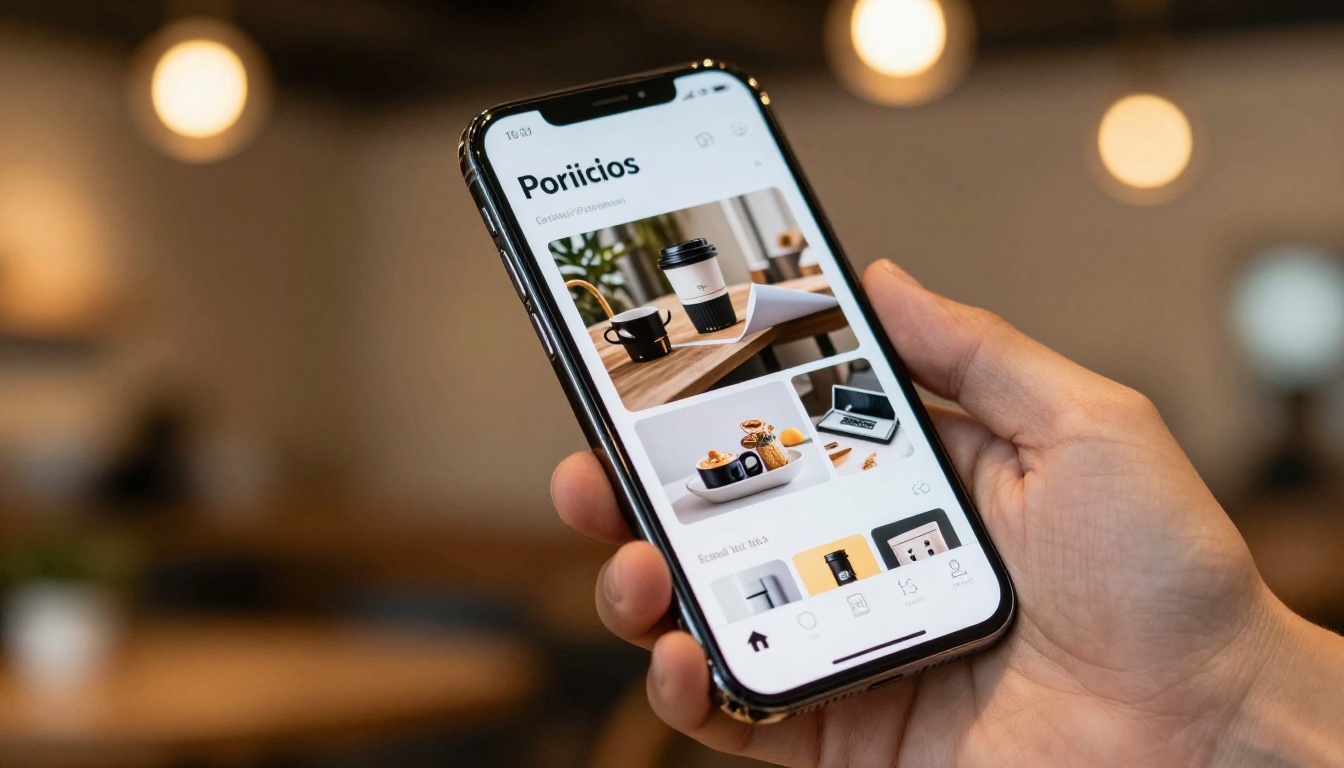
Static PDFs had their moment. Customers expect digital content that works on their phone, feels polished, and lets them take action directly from the page they are reading. A catalog sitting in someone's downloads folder does nothing for your business. A catalog with a live URL, page-level analytics, and embedded product links keeps working long after you send it.
If your current catalog workflow ends at "export as PDF," it is time to add the next step.
Ready to build something better? Get started for free on Flipbooks AI and turn your next catalog into a real digital experience. Browse all catalog tools to find the right fit for your industry, or compare pricing plans to choose what works for your budget.
Your design looks great. Now make sure people can actually use it.



