Every day, thousands of people send PDFs that never get opened past the first page. It's not the content that fails them, it's the format. A flat, static PDF sitting in someone's inbox is easy to ignore. A page-flipping digital book is something else entirely. Flipbooks AI has made it possible to convert any PDF into a stunning interactive flipbook, for free, in minutes, with no software to install and no technical experience required.
Why Static PDFs Kill Reader Attention
There's nothing wrong with the PDF format itself, but as a sharing and reading experience, it's dated. People scroll, swipe, and tap. They don't want to open a file, wait for it to load, and pinch-zoom on a flat document. The numbers back this up.
The Drop-Off Problem with Flat Documents
Studies on digital reading behavior consistently show that interactive content generates significantly higher readership and interaction than static files. A PDF shared via email or link has a fraction of the share rate of content that opens in the browser and looks like a real publication. The moment a reader has to download something, a large percentage simply won't.
What You Lose with a Static Format
- No realistic page-turning experience
- No embedded multimedia (video, audio)
- No analytics on who read what
- No sharing links that work natively on mobile
- No custom branding without complex editing tools

What a Page-Flipping Book Actually Is
A page-flipping book, also called a digital flipbook or HTML5 flipbook, is an online publication that mimics the experience of reading a real physical book. Pages turn with a realistic curl effect. You can zoom in on text and images, click links, watch embedded videos, and share the entire thing via a single URL.
The Technology Behind the Page-Turn
Modern flipbook tools use HTML5 and CSS3 to create the page-curl animation. Unlike old Flash-based flipbooks that required browser plugins and broke on most mobile devices, HTML5 flipbooks work everywhere: desktop, tablet, smartphone, without any additional software on the viewer's end. The reader clicks a link or visits a webpage, and the flipbook loads instantly in their browser.
Why Mobile Matters More Than Ever
Over 60% of digital content is now consumed on mobile devices. A flipbook built on HTML5 is fully responsive, adapting to any screen size automatically. The swipe gesture to turn pages feels natural on a touchscreen. This is something a static PDF simply cannot replicate.
How to Convert Any PDF to a Page-Flipping Book for Free
The process is straightforward. No design skills needed, no complicated software. Here's the core workflow that works with Flipbooks AI and most modern flipbook platforms.
Step 1: Prepare Your PDF
Before you upload, a well-prepared PDF produces a better-looking flipbook. A few things to check:
- Resolution: Use at least 150 DPI for images. 300 DPI is ideal for print-quality results.
- File size: Keep it under 200MB for faster upload and processing.
- Fonts: Embed all fonts in the PDF to prevent display issues.
- Page size: Standard A4 or Letter works best. Consistent page sizes throughout the document.
💡 Pro tip: If your PDF contains lots of photos, compress it before uploading. This speeds up conversion without noticeable quality loss.
Step 2: Upload and Convert
With Flipbooks AI, the upload process takes about 30 seconds for most documents. Drag and drop your PDF or browse to select it. The platform processes each page and converts it into an interactive flipbook with the page-turn effect applied automatically.
Step 3: Customize and Brand
Once uploaded, you can customize the flipbook appearance before publishing. This is where it goes from a basic conversion to a polished professional publication.
Customization options include:
- Background colors and textures
- Custom logo placement
- Font choices for the reader interface
- Page flip sound effects (on/off)
- Auto-flip speed settings
- Table of contents generation
Step 4: Publish and Share
When you're happy with the result, hit publish. You get a shareable link, an embed code for your website, and options for social media sharing. The flipbook is hosted online, so your readers never download anything.
✅ Best practice: Test your flipbook on both desktop and mobile before sharing it publicly. What looks great on a large monitor may need minor adjustments for smartphone screens.
Creating Your Flipbook with Flipbooks AI
Flipbooks AI is one of the most capable free PDF-to-flipbook tools available today. No watermarks, unlimited flipbooks on the Standard plan and above, and a clean interface that doesn't require any onboarding. Here's exactly how to use it.
1. Create Your Account
Head to flipbooksai.com/account and sign up. The free tier gets you started right away, no credit card required.
2. Upload Your PDF
From the dashboard, click to create a new flipbook. Drag your PDF into the upload area. The platform processes it page by page, creating the interactive HTML5 version automatically. You can watch the progress in real time.
3. Customize Design and Branding
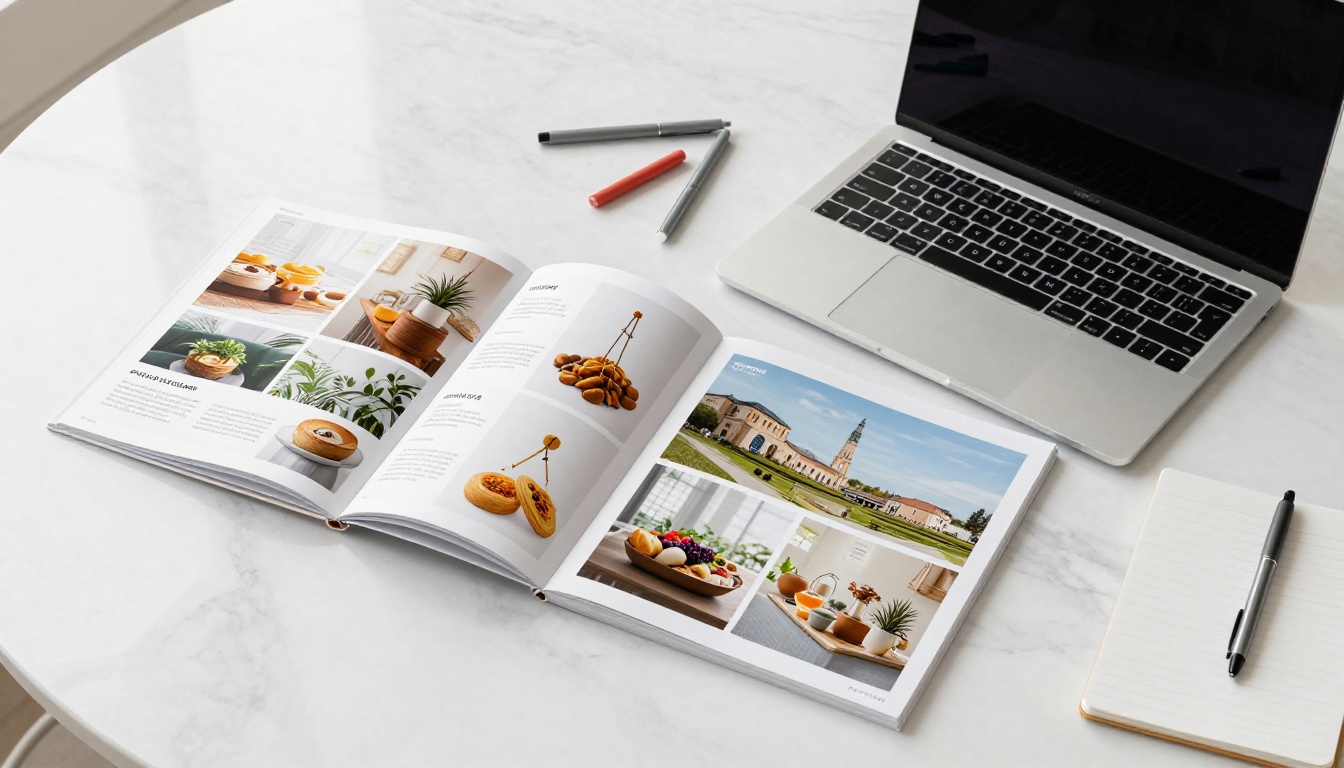
The editor gives you control over the full visual presentation:
- Brand colors: Match your company's color palette
- Logo: Upload your logo to appear on the flipbook interface
- Background: Choose from solid colors, gradients, or custom images
- Page effects: Adjust the flip speed and animation style
- Multimedia: Embed videos and audio directly into specific pages
4. Configure Sharing Options
Before publishing, set your sharing preferences:
- Public link: Anyone with the URL can view it
- Password protection: Restrict access to authorized viewers only
- Embed code: Copy the iframe snippet to add it directly to your website or CMS
- Custom domain: Use your own domain for a seamless brand experience
5. Publish and Track Performance
Hit publish and your flipbook goes live instantly. On the Professional plan, you get access to analytics showing who read it, which pages they spent time on, and lead generation tools to capture contact information from engaged readers.
💡 Pro tip: Use the analytics data to identify which pages of your catalog or brochure get the most attention. This helps you refine your next publication with real reader behavior data.

Who Benefits from Page-Flipping Books
The honest answer is: almost anyone sharing documents professionally. But some use cases see dramatically higher returns than others.
| Industry | Document Type | Benefit |
|---|
| Retail / eCommerce | Product catalogs | Higher product discovery, shareable links |
| Food & Beverage | Digital menus | Real-time updates, QR code access |
| Real Estate | Property brochures | Mobile-friendly, share via WhatsApp/email |
| Education | Course materials, textbooks | Interactive content, student participation |
| Corporate | Annual reports, presentations | Professional appearance, analytics |
| Publishing | Magazines, newsletters | Authentic reading experience |
| Events | Programs, invitations | No printing costs, instant distribution |
| Non-Profit | Donor reports | Transparent, professional, eco-friendly |
Specific tools on Flipbooks AI are designed for each of these verticals. A restaurant can use the Restaurant Menu Creator to produce a menu that customers browse on their phones after scanning a QR code at the table. A real estate agency can use the Real Estate Brochure Creator to send polished property presentations to buyers instantly. A school can use the Course Material Publisher for interactive digital textbooks.

Free vs Paid: What You Actually Get
Many flipbook tools offer a free tier, but the differences between free and paid plans significantly affect what you can do with your publications. Here's an honest comparison across Flipbooks AI's plans.
| Feature | Free | Standard | Professional |
|---|
| Flipbooks created | Limited | Unlimited | Unlimited |
| Watermarks | No | No | No |
| Custom branding | Basic | Full | Full |
| Password protection | No | Yes | Yes |
| Embed on website | Yes | Yes | Yes |
| Analytics | No | Basic | In-depth |
| Lead generation | No | No | Yes |
| Offline downloads | No | Yes | Yes |
| Video and audio embed | No | Yes | Yes |
| Custom domain | No | No | Yes |
| Priority support | No | No | Yes |
View full details on the pricing page. For most individuals and small teams, the Standard plan covers everything needed for professional-quality flipbooks. For marketing teams and businesses that need conversion tracking and lead capture, Professional is worth the investment.
⚠️ Watch out: Some platforms advertise "free" flipbooks but add watermarks, limit viewers, or force a branded URL. Always check the fine print before committing your content to a platform.
Real-World Scenarios That Work
Seeing the technology in action makes clear when and why to use it.
Product Catalogs That Sell
A furniture retailer with a 40-page PDF catalog is sending it as an email attachment. Open rates are low, and no one knows which products people actually look at. By converting it to a flipbook using the Digital Catalog Maker, they get a shareable link and analytics showing which product spreads get the most attention. The browsing experience now matches how people shop online.

Real Estate Brochures That Get Shared
An agent sends a property PDF to 50 potential buyers. Most of them either don't open it or open it once and forget about it. With a flipbook link, the brochure opens directly in a browser, looks stunning on mobile, and the agent gets notified when someone spends more than a few minutes reading it. That's a warm lead signal that static PDFs can never provide.
Educational Materials Students Actually Read
A college professor distributes 120-page course materials as a PDF each semester. Students download it once, lose it, and never refer back to it. As an interactive flipbook published via the Course Material Publisher, it's always accessible from any device at the same URL. The professor can update it without redistributing anything.

Tips for a Better-Looking Flipbook
The conversion process is automatic, but the quality of your output depends heavily on the quality of your input.
Optimize Your Source PDF First
| Issue | Problem it causes | Fix |
|---|
| Low-resolution images | Blurry pages in the flipbook | Use 300 DPI minimum for images |
| Non-embedded fonts | Text renders incorrectly | Embed all fonts before exporting |
| Inconsistent page sizes | Layout breaks on some pages | Standardize to one page size throughout |
| Oversized file | Slow loading, upload failures | Compress to under 100MB |
| White margins too large | Wasted space, poor mobile view | Trim document margins in source file |
Design for the Double-Page Spread
When pages are displayed side by side in a flipbook, content that crosses the center of a spread can feel disconnected. Keep critical information and visual elements within each individual page's boundaries rather than stretching across two pages.
Content Density per Page
Dense text blocks that work fine in a printed document become exhausting to read digitally. If you're creating a document specifically for digital flipbook distribution, keep text concise per page, use larger fonts, and rely more heavily on visuals. Think editorial magazine spreads, not law documents.

Flipbooks AI provides purpose-built tools that go beyond generic PDF conversion. Each tool is designed for a specific use case, with templates and features tailored to that document type.
| Tool | Best For | Link |
|---|
| PDF to Flipbook Converter | Any PDF document | View Tool |
| Interactive E-Book Publisher | Long-form reading content | View Tool |
| Fashion Catalog Creator | Apparel and retail | View Tool |
| Hotel Brochure Designer | Hospitality marketing | View Tool |
| Annual Report Creator | Corporate transparency | View Tool |
| Digital Portfolio Creator | Creatives and freelancers | View Tool |
| Recipe Book Flipbook | Food bloggers and chefs | View Tool |
| Wedding Album Flipbook | Event photography | View Tool |
Browse the full directory of flipbook tools to find the one that fits your specific document type. Each tool includes dedicated templates that make the design process faster and produce more professional results than starting from scratch.
Stop Sending PDFs Nobody Opens
The PDF format served its purpose. But for anything that needs to be read, shared, and actually interacted with, a page-flipping book is the obvious upgrade. The technology is free to use, the process takes minutes, and the results are genuinely impressive whether you're sharing a one-page price list or a 200-page annual report.
Ready to see it for yourself? Create your first flipbook for free on Flipbooks AI. No watermarks, no credit card, no technical skills required.
Want to see what plan fits your team? Compare pricing options and find the right fit. Or browse all available tools to start with a purpose-built template for your specific document type.



