You don't need a design degree, a costly software subscription, or hours of free time to put a professional product catalog in front of your customers. The tools available today make it possible for anyone, regardless of technical background, to build a polished, interactive digital catalog that works on every device. Whether you're running a small boutique, a restaurant, or a mid-sized retail operation, the process is faster and simpler than you think.
Flipbooks AI is one of the platforms leading this shift, letting you convert a simple PDF into a fully interactive digital catalog with page-turn effects, embedded media, and sharing options that reach customers wherever they are. No coding. No agency. No prior experience required.
Why Digital Catalogs Beat Print
Printing catalogs costs money, time, and flexibility. Once they're out the door, you can't update a product price, swap a discontinued item, or add a new line in time for a sale. Digital catalogs solve all of that instantly, and they do it at a fraction of the cost.

The real cost of staying offline
A printed catalog for a small business can run anywhere from $500 to $5,000 depending on volume and print quality. Reprinting for a seasonal update doubles that spend. Digital alternatives eliminate reprinting entirely, and most platforms cost less per month than a single modest print run.
Beyond cost, digital catalogs are measurable. You can see exactly how many people opened your catalog, which pages they spent the most time on, and where readers dropped off. That data shapes your next campaign in ways that print can never offer.
What customers actually want
Customers today browse on mobile devices, often late at night, comparing options across multiple tabs. A PDF attachment buried in an email doesn't compete for attention. An interactive flipbook with page-turn effects, clickable products, and a clean mobile layout does. It meets customers in the environment where they already spend their time.
💡 Pro tip: Digital catalogs with page-turn effects see significantly higher average viewing time than static PDFs because they replicate the tactile experience of flipping through a magazine, which keeps readers engaged longer.
What Makes a Catalog "Digital"
Not every catalog that lives online qualifies as a true digital catalog. A scanned PDF is a document, not an experience. A real digital catalog delivers:

- Interactive page turns that respond to touch and click gestures
- Mobile-responsive layout that adjusts seamlessly to any screen size
- Shareable links that work without downloads or app installs
- Embeddable code to place the catalog directly inside a website
- Analytics to track engagement by page, session length, and device type
- Password protection for private or client-specific pricing documents
✅ Best practice: Always verify your catalog renders correctly on mobile before sharing. Over 60% of catalog views happen on smartphones, so mobile performance is not optional.
| Feature | Static PDF | Digital Catalog |
|---|
| Mobile-friendly | Partial | Yes |
| Interactive page turns | No | Yes |
| Trackable analytics | No | Yes |
| Embeddable on websites | No | Yes |
| Real-time updates | No | Yes |
| Shareable link | Yes | Yes |
| Video and audio support | No | Yes |
| Password protection | No | Yes |
Who Actually Needs This
Digital catalogs are not just for retailers. The use cases span nearly every industry, from food service to real estate to B2B wholesale.
Retail and e-commerce brands
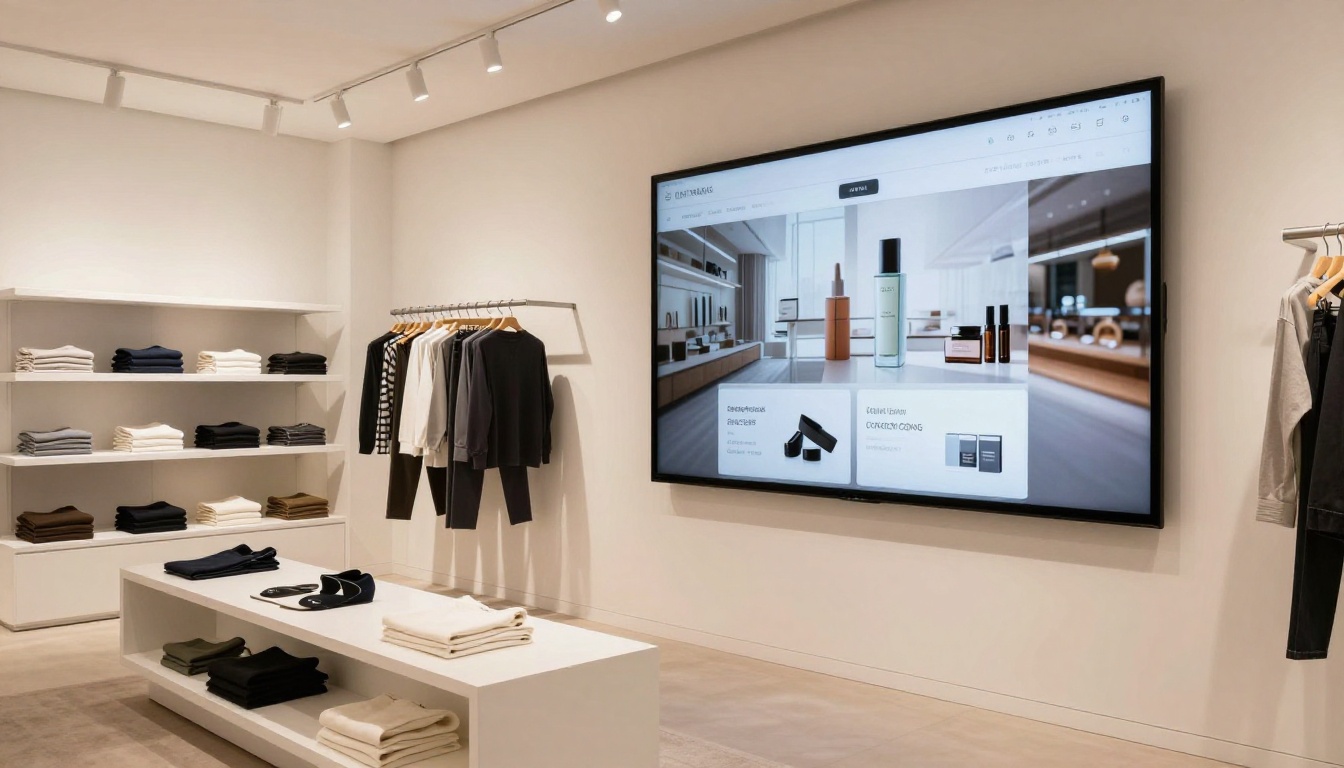
A clothing boutique can publish a seasonal lookbook as an interactive catalog, link each product to its purchase page, and share it across Instagram, email, and their website in one afternoon. The Fashion Catalog Creator tool on Flipbooks AI makes this specific use case particularly easy, with templates built around editorial layout and product photography.
Restaurants and hospitality
Restaurant owners can replace printed menus with a digital version that updates instantly when dishes change or seasonal items rotate in. A digital menu flipbook shared via QR code at the table cuts printing costs and always shows accurate pricing, no matter how often the menu evolves.
Real estate agencies
Agents benefit from property catalogs that showcase listings with high-resolution photos, floor plans, and virtual tour links. A digital format means every listing is always current, and sharing with a prospect is as simple as texting a link. The Real Estate Brochure Creator is built around exactly this workflow.
B2B and wholesale suppliers
Wholesale suppliers who deal in large product lines can publish a complete digital catalog that buyers search and reference without requesting physical samples. Updated pricing drops in automatically, and the Digital Catalog Maker supports the volume and product depth these businesses require.
💡 Pro tip: Use password protection for B2B catalogs with pricing that's exclusive to certain clients. This keeps sensitive information secure while still giving buyers instant access to everything they need.
The "No Skills" Part Is Real
The barrier most business owners imagine is technical ability. They picture hours in Photoshop, complicated software installs, or the cost of hiring a freelancer to produce something professional. None of that is necessary with modern catalog tools.

The actual workflow is straightforward:
- Design your catalog in any tool you already use (Canva, PowerPoint, Google Slides, InDesign, or even Word)
- Export it as a PDF
- Upload the PDF to a conversion platform
- Customize branding, colors, and sharing settings
- Publish and share the link
That's it. No code. No design software beyond what you're already comfortable with. No agency required. If you can create a PowerPoint presentation, you can create a digital catalog that looks completely professional.
What you already have is enough
Most business owners already have product photography, pricing information, and brand colors. That's genuinely all a catalog needs to get started. Free tools like Canva offer catalog templates that produce export-ready PDFs in under an hour. The conversion step, which is where the real transformation happens, takes less than two minutes on Flipbooks AI.
⚠️ Warning: Avoid uploading very low-resolution PDFs. Images below 150 DPI will appear blurry in the final flipbook. Aim for 300 DPI exports from your design tool for the sharpest results.
How to Build Your First Catalog with Flipbooks AI
Flipbooks AI is built specifically for this workflow, with every step designed to require zero technical knowledge. Here's exactly how it works from first login to published catalog.
Step 1: Create your account
Go to flipbooksai.com/account and sign up for free. No credit card is required to get started. The free tier lets you explore the full interface and test a conversion before deciding on a plan.
Step 2: Upload your PDF
Once logged in, click New Flipbook and upload your catalog PDF. The platform accepts files across a wide page range. Conversion runs automatically and typically completes in under two minutes, even for documents with extensive product photography.
Step 3: Apply your branding
After conversion, you'll see a live preview of your catalog in the editor. From here you can:
- Add your company logo to the viewer header
- Set custom brand colors for the interface and navigation chrome
- Choose a page turn style (flat, classic, or a realistic 3D fold effect)
- Set a background texture or color behind the catalog pages
- Enable thumbnail navigation so readers can jump between sections instantly
Step 4: Add interactive elements
This is the step where a digital catalog genuinely separates itself from a static document. Inside the Flipbooks AI editor you can:
- Embed video directly on any page, ideal for product demos or brand storytelling
- Add audio for narrated presentations or ambient brand atmosphere
- Insert hyperlinks on product images, buttons, or text blocks to drive traffic
- Place lead capture forms to collect contact information from catalog viewers (Professional plan)
Step 5: Configure sharing and access
Before publishing, set your access preferences to match your audience:
- Public link: Anyone with the URL can view immediately
- Password protected: Ideal for exclusive B2B pricing or private client catalogs
- Embed code: Drop the flipbook directly into any website page with a single line of HTML
- Custom domain: Present the catalog under your own domain for a fully white-label experience
Step 6: Publish and distribute
Click Publish and your catalog is live within seconds. Share the link via email, WhatsApp, Instagram bio, LinkedIn posts, or your newsletter. For website integration, the Embed Flipbook on Website tool provides step-by-step instructions for every major CMS and page builder.
✅ Best practice: Always test your published catalog on a mobile device before sending to customers. What looks perfect on a desktop monitor sometimes needs a minor layout adjustment for smaller screens.
Comparing Flipbooks AI Plans
Choosing the right plan depends on how often you publish and whether you need advanced features like analytics or offline access.

| Feature | Free | Standard | Professional |
|---|
| Flipbooks published | Limited | Unlimited | Unlimited |
| Watermark | Yes | No | No |
| Custom branding | No | Yes | Yes |
| Password protection | No | Yes | Yes |
| Analytics | No | Basic | Advanced |
| Lead generation | No | No | Yes |
| Offline downloads | No | No | Yes |
| Embed on website | Yes | Yes | Yes |
| Custom domain | No | No | Yes |
For most small businesses and solo entrepreneurs, the Standard plan covers everything needed to publish professional catalogs without watermarks. The Professional plan earns its keep for teams running lead generation campaigns or needing detailed viewer analytics to continuously improve catalog performance.
See all options on the pricing page to find the tier that fits your workflow and budget.
Flipbooks AI goes well beyond a generic PDF converter. The platform includes purpose-built tools for specific catalog types, each with industry-relevant templates and configuration options.

Each tool comes with pre-configured templates and industry-specific layout guidance, so you're never starting from a blank slate.
Real-World Results Businesses Are Seeing
The shift from print to digital is not theoretical. Businesses across industries are reporting concrete outcomes from making the switch.

A boutique clothing store's experience
A small clothing boutique switching from printed seasonal lookbooks to digital catalogs cut their catalog distribution cost by over 80%. More importantly, they could see exactly which products customers spent the most time viewing, and used that data to front-load best-sellers in the following edition. The next season's catalog performed measurably better without changing a single product.
A B2B supplier's reach
A mid-size wholesale supplier published a 200-page product catalog that would have cost thousands to print and mail to their buyer network. With a digital version and a shared link, their entire network accessed it within 24 hours of launch. Pricing updates that previously required a reprint and two-week shipping window now take minutes and reach everyone simultaneously.
A restaurant group's operational shift
A restaurant group with three locations replaced printed menus entirely. Each location now displays a QR code that opens the same digital menu, managed from a single browser login. One team member handles all updates across all locations. No printing costs. No delivery delays. No guests reading outdated specials.
💡 Pro tip: Add an analytics-tracked catalog link to every email signature in your organization. Over time you'll identify exactly which contacts are actively browsing your products, which is valuable intelligence for any sales team.
Mistakes That Slow People Down
Even with a straightforward tool, a few consistent patterns trip up first-time catalog creators. Knowing them in advance saves real time.

Too much text per page
Digital catalogs are browsed, not read cover to cover. Pages overloaded with copy consistently perform worse than clean layouts built around strong photography and concise product details. A useful rule: one strong visual and three to five key facts per page spread.
Skipping mobile preview
Over 60% of catalog views happen on mobile devices. A layout that looks perfectly balanced on a 27-inch monitor can be difficult to navigate on a phone if text is too small or tap targets are too close together. Always check mobile rendering before distributing.
No clear call to action per section
Every section of a catalog should have one clear next step for the reader, whether that's visiting a product page, calling a number, or submitting a contact form. Catalogs with no calls to action generate views but rarely drive the conversions that justify the effort of creating them.
Skipping the branding step
The default Flipbooks AI viewer is clean and professional out of the box, but adding your logo and brand colors takes about five minutes and makes the catalog feel like a genuine owned asset rather than a generic document. Always complete this step before publishing.
Start Selling Smarter Today
The technology exists, the tools are accessible, and the process takes less than an afternoon even for a first attempt. Whether you're a solo retailer building your first product showcase or a B2B supplier replacing an outdated printed price list, a professional digital catalog is within reach right now, with no technical skills required.
Ready to build yours? Create your first flipbook for free and see how fast the process actually is. Browse the full tools directory to find the right template for your industry, or review plans and pricing to pick the option that works for your budget.
The businesses winning customer attention online are the ones putting their products in front of buyers in formats that are easy to browse, instant to share, and built to convert. A digital catalog does exactly that, and you can have one live before the end of today.



