The newsletter you worked hours designing deserves more than a PDF attachment that gets scrolled past in an inbox. When readers open a digital newsletter flipbook, they see something that feels alive: pages that actually turn, content that responds to touch, and a reading experience that feels deliberate rather than static. This is exactly why more communicators, marketers, and educators are converting their newsletters into interactive flipbooks using Flipbooks AI, and the process now takes minutes, not days.
Why PDF Newsletters Stop Working
The Readership Problem Nobody Talks About
PDFs are documents. They were built for print. When you send a PDF newsletter to your audience, you're asking them to download a file, open a separate app, scroll through static pages, and hope they stick around long enough to read your best content. That's a lot of friction for something that should feel easy and enjoyable.
Open rates for PDF-attached emails are significantly lower than HTML emails. Even when someone does open the PDF, there's no way to know which pages they read, how long they spent, or whether they clicked anything. You're publishing with no feedback loop whatsoever.
⚠️ A static PDF newsletter gives you zero reader behavior data. If you can't see what's working, you can't improve it.
What Readers Actually Want
Readers want content that behaves the way the rest of the internet behaves: fast, interactive, and optimized for the screen they're using. A digital newsletter flipbook with real page-turn animations signals to your audience that you've put thought into their experience, not just your content pipeline.
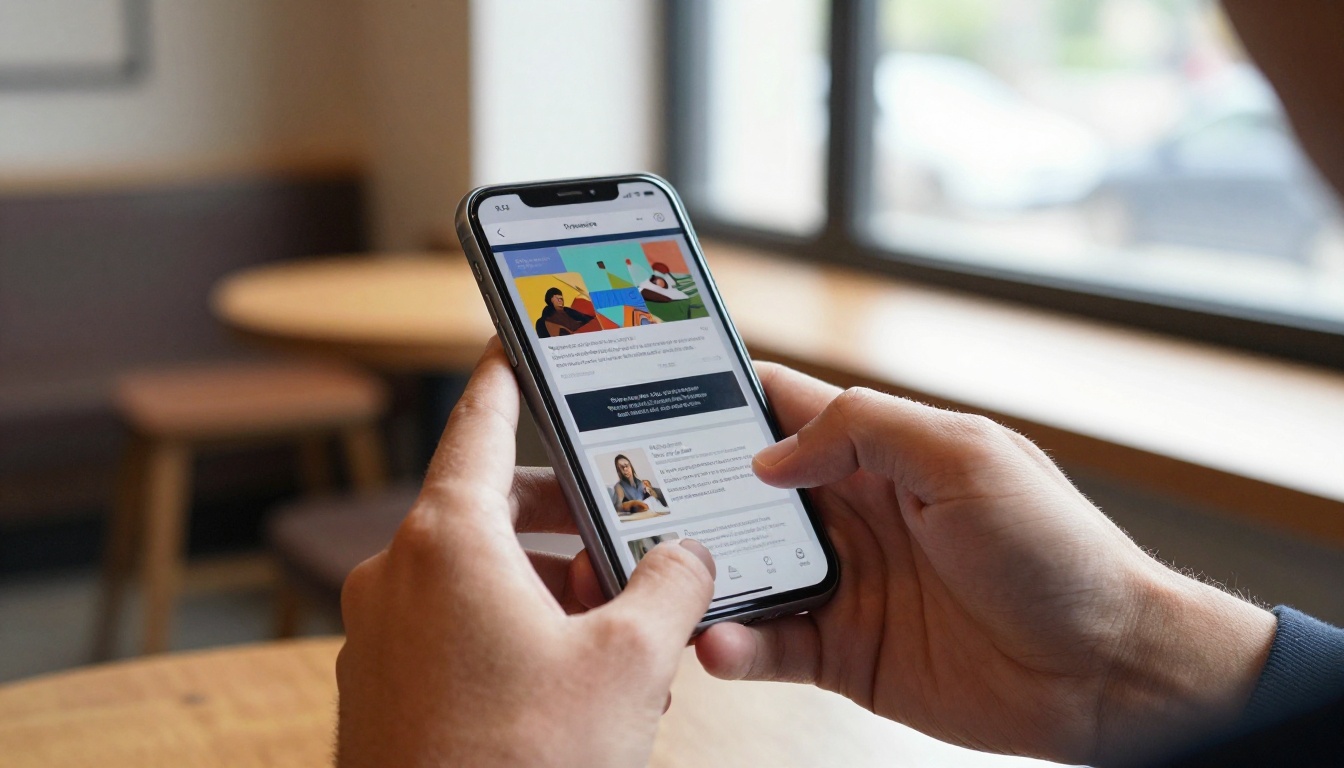
The flipbook format also works across every device without conversion. Whether a reader opens your newsletter on a desktop browser, a tablet, or a phone, the layout adapts automatically. No pinching to zoom, no horizontal scrolling, no broken columns.
Flat, static newsletters also feel disposable. A beautifully rendered flipbook with a proper cover page, consistent layout, and page-turn physics feels like something worth saving and sharing. That psychological difference translates directly into how long people spend reading.
What a Newsletter Flipbook Actually Does
Page Turns Change Everything
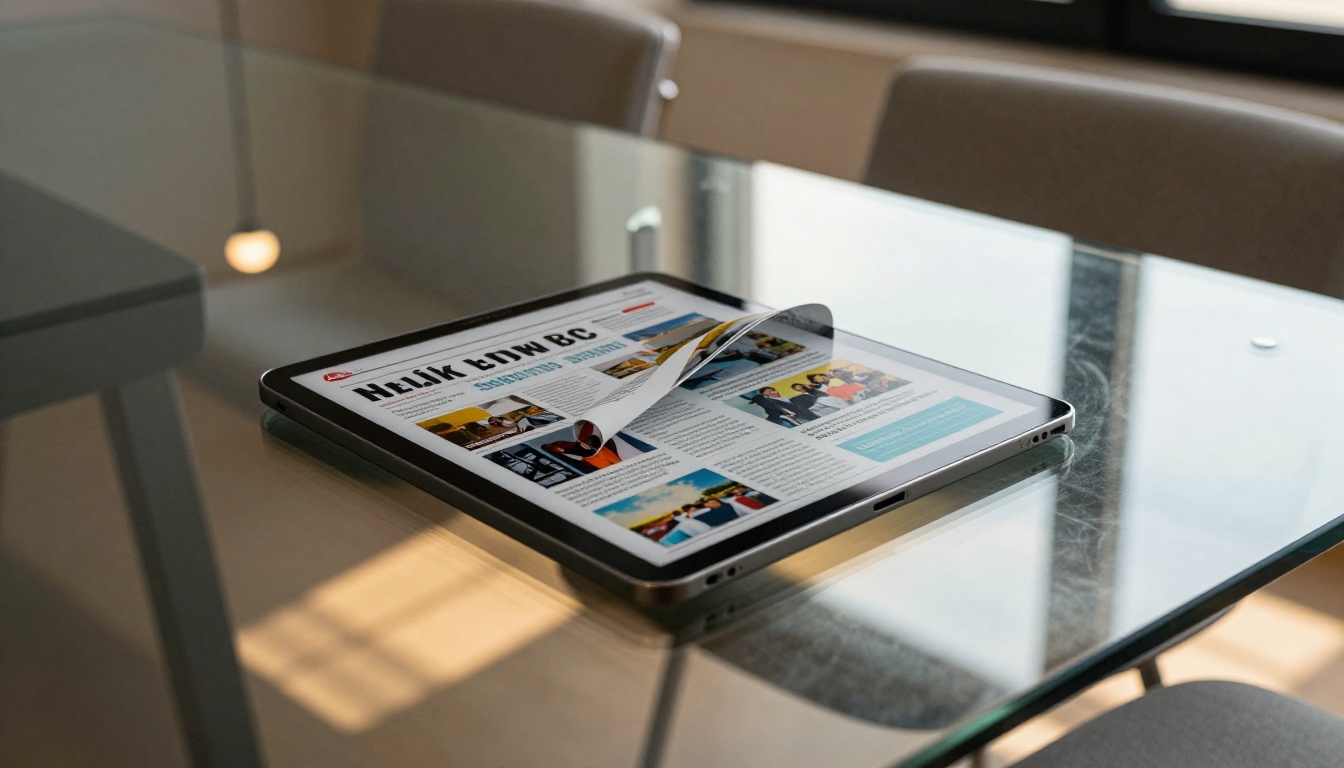
The page-turn effect isn't cosmetic. It creates a psychological shift in how readers connect with content. Turning a page, even digitally, signals "I'm reading this properly." It creates a sense of progress, a beginning and an end, and a spatial memory for where specific content lives in the publication.
For newsletter publishers, this means readers spend more time with each issue, remember it better, and are more likely to return for the next one. The format respects the effort you put into the layout, and readers notice.
💡 Studies on digital reading behavior consistently show that publication-style formats outperform flat document formats on both time-on-page and return visit rates.
Mobile, Desktop, and Everywhere In Between
A well-built newsletter flipbook is fully responsive. It resizes automatically, responds to swipe gestures on mobile, and renders crisply on high-resolution displays. The Newsletter Flipbook Publisher on Flipbooks AI handles all of this automatically from your uploaded PDF.
You don't need a separate mobile version. Upload once, and your newsletter works everywhere your readers are. On desktop, they click to turn pages. On a phone, they swipe. On a tablet, both work. The experience adapts without any additional configuration from you.
You can also embed your flipbook directly on any website using a simple embed code, share it via a direct link, or protect it with a password for internal or subscriber-only distributions.
How to Build Your Newsletter Flipbook Fast
Here's exactly how to go from PDF to published flipbook using Flipbooks AI.
Step 1: Prepare Your Newsletter PDF
Before uploading, make sure your newsletter PDF is finalized. Check that:
- All images are embedded in the file (not linked externally)
- Fonts are embedded and not just referenced
- The document uses correct page dimensions (A4 or letter size work well)
- File size is reasonable, around 10-20MB for best upload speed
- Pages are in the intended reading order
You don't need to do anything special to the PDF. The platform handles the conversion automatically. If you're designing in Canva, InDesign, Google Slides, or Microsoft Publisher, simply export to PDF as you normally would.
Step 2: Upload and Convert
Head to Flipbooks AI and log into your account. Click Create New Flipbook, then drag and drop your PDF file into the upload area. The system begins converting each page into an interactive flipbook format immediately.
Conversion speed depends on file size, but most newsletters with 8-16 pages convert in under 60 seconds. You'll see a progress bar, and a preview appears as soon as the first few pages are processed.
✅ No software to install. No plugins required. The entire process runs in your browser.
The output is a fully functional HTML5 flipbook that works in every modern browser without any plugins, Flash, or downloads on the reader's end.
Step 3: Brand It Your Way
Once your flipbook is generated, you're inside the customization editor. This is where you set the look and feel of the viewer itself:
- Custom colors: Match your brand palette across the flipbook viewer background, toolbar, and page shadow
- Logo placement: Add your organization's logo to the flipbook viewer frame
- Background: Choose a solid color, gradient, or image background for the viewer canvas
- Page effects: Adjust shadow depth, page curl style, and flip speed
- Custom domain: Point your flipbook to your own domain (on higher plans)
- Viewer controls: Show or hide the table of contents, zoom controls, and fullscreen button
Most users finish the customization step in under 5 minutes.
Step 4: Add Interactive Elements
This is where a static newsletter becomes a genuinely interactive publication. Inside the editor you can layer in:
- Clickable links: Make any text or image in your flipbook open an external URL in a new tab
- Embedded video: Drop in a YouTube or Vimeo link that plays inside the flipbook page without navigating away
- Audio: Add background music or narration to specific pages
- Lead capture forms: Collect reader emails directly inside the publication (Professional plan, available at Flipbooks AI pricing)
💡 Embedded video inside a newsletter flipbook dramatically increases the time readers spend on each issue. It works especially well for product showcases, interview clips, and event recaps.
For newsletters covering topics like company updates, product launches, or community events, the ability to embed a short video recap directly in the relevant page is a significant improvement over the static PDF experience.
Step 5: Publish and Share
When you're happy with the result, hit Publish. Flipbooks AI generates several distribution options simultaneously:
- A direct share link you can include in any email, message, or social media post
- An embed code (iframe) for placing the flipbook on your website or internal portal
- A QR code that links directly to your flipbook, useful on printed companion materials
- A password protection option for private or subscriber-only newsletters
For organizations distributing to internal teams, the password option is particularly useful. Readers don't need an account to view a protected flipbook; they just enter the password you set. This works well for confidential company communications, board member reports, and subscriber-only content.
Who Uses Digital Newsletter Flipbooks
Schools and Education Organizations
School newsletters sent as PDFs often go unread because they feel like homework for parents. A flipbook version of the same content looks polished, loads directly in the browser without any downloads, and can be shared across messaging apps instantly. The School Newsletter Creator is built specifically for this use case.
PTAs, university departments, student government offices, and extracurricular clubs all follow the same efficient workflow: design in whatever tool you already use, export to PDF, upload to Flipbooks AI. No new design software to learn, no new workflow to build from scratch.
Corporate Internal Communications
HR teams, operations departments, and executive offices that send quarterly or monthly internal newsletters see measurable improvements in readership when they switch to flipbook format. The visual professionalism signals investment in employee communication, and employees respond to that signal.
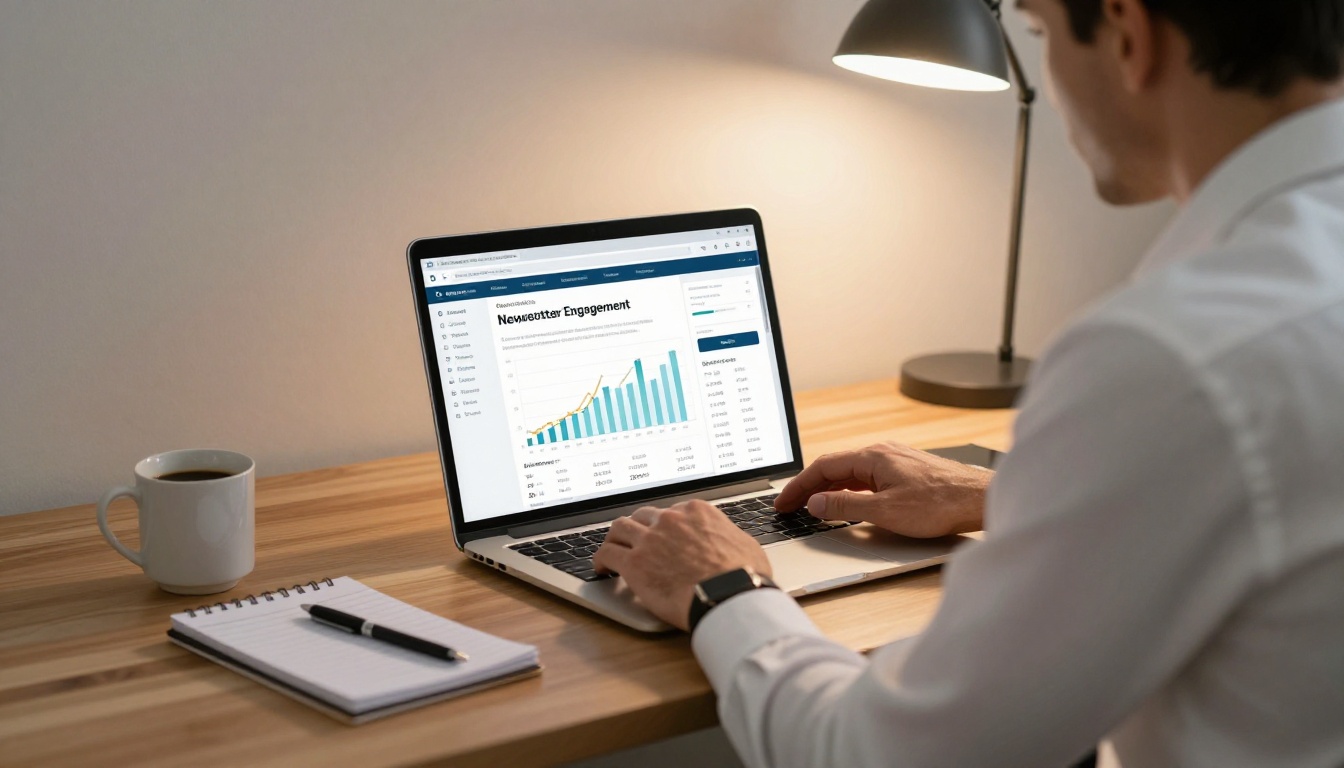
The analytics features in the Professional plan let internal communication teams see exactly which articles got read, which pages saw drop-off, and which links got clicked. This data shapes every future issue, and over time creates a genuinely data-informed communications strategy.
Nonprofits and Community Groups
Nonprofits publishing donor updates, impact reports, and community newsletters benefit from the password-free public share link. A single URL can go out in a fundraising email, be posted on social media, and be embedded on the organization's website. One flipbook, three distribution channels, no extra work.
The professional presentation that a flipbook provides also supports fundraising credibility. Donors who receive a beautifully formatted impact report in flipbook format are more likely to perceive the organization as competent and accountable.
Media and Publishing Brands
Independent media outlets, local publications, and niche magazines that already produce PDF editions find that converting to flipbook format extends their reach significantly. Readers can share individual issue links, and the embedded-on-website option means the publication lives on the brand's own domain rather than a third-party file host or email attachment.

Features Worth Knowing About
Not every flipbook platform offers the same set of tools. Here's how the core features break down for newsletter publishers specifically:
| Feature | What It Does | Why It Matters for Newsletters |
|---|
| PDF upload and conversion | Converts any PDF to interactive flipbook | No redesign needed, use your existing layouts |
| Page-turn animations | Realistic page-curl on click or swipe | Increases time on page and reader retention |
| Mobile-responsive viewer | Auto-adapts to phone, tablet, desktop | Readers open newsletters on all devices |
| Password protection | Restricts access with a custom password | Useful for internal or subscriber-only issues |
| Direct share link | Unique URL for each flipbook | Easy to include in email campaigns |
| Website embed code | Iframe code for any web page | Host the newsletter on your own domain |
| Video and audio embedding | Plays media inside the flipbook page | Richer content without leaving the publication |
| Custom branding | Logo, colors, custom domain | Professional appearance with no watermarks |
| Analytics dashboard | Reads, page views, link clicks | Measure what content actually lands |
| Lead generation forms | Collect emails from readers in-publication | Grow subscriber lists directly from the flipbook |
| Offline downloads | Readers can save the flipbook locally | Access without internet connection |
✅ Flipbooks AI includes no watermarks on any paid plan, and unlimited flipbook creation on Standard and above.
Plans That Fit What You Need
Choosing the right plan depends primarily on how often you publish and whether you need analytics or lead generation capabilities. Here's a practical breakdown:
| Plan | Best For | Flipbooks | Analytics | Lead Gen | Offline Download |
|---|
| Free | First-time users testing the platform | Limited | No | No | No |
| Standard | Regular newsletter publishers | Unlimited | No | No | Yes |
| Professional | Teams tracking readership and growing lists | Unlimited | Yes | Yes | Yes |
| Business | Organizations with multiple users and brands | Unlimited | Yes | Yes | Yes |
For most newsletter publishers, Standard covers everything needed to publish, share, and embed without limits. If measuring readership behavior or capturing subscriber emails directly inside the flipbook is part of your strategy, the Professional plan adds both of those capabilities at the next tier.
See the full breakdown at Flipbooks AI pricing.
Flipbooks AI covers far more than newsletter publishing. If your organization produces multiple types of publications, here's a quick reference for what's available:
Every tool follows the same upload, customize, publish workflow. Once you've done it with your newsletter, the others take even less time because you're already familiar with the interface.
Ready to Publish Your First Issue
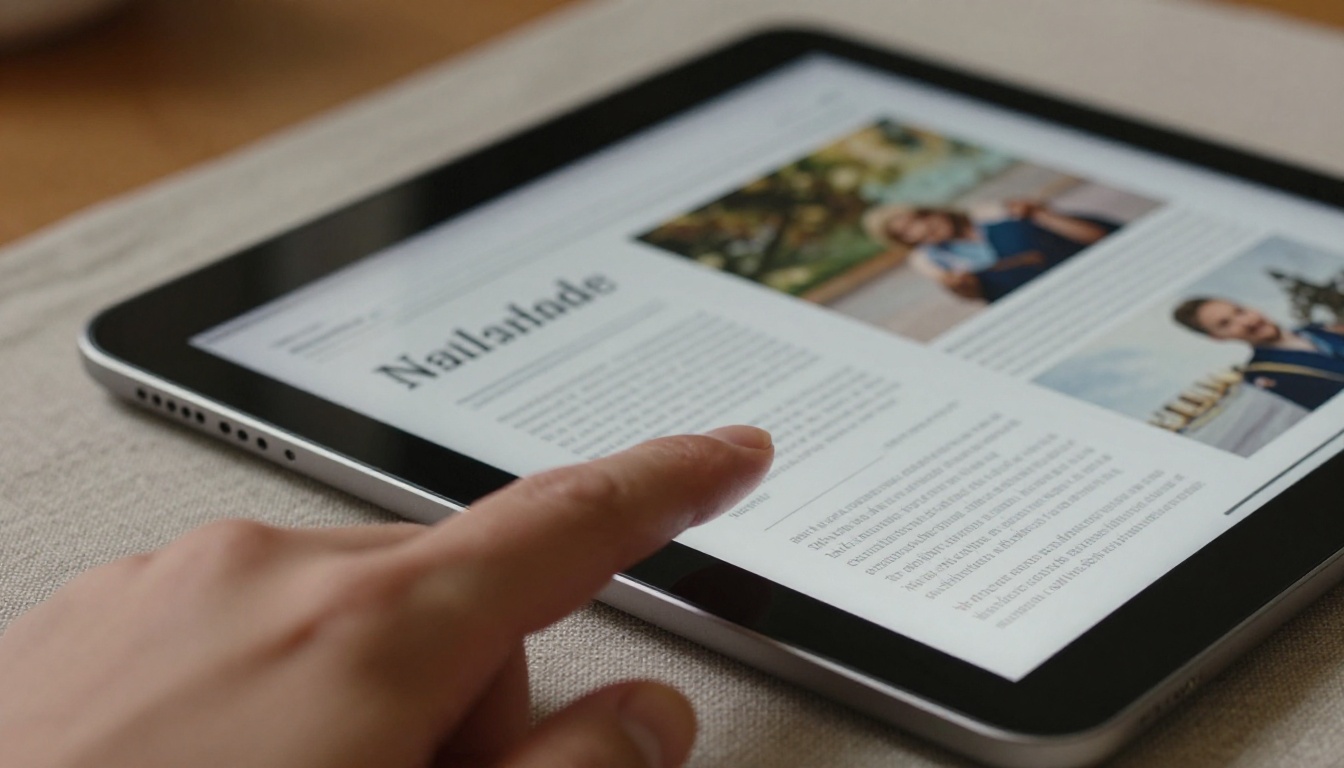
There's no complicated setup, no design skill required, and no reason to keep sending flat PDF attachments that deliver no data and leave no impression. Upload your next newsletter PDF, convert it in under a minute, add your branding, and share it with a link your readers will actually want to click.
Create your first newsletter flipbook on Flipbooks AI today. It's free to start, and the first time you see your newsletter pages turning inside a reader's browser, the decision to stick with it makes itself.
Your readers are already online. Meet them there.



