If you have ever watched a child's face light up when you flip through a picture book together, you already know the magic that stories carry. Now imagine that same magic on a device they already love, with pages that actually turn, sounds that play, and a story you made just for them. That is exactly what a digital storybook delivers, and with tools like Flipbooks AI, you do not need to be a designer or developer to build one that genuinely wows your kids.
Why Kids Actually Love Digital Storybooks
Children today move between physical and digital worlds without thinking twice about it. A well-made digital storybook does not compete with a printed book; it offers something entirely different. The page-turning animation alone captures attention in a way a static PDF cannot. Add audio narration, embedded video, or interactive quizzes, and you have something that holds a child's focus far longer than a flat screen of text.
Reading Habits Have Changed
Studies consistently show that children who read digitally still build vocabulary and comprehension skills at rates comparable to print readers, especially when the digital content is well-designed and engaging. The difference is in how quickly they choose to return to it. A beautifully formatted digital storybook with responsive page-turns feels like an event, not a chore.
💡 Pro tip: Kids between ages 4 and 9 respond especially well to stories featuring characters that look and act like them. Personalizing the hero of your story with details your child recognizes, their name, their pet, their favorite color, dramatically increases how often they want to revisit it.
What Makes Digital Different

The core advantage of a digital storybook over a printed one is not just the format. It is the experience. When pages flip with a realistic page-turn effect, when the child can tap to hear a word pronounced, when they can share the story with a grandparent across the country in seconds, you have created something that a printed book simply cannot replicate. That experiential layer is what keeps kids coming back.
What Goes Into a Great Children's Story
Before you open any tool, you need the raw ingredients: a story worth telling. The good news is that children's stories do not require complexity. They require clarity, warmth, and a character worth rooting for.
Age-Appropriate Story Ideas
The right story depends heavily on your child's age and interests. Here is a quick breakdown:
| Age Range | Story Length | Ideal Themes | Reading Level |
|---|
| 2-4 years | 8-12 pages | Animals, colors, simple routines | Read-aloud only |
| 5-7 years | 12-20 pages | Adventure, friendship, small problems | Emerging reader |
| 8-10 years | 20-35 pages | Mystery, fantasy, real-world lessons | Independent reader |
| 11+ years | 35-60 pages | Complex characters, multiple plot threads | Confident reader |
For toddlers, a story about a puppy looking for its favorite toy is plenty. For a 9-year-old, you might write a three-chapter mystery set in their school. The most important thing is matching the narrative complexity to what your child can emotionally and cognitively follow.
Illustrations That Pull Kids In
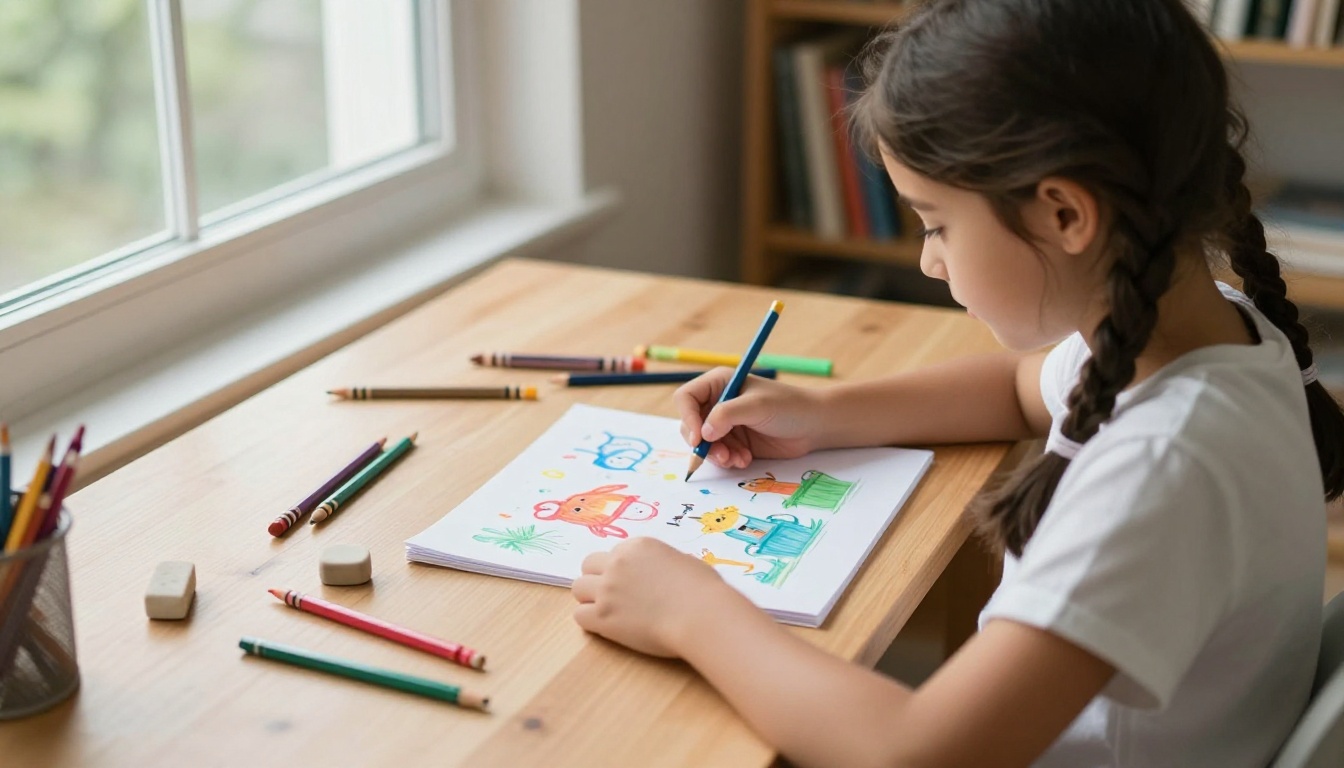
Children's books live or die by their visuals. Even if you are not an illustrator, you have options. Many parents use:
- Hand-drawn scans: Draw the illustrations yourself or with your child, scan them, and add them as page backgrounds
- Photography: Real photos of toys, places, or family members work surprisingly well for certain story styles
- AI-generated images: Tools that produce illustrated-style images from text prompts have made this accessible to anyone
- Stock illustrations: License-free children's illustration packs are widely available and often sorted by style
Consistency is everything here. Pick one visual style and stick to it across all pages. A mix of photos and flat-color cartoons on the same spread looks unfinished and distracts young readers.
⚠️ Watch out: Avoid images with small, detailed text. Children reading on tablets often view pages scaled down, and tiny text in illustrations becomes illegible and frustrating.
How to Build Your Digital Storybook
Now comes the part where everything comes together. Flipbooks AI makes it straightforward: design your pages in any layout tool (Canva, PowerPoint, even Word), export as a PDF, and let the platform handle the rest.
Step 1: Write and Design Your Pages
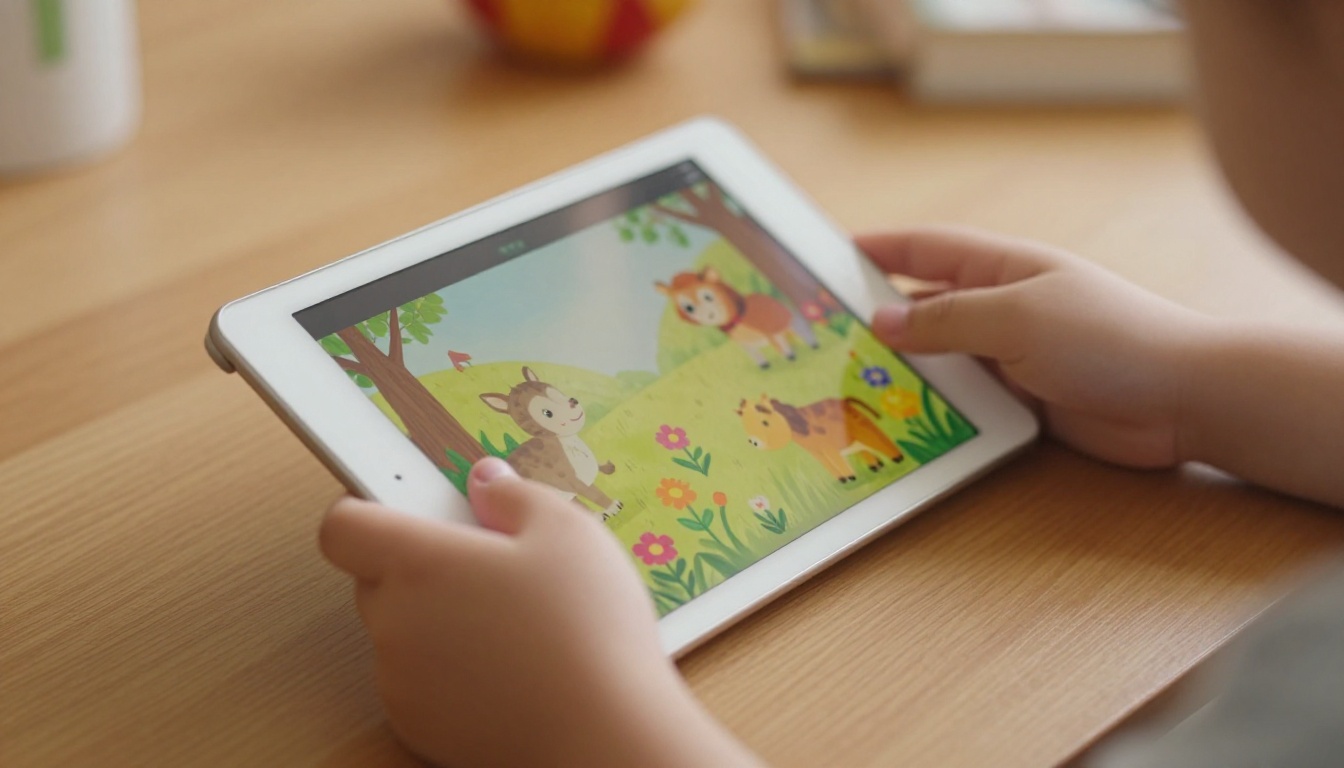
Start in a design tool you are comfortable with. Set your canvas to a landscape 16:9 ratio for tablet-friendly viewing, or 4:3 for a more traditional book proportion. Place your text in large, clear fonts, size 24pt or above for young readers. Add your illustrations as background or inline images.
Keep each page focused on a single moment in the story. One image, one block of text, one idea. That pacing matches how children process narrative visually.
Step 2: Convert Your PDF to a Flipbook
Once your pages are ready, export the entire document as a PDF and head to Flipbooks AI. The upload process takes under a minute:
- Create your free account at flipbooksai.com/account
- Click Upload PDF from your dashboard
- Select your storybook PDF file
- Wait for the conversion (typically 20-60 seconds depending on page count)
- Your flipbook is live with a shareable link
The PDF to Flipbook Converter preserves every font, layout, and image at high fidelity. What comes out the other side is a realistic page-turning digital book your child can flip through on any device.
Step 3: Personalize With Colors and Effects
This is where your storybook goes from functional to memorable. Inside the Flipbooks AI editor, you can:
- Set a custom background color behind the book to match your story's mood
- Choose a page-flip sound effect that plays on every turn
- Add a custom book thumbnail that appears in your library and when sharing
- Upload a custom logo for branding (perfect if you are making this as a gift with a family name or character logo)
- Set the reading direction (left-to-right or right-to-left for languages like Arabic or Hebrew)
✅ Best practice: Use the thumbnail feature to create a proper illustrated title-page image. This is the first thing your child sees in the library. Make it exciting.
Step 4: Share It With Family
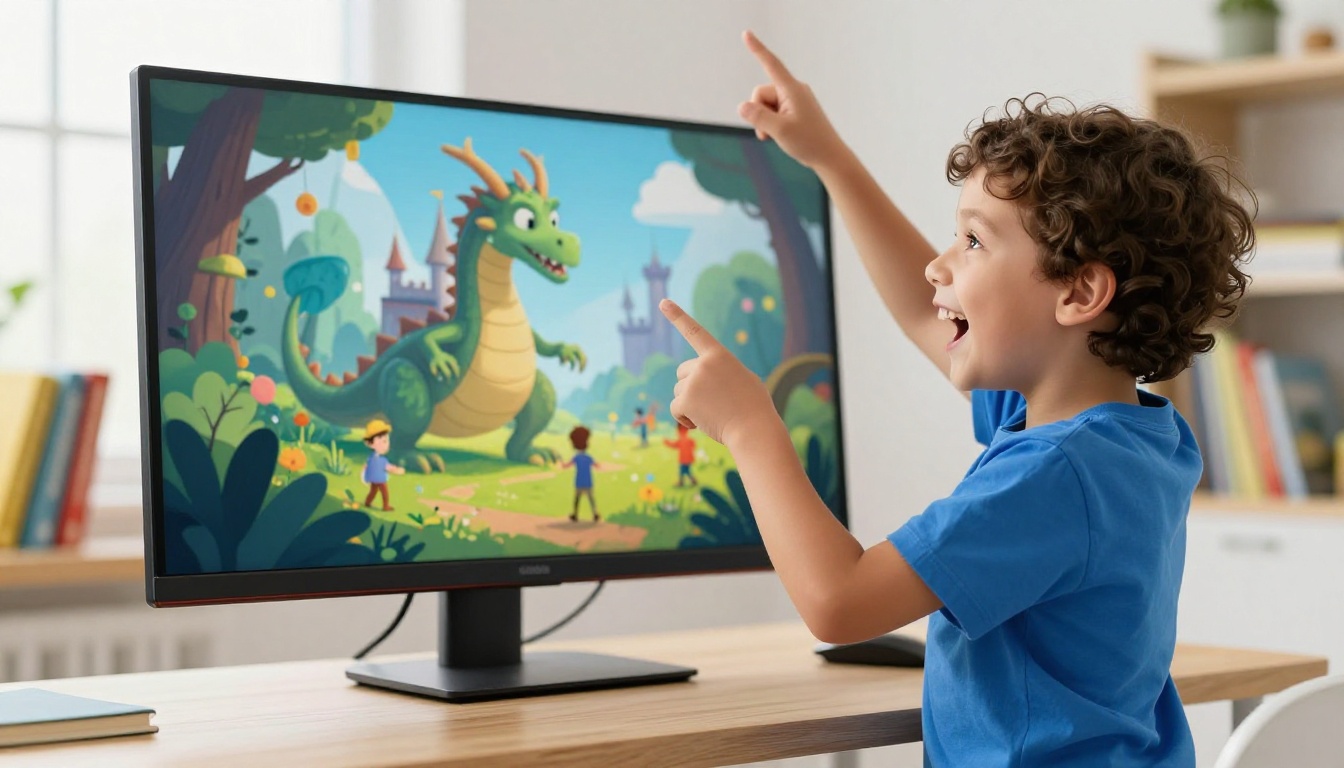
Once your storybook is live, sharing is instant. Every flipbook gets a direct shareable link you can send via text, email, or messaging apps. Options include:
- Direct link: Copy and paste to share with anyone
- Embed code: Drop the book directly into a blog, school website, or family newsletter using the Embed Flipbook on Website tool
- Password protection: Keep the story private for family only, a feature available on Standard and Professional plans
- Offline download: Let grandparents download the flipbook for offline viewing on trips
Grandparents in particular tend to love receiving a personalized digital storybook featuring their grandchild as the main character. It is a gift that costs almost nothing to send and means everything to receive.
Digital vs. Printed Books
It is not a competition, but knowing the real differences helps you decide when to go digital and when to stick with print.
| Feature | Printed Book | Digital Flipbook |
|---|
| Page-turn animation | No | Yes, realistic flip |
| Shareable instantly | No | Yes, link or embed |
| Editable after printing | No | Yes, any time |
| Multimedia (audio/video) | No | Yes |
| Cost to produce | $15-$80 printing | Free to start |
| Durability | Tears, spills | Indestructible |
| Accessibility | One copy | Unlimited viewers |
| Offline access | Always | Available (download) |
💡 Pro tip: Print a physical version of your storybook for bedtime and use the digital version for sharing with family, embedding on school blogs, or reading on the go. The two formats complement each other beautifully.
5 Story Ideas That Work Best Digitally
Some story concepts are simply better suited to the digital format. Here are five categories that consistently land well with kids:
1. The "Real Day" Story
Document an actual day in your child's life as a narrative. Photos of their room, their breakfast, their toys, their pet. Turn it into a first-person story: "One Tuesday morning, I woke up and..." Kids are endlessly fascinated by stories about themselves.
2. The Family Adventure
Retell a recent family trip or holiday as a storybook. Use real photos from the trip as illustrations. Add a simple narrative arc: the problem, the journey, the resolution.
3. The Learning Story
Teach a concept your child is working on, counting, letters, sharing, kindness, through a character who faces the same challenge. Repetition across pages works especially well for toddlers.
4. The Birthday Gift
Create a personalized storybook as a birthday gift for your child or a friend. Feature the birthday child as the hero. Send it digitally to every guest as a party favor.
5. The Grandparent Story
Interview a grandparent about a moment from their childhood. Turn their story into a children's book. This is one of the most powerful forms of family storytelling, and digital makes it easy to share with every branch of the family simultaneously.

3 Mistakes Parents Make
Most digital storybook projects stall before they get shared. Here are the most common reasons, and how to avoid them.
Too Much Text Per Page
This is the number-one mistake. Adults instinctively write the way they read, which means too many words on a page. For children under 8, aim for no more than two sentences per spread. For older children, four to six short sentences is the ceiling.
Inconsistent Visual Style
Mixing a watercolor illustration with a photo and a cartoon character on the same page breaks the visual contract with the reader. Pick one style before you start and apply it to every single page.
No Clear Ending
Children need resolution. Even if the story is simple, there must be a satisfying moment at the end where the character gets what they wanted, grows in some way, or reaches somewhere new. A story that just stops is confusing and unsatisfying for young readers.

Flipbooks AI Plans at a Glance
If you are planning to create more than one or two storybooks, knowing which plan fits your needs saves time and money.
| Plan | Price | Flipbooks | Watermark | Password | Analytics | Offline Download |
|---|
| Free | $0 | 1 | Yes | No | No | No |
| Standard | From $9/mo | Unlimited | No | Yes | No | No |
| Professional | From $19/mo | Unlimited | No | Yes | Yes | Yes |
✅ Best practice: Start on the Free plan to test your first storybook. Once you see how your child reacts, upgrading to Standard is the natural next step for unlimited creation with no watermarks. View full pricing plans to compare what is included.
The Professional plan adds analytics (see who has viewed your story and for how long) and lead generation tools, which matter more for educational publishers than for personal family storybooks. But the offline download feature in Professional is genuinely useful if you want grandparents to read the book without any internet connection.
Who Is Actually Making These
Digital storybooks are not just for parents. Here is who uses Flipbooks AI to tell children's stories:
| User Type | What They Create | Feature Used |
|---|
| Parents | Personalized family stories | Page-turn, share link |
| Teachers | Classroom read-alouds | Embed on school site |
| Grandparents | Heritage stories for grandkids | PDF upload, share link |
| Indie authors | Children's book previews | Password protect, analytics |
| Therapists | Social story tools for kids | Private sharing |
| School librarians | Digital reading programs | Embed flipbook |
The Interactive E-Book Publisher and E-Book Flipbook Generator tools are particularly useful for teachers and indie authors who want to publish polished digital children's books without needing complex software skills.

Making It a Habit, Not a One-Time Project
One storybook is a gift. A series of storybooks is a tradition. Families who make digital storybooks regularly often describe it as one of their favorite creative rituals. You can build a library over time:
- A storybook for each birthday
- A yearly "year in review" story with photos from the past 12 months
- A storybook about each family trip
- A collaborative story where your child draws the illustrations and you write the text
All of it lives in your Flipbooks AI account, organized and accessible from any device, forever.
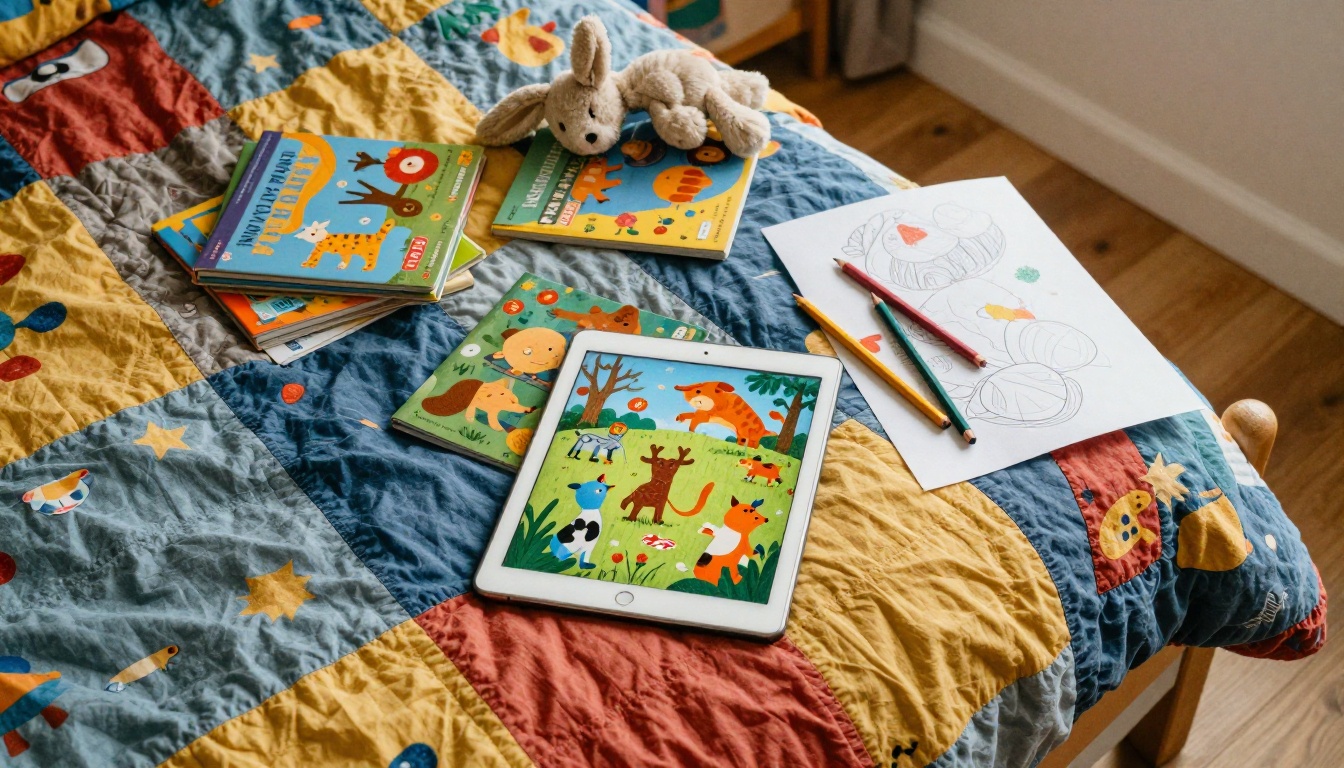
💡 Pro tip: Involve your child in making the storybook, not just reading it. Kids who help choose characters, narrate pages on video, or draw one illustration per spread have a far stronger emotional connection to the finished product.
Your First Storybook Starts Here
You do not need artistic talent, a large budget, or technical skills to create a digital storybook your kids will want to read again and again. You need a story worth telling, a few pages of design work, and a platform that handles the hard part.
Flipbooks AI converts your PDF into a beautiful, shareable flipbook in under a minute. No watermarks on paid plans, no coding, no waiting. Just a story that flips.
Ready to make something your child will remember for years? Create your first storybook free on Flipbooks AI today. When you are ready for more, compare pricing plans to find the one that fits your family's creative needs. Browse all flipbook tools to see what else is possible, from yearbooks to school newsletters to family photo albums that flip like real books.



