Making a school year worth remembering starts long before the last bell rings. Whether you teach kindergartners or high schoolers, a digital yearbook gives every student something tangible to hold onto: a record of who they were, who their classmates were, and what made that specific year unforgettable. Flipbooks AI makes this easier than ever, turning a pile of photos and memories into a beautifully flippable, shareable digital publication that families can access from anywhere.

Why Digital Yearbooks Beat Print Every Time
Print yearbooks are expensive, easy to lose, and impossible to update after they go to press. A digital yearbook lives online forever, loads on any device, and costs a fraction of the price. Here is a quick comparison:
| Feature | Print Yearbook | Digital Yearbook |
|---|
| Cost per student | $30-$80+ | $0-$5 |
| Shareable by link | No | Yes |
| Photo quality limit | Print resolution | Full high-res |
| Interactive content | No | Videos, audio, links |
| Lost or damaged | Permanent | Never |
| Accessible globally | No | Yes, any device |
| Can be updated | No | Yes |
Students who move away can still share it. Parents who miss the delivery window still get a copy. Grandparents in other countries can flip through it on a phone. The digital format removes every barrier that print creates.
Students Actually Use Them
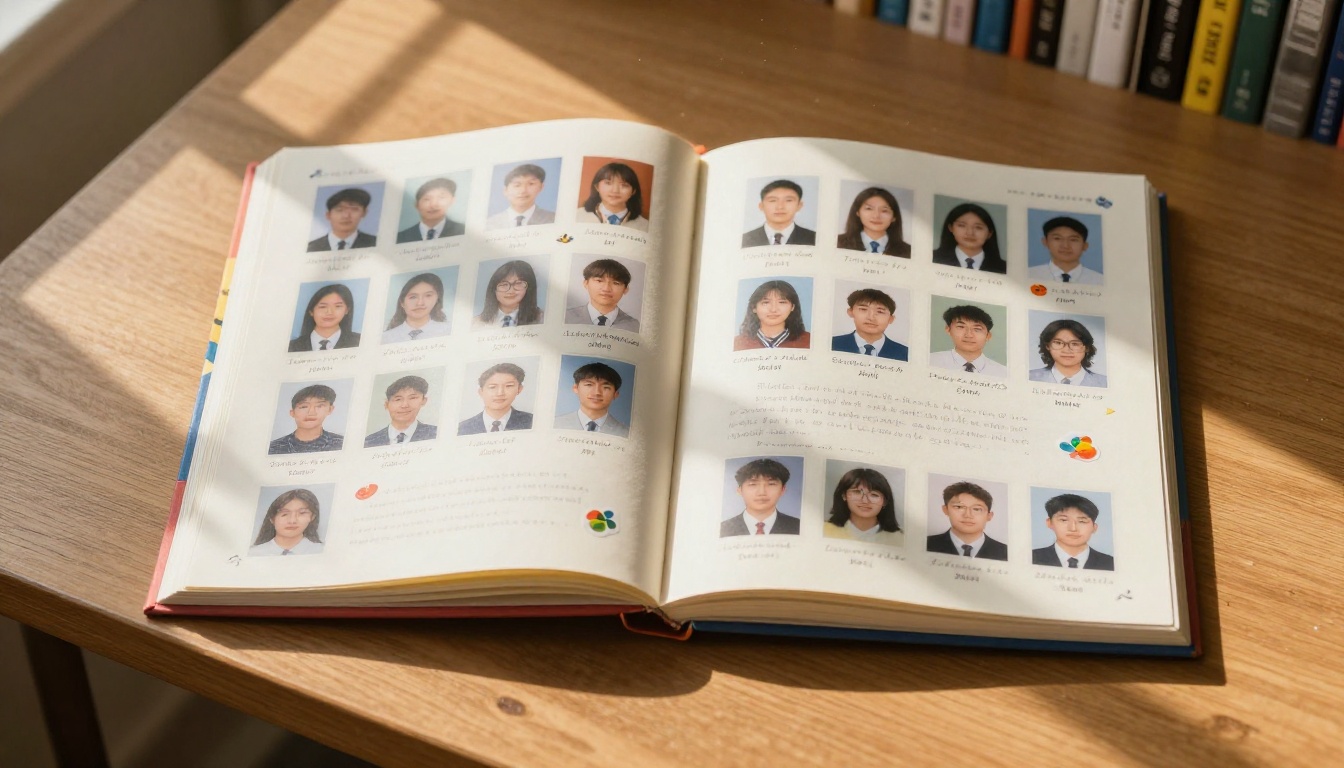
Physical yearbooks often end up shoved in a drawer within weeks. Digital yearbooks get shared on family group chats, posted to social media, and pulled up at reunions years later. The flipbook format, complete with realistic page-turning animations and smooth scrolling, feels like reading a real book rather than staring at a PDF.
No Printing Delays, No Minimum Orders
One of the biggest frustrations with traditional yearbooks is the production timeline. You submit files in March and hope for delivery in May. With a digital yearbook, you can publish it the last week of school, or even the last day, with photos from that morning included. There is no minimum order quantity and no waiting.
What to Include in a Student Yearbook
Before you start designing, you need a solid content plan. A well-structured yearbook captures more than just portrait photos. It captures the personality of the entire school year.
Sections Worth Including
- Student portraits: Individual photos for every student in the class or school
- Staff and faculty: Teachers, aides, administrators, and support staff
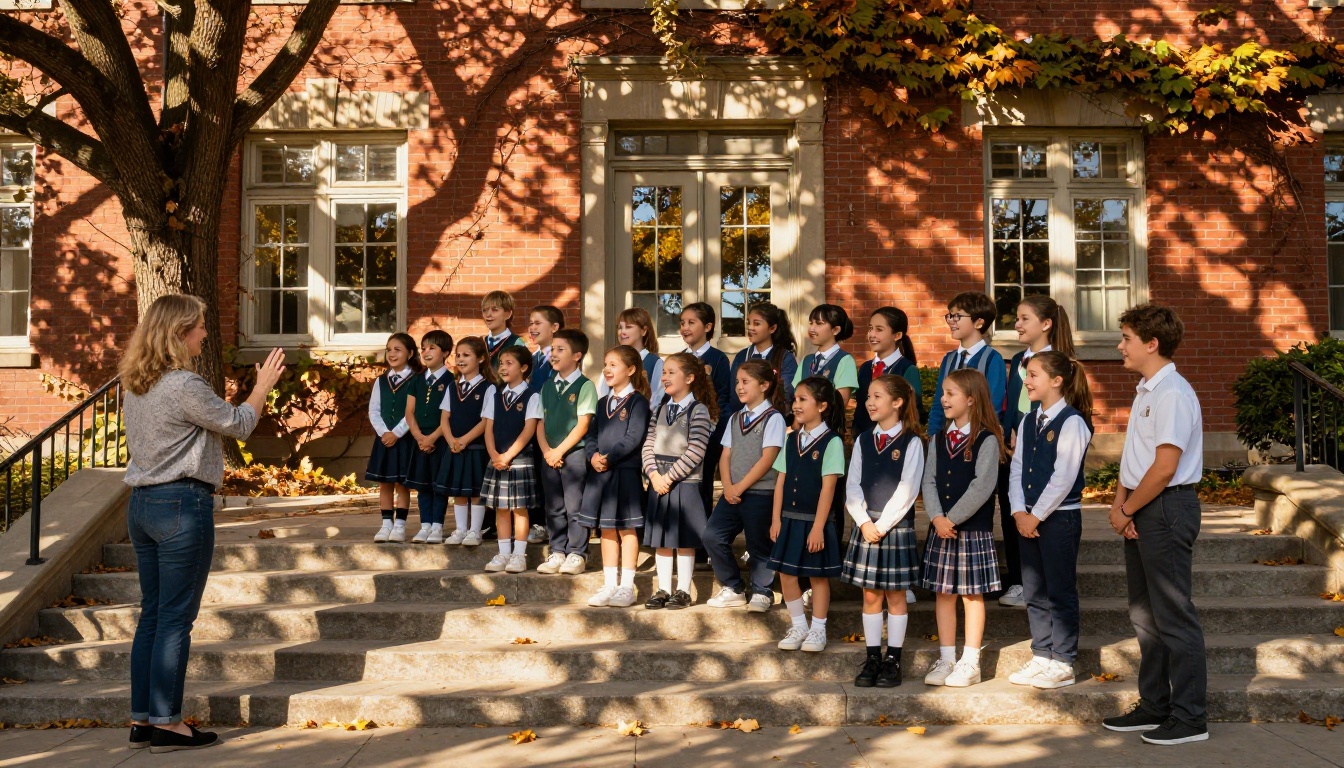
- Candid moments: Field trips, science fairs, art shows, recess, lunch
- Sports and activities: Team photos, performances, club photos
- Special events: Holiday parties, fundraisers, graduation ceremonies
- Student quotes and signatures: "Best memory of the year" or "Message to yourself in ten years"
- Class statistics: Favorite movies, foods, dream jobs based on a fun survey
- Awards and achievements: Academic recognition, perfect attendance, art contest winners
💡 Pro tip: Send a short survey to students and parents at the start of the school year asking for candid photo submissions. You will get photos from birthday parties, family trips, and weekends that make the yearbook feel deeply personal.
How Many Photos Do You Need?
| Yearbook Size | Recommended Photos | Page Count |
|---|
| Small class (under 20 students) | 80-150 photos | 20-30 pages |
| Medium class (20-35 students) | 150-250 photos | 30-50 pages |
| Large school (100+ students) | 300-500+ photos | 60-100+ pages |
| Graduation edition | 200-400 photos | 50-80 pages |
Do not stress about hitting exact numbers. It is better to curate thoughtfully than to pad pages with blurry or repetitive shots. Aim for a mix of posed and candid, group and individual, classroom and outdoor.
How to Organize Your Photo Collection
Organization is where most yearbook projects fall apart. Teachers collect hundreds of photos from dozens of sources and then spend days trying to make sense of a chaotic folder. A little structure upfront saves hours later.
A Simple Folder System That Works
Create a master folder with these subfolders:
- Portraits (individual student headshots)
- Staff (teacher and admin photos)
- Events (by event name: "Science Fair," "Field Day," etc.)
- Candids (spontaneous classroom and hallway moments)
- Submitted (photos sent in by students or parents)
- Front Page Candidates (your best shots for the title page)
Keep a spreadsheet with each student's name and confirm you have at least one portrait photo for every person in the class. Nothing upsets a student, or their parents, more than being left out of the yearbook.
⚠️ Important: Always get photo release permissions before including student photos in any published document, even a digital one. Most schools handle this at enrollment, but double-check your school's policy before distributing.

File Naming and Format Best Practices
- Name portrait files with the student's name:
lastname_firstname.jpg
- Shoot or request photos at a minimum of 1200px wide for good print quality
- Accept JPEG or PNG formats; avoid HEIC unless you can convert them first
- Keep originals in a backup folder before editing or resizing
How to Build a Digital Yearbook with Flipbooks AI
Flipbooks AI offers a dedicated Yearbook Flipbook Maker that takes the complexity out of the process. Here is the full workflow, from first upload to final share.
Step 1: Design and Export Your Pages
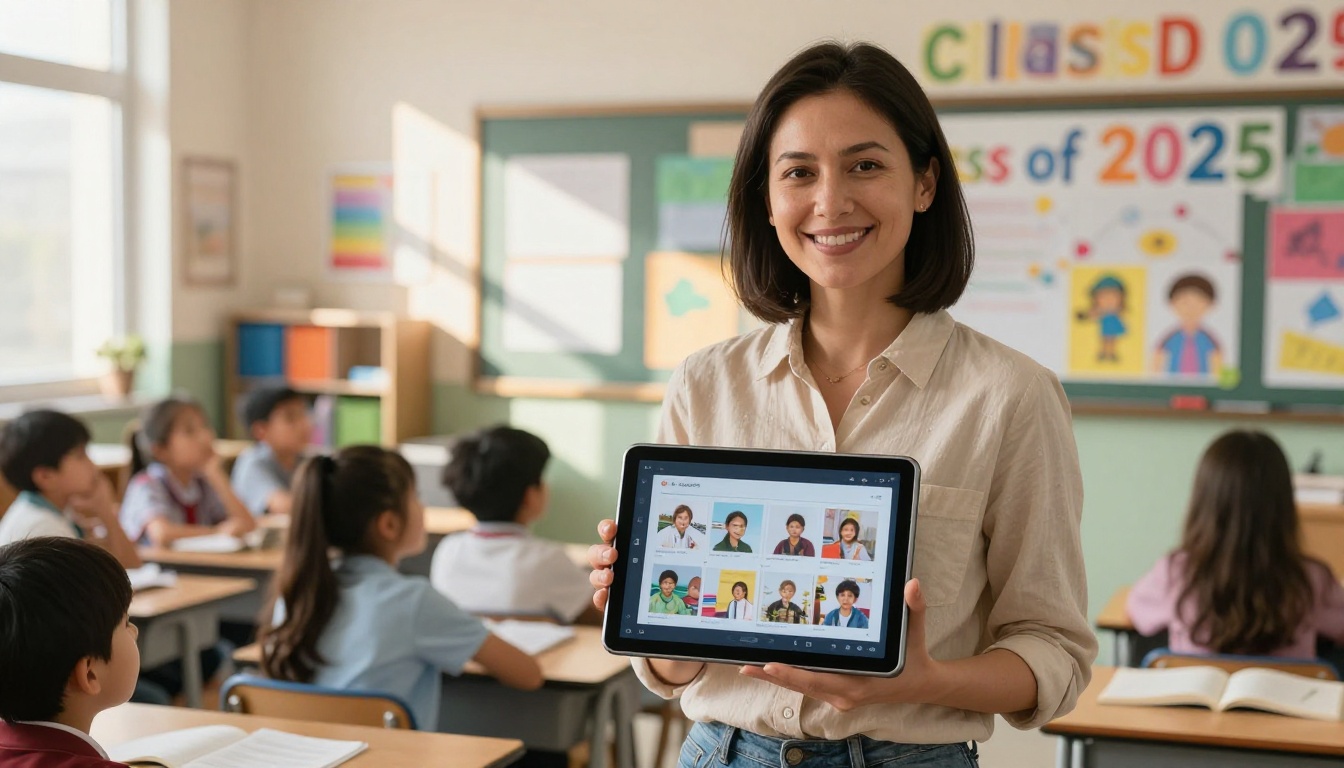
The fastest way to build a digital yearbook is to design your pages first in any tool you are comfortable with: Canva, Google Slides, PowerPoint, or Adobe InDesign. Export the finished design as a PDF. This PDF is what you will upload to Flipbooks AI.
If you do not have a design tool, Canva's free yearbook templates are an excellent starting point. Arrange portraits in grids, add captions, insert divider pages between sections, and export when ready.
Step 2: Create Your Account and Upload
Head to Flipbooks AI and create your free account. Once inside:
- Click New Flipbook
- Select Upload PDF
- Drag and drop your yearbook PDF (or click to browse)
- Wait for the automatic page conversion (usually under two minutes for a 50-page document)
The platform converts every PDF page into a high-resolution digital page with a realistic page-turn animation built in.
Step 3: Personalize the Experience
Once your pages are loaded, you can customize the reader experience:
- Thumbnail branding: Set a custom image for the flipbook's thumbnail
- Background color: Match your school colors for the reader interface
- Page effects: Enable realistic page curl and shadow effects
- Table of contents: Add clickable chapter markers for easy navigation
- Custom domain: Embed the yearbook on your school's website
✅ Best practice: Use your school's primary color as the interface background. It makes the digital yearbook feel official and cohesive with other school materials.
Step 4: Set Sharing and Privacy Options
This is where digital yearbooks shine. With Flipbooks AI, you have full control over who sees the yearbook:
- Public link: Share via URL with anyone
- Password protection: Restrict access to students and families only
- Embed code: Drop the flipbook directly into your school's website or parent portal
- QR code: Print a QR code on a card or flyer to hand out on the last day of school
For most school yearbooks, password protection is the right call. Set a simple shared password, send it home in the end-of-year newsletter, and every family gets access instantly.
Step 5: Publish and Share
Once published, send the link through your school communication platform: ClassDojo, Seesaw, email, or the school app. Students can open it on their phones, tablets, or laptops. Parents can bookmark it. The flipbook stays live at its URL unless you choose to unpublish it.
💡 Pro tip: Print a simple card with the yearbook URL and password to hand to students on the last day. It becomes a keepsake alongside the digital experience.
Yearbook Design Ideas That Actually Work
Good design is not about being fancy. It is about being clear, consistent, and personal. These are the principles that produce yearbooks students genuinely love.
Color and Theme Consistency
Pick two or three school colors and stick to them throughout. Use consistent fonts: no more than two typefaces per design (one for headings, one for body text). Consistency makes the yearbook feel like a real publication, not a classroom art project.
Photo Layout Ideas by Section
| Section | Recommended Layout | Tips |
|---|
| Portrait pages | 4x4 or 5x5 grid with names below | Use same background for all shots |
| Candid pages | Asymmetric collage, varied sizes | Mix landscape and portrait orientations |
| Event pages | Large hero image with smaller supporting photos | Add date and event name as caption |
| Quote pages | Full-bleed background with quote text | Use student's portrait as background |
| Stats page | Infographic style with icons | "Voted most likely to..." is always a hit |
Title Pages That Make Students Excited
The title page sets the tone for the entire yearbook. Strong approaches include:
- A single powerful group photo with the class year and school name
- A collage of candid moments from throughout the year
- A student-created artwork submitted through a class contest
- A split layout with a portrait on one side and large text on the other
Making It Interactive
The biggest advantage of digital yearbooks is interactivity. Unlike print, your flipbook can contain content that moves, plays, and links to other resources.
Embed Videos and Audio
Using Flipbooks AI, you can embed directly into the flipbook:
- A class video montage of the school year
- Audio recordings of student speeches or songs
- A video message from the principal
- A slideshow of photos from a specific event
The platform's rich media support means families can watch and listen without ever leaving the yearbook page. This is something no printed yearbook can replicate.
Clickable Links and Navigation
Add clickable links inside the yearbook to:
- External videos on YouTube or Vimeo
- The school website or parent portal
- A class playlist on Spotify
- Individual student portfolio pages
A clickable table of contents at the front lets readers jump straight to the section they want. Parents go to portraits. Students go to candids. Everyone finds what they care about quickly without flipping through every page.
Costs and Plans: What to Expect
One of the most common questions from teachers is: "How much does a digital yearbook actually cost?"
| What You Need | Plan | Details |
|---|
| 1 yearbook, basic sharing | Free | $0, basic features included |
| Unlimited yearbooks, no watermark | Standard | See pricing |
| Password protection for families | Standard | Included in Standard |
| Analytics to track family access | Professional | See pricing |
| Offline downloads | Professional | See pricing |
| Embed on school website | Standard and above | See pricing |
For most classroom teachers, the Standard plan covers everything needed: unlimited flipbooks, no watermarks, password protection, and embedding. The Professional plan adds analytics so you can see how many families actually opened the yearbook, which is genuinely useful data for school administration.
✅ Best practice: Check if your school has an existing Flipbooks AI subscription before purchasing a personal plan. Many schools and districts purchase platform licenses that cover all staff at no individual cost.
Getting Students Involved
The best yearbooks are not made by teachers alone. When students have ownership over the process, the result reflects the class more authentically.
Student Yearbook Committee Ideas
- Assign a photographer role to two or three students who document events throughout the year
- Let students vote on the title page design from three or four teacher-prepared options
- Have students write their own captions for candid photos
- Create a "graduating class" section where older students submit a photo and a personal quote
Classroom Yearbook Projects for Younger Grades
For younger students, a class yearbook can become a full literacy and art project:
- Students draw a self-portrait to include alongside their photo
- Each student writes one sentence: "This year I practiced..."
- Students interview each other and write a short paragraph about a classmate
- Each student picks their "favorite memory" photo from a curated selection
This kind of involvement creates emotional investment. Students who helped build the yearbook will treasure it far more than one that simply appeared in their hands.
When to Start and How Long It Takes
| Task | Time Required |
|---|
| Photo collection and organization | 2-4 weeks |
| Page design in Canva or similar | 3-8 hours |
| PDF upload and conversion | 5-10 minutes |
| Customization in Flipbooks AI | 30-60 minutes |
| Review and approval | 1-2 days |
| Distribution to families | Instant |
Most teachers who plan ahead start collecting photos in January for a May or June publication. If you are starting late, the digital format still gives you room to work: upload a PDF and share a link within the same day you finish designing. No production queues, no shipping windows.
The School Newsletter Creator pairs well with the yearbook workflow, letting you send a polished end-of-year newsletter alongside the yearbook link. The Course Material Publisher is another tool worth bookmarking if your school publishes digital materials throughout the year.
Your Students' School Year Deserves More Than a Drawer
Every school year tells a story worth telling well. A digital yearbook makes that story accessible to every family, instantly shareable, and built to last longer than any paper publication.
Flipbooks AI gives you everything you need to publish a professional-looking digital yearbook without a design degree, a large budget, or months of production time. Start with your photos, design your pages, upload your PDF, and share a link.
Browse all available tools and templates to find the right format for your school. The Yearbook Flipbook Maker is the perfect starting point for any class or school, and the Digital Portfolio Creator is worth considering for showcasing individual student work alongside the yearbook.
When you are ready to take it further, compare pricing plans and choose what fits your school's needs. Your students will be talking about it at the reunion.



