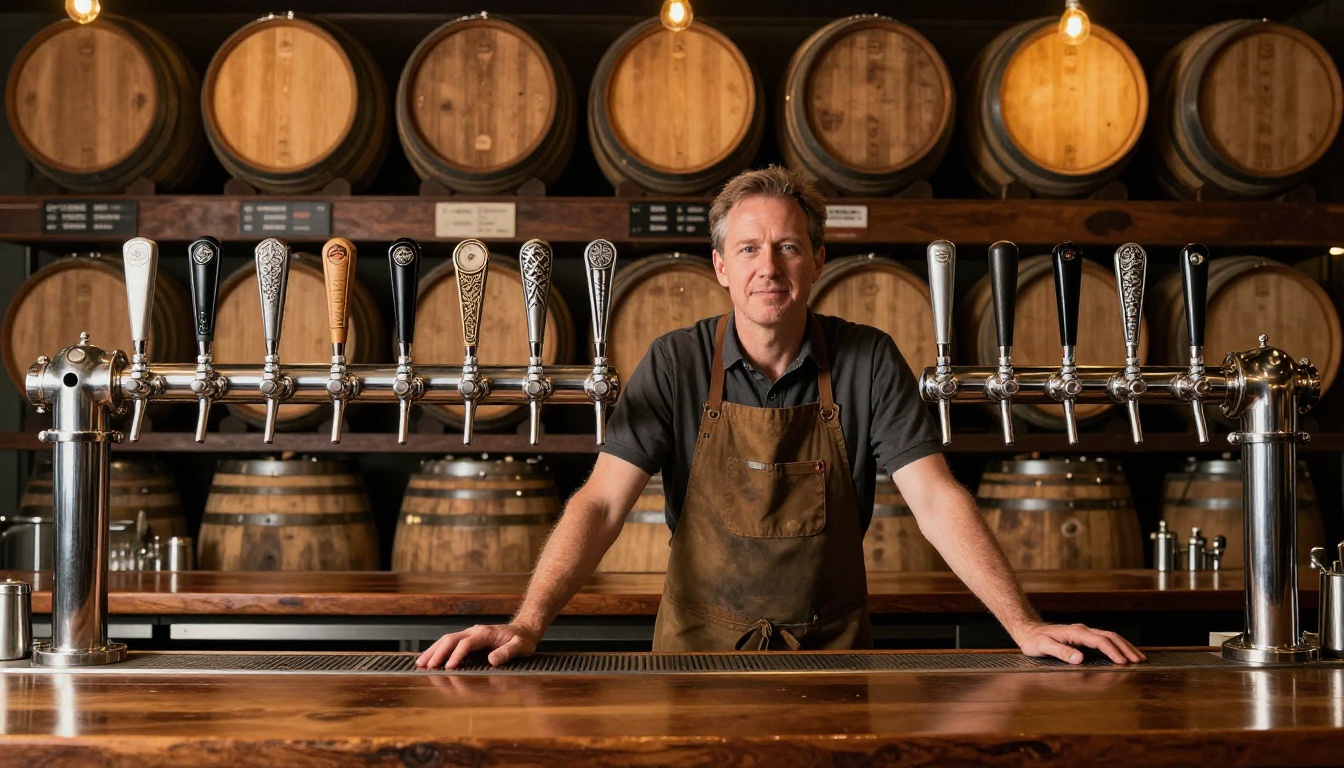
Your beer menu is often the first real conversation your brewery has with a customer. Before they taste a single drop, they're reading about your IPAs, your seasonal stouts, your barrel-aged specials. A folded paper sheet, a chalkboard that's half-erased, or a static PDF buried on your website doesn't do that conversation justice. A flipbook does. Flipbooks AI gives breweries a fast, polished way to turn their tap lists and full menus into interactive, page-turning experiences that work beautifully on any screen.
The Real Cost of Reprinting
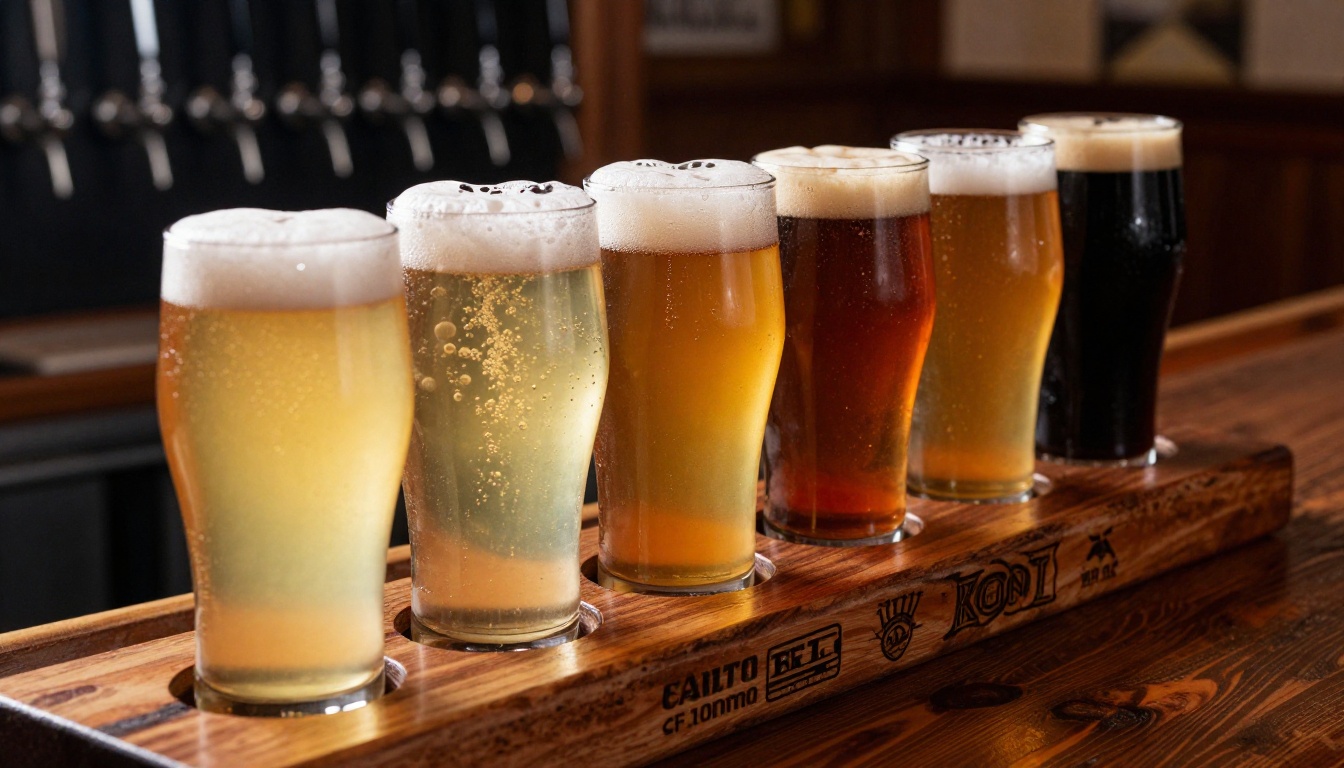
Every time you rotate a seasonal tap, add a new release, or adjust your pricing, a printed menu becomes wrong. Reprinting costs money. Printing delays mean your floor staff is verbally correcting the menu every shift. Laminated cards get sticky, faded, and cracked. For a brewery that prides itself on freshness, serving customers with outdated menus is a quiet form of brand damage.
The math compounds fast. A small brewery reprinting menus four times per year, across 30 tables, pays for design, printing, and lamination repeatedly. That same budget could fund a digital setup that never needs reprinting again.
What Customers Expect Today
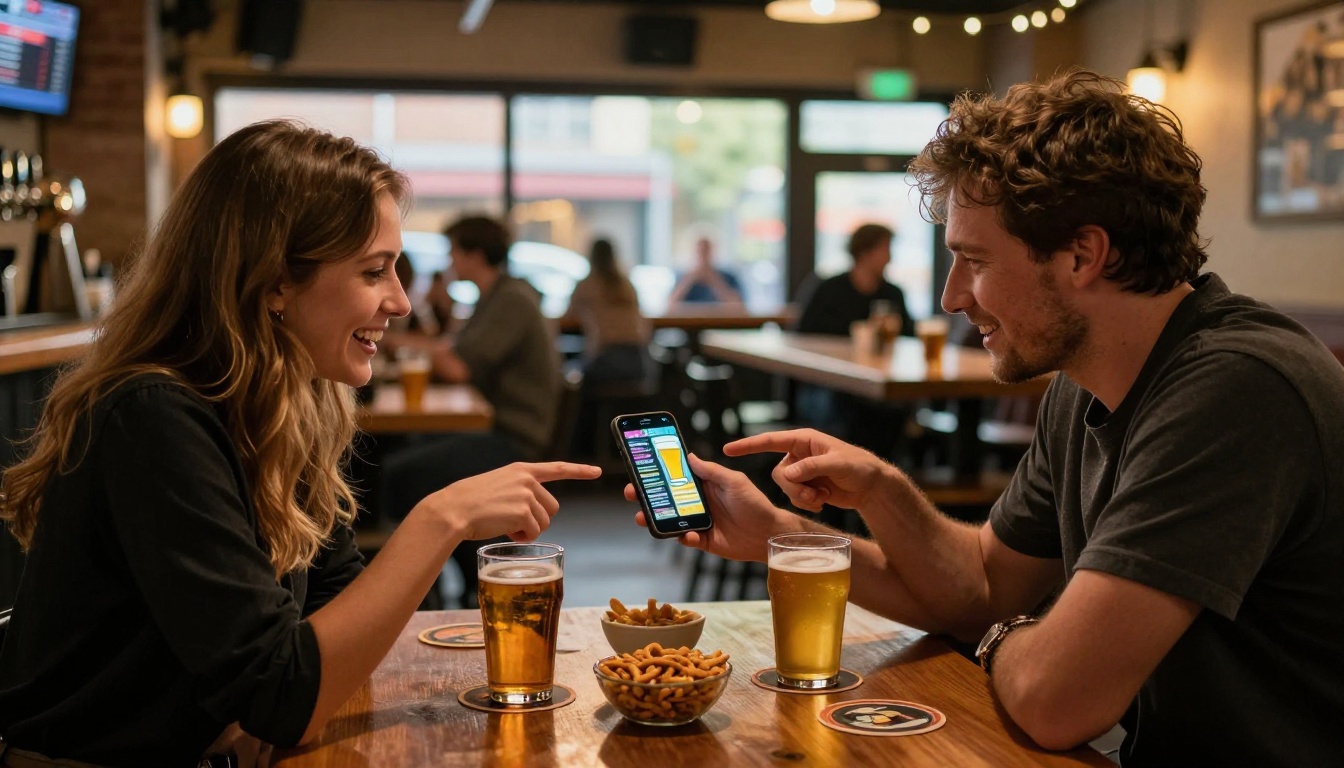
Post-2020, guests arrived with a new baseline expectation: menus should be digital, scannable, and immediate. QR codes became standard. Customers now pull out their phones instinctively at tables. The question isn't whether to go digital. It's whether your digital menu is good enough to match the quality of your beer.
A static JPEG of your tap list doesn't cut it. Neither does a plain PDF. What people respond to is something that feels designed, premium, and effortless to browse.
💡 Breweries that adopted digital menus during the 2020-2022 period reported faster table turnover and fewer order errors because guests arrived at the bar with clearer purchase intent.
The Page-Turn Effect Sells More Beer
There's a reason magazines and catalogs use the page-turn format. It creates a sense of browsing rather than scanning. When a customer flips through your beer menu page by page, they linger on descriptions, notice beers they might have skipped otherwise, and build anticipation before ordering. That behavior directly increases average order size.
A well-designed flipbook treats your beer selection like a curated experience. A double-page spread for your flagship IPA. A section opener image of your taproom at golden hour. Tasting notes formatted with room to breathe. These are things a printed menu never achieves at scale, and a flat PDF achieves only on paper.
Update Your Tap List in Minutes
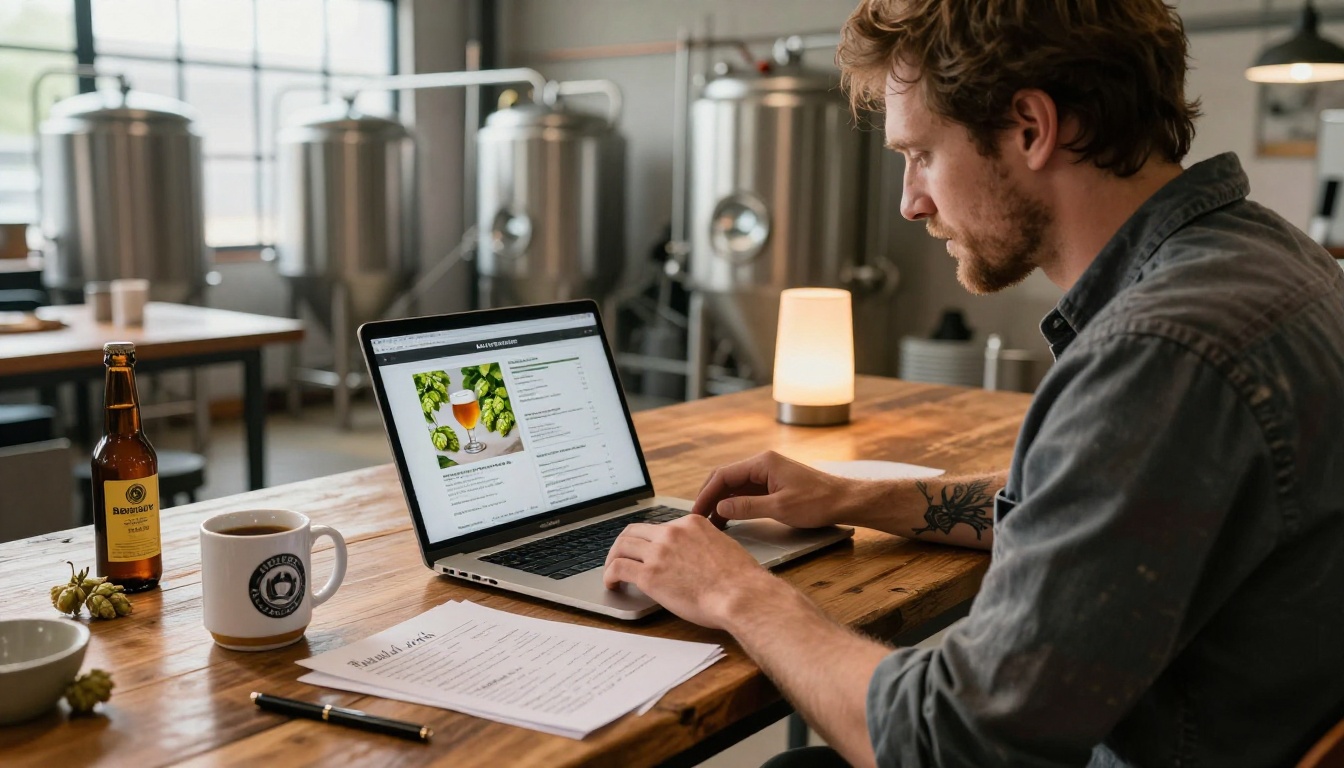
Digital flipbooks made with Flipbooks AI are live. When you update your source PDF and re-upload, the link customers already have updates automatically. Your embedded website menu updates. Your QR code still works. There's no reprint, no redistribution, no scrambling.
For breweries running rotating taps, this is transformative. A hazy pale ale kicks on Thursday. You pull it and tap a new double IPA on Friday morning. By noon your digital menu reflects the change and every customer scanning in that afternoon sees accurate information.
✅ Updating your flipbook takes under five minutes: open your source file, update the relevant page, export as PDF, re-upload. Done.
What to Put in Your Brewery Flipbook
Core Sections Worth Including
A beer menu flipbook isn't just a tap list. The format gives you room to tell the brewery's story across multiple pages without overwhelming any single spread. Think of each two-page section as a chapter.
- Welcome page: Brewery name, founding year, short ethos statement (one or two sentences)
- Current tap list: Beer name, style, ABV, IBU, brief flavor descriptor (2-3 words)
- Featured seasonal: Full page with photography and extended tasting notes
- Beer flights: Curated flight suggestions with pairing logic
- Food pairings: If you serve food or collaborate with a kitchen, match beers to dishes
- Limited releases: Barrel-aged, collaboration brews, or one-offs with production details
- Bottle and can list: Any packaged options available for purchase or takeaway
- About the brewery: Founders, brewing philosophy, origin story
- Contact and social: Where to follow, how to book events, taproom hours
How to Present Each Beer
The format matters as much as the content. Customers don't read menus linearly. They scan. Give them visual anchors to pause on.
| Element | What to Include | Why It Matters |
|---|
| Beer Name | Full name, any nickname | Memorable, easy to order |
| Style | IPA, Stout, Saison, etc. | Sets flavor expectations |
| ABV | Percentage to one decimal | Helps customers pace themselves |
| IBU | Bitterness units (optional) | Appeals to hopheads and newbies alike |
| Flavor Descriptors | 3-5 sensory words | Sells the experience before the sip |
| Serving Suggestion | Pint, tulip, snifter | Signals quality and intentionality |
| Food Pairing | One or two options | Increases food attachment rate |
| Availability | Year-round, seasonal, limited | Creates urgency for limited taps |
Photography Makes or Breaks It
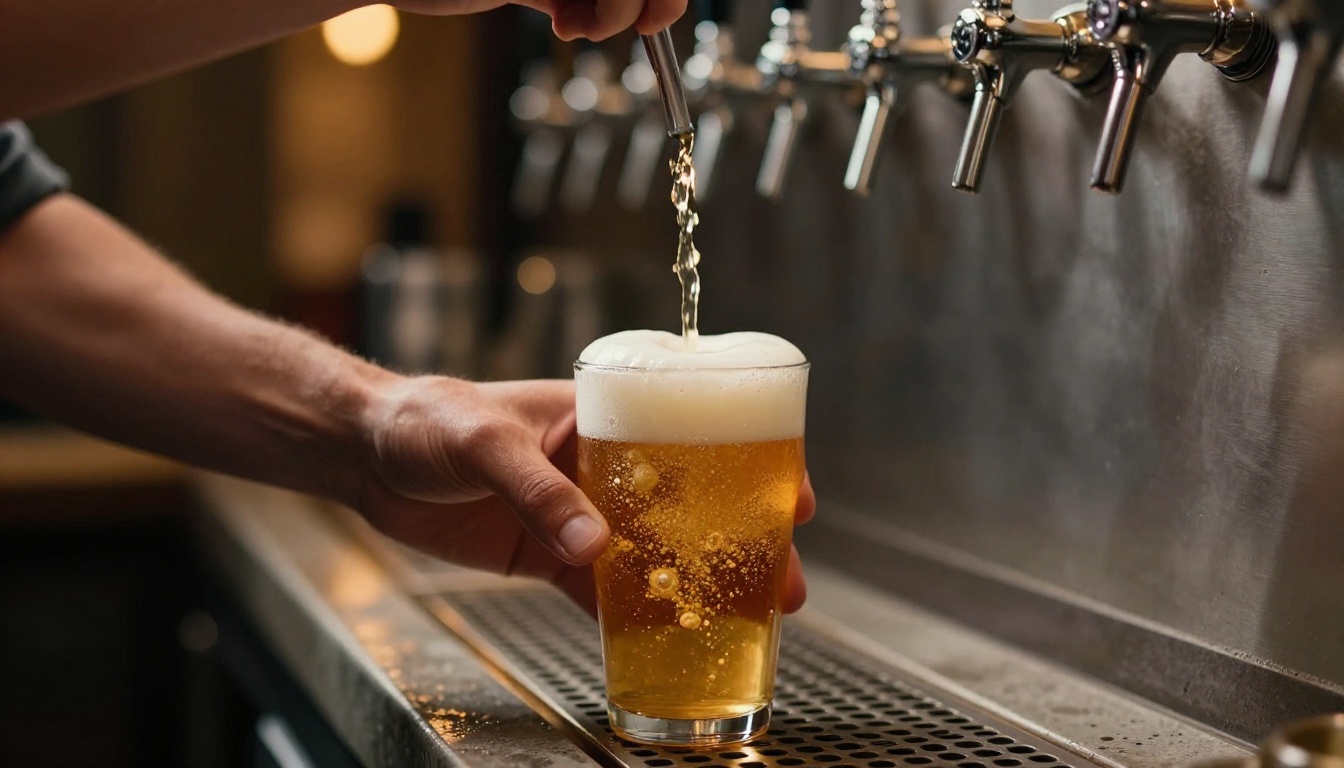
Every flagship beer deserves at least one strong photograph. A close-up of a freshly poured IPA catching afternoon light. The rich mahogany of your winter stout with a thick cream head. These images don't require a professional photoshoot. Natural light, a clean background, and a good smartphone camera will take you far. The flipbook format frames photography beautifully.
Step 1 - Create Your Account
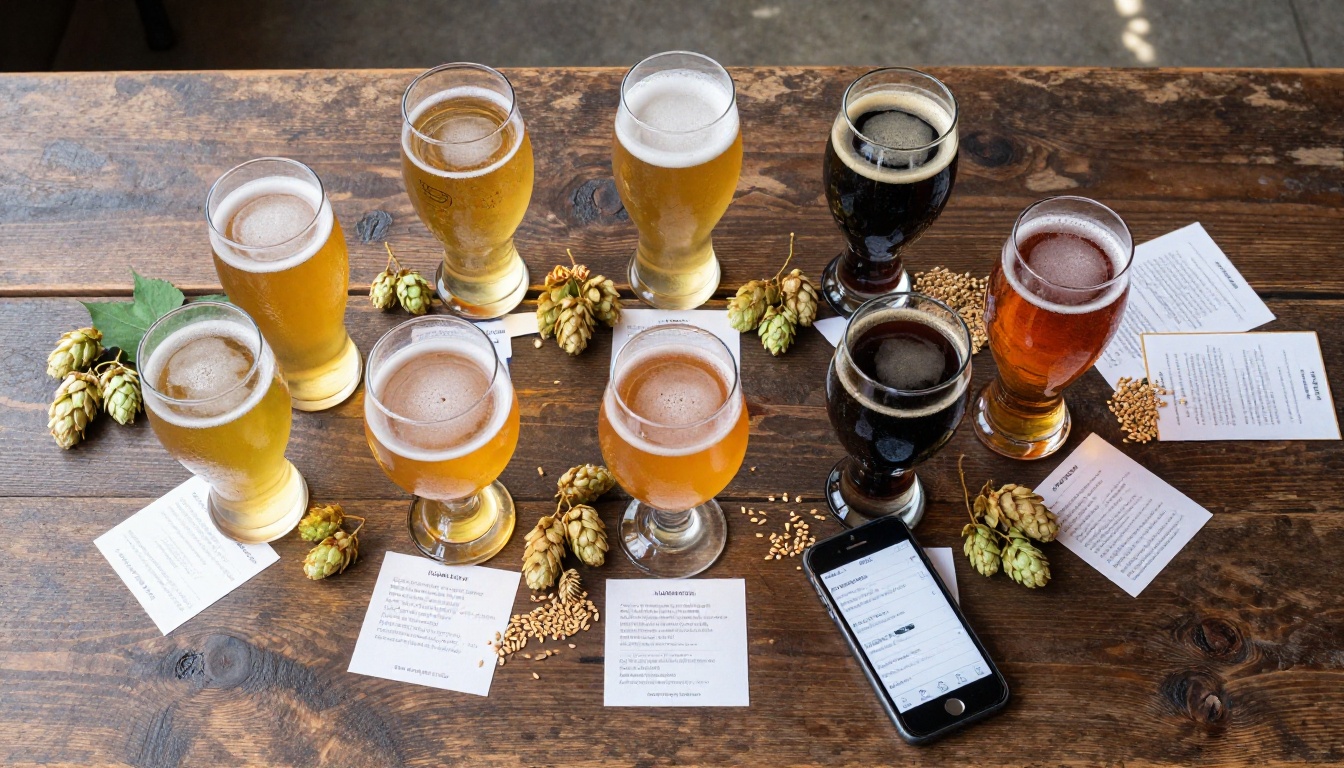
Head to flipbooksai.com and create a free account. You'll have access to the platform immediately. No credit card required to start. The interface is clean, and you can be uploading your first file within two minutes of signing up.
Step 2 - Design and Export as PDF
Before uploading, you need a PDF. If you already have a menu in Canva, Adobe InDesign, Google Slides, or even Word, export it directly as PDF. Aim for a standard landscape format (1920x1080px or similar 16:9 dimensions works well for screens). Include high-resolution photography if you have it. The Menu Flipbook Designer tool also provides starting templates optimized for food and beverage menus.
A few design tips that translate well to flipbook format:
- Use double-page spreads for your featured beers. Let the image bleed across both pages.
- Dark backgrounds photograph beautifully and match taproom aesthetics. Dark navy, slate, or near-black works especially well.
- Consistent typography across sections creates a premium feel. Two fonts maximum.
- White space is not wasted space. Let your content breathe.
⚠️ Avoid tiny fonts. Flipbooks are often viewed on mobile. Any text under 11pt risks being unreadable on smaller screens. Stay above 14pt for body copy where possible.
Step 3 - Upload and Convert
On the Flipbooks AI dashboard, click New Flipbook and upload your PDF. The platform converts it automatically into an interactive page-turning experience. This takes seconds for most menu-length documents. You'll see a live preview immediately.
The PDF to Flipbook Converter handles the conversion engine, preserving all typography, imagery, and layout exactly as designed. No reformatting required.
Step 4 - Customize Your Branding
Once converted, apply your brewery's branding to the flipbook shell. This includes:
- Background color behind the pages (match your brand palette)
- Logo placement in the viewer header
- Custom domain display in the share link (Professional plan)
- Accent colors on navigation controls
- Loading screen with brewery name or logo
This is what separates a generic PDF from something that feels native to your brand. When a customer opens your flipbook, they should feel like they stepped inside your taproom.
Step 5 - Share and Embed
With your branded flipbook ready, distributing it takes three routes:
- Direct link: Copy the shareable URL and put it in your Instagram bio, email newsletter footer, or Google Business profile.
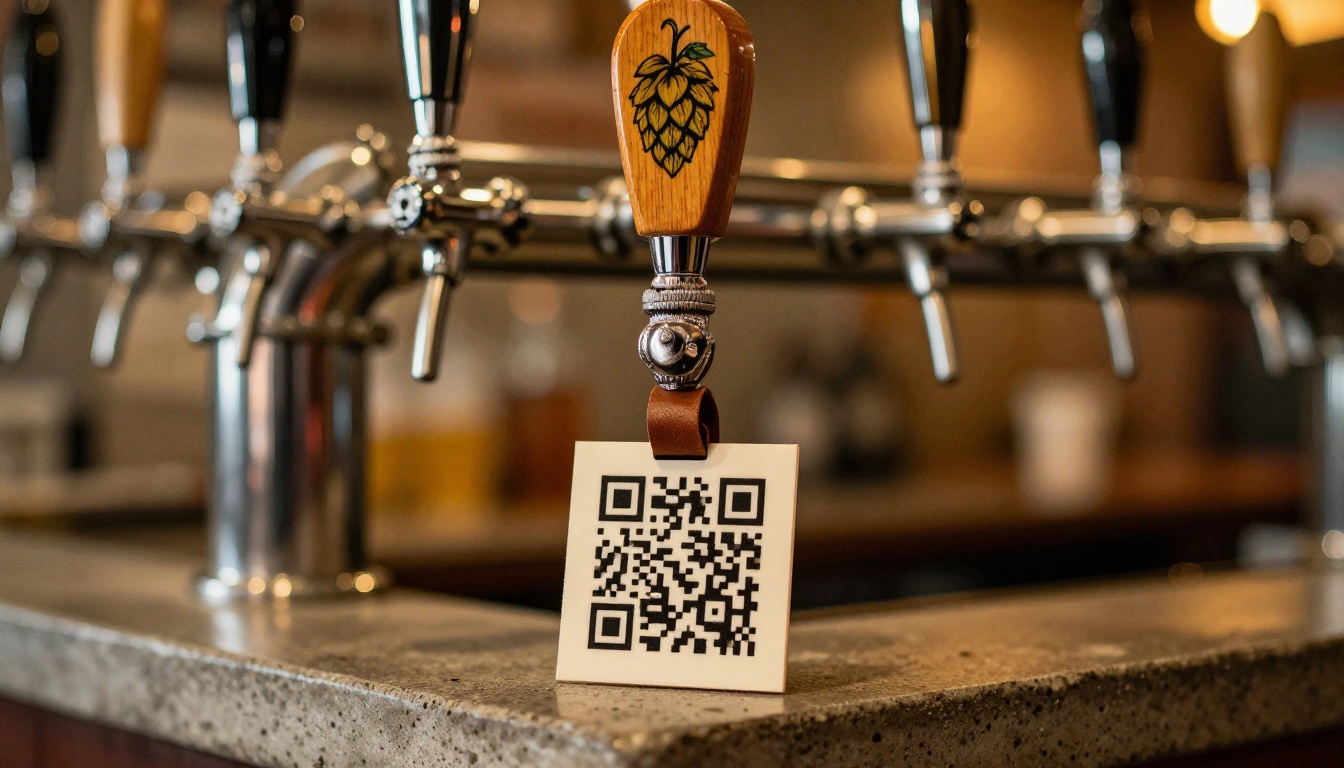
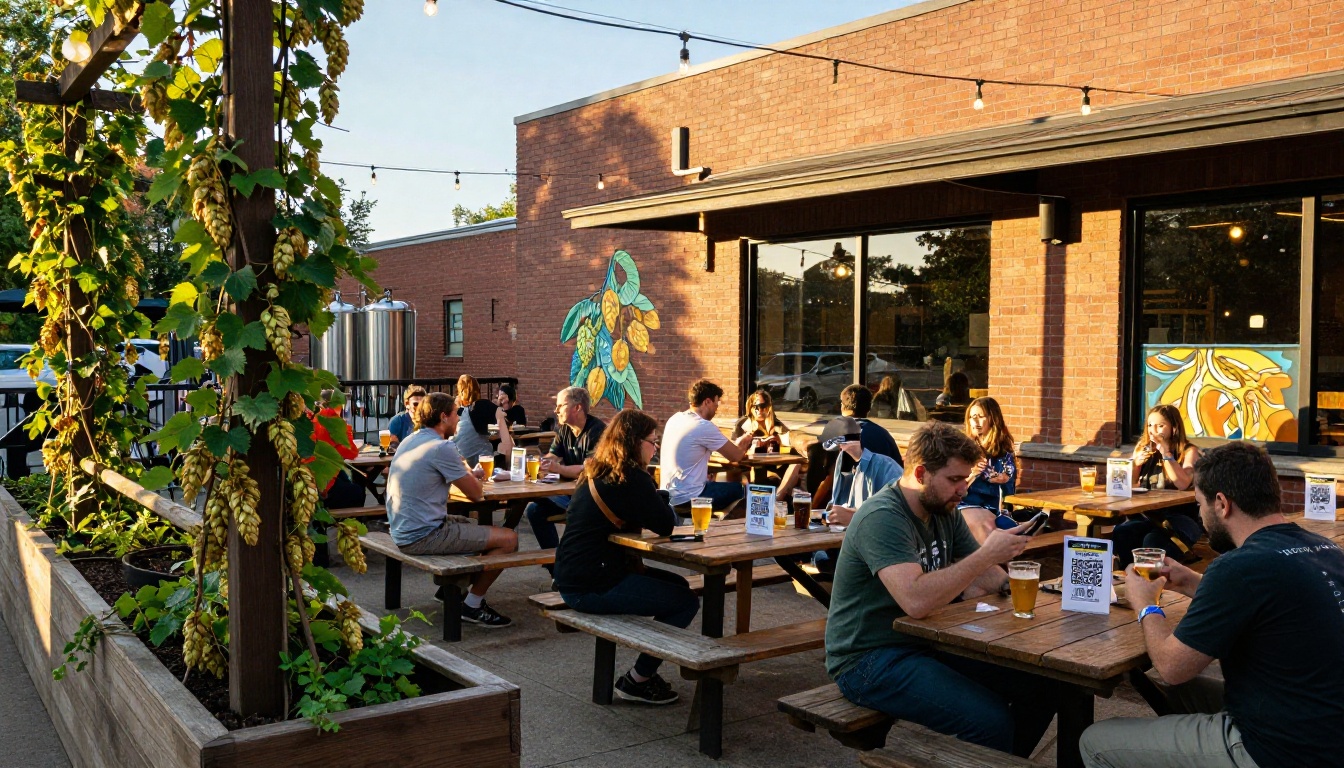
- QR code: Download the auto-generated QR code and print it on table cards, tap handles, coasters, or chalkboard frames.
- Embed code: Use the provided iframe snippet to embed the flipbook directly on your website's menu page. The Embed Flipbook on Website tool makes this a copy-paste operation.
💡 A QR code printed on a 4x4 inch card placed at every table generates more organic digital menu views than any other placement. Guests scan out of habit, even before staff approaches.
Sharing Your Flipbook Everywhere
QR Codes at the Taproom
Print QR codes on table tents, coasters, tap handle wraps, and chalkboard frames at the bar. The goal is to put the code wherever eyes naturally land. When a guest sits down, the first thing they often do is look at the table surface. A clean, minimal card with your brewery logo and a QR code is a zero-friction invitation to browse.
For table tents, a folded A6 card works well. Include one line of text: "Tap to browse our full menu." Nothing more. Keep it clean.
Embed on Your Website
Your website's menu page should show the full flipbook inline, not just link to a PDF. Embedding keeps visitors on your site, reduces bounce rate, and gives the strongest visual impression of what you offer. The iframe code from Flipbooks AI is responsive, meaning it adapts cleanly from desktop monitors to mobile screens without any additional configuration.
A brewery's website menu page with an embedded flipbook also performs better in search results. Visitors stay longer. Page engagement signals improve.
Social Media and Email
The shareable link from Flipbooks AI works directly in Instagram Stories via the link sticker, in email newsletters as a button, and in Facebook posts. For seasonal releases or limited taps, sharing the specific page of your flipbook (deep linking) is a powerful way to build pre-arrival excitement.
A typical use case: On Thursday morning, post to Instagram Stories "Our Barrel-Aged Baltic Porter taps tonight at 5pm" with a link directly to that page of your flipbook menu. Customers arrive already sold.
Flipbooks AI Plans for Breweries
Choosing the right plan depends on how many locations you run, how often your menu changes, and whether you want analytics on how customers interact with your menu.
| Feature | Free | Standard | Professional |
|---|
| Flipbooks | 1 | Unlimited | Unlimited |
| Watermark | No watermark | No watermark | No watermark |
| Custom Branding | Basic | Full | Full |
| Password Protection | No | Yes | Yes |
| Analytics | No | No | Yes |
| Lead Generation | No | No | Yes |
| Offline Downloads | No | No | Yes |
| Embed on Website | Yes | Yes | Yes |
| Custom Domain | No | No | Yes |
| Video/Audio Embed | No | Yes | Yes |
For most single-location breweries, the Standard plan covers everything needed: unlimited flipbooks, no watermarks, password protection for private wholesale menus, and full custom branding. Compare all options at flipbooksai.com/pricing.
The Professional plan is worth considering for brewery groups or taprooms that want to track which beers get the most attention in the menu, or who want to capture emails from customers interested in their bottle release waitlists.
💡 Password protection is useful for creating a private wholesale price list or distributor catalog that uses the same flipbook format as your taproom menu, without making it publicly accessible.
Seasonal Menus and Special Releases
Limited Edition Beers Deserve Their Own Spread
A barrel-aged imperial stout aged in bourbon casks for fourteen months is not a line item. It's an event. Your flipbook can treat it that way. Give it a double-page spread with a full-bleed photograph, production notes (barrel type, aging duration, batch size), and tasting notes written with the same care you put into brewing it.
This approach accomplishes two things: it educates customers in a way that justifies the price point, and it signals to the market that your brewery takes both brewing and communication seriously.
Food Pairing Menus
If your taproom serves food, a dedicated food pairing section inside your beer menu flipbook is one of the highest-value additions you can make. Breweries that present food and beer as a curated pairing experience consistently see higher per-table spend.
| Beer Style | Food Pairing | Flavor Logic |
|---|
| Hazy IPA | Spicy tacos, citrus ceviche | Hop oils cut through heat and complement citrus |
| Dry Stout | Oysters, dark chocolate | Roasty bitterness pairs with saline and sweet |
| Belgian Saison | Charcuterie, soft cheese | Yeast esters bridge cured meat and dairy fat |
| American Amber | BBQ brisket, smoked gouda | Caramel malt mirrors smokiness and char |
| Pilsner | Fried chicken, light salads | Crispness cuts grease, balances brightness |
| Wheat Beer | Shrimp, citrus desserts | Light body and wheat notes complement delicate proteins |
| Barrel-Aged Imperial | Dark chocolate, aged cheddar | Whiskey notes bridge fat and sugar intensity |
Collaboration Brews and Taproom Exclusives
When you brew a collaboration with another brewery, a local roastery, or a nearby farm, that context deserves to be told. A flipbook page with a brief origin story, a photograph from the collaboration brew day, and a note about where to find each partner adds depth to the beer and builds community goodwill.
These stories also make your flipbook worth sharing. Customers who discover a collaboration beer through your digital menu are far more likely to post about it.
The difference between a brewery menu that guests ignore and one they share with friends comes down to intent. Does the menu reflect the same craft as the beer? Does it make the selection feel curated rather than listed? Does it give customers enough information to make confident choices, without overwhelming them?
A flipbook built with care answers all three questions. It's designed, not just formatted. It's living, not static. And it's accessible on any device the moment a customer pulls out their phone.
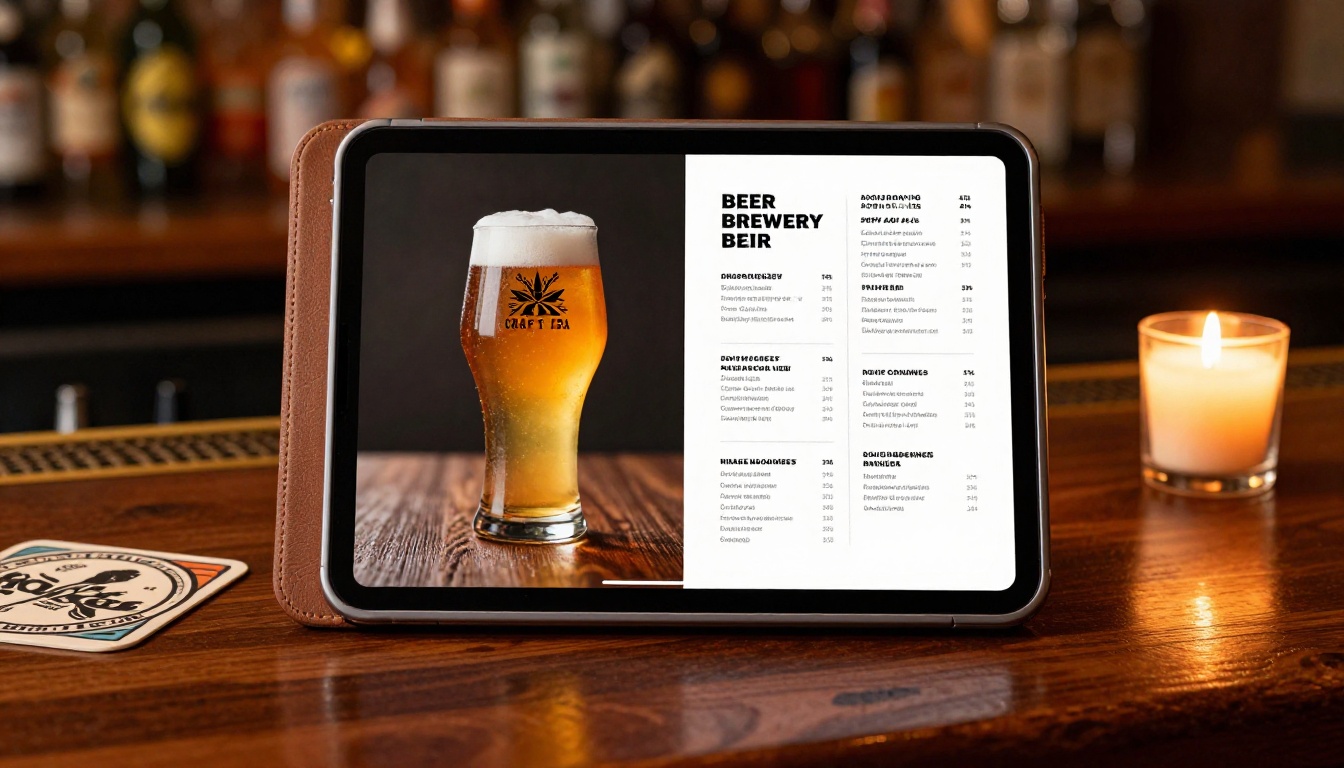
The breweries standing out in saturated markets aren't just brewing better beer. They're communicating it better at every touchpoint. Your menu is one of the most repeated touchpoints in your entire operation. Every guest who walks through the door interacts with it.
Ready to build yours? Get started for free on Flipbooks AI and have your first beer menu flipbook live before end of day. Browse the Menu Flipbook Designer for brewery-ready templates, or explore all flipbook tools for every hospitality use case. When you're ready to scale across multiple locations or add analytics, review pricing plans to find the right fit.



