Every notary public eventually faces the same problem: you need to explain what you do, list your services, show your fees, and build enough trust to get the call. Paper brochures used to be the answer. Today, they look dated before the ink dries. A digital flipbook changes how potential clients see you before they even pick up the phone. Flipbooks AI makes it possible for any notary to build one in under an hour, no design skills required.

Why Notaries Are Going Digital
The notary industry is built on trust, credentials, and professionalism. Yet most notaries still hand clients a tri-fold paper brochure or, worse, a plain-text email with a list of services. Neither format communicates the level of polish that builds immediate confidence in a legal services provider.
The Problem with Paper Brochures
Paper brochures are expensive to print, impossible to update without reprinting, and get lost or thrown away within days. They do nothing for clients who find you online at 10 PM, and they offer zero tracking ability. You have no idea if anyone read them or where they stopped reading.
Static PDFs are only marginally better. They are clunky on mobile, do not page-turn naturally, and rarely get forwarded by satisfied clients. A digital flipbook solves every one of these problems in a single format.
What Clients Actually Want
When someone needs a notary, they are often in a time-sensitive situation: closing on a house, signing medical documents, or handling estate paperwork after a loss. They want to see:
- What services you offer, immediately
- Your fees, before they call
- Your credentials, so they trust you
- How to book you, in as few steps as possible
A well-structured flipbook delivers all of this in a format that feels professional, loads fast on any device, and can be shared via a single link or QR code.

What to Put in Your Notary Flipbook
A well-structured notary flipbook does not need to be long. Clarity beats volume every time. Focus on the five areas below, and your flipbook will answer every question a new client has before they contact you.
Services and Fee Schedule
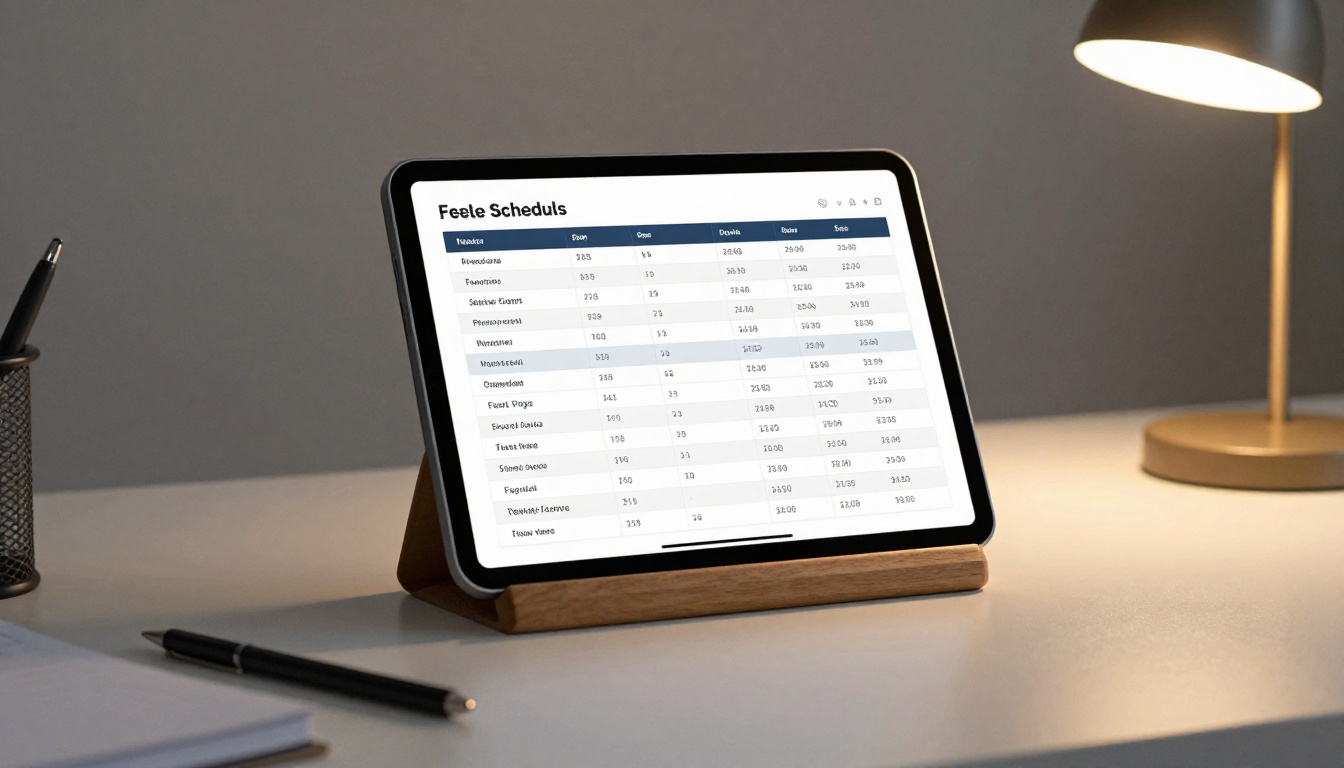
This is the most important page. List every service you offer with a clear fee or fee range. Clients who see pricing upfront are far more likely to book. Vagueness around fees creates hesitation. A table format works best:
| Service | Standard Fee Range |
|---|
| Acknowledgment (per signature) | $10 - $15 |
| Jurat | $10 - $15 |
| Loan signing package | $75 - $150 |
| Mobile notary travel fee | $25 - $50 |
| Copy certification | $5 - $10 |
| Apostille assistance | $50 - $100 |
| I-9 Employment Verification | $25 - $35 |
💡 Pro tip: State-regulated fee caps vary. If your state has a maximum per-signature fee, note it in your flipbook to show clients you follow state law. This builds credibility instantly.
Credentials and Certifications
Your state commission, any NNA certifications, E&O insurance status, and background check provider belong on a dedicated page. Clients booking loan signings need to confirm these details before hiring you.
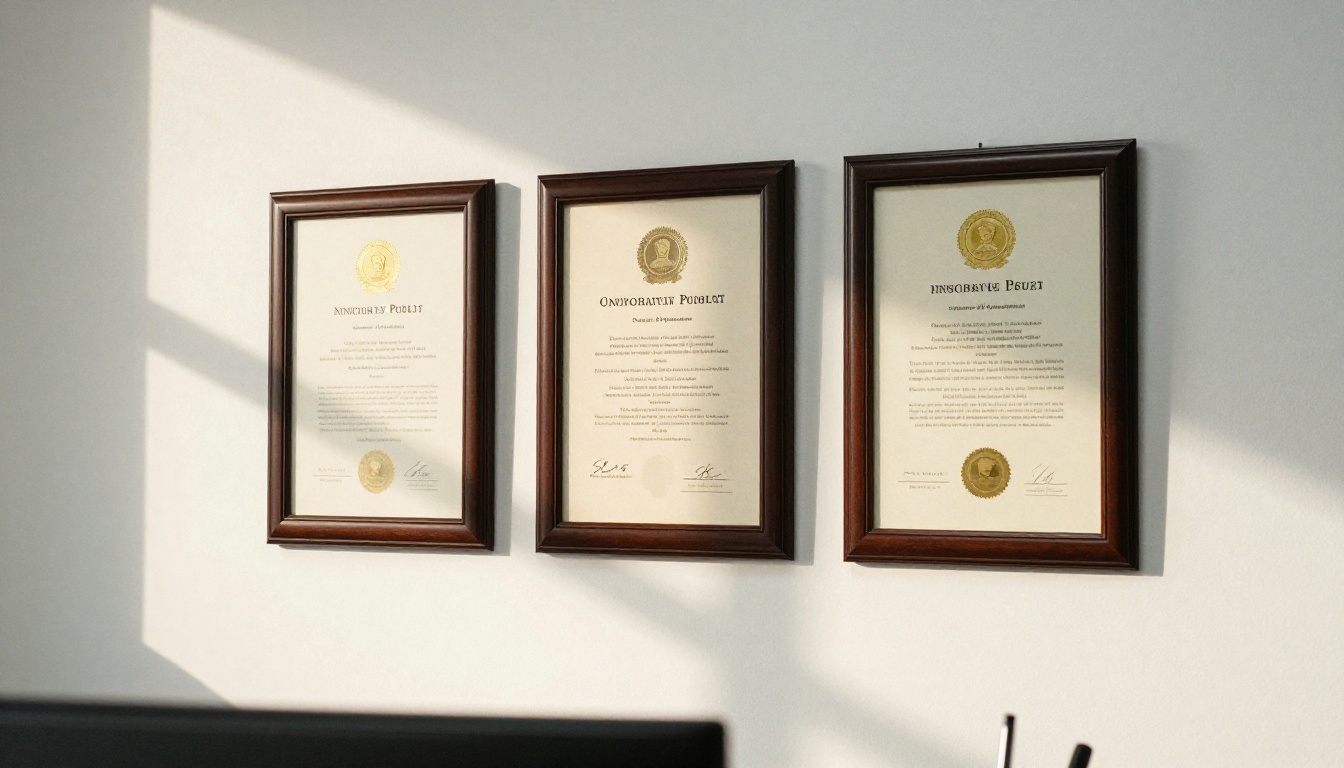
Include the following on your credentials page:
- State commission number and expiration date
- NNA or NSA certification badge
- E&O insurance coverage amount and provider
- Background screening provider (NNA, Sterling, etc.)
- Languages spoken, if you are bilingual
Service Area and Availability
A written description of your service area prevents wasted calls from clients outside your range. Include your standard travel radius, any additional fees for extended travel, and your typical availability hours. If you offer same-day or evening appointments, say so explicitly. That information alone can win a booking.
A Short Professional Bio
One paragraph that tells clients who you are. State your years of experience, any specialty areas such as real estate closings, medical documents, or estate planning, and your professional background before notary work if it is relevant. Authenticity builds connection more effectively than a credentials list alone.
Testimonials and Social Proof
Even two or three short client quotes add significant trust. If you have Google reviews, reference your overall rating in the flipbook. If you are new to notary work, a "100% satisfaction guaranteed" statement paired with a clear correction policy works well.
Paper Brochure vs. Digital Flipbook
Many notaries are skeptical about switching from what they know. This comparison shows what actually changes when you go digital:
| Feature | Paper Brochure | Digital Flipbook |
|---|
| Shareable via text or email | No | Yes |
| Updatable without reprinting | No | Yes, instantly |
| Works well on mobile | Poor experience | Fully responsive |
| Trackable views and reads | No | Yes (Professional plan) |
| Embeddable on website | No | Yes |
| Page-turning experience | Physical only | Digital with animations |
| Cost to update content | Print and design fees | Free on existing plan |
| Password protection option | No | Yes |
| QR code sharing | No | Yes |

The difference is not just aesthetic. It is functional. A notary who sends a flipbook link in a text message to a potential client stands out immediately from every competitor who sends a .pdf attachment or says "I'll drop a brochure in the mail."
✅ Best practice: Keep your flipbook link saved in your phone contacts as a note. When someone asks what services you offer, you can paste the link in under ten seconds.
How to Create Your Notary Flipbook with Flipbooks AI
Flipbooks AI is built for exactly this type of use case. No designer or developer needed. Here is the full process from a blank page to a published, shareable notary flipbook.
Build Your PDF First
Before uploading anything, create the actual content. Canva is the easiest tool for designing a multi-page notary brochure. Use a clean, professional template with conservative colors (navy blue and white is the default safe choice for legal services), and build pages covering each content section described above.
Aim for six to eight pages total:
- Title page with your name, title ("Notary Public"), and a professional photo
- Services and fee schedule using the table format above
- Credentials and certifications page
- Service area with availability hours and travel policy
- Testimonials or social proof
- Contact page with phone, email, and booking link
When done, export as PDF. Keep the file under 10MB for fastest upload and conversion.
Upload to Flipbooks AI
Create your account on Flipbooks AI. The upload process takes under two minutes:
- Click "New Flipbook" from your dashboard
- Drag and drop your PDF file or click to browse
- Wait for conversion (usually under 60 seconds)
- Your flipbook is live with a page-turning preview immediately

The PDF to Flipbook Converter handles the technical conversion automatically. No configuration needed on your end.
Customize Your Branding
Once your flipbook is generated, personalize it to match your professional identity:
- Logo: Upload your notary seal or business logo to the toolbar
- Colors: Set your brand color for the toolbar and page border accents
- Background: Choose white or light gray for a professional, legal-services presentation
- Page flip animation: The standard flip animation creates a polished, confident impression
- Custom URL: On Standard and above plans, you can set a memorable short link for your flipbook
⚠️ Warning: Avoid dark color schemes and busy backgrounds. Notary clients expect conservative, professional presentations. Dark themes can signal instability in a legal context.
Publish, Share, and Embed
With your flipbook published, you have multiple options for getting it in front of clients:
- Direct link: Copy the URL and paste it anywhere (texts, emails, social profiles, bio links)
- Embed code: Use the Embed Flipbook on Website tool to drop your flipbook directly into your notary website or Google Business Profile
- QR code: Generate a QR code for your flipbook and print it on business cards or physical signage
- Password protection: Lock rate sheets or internal pricing with a password for signing service clients only
💡 Pro tip: Add your flipbook link to your email signature. Every message you send becomes a passive referral without any extra effort.
Flipbooks AI Plans: What Notaries Need
Most notaries need one to three active flipbooks at a time. Here is how the plans map to typical notary practice scenarios:
| Plan | Best For | Flipbooks | Analytics | Lead Capture | Password Protection |
|---|
| Free | Testing your first draft | 1 | No | No | No |
| Standard | Solo notaries, active practice | Unlimited | No | No | Yes |
| Professional | Mobile notaries, lead capture | Unlimited | Yes | Yes | Yes |
The Standard plan covers most solo notaries completely. Unlimited flipbooks means you can create separate versions for different specialties: general notary work, loan signings, and apostille processing, all without paying extra per flipbook and with no watermarks on any of them.
The Professional plan adds analytics showing how many people opened your flipbook, which pages they spent the most time on, and where they stopped reading. For notaries investing in local marketing, this data is genuinely actionable. It also includes lead generation forms you can embed inside the flipbook itself, so a potential client can submit their contact details without leaving your brochure.
See current pricing plans to compare what is included at each tier.
Real-World Uses: Who Benefits Most
Mobile Notaries
Mobile notaries travel to clients rather than hosting them in an office. Without a physical location to establish credibility, your digital presence does all the work. Sending a flipbook link before a home visit immediately establishes professionalism. Clients see your credentials, pricing, and photo before you ring the doorbell.

Travel fee transparency reduces friction significantly. Clients who see a $35 travel fee listed clearly in your flipbook rarely push back on it. Clients who hear about it at the door sometimes do. That friction costs you referrals even when the appointment goes well.
A flipbook also makes it easy to share your services with property managers, senior care facilities, and law offices that frequently need a reliable mobile notary on call. One link sent in a professional email is far more persuasive than a verbal pitch.
Loan Signing Agents
Loan signing agents work primarily with signing services, title companies, and escrow officers. These professional clients want to confirm your certifications, E&O coverage amount, and signing experience before adding you to their rotation.

A flipbook serves as a credential packet you can email to signing services in seconds. Instead of attaching four separate PDFs, you send one link. The Brochure Flipbook Maker gives you a format that reads like a professional services portfolio rather than a document dump.
Signing services receive dozens of notary applications weekly. A polished flipbook with a clean layout, your certifications front and center, and a clear availability calendar puts you ahead of notaries who send nothing more than a resume.
Specialty Service Notaries
Some notaries focus on specific high-value services: apostille processing, I-9 employment verification, or remote online notarization. These services command higher fees but also require more explanation before a client commits.
A dedicated flipbook per specialty sharpens your pitch considerably. A client specifically searching for apostille processing help wants a brochure that speaks directly to that need, walks them through your process, and shows your fee. A generic "all services" brochure forces them to hunt for the information they care about.
3 Common Mistakes Notaries Make
Even a well-designed flipbook can undercut your credibility if you make these errors.
Missing or Outdated Credentials
If your commission expiration date or certification year is wrong, clients notice. A single expired date on page two can cost you a loan signing assignment worth $150. Review your flipbook every time you renew any credential. Set a calendar reminder for 30 days before your commission expires so you update the flipbook before clients see stale information.
No Clear Next Step
A beautiful flipbook that ends without telling the reader what to do next is wasted effort. Every flipbook needs one clear action on the final page: "Call to book," "Click to schedule," or "Email for availability." Clients who have just read through your services and fees are warm. Give them a direct path to hire you.
Too Much Text, No Visual Structure
Notary flipbooks with wall-to-wall paragraphs look like legal documents, not marketing materials. Use headers, bullet points, and tables throughout. White space reads as professional. Dense paragraphs signal disorganization. If your current brochure looks like a contract, redesign it before converting.
⚠️ Warning: Do not skip the title page. A flipbook that opens directly to a wall of text without a visual introduction loses the professional first impression that makes the format worth using in the first place.
One PDF Away from a Better Client Experience
Every notary already has the content for a flipbook sitting in their files: their commission certificate, fee schedule, and service area information. The only missing piece is packaging it into a format clients actually want to receive and share.
Flipbooks AI takes your existing PDF and turns it into a professional, shareable digital brochure in under two minutes. No coding, no design agency, no recurring print costs.

Start with the Online Brochure Designer if you want a template-driven starting point, or upload your existing PDF directly using the PDF to Flipbook Converter. Either way, you can have a published, shareable notary flipbook live before your next appointment.
Ready to set yourself apart from every other notary in your service area? Get started for free and see what your services look like in a format that actually works for you.



