Running a pop-up shop is one of the most intense sales environments you will ever work in. You have seconds to grab attention, minutes to make a connection, and a very short window to convert foot traffic into actual revenue. Most vendors show up with printed catalogs, hand-written price lists, or nothing at all. That is a missed opportunity. A digital flipbook changes the entire dynamic at your booth, and Flipbooks AI makes it possible to build one in under an hour.
Why Printed Materials Let You Down at Events
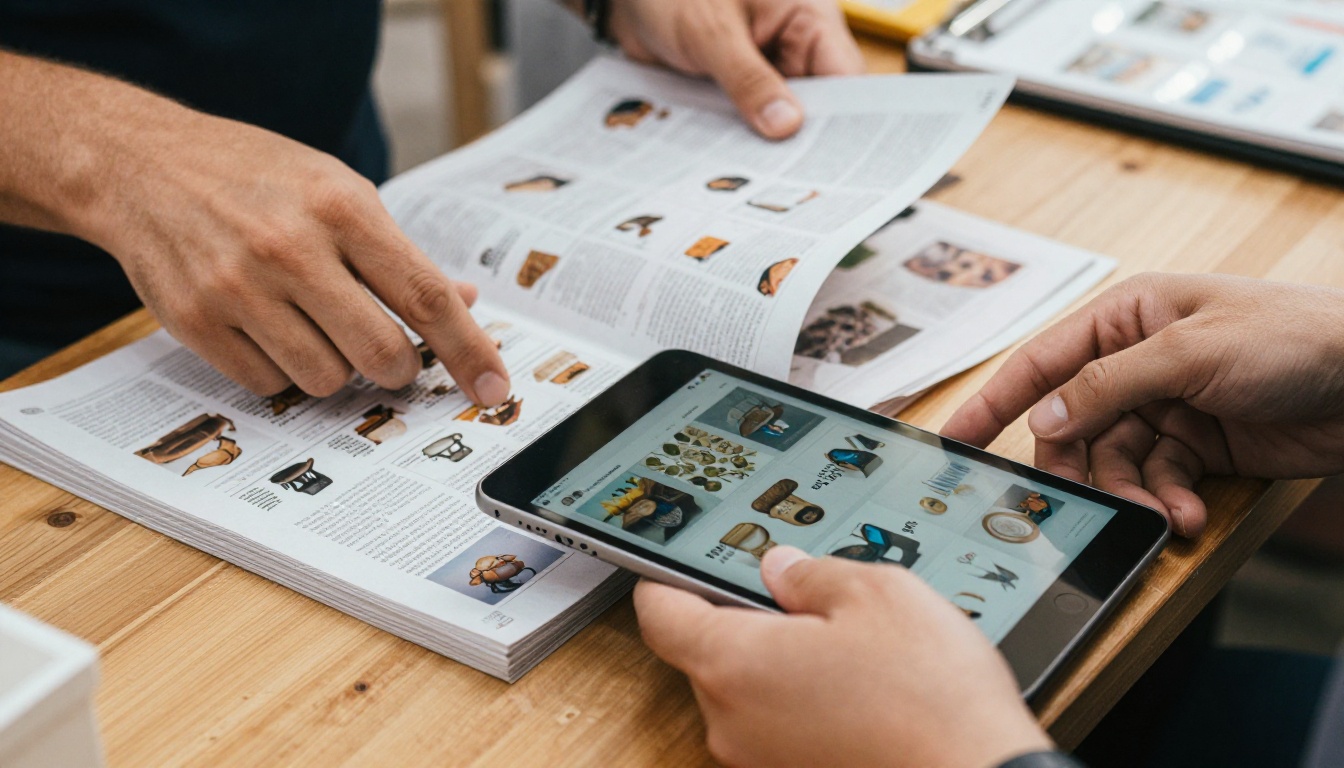
There is a reason seasoned event vendors keep coming back with fewer paper products every season. Print materials are expensive, heavy to transport, quick to run out, and impossible to update without reprinting. The moment you change a price, add a product, or sell out of an item, your printed catalog is already wrong.
The Real Cost of Print at Every Event
Think about what a single print run actually costs. Design fees, printing costs, shipping, and storage add up fast, and that is before you factor in the waste from outdated materials left over after each event.
| Cost Category | Printed Catalog | Digital Flipbook |
|---|
| Initial design | $150-$500 | $0-$150 (one-time) |
| Per-event printing | $50-$200 | $0 |
| Update cost | Full reprint required | Edit and republish instantly |
| Portability | Heavy, bulky | One tablet or QR code |
| After-event reach | Zero | Shareable via link indefinitely |
| Environmental impact | Paper waste | Paperless |
The math speaks for itself. After two or three events, a digital flipbook pays for itself entirely.
What Shoppers Actually Do at Booths
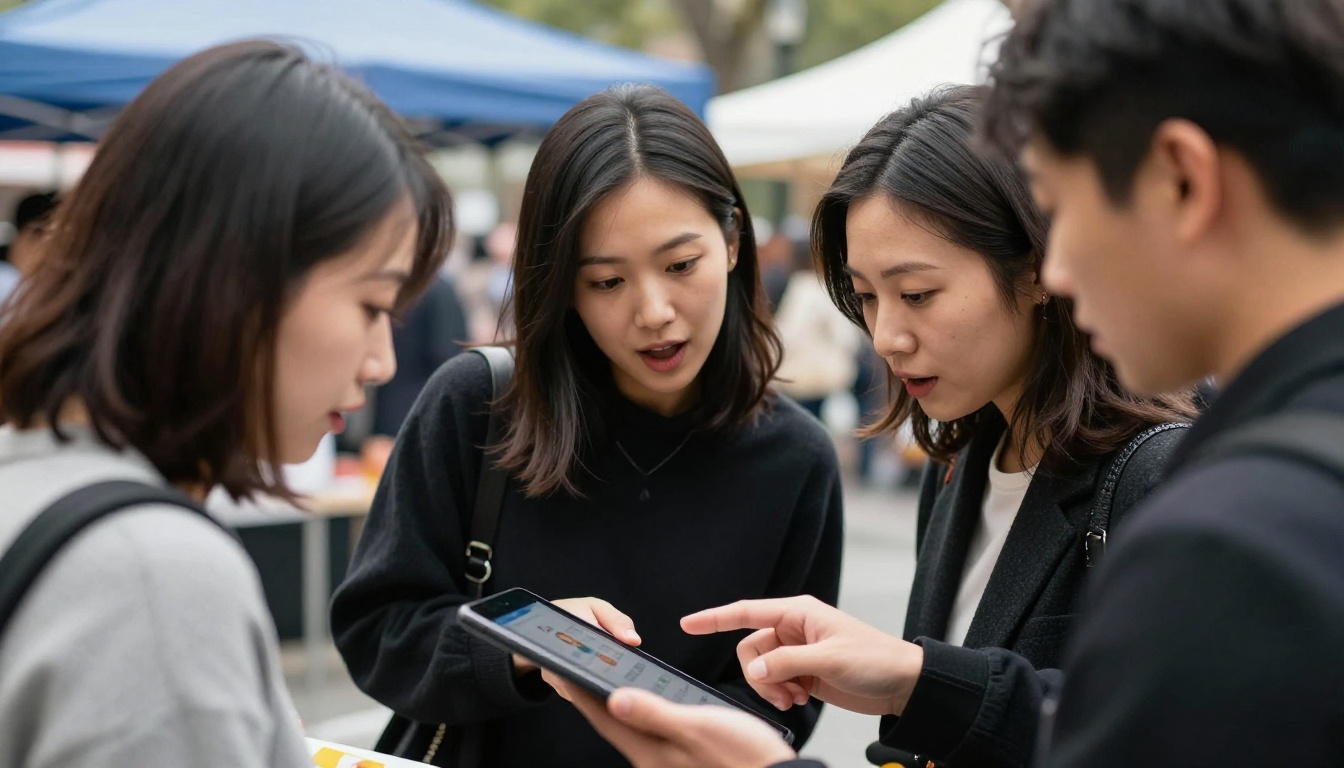
Customers at pop-up markets browse fast. They want information quickly, they do not want to carry paper, and they almost always pull out their phone before making a decision. A digital flipbook works with that behavior instead of against it. Someone can scan a QR code, flip through your products on their phone, and come back to buy later even after they have left your booth.

What a Pop-Up Flipbook Can Actually Contain
A flipbook for a pop-up shop is not just a digital version of a printed catalog. The format opens up options that paper simply cannot match.
Product Catalogs and Lookbooks
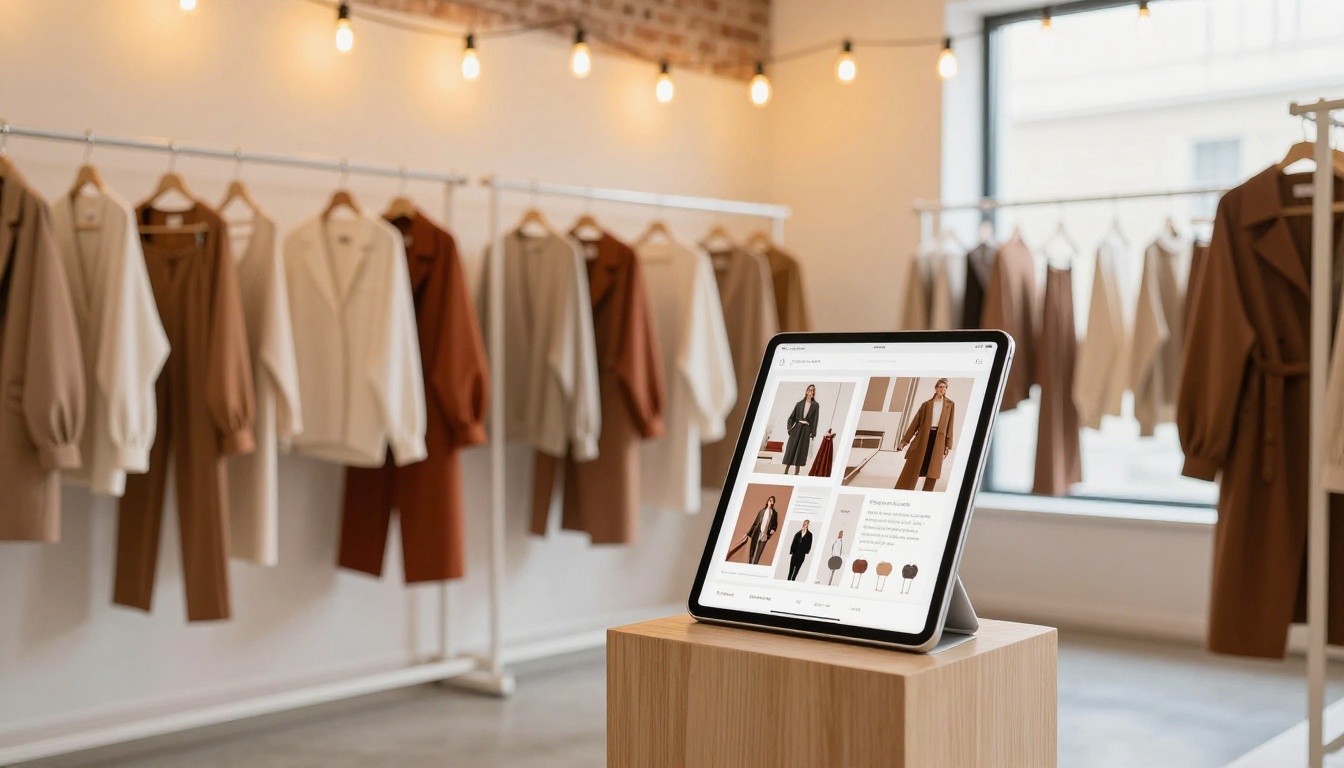
If you sell clothing, accessories, homewares, or anything visual, a lookbook-style flipbook lets you present your range in a polished, editorial way. You control the layout, the photography, the brand feel. The Interactive Lookbook Designer from Flipbooks AI is built exactly for this, giving you page-turning animation, image galleries, and clean typography without needing a designer.
Price Lists That Stay Current
One of the most practical uses of a pop-up flipbook is a digital price list. Prices change. Stock levels change. With a printed list, you are either crossing things out by hand or apologizing to customers. With a digital flipbook, you update the source PDF, republish, and the QR code at your booth instantly points to the new version. The Digital Price List Generator tool is purpose-built for this exact scenario.
Event Programs and Brand Stories
Some pop-up vendors use their flipbook not just as a catalog but as a brand story. A few pages about your origin, your materials, your values, and the people behind the product. This kind of content builds trust quickly in a crowded market environment.
How to Create a Flipbook for Your Pop-Up Shop with Flipbooks AI
Here is how to go from blank page to a booth-ready digital flipbook using Flipbooks AI.
Step 1: Create Your Account
Head to flipbooksai.com/account and sign up. The process takes under two minutes. You do not need a credit card to start, and you can publish your first flipbook immediately on the free tier.
Step 2: Prepare Your PDF
Your flipbook starts as a PDF. You can create it in Canva, Adobe InDesign, Google Slides, or even PowerPoint. For a pop-up shop, a solid PDF typically includes:
- A cover page with your brand name and logo
- A product spread with photos, names, and prices
- A materials or sourcing page (optional but effective)
- A contact and ordering page
Keep it clean. White space is your friend. Let your product photography do the heavy lifting.
Step 3: Upload and Convert
Once your account is set up, click "New Flipbook" and upload your PDF. The PDF to Flipbook Converter processes your file and generates the interactive flipbook with page-turning animation automatically. For most PDFs under 20 pages, this takes under 60 seconds.

Step 4: Customize Your Branding
After conversion, you can customize the flipbook's interface. This is where you add your brand colors to the viewer chrome, set a custom background, upload your logo, and configure the cover thumbnail. Every element of the player surrounding your content can match your brand identity.
💡 Match your flipbook's viewer colors to your booth aesthetic. If your stall uses cream and terracotta, set those as your brand colors in the settings panel. It creates a cohesive experience when someone scans your QR code and lands on your content.
Step 5: Configure Sharing Settings
This is a step most first-timers skip and later regret. Before you take your flipbook to the event:
- Set a custom link slug so your URL is clean and memorable
- Enable or disable password protection depending on whether it is public or trade-only
- Grab the QR code from the sharing panel, which you can print directly onto booth signage
- Copy the direct link for Instagram bio, Facebook page, and email signature
Step 6: Print Your QR Codes and Go
Print your QR code on tent cards, hang tags, and booth signage. When customers scan it, they land directly on your flipbook with no app download, no friction, and it works on any smartphone browser.
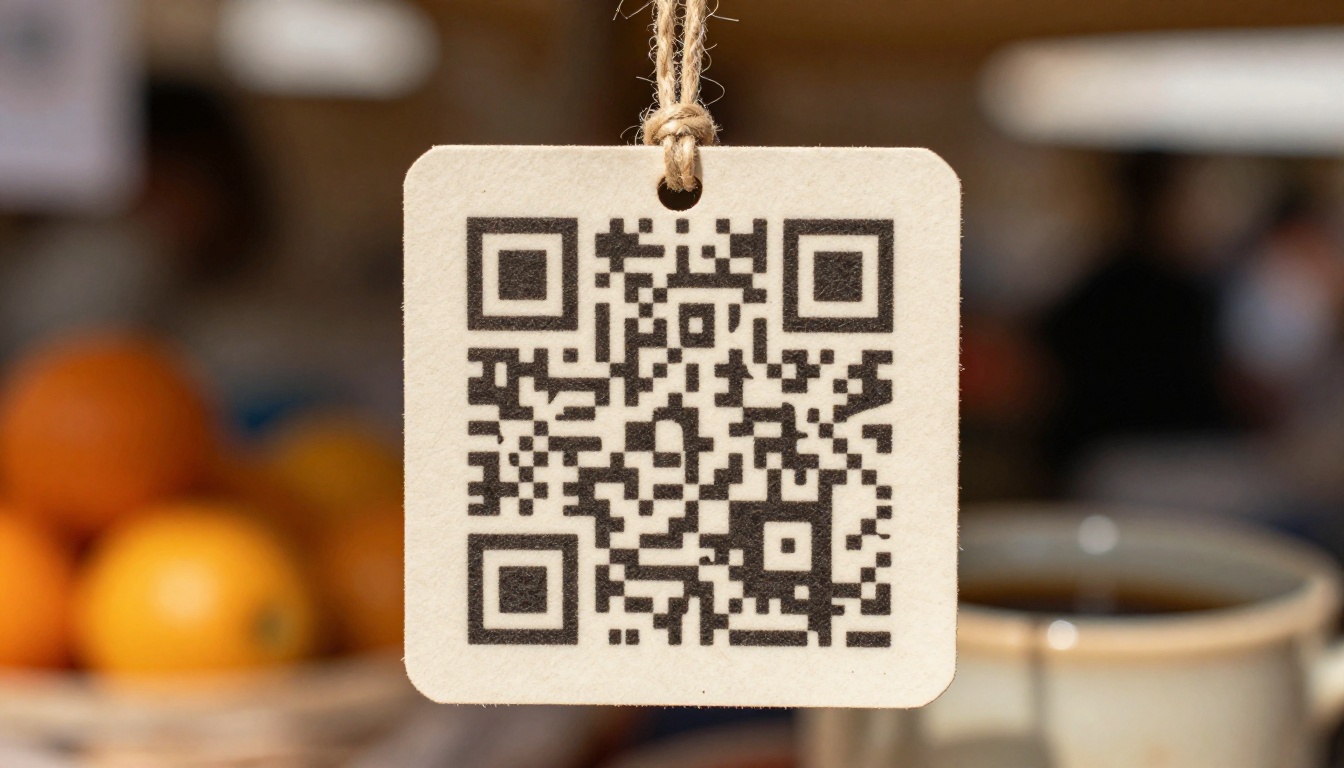
✅ Put your QR code in at least three visible locations at your booth: eye level at the front, on your display table, and on any packaging you hand out.
Flipbooks AI Plan Comparison for Pop-Up Vendors
Choosing the right plan depends on how often you do events and how many products you carry. Here is a breakdown of what each tier offers for a typical pop-up shop scenario:
| Feature | Free | Standard | Professional |
|---|
| Number of flipbooks | 1 | Unlimited | Unlimited |
| Watermark | Yes | No | No |
| Custom branding | No | Yes | Yes |
| Password protection | No | Yes | Yes |
| Analytics | No | No | Yes |
| Lead generation forms | No | No | Yes |
| Offline downloads | No | No | Yes |
| Embed on website | No | Yes | Yes |
For a vendor doing one or two events per month, the Standard plan is the sweet spot. No watermarks, unlimited flipbooks, and custom branding for a cost that disappears into the general overhead of doing events. If you sell wholesale or want to capture leads at events, the Professional plan adds analytics and lead capture forms that can significantly improve your post-event follow-up process.
⚠️ The free plan adds a watermark to your viewer. For a professional booth presentation, upgrade before your first event.
Real-World Use Cases by Shop Type
The flipbook format adapts well to almost every pop-up shop category. Here is how different vendor types put it to work:
Food and Drink Vendors
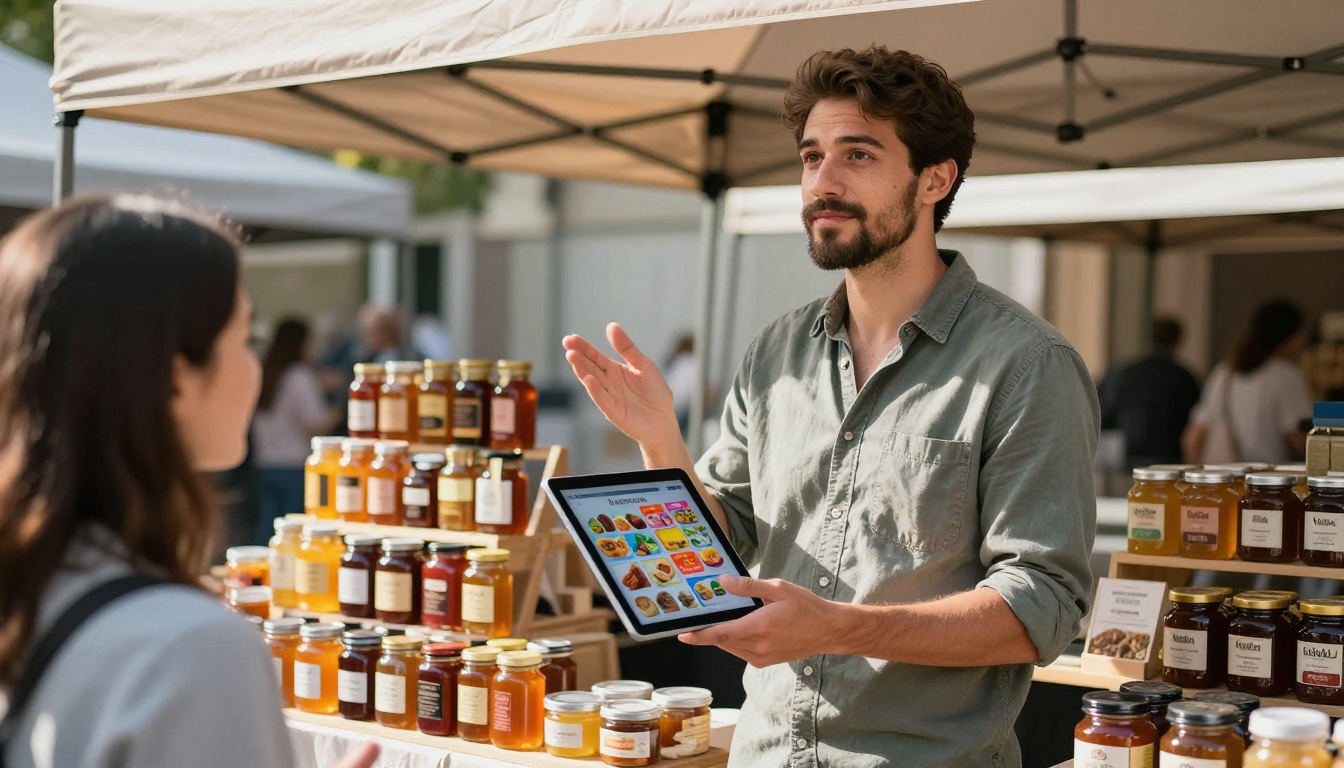
A craft food vendor selling artisan jams, hot sauces, or baked goods can build a flipbook that acts as both a menu and a brand story. Include product photos, ingredient stories, allergy information, and a QR code to your online shop for post-event ordering. The Digital Price List Generator works perfectly here.
Fashion and Accessories
Clothing and accessories benefit enormously from the lookbook format. You are not just showing a product, you are showing a lifestyle. A few well-shot editorial pages followed by individual product pages with sizes, colorways, and prices creates a shopping experience that rivals a retail website. The Catalog Flipbook Creator is another strong option for vendors with larger product ranges.
Art and Craft Sellers
Artists and makers can use a flipbook as a portfolio and price sheet simultaneously. The Digital Portfolio Creator tool lets you showcase your work in a way that builds real credibility, and adding a commission inquiry page turns your catalog into an active lead generation tool.
Wellness and Beauty
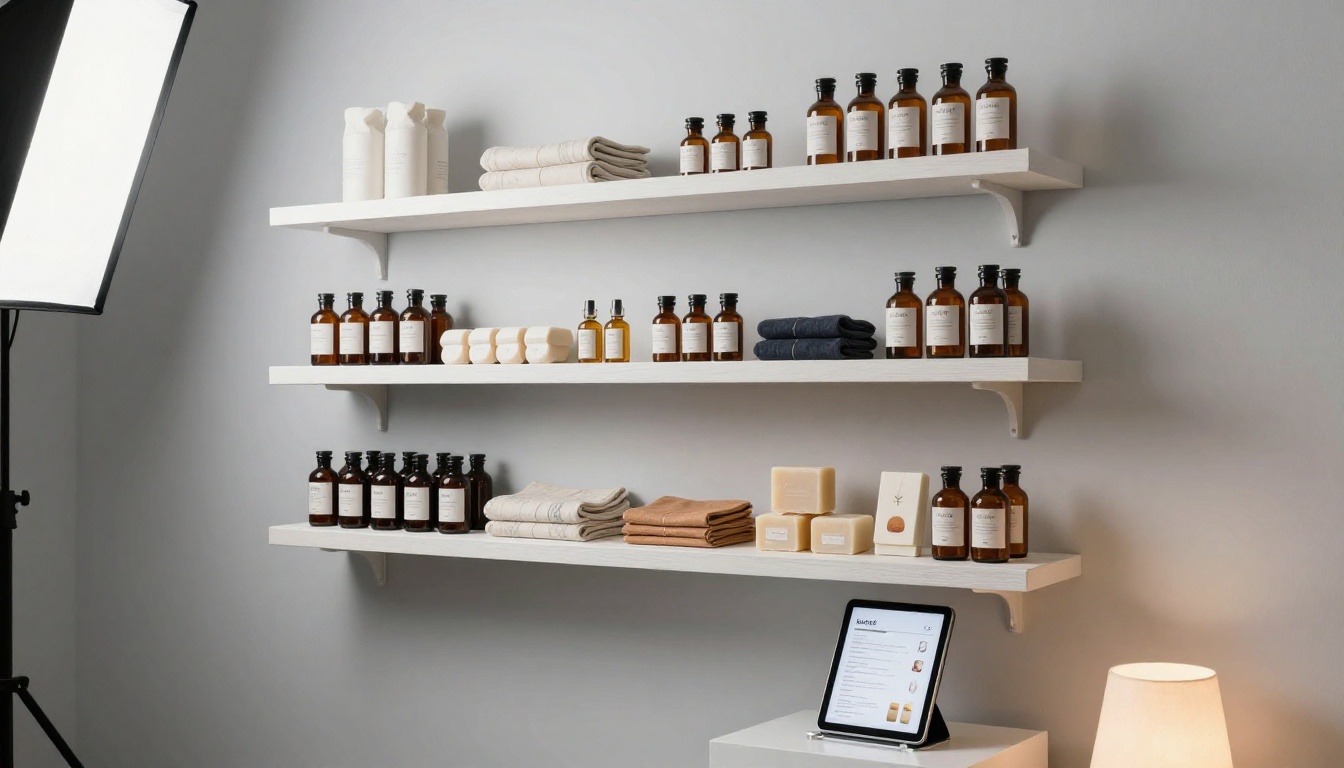
Spas, skincare, and wellness brands can use the Spa & Wellness Menu Creator to produce a treatment menu or product reference that feels as premium as the brand itself.
| Shop Type | Recommended Tool | Key Content to Include |
|---|
| Food and drink | Digital Price List Generator | Products, allergens, story, order link |
| Fashion | Interactive Lookbook Designer | Editorial photos, size guide, prices |
| Art and crafts | Digital Portfolio Creator | Portfolio, commissions, pricing |
| Beauty and wellness | Spa & Wellness Menu Creator | Services, products, ingredients |
| Home and decor | Catalog Flipbook Creator | Room settings, materials, dimensions |
| Books and stationery | E-Book Flipbook Generator | Preview pages, author bio, purchase link |
Sharing Your Flipbook Before, During, and After the Event
The value of a digital flipbook does not stop when the market closes. This is one of the biggest differences from a printed catalog.
Before the Event
Share a link to your flipbook in event promotion posts. A simple "here is a preview of what we are bringing this weekend" caption with a link to your catalog drives pre-event interest and gives customers a reason to seek out your booth specifically.
During the Event
Your QR codes do the work. But you can also prop a tablet at your booth running the flipbook as a passive display. Customers who would not normally pick up a catalog will browse a screen naturally, spending more time at your stall.
After the Event
Post your flipbook link in your Instagram bio, add it to your email signature, pin it on Pinterest, and send it to anyone who asked for a price list or catalog during the event. The link keeps working indefinitely, meaning every event becomes an ongoing marketing asset rather than a one-day sale.
💡 With the Professional plan's analytics, you can see which pages in your flipbook get the most views after an event. If page 4 (your price list) gets three times more views than anything else, that tells you exactly what customers care about most.

5 Mistakes Vendors Make with Their Pop-Up Materials
- Using low-resolution product photos: Your flipbook is only as good as your images. Shoot in natural light on a clean background before the event.
- Forgetting to update prices: Set a reminder before every event to review your flipbook and update any changed pricing before the QR codes go live.
- Making it too long: Eight to twelve pages is the sweet spot. Customers will not flip through a 40-page catalog standing at a market stall.
- No call to action: Every flipbook should end with a clear next step, a link to your shop, a way to join your mailing list, or your contact information.
- Not testing the QR code before printing: Always scan your own QR code from the printed version before you go to print. What looks correct on screen can come out unreadable if the contrast is too low or the code is too small.
Build It Once, Use It at Every Event
A digital flipbook is one of the lowest-effort, highest-impact upgrades you can make to your pop-up shop setup. You build it once, update it as needed, and it keeps working for you long after each event ends. Whether you are running a single booth at a weekend market or building toward a permanent retail presence, presenting your products professionally in a digital format sets you apart from the majority of vendors who still show up with a printed price sheet and a handshake.
Ready to build yours? Create a free account on Flipbooks AI and have your first flipbook ready before your next event. Browse the full list of tools and templates to find the right format for your shop type, or compare pricing plans to choose the tier that fits where you are right now.



