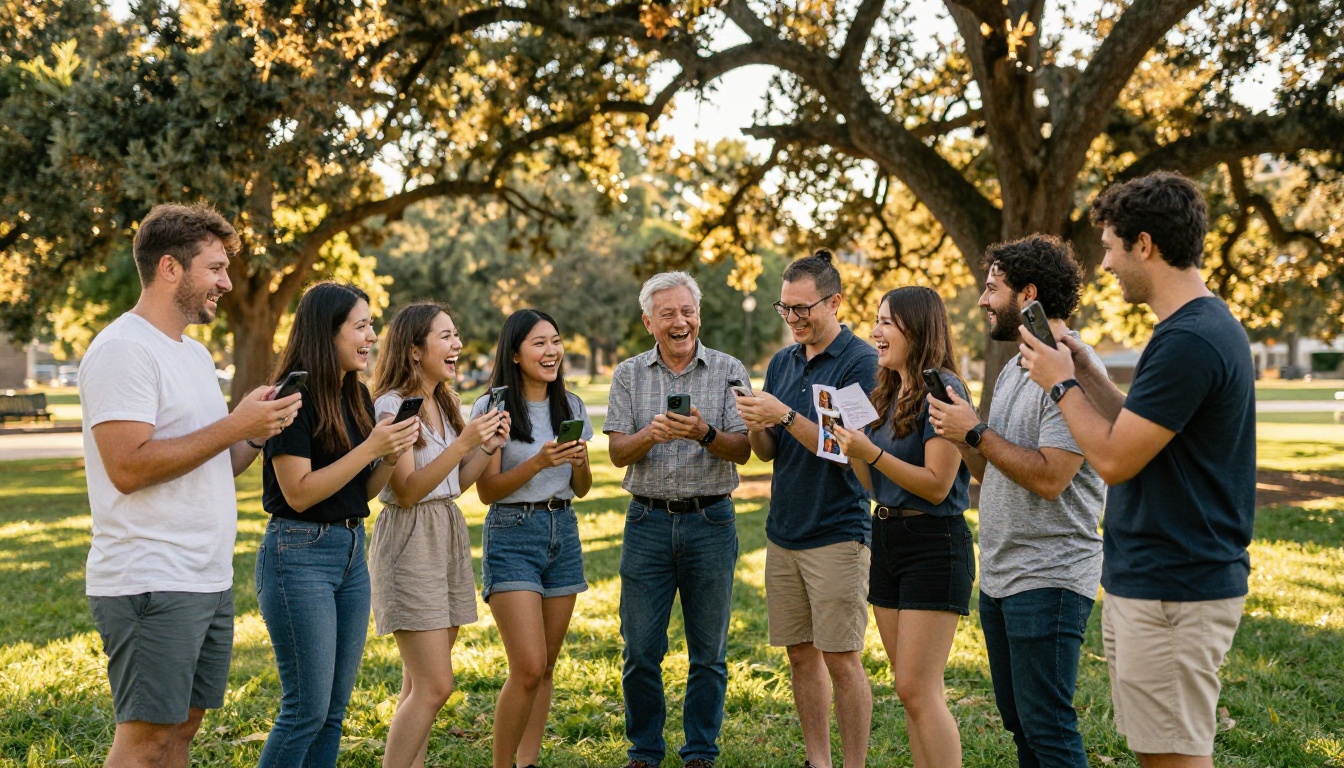
Reunions don't happen every year. When they do, the photos taken in those few hours carry the weight of decades of shared history, inside jokes, and faces you only see on special occasions. Flipbooks AI gives you a way to take all of that and turn it into something everyone can hold onto, literally flipping through it like a real book, on any device, anywhere in the world.
Why Physical Albums Keep Failing Us
You've been there. Someone prints three copies of the reunion photo book, hands them out, and within a year two are water-damaged, one is missing, and nobody has seen the digital files since the original organizer changed phone numbers. It's not a lack of care. It's the format.
The shelf problem
Physical albums are beautiful when they're new. But they live on shelves, gather dust, and never make it into the hands of cousins who live across the country. The people who matter most to the memories are often the ones least likely to ever see them again after the event.
Sharing is always an awkward afterthought
Emailing a 200-photo ZIP file doesn't work. Cloud folders require everyone to have accounts. Social media turns cherished private moments into public content. None of these feel right for something as personal as a family or class reunion memory book. A digital flipbook solves every one of these problems in a single step.
What a Digital Flipbook Actually Delivers
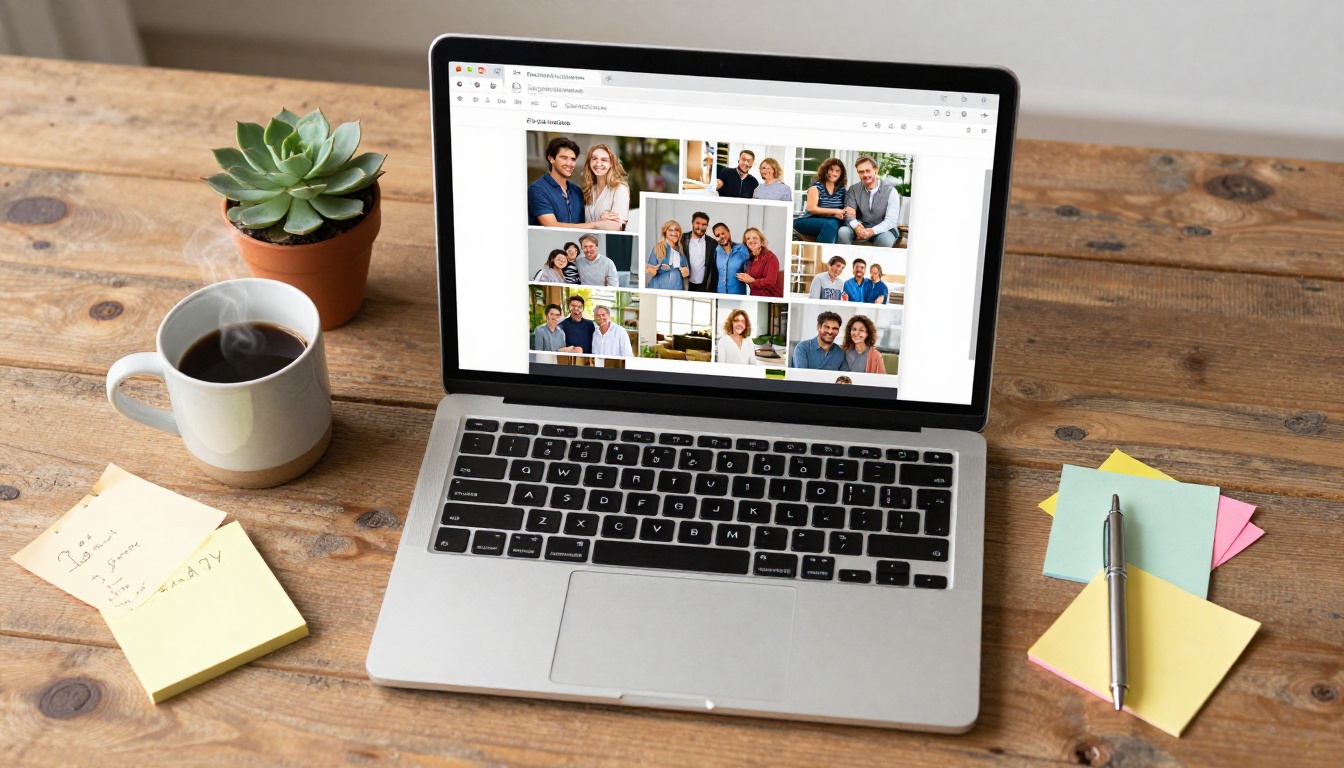
A digital flipbook isn't a slideshow or a PDF download. It's an interactive, page-turning experience that mimics the feel of flipping through a real book, but lives entirely online. No app to install. No account required to view it. Just a link that opens to something beautiful.
Pages that feel real
The page-turn animation gives a flipbook its magic. When someone opens your reunion memory book, they don't scroll through a feed. They turn pages, one by one, the way you would with a physical album. That tactile sensation, even in digital form, changes how people engage with the content and how long they stay with it.
One link, infinite access
You create the flipbook once and share a single link. That link works on every phone, tablet, laptop, and smart TV browser. Relatives in other countries can view it just as easily as someone sitting next to you at the reunion table.
💡 Pro tip: Password-protect your flipbook so the memories stay within your family or class group. Flipbooks AI supports private password-protected links with no extra setup required.
Which Reunions Benefit Most
Not every reunion is the same. The format and tone of your memory book should match the occasion. Here's a breakdown of how different reunion types translate into flipbook content:
| Reunion Type | Ideal Content | Estimated Pages | Tone |
|---|
| Family Reunion | Multi-generation portraits, childhood throwbacks, heritage stories | 20-40 | Warm, nostalgic |
| High School Class Reunion | Yearbook scans, then-and-now photos, senior quotes | 30-60 | Celebratory, humorous |
| College Reunion | Campus memories, group activities, career milestone highlights | 25-50 | Professional meets personal |
| Military Unit Reunion | Service photos, deployment memories, unit history | 20-35 | Honorable, proud |
| Neighborhood or Block Reunion | Community events, local landmarks, longtime neighbor stories | 15-30 | Casual, community-driven |
No matter which category your reunion falls into, the structure of a well-built flipbook stays consistent: a strong opening, organized thematic or chronological sections, captions that tell the story, and a closing that invites people to come back and read it again.

How to Create Your Reunion Memory Book with Flipbooks AI
Flipbooks AI is built for exactly this kind of project. You don't need design experience. You don't need expensive software. Here's how to go from a folder of photos to a shareable flipbook in an afternoon.
Step 1: Collect and organize your photos
Before you open any software, do the curation work. Go through every photo from the reunion (and any throwback photos you want to include) and sort them into folders by theme or chronology:
- Before the reunion: childhood or old school photos, vintage "then" shots
- The event itself: arrival moments, group activities, meals, speeches
- Candid moments: laughter, hugs, quiet conversations by the window
- Group and posed shots: full family or class portraits
- After the event: departures, final goodbyes, sunset shots
Delete blurry duplicates. Keep the ones with emotion and story. A 60-page flipbook with 60 great photos beats a 200-page book where people stop reading at page 30.
⚠️ Watch out: Low-resolution phone photos taken indoors often look fine on a small screen but degrade in PDF layouts. Use photos with at least 1200px on the long side for the best results in print-quality flipbooks.
Step 2: Build your PDF layout
Flipbooks AI converts PDFs into interactive flipbooks, so your starting point is a well-designed PDF. You can create it in any of these tools:
- Canva (free, template-rich, easy drag-and-drop for non-designers)
- Adobe InDesign (professional-grade, precise control over every detail)
- Google Slides (free, collaborative, great for working with co-organizers)
- Microsoft Publisher or Word (familiar and accessible for most people)
Design tips for a reunion memory book PDF:
- Use a consistent color palette that matches the reunion theme or your family's colors
- Add captions under every photo with names, dates, and a line of context
- Include a table of contents page for books longer than 30 pages
- Use section dividers with themed headers (e.g., "The Class of '98", "Grandma's Corner", "Next Generation")
- Leave breathing room, avoid cramming every page wall-to-wall with photos
Export your finished design as a PDF. Every tool listed above does this natively.
Step 3: Upload and convert
Head to Flipbooks AI and create your account. Then follow these steps:
- Click "New Flipbook" from your dashboard
- Upload your PDF file using the drag-and-drop uploader or the file browser
- Wait for automatic conversion. This typically takes 30 to 90 seconds depending on page count
- Preview the flipbook in your browser and confirm every page rendered correctly
The PDF to Flipbook Converter handles multi-page documents up to hundreds of pages with no quality degradation.
Step 4: Customize your flipbook
Once your flipbook is live in preview, the personalization begins:
- Custom URL: Share a clean branded link instead of a generic code
- Branding header: Add your family name, reunion year, or class identifier
- Background color or texture: Choose something that complements your PDF design
- Page-turn sounds: Enable realistic page-turn audio for an extra nostalgic effect
- Auto table of contents: Generated automatically from your PDF bookmarks
- Password protection: Set a private password so only invited attendees can access it
✅ Best practice: Name your flipbook with the year and event (e.g., "Henderson Family Reunion 2024") so recipients can easily find it in their bookmarks months and years later.
Step 5: Share with everyone
This is the best part. Once your flipbook is published, sharing options include:
- A direct shareable link that works on any device instantly, no app needed
- An embed code to place the flipbook directly on a family website or reunion landing page
- A QR code that attendees can scan from a printed program, name tag, or table card at the event
- Social sharing shortcuts for quick private group distribution
Send the link via email, text message, WhatsApp, or your family group chat. Anyone who clicks it can start reading immediately, no account required on their end.
What to Put Inside Your Memory Book
The photos are the heart of the book, but the surrounding content is what transforms a collection of images into something that feels genuinely meaningful.
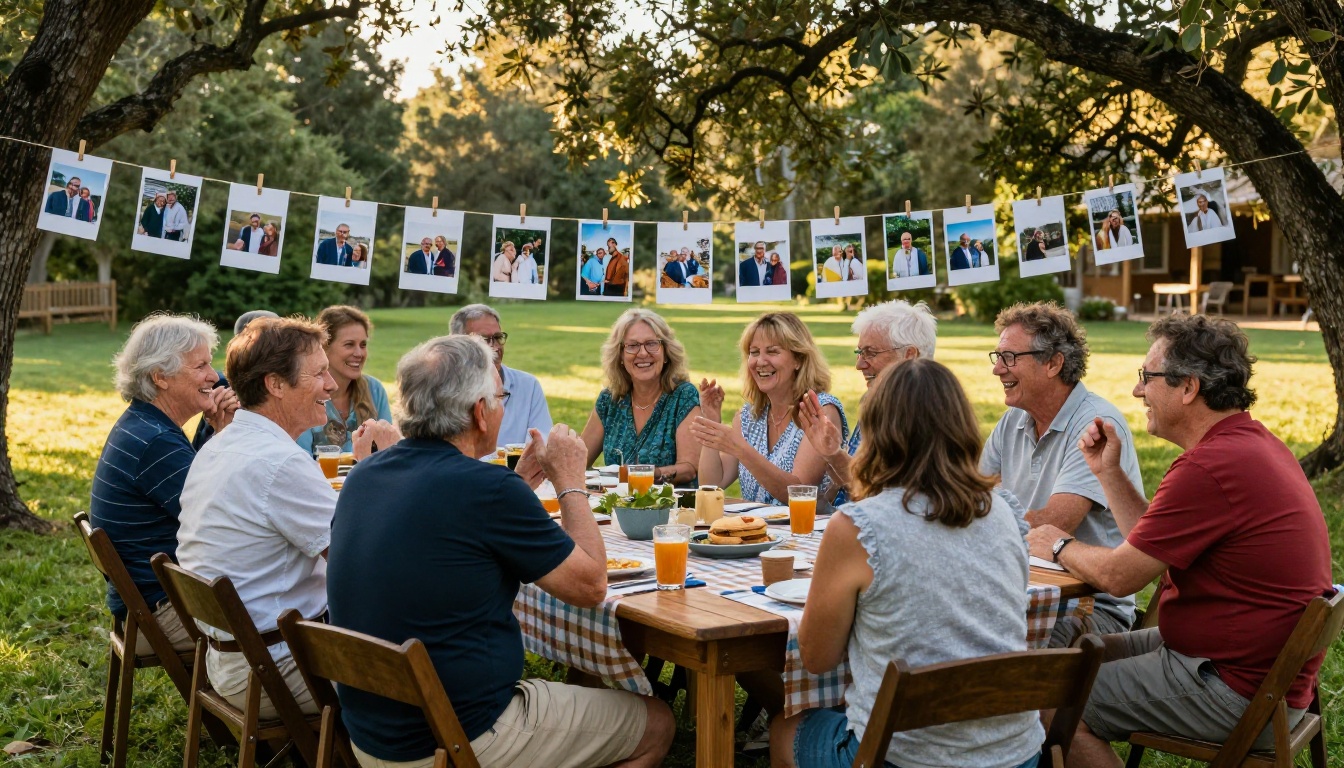
Must-have sections
Every great reunion memory book should include at least these elements:
- Opening letter: A short welcoming note from the organizer setting the tone for the book
- Then and now: Side-by-side comparisons of old photos and current ones of the same people
- Milestones since last time: Marriages, new babies, graduations, retirements, moves
- In memoriam: A respectful page honoring those who have passed since the last gathering
- Fun facts and trivia: A quiz page (who traveled the farthest? who has the most grandchildren?)
- Next reunion preview: A teaser or save-the-date page for the next gathering
Content that sparks real conversation
The sections people return to most are the ones tied to specific, personal moments:
- Handwritten notes scanned and included: A scanned handwritten message from an elder feels irreplaceable in ways that typed text never can
- Recipes from the reunion potluck: Attach the recipe for the dish that everyone kept asking about throughout the day
- Quotes collected from attendees: One memory or one word from each person, gathered before or during the event
- A family or class timeline: Place reunion photos in context alongside significant historical events from the decades covered
💡 Pro tip: Send a simple form to attendees before the reunion asking for their favorite memory and a current photo. Include the responses as a dedicated "Voices from the Reunion" section in the flipbook.
Comparing Flipbooks AI Plans for Reunion Projects
Choosing the right plan depends on your project's scope. Here's what each tier offers:
| Feature | Free | Standard | Professional |
|---|
| Number of Flipbooks | 1 | Unlimited | Unlimited |
| Watermark | Yes | No | No |
| Password Protection | No | Yes | Yes |
| Custom Branding | No | Yes | Yes |
| Analytics and Viewer Tracking | No | No | Yes |
| Lead Generation Forms | No | No | Yes |
| Offline Downloads | No | No | Yes |
| Embed on Website | Yes | Yes | Yes |
| QR Code Sharing | Yes | Yes | Yes |
| Mobile-Responsive Design | Yes | Yes | Yes |
For a one-time reunion memory book, the Standard plan covers everything you need: no watermarks, password protection, custom branding, and unlimited flipbooks so you can create separate editions (a full version and an abridged version for sharing more broadly, for example). Visit the pricing page for current rates and any active offers.
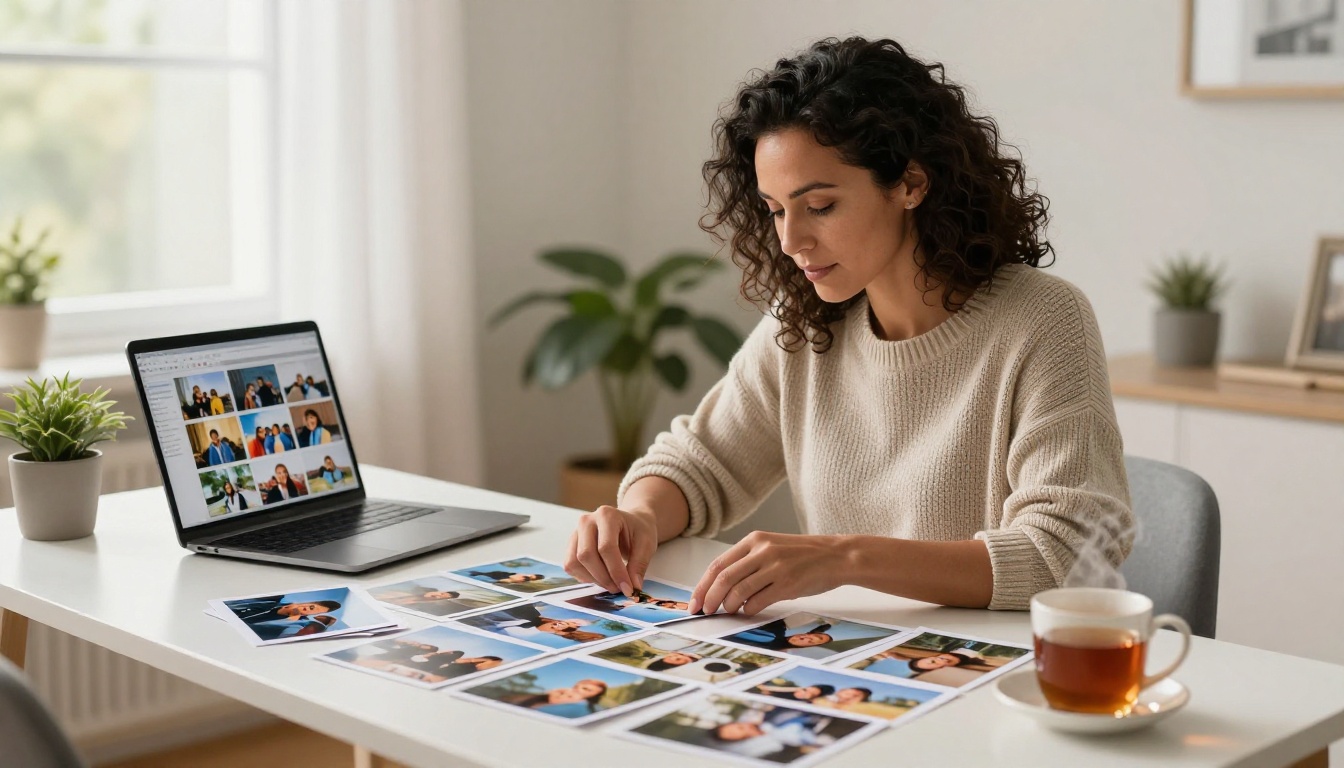
Tips for a Memory Book People Actually Return To
Creating the flipbook is the straightforward part. Making one people open repeatedly takes a little more intention.
Lead with your strongest image
The cover is the first thing people see. Use your single best photo, ideally a group shot with strong natural light and visible emotion. A weak cover communicates a weak book before anyone turns the first page.
Let captions carry the story
Photos show what happened. Captions explain why it mattered. A photo of two old friends embracing means far more when the caption reads: "Margaret and Diane, first time together in 22 years, Henderson Family Reunion 2024." Names, dates, and one line of context are all you need.
Order matters more than you think
Chronological order works well for class reunions, moving from freshman year to the present. Thematic order works better for large family reunions, organized by generation or branch of the family. Choose one organizing principle and stick to it throughout. Mixing both creates confusion and makes the book feel longer than it is.
✅ Best practice: Aim for 35 to 50 pages for a mixed audience. Active readers will flip through 60 pages happily. Casual viewers drop off after 30. A tight, well-curated flipbook always outperforms an exhaustive one.
Add a QR code on printed materials
If you print programs, name tags, or table cards for the reunion itself, include a QR code linking to the digital flipbook. Attendees can scan it on the spot and begin browsing before the event even ends, then share it with family members who couldn't attend.
Beyond Reunions: Other Memory Books Worth Building
Once you've built your first reunion flipbook, the same workflow applies to dozens of other memory projects. Flipbooks AI has purpose-built tools for a wide range of occasions:
Each tool uses the same upload-and-customize workflow, so once you've done it for your reunion, you can build any of these in under an hour.
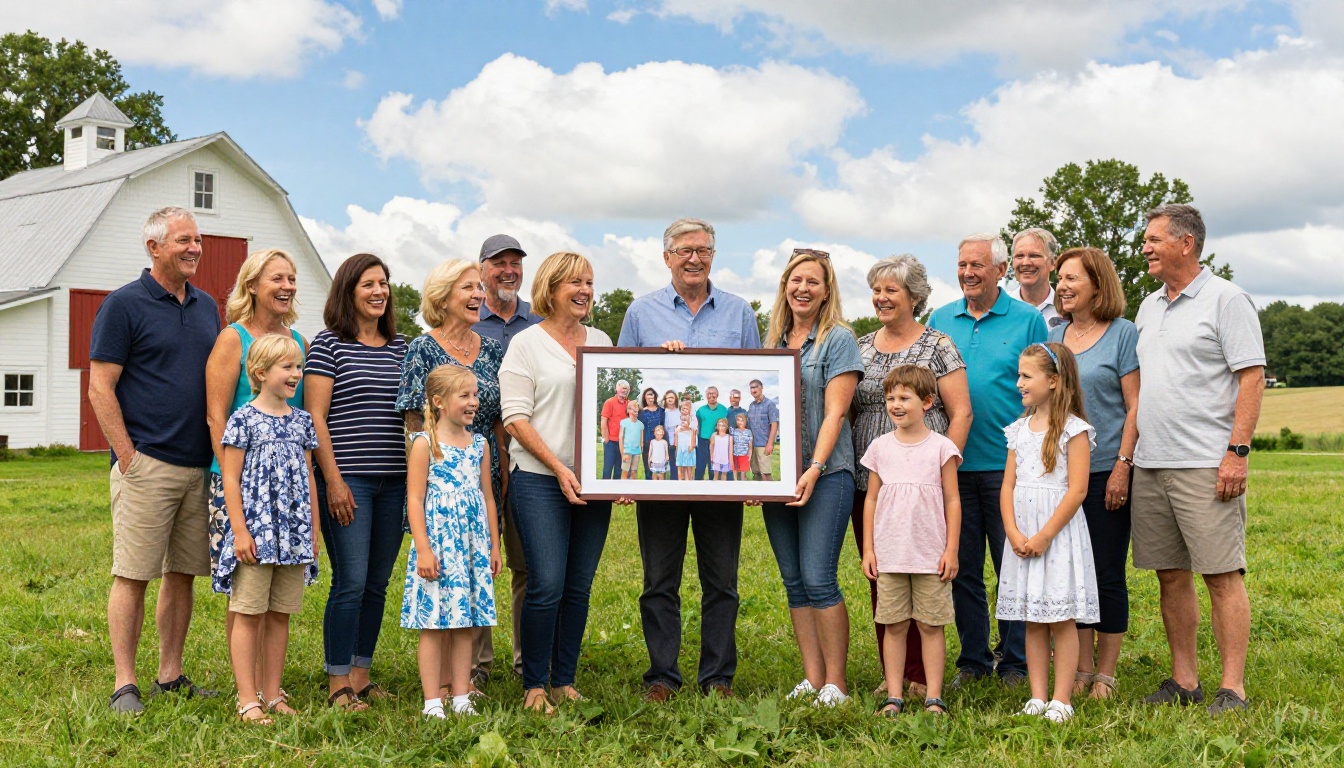
The Real Value of Doing This Right
A printed photo book fades, gets lost, and never reaches the people who weren't at the reunion. A poorly organized cloud folder gets ignored within weeks. A well-crafted digital flipbook gets shared, re-shared, opened on quiet Sunday afternoons years later, and becomes the artifact the next generation finds when they want to understand where they came from.
The effort you put into curating, designing, and publishing your reunion memory book as a flipbook pays forward in a way that no physical format can match. It's the difference between a memory that fades and one that gets passed down.
Ready to build yours? Create your account on Flipbooks AI and start with your first flipbook today. Browse the full tools directory to find templates built for every kind of memory project, or review the pricing plans to choose the option that fits your needs perfectly.



