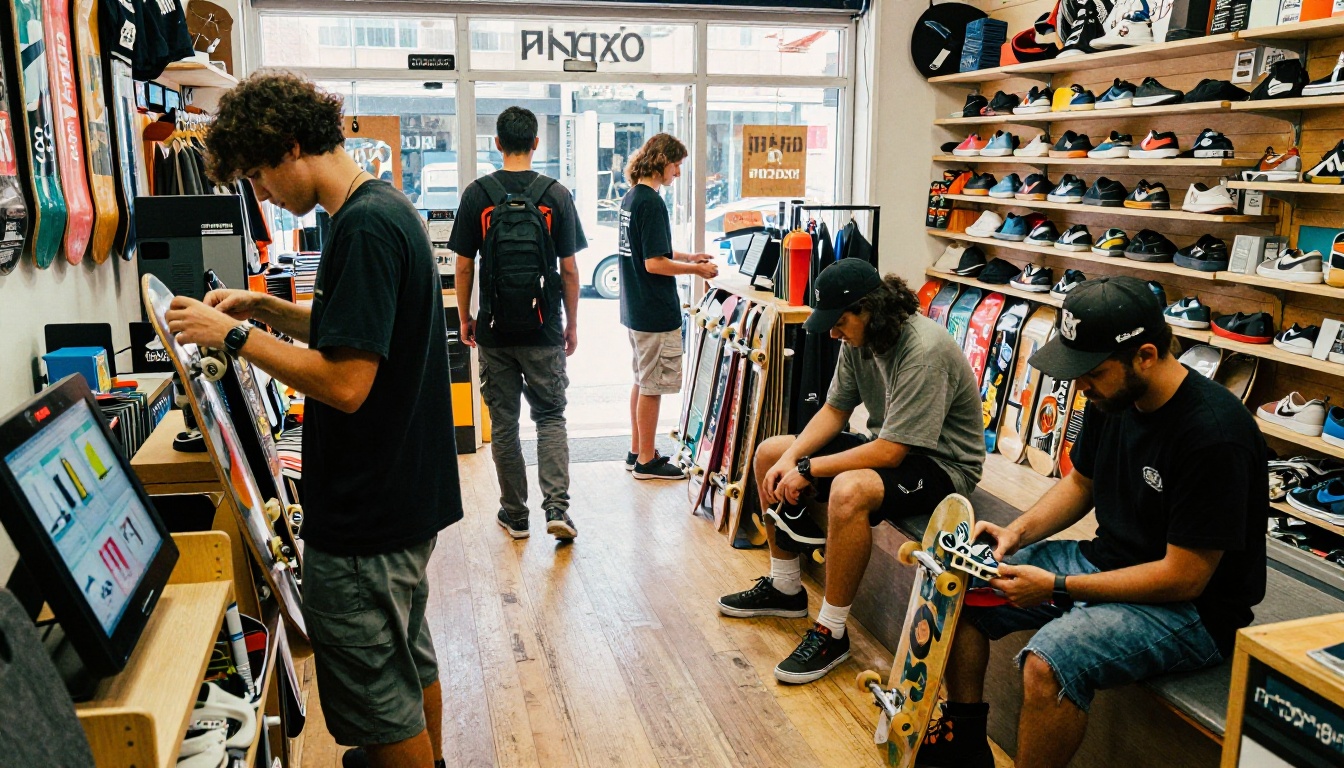
Skate culture runs on aesthetics. The decks on your wall, the wax on your ledge, the brands stacked from floor to ceiling - your shop has a look, and your customers feel it the moment they walk in. The problem? That same energy disappears the second someone tries to browse your products online. A flat PDF or a basic product list on your website does nothing to capture the culture your shop lives and breathes. That's where Flipbooks AI changes everything. A digital flipbook gives your skate shop a catalog that actually feels like your brand - interactive, visual, and built to share.
Why Static Catalogs Kill Skate Shop Sales
Traditional PDFs and print catalogs were never designed for how skaters actually shop. Nobody prints out a 40-page deck catalog and reads it cover to cover. They scroll, they tap, they swipe. A static file interrupts that experience instead of matching it.
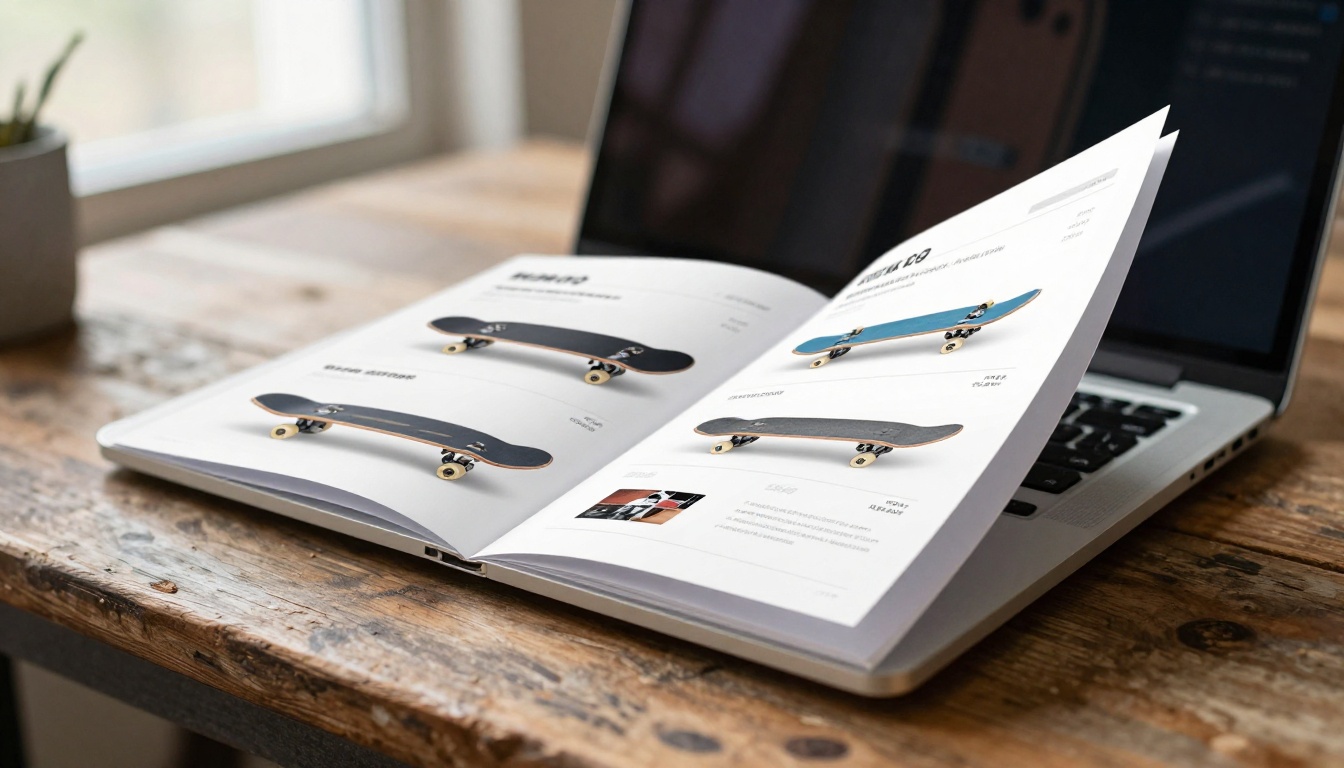
Digital flipbooks fix this by converting your PDF into a page-turning, interactive catalog that loads in any browser and works perfectly on any device - including the smartphones your customers are already using.

Here's what you actually lose when you stick with a static PDF:
- No page-turn animation or interactive navigation
- Hard to share on social media or embed on your website
- Zero analytics (you can't see which products people actually look at)
- Doesn't work well on mobile screens
- No way to embed videos or audio
- Customers can't bookmark or link to a specific product page
The good news: every single one of those problems is solved by creating a flipbook.
What Goes in a Skate Shop Flipbook
Before you build it, you need to know what to put in it. A skate shop flipbook isn't just a product list - it's a living document of your brand.
Product Sections That Actually Work
Complete Setups - Show full skateboard builds with deck, trucks, wheels, and bearings. Price them as bundles. Beginners love this because they don't know what goes together.
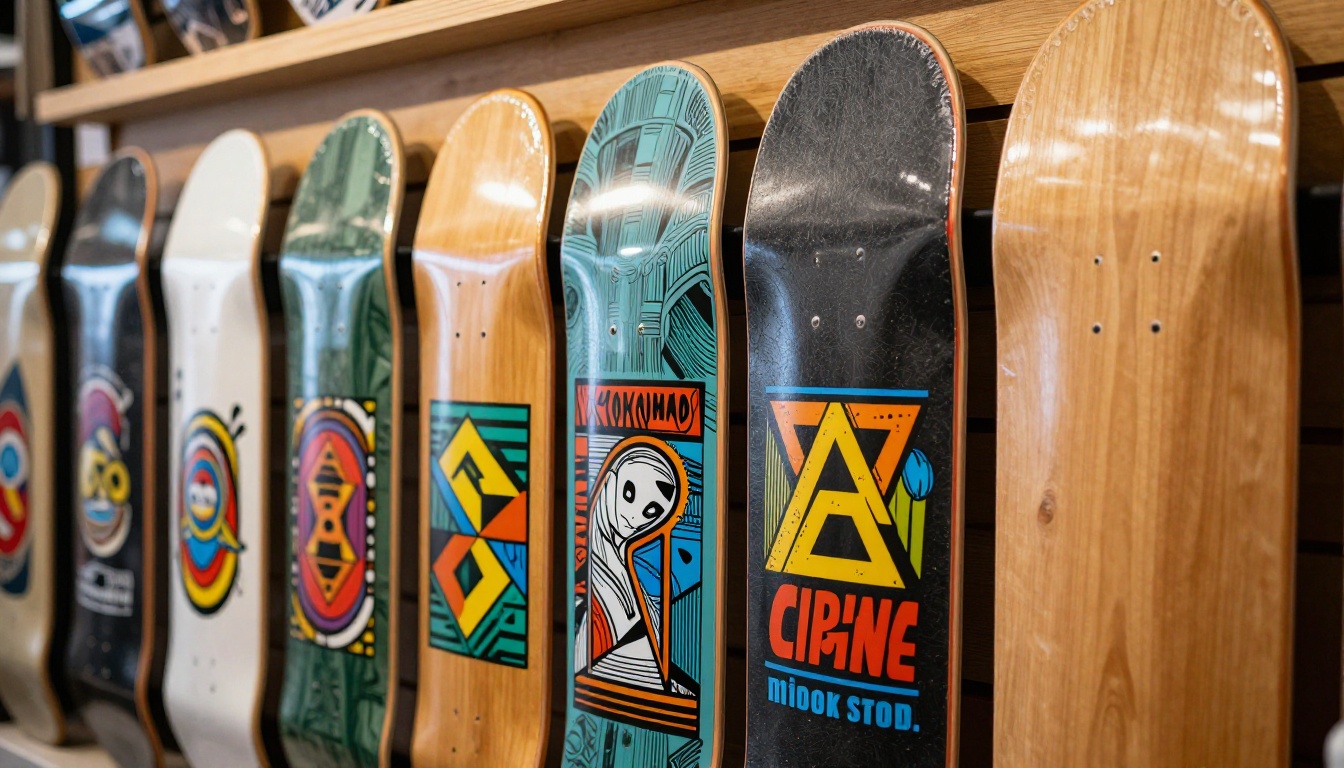
Decks by Brand - Organize your deck inventory by brand or graphic style. Include size ranges (7.5" to 8.5" and beyond) so customers can self-select without needing staff help.
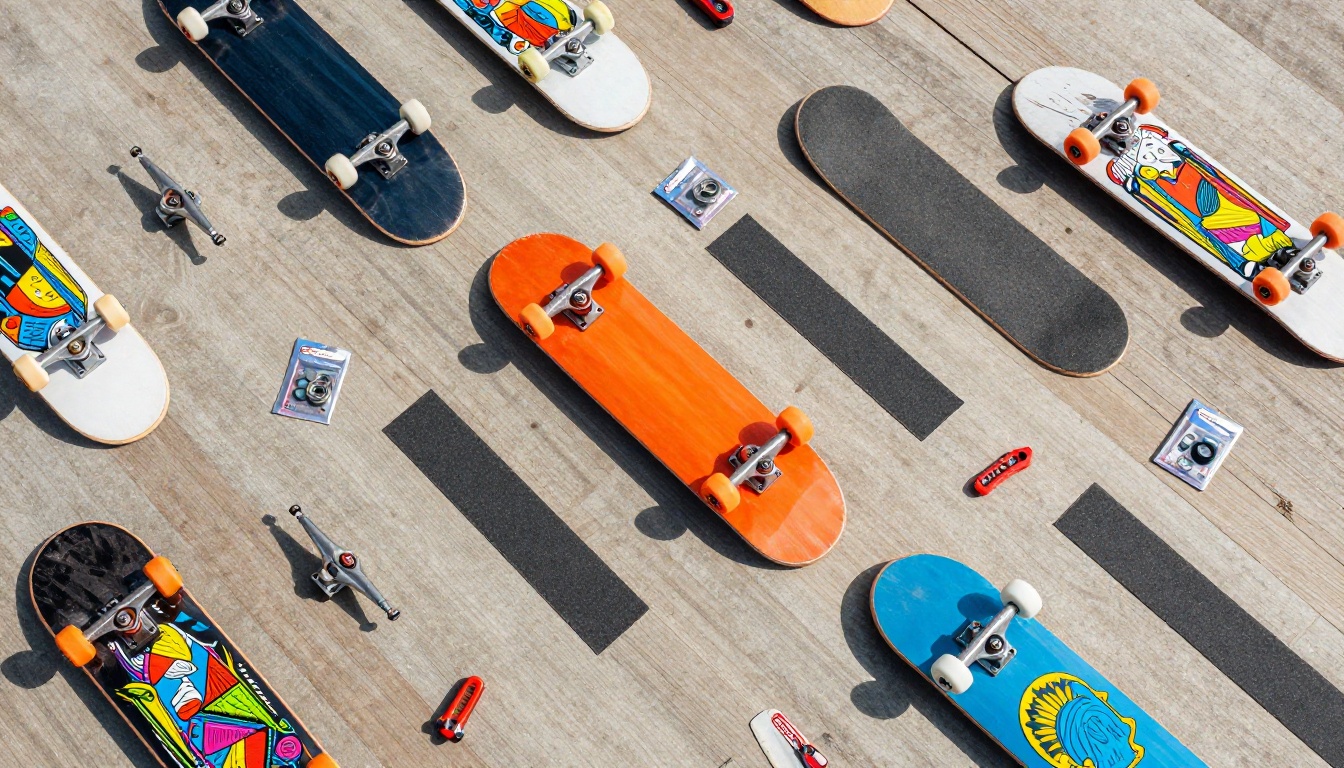
Trucks and Hardware - Side-by-side comparisons of truck brands, widths, and heights work great in flipbook format. A quick table showing Thunder vs. Independent vs. Venture specs saves your staff 10 minutes per customer conversation.
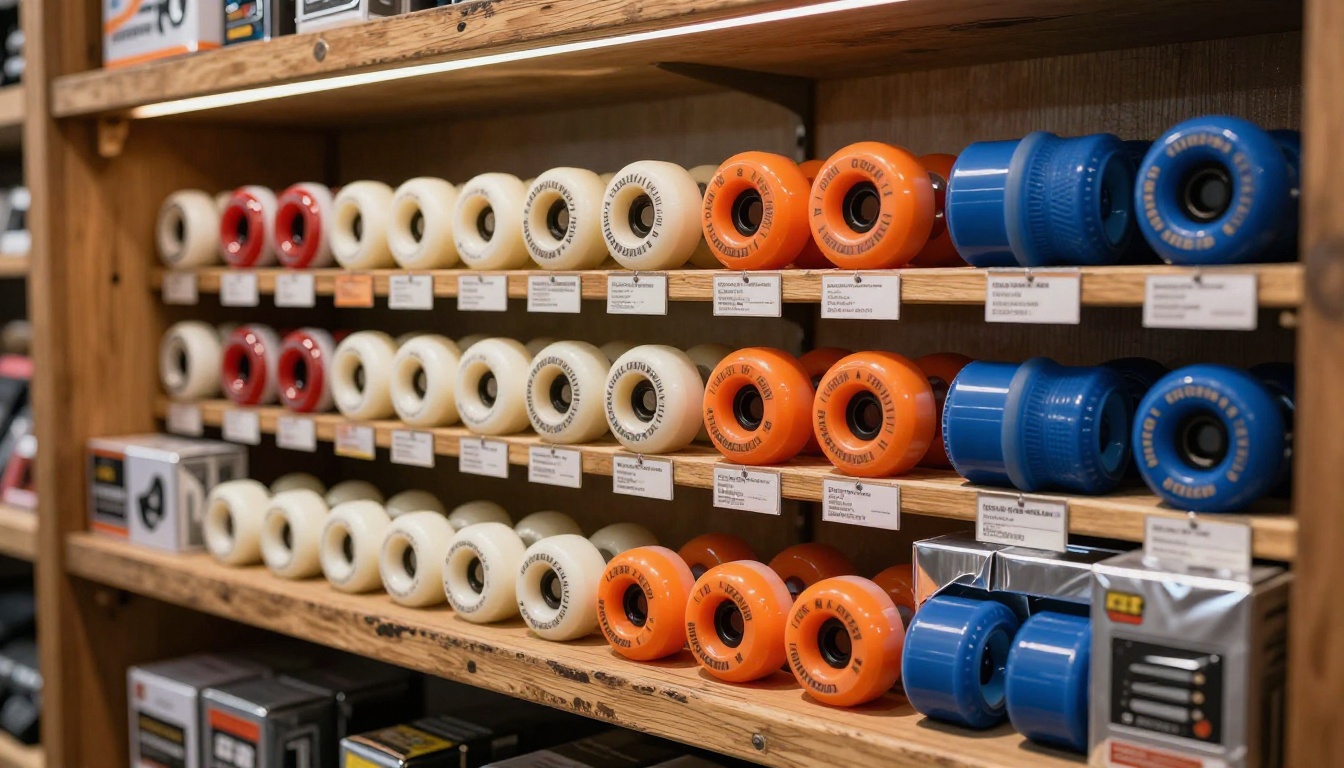
Wheels and Bearings - Durometer ratings, diameters, and use cases (street vs. park vs. cruiser) are perfect for a catalog format. Most customers have no idea what 99A vs. 78A means until you show them in context.
Apparel and Accessories - Caps, hoodies, bags, protection gear. Apparel sells itself when you give it good photography and enough space.
Local Team and Events - If your shop sponsors local riders or runs events, include a section. It turns your catalog into a community document, not just a price list.
Seasonal and Promo Versions
One of the biggest advantages of digital flipbooks over print: you can update them. Print a catalog and you're locked into those prices and products for months. With a digital flipbook, you swap out pages for new season drops, holiday sales, or limited-edition boards without reprinting anything.
💡 Create separate flipbooks for different seasons - a summer cruiser catalog, a back-to-school complete setup reference, a holiday gift list. Each one can target a different segment of your customer base.
How to Create a Flipbook for Your Skate Shop
Here's exactly how to build your first skate shop flipbook using Flipbooks AI.

Step 1: Build Your PDF First
Your flipbook starts as a PDF. Use any design tool you already know - Canva, Adobe InDesign, even Google Slides exported as PDF. Structure it like a real catalog:
- Cover page with your shop name and season
- Table of contents (optional but helpful for large catalogs)
- Category sections with clear headers
- Product pages with photos, specs, and prices
- Back page with contact info, social handles, and your website
Aim for portrait orientation (8.5" x 11" or A4) - it translates best to flipbook format.
Step 2: Upload to Flipbooks AI
Head to Flipbooks AI and create your account. The upload process is simple:
- Click New Flipbook from your dashboard
- Select your PDF file (up to 500MB supported)
- Wait for conversion - most files process in under 2 minutes
- Preview the result before publishing
The PDF to Flipbook Converter handles everything automatically. Page count, image quality, fonts - it all transfers cleanly without extra configuration.
Step 3: Brand It to Your Shop
This is where your flipbook goes from generic to unmistakably yours. In the customization panel:
- Custom colors: Match your brand palette by entering hex codes directly
- Logo placement: Upload your shop logo - it appears on every page
- Background: Choose a solid color or upload a custom background texture
- Page effects: The classic page-flip sound and animation can be toggled on or off
- Font preferences: Align with your existing brand typography
✅ Skate shops with strong visual identities benefit enormously from this step. If your shop has a specific color scheme and logo, use it. The catalog should feel like an extension of your physical store.
Step 4: Set Up Sharing
Once your flipbook looks right, it's time to get it in front of customers. Flipbooks AI gives you multiple distribution options:
Direct Link - A shareable URL you can drop into your Instagram bio, email newsletters, or SMS campaigns. Short and clean.
Embed Code - Paste the provided code snippet into your website and the flipbook loads directly on your page. Use the Embed Flipbook on Website tool for straightforward setup.
QR Code - Print this on in-store signage, business cards, or stickers near your register. Customers scan it and instantly have your full digital catalog on their phone.
Password Protection - For wholesale or dealer catalogs with special pricing, lock the flipbook behind a password. Only your wholesale accounts get the code.
Step 5: Track What Works
On the Professional plan at Flipbooks AI, you get access to analytics that most skate shop owners have never had before:
- Page views: Which products are people actually stopping on?
- Time on page: Are customers spending time on your premium decks or bouncing past them?
- Lead generation: Capture email addresses directly from within the flipbook
- Offline downloads: Let customers save the catalog and browse without an internet connection
This data lets you make smarter buying decisions for next season. If customers spend triple the time on cruiser setups compared to street decks, that tells you something real about your local market.
Flipbooks AI Plans: What Your Shop Actually Needs
Here's an honest breakdown of which plan fits a skate shop's real needs:
| Feature | Free | Standard | Professional |
|---|
| Number of Flipbooks | 1 | Unlimited | Unlimited |
| Watermark | Yes | No | No |
| Custom Branding | No | Yes | Yes |
| Password Protection | No | Yes | Yes |
| Embed on Website | No | Yes | Yes |
| Analytics | No | No | Yes |
| Lead Generation | No | No | Yes |
| Offline Downloads | No | No | Yes |
⚠️ The free plan includes a watermark on every page. For a customer-facing catalog, that looks unprofessional. Standard plan is the minimum for a real skate shop deployment.
For most independent skate shops, Standard covers everything you need for a customer-facing catalog. Upgrade to Professional if you're running wholesale operations or want the analytics to inform your buying decisions. Check pricing plans to compare what's right for your shop.
Real Ways Skate Shops Use Flipbooks
Here's what this actually looks like in practice across different types of skate businesses:
The Independent Local Shop
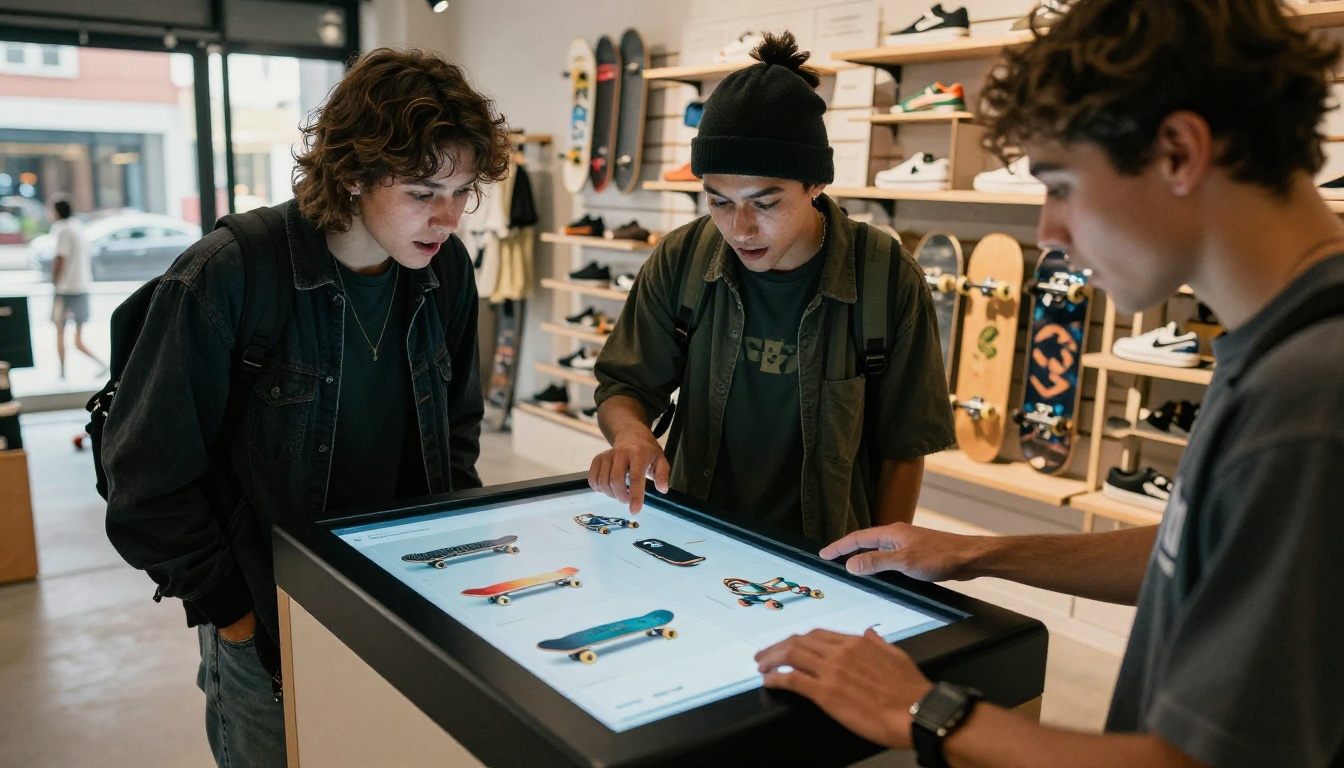
A neighborhood skate shop with 5,000 Instagram followers creates a seasonal deck catalog as a flipbook. They post the link in their bio and feature it in stories. Customers browse on their phones before coming in, show staff exactly which board they want, and the transaction takes two minutes instead of twenty.
The Online-First Retailer
A shop without a physical location uses their flipbook as the main product experience on their website. Instead of a standard e-commerce grid, customers flip through a visually rich catalog. The page-turn interaction increases time on site and average order value.
The Distributor
A regional skate distributor creates password-protected wholesale catalogs with dealer pricing. Each season's new product drops go out as a flipbook link to their retail accounts. No more emailing 50MB PDF attachments that end up in spam folders.
The Event-Driven Shop
A shop that runs demo days, competitions, and local events creates an event program as a flipbook using the Event Program Maker. Sponsors get featured pages, participants get schedules, and the whole thing is shareable on social before the event even happens.
Comparing Digital Flipbooks to Other Catalog Options
Not sure if a flipbook is the right format? Here's how it compares to the alternatives most shops are already using:
| Format | Mobile-Friendly | Interactive | Shareable | Updatable | Analytics | Cost |
|---|
| Digital Flipbook | ✅ Yes | ✅ Yes | ✅ Yes | ✅ Yes | ✅ Yes (Pro) | Low |
| Print Catalog | ❌ No | ❌ No | ❌ No | ❌ No | ❌ No | High |
| Static PDF | ⚠️ Partial | ❌ No | ⚠️ Partial | ✅ Yes | ❌ No | Free |
| E-commerce Grid | ✅ Yes | ⚠️ Partial | ✅ Yes | ✅ Yes | ✅ Yes | Medium-High |
| Social Posts | ✅ Yes | ⚠️ Partial | ✅ Yes | ❌ Limited | ✅ Partial | Free-Medium |
The flipbook wins on almost every dimension that matters for a skate shop's catalog needs. The only case where print still wins is in-store tactile browsing - and a QR code in your shop solves that by bridging both worlds.
What to Put on Each Product Page
Getting the layout right makes a huge difference in how useful your catalog actually is. Here's a product page structure that converts browsers into buyers:
For Decks
- Full-color graphic image (both top and bottom views if possible)
- Width in inches (7.5, 7.75, 8.0, 8.25, 8.5, and up)
- Wheelbase measurement
- Construction (7-ply maple, Canadian maple, bamboo, etc.)
- Price
- Availability (in stock, pre-order, limited run)
For Trucks
- Brand and model name
- Size in millimeters (149mm, 159mm, 169mm, etc.)
- Height (low, mid, high)
- Weight
- Axle material
- Compatible deck widths
- Price
For Wheels
- Diameter in millimeters (50mm to 60mm for street and park, 60mm+ for cruisers)
- Durometer (99A, 101A for street; 78A, 83A for cruisers)
- Contact patch width
- Intended use (street, park, bowl, cruising, filming)
- Price per set of four
💡 Including the intended use case for wheels and trucks eliminates the most common customer confusion and cuts down on returns. One sentence like "Best for street skating on smooth concrete" does more work than a paragraph of specs.
Creating the flipbook is half the job. Getting people to actually use it requires a simple promotion plan.

In-Store Promotion
- Place a printed QR code on your counter with a "Browse Our Full Catalog" sign
- Add a tablet kiosk near the entrance displaying the flipbook
- Include the flipbook link on every receipt
- Train staff to send the link via text when customers ask about out-of-stock items
Online Promotion
- Set the flipbook link as your Instagram and TikTok bio link
- Feature specific pages in stories with "See full catalog" CTAs
- Include the flipbook in your email newsletter as a featured section
- Embed it on your website's products or shop page using the embed code
Community Channels
- Share new seasonal flipbooks in local Facebook skate groups
- Post the link in Discord servers for your local skate scene
- Send it to local coaches and skate schools who might send students your way
Making Your Flipbook Work Harder
Once you have the basics down, these additions push your catalog from good to something customers actually share:
Embed video - Include setup tutorial clips directly in your flipbook. A 30-second video showing how to assemble a complete skateboard makes beginners far more likely to buy.
Hyperlinks on product pages - Link directly to your online store or ordering page from specific products. Customers go from browsing to buying without leaving the catalog.
Lead capture forms - The Professional plan lets you place a form directly in the flipbook. Offer a "10% off your first order" discount in exchange for an email address. You build your marketing list while the customer browses.
Size reference pages - Add a deck width chart based on rider height and shoe size. This single page reduces sizing questions significantly and builds confidence in first-time buyers.
For shops that also carry apparel and want a fashion-forward presentation, the Interactive Lookbook Designer and Lookbook Flipbook Builder handle clothing-focused layouts with the same ease as a product catalog.
If you run a skate school or training program alongside your shop, the Training Manual Flipbook tool helps you build beginner resources and level progression documents that naturally reference your shop's product line.
Depending on your shop's specific needs, different tools within Flipbooks AI might fit better than a general catalog approach:
Each tool is pre-structured for its specific use case, so you're not starting from scratch every time you need a new catalog format.
Your skate shop already has a story worth telling. The products on your shelves, the community you support, the local riders who rep your brand - all of that deserves a catalog experience that matches the culture. A digital flipbook built on Flipbooks AI puts that story into a format your customers will actually read, share, and return to. Ready to build yours? Create your account for free and have your first flipbook live before your next product drop. Already know which plan fits your shop? Compare pricing and get started today.



