Speaking is a competitive business. Event planners receive dozens of speaker submissions for every open slot, and most of those submissions look exactly the same: a Word document, a flat PDF, or a personal website that takes three clicks to find the right information. If your speaker bio looks like everyone else's, you are already losing. A speaker bio flipbook changes that entirely.
Why Static Bios Lose the Room
The Problem With PDFs and Plain Text
Most speakers hand over the same assets they have used for years: a headshot, a one-sheet PDF, and a few bullet points pasted into an email. Event organizers do not have time to dig through attachments. They skim, they click, and they move on. A static PDF requires downloading, opening, and scrolling through dense text just to get a basic feel for who you are.
The numbers tell the story. Research on communication shows people form first impressions in under seven seconds. A PDF attachment does not create an impression in seven seconds. It creates friction.

What Event Planners Actually Want
Event planners are making a $5,000 to $50,000 decision when they book a keynote speaker. They want to feel confident fast. They want to see:
- Your credibility signals (past stages, logos, testimonials)
- Your speaking style (video, movement, energy)
- Your topic fit (clearly stated outcomes for their audience)
- Your professionalism (how polished is everything they touch)
A speaker bio flipbook delivers all four in one sleek, interactive experience. It pages through your story visually, plays embedded video, and can be accessed on any device without downloading a single file.
💡 Event planners often review speaker materials on mobile at conferences. A flipbook is mobile-responsive by default. A PDF is not.
What Goes Into a Speaker Bio Flipbook
The Core Sections Every Speaker Needs
Think of your flipbook as a condensed, interactive media kit. It should include:
- Opening page: Professional headshot, name, speaker topic headline, and a one-sentence value statement
- About section: 150 to 200 word biography in third person, covering your background, expertise, and what makes you different
- Topics and talks: Each talk gets its own page with title, audience takeaways, and a brief description
- Past stages: Logos of conferences or companies where you have spoken
- Testimonials: Two or three quotes from event organizers or attendees, attributed with name and event
- Video reel: Embedded speaking clip (2 to 4 minutes maximum)
- Press and media: Coverage logos, article pull quotes, podcast appearances
- Contact and booking: Simple form or email link, social handles, and a direct booking link
What Separates Good From Great
Most speakers include the basics. The ones who get booked repeatedly do something different: they treat every page of their flipbook like a sales asset. That means:
- Every testimonial is specific and outcome-focused ("They had the audience on their feet for a standing ovation" beats "Great speaker")
- Every talk description is written from the organizer's perspective, not the speaker's
- The video reel is the very first thing visible when the organizer opens the document
- The contact page has zero friction: one email, one link, done
| Bio Element | Basic Version | High-Impact Version |
|---|
| Headshot | Casual photo | Professional studio shot, warm lighting |
| Biography | First-person paragraph | Third-person, outcome-focused narrative |
| Topics listed | Title only | Title + audience outcome + talk duration |
| Testimonials | Generic quotes | Named, attributed, event-specific |
| Video | Link to YouTube | Embedded reel that plays inside the flipbook |
| Contact | Email address | Email + scheduling link + social proof |
How to Create a Flipbook for Your Speaker Bio with Flipbooks AI

Flipbooks AI makes it straightforward to take your existing speaker bio PDF and turn it into a fully interactive, shareable flipbook with page-turning effects, embedded media, and custom branding. Here is how to do it.
Step 1: Prepare Your PDF
Before uploading, your PDF needs to be ready. Use Canva, Adobe InDesign, or Google Slides to design your speaker bio document. Aim for:
- 8 to 12 pages (enough to be thorough, short enough to hold attention)
- High resolution images (300 DPI minimum for crisp rendering)
- Consistent brand colors and typography throughout
- Full-bleed designs (content extending to the page edge looks better in flipbook format)
✅ Design your PDF at 1920x1080px (16:9 ratio) if you want it to look sharp on widescreen displays and during live presentations.
Step 2: Upload to Flipbooks AI
- Go to Flipbooks AI and create your account
- Click New Flipbook from your dashboard
- Upload your PDF file (supports files up to 500MB)
- Wait for the conversion to complete (typically under 60 seconds for a 10-page bio)
The platform automatically converts each PDF page into a high-resolution flipbook spread with a natural page-turning animation.

Step 3: Customize Your Branding
Once your flipbook is created, open the editor to apply your speaker brand:
- Color scheme: Match your personal brand colors (background, buttons, page controls)
- Logo: Add your speaker logo or name watermark to the interface
- Font: Select from available typefaces or match your PDF typography
- Page effects: Choose from smooth flip, magazine-style, or page-curl transitions
- Background: Set a solid color, gradient, or subtle texture behind the flipbook
💡 Speakers who use consistent colors and fonts across their flipbook, website, and social profiles build stronger personal brand recall. Your visual identity is your credibility.
Step 4: Embed Media and Interactive Elements
This is where a flipbook beats a PDF entirely. Inside your Flipbooks AI editor, you can:
- Embed your speaking reel directly into the video page (no external link required)
- Add audio clips of podcast appearances or interview highlights
- Link from specific pages to your booking calendar, LinkedIn, or website
- Set up lead generation forms on the Professional plan to capture contact details from interested event planners
Step 5: Set Your Sharing and Privacy Options
Flipbooks AI gives you multiple ways to distribute your speaker bio:
- Public link: A clean, shareable URL
- Password protection: Useful for exclusive agent submissions or private pitch packages
- Embed code: Drop the flipbook directly onto your speaker website or LinkedIn profile
- Download option: Allow viewers to save a PDF version if needed
⚠️ If you are submitting to a conference with confidential topics or early-stage pricing, use password protection. It keeps your content controlled without hiding your value.
Step 6: Track Performance With Analytics
On the Professional plan, you get full analytics on your speaker bio flipbook:
- Total views per day and per week
- Average time spent on the document
- Page-by-page interaction data (find out if organizers drop off before the testimonials page)
- Lead captures from embedded forms
Knowing which page event planners spend the most time on tells you exactly where your bio is strong and where it needs revision.
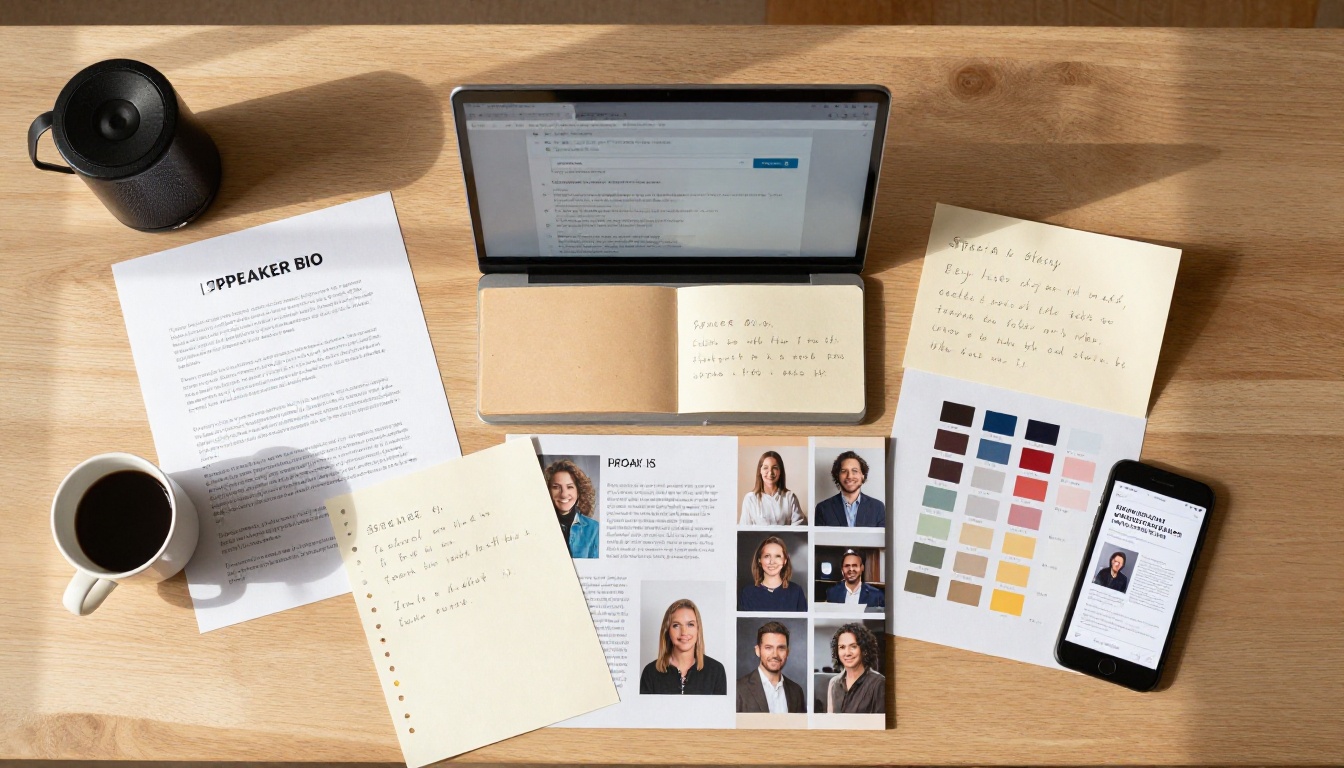
Speakers have several options for their digital bio. Here is an honest comparison:
| Format | Interactivity | Mobile Experience | Shareable | Embed on Website | Analytics |
|---|
| PDF attachment | None | Poor (requires app) | Low (download needed) | No | No |
| Personal website bio page | Limited | Good | Medium (loses branding) | N/A | Basic |
| Google Slides link | Low | Moderate | Medium | Limited | No |
| Speaker one-sheet image | None | Moderate | Low | No | No |
| Flipbook (Flipbooks AI) | High | Excellent | High (direct link) | Yes (embed code) | Yes (Professional) |
The flipbook format wins on almost every dimension that matters to a busy event planner. It loads instantly in a browser, works on any device, and feels like a premium experience before they have read a single word.
Where to Share Your Speaker Bio Flipbook
Conference Submissions
Most conference CFP (call for proposals) forms ask for a bio link. Paste your flipbook URL directly. Instead of a flat speaker profile page, the organizer lands on an immersive, interactive experience. That contrast alone makes you memorable.
Your Speaker Website
Use the embed code from Flipbooks AI to place your flipbook directly onto your speaking page or homepage. Visitors can browse your full bio without leaving your site. This also increases time-on-page, which improves SEO signals.
LinkedIn Featured Section
LinkedIn's featured section supports external links. Add your flipbook URL there with a clear label: "View My Speaker Kit." People who visit your profile for speaking inquiries get sent directly to your full bio experience.
Email Pitches to Event Organizers
When cold-emailing a conference or corporate event team, include your flipbook link in the signature and as the primary call-to-action. "View my full speaker bio and reel" with a direct link converts dramatically better than "see attached PDF."
Speaker Bureaus and Talent Agencies
Many speaker bureaus maintain their own databases and submission processes. A flipbook link is cleaner and more professional than a zip file of assets. Some bureaus embed flipbooks directly into speaker profile pages on their own websites.
✅ Always keep your flipbook link short and clean. A link like speakername.com/bio looks more professional than a long platform-generated URL.
Pricing: What You Actually Need
Flipbooks AI offers three plan tiers. Here is how they map to a speaker's real needs:
| Plan | Price | Flipbooks | Watermarks | Password Protection | Analytics | Lead Gen |
|---|
| Free | $0/mo | 1 | Yes | No | No | No |
| Standard | From $9/mo | Unlimited | None | Yes | No | No |
| Professional | From $19/mo | Unlimited | None | Yes | Yes | Yes |
For most speakers, the Standard plan is enough to create and share a polished flipbook with no watermarks and unlimited updates. If you speak frequently and want to track exactly how event planners interact with your bio, the Professional plan at around $19/month pays for itself with a single booking.
See all pricing details to choose what fits your speaking career.
💡 The free plan is a solid starting point to see how your bio looks in flipbook format before committing to a paid plan.
5 Mistakes Speakers Make With Their Bios
1. Writing for Themselves, Not for Organizers
Your speaker bio is not your autobiography. Every line should answer one question: "What does this person do for my audience?" Swap "I am passionate about leadership" for "Audiences leave with three specific frameworks they use immediately."
2. Burying the Video
Your speaking reel is the single most powerful element in your entire kit. If an organizer has to scroll to page six to find it, most will never see it. Put it on page two at the latest.
3. Using the Same Bio for Every Event
A keynote at a tech conference and a workshop at a healthcare summit require different framing. Flipbooks AI lets you create multiple flipbooks, one for each speaking vertical. Unlimited flipbooks on Standard and Professional plans make this practical without extra cost.
4. Skipping Testimonials
Social proof closes bookings. Even one strong testimonial from a recognizable company or event brand adds enormous credibility. If you are early in your speaking career, ask workshop attendees or webinar participants for a written quote.
5. Setting It and Forgetting It
Your speaker bio should be updated after every major talk, new testimonial, or topic addition. A flipbook is easy to revise: re-upload a new PDF and the link stays the same. No email updates to send, no new files to share.
The Bio That Books
Your speaker bio is working for you (or against you) every time an event planner opens it. A static PDF is a hurdle. A polished, interactive flipbook is a first impression that does most of the selling before you say a word.
The best speaking careers are built on systems that work in the background: a tight talk, a consistent message, and professional materials that reflect the quality of your work on stage. Your bio is part of that system.
Ready to build it? Create your speaker bio flipbook on Flipbooks AI and have a shareable link ready before your next pitch. If you want to see all available tools for professional documents and presentations, browse the full tools library.
Choose a plan and get started today.



