Every special occasion produces hundreds of photos, and most of them end up buried in a phone camera roll, never seen again. A photo flipbook changes that completely. Instead of a static gallery on a screen or a printed album that sits closed on a shelf, a flipbook turns those images into something people actually interact with, share, and revisit for years. And with Flipbooks AI, building one takes minutes rather than days.
Static photo albums had their moment. But the experience of flipping through one is passive at best. A digital flipbook built from your photos is fundamentally different: it moves, it breathes, and it works on any device without anyone needing to download an app or hunt for a physical book.
The Experience People Actually Remember
Think about the last time someone showed you a traditional photo album at an event. Now think about the last time you watched someone's eyes light up as pages flipped through a screen showing a slideshow of a couple's entire relationship. The difference is visceral. A flipbook captures attention in a way that static photos simply do not, and that emotional response is exactly what makes them perfect for special occasions.
A Gift That Gets Used, Not Stored
Physical albums are lovely until they are not. They collect dust, fade over time, and cannot be shared across continents with a single link. A digital photo flipbook can be sent as a link to grandparents, shared at the event on a tablet, embedded on a wedding website, or downloaded and kept forever. The permanence and portability make it a gift with real utility long after the event itself.
Which Occasions Call for a Photo Flipbook
Almost any milestone in life translates beautifully into a flipbook format. What matters is that the occasion has a natural story arc: a beginning, moments that build, and a memorable peak. Here are the events where a photo flipbook hits hardest.
Weddings and Engagements
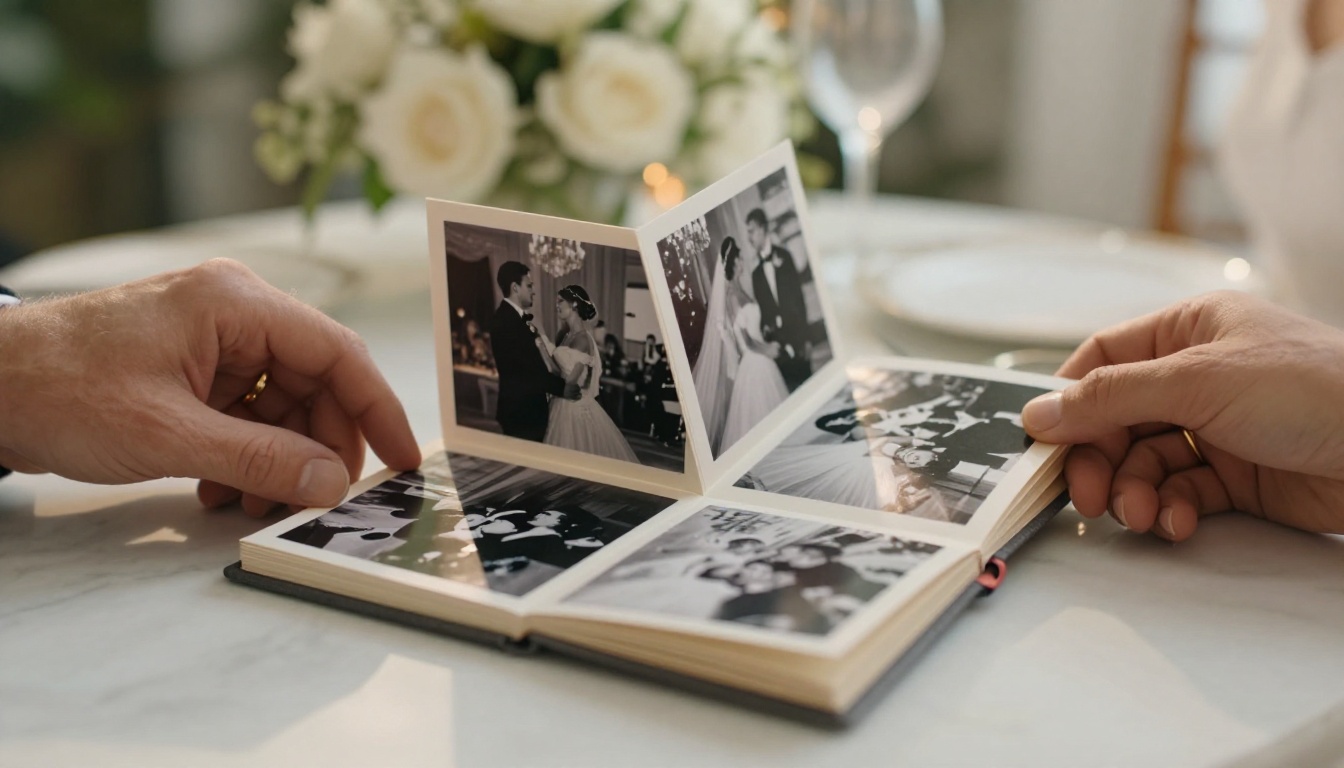
A wedding photo flipbook is one of the most popular use cases for a reason. You can build it in layers: engagement photos, bridal shower, rehearsal dinner, the ceremony itself, and the reception. The result is a visual narrative of an entire relationship chapter. Use the Wedding Album Flipbook tool to turn your PDF photo collection into a polished digital album with page-turn effects that feel genuinely romantic.
| Feature | Traditional Album | Digital Photo Flipbook |
|---|
| Shareable by link | ✗ | ✓ |
| Works on mobile | ✗ | ✓ |
| Password protection | ✗ | ✓ |
| Embedded video and audio | ✗ | ✓ |
| Lifetime accessibility | Degrades over time | ✓ |
| Easy duplication | Expensive | Free |
Birthday Milestones
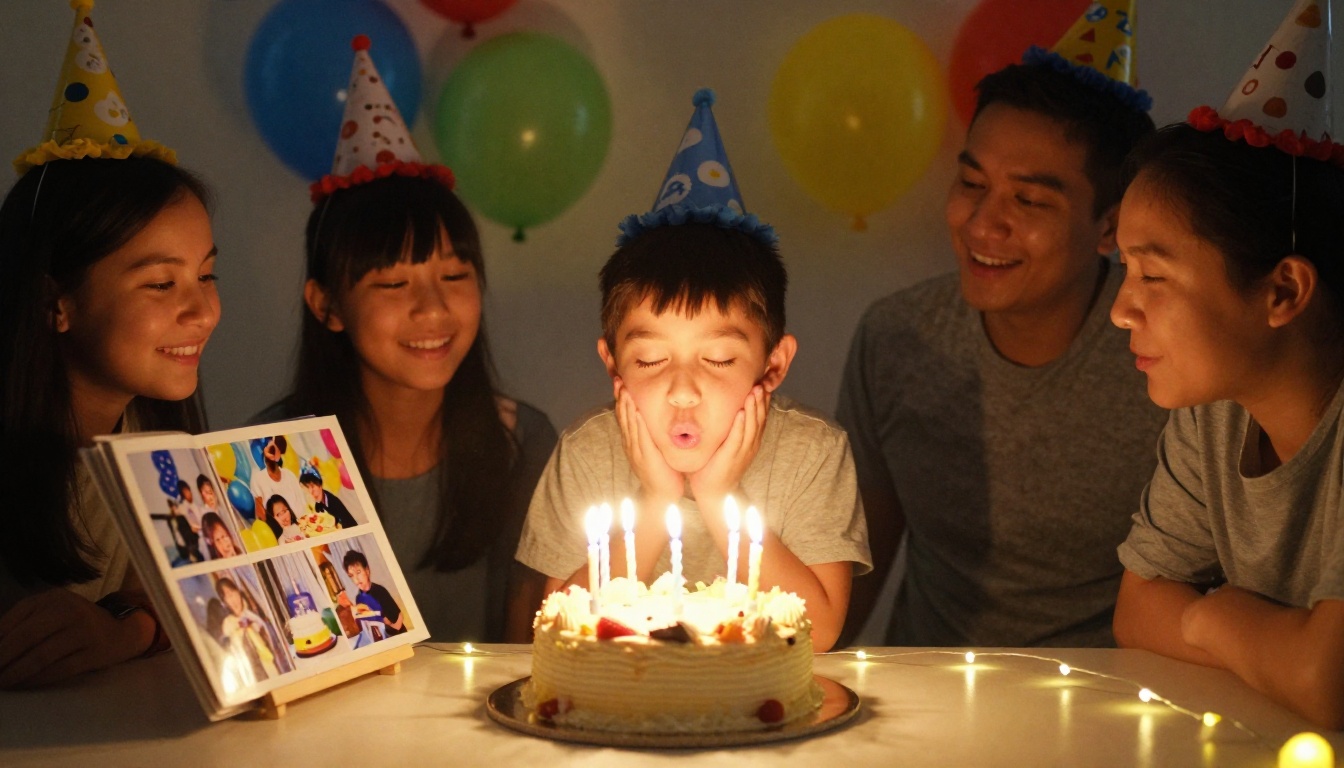
A milestone birthday, whether a 30th, 50th, or even a child's very first, deserves more than a Facebook post. A photo flipbook collecting the best images from each year of someone's life, organized chronologically, becomes a time capsule that the person can return to again and again. Present it at the party on a shared screen, then send the link so every guest can access it from wherever they are.
💡 Pro Tip: For a milestone birthday flipbook, gather photos from friends and family in advance using a shared Google Drive folder. Aim for 3-5 images per year of life for a thorough visual timeline that tells the full story.
Baby Showers and Christenings
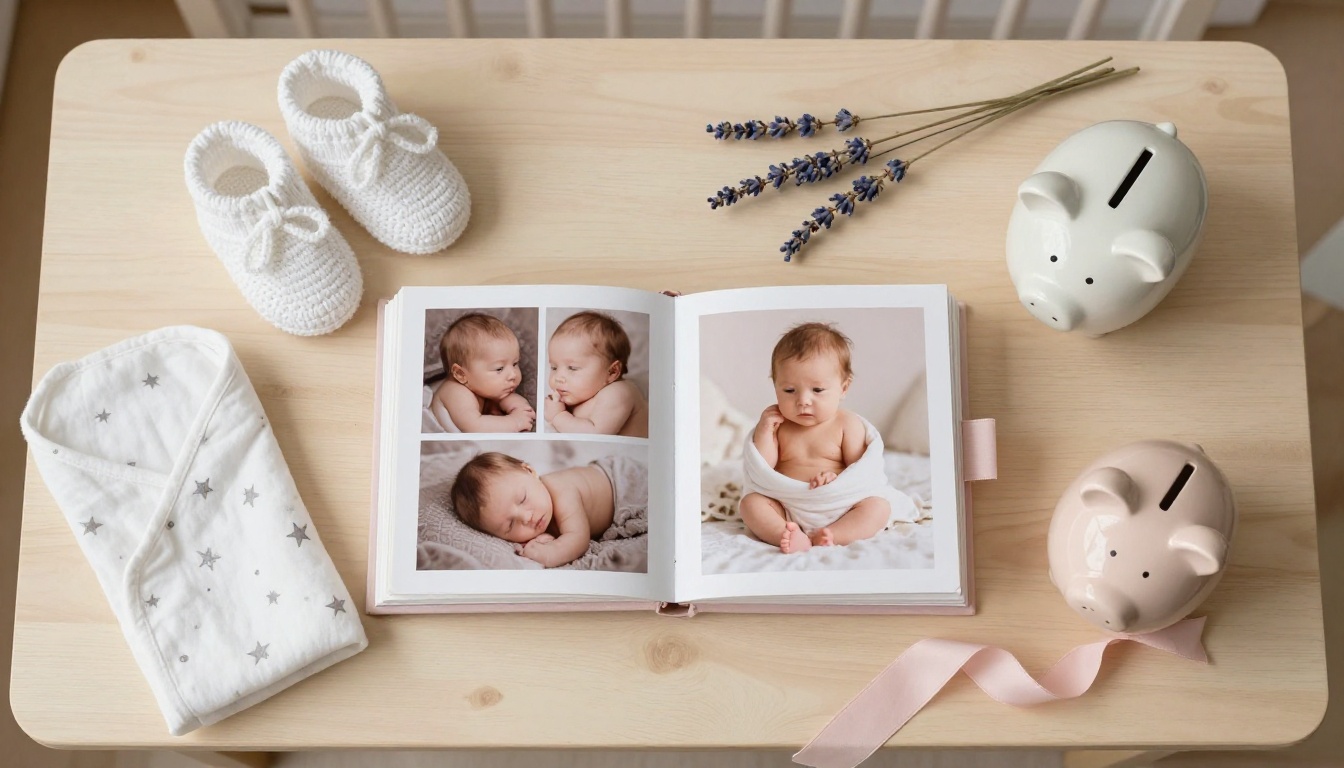
From the baby bump reveal to the first days home from the hospital, a baby shower flipbook documents the arrival of a new life with warmth and tenderness. New parents receive hundreds of photos from these events and from the hospital stay. Curating them into a single flipbook means they will actually be seen, rather than synced to a cloud folder and forgotten among thousands of other files.
Graduations and Class Reunions

Graduations are built for chronological flipbooks: kindergarten through high school, or freshman year through senior year, one photo per semester, watching someone grow into who they have become. A class reunion, on the other hand, benefits from a "then vs. now" structure, pairing old yearbook photos with current shots. The Yearbook Flipbook Maker is purpose-built for exactly this kind of structured, year-based storytelling.
Anniversaries and Family Reunions
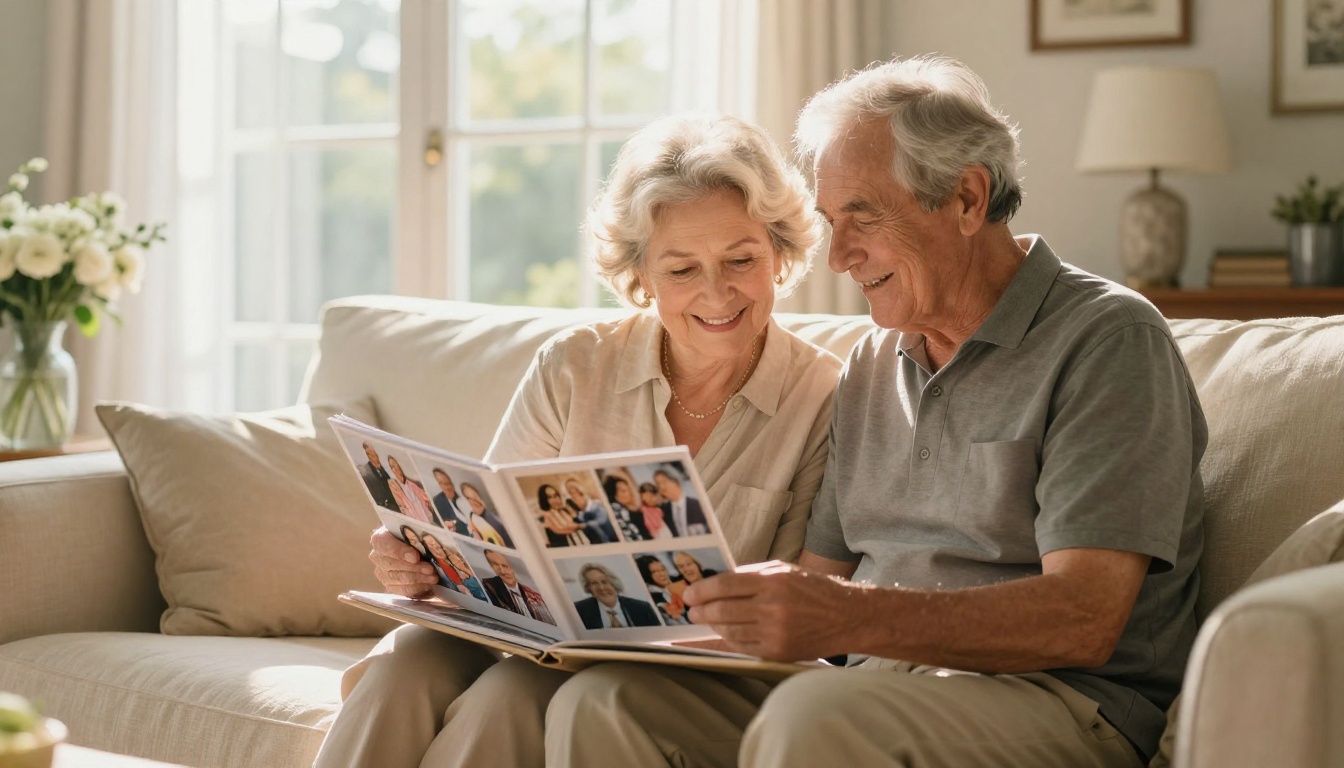
A 25th anniversary flipbook showing the arc of a couple's life together is one of the most meaningful gifts possible. Family reunion flipbooks work similarly: they bring together branches of a family that may be geographically scattered, letting everyone see the whole picture of who they are. The Photography Portfolio tool offers layouts that work beautifully for this kind of curated family storytelling, with clean page designs that let the photos speak.
How to Choose the Right Photos
The photo selection process is where your flipbook will succeed or fail. Too many photos and it loses focus. Too few and it feels incomplete. For most occasions, 30 to 80 images is the right range, selected with genuine editorial discipline.
Quality Over Quantity
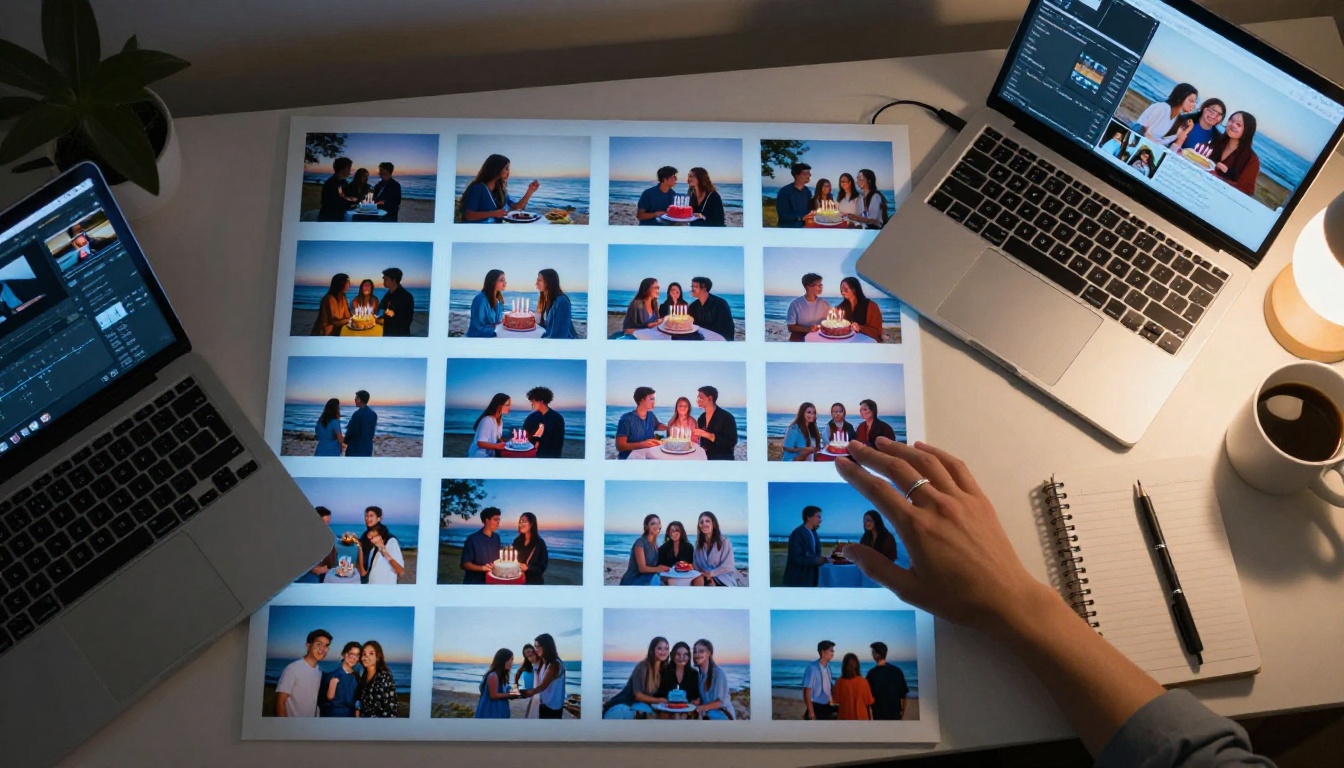
Every photo you include should earn its place. Ask these three questions for each image:
- Does it show emotion? Candid laughter beats posed stiffness every time.
- Is it technically good enough? Blurry or heavily filtered images reduce the overall quality of the entire flipbook.
- Does it add to the story? If you have six nearly identical photos from the same moment, pick the one that matters and cut the rest.
⚠️ Warning: Avoid including screenshots, social media reposts with overlaid text, or heavily filtered images. Inconsistent photo quality is the single biggest thing that makes a flipbook feel amateurish, no matter how good the best photos are.
Tell a Story With Your Selection
The best photo flipbooks follow a narrative arc even if they are not explicitly told as a story. Structure your selection like this:
- Opening images: Set the scene, a venue, a gathering, an expectant moment before things begin
- Build-up moments: People arriving, preparations underway, visible anticipation
- The peak: The ceremony, the reveal, the surprise, the milestone moment itself
- Celebration: Reactions, dancing, toasting, uninhibited joy
- Closing images: Quiet, intimate moments after the main event winds down
This arc creates the same emotional rhythm as a short film and makes the flipbook feel intentional and whole rather than a random collection of pictures.
Photo Format and Resolution
Before importing photos into your PDF layout, make sure they meet these basic technical requirements:
- Minimum resolution: 150 DPI for digital-only flipbooks; 300 DPI if you also plan to print pages
- File format: JPG or PNG work best. HEIC files from iPhones should be converted first using a free online converter
- Consistent orientation: Mix portrait and landscape photos sparingly. If you have both, create a layout in Canva that standardizes them to the same page size
- Color profile: sRGB works best for screen display. CMYK profiles can cause color shifting in digital flipbooks
How to Create a Flipbook from Photos with Flipbooks AI
Flipbooks AI makes the photo-to-flipbook process straightforward, even if you have never made one before. Here is exactly how it works.
Step 1: Compile Your Photos into a PDF
Before uploading, compile your photos into a single PDF file. Here is how:
- On Mac: Open all photos in Preview, select all, then go to File > Print > PDF to save as a single file. Arrange them in the desired order before printing.
- On Windows: Use Microsoft Print to PDF or a free tool like ILovePDF to combine images into a single PDF in the correct sequence.
- In Canva or Adobe Express: Create a presentation or album layout with your photos and export as PDF. This gives you full control over sizing, margins, captions, and arrangement before anything is uploaded.
💡 Pro Tip: Use a 16:9 widescreen layout for your PDF if you plan to share digitally. It looks significantly better on laptops and TV screens than portrait-oriented formats.
Step 2: Upload and Convert
Once your PDF is ready:
- Go to Flipbooks AI and create your account
- Click New Flipbook and upload your PDF file
- The platform converts each page into a flipbook page automatically, with smooth animated page-turn effects
- Preview the result across a few pages before publishing to verify everything looks right
The PDF to Flipbook Converter handles files up to hundreds of pages, so even large photo collections from major events work perfectly.
Step 3: Customize Your Flipbook
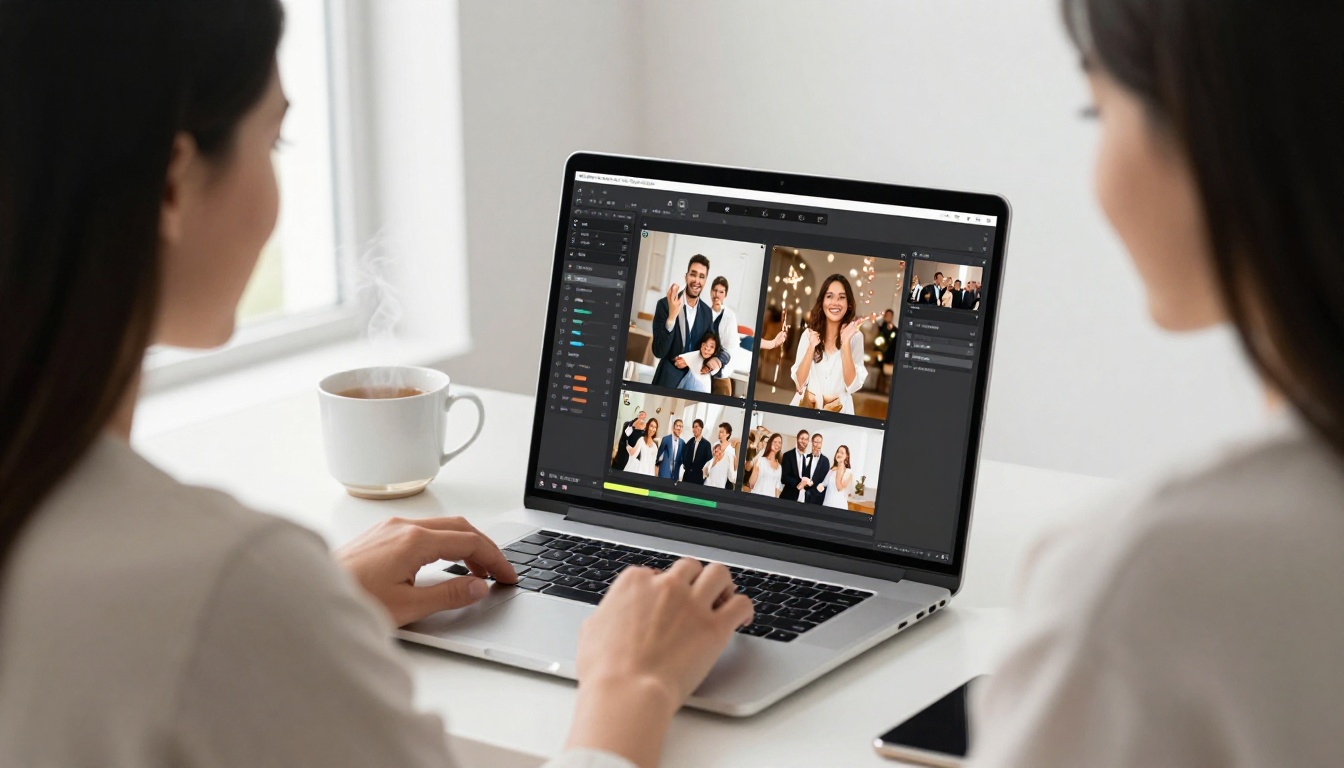
This is where you make the flipbook feel personal rather than generic:
- Cover image: Upload a custom cover photo or choose from the converted pages
- Background color: Match the event's color palette, blush and gold for a wedding, bright primaries for a birthday
- Custom branding: Add the person's name or the event date to the flipbook header
- Page effects: Choose between realistic page-flip animations and other transition styles
- Table of contents: For long flipbooks, add labeled sections like "The Ceremony" and "The Reception"
- Multimedia: Embed a video clip or audio message directly into specific pages (Standard plan and above)
Step 4: Share, Embed, or Download
Once your flipbook is published, you have multiple ways to get it in front of the people who matter:
| Sharing Method | Best For | How To Use |
|---|
| Direct link | Sending to guests by message or email | Copy the URL from the dashboard |
| Embed code | Wedding website or personal blog | Use the Embed Flipbook on Website tool |
| Password protection | Private family content | Set a password in the flipbook settings panel |
| Offline download | Archiving or physical printing | Available on Standard plan and above |
| QR code | Physical signage at events | Auto-generated for each published flipbook |
✅ Best Practice: Send the flipbook link in a thank-you message after the event. Guests love revisiting moments from a celebration, and it extends the emotional experience well beyond the day itself.
Plan Options: What You Need for Your Occasion
Flipbooks AI pricing is structured to scale from a single-occasion flipbook all the way to unlimited professional creation. Here is how each tier fits different use cases.
| Plan | Best For | What's Included |
|---|
| Free | Testing one occasion | Basic flipbook, limited pages, platform branding |
| Standard | Weddings, birthdays, family albums | Unlimited flipbooks, no watermarks, offline downloads, custom branding, multimedia embeds |
| Professional | Event planners, large reunions | Analytics, lead generation forms, priority support, extended embed options |
For most personal occasions like weddings, anniversaries, or birthday parties, the Standard plan gives you everything you need: no watermarks, custom branding, and unlimited flipbooks for every occasion going forward. Create the wedding flipbook now, the first birthday next year, the class reunion the year after.
If you are an event planner creating flipbooks for multiple clients, the Professional plan adds analytics tracking so you can see exactly how many times a flipbook was viewed and how long visitors spent on each page. That data is valuable when presenting your work to clients or sponsors.
Creative Ideas to Make Your Flipbook Stand Out
Themed Covers and Color Schemes
The cover is the first thing people see when they receive the link. Treat it like a book cover: it should communicate the tone of the entire flipbook at a glance. Use a single powerful portrait photo for a wedding flipbook. Use a wide group shot for a reunion. For a graduation flipbook, a candid of the graduate mid-celebration works better than a formal portrait.
Color schemes matter just as much. Match your flipbook's background color and any overlay text to the event's existing visual identity. If the wedding had a dusty blue and champagne palette, carry that through the flipbook interface so the whole experience feels intentional and cohesive.
Adding Video and Audio

One of the most underused features in digital flipbooks is embedded multimedia. You can include:
- Video clips: A short video of the first dance embedded on one page of a wedding flipbook transforms the entire experience from a photo book into a living memory
- Audio messages: A voice message from the couple, or a birthday song recorded by family members, plays as viewers flip through the pages
- Looping background music: Set ambient audio that plays softly during the entire flipbook viewing session
These elements are available on the Standard plan and above, and they elevate a photo flipbook into something much closer to an interactive film.
💡 Pro Tip: Keep embedded video clips short, between 15 and 30 seconds maximum. Viewers are in browsing mode when they flip through a photo book, and longer videos interrupt the natural rhythm of the experience.
Common Mistakes to Avoid
Even with beautiful photos and a polished tool, a few common mistakes can undermine the final product:
- Too many photos: A 300-page flipbook of someone's birthday is exhausting to flip through. Edit ruthlessly. 40 to 60 images is the sweet spot for most occasions.
- Ignoring orientation consistency: Mixing portrait and landscape photos creates visual whiplash. Standardize your page layout in the PDF before uploading.
- Skipping the cover selection: The default first page is rarely the best choice. Spend five minutes choosing a cover image that immediately conveys the occasion's emotion.
- No password for sensitive content: If your flipbook contains photos that are not meant for public viewing, enable password protection before sharing any links.
- Sharing before reviewing: Always view your flipbook on both a phone and a desktop before sending it out. Layout issues that are invisible on a laptop screen can be obvious on a phone.
- Forgetting captions: For reunion or anniversary flipbooks spanning decades, a short caption per page helps viewers understand who they are looking at and when the photo was taken. Add these directly in your Canva PDF layout before uploading.
What to Do With Your Flipbook After the Occasion
A photo flipbook does not have to be a one-time creation. Here is how to extend its value over time:
- Share annually: Send the link again on the anniversary of the event. A wedding flipbook sent on the first anniversary is a powerful, thoughtful gesture that costs nothing extra.
- Add to it over time: For ongoing relationships like a growing family, create a new flipbook each year and link to previous ones as a growing visual archive.
- Print the best pages: Some online print services accept PDF files, so you can export specific flipbook pages and print the most important ones as framed photos or physical prints.
- Embed on a tribute page: For milestone events or commemorative occasions, embed the flipbook on a dedicated webpage using the built-in embed feature from the Embed Flipbook on Website tool.
- Use it as a professional portfolio piece: If you are a photographer or event planner, a well-crafted flipbook from a real occasion is a compelling portfolio item. The Digital Portfolio Creator offers layouts specifically designed for professional presentation to prospective clients.
Your Next Step
Photo memories are too valuable to leave buried in a camera roll or scattered across five different cloud services. Whether you are documenting a wedding, celebrating a milestone birthday, or capturing a family reunion before everyone scatters again, a photo flipbook gives those images a home they deserve and an audience they can actually reach.
Ready to build yours? Create your flipbook on Flipbooks AI and turn your photos into an interactive experience in under 15 minutes, with no design experience required. Browse the full library of flipbook tools and templates to find the format that fits your occasion. And when you are ready to add custom branding, offline downloads, and multimedia embeds, see all pricing options to pick the right plan.
The photos are already there. All they need is a flipbook.



