Your vacation photos are telling a story right now, quietly buried in your camera roll between screenshots and grocery lists. Most people come home from a trip with hundreds of shots and do nothing with them, until the memory fades and the photos just sit there. Turning those images into a vacation photo flipbook changes that completely. It gives your travel memories a real home, a format people actually want to open, and something worth sharing. Flipbooks AI makes the whole process faster than you'd think, and the result looks genuinely impressive.
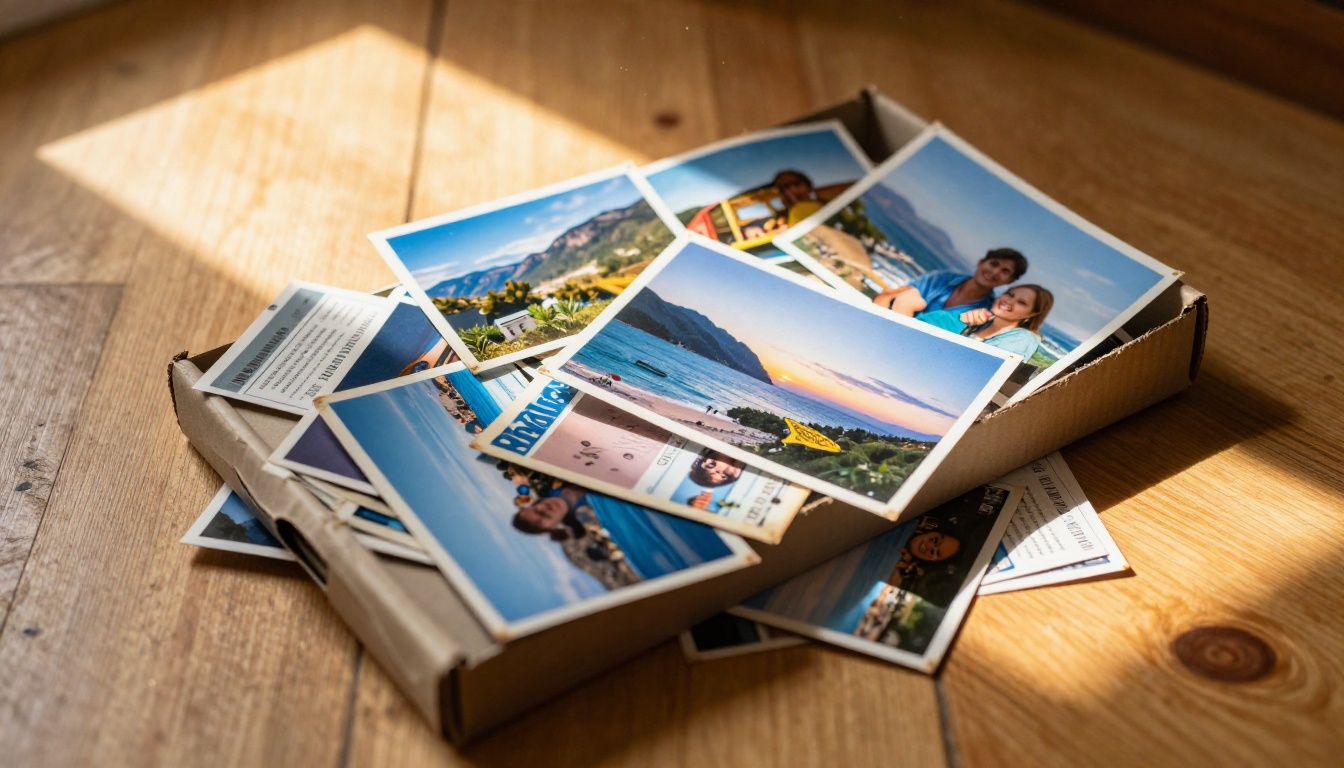
Why Your Phone Gallery Isn't Enough
The "I'll Sort These Later" Trap
Everyone does it. You come home from a two-week trip to Portugal or Thailand, exhausted and sun-kissed, and you tell yourself you will go through the photos this weekend. Then a month passes, then six months. The shots from that perfect evening in Lisbon are now sandwiched between a photo of a parking receipt and a blurry screenshot of a meme.
A digital photo album works differently because it forces a decision point. When you commit to building a flipbook, you actually sit with your photos, choose the best ones, and put them in an order that makes sense. That act alone brings the trip back to life.
What You're Actually Losing
The average smartphone user takes 2,000 or more photos a year. Studies consistently show that photos viewed in a curated, organized format are remembered more vividly and associated with stronger emotional recall. When your vacation photos exist only as a scroll of thumbnails, they lose context.
A travel photo flipbook preserves the narrative: the morning you got lost and found that tiny bakery, the afternoon light on the old city walls, the faces of people you were with. These are worth more than a date stamp in a photo library.
What Makes a Vacation Flipbook Worth Making
Page-Turning vs. Scrolling
There is a real psychological difference between scrolling through photos and turning pages. Flipbook-style presentation creates deliberate pacing. Each page turn is a moment of anticipation. Viewers actually pay attention to individual photos rather than swiping past them.
This is why physical photo albums have always felt more meaningful than slideshows, and why a digital flipbook captures that same quality while being shareable from any device.
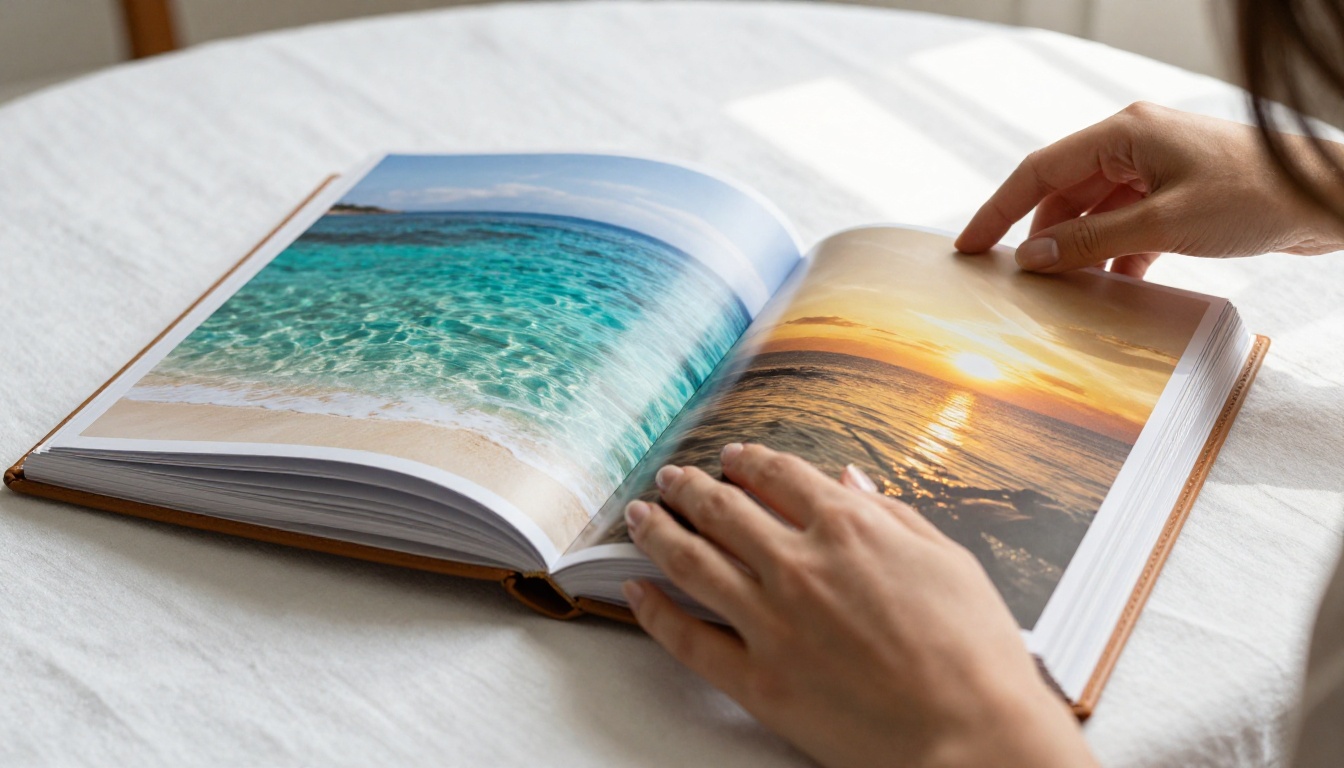
The Best Moments to Include
Not every photo earns a spot. The best vacation flipbooks are edited ruthlessly and curated with intention. Think about:
- Establishing shots: Wide views that set the scene (the city skyline, the beach at sunrise, the mountain vista)
- People in context: Candid shots of travel companions doing something, not just posing
- Detail close-ups: The food, the architecture, the textures you remember touching
- In-between moments: The train ride, the hotel breakfast, the afternoon nap. These make the album feel real
- One or two posed shots per person: Because people do want to be remembered in the frame
💡 A good rule of thumb: aim for 30 to 50 photos per trip album. Enough to tell the full story without overwhelming the viewer.
Organize Your Travel Photos First
Sorting by Day or Location
Before you build anything, spend 30 minutes organizing your photo selection. Two approaches work well:
By Day: Great for short trips (3 to 7 days). Each page spread covers a day's worth of activity. Gives the album a natural diary feel.
By Location: Better for longer trips with multiple destinations. A chapter for each city or country. Easier to browse if people want to jump to the part where you were in their hometown.
A hybrid works too: organize by destination, but within each section use chronological order.

Picking the Right Shots
Use this table to make faster editing decisions:
| Keep | Skip |
|---|
| Sharp focus, interesting composition | Blurry, poorly exposed shots |
| Genuine emotion or expression | Forced smiles, awkward poses |
| Unique to this trip specifically | Generic tourist photo (15th identical tower shot) |
| Candid, in-the-moment | Overly posed with no context |
| Beautiful light (golden hour, soft shade) | Harsh midday flat lighting |
| Tells part of the trip's story | Could be from any trip, anywhere |
| Group shots with everyone present | Shots missing important travel companions |
⚠️ Resist the urge to include every good photo. Editing down is what separates a memorable album from an overwhelming one.
How to Build Your Vacation Flipbook with Flipbooks AI
This is where it gets practical. Flipbooks AI takes your photos and converts them into a polished, interactive flipbook you can share with anyone. Here is exactly how the process works.
Step 1: Prepare Your PDF Photo Layout
Flipbooks AI works from a PDF file, so your first task is arranging your selected photos into a PDF layout. You can do this in:
- Canva (free, drag and drop): Use a presentation template, one photo per slide or two per page
- Google Slides: Quick and accessible, export as PDF
- Adobe InDesign or Photoshop: If you want full control over layout, bleeds, and typography
- Microsoft Word or PowerPoint: Acceptable for simple layouts, export to PDF
Choose a landscape (16:9) orientation for best results on screens. Add captions if you want, but keep them short. White space around photos actually improves the visual impact.
💡 Name your PDF something descriptive before uploading, like "Italy-2025-Flipbook.pdf". It carries through to your flipbook title automatically.
Step 2: Upload and Convert
- Go to flipbooksai.com and create your account
- From your dashboard, click New Flipbook
- Drag and drop your PDF onto the upload area, or click to browse files
- Wait for the conversion. Most PDFs under 50MB process in under 60 seconds
- Review the page preview to confirm all photos came through correctly
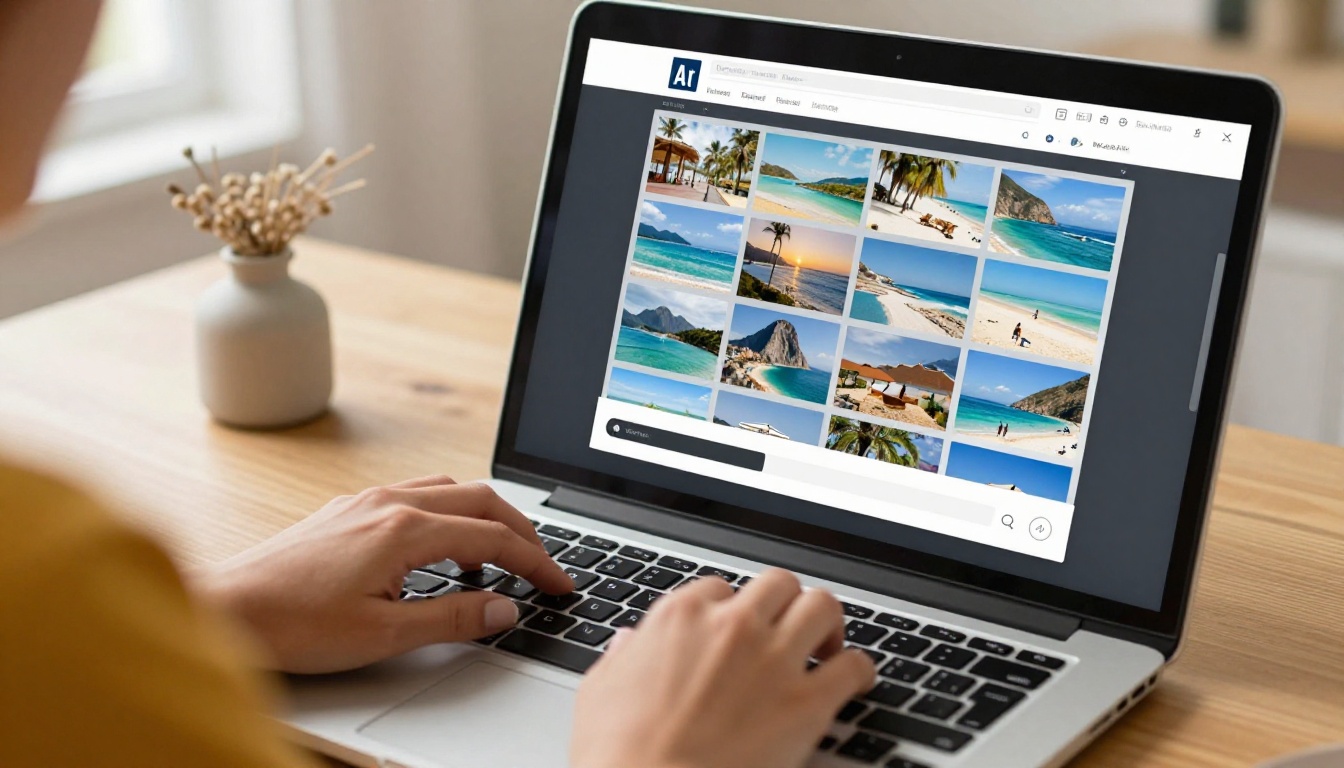
The result is an interactive digital flipbook with realistic page-turning animation, fully usable on desktop, tablet, and mobile.
Step 3: Add Your Personal Touch
Once your flipbook is created, the customization panel opens. This is where it stops looking like a default template and starts looking like yours.
Options available:
- Title and subtitle at the top: Add your trip name and dates
- Background color or texture: Match the mood of your destination (sandy neutrals for a beach trip, rich deep tones for a city trip)
- Font selection: Choose something that fits the travel aesthetic
- Page flip sound: On or off depending on sharing context
- Logo or branding: Optional, but useful if you're sharing professionally
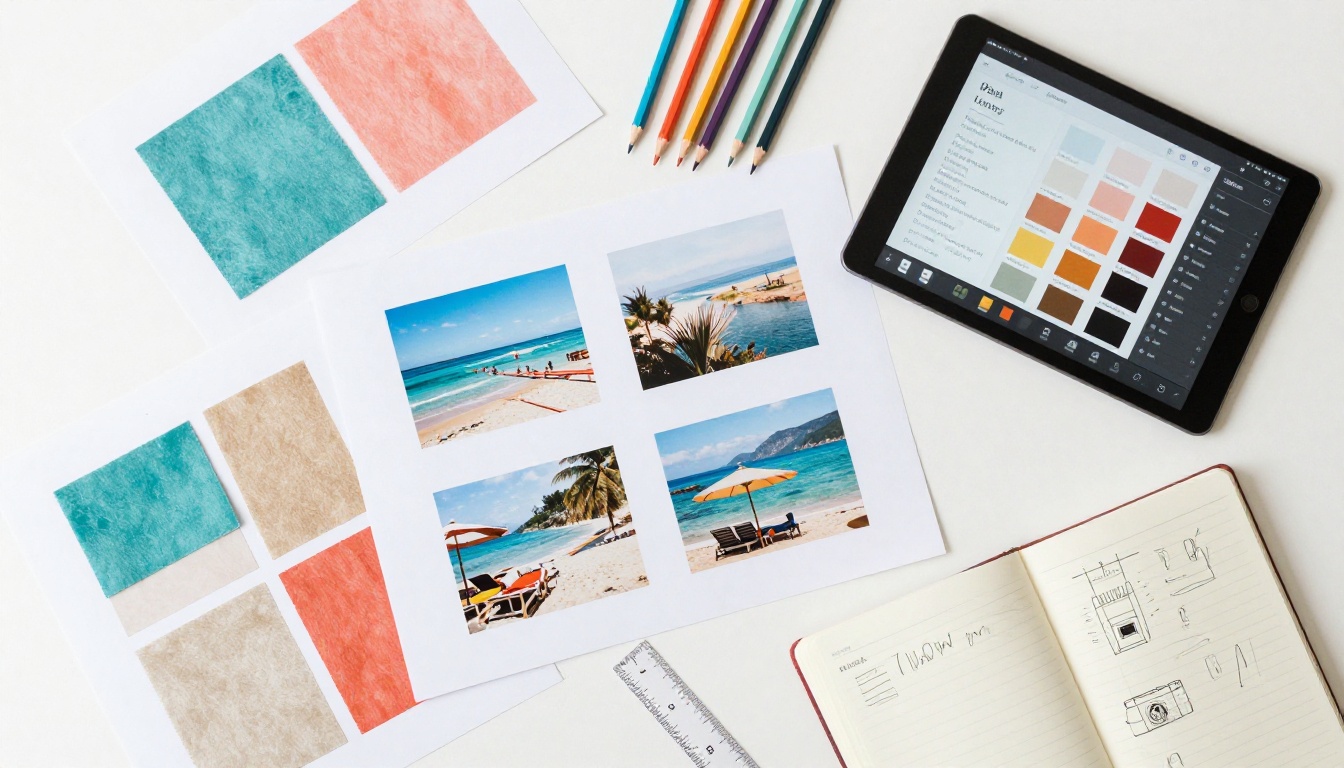
For personal vacation albums, the cleanest approach is minimal branding, a strong hero photo on the front page, and a title that means something to the people who were there.
Step 4: Set Privacy and Sharing Options
Not every vacation flipbook is meant for public eyes. Flipbooks AI gives you full control:
- Public link: Anyone with the URL can view it
- Password protection: Share the link privately, require a password to open
- Embed code: Drop your flipbook directly into a personal blog or travel journal site
- Offline download: Available on Professional plans, lets recipients view it without internet
For family albums, password protection is the right call. For travel bloggers, a public embed on your site adds a beautiful interactive element.
Customization That Makes It Feel Personal
Colors, Fonts, and Front Page Design
The front page is what people see first. Spend the most time here. Choose a full-bleed hero photo as the front page background, one shot that instantly transports the viewer to the location. Your trip name over the top in a clean, readable font finishes it perfectly.
A few combinations that work particularly well for travel albums:
| Trip Type | Color Palette | Font Style |
|---|
| Beach / Tropical | Sandy beige, aqua, warm white | Rounded, casual serif |
| City / Cultural | Deep navy, charcoal, gold accents | Clean modern sans-serif |
| Mountain / Adventure | Forest green, stone grey, cream | Bold geometric sans |
| Countryside / Slow Travel | Terracotta, dusty rose, warm ivory | Elegant thin serif |
| Winter / Snow | Crisp white, ice blue, slate | Minimal, high contrast |
Adding Captions and Context
Consider adding a short text page at the start of each section (each city, each day) with one or two lines of context. Not a diary entry, just enough to orient the viewer.
Example: "Day 4. We took the 7am train to the coast and didn't come back until midnight."
That one line makes the following 8 photos mean something entirely different.
✅ Best practice: one context page per location or chapter. Keep it to 1 to 3 lines maximum. Let the photos do the rest of the work.
Sharing Your Flipbook with Family and Friends
Send a Link, Not a File
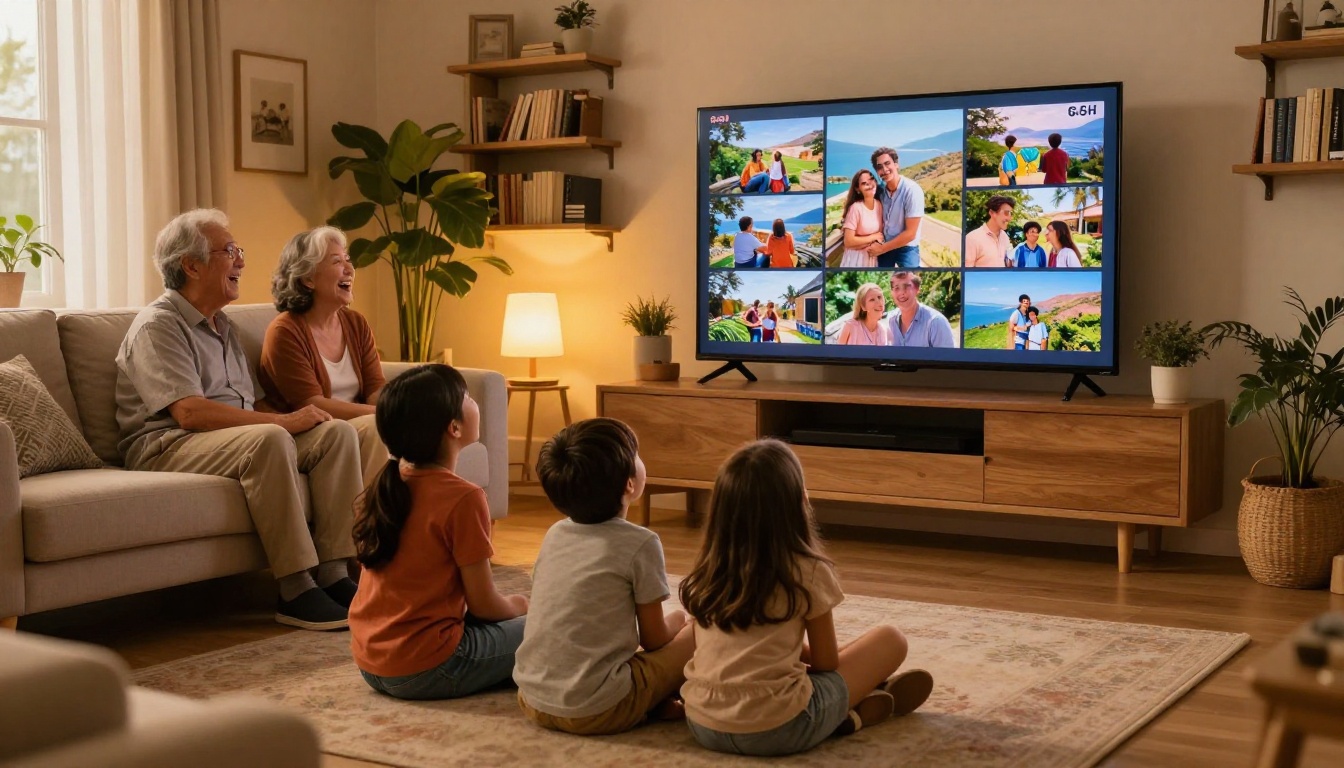
Once your flipbook is published, you get a direct share link. This is far better than attaching a PDF or a zip of photos to an email. The recipient clicks the link and immediately sees a beautiful, interactive album, no downloads, no software, no resizing.
You can share via:
- WhatsApp or iMessage: Paste the link directly. Most messaging apps show a preview
- Email: Include the link with a short note. Much more engaging than an attachment
- Instagram or Facebook Stories: Screenshot the front page and post with the link in bio
- Family group chats: Everyone can view on their own device, at their own pace
Embed It on a Blog or Website
If you keep a travel blog or personal site, embedding your vacation flipbook adds a completely different dimension to your posts. Instead of a static photo grid, readers can actually flip through your trip themselves.
Flipbooks AI provides an embed code you copy and paste into any HTML-compatible page. Works with WordPress, Squarespace, Wix, Webflow, and most other platforms.
The Embed Flipbook on Website tool makes this straightforward even if you have no technical background.
Flipbooks AI Plan Options at a Glance
For a personal vacation album, the free tier gets you started. Here is how the plans compare for this specific use case:
| Feature | Free | Standard | Professional |
|---|
| Flipbooks per account | 1 | Unlimited | Unlimited |
| Watermark | Yes | No | No |
| Password protection | No | Yes | Yes |
| Custom branding | No | Yes | Yes |
| Offline download | No | No | Yes |
| Analytics | No | No | Yes |
| Lead generation | No | No | Yes |
| Embed on website | Yes | Yes | Yes |
| Mobile responsive | Yes | Yes | Yes |
| Video and audio embeds | No | Yes | Yes |
For most people creating a single vacation album, Standard covers everything needed: no watermark, unlimited flipbooks if you want to make one per trip, password protection for privacy, and the ability to embed anywhere. Compare all plans to see what fits your situation best.
Vacation Flipbook Ideas Worth Trying
Not sure how to frame your album? These formats work consistently well.
The Year-in-Travel Album
Instead of one flipbook per trip, collect your best 5 photos from every trip that year into a single annual flipbook. 12 months, 5 photos each, 60 pages. A stunning year-end gift for family members who were part of the journey.

Single Trip Deep Dive
One destination, full depth. Day-by-day narrative of a 10-day trip with every meal, every landmark, every candid moment. The Travel Flipbook tool is built specifically for this format and includes layout suggestions tailored to travel content.
Kids' Adventure Journal
Let the kids be the photographers for one trip. Their low-angle, chaotic, wonderfully honest perspective creates a completely different kind of album. Collect their shots, organize them into a flipbook, and give them ownership of the finished product. The Yearbook Flipbook Maker template adapts well to this playful format.
The Honeymoon or Anniversary Album
For milestone trips, the quality of the presentation matters more. Use a full-bleed layout with minimal text, rich colors, and a thoughtful page sequence that builds from arrival to farewell. The Wedding Album Flipbook format translates perfectly to honeymoon and anniversary albums.
💡 Consider making two versions: one short (20 pages, best-of) for sharing widely, and one long (60 or more pages) for keeping privately with full trip documentation.
The Travel Photography Portfolio
For photographers who travel with intent, a flipbook doubles as a portfolio. Select only your technical best shots, add minimal captions with location and camera settings, and share it as a professional showcase. The Photography Portfolio Flipbook tool is purpose-built for exactly this.
Your Vacation Photos Deserve This
Every trip you have ever taken is sitting somewhere in digital storage, waiting to be seen again. The cost of leaving those photos unorganized is measured in memories that slowly lose their sharpness, in stories that never get told, and in moments that mattered to real people who were there with you.
Building a vacation photo flipbook is genuinely one of the fastest ways to do something meaningful with travel photography. It does not require design skill, a large time investment, or expensive software. It just requires deciding that the trip was worth remembering properly.
Get started for free on Flipbooks AI and turn your best travel shots into something you will actually want to share. Browse the full tools library to find the format that fits your trip best, and check out pricing plans to access sharing features and remove the watermark from the start.
Your next vacation is already worth documenting well. Start with the last one.



