Converting a PDF into a polished, interactive publication used to require either a developer or an expensive software license. Today, tools like Flipbooks AI have reduced the entire workflow to a single upload, with customization and sharing happening in the same session. If you have a PDF, you already have everything you need to create a flipbook in minutes.
The process is genuinely fast. Most users go from upload to shareable link in under two minutes. That speed matters because it removes the barrier between having a document and having a professional digital publication. No InDesign. No exports. No back-and-forth with a design team.
This article breaks down exactly how PDF-to-flipbook conversion works, who benefits most, and how to use Flipbooks AI to build your first interactive flipbook today.

Why PDFs Alone Don't Cut It Anymore
PDFs were built for printing. They render consistently across devices and preserve layout, which made them the standard for distributing formatted documents for decades. But those same qualities that make them great for print make them poor for digital sharing.
The Friction Problem
When someone receives a PDF link, they typically have to download it, wait for it to render, and scroll through a flat, static file. There's no interactivity, no page-flip animation, and no easy way to share a specific section. On mobile, the experience is often worse, with small text that requires constant pinching and zooming.
A digital flipbook solves each of those friction points. The page-turn format mirrors how people naturally read printed materials, while the HTML5 delivery means it works instantly in any browser, on any device, with no download required.
Why Sharing Matters More Than Format
The goal of most documents, whether catalogs, menus, brochures, or reports, isn't just to exist. It's to be seen. A PDF attached to an email often stops there. A flipbook link can be shared on social media, embedded in a website, sent via messaging apps, or published directly to a landing page. The reach is structurally different.
💡 A flipbook is not just a nicer-looking PDF. It's a distribution format that removes barriers between your content and your audience.
What a Flipbook Actually Is
The term "flipbook" gets used loosely, but in the context of digital publishing, it refers to an HTML5-powered interactive document with realistic page-curl animations. When a viewer clicks or swipes, pages appear to physically turn, creating an experience that mimics holding a real book or magazine.
HTML5 Flipbooks vs. Flash-Era Versions
Older flipbook tools relied on Adobe Flash for their animations. Flash is now fully defunct, blocked by all major browsers since 2021. Modern flipbook platforms, including Flipbooks AI, use HTML5 and CSS3 to deliver those same animations natively, with no plugins required.
| Feature | Flash Flipbooks | HTML5 Flipbooks |
|---|
| Browser support | Dead (blocked since 2021) | Full support in all browsers |
| Mobile compatible | No | Yes |
| Load speed | Slow | Fast |
| SEO indexable | No | Yes (text layers accessible) |
| Security | Multiple vulnerabilities | No known issues |
The difference is decisive. HTML5 flipbooks are faster, safer, and accessible on every device from the moment you share the link.
What the Viewer Actually Sees
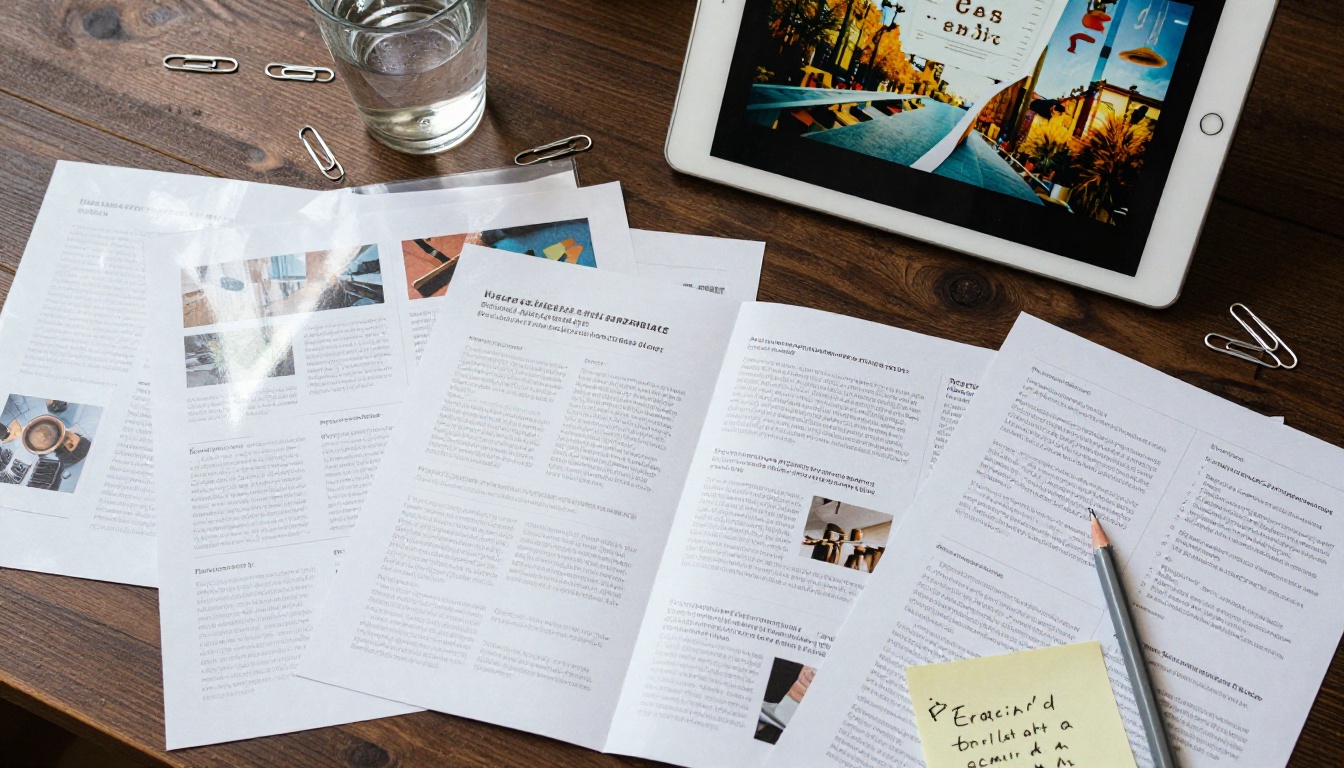
When someone opens a flipbook, they see a two-page spread that looks and behaves like a physical publication. They can click the page corner to turn it, use navigation arrows, zoom in on specific sections, search for text, and in some cases interact with embedded videos or audio. The experience is closer to reading a magazine than scrolling a document.
How PDF-to-Flipbook Conversion Works
The technical process behind PDF conversion is straightforward. When you upload a PDF, the platform reads each page as a high-resolution image layer, preserves text as a selectable layer on top, and wraps the result in an HTML5 viewer shell. The output is a web-hosted interactive document with its own URL.
What Happens on Upload
- The PDF is parsed page by page
- Each page is rendered at high resolution (typically 144 DPI or higher)
- Text layers are extracted and indexed for search
- Pages are compressed for fast web delivery
- The flipbook shell is applied with your chosen settings
Most platforms complete this process in 10 to 30 seconds for a typical 20-page document. Larger files with 100 or more pages may take a minute or two.
Quality Retention After Conversion
One common concern is image and text quality after conversion. Modern platforms handle this well. If your original PDF was created from a vector-based source such as InDesign, Illustrator, or a high-resolution PowerPoint export, the resulting flipbook will look crisp at any zoom level. If your PDF contains scanned pages, the quality depends entirely on the scan resolution; 300 DPI or higher is the standard recommendation.
⚠️ PDFs exported from low-resolution sources (screen-optimized exports, compressed scans) will show quality degradation in the flipbook. Always export your PDF at print quality (150 DPI minimum) before uploading.
How to Create a Flipbook on Flipbooks AI
This is where the process becomes concrete. Flipbooks AI handles the full workflow from upload to publication with no technical knowledge required. Below is the exact sequence.

Step 1: Set Up Your Account
Go to flipbooksai.com/account and create a free account. The free plan lets you get started without a credit card. Once logged in, you'll land on the dashboard where all your flipbooks are managed.
Step 2: Upload Your PDF
Click New Flipbook and select your PDF from your device. Drag-and-drop also works. The upload begins immediately, and a progress indicator shows conversion status in real time. For a standard 15-20 page document, conversion typically completes in under 30 seconds.
The PDF to Flipbook Converter handles PDFs of any size, from a two-page flyer to a 300-page annual report.
Step 3: Customize Branding and Design
After conversion, you're taken to the customization editor. Here you can:
- Set brand colors: Apply your primary and secondary palette to the flipbook shell
- Add a logo: Upload your brand mark to appear in the header or corner
- Choose page effects: Select from realistic page-curl or flat-swipe animations
- Set a background: Choose solid color, gradient, or custom image backgrounds
- Add a front page: Replace the first PDF page with a designed title page asset
- Embed multimedia: Add video players or audio tracks to specific pages
✅ Best practice: match your flipbook's color scheme to your website or brand kit. Visitors recognize the consistent branding and associate the quality with your organization.
Step 4: Configure Privacy and Sharing
Before publishing, set your visibility preferences:
- Public link: Anyone with the URL can view it
- Password protection: Requires a password to open (ideal for internal documents or subscriber-only content)
- Embed code: Copy the HTML snippet to place the flipbook directly on your website using the Embed Flipbook on Website tool
- Direct link: Share via email, social media, or messaging apps
Step 5: Publish and Track
Hit Publish. Your flipbook is live. Professional plan users get access to the analytics dashboard, which shows page-by-page view data, time spent per page, total views, and lead generation forms that can capture reader information before they access the content.
💡 Use analytics to identify which pages readers spend the most time on. This tells you exactly which content resonates, and which sections might need revision.
Real-World Use Cases by Industry
The same conversion process applies across industries, but the specific use cases are worth breaking out. The PDF-to-flipbook workflow solves a different pain point depending on the context.
Marketing Teams and E-Commerce
Marketing teams produce a high volume of PDF assets: product catalogs, campaign lookbooks, seasonal promotions, media kits, and pricing sheets. Each of these benefits from the flipbook format because it keeps the reader engaged longer than a static PDF scroll, and the share link travels easily through email newsletters or social posts.
A fashion brand using the Fashion Catalog Creator gets a scrollable catalog that pages like a magazine, with no printing costs. An e-commerce retailer using the Product Catalog Generator can update inventory and republish without sending new files.
Food, Beverage, and Hospitality
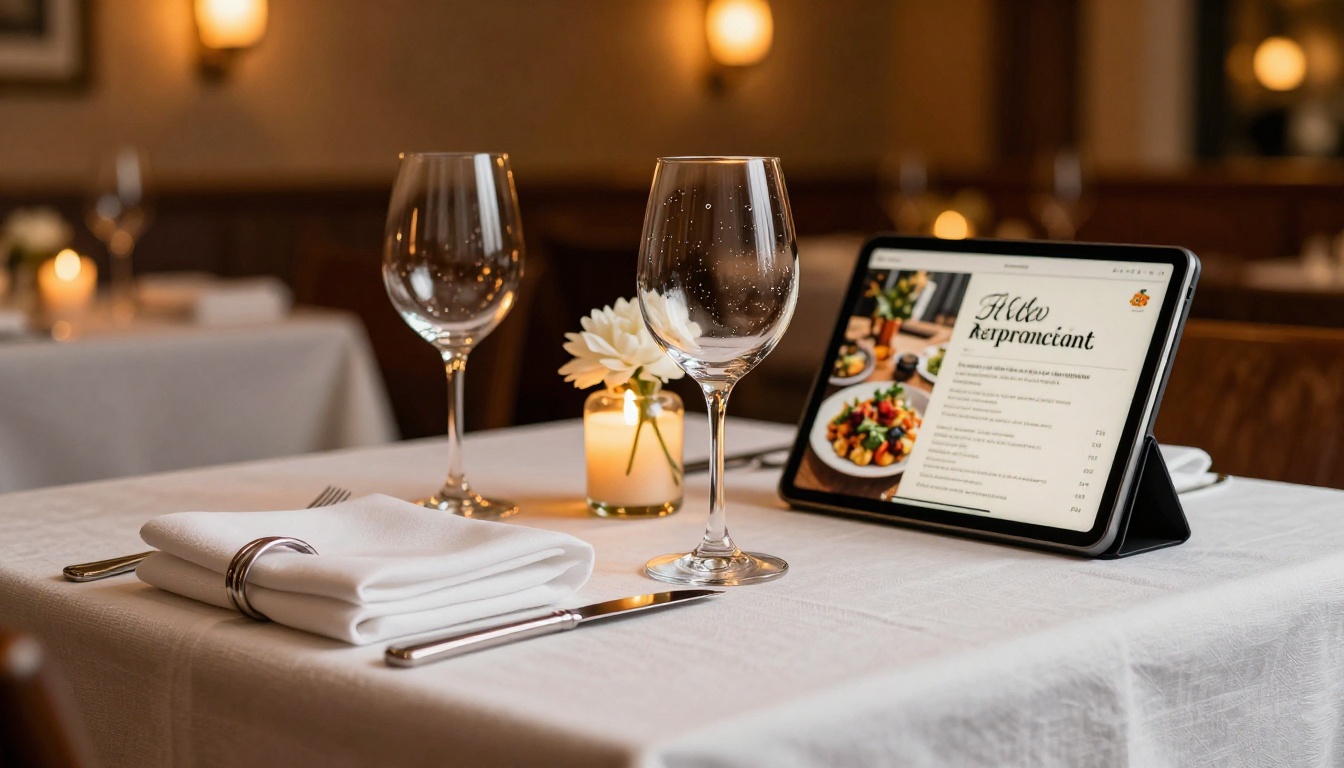
Restaurants that update their menus seasonally no longer need to reprint and redistribute physical copies. The Restaurant Menu Creator produces a QR-code-scannable digital menu. Hotels use brochures created with the Hotel Brochure Designer to showcase rooms and amenities to prospective guests before booking.

Real Estate
Property listings, neighborhood guides, and development brochures translate naturally to the flipbook format. The Real Estate Brochure Creator takes a listing PDF and converts it into a shareable property presentation that agents send to prospects. The flipbook format allows full-page photography to display at the quality buyers expect, without attachment size limits.
Education and Training
Course materials, training manuals, and student handbooks work well as flipbooks for the same reason textbooks work well in print: people scan them, flip to relevant sections, and reference specific pages. The Course Material Publisher and Training Manual Flipbook tools are built for exactly this context.
Flipbooks AI Features Worth Knowing
Beyond the core conversion, the platform includes a set of features that separate it from basic file converters. Here's what matters most across plans:
| Feature | Free Plan | Standard | Professional |
|---|
| Flipbooks created | 3 | Unlimited | Unlimited |
| Watermark | No watermark | No watermark | No watermark |
| Custom branding | Limited | Full | Full |
| Password protection | No | Yes | Yes |
| Embed on website | No | Yes | Yes |
| Video and audio embed | No | Yes | Yes |
| Analytics dashboard | No | No | Yes |
| Lead generation forms | No | No | Yes |
| Offline downloads | No | No | Yes |
| Custom domain | No | No | Yes |
No watermarks on any paid plan is a significant advantage over most competing tools, many of which add a watermark unless you pay a premium tier.
💡 The Standard plan is the sweet spot for most small businesses: unlimited flipbooks, full branding, and embed capability at an accessible price. See all options at flipbooksai.com/pricing.

What to Prepare Before You Upload
Getting the best result from PDF conversion takes a small amount of prep work on the source document side. These steps take a few minutes and make a noticeable difference in the final output.
PDF Export Settings
- Resolution: Export at 150 DPI minimum, 300 DPI preferred for image-heavy documents
- Fonts: Embed all fonts in the PDF to prevent substitution during rendering
- Color mode: Use RGB color mode for screen display, not CMYK (which is for print)
- File size: Compress images within the PDF to balance quality and load speed
- Pages: Remove blank pages and any print-only elements like crop marks or bleed marks
Content Checklist Before Upload
- Proofreading is finished (edits after upload mean re-exporting and re-uploading the PDF)
- All images are at full resolution
- Page order is correct
- The first page works as a standalone thumbnail, since this is what viewers see before opening
- Any QR codes or URLs in the document are correct and active
⚠️ You cannot edit text or images directly inside the flipbook editor. All changes must be made to the original PDF before uploading. Plan your final review accordingly.

Flipbook vs. PDF: The Direct Comparison
This comes up often in teams deciding whether to invest in the conversion workflow. The honest answer is that both formats serve different purposes, and the best teams use both strategically.
| Factor | PDF | Flipbook |
|---|
| File distribution | Download required | Browser-based, no download |
| Mobile experience | Poor (requires zoom) | Excellent (responsive) |
| Shareability | Email or drive attachment | URL, embed, QR code |
| Visual impact | Low | High |
| Analytics | None | Page views, time on page |
| Offline access | Always | Requires download (Pro plan) |
| Searchability | Yes | Yes |
| Editing content | Open in source app | Re-upload PDF |
| Setup time | Zero | 2 to 5 minutes |
The setup time column tells the clearest story. Five minutes to convert a PDF into a flipbook that performs significantly better across every distribution and engagement metric is an obvious tradeoff for most teams.
Frequently Asked Questions
Can I convert a scanned PDF into a flipbook?
Yes. Scanned PDFs convert fine. Text in scanned documents won't be indexed for search unless the platform applies OCR (optical character recognition), which higher-tier plans may support.
Does the flipbook update automatically when I change the PDF?
No. You need to re-upload the updated PDF. The flipbook URL can be maintained if the platform supports overwriting an existing flipbook rather than creating a new one.
Can I set the flipbook to expire or restrict access?
Some platforms support expiry dates and access controls. Check the pricing page for plan-specific access control features including password protection, which is available on Standard and Professional plans.
What's the maximum PDF size I can upload?
Most platforms accept PDFs up to several hundred pages. File size limits typically range from 100 MB to 500 MB rather than page count limits. Very large publications should be split into volumes if needed.
Is the flipbook indexed by search engines?
HTML5 flipbooks with accessible text layers are crawlable and indexable by Google. Static image-based flipbooks are not. Flipbooks AI produces text-accessible flipbooks by default, which means your content can appear in organic search results.
Do I need to install anything?
Nothing. The entire platform runs in the browser, both for you as the creator and for your readers. No software installation is required on either side.
Start Turning PDFs into Publications
Your existing PDFs are already the hard part. The content is there, the layout is done, and the design work is finished. All that's missing is the format that actually performs in digital channels.
Get started for free on Flipbooks AI and convert your first PDF in minutes. No design skills required. No technical setup. Just upload and publish.
For teams with specific use cases, browse all tools and templates to find the right starting point for catalogs, menus, brochures, portfolios, reports, and more.
Ready to see what your plan includes? Compare pricing options and choose what works for your workflow.



