Most businesses spend hours, sometimes entire afternoons, putting together a product catalog that ends up looking like a rushed PowerPoint. It doesn't have to be that way. Whether you're selling clothing, furniture, cosmetics, or handmade goods, a polished product catalog is one of the most direct tools you have for turning browsers into buyers, and Flipbooks AI makes it faster than you'd think.
Create a Product Catalog in 5 Minutes Flat
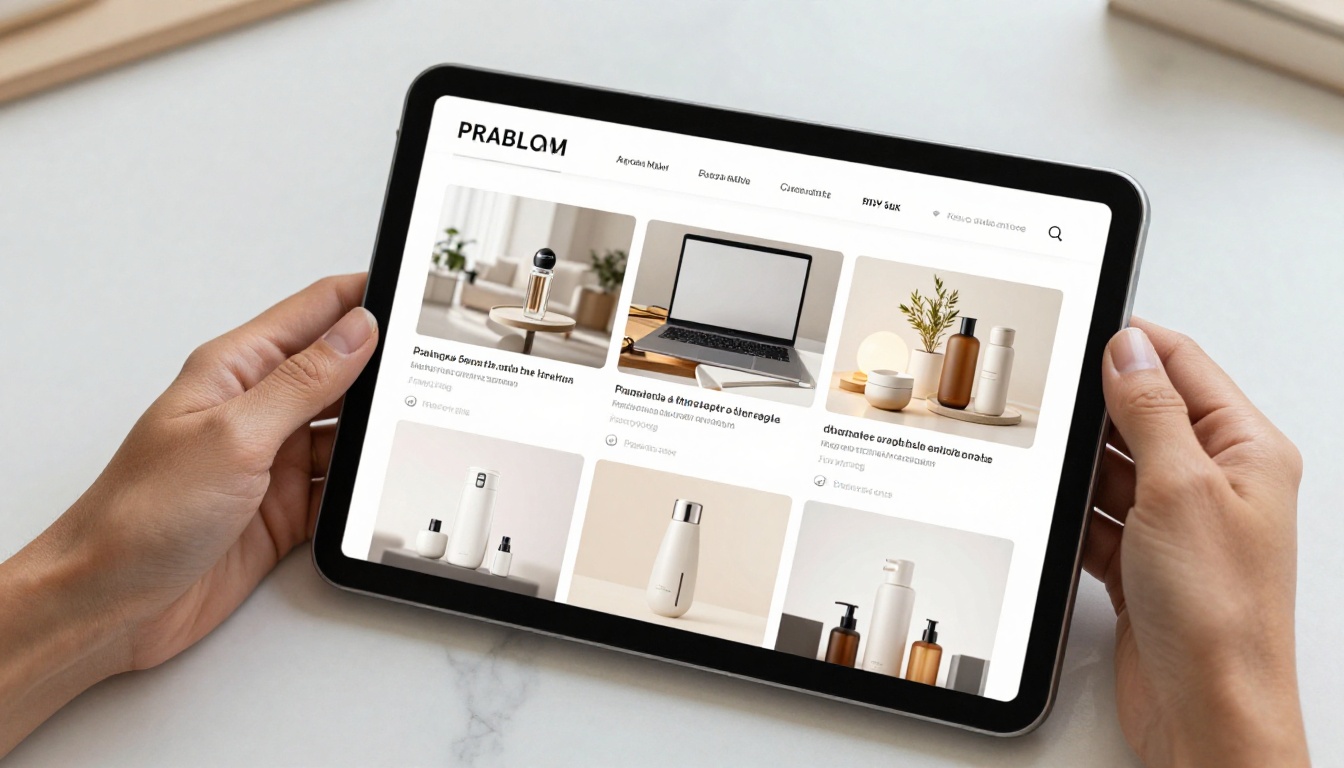
The goal isn't just speed. It's building something that actually works: a catalog your customers want to scroll through, one that shows off your products clearly and makes ordering feel easy. Five minutes is realistic when you have the right setup. Here's everything you need.
Why Most Catalogs Take Too Long
Most catalog creation tools were built for designers, not business owners. They require learning complicated software, managing dozens of layers and files, and still produce something that looks dated by the time it's done. The real bottleneck isn't your products or your brand. It's the tool.

The Old Way vs. The Smart Way
The difference between spending three hours and spending five minutes comes down to the tool you choose and whether you start with a template that actually fits your product type.
| Approach | Time Required | Skill Needed | Output Quality |
|---|
| Desktop design software (InDesign, Illustrator) | 3-8 hours | Expert-level | High (if skilled) |
| Generic PDF editors | 1-3 hours | Intermediate | Medium |
| Online template builders | 30-60 minutes | Basic | Medium-High |
| AI-powered flipbook tools | 5-15 minutes | None | High |
The numbers speak clearly. When a tool handles layout, formatting, and output automatically, you stop designing and start publishing.
💡 Pro Tip: The fastest catalogs are built from existing PDFs. If you already have a product sheet or brochure, you can convert it to an interactive flipbook in under two minutes using the PDF to Flipbook Converter.
What You Actually Need Before You Start
Before you open any tool, having these items ready cuts your time down dramatically.

Your Product Photos
Clean product photos are non-negotiable. They don't need to be studio shots, but they do need to be well-lit, in focus, and cropped consistently. A mix of flat lays and lifestyle shots gives your catalog visual variety without requiring a full shoot every season.
- White or neutral background for main product shots
- At least 1-2 lifestyle images per product category
- Consistent aspect ratio across all photos (16:9 or 4:3 for digital)
- File size under 5MB each for fast loading
Basic Brand Info
Have your brand colors (hex codes), logo file (PNG with transparent background), and a short tagline ready. Most modern tools apply these across an entire catalog automatically once you input them once. That single step saves you from manually reformatting every page.
✅ Best Practice: Build a simple brand kit document with your logo, two main colors, and one accent color. Paste this into every new catalog project to keep visuals consistent without extra effort.
How to Create a Product Catalog in 5 Minutes Flat with Flipbooks AI
Flipbooks AI has a dedicated Product Catalog Generator built specifically for this task. Here's the full process from zero to published:
Step 1: Create your account
Head to flipbooksai.com/account and sign up. It takes under a minute and no credit card is required to start.
Step 2: Prepare or upload your PDF
If you already have a product catalog PDF, upload it directly. The tool converts it to an interactive flipbook automatically with page-flip animation and zoom functionality. If you're starting fresh, choose from the built-in catalog templates organized by industry.
Step 3: Apply your branding
Input your brand colors, upload your logo, and select a font pairing. These changes apply across every page instantly. No manual reformatting page by page.
Step 4: Add products and pricing
For template-based catalogs, drag your product images into the designated slots, then type in product names, descriptions, and pricing. The layout adjusts automatically to keep everything aligned without you touching spacing manually.
Step 5: Add interactive elements
Insert clickable links to product pages, embed a contact form, or drop in a video demo. The Product Catalog Generator supports multimedia embeds without any coding required.
Step 6: Publish and share
Hit publish. Your catalog gets a direct share link, an embed code for your website, and a QR code for print materials. Choose between a public link or a password-protected private link for trade buyers.
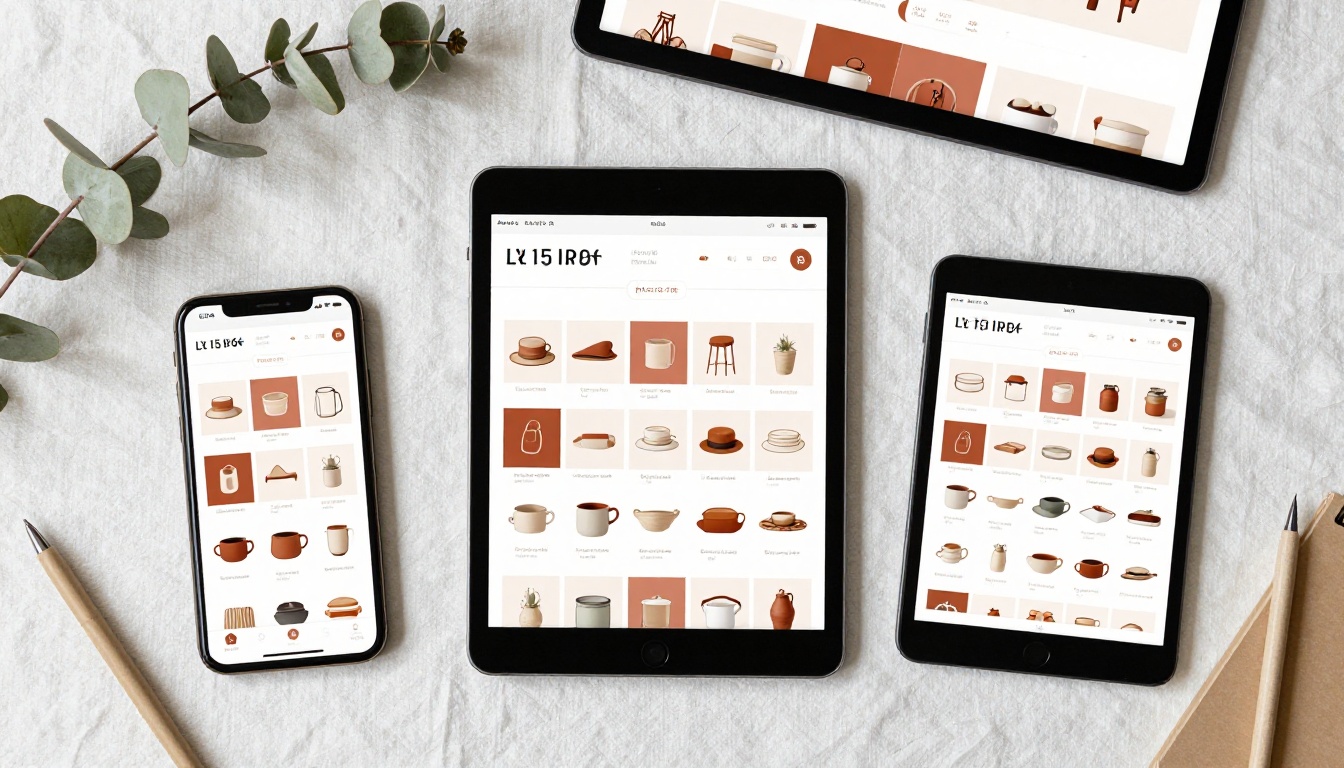
⚠️ Warning: Always check the mobile preview before publishing. More than 60% of catalog views happen on smartphones. Verify that product text is readable at mobile size before sharing.
What Makes a Catalog Worth Clicking
Getting a catalog built quickly is only half the job. The other half is making sure people actually read it cover to cover.

Layouts That Sell
The best-performing digital catalogs follow a few consistent patterns that reduce friction and keep readers moving forward.
- Category pages first: Open with a clear table of contents or category spread so customers jump straight to what they want
- Product clusters: Group related items together by how people actually shop ("Summer Collection," "Best Sellers," "New Arrivals") rather than alphabetically or by price
- White space: Overcrowded pages make customers scroll past. Give each product room to breathe
- Price visibility: Show pricing clearly. Catalogs that hide pricing see significantly lower interaction rates
Pricing Display Tactics
How you show pricing directly affects conversion. Here's what works by context:
| Pricing Format | Best For | Impact |
|---|
| Single clear price | Retail, ecommerce | Highest click-through |
| Price range (from $X) | Variable SKUs, custom orders | Good for inquiry-driven sales |
| Contact for pricing | B2B, wholesale | Works only with strong CTA next to it |
| Tiered pricing table | Bundles, volume orders | Best for upselling |
💡 Pro Tip: Adding a "was/now" price comparison on just a few featured products creates urgency without needing a dedicated sale section throughout the catalog.
Digital vs. Printed Catalogs
Both formats have their place, but digital catalogs outperform printed ones on almost every metric that matters for modern ecommerce.
| Feature | Digital Catalog | Printed Catalog |
|---|
| Cost per distribution | Near zero | $2-15 per unit |
| Update speed | Instant | Reprint required |
| Analytics | Full tracking (views, clicks, time spent) | None |
| Interactivity | Videos, links, forms | Static only |
| Reach | Global, shareable via link | Local, physical delivery |
| Lead capture | Built-in forms | Manual follow-up |
| Mobile access | Native, optimized | Scan or photograph only |
| Shelf life | Unlimited, always current | Until next version |
Digital catalogs cost less, perform better, and give you insights that printed versions never can. That said, offering a downloadable PDF version is still worth doing for customers who prefer saving files for reference.
Not all product catalogs serve the same purpose. The format you choose should match what you're selling and how buyers make decisions.

Fashion Catalogs
Fashion catalogs are visual-first. Large images, minimal text, and a strong editorial feel define the format. The Fashion Catalog Creator is built around lookbook-style layouts where the clothing does the talking.
What fashion catalogs need:
- Full-bleed image support
- Swipe-friendly mobile layout
- Color swatch display options
- Size guide integration on product pages
Furniture and Home Goods
Furniture catalogs need dimension data, finish options, and configuration details alongside product imagery. The Furniture Catalog Maker includes layout templates designed for SKU-heavy product lines with multiple variant options per item.
Food, Beverage, and Hospitality
A well-designed digital menu increases average order value more reliably than upselling at the counter. The Restaurant Menu Creator handles pricing, dietary tags, and category sections in a format optimized for quick scanning.
Sharing and Distribution That Reaches People
Publishing your catalog is step one. Getting it in front of the right buyers is the real work.
Embed on Your Website
Every Flipbooks AI catalog comes with a one-line embed code you can drop into any website builder, Shopify store, Squarespace page, or custom HTML site. The flipbook renders natively without forcing visitors to a new tab. Use the Embed Flipbook on Website tool for seamless integration.
Send via Direct Link
A short, shareable link is the fastest way to get your catalog into a WhatsApp message, email campaign, or Instagram bio. The link opens directly to the first page, no app download required, no login needed for the viewer.
Password Protection
For wholesale buyers, trade clients, or seasonal pre-launch catalogs, password protection keeps your pricing and products private. Set a custom password during publish and share it only with approved contacts. Available on Standard and Professional plans.
QR Code for Physical Touchpoints
Every published catalog automatically generates a QR code. Print it on business cards, in-store signage, trade show banners, or product packaging to connect physical materials directly to your living, updatable digital catalog.
Plan Features at Each Tier
Flipbooks AI offers tiered plans based on how much you publish and what your business needs. See the full breakdown on the pricing page.

| Feature | Free | Standard | Professional |
|---|
| Watermark-free flipbooks | No | Yes | Yes |
| Number of flipbooks | Limited | Unlimited | Unlimited |
| Password protection | No | Yes | Yes |
| Analytics dashboard | No | Basic | Full |
| Lead generation forms | No | No | Yes |
| Offline downloads | No | Yes | Yes |
| Video and audio embeds | No | Yes | Yes |
| Custom branding | No | Yes | Yes |
| Priority support | No | No | Yes |
The Standard plan fits most small to medium businesses. It removes watermarks, allows unlimited flipbooks, and includes password protection and offline downloads. Moving to Professional makes sense when you need to track exactly who is viewing your catalog and capture contact details from within it.
💡 Pro Tip: If you're using catalogs for B2B sales, the Professional plan's lead generation feature captures buyer contact info directly from the catalog. One qualified lead from a catalog covers the plan cost many times over.
Real-World Use Cases That Work
Knowing the tool matters, but seeing how businesses actually use these catalogs helps you think through your own approach.
Boutique clothing brand: A small fashion label uploads their seasonal PDF lookbook every quarter. The Fashion Catalog Creator reformats it as an interactive flipbook shared via Instagram link. They track which pages get the most dwell time and prioritize those products in their next paid ad campaign.
Home goods wholesaler: A furniture importer maintains a B2B catalog with over 200 SKUs. The catalog is password-protected for trade buyers only. New products are added in real time without reprinting anything, saving thousands in print costs per year.
Independent restaurant group: Three locations share one digital menu catalog with location-specific pricing. QR codes on tables link to the live catalog. Menu changes go live in seconds, not days, with no design fees.
Ecommerce skincare brand: A DTC skincare company uses the Product Catalog Generator to build a "daily routine" catalog that links each product to its Shopify product page. The catalog works as both a sales document and an educational resource for new customers.
Your Catalog, Published Before Your Next Meeting
There's no reason to spend a full day on something you can finish in five minutes. With the right tool, your product catalog can be live, branded, interactive, and shareable before you finish your morning coffee.
Ready to publish your first one? Create your free account and use the Product Catalog Generator to go from zero to published today. When you're ready to remove limits and access full analytics, check the pricing plans to pick the right tier for your business.
Browse all catalog tools and templates to find the format that fits your products best.



