Your seasonal collection is ready. The photography is stunning. But without a well-crafted, interactive presentation, even the most beautiful designs can get lost in email attachments and static PDFs that buyers scroll past in two seconds.
That is why creating an interactive lookbook for your fashion line is no longer optional; it is one of the highest-leverage things you can do for your brand's digital presence. An interactive lookbook with realistic page-flip effects, embedded video clips, and mobile-responsive layouts keeps buyers engaged, makes press features more likely, and turns every distribution channel into a genuine sales touchpoint.
Flipbooks AI makes this process straightforward, whether you are launching your first capsule collection or presenting a full seasonal range to wholesale buyers and retail partners.
What a Lookbook Actually Does for Your Brand
Most fashion brands think of a lookbook as a PDF. Buyers think of it as a first impression. The gap between those two ideas is where sales get lost.
A well-built interactive lookbook does several things at once. It tells a visual story about your collection's aesthetic and direction. It gives buyers, stockists, and press contacts a frictionless way to experience your range without needing to attend a physical showroom. And it creates a permanent, shareable asset that works for you around the clock, across every time zone.

The interactive layer, specifically the ability to flip pages, click through to product details, embed video clips, and view content on any device, is what separates a digital lookbook from a glorified PDF. Static files get downloaded and forgotten. Interactive lookbooks get revisited, forwarded, and bookmarked.
What Buyers Actually Look For
When wholesale buyers or retail partners open a lookbook, they are looking for three things quickly: the brand's aesthetic direction, the breadth of the range, and how easy the collection is to sell to their customers. Your lookbook needs to answer all three in the first few pages.
💡 Pro Tip: Structure your lookbook with a strong opening editorial spread, followed by organized product categories, and close with clear ordering information or a contact section. Buyers who reach the end are already warm leads.
Why Interactive Beats Static Every Time
The difference between a flat PDF and a proper interactive lookbook is not just visual polish. It is measurable.
| Format | Engagement | Shareability | Analytics | Mobile Experience |
|---|
| Static PDF | Low | Limited (attachments) | None | Poor (zoom required) |
| Interactive Flipbook | High | Direct link or embed | Full analytics | Fully responsive |
| Print Lookbook | Medium | Physical only | None | Not applicable |
| Website Gallery | Medium | Linkable | Basic | Good |
Interactive lookbooks consistently outperform static files on every metric that matters: time spent, pages viewed, return visits, and forward sharing rates. When someone sends your lookbook link to a colleague or stockist, that is a distribution event you would never capture with a PDF attachment.
The Mobile Argument
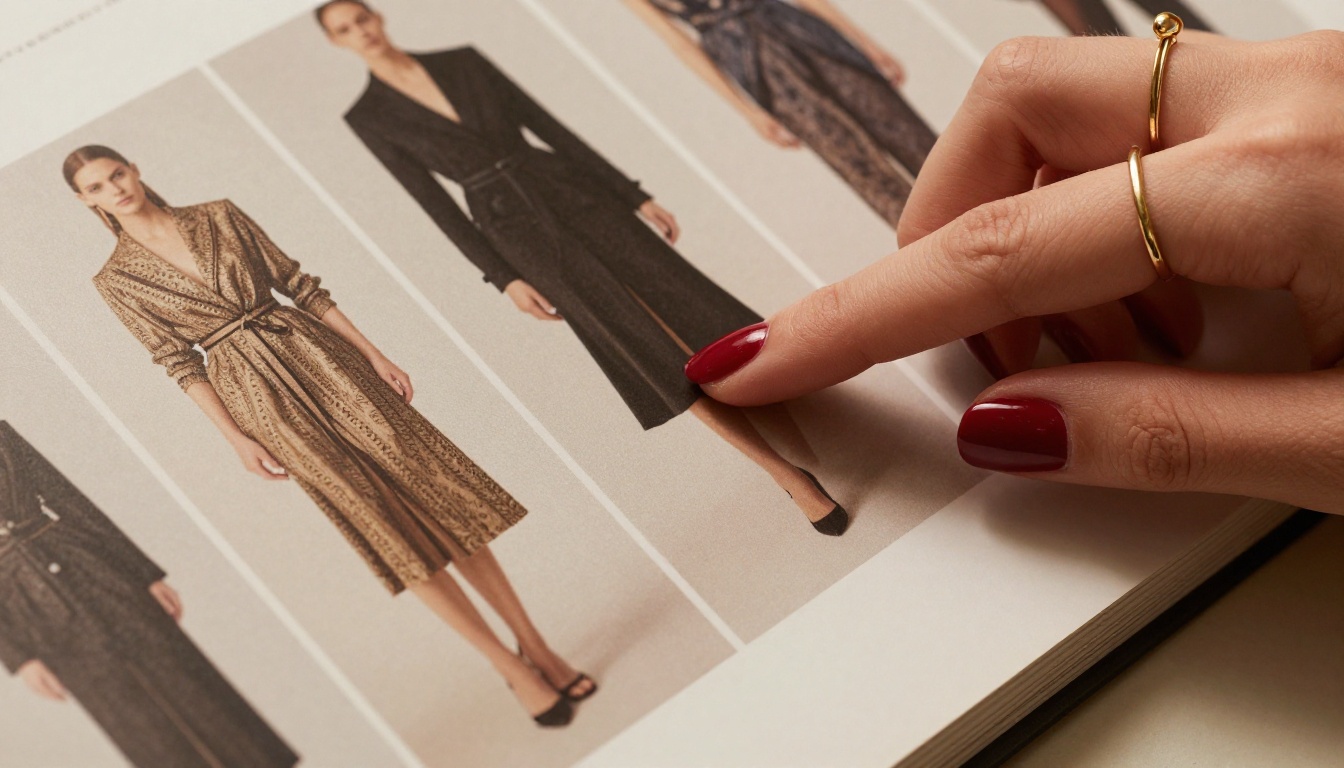
More than 60% of fashion content is now consumed on mobile devices. A PDF that requires pinching and zooming on a phone creates instant friction. An interactive digital lookbook built with responsive design scales perfectly to any screen size, whether it is being viewed on a 27-inch iMac in a buying office or an iPhone on the subway.
This is not a nice-to-have. Buyers and press contacts will close a bad mobile experience within seconds and move on.
Designing Your Lookbook Before You Build It
The most common mistake fashion brands make is jumping straight to production without a solid structure. Before you open any software, spend time on these foundational decisions.
Define the Story First
Every great lookbook has a narrative thread. That does not mean writing paragraphs of copy; it means the visual sequence tells a coherent story. Where does the collection begin? What is the mood in the opening pages? How does the energy shift through the middle? What is the emotional payoff at the end?
Seasonal themes, locations, color progressions, fabric stories: pick one organizing principle and let it drive every layout decision.

Photography Requirements
Interactive lookbooks amplify both great photography and bad photography. The images you use need to be high resolution (minimum 300 DPI for crisp rendering), consistently lit, and shot with a coherent visual language. Mixing bright studio shots with dark moody outdoor shots on the same spread creates visual chaos.
Consider these photography types for a well-rounded lookbook:
- Editorial spreads: Full-page hero images that establish the collection's mood
- Detail shots: Close-up fabric and construction photography for buyers evaluating quality
- Styling shots: How pieces work together as outfits, not just individual garments
- Lifestyle context: Models in real environments that align with your target customer's life
Layout Principles That Work
| Layout Type | Best For | Page Placement |
|---|
| Full-bleed hero | Opening spreads, seasonal mood | First 3-5 pages |
| Product grid | Core range overview | Mid-section |
| Detail + copy | Hero pieces, signature fabrics | Throughout |
| Lookbook flats | Buyers needing technical reference | Later pages |
| Contact + order info | Conversion | Final pages |
How to Create Your Fashion Lookbook with Flipbooks AI
Flipbooks AI has a dedicated Interactive Lookbook Designer and a Lookbook Flipbook Builder built specifically for fashion brands. Here is the full process from file to published lookbook.

Step 1: Prepare and Export Your PDF
Build your lookbook in your design software of choice (Adobe InDesign, Canva, Affinity Publisher, or similar). Export as a high-resolution PDF with embedded fonts and images. Aim for file quality that preserves all your photography at full sharpness.
⚠️ Important: Compress images to a reasonable file size before uploading. A 200MB PDF will upload and convert fine, but a well-optimized 20-40MB PDF will deliver a faster, smoother experience for your readers.
Step 2: Create Your Account and Upload
Create your account on Flipbooks AI and navigate to your dashboard. Click "New Flipbook" and either drag-and-drop your PDF or browse to upload. The platform's PDF to flipbook converter processes your file automatically, converting each page into a high-resolution digital spread with the signature page-flip effect.
The conversion typically takes 1-3 minutes depending on file size. You will see a real-time progress indicator.
Step 3: Customize Your Brand Identity
Once converted, open the customization panel. This is where your lookbook becomes unmistakably yours:
- Brand colors: Set your primary and accent colors to match your fashion brand's identity
- Logo placement: Upload your logo for the header and cover page
- Background color or texture: Choose from solid, gradient, or custom background options
- Page transition style: Select your preferred flip effect, classic page turn, slide, or fade
- Font selections: Match your typographic identity
💡 Pro Tip: Fashion brands with strong visual identities should use the custom background color feature to extend their brand color palette into the viewing experience itself, not just the pages.
Step 4: Add Interactive Elements
This is where the interactive layer comes alive. Beyond the base page-flip effect, Flipbooks AI lets you layer in rich content directly onto specific pages:
- Embedded video: Add campaign films, runway footage, or behind-the-scenes clips directly to specific pages
- Clickable links: Link products to your e-commerce store or wholesale ordering portal
- Audio: Add background music that plays as readers browse your collection
- Pop-up information: Layer product details, sizing information, or fabric specifications as clickable overlays
Step 5: Configure Privacy and Access
Not every lookbook should be public. For wholesale buyers, pre-launch collections, or press previews, Flipbooks AI offers password protection so only your intended audience can access the content. You can set a single password and distribute it alongside the link.
For public collections, you can embed the lookbook directly on your website using the platform's embed code, making it a seamless part of your brand's digital presence.
Step 6: Share and Distribute
Flipbooks AI gives you multiple distribution options:
- Direct link: A clean, shareable URL you can send to buyers, agents, and press contacts
- Embed code: Drop the flipbook directly into your website with a single code snippet using the Embed Flipbook on Website tool
- Social media: Share directly from the platform to major social channels
- Email campaigns: Include the link in your buyer outreach emails with a thumbnail preview
Step 7: Track Performance with Analytics
Professional plan users get full access to Flipbooks AI's analytics dashboard, which shows you exactly how buyers and viewers are interacting with your lookbook. Which pages get the most time? Where do people drop off? Who has forwarded the link? This data is genuinely useful for improving future seasons and prioritizing your sales follow-up calls.
💡 Pro Tip: Pay close attention to the pages with the lowest time-on-page. If buyers consistently skip past a certain spread, that section may need redesigning before you send the next collection.
Flipbooks AI Plans at a Glance
Choosing the right plan depends on how often you publish and which features matter most for your distribution strategy.
| Feature | Free | Standard | Professional |
|---|
| Watermark | Yes | No | No |
| Number of flipbooks | 3 | Unlimited | Unlimited |
| Password protection | No | Yes | Yes |
| Custom branding | Limited | Yes | Yes |
| Analytics | No | No | Yes |
| Lead generation | No | No | Yes |
| Offline downloads | No | No | Yes |
| Embed videos and audio | No | Yes | Yes |
| Mobile responsive | Yes | Yes | Yes |
For fashion brands actively selling to wholesale buyers, the Professional plan's analytics and lead generation features pay for themselves quickly. You will know exactly who looked at your lookbook and for how long, giving your sales team warm, prioritized follow-up contacts.
Compare all pricing plans to find the right tier for your brand.
Distribution Strategy for Maximum Reach
Building the lookbook is only half the work. Getting it in front of the right people is the other half.
Buyer Outreach
When emailing wholesale buyers, include a direct link to your interactive lookbook rather than attaching a PDF. The link opens in any browser instantly, and the professional page-flip presentation creates a significantly better first impression than a PDF download. Include a thumbnail screenshot in your email to make the link visually enticing to click.
Press and Media Contacts
Fashion editors and stylists receive hundreds of PDF lookbooks each season. A password-protected interactive lookbook link with a professional covering note stands out immediately. You can even create different versions with different passwords for different press tiers, giving you control over who sees what.
Your Own Website
Embed your lookbook on your website's collections page using Flipbooks AI's embed tool. This keeps visitors on your site longer, improves your SEO dwell time metrics, and gives every site visitor an immersive way to experience your collection without leaving to open a separate file.
Social Media Teasers
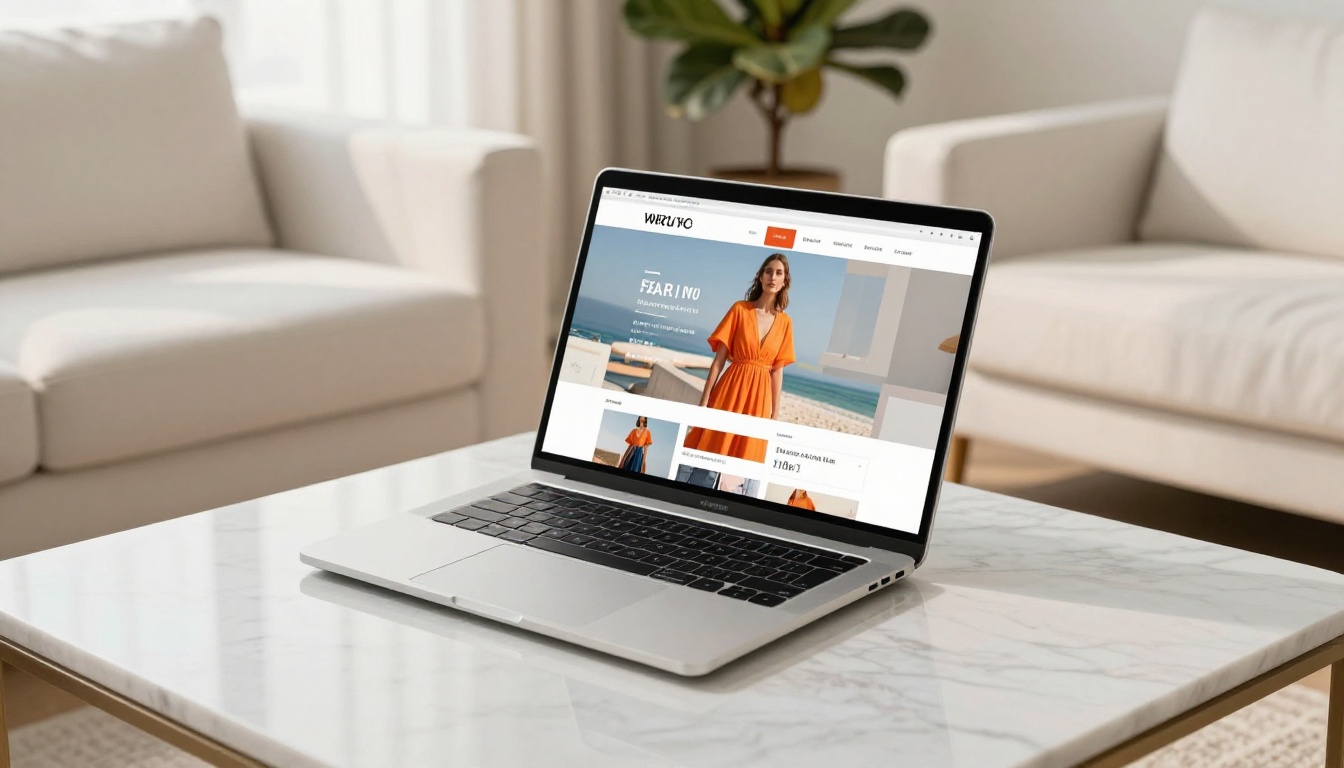
Use single-page screenshots or short screen recordings of the page-flip effect as social media content, then direct followers to the full lookbook link in your bio or story links. The page-flip animation is inherently satisfying to watch and performs well as short-form content on Instagram and TikTok.
What Makes Fashion Lookbooks Actually Convert
There is a difference between a beautiful lookbook and one that generates orders. The most effective fashion lookbooks share a few specific characteristics.
Clear Editorial Voice
Every element, from the photography style to the font choices to the color palette of the pages, should reinforce a single, coherent brand aesthetic. Buyers and press contacts should be able to tell immediately what kind of brand they are looking at and who the target customer is.
Specific Product Information
Beautiful is not enough. Buyers need fabric compositions, available colorways, size ranges, and minimum order quantities. Build this into your page design as clean, legible overlays or dedicated product information pages. A lookbook that only shows photography without product specifics will rarely close a wholesale order.
A Clear Next Step
Every lookbook needs a strong close. Your final pages should include your contact information, your sales agent details if applicable, your ordering portal link, and a clear call to action. Do not assume buyers know what to do next. Tell them explicitly.
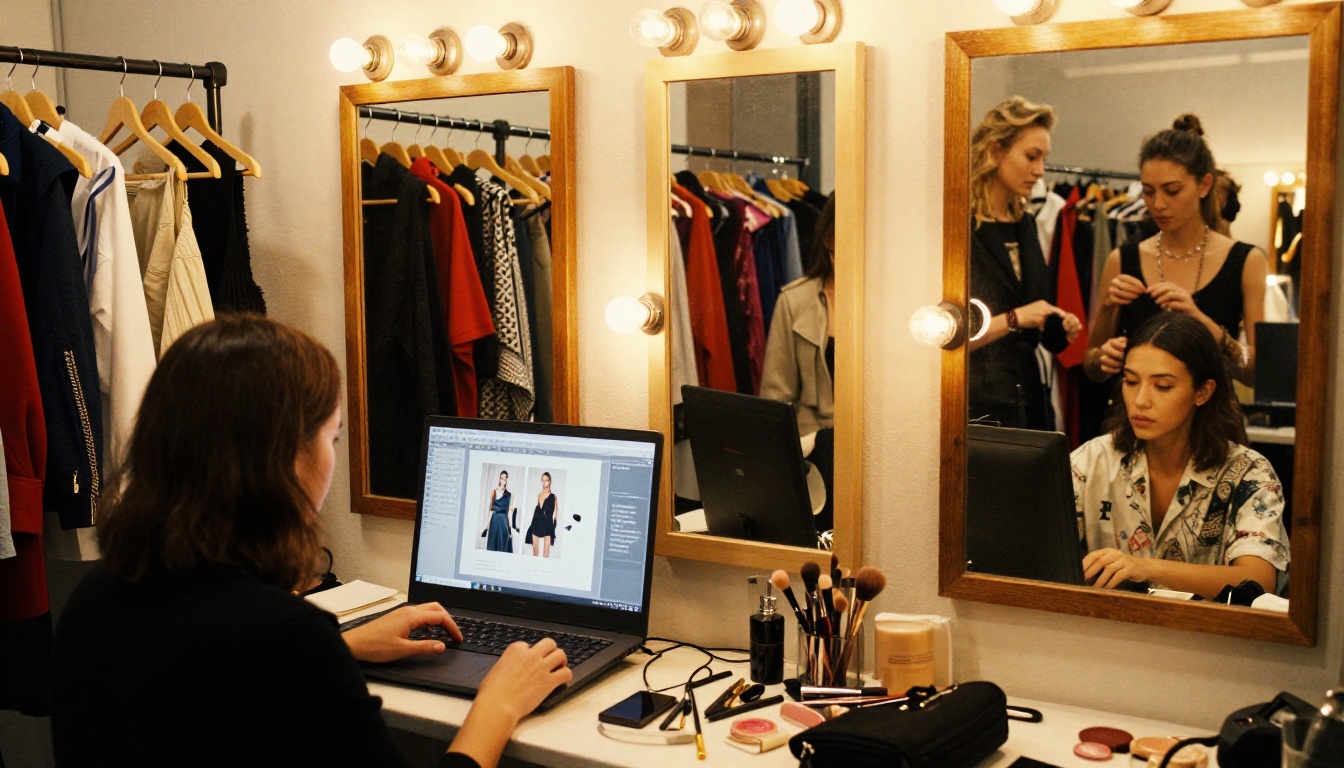
✅ Best Practice: End your lookbook with a two-page spread: one page with the collection's hero shot, facing a clean page with your brand logo, contact details, and a QR code or direct URL to your wholesale ordering portal.
Beyond lookbooks, fashion brands need a cohesive suite of digital presentation tools. Flipbooks AI covers the full range of what a fashion brand needs to present professionally at every level:
Each tool follows the same workflow: upload your PDF, customize your brand settings, and share a professional interactive result with a single link.
Take Your Collection Further
Creating an interactive lookbook for your fashion line is one of the most direct ways to elevate how your brand shows up in front of buyers, press, and customers. The process is faster than most brands expect, the results are significantly more professional than any static PDF, and the data from each distribution cycle makes every future season sharper.
Ready to build yours? Start for free on Flipbooks AI and have your first interactive lookbook live before your next buyer meeting. For brands ready to commit to professional-grade distribution tools, review the pricing plans to see which tier fits your volume and feature needs.
Browse all lookbook and catalog tools to see the full range of what you can build for your brand.



