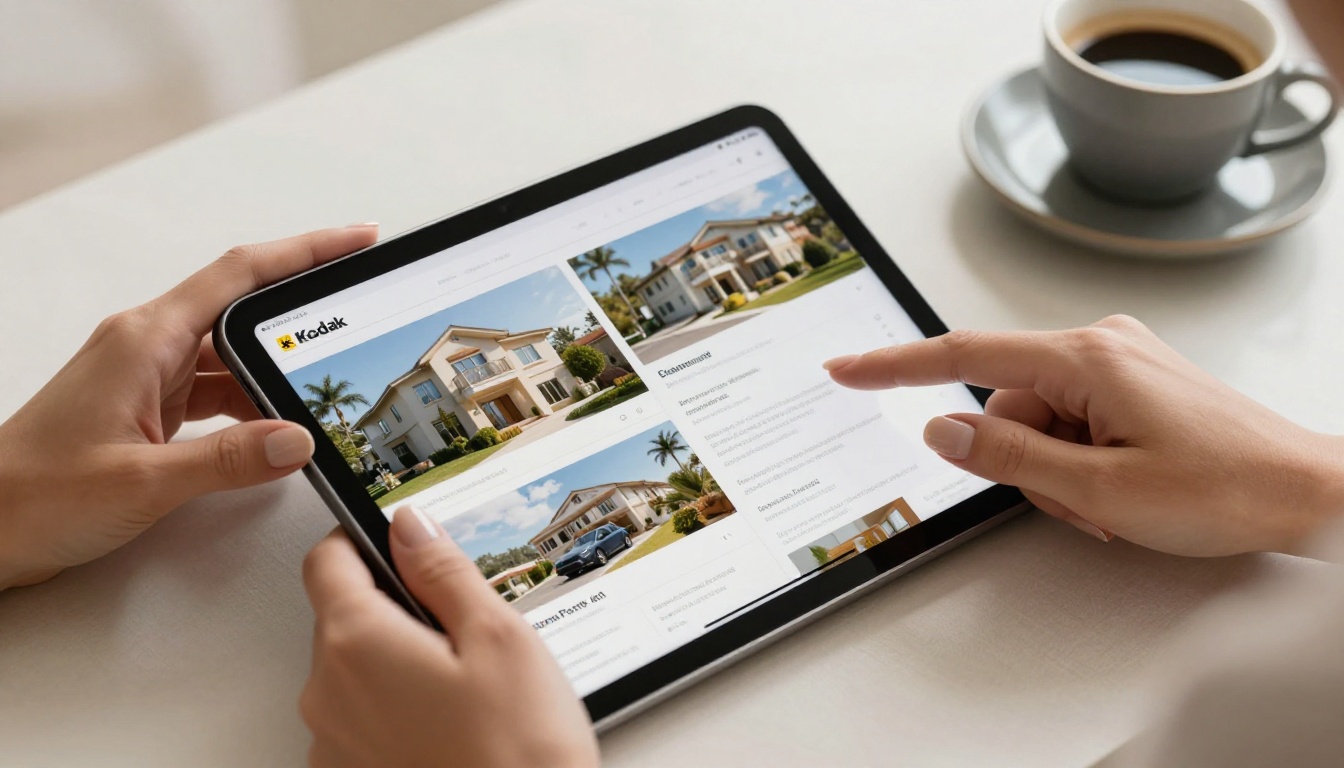
Your client's first impression of your business often comes before any meeting, call, or email reply. It comes from your brochure. A poorly formatted PDF attachment that freezes on mobile, loads slowly, or looks generic signals one thing: you are not the premium option. An interactive, beautifully crafted online brochure builds credibility the moment it opens. Whether you are in real estate, hospitality, consulting, or retail, the quality of your digital materials directly shapes how clients perceive your value. Flipbooks AI makes it possible for any business to publish brochures that look and feel world-class, without hiring a developer or waiting on a print run.
Why Online Brochures Beat Printed Ones
Printing runs cost money, take time, and become outdated the moment prices change or a new service launches. Beyond cost, printed materials simply cannot do what digital ones can: flip pages, embed videos, track interaction, or land in a client's inbox in seconds.
Businesses across every sector, from real estate to hospitality to professional services, are making the shift to digital. And the shift is not just about convenience. It is about what clients now expect.
The Real Cost of Print
A mid-sized print run of 500 tri-fold brochures can cost anywhere from $300 to $1,200 depending on paper quality, finishes, and quantity. Add design revision cycles, shipping, and storage, and that number climbs further. Then a product price changes, and the entire run is obsolete.
Online brochures eliminate reprinting entirely. Update once, share the same link.
| Cost Factor | Printed Brochure | Online Brochure |
|---|
| Design and Layout | $200 - $800 | One-time design |
| Print Run (500 copies) | $300 - $1,200 | $0 |
| Distribution | Postage and courier fees | Shareable link, email, or embed |
| Update Costs | Full reprint required | Edit and republish instantly |
| Analytics | None | Page views, time on page, clicks |
| Environmental Impact | Paper waste | Zero physical waste |
What Clients Actually Prefer
Studies consistently show that 70% of buyers research online before making any purchasing decision. When your brochure is digital, it meets clients where they already are: on their phone, their laptop, in a Slack message or a WhatsApp thread. A link is infinitely more shareable than a PDF attachment.

What Makes a Brochure Clients Love
Not every online brochure wins clients. The ones that do share a few qualities that set them apart from generic PDF documents.
First Impressions in 3 Seconds
Research from cognitive psychology confirms that people form design judgments in milliseconds. A cluttered layout, wrong font choice, or off-brand color palette communicates unprofessionalism before a single word is read. Your opening spread sets the tone for everything that follows.
High-performing brochures open with a bold, full-bleed image, a clear headline that states a benefit rather than just a company name, and visual breathing room. White space is not empty space. It is clarity.
Design Elements That Build Trust
Trust signals in a brochure are subtle but measurable:
- Consistent typography: Two fonts maximum. One serif for headings, one sans-serif for body.
- Brand color discipline: Stick to 2-3 colors. Deviation signals disorganization.
- Professional photography: Stock images that look stock-like erode credibility. Authentic visuals of real spaces, people, and products perform better.
- Social proof placement: Client logos, testimonials, or award badges placed early in the brochure anchor confidence before the reader has processed a single pitch.
- Clear call-to-action on each spread: Every page should give the reader a clear next step.
💡 The most effective brochures are built around one specific client persona. If you are targeting two very different audiences, create two separate brochures rather than one trying to serve both.

Before you design, you need to choose the right format. The format determines how clients experience your content and shapes what is technically possible.
PDF vs. Flipbook vs. Slideshow
Each format has legitimate use cases. The question is which one best serves your client relationship.
| Format | Best For | Limitations |
|---|
| Static PDF | Internal documents, formal contracts | No interactivity, poor mobile UX, triggers downloads |
| Interactive Slideshow | Presentations, pitch decks | Linear navigation only, not embeddable |
| Digital Flipbook | Client-facing brochures, catalogs, portfolios | Requires a dedicated platform |
| Printed Brochure | Trade shows, physical handoff | No analytics, no updates, costly |
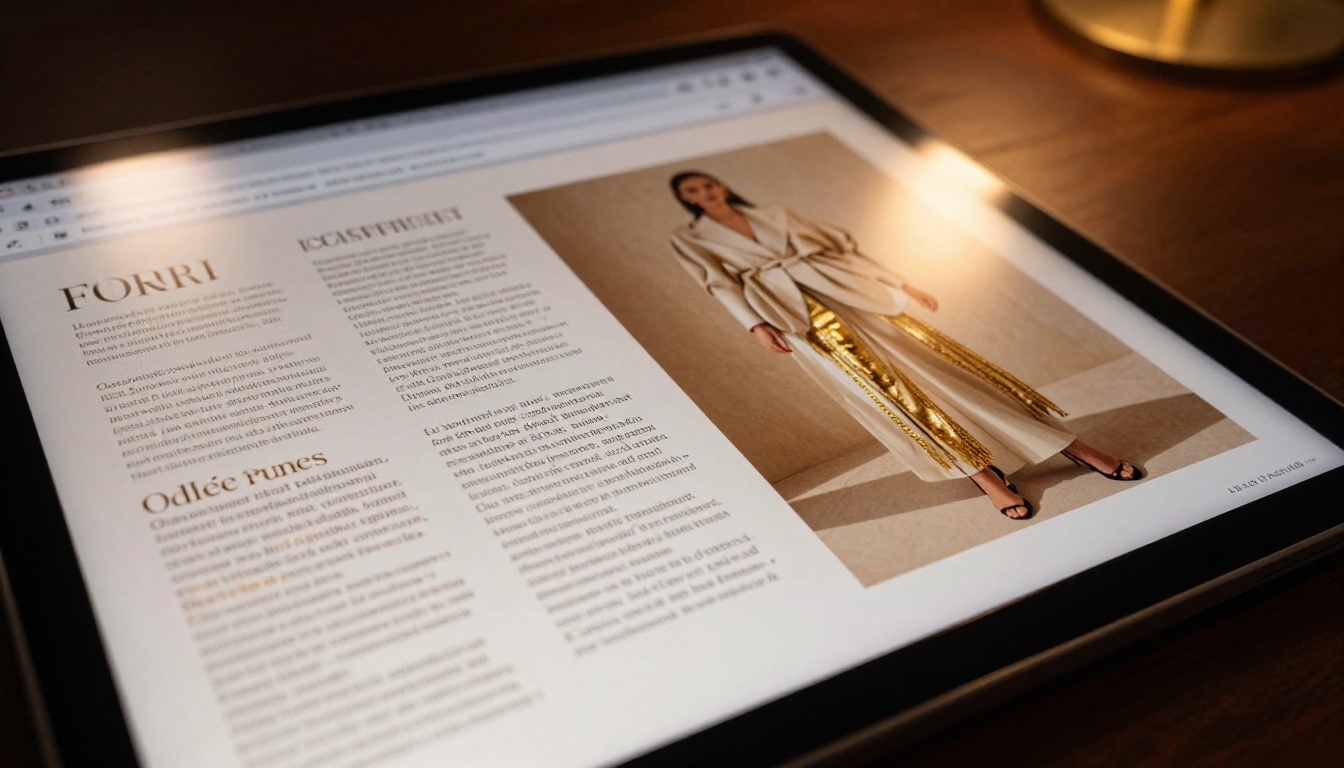
For client-facing materials, the digital flipbook format wins on almost every criterion. It replicates the tactile feel of a physical brochure with page-turn animation, spread layouts, and a polished opening page, while adding interactivity, shareability, and real-time analytics.
⚠️ Do not default to a raw PDF link as your client-facing brochure. PDFs open differently across browsers and devices, often triggering a download rather than an in-browser view, which breaks the experience immediately.
How to Create an Online Brochure with Flipbooks AI
Flipbooks AI converts any PDF into a fully interactive digital flipbook in minutes. No code, no plugins, no design degree required. Here is the exact process from upload to sharing with clients.
Step 1: Sign Up and Upload Your PDF
Start at flipbooksai.com/account and create a free account. Once inside your dashboard, click New Flipbook and drag your PDF into the upload area. The platform processes the file and renders each page at high resolution, preserving your original layout, fonts, and imagery.

✅ Before uploading, make sure your PDF is exported at 150-300 DPI from your design tool. Lower resolutions will appear blurry on retina screens.
Files up to 200MB are supported on standard plans. Large catalogs or annual reports with 50+ pages process smoothly through the PDF to Flipbook Converter.
Step 2: Customize Your Brand
Once processed, the customization panel opens. Here you can:
- Set brand colors for the reader toolbar and background
- Add your logo to the viewer header
- Choose a page-turn style: classic flip, slide, or fade
- Configure the preview thumbnail displayed in link previews and embeds
For client-facing brochures, the Online Brochure Designer and Brochure Flipbook Maker offer purpose-built templates aligned with specific use cases like real estate, hospitality, and professional services.
Step 3: Add Multimedia and Interactivity
This is where digital brochures leave print permanently behind. Inside the Flipbooks AI editor, you can:
- Embed YouTube or Vimeo videos directly on any page spread
- Add clickable hotspots linking to product pages, booking forms, or external resources
- Insert audio narration for a narrated brochure experience
- Activate lead capture forms on the Professional plan to collect viewer contact details
💡 Embedding a 60-second video testimonial on your brochure's first spread increases time-on-page by an average of 2-3x. Use this tactic for high-value proposals.
Step 4: Share, Embed, and Track
Sharing options on Flipbooks AI are built for professional use:
- Direct link: Copy a clean URL to send via email or messaging
- Embed code: Place the flipbook directly on your website or landing page using the Embed Flipbook on Website tool
- Password protection: Restrict access to specific clients or prospects
- QR code generation: Print a QR code on business cards or physical signage that opens the digital brochure instantly
On the Professional plan, analytics show exactly which pages clients viewed, how long they stayed, and where they stopped reading. This data turns a passive document into an active sales intelligence tool.
Professional-Tier Features Worth Knowing
For teams that send brochures at volume, the Professional plan adds:
- Page-level analytics: See where attention concentrates and where it drops
- Lead generation forms: Capture names and emails from brochure viewers before they read
- Offline downloads: Clients can save a copy for offline viewing, formatted for print or screen
- Priority support: Direct access to the support team for onboarding and troubleshooting
Industry Use Cases That Convert
The most effective brochures are specific to an industry context. Generic brochures get generic results. Here is how different sectors are using interactive online brochures to close more business.
Real Estate Brochures That Close Deals
Property buyers expect polished visual materials. A flipbook property brochure with floor plans, neighborhood imagery, and an embedded virtual tour video creates an immersive experience that static PDFs cannot match.
The Real Estate Brochure Creator provides layouts specifically designed for property listings, including features for price tables, amenity highlights, and agent contact spreads.
✅ Real estate agents using interactive brochures report 40-60% fewer "I need to think about it" responses because the brochure answers visual questions before the buyer has to ask them.
Hotel and Hospitality Materials
A hotel's digital brochure serves as its primary conversion tool for group bookings, weddings, and corporate retreats. The Hotel Brochure Designer offers spread formats built around amenity showcasing, room category comparisons, and venue capacity tables.
Embedded video walkthroughs of ballrooms, spa facilities, and suite categories allow event planners to make confident decisions without a site visit.

Service Business Proposals
Consultants, agencies, and service firms use digital brochures as sophisticated alternatives to pitch decks. Unlike a slideshow presentation, a brochure can be reviewed asynchronously by multiple stakeholders on the client side without requiring a scheduled meeting.
The Sales Presentation Flipbook and Press Kit Designer are particularly effective for this use case, combining proposal layouts with credential pages and case study spreads.
Automotive and Luxury Products
High-consideration purchases require visual confidence. A vehicle configurator brochure, for example, can walk a buyer through trim levels, color options, and financing without requiring a dealership visit. The Automotive Brochure Generator handles this format precisely, with spread designs that showcase specifications alongside full-bleed product photography.
Flipbooks AI Plans at a Glance
Choosing the right plan depends on your volume and the features your client workflow requires.
| Feature | Free | Standard | Professional |
|---|
| Flipbooks | 1 | Unlimited | Unlimited |
| Watermark | Yes | No | No |
| Custom Branding | No | Yes | Yes |
| Password Protection | No | Yes | Yes |
| Embed on Website | No | Yes | Yes |
| Analytics | No | No | Yes |
| Lead Generation | No | No | Yes |
| Offline Downloads | No | Yes | Yes |
| Video Embedding | No | Yes | Yes |
| Price | Free | From $9/mo | From $19/mo |
💡 For most client-facing use cases, the Standard plan is the minimum viable option. It removes watermarks (critical for professional credibility), activates custom branding, and allows password protection for sensitive proposals.
See all options and feature details on the pricing page to match your specific workflow.
Even well-designed brochures fail when these mistakes are present.
Too Much Text, Too Little Visual
A brochure is not a white paper. If a spread contains more than 80 words of body copy, it needs to be redesigned. Clients skim, they do not read linearly. Every block of text competes for visual attention with the images around it. Ruthlessly edit. If a sentence does not move the client toward a decision, remove it.
Not Optimizing for Mobile
Over 60% of brochure links are opened on mobile devices. A flipbook that requires pinching and zooming, or one where text becomes illegible at phone width, loses the client before they reach page two. Test every brochure on both iOS and Android before sharing.
Flipbooks AI renders all flipbooks in mobile-responsive format by default, but the underlying PDF layout also needs to account for mobile readability. Use larger font sizes (minimum 12pt), high-contrast text on backgrounds, and portrait-oriented images where possible.
⚠️ Avoid using background textures or watermark-style overlays on text-heavy pages. These elements severely reduce readability on small screens and low-brightness displays.
Burying the Call-to-Action
The biggest missed opportunity in most brochures is a weak or absent call-to-action. Every brochure needs at minimum three clear CTAs: one on the opening spread, one mid-brochure, and one on the final page. Make the action explicit, the link or button visible, and the benefit of clicking it immediate.
Ignoring Page-Level Data
If you have access to flipbook analytics, available on the Professional plan, use the data. A page with a 20-second average view time is resonating. A page with 2 seconds means the content is not connecting. Iterate on the pages losing attention and double down on the ones performing well.
Build the Brochure Your Clients Are Waiting For
Your clients receive dozens of business materials every week. The ones that stop the scroll, hold attention, and prompt action are built with intention: the right format, the right design, and the right platform behind them.
Flipbooks AI gives you everything needed to move from a static PDF to a fully interactive, branded, and shareable digital brochure in under an hour. No watermarks on paid plans. Unlimited flipbooks on Standard and above. Password protection, video embedding, mobile-responsive rendering, and Professional-tier analytics for teams that want to close faster.
Ready to build something your clients will actually remember? Create your free account and publish your first brochure today. When you are ready to scale, see all plans and pick the tier that fits your workflow.
Browse all brochure tools and templates to find the format that fits your industry, from the Real Estate Brochure Creator to the Hotel Brochure Designer and everything in between.



