Publishing a magazine used to mean printing costs, distribution deals, and gatekeepers deciding who got access. Today, anyone can create an online magazine and share it with the world for free, no printing press required. Platforms like Flipbooks AI have made it possible to build beautiful, interactive digital publications that anyone can read on any device, without paying a cent. Whether you're a journalist, a small business owner, a school administrator, or someone with a story to tell, the tools are already waiting for you.

What Makes an Online Magazine Worth Reading
The difference between a magazine that gets read and one that gets ignored has nothing to do with budget. It has everything to do with the reading experience. When someone opens your publication, they should feel like they've found something worth their time.
Static PDFs vs. interactive flipbooks
A static PDF is a dead end. It doesn't invite the reader in, it doesn't move, and on mobile it becomes a pinching-and-zooming frustration. An interactive flipbook magazine behaves like the real thing. Pages turn with a satisfying animation. Readers can click links, watch embedded videos, zoom into images, and jump between sections using a clickable table of contents.
The technology behind this is simpler than most people expect. You design your magazine in any layout tool (InDesign, Canva, Google Slides), export it as a PDF, upload it to a platform like Flipbooks AI, and within minutes you have a fully interactive digital magazine with a shareable link anyone can open in their browser.
Why free reader access changes everything
Paywalls kill reach. If your goal is to inform, inspire, or build a community, requiring a subscription before anyone sees your content defeats the purpose. The open-access model means your audience grows organically through sharing. A student can forward your school magazine to parents. A restaurant can share their editorial menu with every customer on social media. A nonprofit can put their annual report in front of every donor without a single printing or mailing cost.
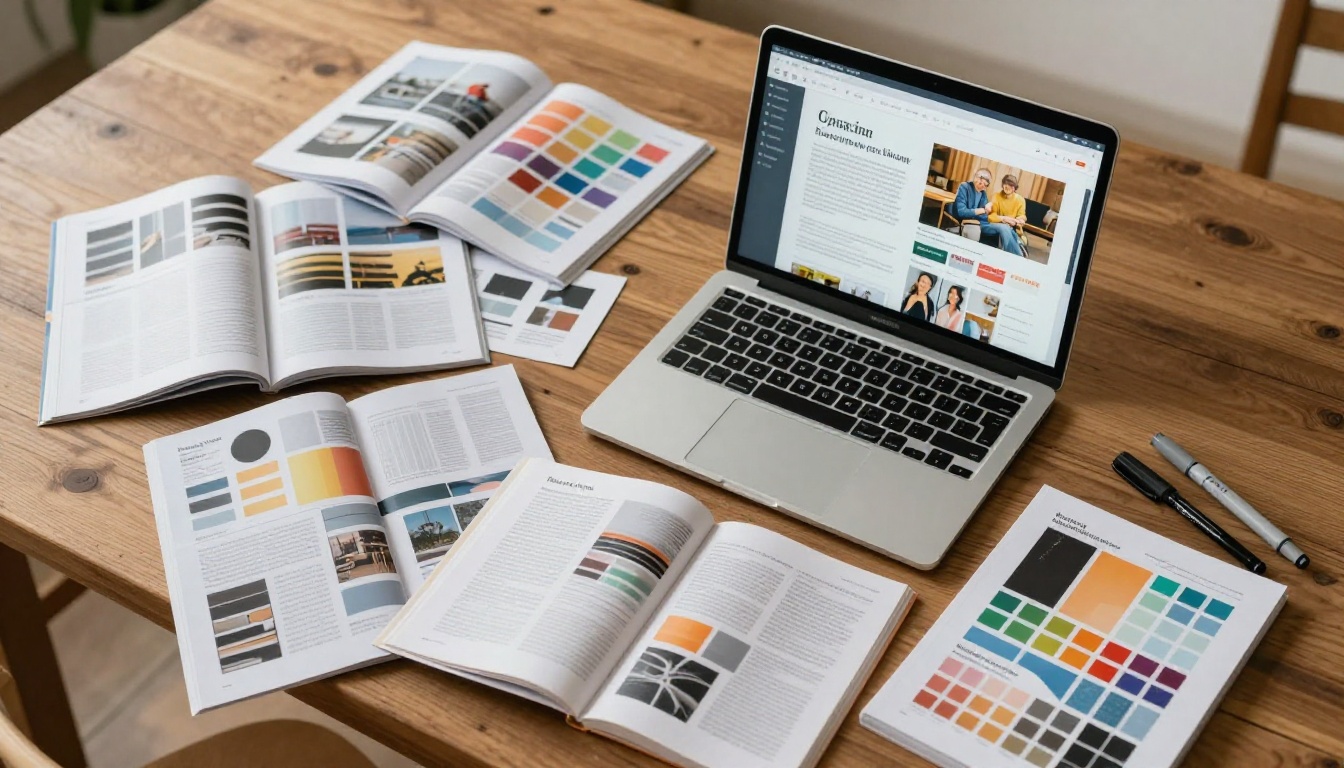
Not all digital magazine platforms are built the same. Some put a paywall in front of your readers. Others slap watermarks across every page. A few only allow a limited number of pages per publication. When choosing where to host your magazine, these are the things that actually matter.
What to look for in a magazine platform
- No watermarks on published content: Your magazine should look professional, not like a demo
- Open reader access: Anyone should be able to read without creating an account
- Mobile-responsive design: Most readers will be on their phones
- Shareable links: Clean URLs you can post anywhere
- Embed codes: So the magazine lives directly on your website
- Password protection option: For internal or early-access editions when needed
- Analytics: To know who's reading and what they're spending time on
Platform comparison table
| Feature | Basic PDF Hosting | Document Sharing Sites | Flipbooks AI |
|---|
| Interactive page flip | No | No | Yes |
| Free reader access | Yes | Yes | Yes |
| No watermarks | Varies | Often no | Yes |
| Mobile-optimized | No | Partial | Yes |
| Custom branding | No | No | Yes |
| Embed on website | No | Limited | Yes |
| Analytics | No | Basic | Yes (Pro) |
| Password protection | No | No | Yes |
| Unlimited flipbooks | N/A | Limited | Yes (Standard+) |
| Embedded video/audio | No | No | Yes |
The comparison shows clearly that basic file hosting and document-sharing sites serve a different purpose. They store files. Flipbooks AI creates a reading experience.

How to Build Your Online Magazine Step by Step
This is the exact process for going from idea to a live, shareable online magazine using Flipbooks AI. The whole workflow takes less time than most people expect on their first attempt.
Step 1: Plan your content and structure
Before opening any design software, map out your magazine's sections. Think like a print editor: you need a front page, a table of contents, feature articles, sidebars, and a back page. For a debut issue, 12 to 24 pages is a strong starting point. Manageable to produce, substantial enough to feel like a real publication.
Define your content categories before designing. A community lifestyle magazine might include local news, event previews, recipes, and a photo essay. A business trade publication might feature industry data, interviews, and product spotlights. Knowing your sections before you design saves enormous time in layout.
Step 2: Design and export your PDF
Use whichever tool you're most comfortable with:
- Adobe InDesign or Illustrator for professional print-quality layouts
- Canva for fast, beautiful results with built-in magazine templates
- Google Slides or Figma for team-collaborative workflows
- Microsoft Publisher if you prefer a familiar desktop environment
Once your layout is done, export as a PDF with embedded fonts and full-resolution images. This is the file you'll upload.
💡 Set your page size to a standard magazine ratio (8.5" x 11" or A4) for the best flipbook rendering. Landscape formats work particularly well for tablet reading.
Step 3: Upload and convert on Flipbooks AI
- Go to flipbooksai.com and create your account
- Click New Flipbook and select your PDF file
- The platform converts your PDF into an interactive flipbook in seconds
- A live preview with page-turn animation appears immediately
The E-Magazine Publishing Tool and Magazine Flipbook Creator are specifically optimized for magazine-style layouts, handling multi-column text, full-bleed photography, and editorial typography without distortion.
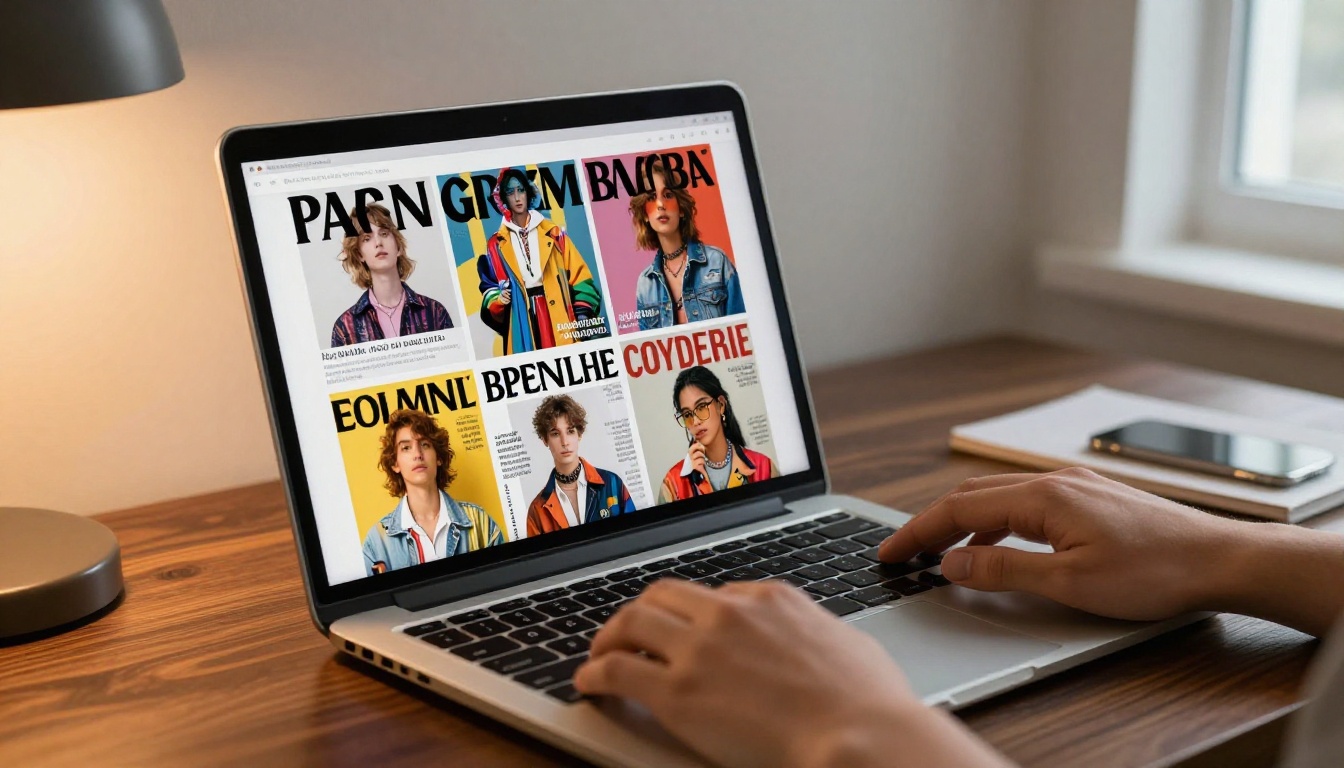
Step 4: Customize the reading experience
After conversion, you can adjust how your magazine looks and behaves for readers:
- Branding: Add your magazine's logo and set brand colors for the viewer chrome
- Front thumbnail: Choose the image that appears when people share your link on social media
- Page effects: Enable realistic page-curl animations or flat transitions
- Table of contents: Add clickable chapter navigation so readers jump directly to sections
- Multimedia embeds: Drop in YouTube videos, audio clips, or animated GIFs directly onto pages
- Background music: Add ambient audio that plays while readers browse through your issue
✅ Always add a clickable table of contents. Readers on mobile especially appreciate jumping to sections without swiping through every page in sequence.
Step 5: Publish and share with zero reader barriers
When you publish your magazine on Flipbooks AI:
- There is no paywall for your readers
- There are no watermarks on the published flipbook
- The link opens on any device, any browser, with no app download required
- You can share it on social media, embed it on your site, or send it in an email
For embedding on a website, you receive a simple iframe code. Paste it anywhere in your site's HTML and your magazine appears inline, fully interactive, without readers leaving your page. The Embed Flipbook on Website tool generates the code in one click with your preferred dimensions.
Types of Magazines You Can Publish for Free
The variety of publications that work beautifully in the flipbook magazine format is genuinely broad. Here are the most common use cases with the specific tools built for each one.
Magazine types and their ideal tools
Community and culture magazines
Local community magazines have seen a genuine revival in digital format. Neighborhood organizations, cultural groups, and hobbyist communities publish monthly or quarterly issues that circulate through social media and email. The reading experience of a flipbook magazine makes these feel polished and legitimate, not like a forwarded PDF attachment.
A food culture magazine, for example, can feature recipe spreads with full-bleed photography, links to video tutorials embedded directly on the page, and a clickable index of all recipes in the issue. Readers get the tactile joy of flipping through pages without anyone needing to print or mail a single copy.
Business and trade publications
B2B companies have found that a well-designed digital magazine builds authority far more effectively than a standard white paper or slide deck. A quarterly industry magazine positions a company as a thought leader, not just a vendor. The E-Magazine Publishing Tool handles the complex layouts typical of business publications, from data visualization sidebars to multi-page interview features.
Real estate agencies publish property showcase magazines that clients share with family members involved in buying decisions. Hotels create destination magazines that guests receive before arrival. Each of these is a free, open reading experience for the audience, with no friction whatsoever.

School and nonprofit magazines
Educational institutions have a natural need for publications that anyone can read without an account or a fee. Parents, donors, community members, and prospective students all want access instantly. A school magazine built with the Yearbook Flipbook Maker or School Newsletter Creator can be shared publicly with a single link sent in a parent email blast.
Nonprofits benefit particularly. A digital annual report in flipbook format reaches donors wherever they are, on their phones and laptops, without printing costs eating into the program budget. The Non-Profit Annual Report tool formats financial data, impact stories, and photography into a publication that donors actually open and read.
Sharing So Anyone Can Actually Find and Read It
Building a beautiful magazine is only half the work. Getting it in front of readers is the other half.

Direct link sharing
Every flipbook magazine on Flipbooks AI gets a permanent, shareable URL. This link works on any device without any app download or account creation from the reader's side. That frictionless access is what makes it genuinely available to anyone.
Share your link through:
- Email newsletters: A thumbnail of your front page can be auto-generated
- Social media: The preview image pulls from your front page automatically
- WhatsApp and messaging groups: Direct link with rich preview
- Your email signature: Passive distribution to everyone you correspond with
- Printed materials: A QR code pointing to the URL bridges print and digital
Embedding on your website
For publications that live on your own site, embedding creates the most seamless distribution. Your magazine appears directly on your page, fully interactive, without readers navigating away. The Embed Flipbook on Website tool generates the code in one click.
⚠️ Some website builders restrict iframe dimensions on mobile. Always test your embedded flipbook on a phone after publishing to confirm the reading experience works smoothly for your audience.
Password-protected editions
While most issues should be open for anyone to read, some situations call for controlled access. Staff previews, patron-exclusive issues, or pre-launch editions can be set with password protection. The public URL still works for open editions, and protected issues require only a simple password, no account, no subscription.
Features That Print Can't Match
Print magazines and static PDFs share the same limitation: what you see is permanently what you get. Digital magazines in flipbook format have capabilities that change what a magazine can actually do for readers and publishers alike.

Interactive capabilities comparison
| Feature | Print Magazine | Static PDF | Digital Flipbook |
|---|
| Clickable links | No | Sometimes | Yes |
| Embedded video | No | No | Yes |
| Audio narration | No | No | Yes |
| Page-flip animation | Physical only | No | Yes |
| Mobile-optimized | No | Poor | Yes |
| Analytics tracking | No | No | Yes (Pro) |
| Searchable content | No | Yes | Yes |
| Lead capture forms | No | No | Yes (Pro) |
| Offline download | N/A | Yes | Yes |
| Auto-updates | No | No | Yes |
The features available on Flipbooks AI's Professional plan extend the magazine into a proper content marketing tool. Lead generation forms embedded inside the magazine capture reader information. Analytics reveal which pages get the most time spent, which links get clicked, and how many readers finish each issue.
Why readers actually prefer the flipbook format
Reading habits have shifted dramatically over the past decade. People read on phones, in short bursts, across different environments and lighting conditions. The flipbook format respects this reality. The swipe-to-turn interaction is intuitive. The table of contents is always one tap away. Text reflows properly on small screens.
Beyond usability, the flipbook format signals quality. When someone opens a polished digital magazine with a realistic page-turn and professional editorial layout, they engage with it differently than they would a plain document. It gets read rather than skimmed and closed.
Publishing Your First Issue Without Overthinking It
The biggest barrier to publishing an online magazine isn't technical. It's the gap between "I want to make this" and "I actually hit publish." A minimal first-issue approach gets you live without waiting for everything to be perfect.

Your first issue checklist:
- Pick one clear topic or theme for the entire issue
- Write or collect 4 to 6 pieces of content (articles, interviews, visual essays)
- Design in Canva using a magazine template (free templates included)
- Export as a high-quality PDF
- Upload to Flipbooks AI and convert
- Customize your branding and front page thumbnail
- Copy your shareable link and distribute it
No large team. No big budget. No technical expertise required. The first issue exists to prove you can ship. Every subsequent issue improves as you learn what your readers respond to.
💡 Batch your content production. Write and design the content for issue two before issue one goes live. That way you're never scrambling against a deadline when reader interest is highest.
For publications that want a lighter, more frequent publishing cadence between full magazine issues, the Newsletter Flipbook Publisher handles shorter-format editions with the same professional reading experience.
Stop Planning, Start Publishing
There are enough barriers in the world. Your magazine doesn't need to be one more thing that costs your readers something. Build it, make it beautiful, and put it out there for anyone to read on any device, any time.
Create your first flipbook magazine on Flipbooks AI today. Browse all publication tools to find the right format for your content. Or compare pricing plans if you want analytics, lead generation, and offline downloads for your growing publication.
Your audience is already out there. Give them something worth reading.



