You spent hours photographing products, writing descriptions, and locking in prices. The last thing you need is to hand all of that off to a designer, wait two weeks, and pay hundreds for a static PDF that nobody can find. There is a better way. Flipbooks AI lets you turn any PDF into a polished, interactive digital catalog in minutes, and you do not need design experience, software subscriptions, or a creative background to do it.
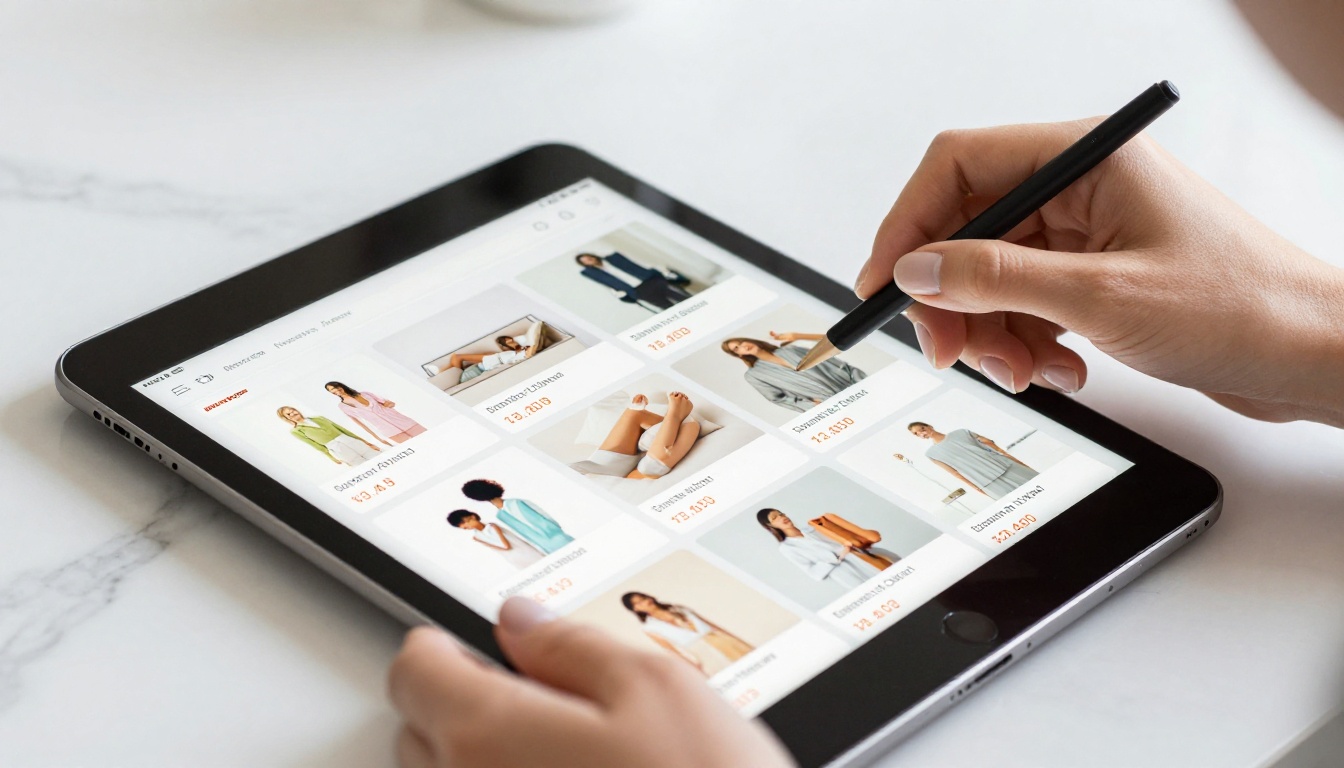
Why Printed Catalogs Are Holding You Back
Printing and distributing physical catalogs is expensive. A short print run for a 20-page catalog can cost anywhere from $500 to $2,000, and that does not include design fees, shipping, or the cost of reprinting when a product changes. More importantly, printed catalogs get thrown away, go out of date within weeks, and offer no way to track who actually read them.
Digital catalogs solve every one of those problems. They are shareable with a single link, update instantly when you change a PDF, load on any phone or desktop, and give you real data on how customers interact with your content.
The True Cost of Print
Most small businesses seriously underestimate what printed materials actually cost over the course of a year.
| Cost Category | Print Catalog | Digital Catalog |
|---|
| Design fees | $300 to $1,500 | $0 |
| Print run (500 copies) | $400 to $900 | $0 |
| Distribution and shipping | $100 to $500 | $0 |
| Reprints for updates | $400+ per update | $0 |
| Performance tracking | Not possible | Included |
The numbers make a clear case. Even if you invest in a low-tier subscription tool, you recoup the cost within the first month.
What Modern Buyers Actually Want
Buyers today browse on their phones. They share links in WhatsApp groups, click through from Instagram stories, and expect catalogs to load instantly. A static PDF that requires downloading and zooming in is not what they want. An interactive flipbook that flips pages, embeds videos, and works on mobile without friction is what actually converts.
💡 Pro tip: Interactive digital content consistently generates more browsing time than flat PDFs. Page-flip catalogs invite readers to stay longer and engage with more products.
What a Digital Catalog Does Differently
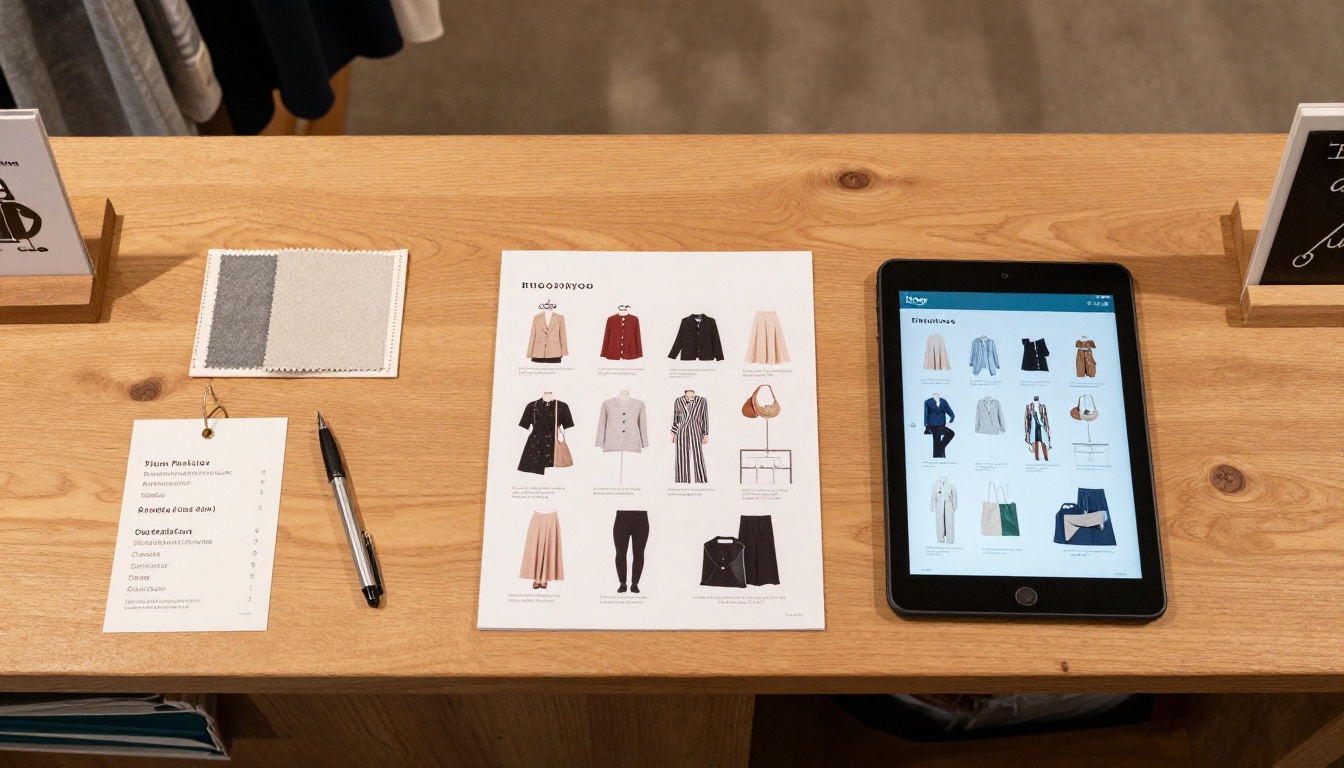
A digital catalog is not just a PDF you email out. When built with a proper flipbook tool, it behaves like a mini magazine: pages flip with realistic animation, readers can zoom into product images, click embedded links, and share specific pages directly.
The Page-Flip Experience
The page-turn animation is not just a visual trick. It creates a reading experience that people are already familiar with from magazines and books. That familiarity builds trust and keeps readers browsing longer than a scrolling PDF ever could.
Works on Every Device
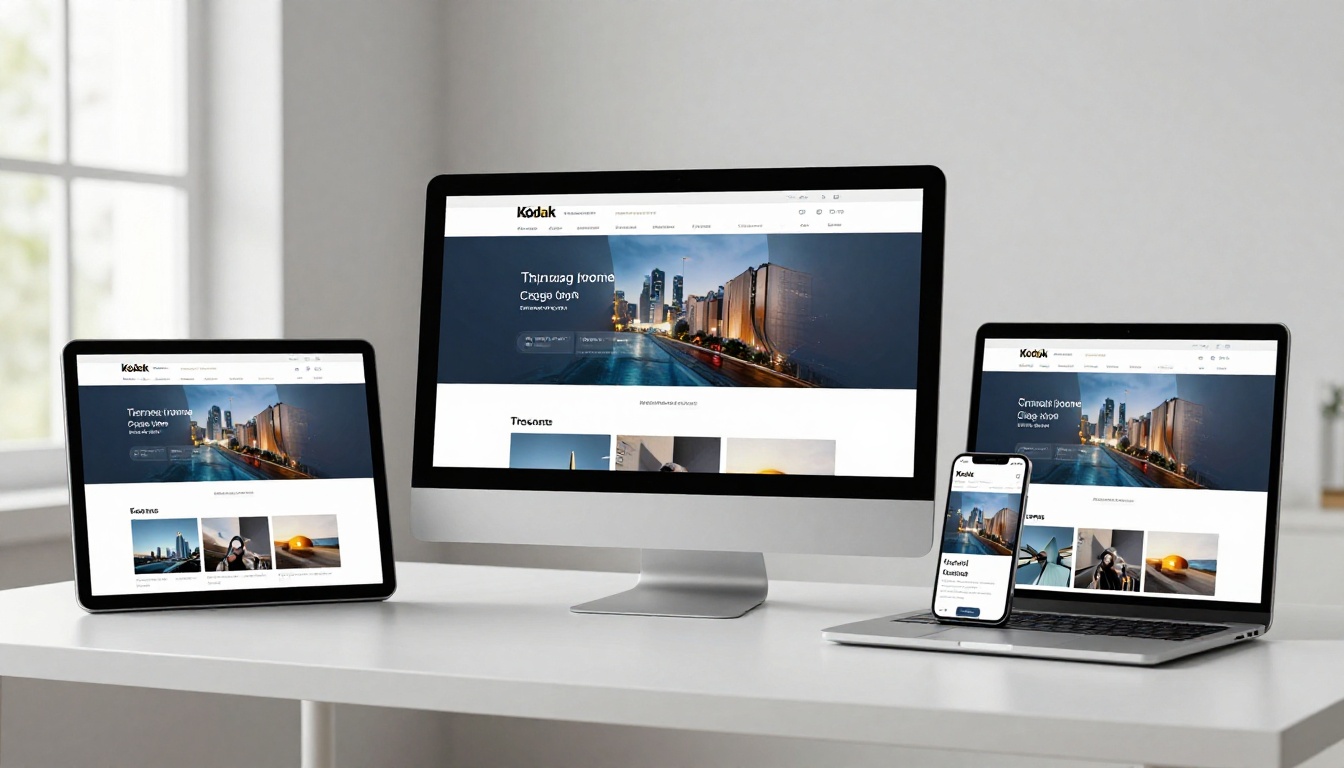
A well-built digital catalog adapts to any screen size automatically. Whether someone views it on a 27-inch desktop or a small Android phone, the layout adjusts without breaking. This is something a PDF simply cannot do without extensive technical work.
No App Required
Your customers do not need to download anything. They click a link and the catalog opens directly in their browser. That zero-friction access removes one of the biggest barriers between a customer and your products.
✅ Best practice: Always preview your catalog on a mobile device before sharing. What looks perfect on desktop may need a quick layout check on smaller screens.
How to Create Your Digital Catalog with Flipbooks AI
This is where it all comes together. Flipbooks AI was built specifically for business owners, marketers, and creators who want professional results without hiring a design team. Here is the exact process from zero to a published, shareable catalog.

Step 1: Create your free account
Go to flipbooksai.com/account and sign up. The process takes under two minutes. No credit card is required to get started, and you can publish your first catalog on the free plan immediately.
Step 2: Prepare your PDF
You do not need a professionally designed file. A simple PDF exported from Canva, Google Slides, or Microsoft PowerPoint works perfectly. If you already have a product sheet or printed brochure file, use that directly. The tool handles conversion automatically.
⚠️ Important: Make sure your PDF is at least 150 DPI for sharp image quality inside the flipbook. Low-resolution files will look blurry when customers zoom in on product details.
Step 3: Upload and convert
Use the PDF to Flipbook Converter to upload your file. The platform processes it automatically, converting every page into a high-resolution, interactive flipbook page. This typically takes under 60 seconds for most standard catalog PDFs.
Step 4: Customize your catalog
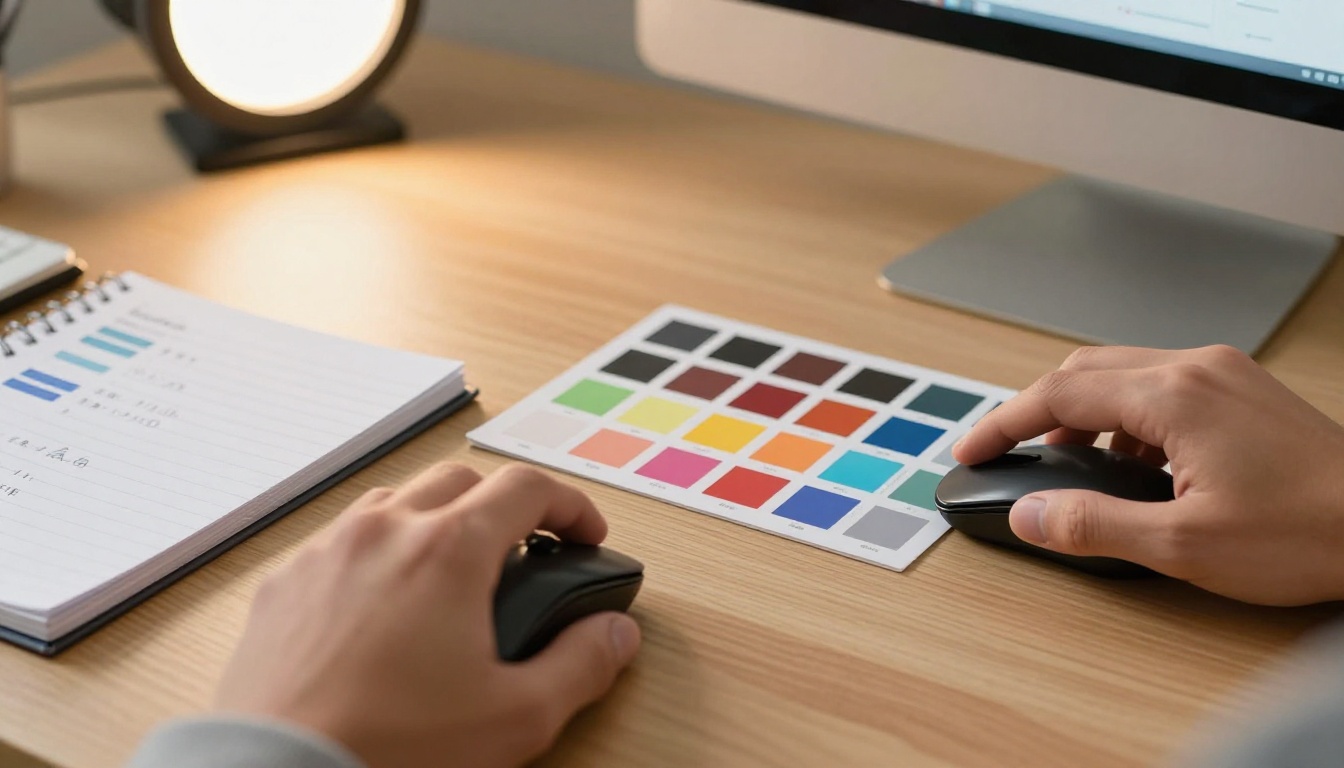
Once uploaded, you can personalize the catalog without touching any design software. Flipbooks AI gives you full control over:
- Brand colors: Apply your exact brand palette using hex codes directly
- Logo placement: Upload your logo and position it on the flipbook viewer frame
- Background style: Choose solid colors, gradients, or upload a custom background image
- Page effects: Select from multiple page-turn animation styles to match your brand tone
- Multimedia embeds: Drop YouTube videos or audio clips directly into catalog pages
- Custom domain: Point your catalog to your own domain for a fully branded experience
Step 5: Share and distribute
After customization, you have multiple ways to get your catalog in front of customers:
- Direct link: Copy a short URL and paste it into emails, social media posts, or WhatsApp messages
- Embed code: Drop a snippet into your website so the flipbook loads directly on your page. The Embed Flipbook on Website tool walks you through the process step by step
- Password protection: Lock your catalog so only customers with the correct password can view it
- QR code: Generate a QR code that takes anyone who scans it directly to your catalog
- Offline downloads: With the Professional plan, customers can download your catalog to view without an internet connection
Step 6: Track who reads it
With the Professional plan at Flipbooks AI, you get full catalog analytics. See exactly how many people opened your catalog, which pages they spent the most time on, where they stopped reading, and where they came from geographically. This is data that a printed catalog can never provide.
💡 Pro tip: Use page analytics to identify which products get the most attention, then feature those items prominently in your next catalog version or social campaign.
Which Catalog Type Is Right for Your Business
Not every business needs the same format. Here is a breakdown of the most popular use cases and the specific tools Flipbooks AI offers for each.
Each of these tools is pre-configured for its specific use case, meaning you do not start from a blank canvas. The structure, layout logic, and sharing setup are already handled for you.
No Designer Needed: Here Is Why
The single biggest reason small businesses avoid digital catalogs is the assumption that making one look professional requires design skills. That assumption is outdated.

What You Actually Need
You need three things: a PDF, your brand colors, and your logo. That is it. The platform handles everything else, from responsive layout to page animation to mobile optimization. If you do not have a PDF yet, Canva offers free templates for product catalogs that you can fill in and export in minutes.
DIY vs. Hiring a Designer
| Factor | Hire a Designer | Use Flipbooks AI |
|---|
| Time to publish | 1 to 3 weeks | Under 30 minutes |
| Cost | $300 to $2,000 | From $0/month |
| Revision turnaround | Days | Instant |
| Analytics included | No | Yes (Professional plan) |
| Updates for new products | Extra charge per revision | Free, anytime |
| Design skills required | Not from you | No |
| Mobile optimization | Depends on designer | Automatic |
This is not about which option produces better raw design output. It is about which option makes more sense for a business that needs to move quickly, update often, and stay within budget.
✅ Best practice: Use Canva's free plan to build your initial PDF layout, then upload it to Flipbooks AI for conversion. Between the two tools, you have everything you need at zero cost.
3 Common Mistakes First-Time Catalog Creators Make
1. Using low-resolution images. Product photos need to be sharp when zoomed. Use images that are at least 1000px wide before placing them in your PDF layout.
2. Cramming too much onto one page. Digital catalogs work best with clean, spacious layouts. One to three products per page performs better than ten crammed into a grid.
3. Skipping the mobile preview. Over 60% of catalog views happen on mobile. Always check how your catalog renders on a phone before you share it publicly.
How Sharing Actually Works
Once your catalog is live, getting it in front of customers takes less than a minute.
Sending via Direct Link
Every catalog published on Flipbooks AI gets a clean, shareable URL. Paste it in an email newsletter, drop it into a WhatsApp business chat, or add it to your Instagram bio link. Anyone who clicks it sees the full interactive catalog immediately, with no app download required.
Embedding on Your Website
If you have a Shopify store, a WordPress site, or any website with HTML access, you can embed your catalog directly on a page. Flipbooks AI generates the embed code automatically. Visitors browse the catalog without ever leaving your site, which keeps them in your ecosystem longer.
Password-Protecting Sensitive Catalogs
Some catalogs are not meant for the general public: trade pricing, wholesale-only products, or early-access collections. Flipbooks AI lets you add password protection to any catalog so only the right people can view it.
💡 Pro tip: Use password-protected catalogs for wholesale buyers. Instead of emailing sensitive pricing PDFs that get forwarded to the wrong people, share a protected link you can revoke at any time.
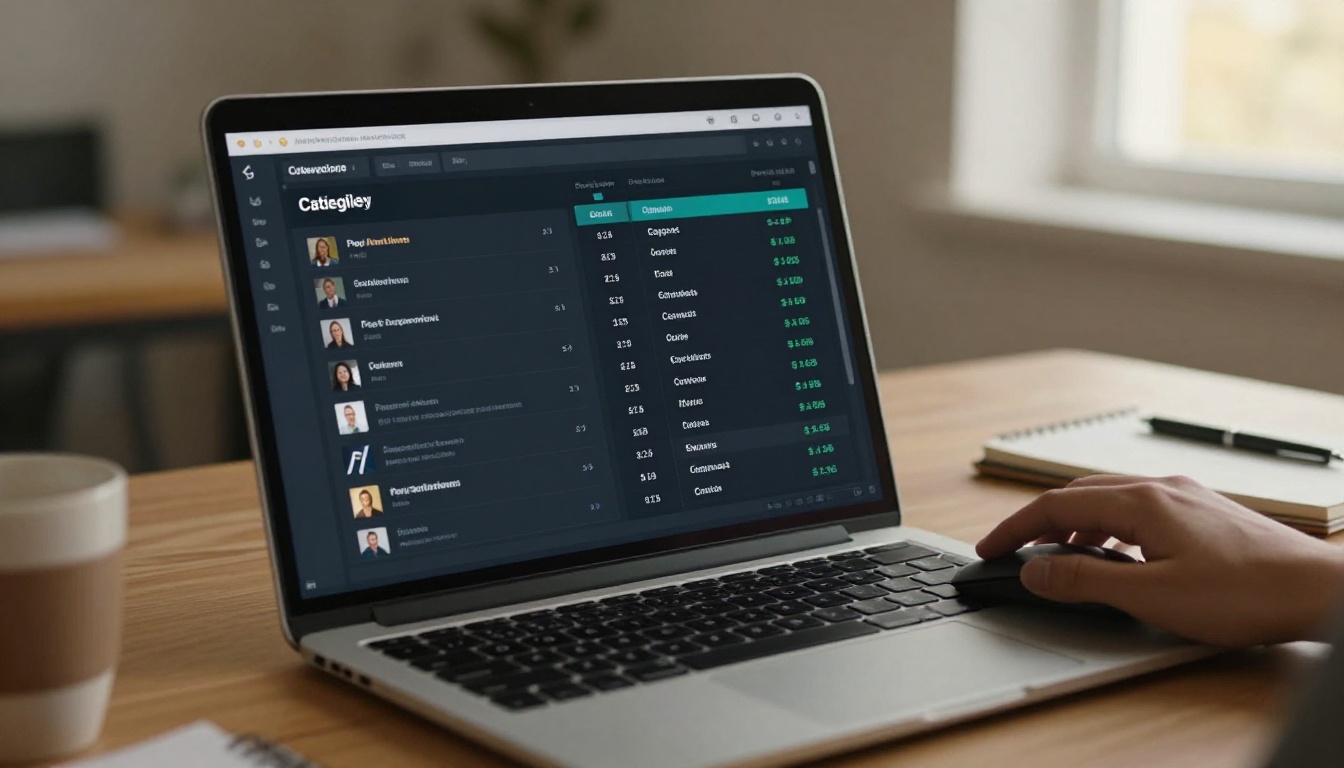
Sending a catalog and never knowing what happened to it is one of the most common frustrations with traditional distribution. With Flipbooks AI's Professional plan, that problem disappears.
What the Analytics Show You
- Total views and unique visitors per catalog
- Which pages received the most time and attention
- Where readers stopped browsing
- Geographic breakdown of your audience
- Lead capture data when using built-in lead generation forms
This information can directly shape your next product lineup, your promotional priorities, and which catalog pages deserve more visual investment.
Real Businesses Using Digital Catalogs Right Now
Digital catalogs are not a niche tool for tech-forward companies. They are used daily by bakeries, boutiques, furniture stores, event planners, and schools worldwide.

A small bakery replaced their printed seasonal menu with a flipbook that loads from a QR code on every table. Customers browse seasonal items on their phones while waiting. The owner updates the menu from her laptop in under 10 minutes whenever a product changes, and she has not reprinted a single menu since.
A boutique clothing store publishes a new digital lookbook each season using the Fashion Catalog Creator. She shares it in her email newsletter and on Instagram. Customers comment on specific pages and ask about items directly in her DMs, turning the catalog into a two-way sales conversation.
A furniture wholesaler uses password-protected catalogs to share trade pricing with verified retailers. He no longer emails static PDFs that risk ending up forwarded to competitors. Access is controlled, revocable, and trackable.
A real estate agency embeds property brochures directly on individual listing pages. Each brochure is a flipbook with floor plans, room photos, and neighborhood details. Agents share the link in WhatsApp with prospective buyers who view it on mobile within seconds of receiving the message.
What It Actually Costs
Flipbooks AI pricing is straightforward. There is no hidden setup fee, no per-catalog charge, and no watermarks on any paid plan.
| Plan | Flipbooks | Watermarks | Analytics | Offline Downloads | Lead Generation |
|---|
| Free | 1 | Yes | No | No | No |
| Standard | Unlimited | No | Basic | No | No |
| Professional | Unlimited | No | Full | Yes | Yes |
Visit flipbooksai.com/pricing for current plan prices. Paid plans are billed monthly or annually, with discounts for yearly billing. The free plan is genuinely useful for testing the full workflow before committing.
✅ Best practice: Start with the free plan to publish your first catalog and see how the workflow fits your process. Upgrade when you need analytics or lead capture.
Start Publishing Your First Catalog Today

You do not need design experience, a large budget, or weeks of preparation to publish a professional digital catalog. You need a PDF and 30 minutes.
Whether you sell handmade products, run a restaurant, manage a retail store, or offer professional services, there is a catalog format built for your business on Flipbooks AI.
Here is how to start today:
- Go to flipbooksai.com/account and create your free account
- Build a simple PDF in Canva (or use one you already have)
- Upload it using the Digital Catalog Maker
- Customize your branding in under 10 minutes
- Copy your share link and send it to your first customer
Ready to see what your catalog looks like as a flipbook? Get started for free on Flipbooks AI. When you are ready for analytics, lead generation, and offline downloads, upgrade your plan and take full control of how your catalog performs.
Browse all available tools and templates to find the right format for your business type.



