You don't need to install a thing to build a professional digital catalog today. Whether you run a boutique, manage a sprawling product line, or publish seasonal lookbooks for a fashion brand, you can go from a raw PDF to a fully interactive, shareable digital catalog right inside your browser in under five minutes. That's the reality of modern web-based publishing, and platforms like Flipbooks AI have made the process genuinely accessible to anyone with an internet connection, regardless of technical background.
Why Browser-Based Catalogs Have Taken Over
Three years ago, creating a polished digital catalog meant purchasing expensive desktop software, sitting through a lengthy install, and learning a complicated interface before you could publish a single page. That friction killed many catalog projects before they even started.
The Problem with Desktop Software
Traditional catalog software brought real overhead with it:
- License fees ranging from $100 to $500 or more per seat
- Operating system lock-in, leaving Mac users unable to open Windows-only formats and vice versa
- Version compatibility headaches when sending files between team members running different software versions
- No real-time collaboration without expensive add-on tools
- Massive export files that clogged email servers and required clients to download PDF readers
None of that had anything to do with what your customer actually wanted: a beautiful, readable catalog they could open instantly.
What Shifted the Balance
Cloud computing changed the equation completely. Web-based publishing tools now store everything server-side. You log in, upload your file, and the platform handles the conversion, hosting, and global delivery automatically. No disk space consumed on your machine. No IT department needed. No worrying whether the person on the other end has the right software.
The result is a browser-based catalog creator that works on any device with internet access, whether that's your office desktop, a laptop at a coffee shop, or a tablet handed to a customer at a trade show booth.
What You Actually Need
Before you open a single browser tab, here is the complete requirements list for creating a digital catalog without installing anything:
- A PDF of your catalog, brochure, or product document
- An internet connection
- An account on a web-based catalog platform
That's it. No special hardware. No graphic design degree. No software subscription beyond the online tool itself.

Your PDF Is the Starting Point
Almost every browser-based catalog platform accepts any standard PDF. The platform reads each page and converts it into a flippable, zoomable digital experience with realistic page-turn animation. If your catalog is already designed in Canva, Adobe InDesign, Google Slides, or even Microsoft Word, simply export it as a PDF and you're ready to publish.
💡 Pro tip: Export your PDF at 300 DPI for sharp product photography. Lower resolution files will look blurry when customers zoom into product details on a retina display.
All You Need Is a Browser
Chrome, Firefox, Safari, and Edge all work seamlessly with modern catalog platforms. No plugins. No browser extensions. No software updates. The entire tool runs as a web application, so opening a new tab is literally all the setup required.
Design Skills Are Optional
Most browser-based catalog makers work from your existing PDF. The platform auto-converts the design you've already created. If you don't have a designed catalog yet, tools like the Product Catalog Generator and the Digital Catalog Maker offer pre-built templates you can fill in with your own content directly in the browser.

Not every online catalog maker delivers the same value. Here's how the main categories stack up:
| Feature | Basic Free Tools | Mid-Tier Platforms | Flipbooks AI |
|---|
| No installation required | Yes | Yes | Yes |
| Watermark-free output | No | Sometimes | Always |
| Custom branding | No | Limited | Full control |
| Embed on your website | No | Yes (iframe) | Yes |
| Password protection | No | Paid only | Included |
| Analytics and tracking | No | Paid only | Professional plan |
| Mobile-responsive | Sometimes | Yes | Yes |
| Unlimited catalogs | No | Paid only | Standard plan and above |
| Offline download for readers | No | No | Yes |
| QR code sharing | No | Rarely | Yes |
Most free tools leave watermarks splashed across every page, which immediately undermines the professional impression you're trying to create. Flipbooks AI removes watermarks entirely, even on entry-level paid plans.
⚠️ Watch out: Several platforms advertise "free forever" but lock the sharing function behind a paywall. Always test the full publish-and-share workflow before committing to a platform for your most important catalogs.
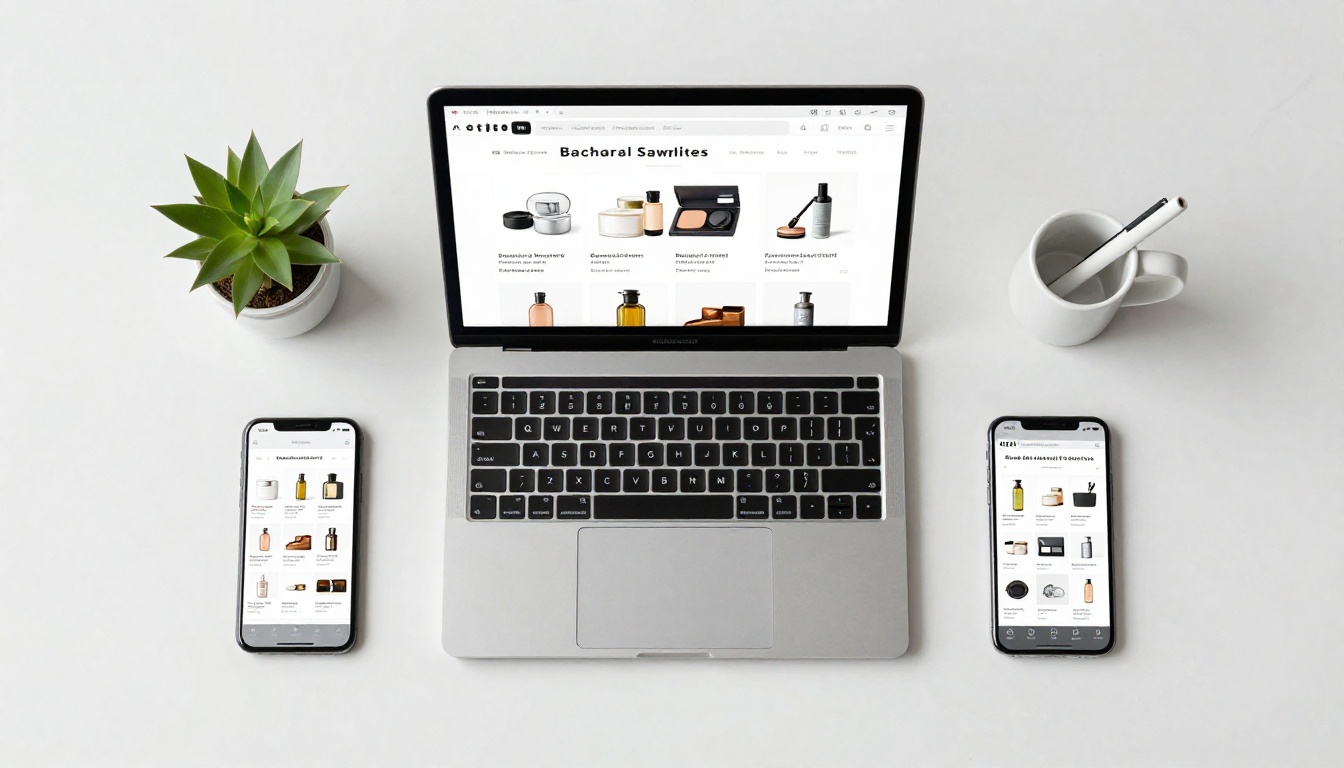
How to Create a Digital Catalog with Flipbooks AI
Flipbooks AI was built specifically to convert any PDF into a polished, interactive flipbook catalog without touching a single installer. Here's the exact workflow from start to published.
Step 1: Create Your Account
Visit flipbooksai.com/account and sign up. The process takes under 60 seconds. No credit card required for the free tier. Once you're in, you land on a clean dashboard with everything you need in plain view.
Step 2: Upload Your PDF
Click New Flipbook and drag your PDF file into the upload area, or browse for it on your device. The platform converts every page automatically, building the interactive flipbook in seconds to under a minute depending on the document length.
💡 Pro tip: Use the Catalog Flipbook Creator tool if you want catalog-specific settings and templates pre-configured from the start.
Step 3: Customize the Look
Once conversion completes, you're in the editor. Key customization options include:
- Branding: Upload your logo and set your brand accent color for the toolbar, buttons, and background
- Cover layout: Choose from multiple cover style options that match your brand tone
- Page effects: Toggle the realistic page-flip animation or use a clean slide transition
- Background: Set a solid color, gradient, or subtle texture behind the flipbook viewer
- Table of contents: Auto-generated from page headings, or built manually
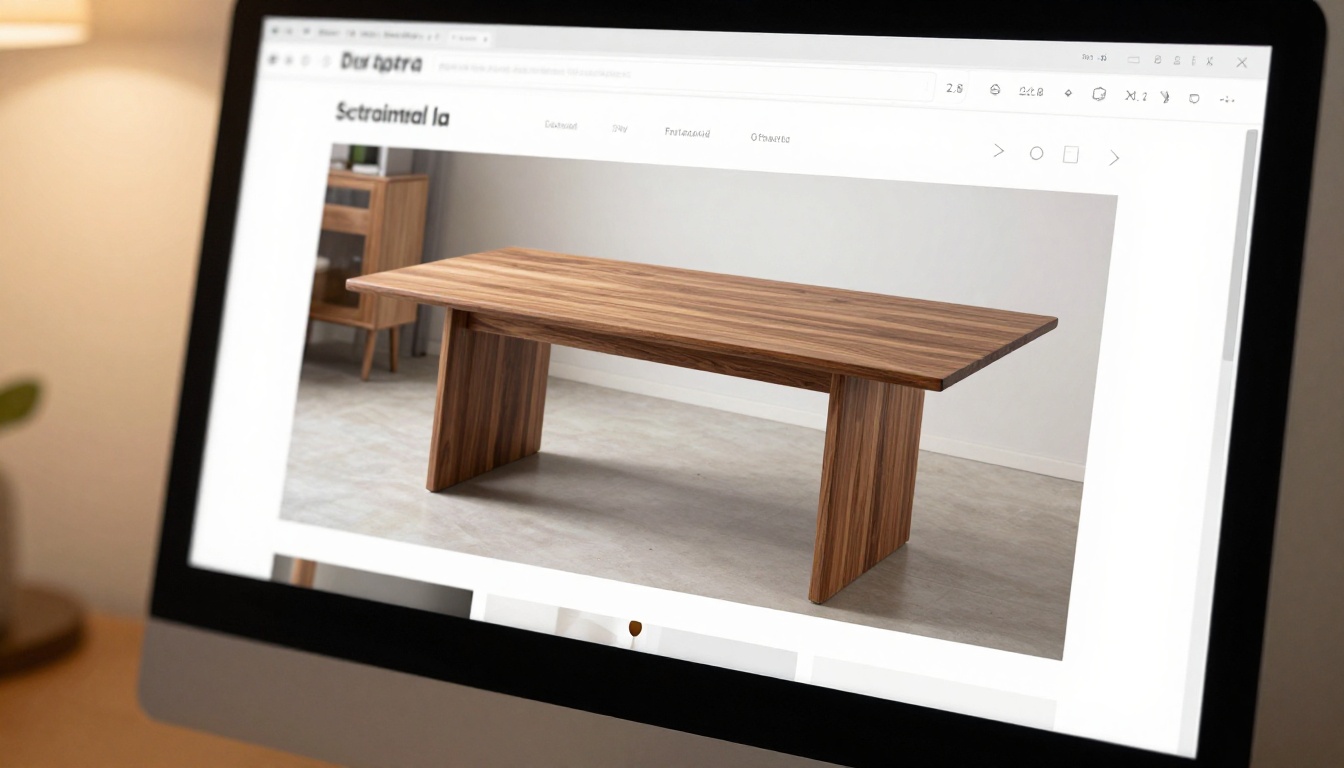
For fashion brands, the Fashion Catalog Creator and Interactive Lookbook Designer offer layouts optimized for editorial photography. For furniture and home goods retailers, the Furniture Catalog Maker has product-grid-friendly templates designed for showcasing physical goods.
Step 4: Share, Embed, or Download
After publishing, you get multiple delivery options:
- A direct shareable link you can paste into email, social media, or messaging apps
- An embed code to drop into any website or landing page as an iframe
- Password protection to restrict access to approved viewers only
- A QR code for print materials, packaging, or in-store displays
- An offline download so customers can save the catalog for later viewing
The Embed Flipbook on Website tool walks through embedding step by step. The resulting iframe snippet works with any website builder including WordPress, Squarespace, Wix, Webflow, and raw HTML pages.

Real-World Use Cases by Industry
A browser-based digital catalog is not a niche tool. Businesses across virtually every industry are already using it to replace static PDFs and printed materials.
Retail and E-Commerce
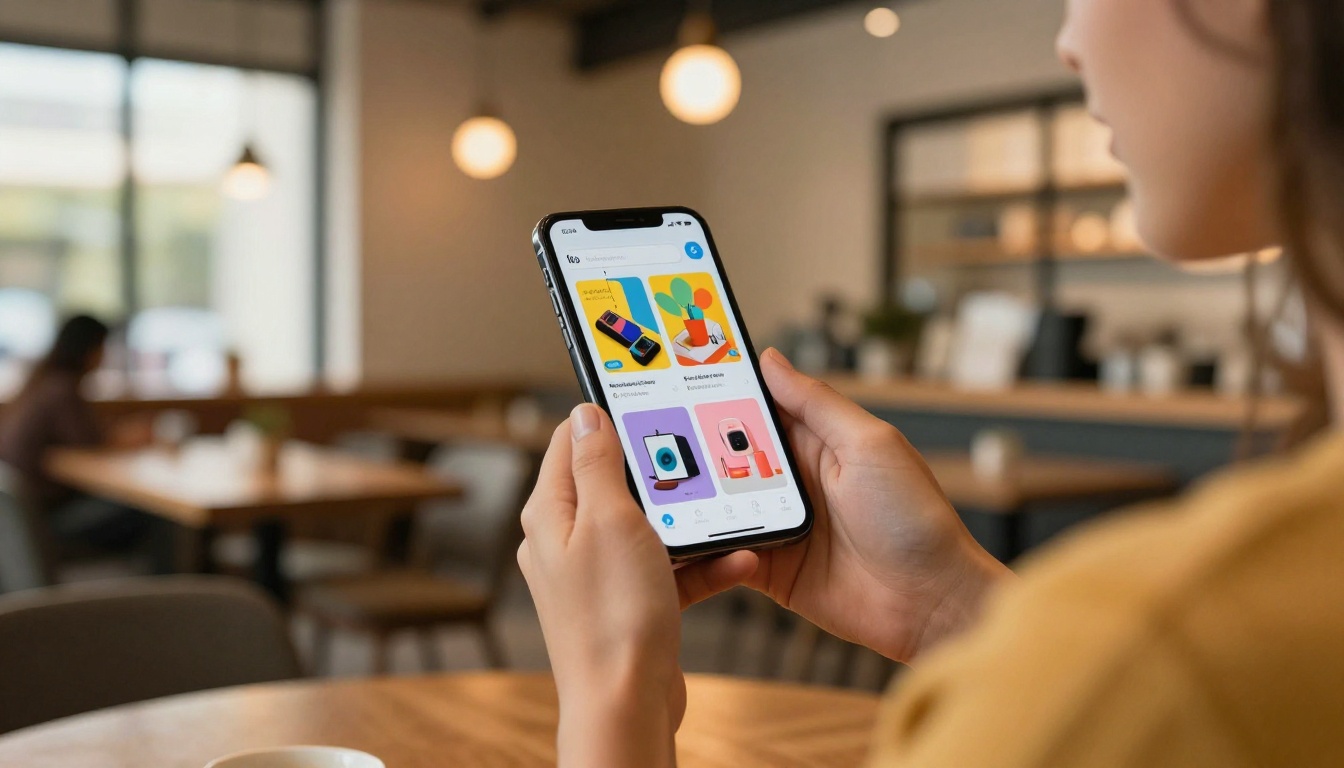
Online stores publish seasonal lookbooks as interactive catalogs. Instead of a static PDF email attachment, the retailer sends one link. Customers open it on their phone, flip through pages like a magazine, and tap product images that link directly to purchase pages. The browsing experience is significantly more engaging than scrolling a product grid.
Real Estate
Agents build property portfolio catalogs featuring multiple listings with floor plans, interior photography, and pricing tables. Converting a dense PDF listing document into a swipeable presentation with the PDF to Flipbook Converter takes minutes and produces something buyers actually want to review before a showing.
Food and Hospitality
Restaurants, boutique hotels, and spas publish service menus and package offerings as digital catalogs. Customers access them via QR code at the table, through a Google search, or from a direct link on the website. The Restaurant Menu Creator produces mobile-optimized results that look sharp on any screen size.
Fashion and Apparel
Clothing brands build seasonal lookbooks using editorial photography and the page-flip experience that mirrors a printed fashion magazine. The tactile feel of flipping pages reinforces brand perception in a way a flat product grid simply cannot replicate.
Education and Training
Corporate training teams publish procedure manuals, onboarding documents, and course materials as browser-accessible flipbooks. The Training Manual Flipbook tool creates documents that work on any device without requiring staff to access an internal file server or install a company-specific PDF reader.
Digital Catalogs vs. Static PDFs
A PDF is a delivery container. A digital catalog is an experience. Here's the functional difference side by side:
| Capability | Static PDF | Digital Catalog |
|---|
| Mobile reading experience | Poor (requires pinch-zoom and scroll) | Native responsive layout |
| Page-flip navigation | No | Yes, with animation |
| Embedded video or audio | No | Yes |
| Reader analytics (views, dwell time) | No | Yes (Professional plan) |
| Clickable product links | Basic hyperlinks only | Interactive hotspots |
| Password protection | Requires external software | Built-in |
| Sharing method | Email attachment | Link, embed code, QR code |
| Offline access | File download required | Built-in download option |
| Custom branding on viewer | No | Yes |
| Real-time content updates | New file every time | Replace PDF, same link stays active |
✅ Best practice: Always offer the PDF download option alongside your digital catalog. Some customers prefer printing or archiving. Giving both formats removes friction and serves all preferences without extra effort.
The real-time update capability alone changes workflows significantly. When a price changes or a product sells out, you replace the source PDF and republish. The original shared link still works, but now shows current content. No one needs to receive a new file.

Controlling Access: Private or Public
Not every catalog is meant for the general public. Browser-based platforms give you precise control over who can see what.
Password-Protected Catalogs
For wholesale price lists, internal training documents, or pre-launch product previews, password protection keeps content behind a gate while still allowing link-based sharing. Only viewers with the correct password can open the catalog, removing the need for any file transfer system or intranet access.
💡 Pro tip: Rotate passwords on wholesale catalogs each season. This prevents old links from reaching customers who shouldn't see trade pricing, without having to change the catalog URL itself.

Embedding on Your Website
The embed feature is one of the highest-value options in any browser-based catalog tool. Paste an iframe snippet into any webpage and the catalog appears as a fully interactive component on your site. Visitors flip pages, zoom into product photos, and click links without leaving your domain or opening a new tab. No downloading required on their end.
This approach keeps visitors on your site longer, which positively affects both user experience metrics and the signals search engines use to evaluate page quality.

Flipbooks AI Plans at a Glance
Choosing the right plan depends on how many catalogs you publish and which distribution features matter most to your workflow:
| Plan | Flipbooks | Watermark | Custom Branding | Analytics | Password Protection | Offline Downloads |
|---|
| Free | Limited | None | Basic | No | No | No |
| Standard | Unlimited | None | Full | No | Yes | Yes |
| Professional | Unlimited | None | Full | Yes | Yes | Yes |
The Professional plan is the right choice for businesses that need to measure catalog performance: page view counts, time spent per page, and reader drop-off points. That data is directly actionable for improving product placement and content sequencing in future catalog versions.
For most small businesses and independent creators, Standard covers everything needed for professional, unlimited publishing. Review pricing plans to see current rates and any active promotions.
💡 Pro tip: Start on the free plan and convert one of your existing PDFs to test output quality before upgrading. Conversion quality is consistent across all tiers, so you're evaluating the feature set, not the rendering engine.
The Practical Time Savings
Moving to a browser-based catalog workflow produces concrete time savings that compound over every catalog you publish:
- No tool procurement process: Sign up and start publishing within the same browser session
- No install or IT support: Nothing to install means nothing to break or troubleshoot
- Instant version updates: Swap the source PDF and the same link reflects the new content automatically
- Universal access: Any viewer on any operating system opens the catalog from a browser tab
- No file size friction in email: A link takes zero kilobytes; a 40-page product catalog PDF takes megabytes
For a solo business owner or a lean marketing team, these savings translate into hours recovered each quarter that would otherwise go toward file management, version control, and inbox troubleshooting.
Start Publishing Your First Catalog
Creating a digital catalog without installing anything is not a compromise or a workaround. It's a better workflow than what desktop software ever offered, and it puts professional publishing within reach of anyone with a browser and a PDF.
Get started for free on Flipbooks AI and convert your first catalog in minutes. No setup. No downloads. Just a browser tab and the document you already have.
Browse all flipbook tools to find templates built for your specific industry, from product catalogs and fashion lookbooks to restaurant menus and real estate portfolios.
When you're ready for analytics, password protection, and unlimited publishing, compare the plans and pick the tier that fits your publishing volume and business goals.



