Your home décor brand has a story worth telling. The problem is that a static PDF or a sparse Instagram feed cannot do it justice. A digital lookbook changes that. It gives buyers the experience of flipping through a beautifully curated magazine, discovering your products in context, and falling in love with a lifestyle, not just a price tag. Flipbooks AI makes it possible to build that experience without a print budget or a development team.
Why a Digital Lookbook Beats Static Catalogs
Most home décor brands still rely on PDF catalogs or flat product pages. These work, but they leave a lot on the table. A properly built digital lookbook does three things a PDF cannot: it moves, it links, and it measures.
When a buyer opens your lookbook on their phone or laptop, they see pages that turn. They can click on a sofa and land on your product page. You can see exactly which pages held their attention longest. That is not a feature, that is a competitive advantage.

What Buyers Actually Want to See
Before you design a single page, think about how your customer shops. Home décor buyers are motivated by context. They do not just want to see a lamp, they want to see the lamp on a side table next to a linen armchair with afternoon light coming through the window. Your lookbook needs to recreate that feeling.
What converts in a home décor lookbook:
- Room vignettes styled with multiple products working together
- Material close-ups showing texture, weight, and finish
- Color palette spreads that show how pieces coordinate
- Lifestyle moments with people using the space naturally
- Product detail pages with dimensions, materials, and care information
The Real Cost of Printed Lookbooks
Printing is expensive, slow, and permanent. By the time your spring lookbook arrives at a buyer's desk, half the inventory may have sold. Digital lookbooks update instantly. You can swap a product page, change a price, or add a new collection without reprinting a single copy.
| Factor | Printed Lookbook | Digital Lookbook |
|---|
| Production cost | High ($2,000+) | Low (monthly subscription) |
| Update speed | Weeks (reprint needed) | Minutes |
| Distribution | Physical shipping | Instant link share |
| Analytics | None | Full page-level data |
| Environmental impact | Paper and print waste | Zero print waste |
| Interactivity | None | Clickable links, video, audio |
💡 A digital lookbook does not replace your print catalog if you still need one for trade shows. It supplements it and does everything a printed version cannot.
What Goes Into a Strong Home Décor Lookbook
Structure matters as much as aesthetics. The brands that get the most traction from their lookbooks follow a clear internal logic: mood first, products second, story third.
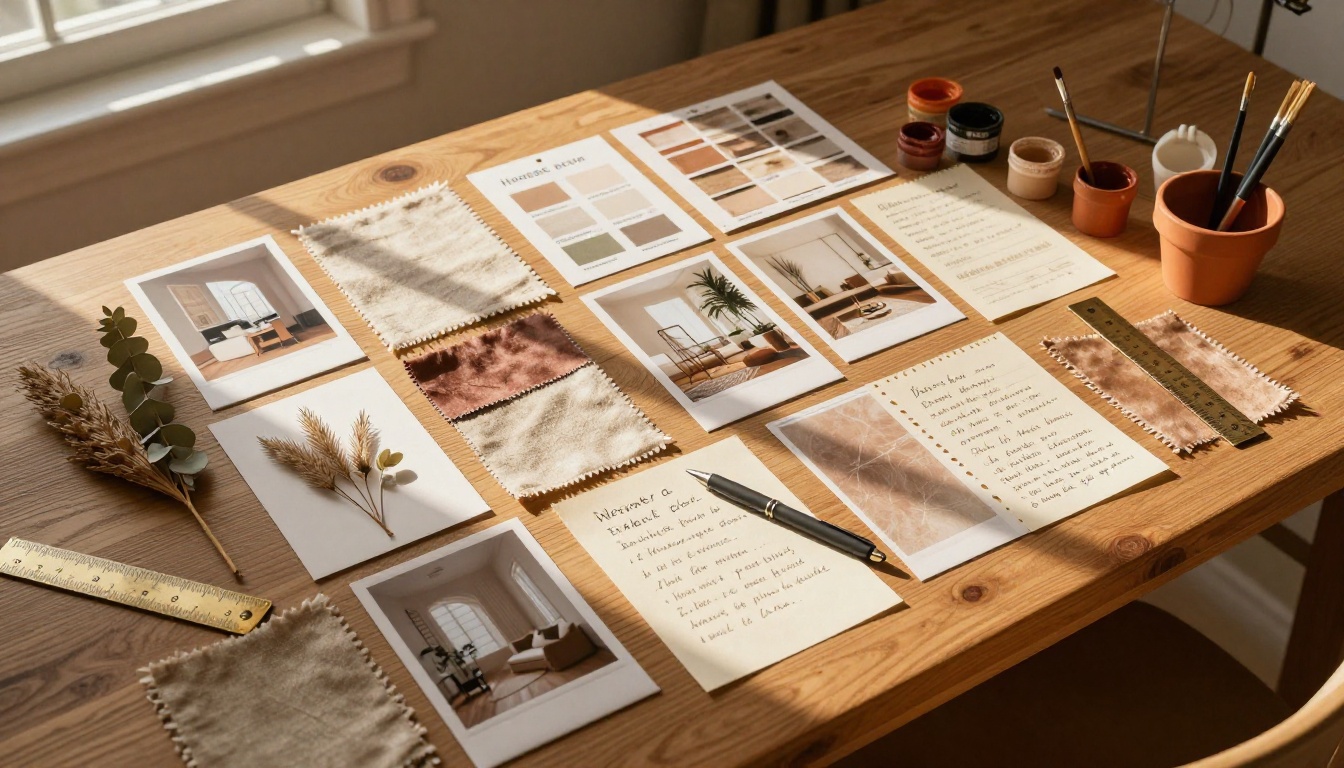
Room-by-Room Styling Spreads
Start with styled room photography. These are your highest-impact pages. A great living room spread shows three to five of your products together in a coherent scene: natural light, real textures, honest styling. Buyers want to imagine their home looking like this, so make sure every detail earns its place in the frame.
Each room spread should be followed by a simple product index page, with thumbnails of every item in the scene, short descriptions, and links. This two-page format is one of the most effective structures in home décor publishing.
Fabric and Material Close-Ups
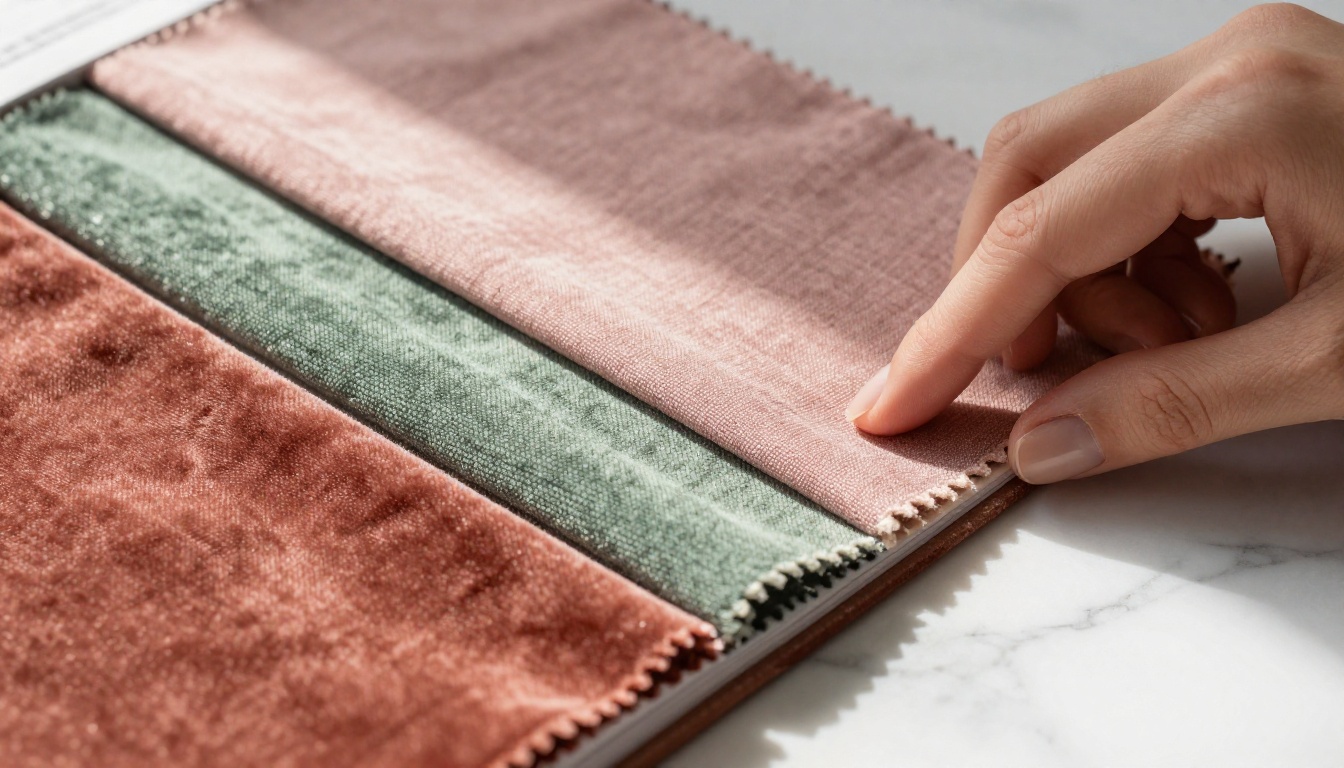
Texture is everything in home décor. Buyers cannot touch your products through a screen, so your photography has to do that work for them. Dedicate pages to extreme close-ups of weave patterns, ceramic glazes, wood grain, and velvet pile. These pages reassure buyers that what they are getting has real quality.
Brand Story and Seasonal Narrative
Every lookbook needs a point of view. Before the first product page, give buyers a brief brand story spread, two pages maximum. A founder portrait, a short paragraph about your design philosophy, and a statement about what this particular collection is about. This is not filler, it is context that makes everything after it feel intentional.
How to Build Your Lookbook with Flipbooks AI
Flipbooks AI is built specifically for brands that need a polished, professional digital publication without a developer or a design agency. The workflow is fast, and the output looks like it cost ten times more than it did.

1. Design Your Pages in a PDF Editor
Flipbooks AI converts any PDF into an interactive flipbook. Start by building your lookbook pages in Canva, Adobe InDesign, or Affinity Publisher. Use your brand colors, fonts, and photography. Export at the highest resolution possible (300 DPI for image-heavy pages, 150 DPI minimum).
✅ Use page sizes that match your target reading experience. For landscape lookbooks aimed at desktop viewing, use A4 landscape or 16:9 dimensions. For mobile-first audiences, portrait A4 works best.
2. Upload and Convert in Minutes
Go to Flipbooks AI and create your account. Upload your PDF directly to the platform. The conversion takes under a minute for most files. What you get back is a fully interactive page-turning experience with smooth animations, mobile-responsive layout, and zoom functionality built in.
The Interactive Lookbook Designer tool is specifically built for this use case. It handles home décor lookbooks, portfolio books, and seasonal catalogs with the same professional output.
3. Customize Colors, Fonts, and Branding
Once your flipbook is live in the editor, you can:
- Set your brand colors for the toolbar and UI chrome
- Upload a custom logo that appears on the viewer
- Choose your background texture (solid, gradient, or pattern)
- Configure page flip sound on or off
- Set your thumbnail style for the page navigation bar
💡 Use a neutral dark background (charcoal or deep navy) behind your lookbook viewer if your brand uses a lot of cream and ivory pages. The contrast makes the pages pop without competing with your imagery.
4. Add Videos, Links, and Interactive Hotspots
This is where digital beats print completely. Inside your Flipbooks AI editor you can:
- Embed clickable hotspots on product images that link directly to your store
- Add video clips (a behind-the-scenes production reel, a material close-up demo)
- Embed audio (ambient background music for a mood-setting experience)
- Link your table of contents so buyers jump between sections instantly

5. Share, Embed, or Password-Protect
Flipbooks AI gives you multiple ways to get your lookbook in front of buyers:
- Direct link: Share via email, Instagram bio, or messaging apps
- Embed code: Drop your lookbook directly into your website or Shopify store
- Password protection: Create private buyer presentations for wholesale clients
- QR code: Print it on packaging, trade show materials, or business cards
The Embed Flipbook on Website tool generates a clean iframe code that works on any website builder, no developer needed.
6. Track Performance with Analytics
On the Professional plan, you get full analytics on every lookbook you publish. See which pages get the most views, how long buyers spend on each spread, where they drop off, and how many unique visitors your lookbook receives. This data is invaluable for improving your next edition.
Flipbooks AI Plan Comparison:
| Feature | Starter | Standard | Professional |
|---|
| Flipbooks | Limited | Unlimited | Unlimited |
| Watermark | Yes | No | No |
| Custom branding | No | Yes | Yes |
| Password protection | No | Yes | Yes |
| Analytics | No | Basic | Full |
| Lead generation | No | No | Yes |
| Offline download | No | No | Yes |
| Video embed | No | Yes | Yes |
⚠️ The free plan adds a Flipbooks AI watermark to your publication. For a professional brand presentation, upgrade to Standard or higher to remove it and add your own logo instead.
Not every lookbook serves the same purpose. Match your format to your goal before you design a single page.
The Seasonal Collection Drop
Release a new lookbook each season (Spring/Summer, Autumn/Winter). Each edition focuses on one thematic collection: color palette, signature pieces, styling ideas, and care instructions. This format works well for brands with regular product refreshes and a social following that looks forward to new content.
Ideal for: DTC brands, boutique furniture studios, artisan makers
The Wholesale Buyer Presentation
A focused, product-dense lookbook built for trade buyers. Less lifestyle photography, more product specifications, minimum order quantities, and wholesale pricing tiers. Password-protect this one so it stays exclusive to your retail partners.
Ideal for: Wholesale brands, manufacturers, private label suppliers
The Brand Story Catalog
A longer, editorial-style publication that combines brand history, founder interviews, production process, and product photography. Released once or twice a year, but with high impact. This format builds brand equity with buyers and press alike.
Ideal for: Heritage brands, craft-focused studios, brands entering new markets
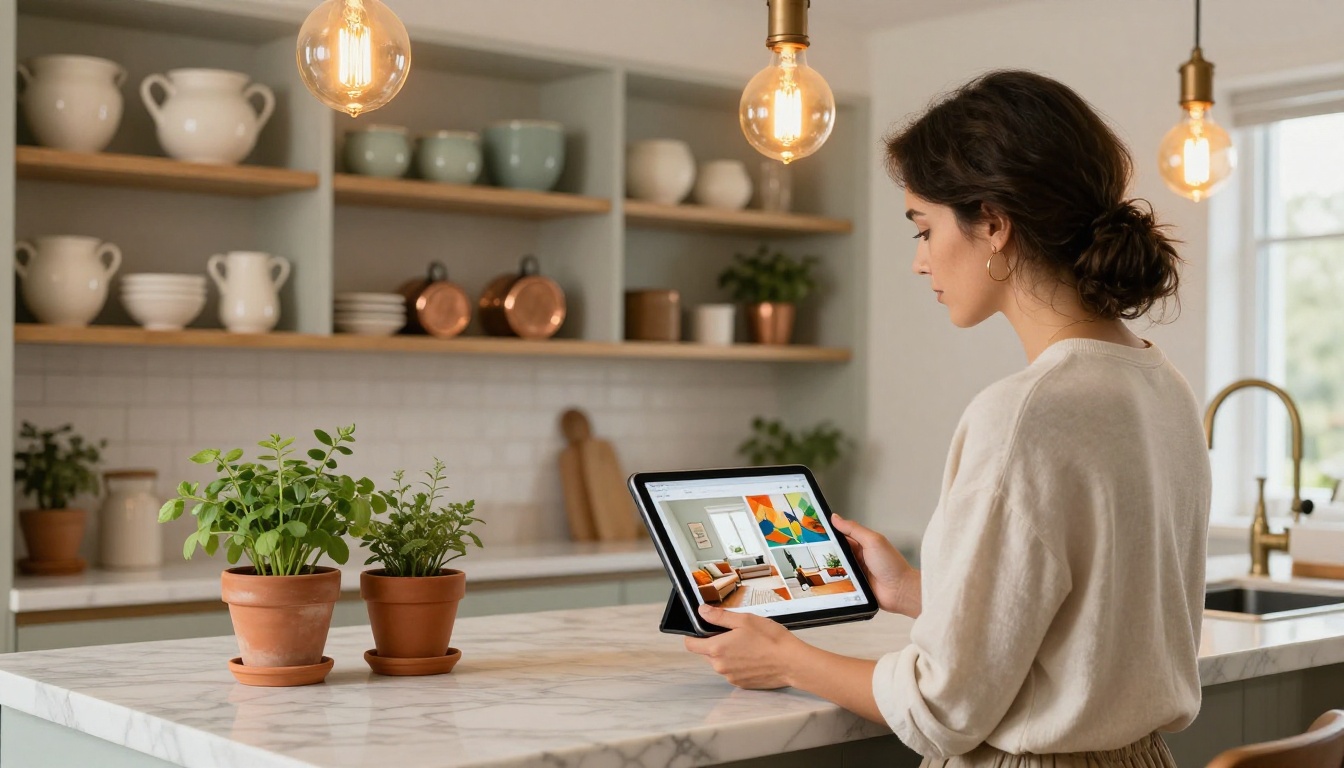
Photography That Makes Your Lookbook Work
The single biggest factor in lookbook quality is photography. Before you build anything, make sure your images are ready to carry the experience.
Lighting Matters More Than Gear
Natural light from a north-facing window is the default starting point for home décor photography. It is soft, directional, and warm without being harsh. Avoid direct sunlight, which creates hot spots and blows out texture detail in fabrics and ceramics.
If you are shooting with artificial light, use large softboxes placed at 45-degree angles to your subject. The goal is light that feels like it belongs in the room, not light that announces itself.
Styling the Scene
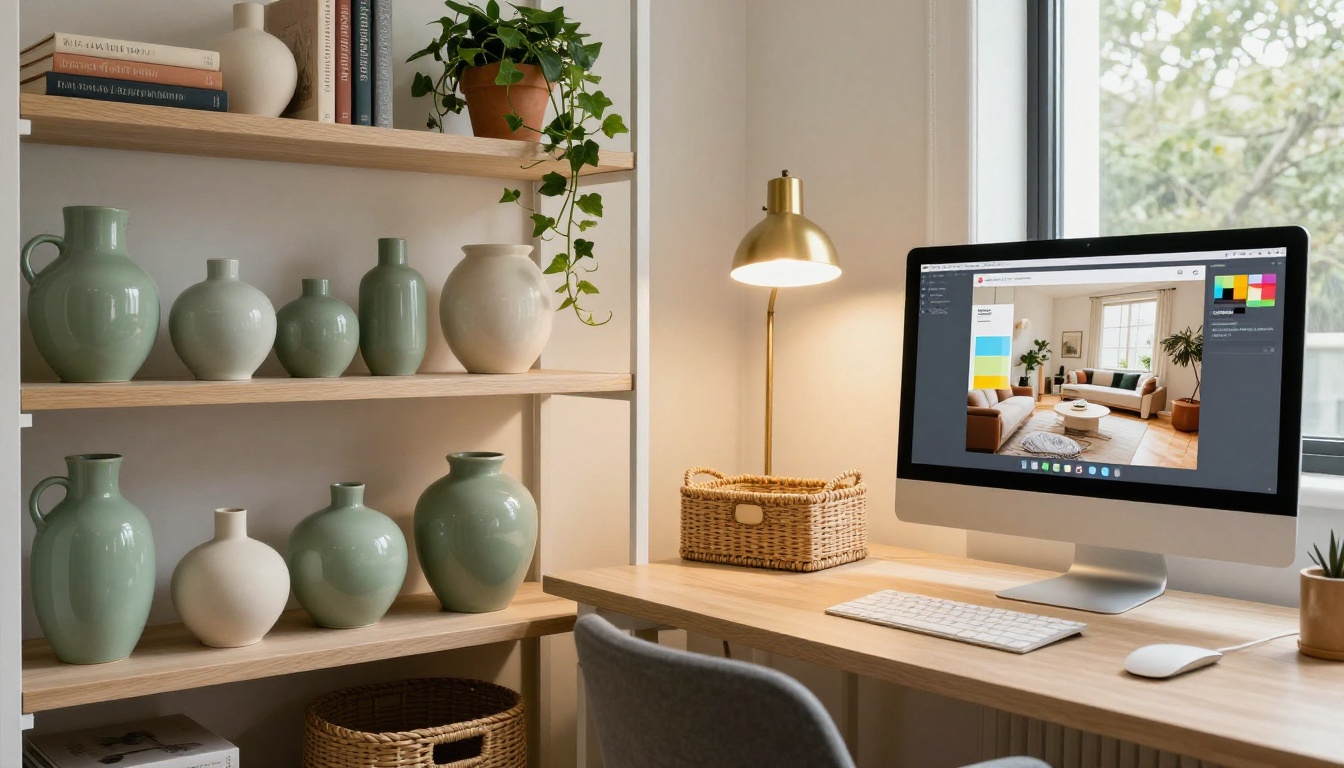
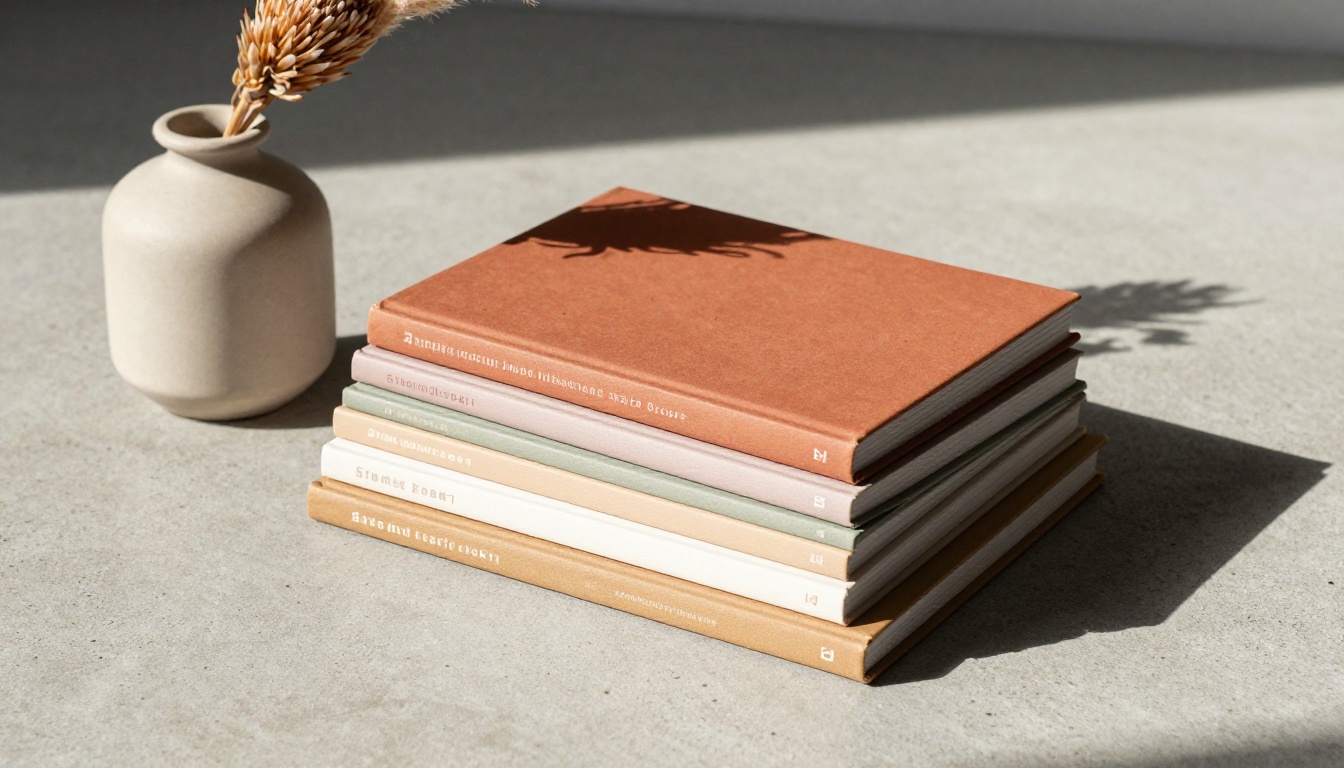
Every item in the frame needs a reason to be there. The ceramic vase earns its place because it adds height. The throw earns its place because it adds texture and warmth. The stack of art books grounds the composition. Remove anything that does not actively improve the story.
Home décor styling checklist:
Making Your Lookbook Work Across Every Channel
A lookbook that lives only on your website is leaving reach on the table. The best home décor brands distribute their digital lookbooks across multiple touchpoints.
| Channel | Format | Best For |
|---|
| Email newsletter | Direct link | Existing customers, subscribers |
| Instagram bio | Link in bio | New audience discovery |
| Website embed | Iframe code | On-site conversion |
| Pinterest | Preview images plus link | Long-tail visual search |
| Wholesale portal | Password-protected link | Trade buyer access |
| Trade show handout | QR code on printed card | In-person events |
| Press materials | Embedded link | Media and editorial outreach |
The Lookbook Flipbook Builder gives you the embed code, direct link, and QR code all from one dashboard, ready to drop into whichever channel you need.
Lead Generation Inside Your Lookbook
One of the most underused features in digital publishing is lead capture. On the Professional plan, Flipbooks AI lets you add a lead generation gate to your lookbook, meaning a buyer enters their name and email before accessing the full publication.
For wholesale-focused brands, this is a direct pipeline to serious buyers. For DTC brands, it builds an email list of people who have already demonstrated strong intent by wanting to see your catalog.
💡 Do not gate your entire lookbook from the first page. Let buyers see the first four to six pages free, then ask for their email to continue. This approach converts significantly better than gating from page one.
Your Next Step
A digital lookbook is one of the highest-leverage assets a home décor brand can build. It lives on your website, travels via email, gets shared on social, and works at trade shows. It tells your brand story, shows your products in context, and gives buyers a reason to spend time with what you make.
The brands that do this well are not the ones with the biggest budgets. They are the ones who invest in good photography, clear brand identity, and the right tools to publish it beautifully.
Flipbooks AI is built for exactly this. Create your account and upload your first lookbook today. If you want to see which plan fits your brand best, compare pricing options and find the right fit. Browse all available publishing tools to see how the platform handles catalogs, portfolios, and everything in between.
Your lookbook is ready to be built. Start with what you have.



