Create a Digital Magazine from PDF in Minutes
The transition from static PDF documents to interactive digital magazines represents more than a format change—it's a fundamental shift in how content engages audiences. Where PDFs deliver information, digital magazines create experiences. This transformation happens faster than most realize, with tools like Flipbooks AI turning the process from days to minutes.

Why PDF-to-Magazine Conversion Matters Today
Printed magazines once dominated publishing, but their limitations became apparent as digital consumption grew. PDFs offered a digital alternative but maintained the same static constraints. The missing element was interactivity—the ability for content to respond to reader actions, adapt to different devices, and provide measurable engagement.
💡 Real publishing impact: Restaurants using digital menus report 23% higher average order values through embedded video demonstrations. Real estate agencies see 40% longer engagement with interactive property brochures.
Digital magazines solve three critical problems:
- Distribution costs: No printing, no shipping, no physical limitations
- Content freshness: Update instantly without reprinting
- Engagement metrics: Know exactly which content resonates
The market has shifted decisively. Industry analysis shows digital magazine readership growing 18% annually while print declines continue. Readers expect content that adapts to their reading habits—whether on mobile during commutes, tablets in cafes, or desktops during work hours.
What Makes a Digital Magazine Different
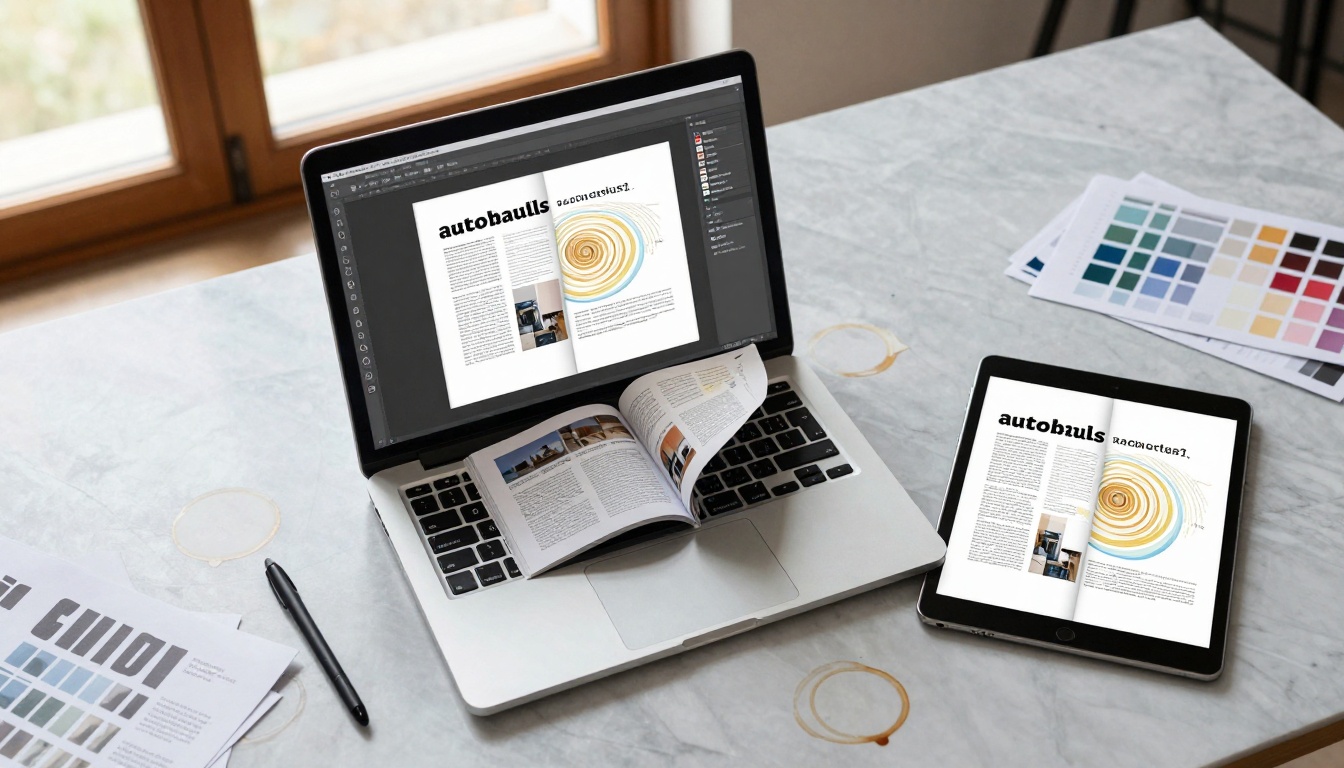
A digital magazine isn't merely a PDF displayed online. The distinction lies in these core characteristics:
| Traditional PDF | Digital Magazine |
|---|
| Static page display | Realistic page flip animation |
| Fixed layout | Responsive design across devices |
| No interactivity | Embedded multimedia elements |
| Download required | Instant browser access |
| No analytics | Real-time engagement tracking |
| Linear navigation | Interactive table of contents |
The page flip effect represents more than visual appeal—it creates psychological familiarity. Readers recognize the magazine format while benefiting from digital advantages. This subtle bridge between familiar and innovative drives adoption rates.
⚠️ Common misconception: Many assume digital magazines require complex coding or expensive development. Modern platforms like Flipbooks AI eliminate this barrier completely.
Essential Features Every Magazine Needs

When evaluating conversion tools, these features determine success:
Non-negotiable elements:
- Realistic page flip physics - Not just visual effect, but physics that mimics paper behavior
- Mobile responsiveness - Automatic adaptation to smartphone, tablet, and desktop
- Embedded multimedia - Video, audio, and interactive elements within pages
- Search functionality - Readers find specific content instantly
- Social sharing - Integrated sharing to major platforms
Advanced capabilities worth seeking:
- Analytics dashboard - Track page views, time spent, popular content
- Lead generation forms - Capture reader information directly within magazine
- Password protection - Control access to premium or private content
- Branding customization - Match organizational colors, logos, typography
- Offline access - Download options for readers without constant connectivity
The Flipbooks AI platform includes specialized tools for different publication types, each optimized for specific use cases:
| Publication Type | Best Use | Key Features |
|---|
| Fashion Catalogs | Clothing brands, lookbooks | Swatch viewers, size guides, model videos |
| Restaurant Menus | Food service, hospitality | Nutrition info, allergy warnings, chef videos |
| Real Estate Brochures | Property listings | Virtual tours, floor plans, neighborhood videos |
| Corporate Reports | Annual reports, investor materials | Financial charts, executive video messages |
| Educational Materials | Course content, training manuals | Interactive quizzes, progress tracking |
PDF to Flipbook Conversion Tools Compared
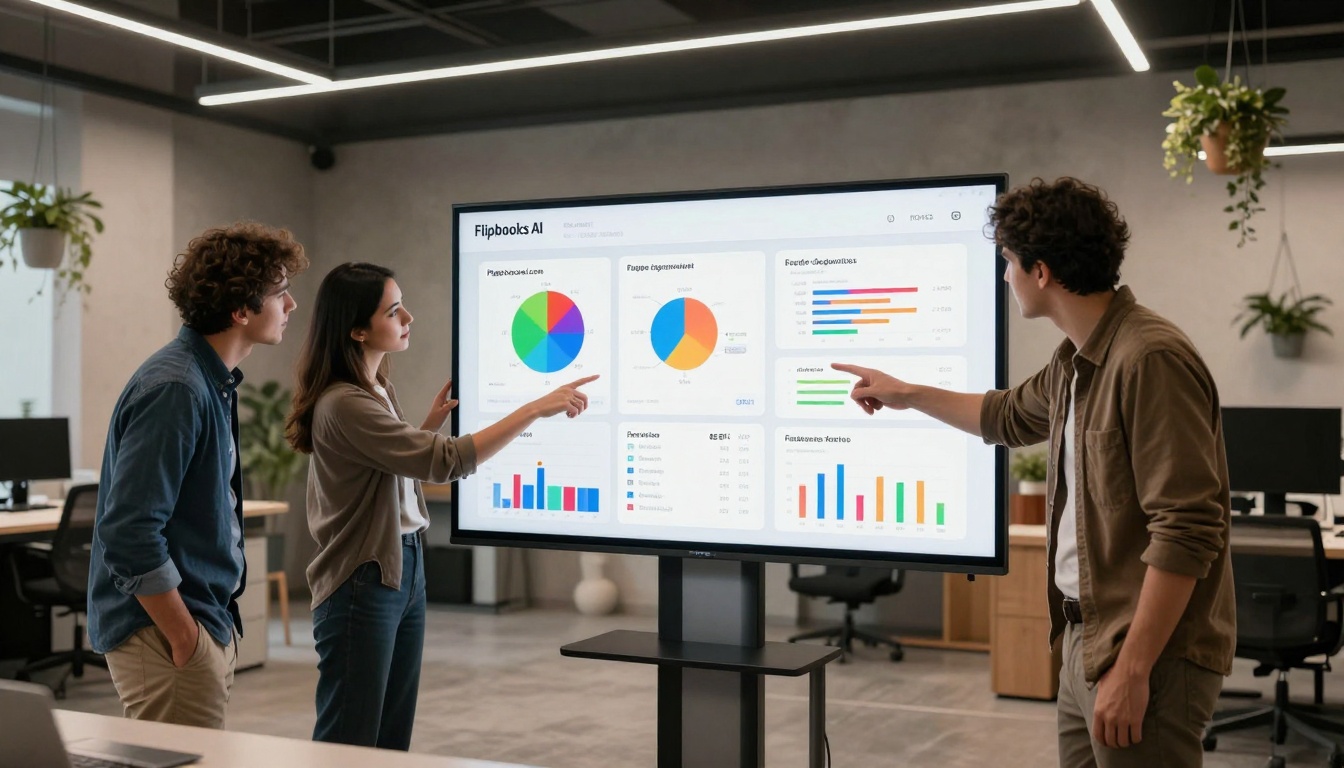
Several platforms offer PDF conversion, but capabilities vary significantly. This comparison shows why feature selection matters:
| Platform | Conversion Speed | Interactive Features | Analytics | Pricing Model |
|---|
| Basic PDF viewers | Instant | None | Basic page counts | Free |
| Traditional flipbook software | 15-30 minutes | Limited | Basic | $50+/month |
| Flipbooks AI | 2-5 minutes | Comprehensive | Advanced | Flexible plans |
| Custom development | Weeks | Unlimited | Custom-built | $5,000+ |
Speed matters more than most realize. A five-minute conversion versus thirty minutes represents six times faster iteration. When testing different layouts, branding options, or content arrangements, rapid turnaround enables proper optimization.
✅ Pro workflow tip: Create multiple versions of your magazine with different interactive elements, then use analytics to determine which engages readers longest.
The technical process behind rapid conversion involves intelligent processing:
- PDF structure analysis - Identifying text blocks, images, layout patterns
- Responsive adaptation - Converting fixed layouts to flexible grids
- Interactive element placement - Determining optimal locations for multimedia
- Performance optimization - Ensuring smooth animation across devices
Step-by-Step: Create Your Magazine with Flipbooks AI
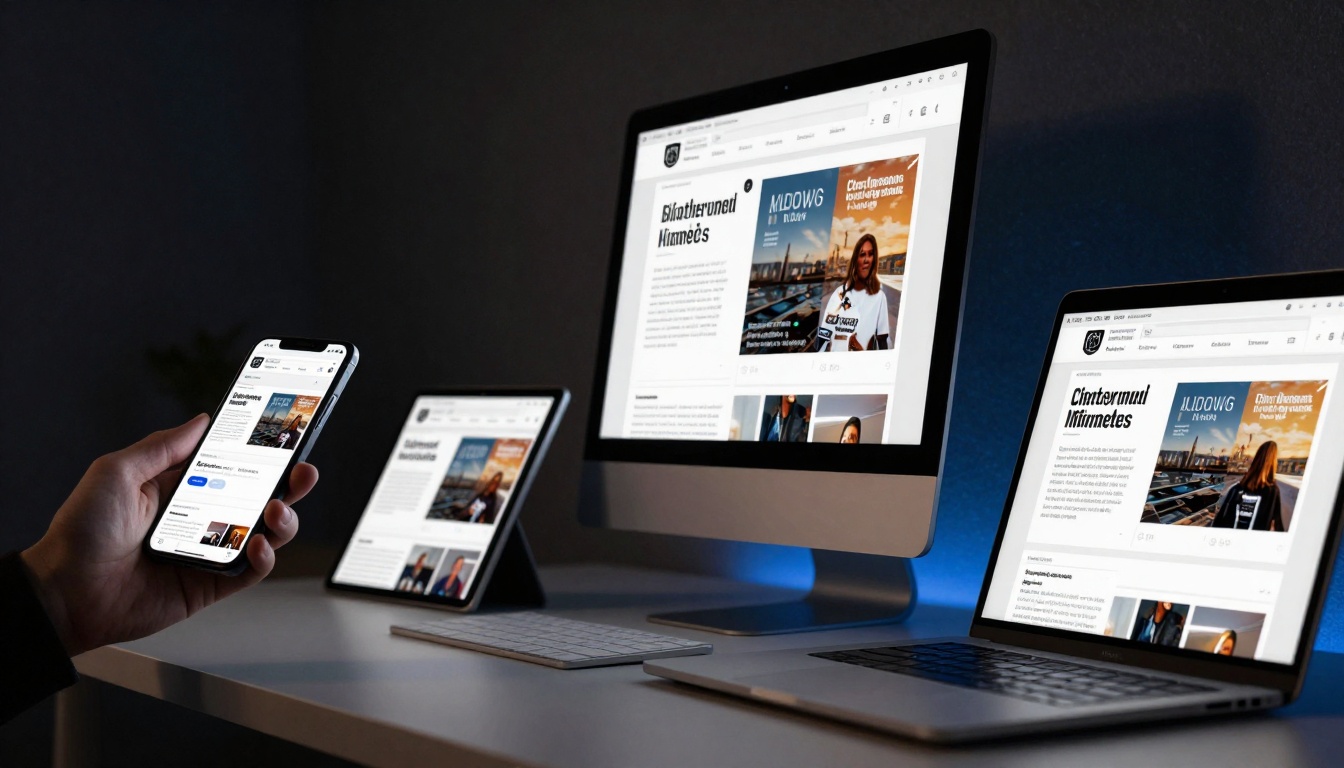
The actual creation process follows a logical workflow that anyone can follow:
1. Account setup and PDF upload
Begin at Flipbooks AI where free accounts provide immediate access. The upload interface accepts PDFs up to 500 pages with file sizes to 100MB. Drag-and-drop functionality makes this step frictionless.
2. Automatic conversion process
Once uploaded, the platform processes the PDF through several stages:
- Page extraction and optimization
- Interactive element detection
- Mobile-responsive layout generation
- Preview creation
3. Customization and branding
This stage transforms generic conversion into branded publication:
- Add company logo and color scheme
- Select page flip animation style
- Configure table of contents
- Set navigation preferences
4. Multimedia integration
Enhance pages with these interactive elements:
- Embed videos - Product demonstrations, interviews, tutorials
- Audio players - Podcast episodes, music samples, narration
- Image galleries - Product photos, team pictures, location shots
- Interactive forms - Contact forms, surveys, lead capture
5. Preview and testing
Before publication, test across devices:
- Smartphone responsiveness check
- Tablet layout verification
- Desktop experience review
- Page load speed assessment
6. Publication and distribution
Choose distribution methods:
- Direct link sharing
- Website embedding
- Email newsletter inclusion
- Social media promotion
The Magazine Flipbook Creator tool provides templates specifically designed for magazine layouts, including common sections like editor's letters, feature articles, and advertisement placements.
Advanced Magazine Customization Options
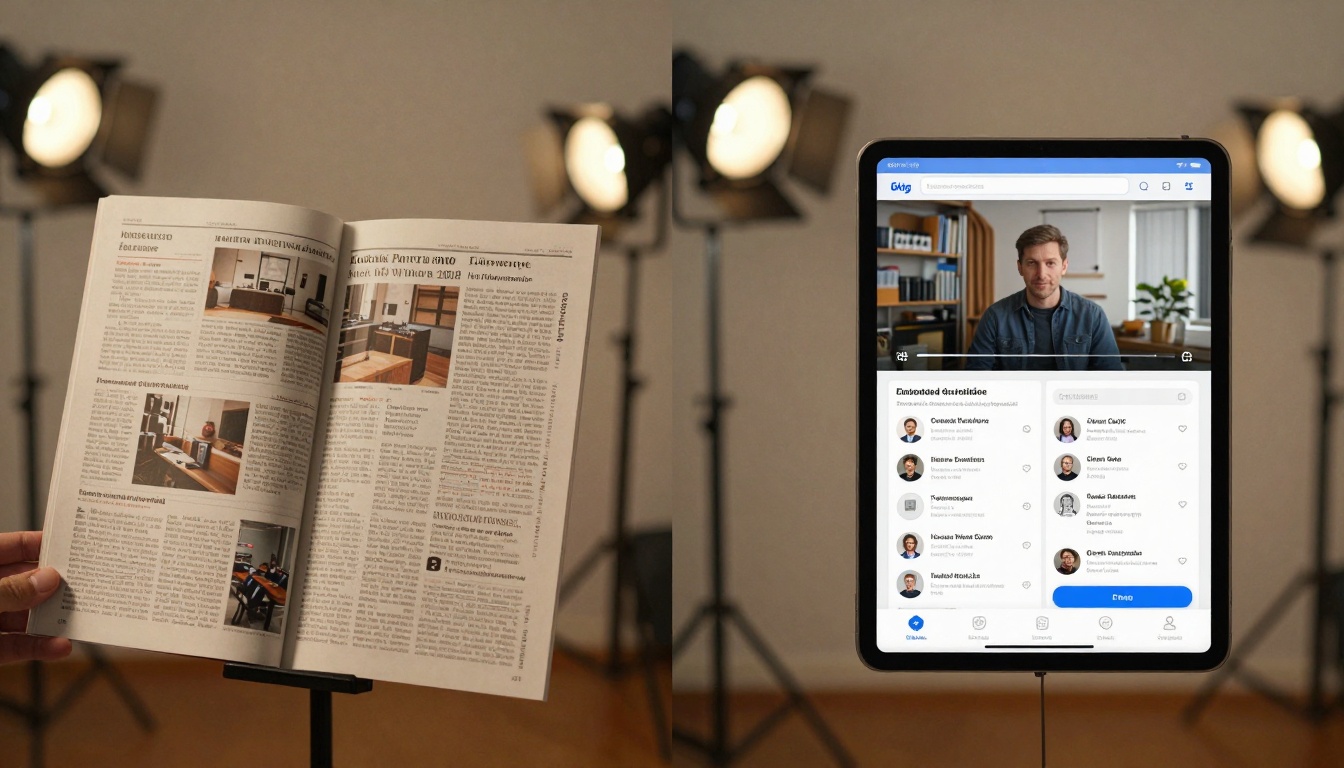
Beyond basic conversion, professional publications benefit from these advanced features:
Interactive element types and applications:
| Element Type | Best Applications | Reader Benefit |
|---|
| Video embedding | Product demos, interviews, tutorials | Visual learning, deeper understanding |
| Audio integration | Podcasts, music, narration | Multitasking capability, accessibility |
| 360° viewers | Product showcases, location tours | Immersive experience, detailed examination |
| Clickable hotspots | Additional information, related content | Deeper exploration without leaving page |
| Animated infographics | Data visualization, process explanation | Simplified complex information |
| Interactive forms | Lead capture, feedback, subscriptions | Direct action without redirect |
Customization level comparison:
| Customization Area | Basic Options | Advanced Options |
|---|
| Branding | Logo placement | Full color scheme, custom fonts |
| Navigation | Basic arrows | Thumbnail preview, search, bookmarks |
| Multimedia | Basic embedding | Auto-play settings, interactive controls |
| Analytics | Page view counts | Heatmaps, reader paths, engagement duration |
| Security | Public/private | Password protection, domain restrictions |
Real-world application examples:
⚠️ Performance consideration: While adding interactive elements enhances engagement, balance with page load speed. The Flipbooks AI platform optimizes automatically, but complex pages with multiple videos may require strategic placement.
Magazine Distribution and Audience Engagement
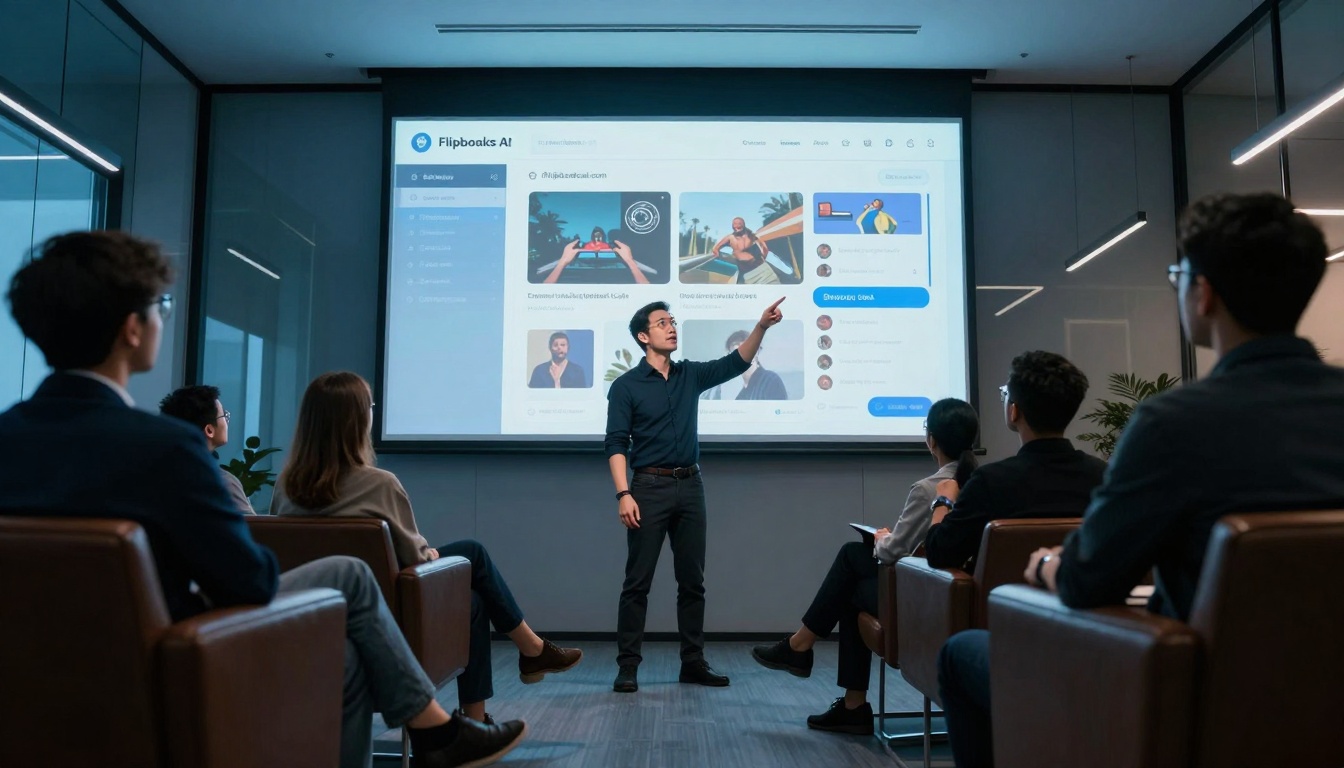
Publication represents only the beginning. Distribution strategy determines reach, while engagement tools measure impact:
Distribution channels effectiveness comparison:
| Channel | Best For | Engagement Rate | Conversion Potential |
|---|
| Website embedding | Existing traffic | 35-45% | High (contextual) |
| Email newsletters | Subscriber base | 25-35% | Medium-high |
| Social media | Audience growth | 15-25% | Medium |
| Direct links | Specific audiences | 40-50% | High |
| QR codes | Print materials | 20-30% | Medium |
Embedding methods provide different advantages:
- Full-page embedding - Magazine occupies entire browser window, ideal for dedicated reading sessions
- Responsive container - Magazine adapts to available space within existing webpage layout
- Popup/lightbox - Magazine opens over current content, maintaining context
- Direct link - Simple URL access without embedding complexity
The Embed Flipbook on Website tool generates appropriate code for each method, with automatic responsiveness for different screen sizes.
Engagement measurement through analytics:
- Page-level tracking - Which content holds attention longest
- Reader navigation patterns - How audiences move through publication
- Device usage analysis - Mobile vs. desktop reading behaviors
- Time distribution - When readers engage most actively
- Interaction rates - Which multimedia elements drive engagement
Professional plans on Flipbooks AI include advanced analytics showing not just page views but engagement depth—crucial for content optimization.
Professional Publishing Features Worth the Upgrade
While free and basic plans work for testing, professional publications benefit from upgraded capabilities:
Pricing plan comparison for digital magazines:
| Plan | Monthly Cost | Best For | Key Magazine Features |
|---|
| Basic | Free | Testing, personal use | 5 flipbooks, basic conversion |
| Standard | €3 | Small publications | Unlimited magazines, no watermarks |
| Professional | €7 | Commercial publishing | Analytics, lead generation, branding |
| Lifetime | €200 one-time | Long-term publishers | All features forever |
Professional features justifying upgrade:
-
Advanced analytics dashboard
- Heatmaps showing reader attention distribution
- Time-on-page measurements per content section
- Device and browser usage statistics
- Reader navigation flow visualization
-
Lead generation integration
- Custom form creation within magazine pages
- Automatic data collection to CRM systems
- Newsletter subscription integration
- Download gate functionality for premium content
-
Enhanced security options
- Password protection for individual publications
- Domain restriction for internal distribution
- Expiration dates for time-sensitive content
- Download control and tracking
-
Branding consistency
- Custom color schemes matching organizational guidelines
- Typography control for brand font implementation
- Logo placement optimization across devices
- White-label options for agency use
Use case examples showing upgrade value:
- Marketing agencies creating client publications benefit from white-label branding and advanced analytics to demonstrate campaign effectiveness
- Educational publishers implementing the E-Book Flipbook Generator require download tracking and student progress monitoring
- Corporate communications using the Annual Report Creator need shareholder engagement metrics and secure distribution
- Non-profit organizations employing the Non-Profit Annual Report tool benefit from donor engagement tracking and fundraising integration
Implementation considerations for professional use:
Workflow integration points:
- Content management systems - Direct publishing from WordPress, Drupal, or custom platforms
- Digital asset management - Connection to media libraries and image repositories
- Analytics platforms - Data export to Google Analytics, Mixpanel, or custom dashboards
- CRM systems - Lead data transfer to Salesforce, HubSpot, or similar platforms
Team collaboration features:
- Multiple editor access with permission levels
- Version history and rollback capability
- Comment and feedback systems within publication workflow
- Approval processes for regulated industries
Performance optimization techniques:
- Lazy loading for faster initial page display
- Progressive image quality enhancement
- Adaptive video streaming based on connection speed
- Caching strategies for repeat visitors
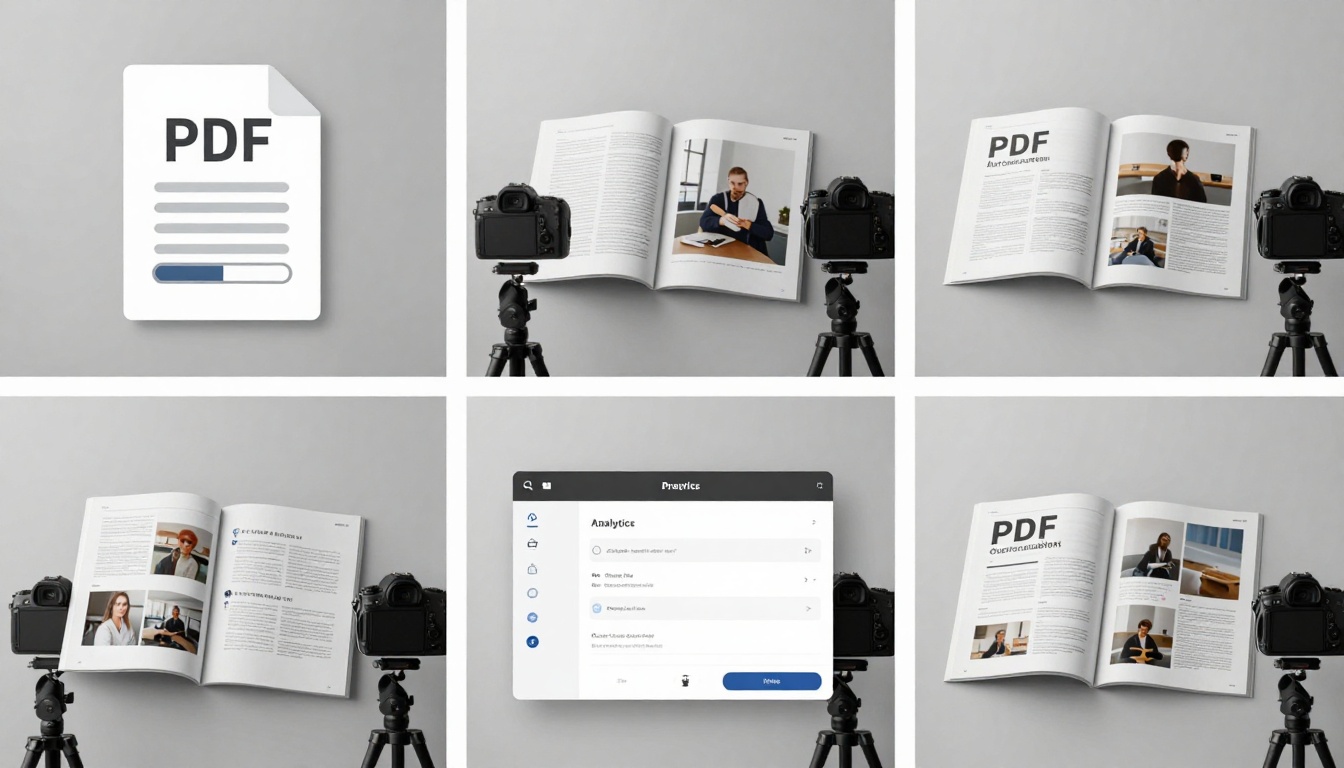
The transition from concept to published magazine happens through a logical progression shown in the time-lapse composite—from PDF upload through customization to final distribution. Each step represents deliberate choices about audience engagement, content presentation, and measurement capability.

Industry-specific applications demonstrate versatility:
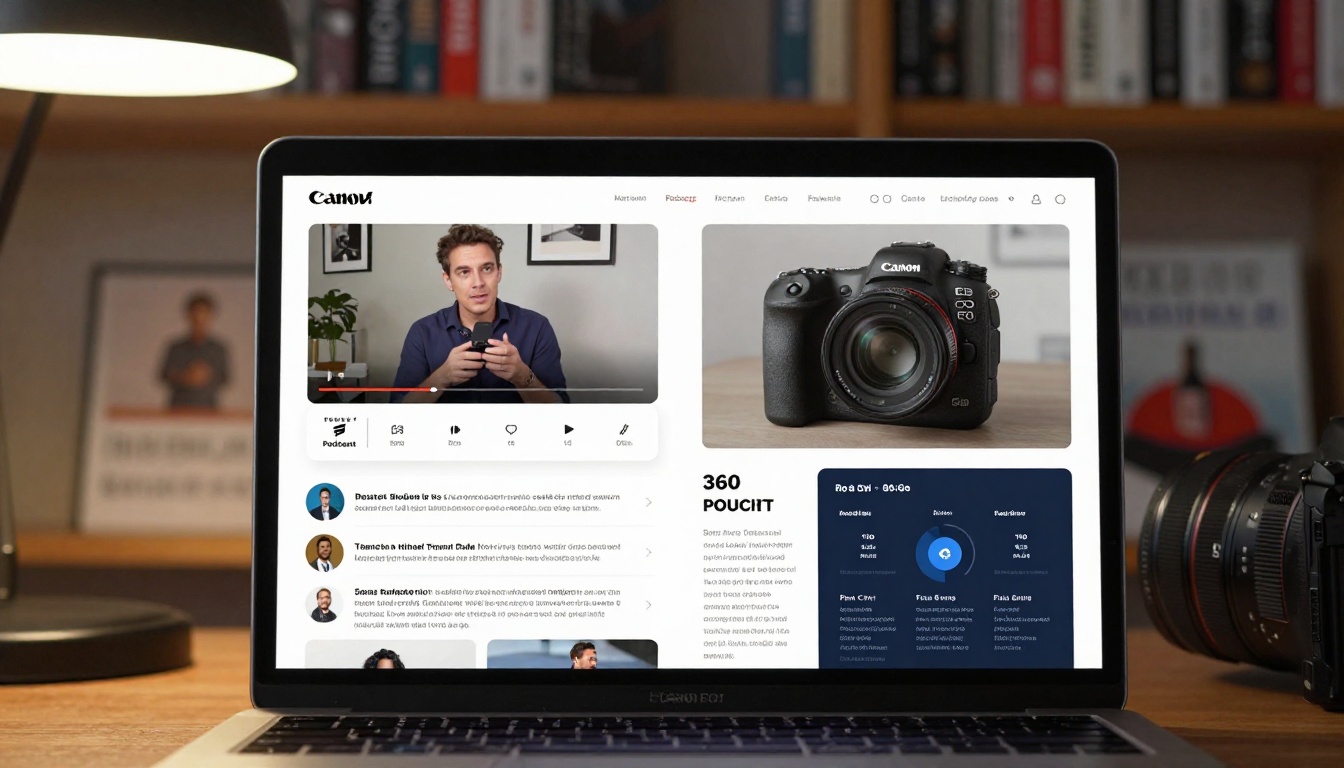
Fashion and retail publications created with the Interactive Lookbook Designer show products in context with styling suggestions, size guides, and direct purchase links. The environmental portrait illustrates this connection between physical products and digital presentation.
Hospitality and tourism implementations using the Hotel Brochure tool feature virtual room tours, local attraction videos, and booking integration. Analytics reveal which amenities attract most interest.
Education and training materials through the Training Manual Flipbook include interactive quizzes, progress tracking, and certificate generation upon completion.
Corporate communications employing the Press Kit Designer provide journalists with downloadable assets, executive video statements, and real-time updates.
The practical reality of digital magazine creation has evolved from technical complexity to accessible simplicity. Where once this required specialized developers and substantial budgets, platforms like Flipbooks AI deliver professional results through intuitive interfaces. The remaining consideration isn't technical capability but strategic implementation—matching interactive features to audience needs, measuring what resonates, and iterating based on engagement data.
Begin your first magazine creation at Flipbooks AI with immediate access to conversion tools. Compare pricing plans to match features with publication requirements. Explore specialized tools for your industry in the tools directory, whether creating restaurant menus, real estate brochures, or educational materials. The transformation from static PDF to interactive digital magazine represents not just format change but engagement evolution—accessible within minutes rather than requiring days or weeks of development effort.



