Publishing a digital magazine used to sit behind a wall of technical knowledge, expensive software licenses, and hours spent wrestling with code. Today, that wall is gone. Anyone with a story to tell, a brand to promote, or a community to serve can build and publish a polished interactive magazine in the time it takes to watch a movie. Flipbooks AI is one of the platforms making this possible, turning a simple PDF upload into a fully interactive publication with page-turn animations, embedded media, and real-time analytics. No developer, no server, no code required.
Why Digital Magazines Beat Print in 2025
Print is expensive. Design agencies, printing presses, distribution logistics: the costs stack up fast. A digital magazine sidesteps all of that. Readers get it instantly on any device, you get measurable data on who read what and for how long, and there is zero physical waste.
But the real shift is in the tools. The no-code revolution that transformed web design and app building has fully arrived in publishing. You no longer need to know HTML, CSS, or any programming language to produce something that looks like it came out of a professional design studio.
Interactive digital publications consistently outperform static PDFs in engagement time and sharing rates. Readers spend more time with content that responds to their taps and clicks. Page-turn animations, embedded videos, and clickable product links all contribute to a reading experience that flat documents simply cannot match.
The No-Code Publishing Shift
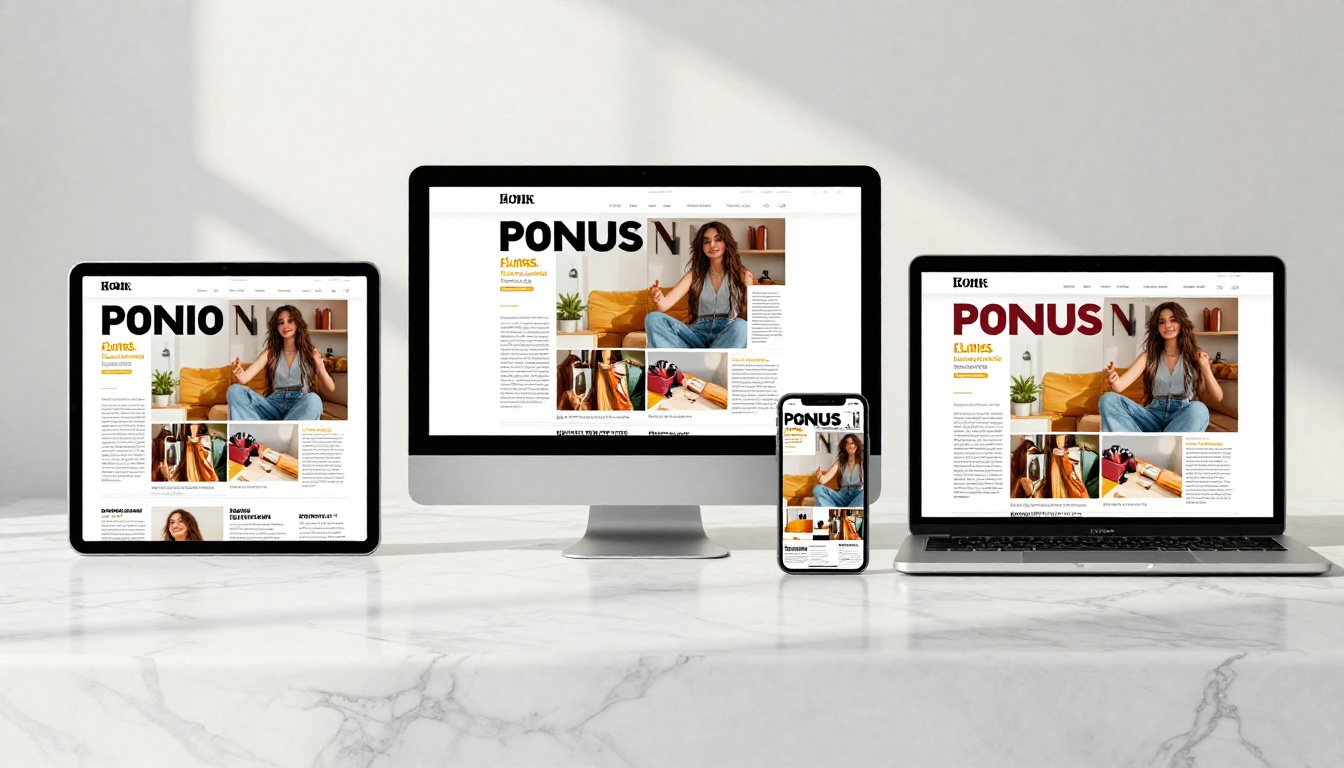
No-code publishing platforms work by converting documents you already have (PDFs, typically) into fully hosted, browser-based publications. The hard technical work, rendering page flips, managing hosting, optimizing for mobile, happens automatically. You focus entirely on content and design.
The most powerful platforms add interactivity: clickable links, embedded videos, audio clips, lead capture forms, and analytics dashboards. Features that would have required custom web development a few years ago are now point-and-click options.
Who Actually Publishes Digital Magazines
Digital magazines are not just for media companies. The format works for a wide range of creators and businesses:
- Fashion brands publishing seasonal lookbooks and editorial spreads
- Restaurants sharing seasonal menus with full food photography
- Real estate agencies distributing property showcase magazines to buyers
- Nonprofits sending annual impact reports to donors
- Schools and universities producing student magazines and yearbooks
- Freelancers and consultants presenting portfolio work in a premium format
- Event organizers distributing event programs without printing costs
- E-commerce brands publishing interactive product catalogs with buy links
💡 If your audience reads on mobile, a digital magazine with responsive design will always outperform a flat PDF attachment in email. Page-flip formats see significantly higher engagement times than static documents.
What You Need Before You Start
The entry requirements for creating a digital magazine are minimal. Here is what you actually need:
- A PDF of your content: This is your magazine in its designed form. You can create it in Canva, Adobe InDesign, Google Slides, Microsoft Publisher, or any tool that exports to PDF.
- An account on a publishing platform: Free tiers exist on most platforms, including Flipbooks AI.
- Your brand assets: Logo, color palette, and a cover image.
- A sharing goal: Embed on a website? Share via link? Gate with a password? Knowing this upfront determines which features you need.
That is the full list. No server setup, no domain purchase, no developer on call.

Not all digital magazine tools are equal. Some are glorified PDF viewers. Others are fully featured publishing platforms with branding, analytics, and interactivity built in. The table below compares what separates them:
| Feature | Basic PDF Viewer | Standard Flipbook Tool | Full Publishing Platform |
|---|
| Page-turn animation | Sometimes | Yes | Yes |
| Mobile responsive | No | Partial | Yes |
| Custom branding | No | Limited | Full |
| Embed on website | No | Yes | Yes |
| Analytics | No | No | Yes (Pro) |
| Password protection | No | No | Yes |
| No watermarks | No | Sometimes | Yes |
| Lead capture forms | No | No | Yes (Pro) |
| Offline download | No | No | Yes |
The difference between a basic viewer and a full platform is the difference between sharing a file and publishing a magazine.
Free Tools vs. Paid Plans
Starting with a free tool is a perfectly valid choice for first-time publishers. Most platforms offer a free tier with enough features to test the concept. The question is whether those limits fit your long-term goals.
| Tier | Best For | What You Get |
|---|
| Free | Testing, single issues, personal projects | Basic conversion, limited uploads |
| Standard | Regular publishers, small businesses | Unlimited flipbooks, no watermarks, custom branding |
| Professional | Brands, agencies, lead-gen publishers | Analytics, lead capture forms, offline access, priority support |
Flipbooks AI pricing is structured so most independent publishers find exactly what they need at the Standard tier, while brands that want audience data and lead generation upgrade to Professional.
⚠️ Watch out for platforms that add watermarks on free plans. Your magazine is your brand. A competitor's logo on every page undermines the professional impression you are trying to build.
How to Create Your Digital Magazine on Flipbooks AI
Flipbooks AI is built specifically for this publishing workflow. The interface is clean, the output looks genuinely professional, and the whole process from upload to live publication takes under an hour on your first attempt.
Step 1: Set Up Your Account
Go to flipbooksai.com/account and create your free account. No credit card is required to get started. Once inside, your dashboard shows all your publications and gives you quick access to create a new one.
Step 2: Upload Your PDF
Click New Flipbook and upload your PDF magazine file. The platform accepts files of any page count and converts them automatically, rendering each page as a crisp high-resolution spread with a realistic page-turn effect. Conversion typically takes under a minute.
💡 For best results, export your PDF at 150 to 300 DPI. This keeps images and text sharp in the final flipbook without making the file unnecessarily large.
Step 3: Customize Your Branding
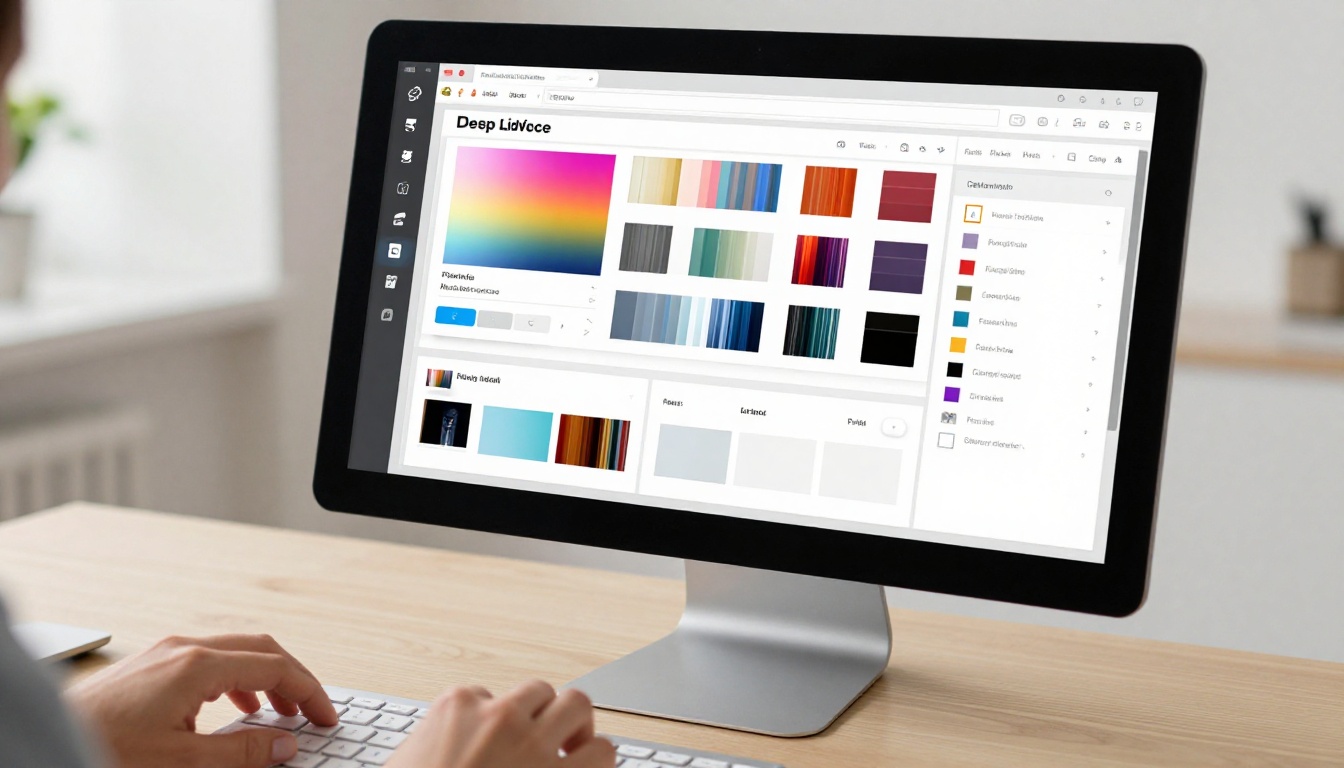
This is where your magazine becomes distinctly yours. In the customization panel, you can:
- Set a custom cover image: Use your magazine cover as the preview thumbnail across all embeds and share previews
- Apply brand colors: Match the interface chrome to your publication's visual identity
- Upload your logo: Display your publication's branding in the viewer header
- Choose background textures: Select paper, fabric, or solid color backgrounds for the reader environment
- Adjust page transition styles: Choose between classic page flip, slide, or fade transitions
None of this requires any design knowledge beyond knowing what your brand looks like. Every option is a click or a color picker.
Step 4: Add Interactive Elements
Static page flips are just the beginning. You can enrich your magazine with functionality that print can never offer:
- Clickable hyperlinks: Every URL in your PDF becomes automatically clickable, driving traffic to product pages, social profiles, or external resources
- Embedded videos: Add brand films, product demonstrations, or editorial interviews directly within page spreads
- Audio clips: Background music or narration for immersive editorial sections
- Pop-up product details: Expand specifications, image galleries, or call-to-action buttons on tap
For fashion publishers, the Interactive Lookbook Designer and Magazine Flipbook Creator provide specialized templates and layouts built for editorial content.
Step 5: Configure Sharing and Privacy
Before publishing, decide how your magazine reaches readers:
- Public link: Anyone with the URL can read it, no login required
- Password protection: Gate your content for paying subscribers or internal team access
- Embed code: A simple iframe snippet drops your magazine into any website or CMS
- Direct download: Allow readers to save an offline copy (Professional plan)
- QR code: Auto-generated QR codes for physical print and signage
The Embed Flipbook on Website tool generates clean, ready-to-paste embed code compatible with WordPress, Webflow, Squarespace, Wix, and any page that accepts HTML.
Step 6: Publish and Share
Hit publish. Your magazine is immediately live at a dedicated shareable URL, fully optimized for all screen sizes, with zero server configuration on your end. Share via email, social media, QR code, or embed it directly in your website.

Making Your Magazine Look Professional
The biggest risk with no-code publishing is producing something that looks like a no-code project. Here are the practices that separate polished publications from amateur ones.
Design Before You Upload
The quality of your flipbook is ceiling-limited by the quality of your PDF. Invest time in the design phase. Use full-bleed photography, consistent typography, and generous white space. A well-designed PDF converts into a stunning flipbook. A cluttered one converts into a cluttered flipbook.
✅ Use a grid system in your design tool. Consistent margins and column widths make every spread feel intentional and editorial rather than thrown together.
Cover Image Strategy
Your magazine cover is the first thing readers see in their inbox, on social media, and in embeds. Treat it like a movie poster. Bold typography, high-contrast photography, and a single clear focal point work consistently better than busy layouts with multiple competing elements.
Typography Hierarchy
Strong magazines use at most three type sizes: a display size for headlines, a body size for article text, and a caption size for photo credits and pull quotes. Anything beyond three sizes creates visual noise that pulls readers out of the experience.
Spread Pacing
Magazine readers read non-linearly. They flip through looking for visual anchors before committing to text. Plan your spread sequence so every third or fourth page is a strong visual moment, a full-bleed photograph, a bold infographic, or a striking pull quote.

Distributing and Growing Your Readership
Publishing is only half the work. Getting readers requires a real distribution strategy.
Email Is Still the Most Reliable Channel
A direct link or embedded preview in your newsletter drives more engaged reads than any social post. Readers who opted into your list are already interested in your content. Pair your cover image with a clear link and one sentence about what is inside.
Social Media Snippets
Pull three or four of your strongest visuals from the magazine and post them as a carousel or individual posts with a link in bio. For editorial and lifestyle content, Instagram and Pinterest drive particularly engaged traffic. For B2B magazines, LinkedIn performs best.
QR Codes for Physical Touchpoints
If you have any physical presence, print a QR code linking directly to your magazine. A restaurant displays it at the table for the seasonal menu. A retail store places it at checkout linking to the current lookbook. An event organizer prints it on signage linking to the event program.
Embed on Your Website
Embedding your magazine directly on your site keeps readers on your property rather than sending them to a third-party link. Flipbooks AI's E-Magazine Publishing Tool includes embed options specifically designed for clean, responsive inline publishing.
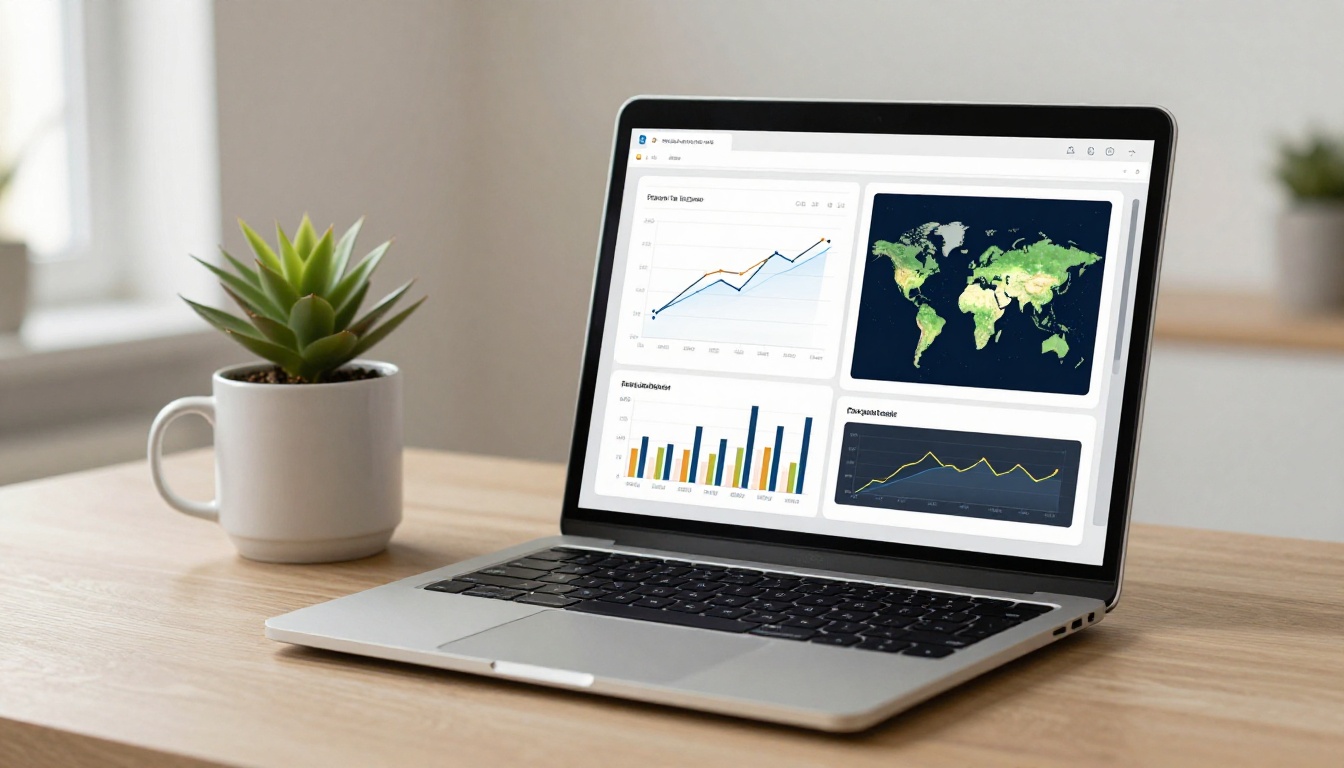
One of the most significant advantages digital magazines hold over print is measurable performance data. With a Professional plan on Flipbooks AI, you gain access to:
- Page-by-page view data: See exactly which spreads readers spend time on and which they skip
- Total read time: Understand average engagement depth per issue and per reader
- Geographic distribution: Know where your audience is located for content and distribution decisions
- Device breakdown: See the split between desktop, tablet, and mobile reads
- Lead capture: Collect reader emails directly through embedded forms in the publication
This data changes how you plan your next issue. If readers consistently leave after page 10, you know your content pacing needs adjustment. If a specific spread generates disproportionate time-on-page, you know exactly what your audience wants more of.
💡 Place lead capture forms strategically after your strongest content. A reader who reaches page 15 is genuinely engaged. That is the right moment to ask for an email address, not page one.
Use Cases That Work Exceptionally Well
Some content types are particularly well-suited to the digital magazine format.
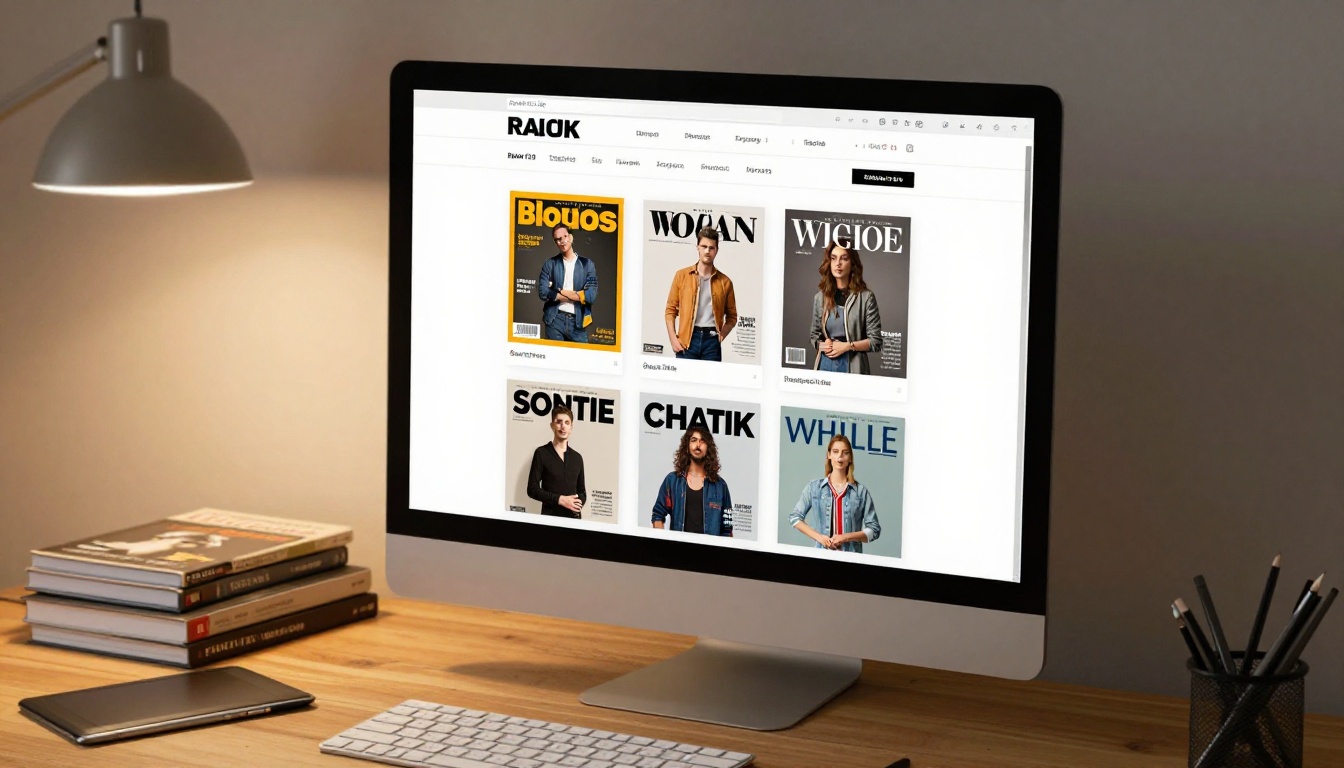
Fashion and Lifestyle Brands: Seasonal collections, editorial shoots, style guides, and brand stories translate perfectly into magazine spreads. The Lookbook Flipbook Builder is built specifically for this.
Professional Services: Consultants, agencies, and B2B service providers use digital magazines for thought leadership content, case study collections, and quarterly market reports. The format signals investment in a way a blog post simply cannot.
Education and Nonprofits: Schools use the Yearbook Flipbook Maker and School Newsletter Creator for internal publications. Nonprofits use the Non-Profit Annual Report tool for compelling donor communications.
E-commerce and Retail: Product catalogs and seasonal buying guides become highly interactive when every product image links directly to a purchase page. The Product Catalog Generator and Digital Catalog Maker offer retail-specific templates and layouts.
Common Mistakes That Hurt First Issues
Even with a great platform and strong content, certain patterns consistently trip up first-time digital magazine publishers:
| Mistake | Why It Hurts | The Fix |
|---|
| Low-resolution PDF upload | Blurry images and pixelated text | Export at 150 DPI minimum, 300 DPI for photo-heavy issues |
| Too much text per spread | Readers skip dense pages immediately | Break content into shorter editorial sections with visual breaks |
| No mobile preview before publishing | Layout breaks on phones for half your audience | Always check mobile view before going live |
| Ignoring image compression | Slow-loading flipbooks lose readers early | Compress images before creating the PDF source file |
| No analytics on the Professional plan | No feedback loop for improving future issues | Use page data to inform your next issue's content structure |
| No calls-to-action inside the magazine | Readers finish and do nothing | Add clear links and prompts on key editorial spreads |
⚠️ Never publish without previewing on a mobile device first. More than half of digital magazine reads happen on phones. A layout that looks perfect on desktop but breaks on mobile costs you a significant portion of your audience on day one.
Your First Issue Is Closer Than You Think
The gap between "I want to publish a digital magazine" and "my digital magazine is live" has never been smaller. You do not need a development team, a design agency, or a publishing house behind you. You need a strong PDF, a clear point of view, and a platform that handles everything technical while you focus on what actually matters: your content.
Flipbooks AI provides every tool required to go from upload to published in under an hour, with branding, interactivity, and distribution features that would have cost thousands to build from scratch just a few years ago. The platform supports everything from one-off special issues to ongoing monthly publications with subscriber analytics and lead generation built in.
Ready to start? Create your account for free and upload your first issue today. Browse all available tools and templates to find the right fit for your specific content type, whether that is a fashion lookbook, a nonprofit annual report, or a B2B industry journal. When you are ready to add analytics and reader engagement data to your workflow, compare pricing plans to find the tier that fits where your publication is going.
Your readers are waiting.



