Your portfolio is the first thing a client sees before they decide whether to reach out. A flat, static PDF buried in an email attachment rarely gets a second look. An interactive portfolio that flips, zooms, and behaves like a real physical book? That gets saved, shared, and remembered.
Flipbooks AI turns any PDF portfolio into a page-flipping digital showcase in minutes, with zero coding, zero design tools, and no watermarks. Whether you're a photographer, graphic designer, architect, or freelance creative, a digital portfolio with real page-turn effects positions you as someone who takes presentation seriously.
This article walks you through everything: why the format works, how to build one, who needs it most, and how to get it in front of the right people.
Why Static PDFs Are Hurting Your Chances
Most creatives still send portfolios as PDF attachments. The problem is not the content, it's the delivery.
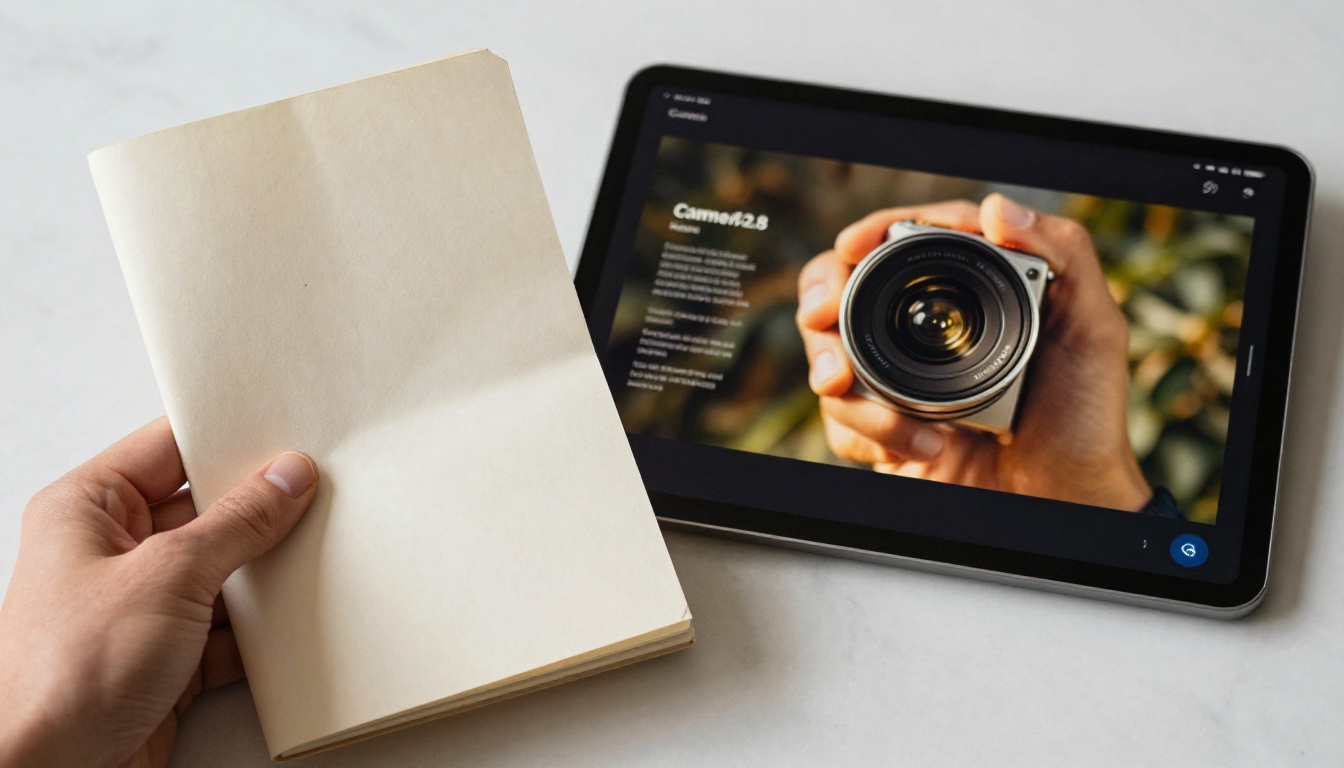
PDFs open in a separate app, feel cold and corporate, and offer no engagement. There are no page transitions, no immersive reading experience, nothing that signals you care about how your work is presented. Clients receive dozens of them. Very few get read in full.
A flipbook portfolio changes that entirely.
What Clients Actually Notice
When a client opens a link and sees a portfolio that flips like a real book, the immediate perception is quality. The interaction itself communicates professionalism before a single piece of work is reviewed.
Here's a direct comparison between delivery formats:
| Format | Engagement | Mobile-Friendly | Shareable Link | Page-Turning Effect | Analytics |
|---|
| PDF Email Attachment | Low | Partial | No | No | No |
| Google Drive PDF | Low | Yes | Yes | No | No |
| Website Portfolio | Medium | Yes | Yes | No | Partial |
| Digital Flipbook | High | Yes | Yes | Yes | Yes |
The flipbook wins on every dimension that affects first impressions and follow-through.
💡 Interactive content consistently receives more attention than static content. A flipbook portfolio is interactive by default, without any extra effort from you.
The Real Problem with Flat Presentation
When you send a PDF, you're trusting the recipient's PDF reader, their screen size, and their willingness to scroll. Most portfolios get skimmed in under a minute.
A flipbook naturally encourages page-by-page progression. Readers follow the structure you designed. The experience is controlled, intentional, and far more immersive. That control matters when your work needs to be seen in a specific sequence to land properly.
What Makes a Portfolio "Flip Like a Book"
The page-turn effect is the visual anchor of a flipbook portfolio. When a reader clicks or swipes, pages curl in a realistic, three-dimensional motion that mimics turning the page of a physical book or magazine.
That effect is not just aesthetic. It creates a psychological sense of progress and flow. Readers feel like they're moving through something designed for them to experience, not just a document being transmitted to them.
Interactive vs. Static: The Core Difference
A static portfolio shows work. An interactive portfolio presents work.
The difference lies in how the viewer engages with the content. A flipbook portfolio:
- Guides readers through a narrative sequence you designed
- Allows zooming into individual pages for fine detail
- Works on any device, including mobile, without formatting issues
- Embeds directly in websites and emails with a single line of HTML
- Supports embedded videos and audio for multimedia presentations
- Tracks exactly who viewed what and for how long (Professional plan)
✅ Every flipbook created on Flipbooks AI is mobile-responsive by default. Swipe-based page turning works automatically on touch screens.
How to Create Your Flipbook Portfolio
Creating a flipbook portfolio takes under 10 minutes from PDF to shareable link. Here's the exact process.
Step 1: Prepare Your PDF
Design your portfolio in any tool you already use, such as Adobe InDesign, Canva, Affinity Publisher, Google Slides, or PowerPoint. Export it as a PDF with these considerations in mind:
- Use a horizontal (landscape) layout for the best two-page spread effect
- Embed all fonts to prevent rendering issues
- Export at 150 to 300 DPI for sharp, crisp pages
- Keep file size under 100MB for optimal upload and loading speed
⚠️ If your original file was designed for print with bleed marks and 300+ DPI, create a separate web-optimized export. Smaller file sizes load faster and reduce viewer drop-off.
Step 2: Upload to Flipbooks AI
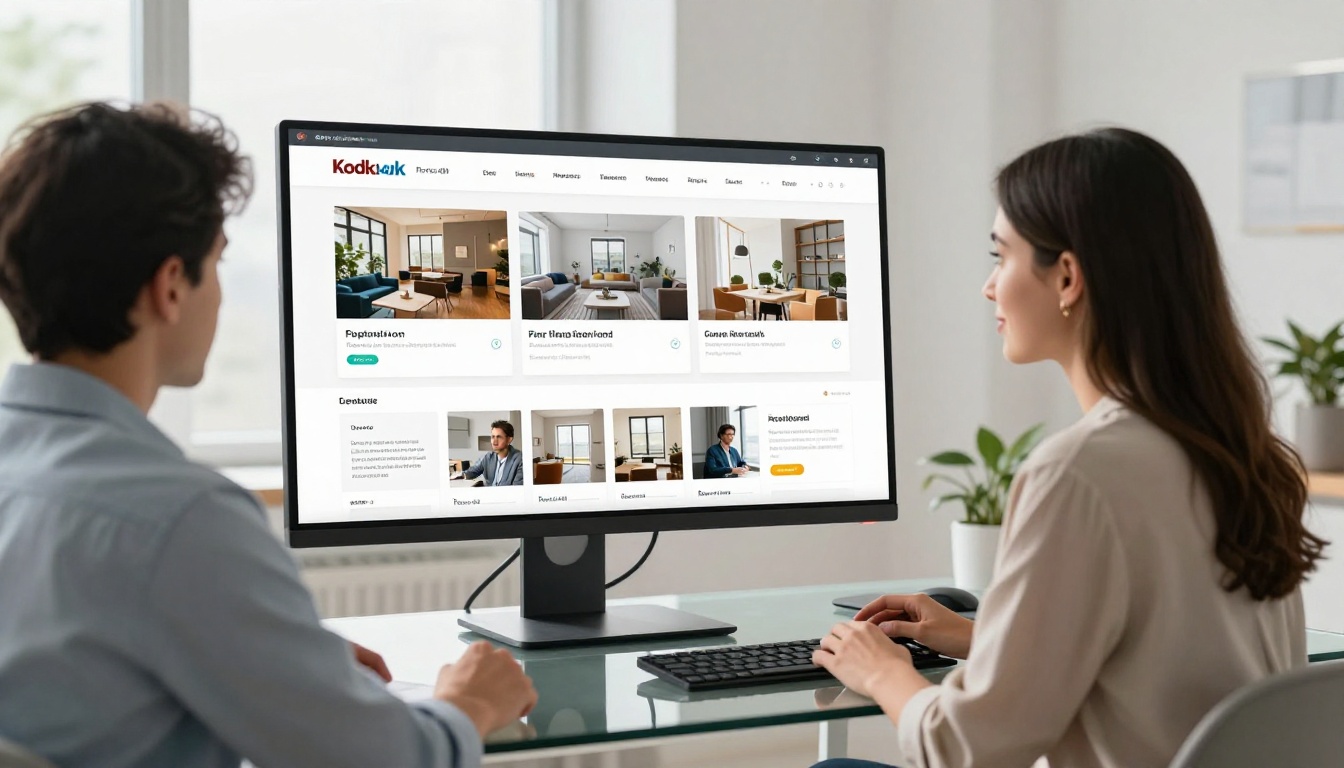
Go to Flipbooks AI and create a free account. From your dashboard, click New Flipbook and drag your PDF into the upload area.

The platform processes your PDF within seconds and generates a fully interactive flipbook with page-turn effects applied automatically. You can also start directly from the dedicated Digital Portfolio Creator or the Portfolio Flipbook Builder for portfolio-specific layout options.
Step 3: Customize Your Flipbook
After upload, make the experience match your brand:
- Thumbnail image: Set a specific page or upload a custom front-page image
- Background: Choose a color or texture that fits your portfolio's visual identity
- Auto-flip: Control the reading speed for self-playing presentation mode
- Table of contents: Name chapters for easier navigation in longer portfolios
- Custom domain: Host your flipbook at your own URL (Standard plan and above)
Step 4: Share It Everywhere
Once your flipbook is ready, you have four primary distribution options:
- Direct link: Share a clean URL by email, in a proposal, or via messaging apps
- Embed code: Paste a single line of HTML into your website or portfolio page
- Password protection: Restrict access for private proposals or confidential work
- Social sharing: Post directly to LinkedIn or any platform that accepts links
💡 Password-protected flipbooks work especially well for exclusive client proposals. They signal that the content was created specifically for the recipient, not circulated publicly.
For photographers specifically, the Photography Portfolio Flipbook tool optimizes layouts for full-bleed image spreads and editorial double-page compositions.
Who Benefits Most from a Flipbook Portfolio
Any creative who presents work to clients gains from this format. But certain fields see the most dramatic results.
Photographers and Visual Artists
Photography portfolios live and die by visual impact. A flipbook with full-page spreads and smooth transitions puts the work front and center in a way a scrolling website never achieves.
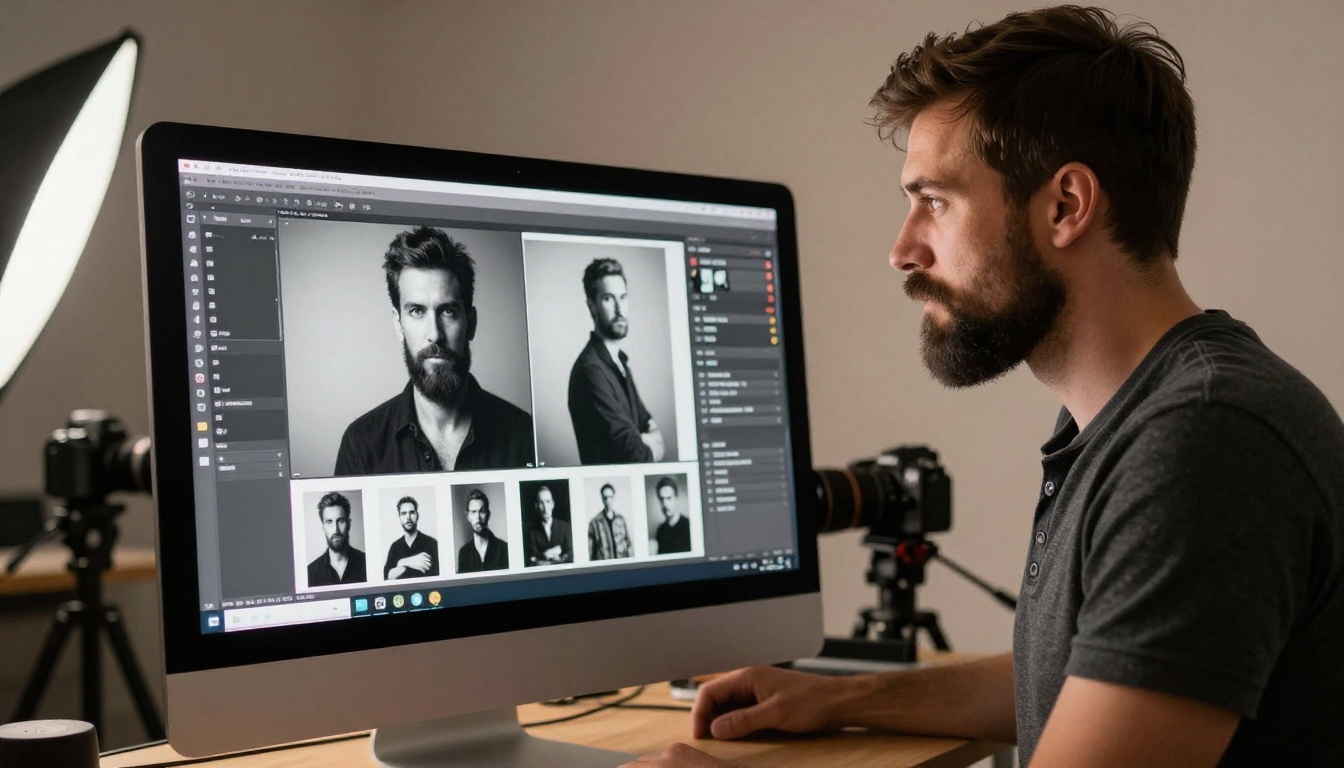
The double-page spread effect allows a single photograph to span the full visible area, creating an editorial magazine feel without additional design work beyond the original layout.
Fashion Designers and Stylists
A fashion portfolio is a lookbook. Clients expect a tactile, editorial presentation with strong visual sequencing. A flipbook naturally delivers that format, complete with page-turn animation that mimics a physical fashion magazine.
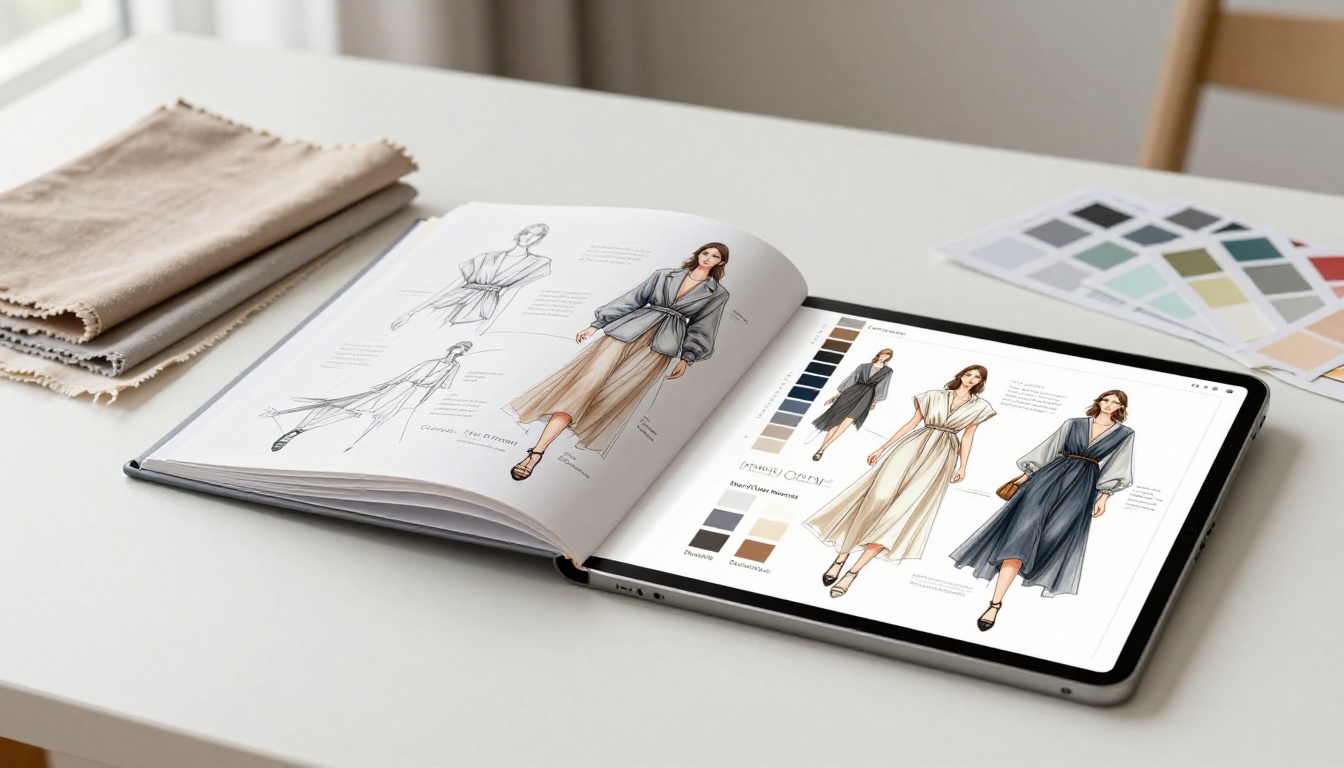
The Interactive Lookbook Designer and Lookbook Flipbook Builder are purpose-built for seasonal collection presentations and style showcases.
Architects and Interior Designers
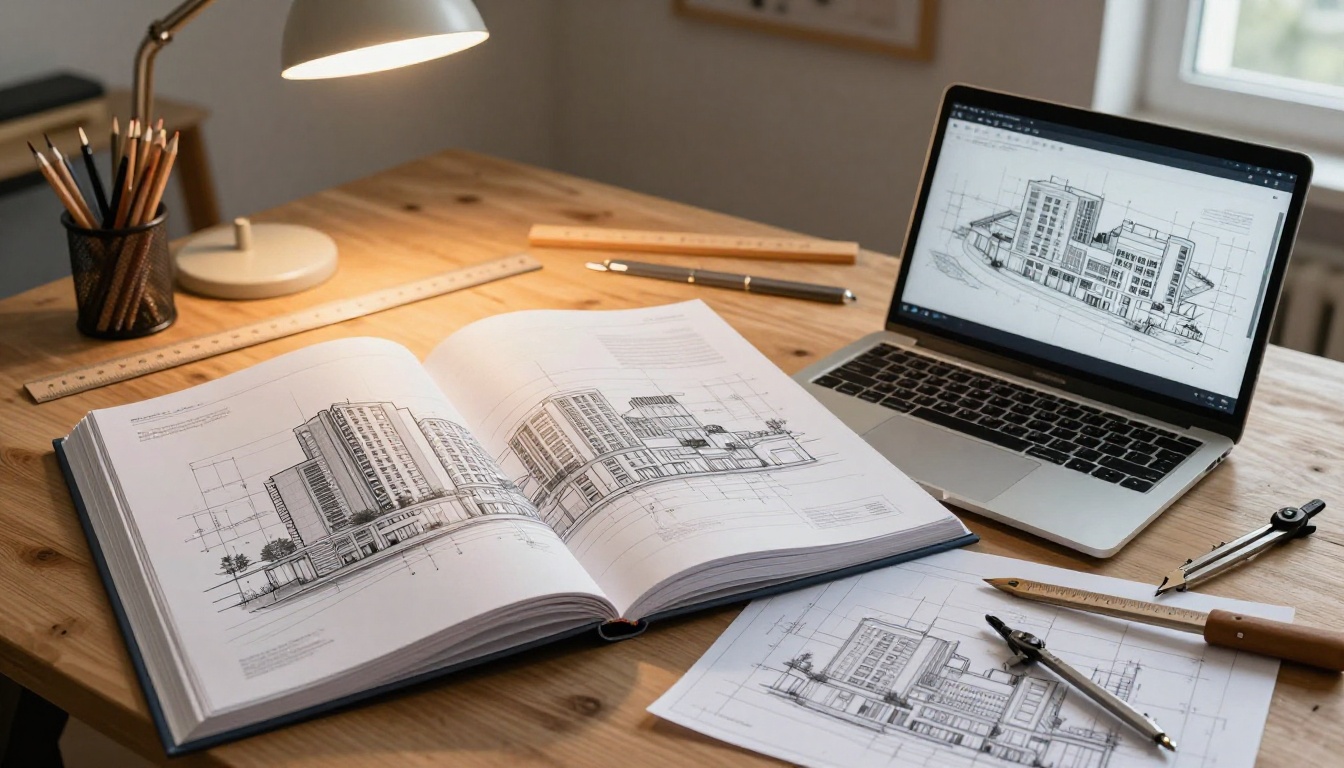
An architectural portfolio contains plans, elevations, renders, and project photography, documents that need to be reviewed in sequence. A flipbook enforces that sequence while letting clients zoom into technical drawings for fine detail.
Freelancers and Consultants
Freelancers attaching portfolios to proposals benefit from the professional signal a flipbook sends. A shareable link is more impressive than an attachment, and with analytics on the Professional plan, you can see if the prospect actually opened it before crafting your follow-up.
Here's how a flipbook portfolio stacks up against the formats most creatives default to:
| Format | Setup Time | Watermark | Interactive | Analytics | Embed Option | Mobile |
|---|
| PDF Email Attachment | Instant | None | No | No | No | Partial |
| Behance Profile | 30 min | None | Limited | Limited | No | Yes |
| Personal Website | Hours | None | Partial | Via GA | Yes | Yes |
| Issuu | 10 min | Yes (free tier) | Yes | Limited | Yes | Yes |
| Flipbooks AI | 5 min | None, ever | Yes | Yes | Yes | Yes |
✅ Unlike competitors, Flipbooks AI never adds watermarks on any plan, including the free tier.

Features That Make Your Portfolio Stand Out
Beyond the page-turn effect, several specific features directly improve how your portfolio performs with clients.
Password Protection for Sensitive Work
Not everything in your portfolio is meant for public access. Exclusive work, NDA-protected projects, and client-specific proposals can all be locked behind a password. Only the people you give the link and password to can access the content.
This is particularly valuable for:
- Work under non-disclosure agreements that can't be shared publicly
- Pitch-specific decks tailored to a single client or company
- Premium work you want to present selectively to qualified prospects
Analytics to Read the Room
With the Professional plan, you see exactly how readers interact with your portfolio: which pages they spent the most time on, where they dropped off, how many times the link was opened, and from which locations.
This is actionable data. If a prospect opens your portfolio multiple times but hasn't responded, that's a follow-up signal you simply wouldn't have without analytics. Full feature details are on the pricing page.
Always Mobile-Responsive
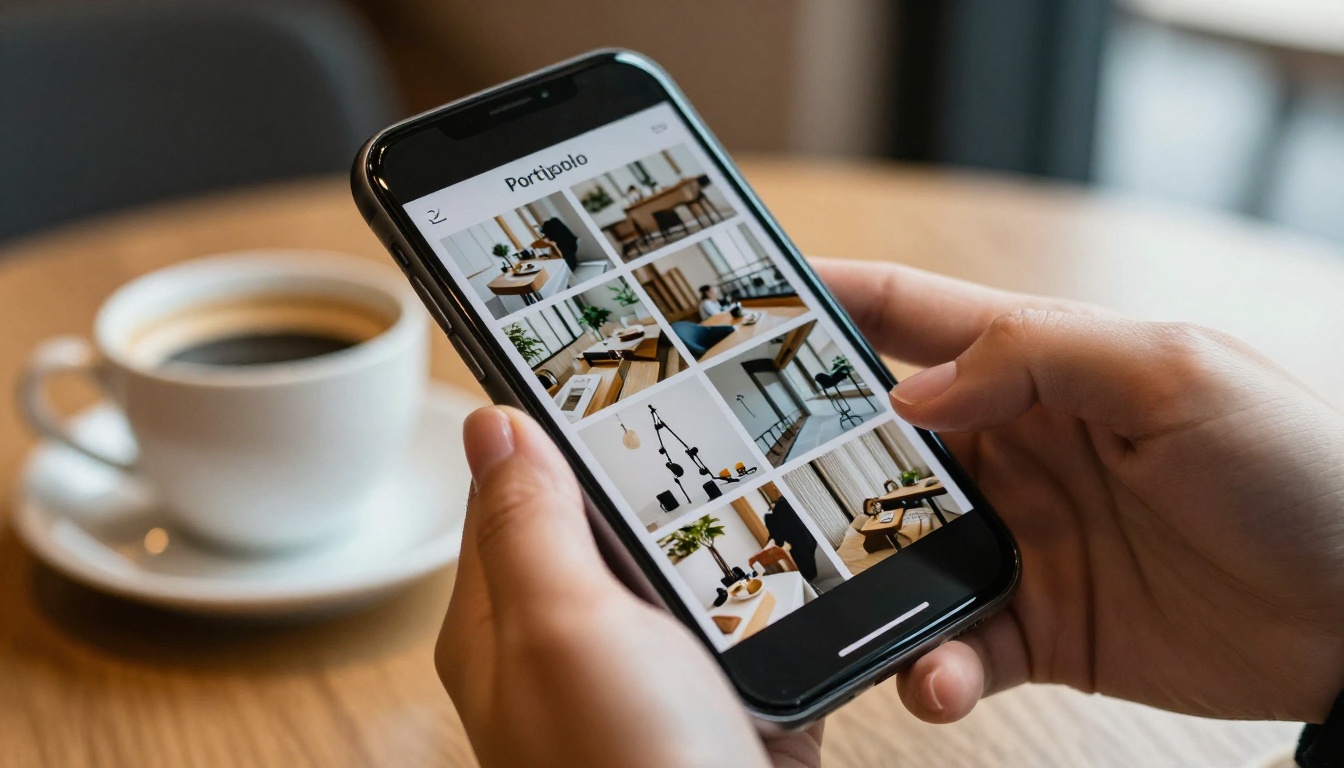
Every flipbook is automatically mobile-responsive. Swipe-based turning works on any touch screen without configuration. Your portfolio renders perfectly on a desktop monitor, a tablet, or a phone, whichever device your prospect uses when they open your link.
Offline Downloads and Embed Codes
Clients can download your flipbook for offline access when you enable the feature. The Embed Flipbook on Website tool lets you place a fully interactive flipbook directly on your site without redirecting visitors to a separate page.
Plans and Pricing Overview
| Plan | Flipbooks | Watermark | Analytics | Password | Custom Domain |
|---|
| Free | 3 | None | No | No | No |
| Standard | Unlimited | None | No | Yes | Yes |
| Professional | Unlimited | None | Yes | Yes | Yes |
All paid plans include offline downloads, custom branding, and no watermarks, ever. Current pricing is available at flipbooksai.com/pricing.
💡 The free tier is a real, usable product. Three flipbooks is enough to test the format with actual clients before committing to a paid plan.
Real-World Scenarios Worth Considering
A freelance photographer sends a password-protected flipbook after an initial inquiry call. The client opens it three times over two days. The photographer follows up referencing a specific spread from the portfolio. The session gets booked.
A fashion design student presents graduation work as an editorial magazine using the Portfolio Flipbook Builder. Three agencies reach out after the format stood out among the dozens of standard PDF submissions they received.
A brand strategist creates separate password-protected flipbooks for each industry vertical, one for tech clients, one for retail, one for hospitality, and uses link analytics to track which prospects are actively reviewing the material before making follow-up calls.
An interior design studio embeds their portfolio flipbook directly on their services page. Time spent on that page increases significantly because visitors interact with the flipbook rather than scrolling past a static image gallery.
These scenarios reflect what happens when the presentation quality matches the quality of the work itself.
Your Work Deserves a Presentation That Matches It
A static PDF is the default. A flipbook portfolio is the signal that you've thought about how your work is received, not just what it contains.
Start building your first flipbook portfolio on Flipbooks AI in under 10 minutes. No watermarks, no design experience required, and no complicated setup.
Browse all available portfolio tools at flipbooksai.com/tools, including the Digital Portfolio Creator and Photography Portfolio Flipbook.
When you're ready to add analytics and lead generation to your presentation strategy, check pricing plans to choose the right level for where you are now.
Your work is already good. Now make sure it gets seen the way it deserves.



