Your beauty salon's price list is often the first thing a potential client looks for, and in 2026, a printed laminated card tucked under a glass counter is no longer enough. Clients browse services on their phones before they even book an appointment. They want to see what you offer, what it costs, and what the experience looks like before they walk through your door. A digital price list solves all of this, and Flipbooks AI makes it easier than ever to create one that actually looks as good as your work.
Why a Digital Price List Changes Everything
Printed menus fade, get sticky, and go out of date the moment you change a price or add a new service. A digital price list lives online, updates instantly, and can be shared through Instagram, WhatsApp, or your booking page with a single link.
The Problem With Paper Menus
Paper menus have a fixed audience. Someone picks one up when they are already in your salon. A digital price list, on the other hand, reaches people before they arrive. It answers the most common pre-booking question: "How much does it cost?" Without making them wait for a call back or dig through your website.
What Clients Actually Want
When someone is deciding between your salon and the one down the street, they want three things fast: services offered, pricing transparency, and a sense of your vibe. A well-designed digital price list communicates all three in under 30 seconds.
💡 Salons that display clear pricing before the appointment report fewer cancellations and higher client satisfaction scores. Transparency builds trust before the first cut.

What to Include in Your Price List
A great digital price list is not just a wall of numbers. It is a curated menu that guides the client through your offerings and makes the decision to book feel easy.
Organize by Service Category
Group your services into clear categories so clients can find what they are looking for without scrolling forever. Common categories for beauty salons include:
- Hair Services: Cuts, blowouts, treatments, extensions
- Color Services: Single process, highlights, balayage, toning
- Nail Services: Manicures, pedicures, gel, acrylics
- Skin Services: Facials, peels, waxing, threading
- Makeup: Event makeup, lessons, airbrush
- Lashes and Brows: Lamination, tinting, extensions, microblading
Pricing Format Options
How you show prices matters. Here are the most common formats and when each works best:
| Format | Best For | Example |
|---|
| Fixed Price | Simple services with one variable | Eyebrow wax: $18 |
| Starting At | Services that vary by complexity | Balayage starting at $120 |
| Range | When time or product use varies | Manicure: $25-$45 |
| On Consultation | High-complexity color or extensions | Full extensions: by consultation |
⚠️ Avoid listing "call for pricing" for more than one or two services. Clients interpret this as the service being too expensive or the salon being disorganized.
Service Descriptions That Sell
Each service entry should include a one or two sentence description. Not a clinical list of steps but a benefit-driven summary. Instead of "Balayage color service," try "Handpainted highlights that grow out naturally and look effortless for months." That one sentence sells the service before the client even asks about price.

How to Design a Price List That Looks Professional
Design is not about being fancy. It is about being clear. A well-designed price list uses consistent fonts, a clean color palette, and enough white space to breathe.
Color and Font Choices for Salons
Your price list should match your brand. If your salon is modern and minimal, go with a black and white palette and a geometric sans-serif font. If you lean more toward soft and feminine, blush pinks with gold accents and a clean serif work beautifully.
| Salon Style | Color Palette | Font Style |
|---|
| Modern Minimal | Black, white, grey | Geometric sans-serif |
| Luxe Feminine | Blush, gold, cream | Elegant serif |
| Bold and Edgy | Deep navy, bright coral | Strong sans-serif |
| Natural and Organic | Sage, terracotta, ivory | Handwritten + sans-serif |
| Classic Upscale | Champagne, black, white | Traditional serif |
What to Avoid in Design
- Dense walls of text with no spacing
- Too many colors or competing fonts
- Images that look unrelated to your services
- Pricing that is hard to read at a glance
- Missing your salon name or contact info
✅ Always include your logo, website, Instagram handle, and booking link on every page of your digital price list. Make it frictionless for clients to act.

How to Create a Digital Price List With Flipbooks AI
This is where everything comes together. Flipbooks AI is a digital publishing platform that converts your price list PDF into an interactive flipbook with page-turning animations that clients can browse from any device. The Digital Price List Generator tool is purpose-built for exactly this.
Step 1: Create Your Price List PDF
Before uploading, you need a PDF version of your price list. You can design it in Canva, Adobe Illustrator, or Google Slides. Keep each service category on its own page or spread for a clean browsing experience. Export at high resolution (300 DPI).
💡 Use landscape orientation for price lists. Two-column layouts work best for readability on both desktop and mobile screens.
Step 2: Upload to Flipbooks AI
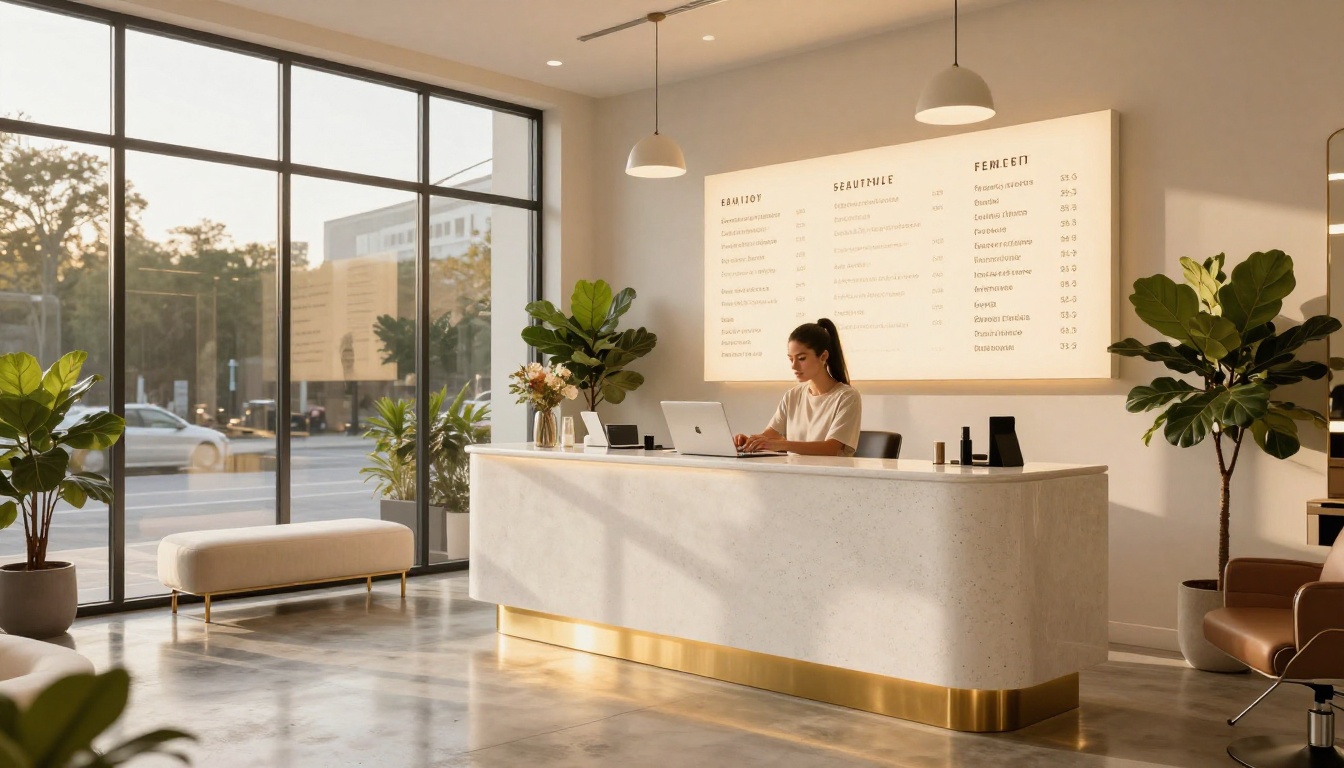
Go to Flipbooks AI and create a free account. Once inside, click "Create Flipbook" and drag your PDF into the upload area. The platform converts it automatically into an interactive flipbook in seconds. No technical steps required.
Step 3: Customize Your Branding
Once uploaded, you can fully brand your flipbook:
- Front Page: Add your salon name and a hero image
- Colors: Match the flipbook background and controls to your brand palette
- Logo: Upload your salon logo to appear on every page
- Page Effects: Choose from various page-turn animations
Step 4: Add Interactive Elements
This is where digital beats printed every single time. Inside Flipbooks AI, you can:
- Embed your booking link directly on the services page so clients can book without leaving the flipbook
- Add your Instagram feed or portfolio images
- Link specific services to external pages with more information
- Embed a short video of your salon or a time-lapse of a transformation
Step 5: Publish and Share
When your flipbook is ready, hit Publish. Flipbooks AI gives you:
- A direct link you can share anywhere (Instagram bio, WhatsApp, email newsletters)
- An embed code to add the interactive flipbook directly to your website
- Password protection for VIP client lists or pre-launch previews
- A QR code to print on physical materials that open the digital version
Step 6: Track Performance (Professional Plan)
With the Professional plan, you get built-in analytics showing:
- How many people opened your price list
- Which pages they spent the most time on
- Where clients dropped off
This data shows which services generate the most interest, helping you prioritize promotions and adjust your pricing strategy accordingly.
Digital vs. Printed Price Lists: A Real Comparison
If you are still on the fence about going digital, this side-by-side breakdown should settle it.
| Feature | Printed Menu | Digital Flipbook |
|---|
| Update pricing | Reprint entire batch | Edit and republish in minutes |
| Share with clients | Hand out in person only | Link, embed, QR code anywhere |
| Add photos or videos | Not possible | Fully supported |
| Mobile friendly | Paper only | Optimized for all devices |
| Analytics | None | Page views, time spent, leads |
| Cost over time | Recurring print costs | One subscription, unlimited flipbooks |
| Booking integration | Not possible | Embed booking links directly |
| Environmental impact | Paper and ink waste | Zero physical waste |
The numbers speak for themselves. A printed menu costs money every time you update it. A digital price list is updated once and the change is live everywhere instantly.
✅ Many salons keep a small printed version at the front desk for walk-in clients while directing Instagram and website visitors to the digital flipbook. Both can coexist.
Pricing Strategies Worth Knowing
Before you finalize your numbers, a few strategies can help you position your salon correctly.
Anchor Pricing
List your premium services first. When clients see a $220 full balayage at the top of the page, the $85 toner and style that follows feels like a reasonable option by comparison. This is anchoring, and it works in service businesses consistently.
Bundle Packages
Create named packages that combine popular services at a slight discount. For example:
- The Glow Package: Facial + brow shaping + lash tint
- The Bridal Prep: Trial blowout + makeup + brow design
- The Full Reset: Cut + color + deep conditioning treatment
Packages increase average ticket size and feel like added value to the client even when the discount is modest.
Seasonal Pricing Updates
A digital price list makes seasonal updates effortless. Promote a summer hair gloss add-on, a holiday lash set, or a winter scalp treatment package by updating your flipbook without reprinting anything. Clients who revisit your price list see something new each season, which keeps them interested and coming back.

Where to Share Your Digital Price List
Creating the flipbook is only half the work. Sharing it strategically is what gets clients booking.
High-Impact Channels for Salons
- Instagram Bio Link: Replace the generic "link in bio" with your flipbook URL
- WhatsApp Business: Set your flipbook as an auto-reply to "price" inquiries
- Google Business Profile: Add it under your menu or services section
- Email Newsletter: Include a "see our updated services" button linking to the flipbook
- Booking Confirmation Emails: Send it to new clients so they can pre-select services
QR Code on Physical Materials
Flipbooks AI generates a QR code for every flipbook. Print it on:
- Business cards
- Appointment reminder cards
- Mirrors and waiting area signs
- Packaging for retail products
A client scanning the QR code on a shampoo bottle and discovering your full price list is a micro moment that can turn a product purchase into a service booking.
Embedding on Your Website
Use the embed code from Flipbooks AI to drop the interactive flipbook directly into your website's services page. Instead of a static table of text, visitors get a visually rich, interactive browsing experience. This keeps them on your site longer and increases the chance they book.
💡 Embedding your flipbook on your website can improve your time-on-page metrics, which is a positive signal for search engine rankings.
Common Mistakes Salon Owners Make With Pricing
Even well-designed price lists can undermine your business if certain mistakes slip through.
Listing Too Many Services
More is not better when it comes to price lists. If your menu has 60 line items, clients feel overwhelmed and often choose nothing. Edit ruthlessly. List your best sellers, your most profitable services, and your signature offerings. Keep it under 30 items if possible.
Forgetting to Update Regularly
A price list with last year's prices signals neglect. Worse, it creates awkward in-chair conversations when clients realize the price has changed since they last checked. Update your digital price list every quarter at minimum, and always before a price increase goes into effect.
No Call to Action on the Price List
Every page of your digital price list should have somewhere for the client to go next. Add a booking button. Include your phone number. Link to your Instagram. A price list without a clear next step is a missed opportunity.
⚠️ Never publish a price list without proofreading for typos. A "Balyage" listing or a missing zero in a price looks unprofessional and erodes client trust before they even sit in your chair.
Plans and What You Get
Flipbooks AI offers tiered pricing to match where your salon is right now.
| Plan | Best For | What's Included |
|---|
| Free | Just starting out | 1 flipbook, basic customization |
| Standard | Growing salons | Unlimited flipbooks, no watermarks, custom branding |
| Professional | Established businesses | Analytics, lead generation, offline downloads, password protection |
For most salons actively marketing their services, the Standard plan hits the sweet spot: unlimited flipbooks with full branding and no watermarks. The Professional plan adds analytics and lead capture tools that make sense once you are running promotions and tracking conversions.
Browse pricing plans and pick the tier that fits your current stage.

Make Your Price List Work as Hard as You Do
Your beauty salon's price list should not just inform. It should attract, impress, and convert. A static PDF or a printed laminate does none of that well. A beautifully designed interactive flipbook does all of it, and it keeps working around the clock while you focus on clients.
The process is straightforward: design your services clearly, price them with strategy, and publish through a platform that makes the experience feel as premium as what you offer. Flipbooks AI gives you the tools to do that without a design team or a technical background.
Ready to build yours? Create your digital price list in minutes and start sharing it today. Browse all available flipbook tools to see what else you can publish for your salon. When you are ready to upgrade your features, check out the plan options to find the right fit.



