The moment you get engaged, one question arrives almost immediately: how do you invite people in a way that feels as special as the day itself? Printed cards have charm, but they cannot play music, cannot be updated once sent, and cost a small fortune to mail internationally. A digital wedding invitation created as a flipbook changes all of that, delivering a page-turning experience your guests will actually remember, right on their phones, tablets, and laptops, the moment they tap the link.
Flipbooks AI makes this possible without needing a designer or a developer. Upload your PDF, apply your branding, and share a link that opens into a beautifully animated invitation your guests can flip through like a real book.
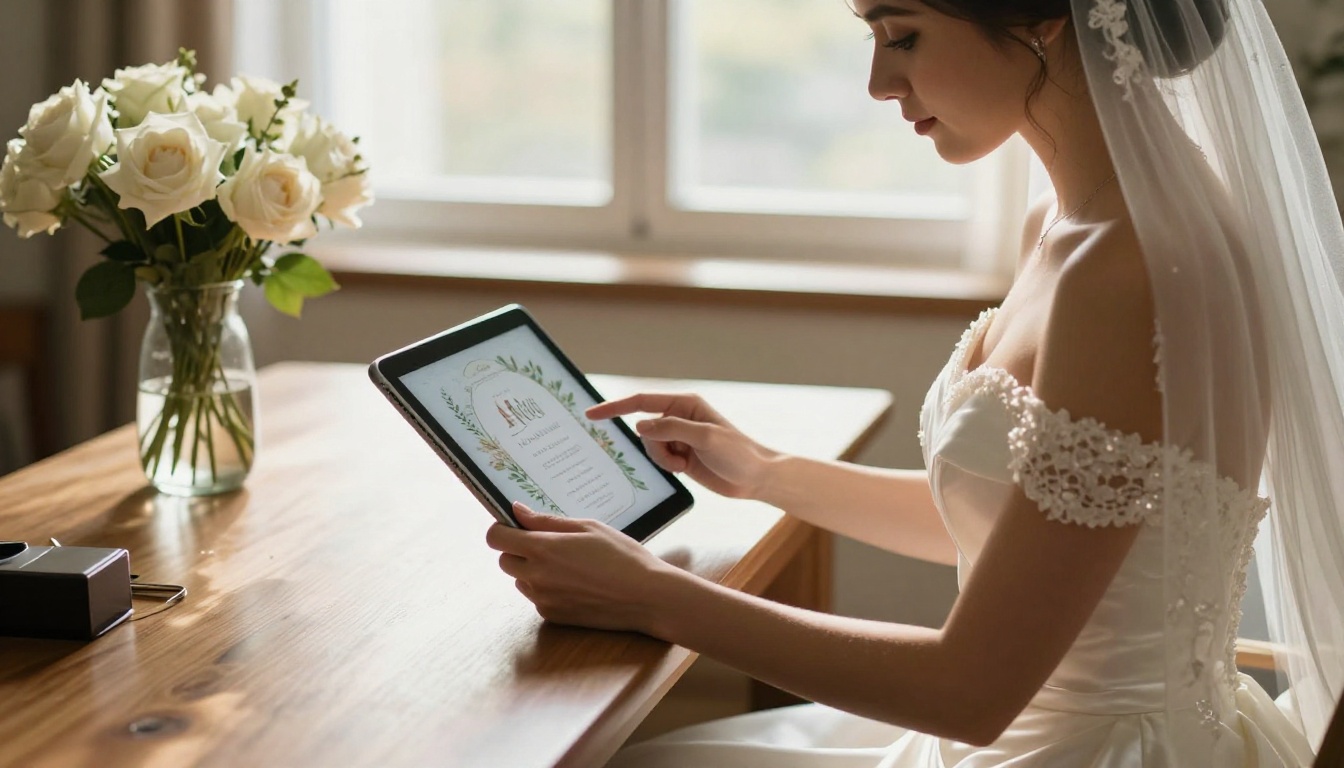
Why Paper Invitations Fall Short
There is nothing wrong with a beautifully printed card. But in 2025, the limitations are hard to ignore. Printing costs per invite have risen sharply, especially for premium card stock, letterpress finishes, and specialty paper. Add postage, envelope lining, and international shipping and a modest guest list of 150 can cost several hundred dollars before you have even booked a florist.
Beyond cost, printed invitations are static. If your venue changes, your date shifts, or you want to add a map, a song, or a short video clip of your proposal, you cannot update what is already in the mail. Guests who misplace the physical card have no way to retrieve the details. And for your international guests, the wait for a letter to arrive across borders can stretch to weeks.
Digital flipbook invitations solve every one of these problems in a single step.
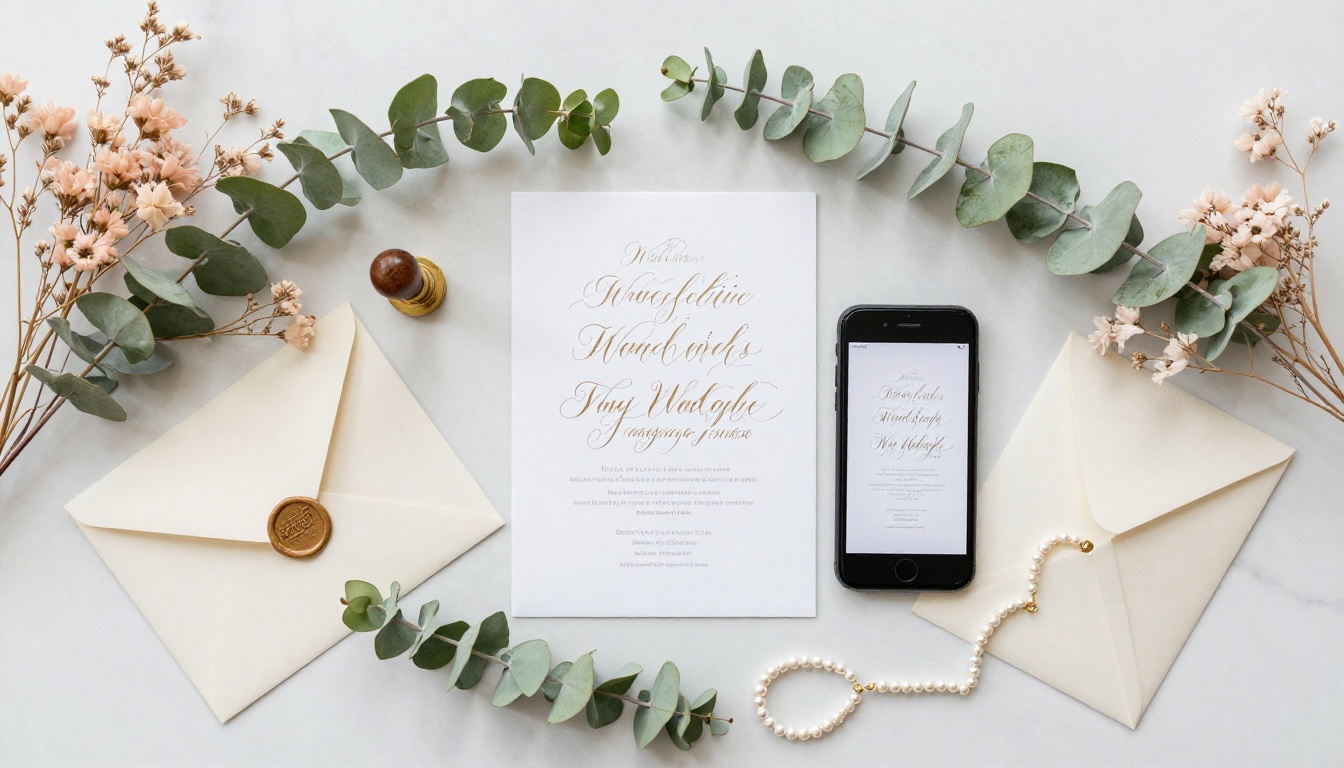
What a Flipbook Wedding Invitation Actually Is
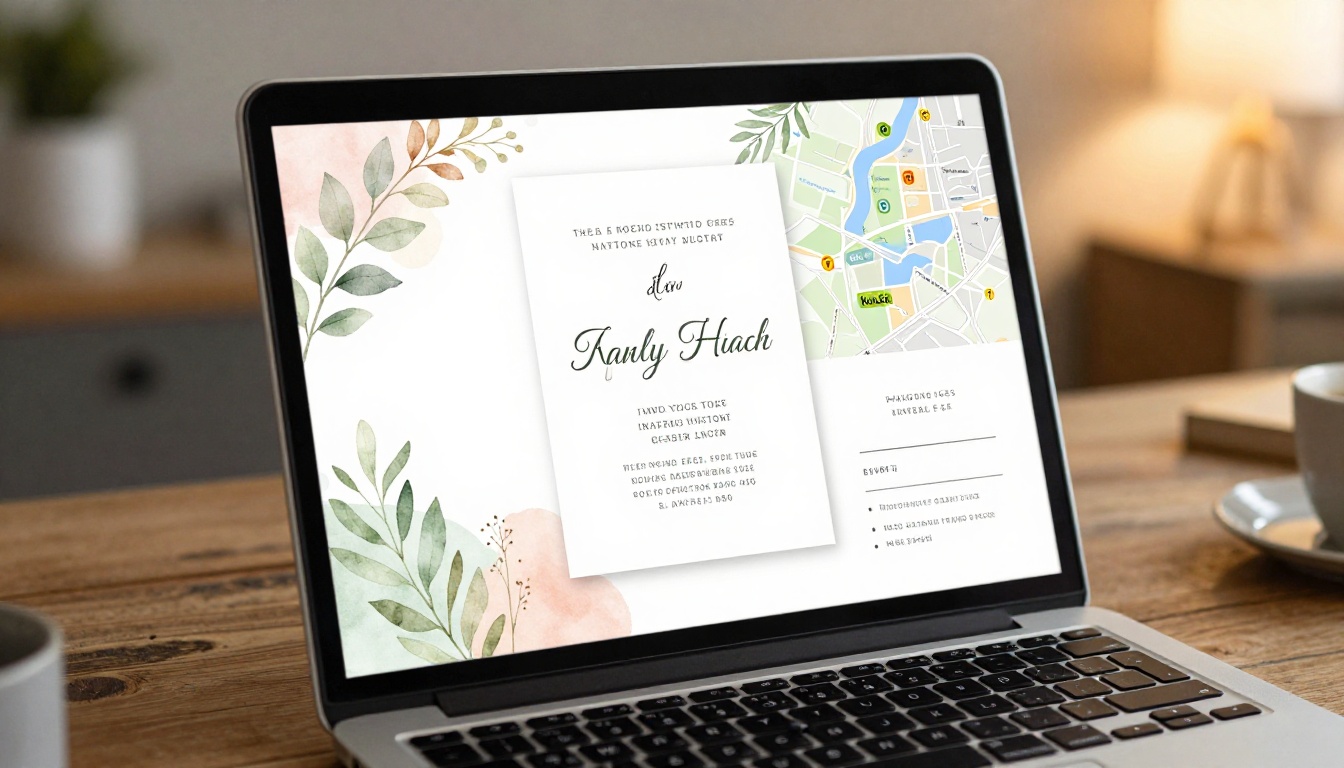
A flipbook invitation is not a PDF attachment or a flat image dropped into an email. It is an interactive, multi-page digital publication with realistic page-turning animations, much like flipping through a physical booklet. Each page carries different content: your names and date on the cover, ceremony details on page two, reception information on page three, a map on page four, and RSVP instructions on the final page.
Guests open it from a shareable link or a QR code. No app download required. No account needed on their end. It renders on any device, any screen size, and scales automatically whether they are on an iPhone or a large desktop monitor.
The format is also searchable and saveable. Guests can bookmark the link, screenshot specific pages, or download the full invitation if you enable offline access. Nothing gets lost in a junk drawer.

Digital vs. Paper vs. Email: The Real Differences
Before choosing your invitation format, it helps to see exactly what each option offers and where each one falls short.
| Feature | Paper Invitation | Email or PDF | Flipbook Invitation |
|---|
| Page-turning experience | Yes (physical) | No | Yes (digital animation) |
| Cost per invite | $3–$12+ | Free | Free |
| International delivery | Weeks plus postage | Instant | Instant |
| Updateable after sending | No | No | Yes |
| Embeds video or audio | No | No | Yes |
| Mobile-responsive | Not applicable | Partially | Fully |
| Password protection | No | No | Yes |
| RSVP tracking | Manual | Limited | Built-in options |
| Analytics (who opened it) | No | Basic | Yes (Professional plan) |
| Offline download | N/A | Yes | Yes (Standard plan and above) |
💡 Pro Tip: A flipbook invitation and a printed element are not mutually exclusive. Print a small save-the-date card that shows your QR code. Guests who prefer a physical keepsake get one, and everyone else gets the full digital experience.
What to Include in Your Invitation Flipbook
A well-structured digital wedding invitation typically spans 6 to 10 pages. More than that and it starts to feel like a magazine. Fewer than 5 and you are missing an opportunity to build anticipation. Here is what works at each position:
Cover Page: Your names, wedding date, and a single standout photograph or botanical illustration. This is your first impression. Make it breathtaking.
Ceremony Details: Venue name and full address, ceremony start time, doors-open time, and dress code. Keep this page clean and easy to read at a glance.
Reception Information: Venue address if different from the ceremony, start time, any schedule notes such as cocktail hour timing, and parking or transport details.
Our Story: How you met, a brief proposal story, or a short photo timeline of your relationship. This page consistently earns the most time from guests. It turns your invitation into something worth reading rather than just scanning.
Map and Directions: An embedded map graphic or clear written directions, plus the nearest major airport and hotel recommendations for out-of-town guests. Including a hotel room block code here saves everyone a separate email.
RSVP Page: Your RSVP deadline, a link to your wedding website or response form, and dietary preference options if relevant. Make the action step obvious and the deadline impossible to miss.
Extras (Optional): Gift registry links, your wedding hashtag for social sharing, a short 60-second welcome video from the couple, or a curated playlist of songs meaningful to your relationship.
✅ Best Practice: Design each page as a standalone spread. Guests read one page at a time in the flipbook viewer, so every page needs to be visually complete and readable without needing context from the previous page.
How to Create a Digital Wedding Invitation with Flipbooks AI
Flipbooks AI is built exactly for this purpose. The process is straightforward even if you have never worked with design software before. Here is every step from blank page to shared link.
1. Design Your Invitation PDF
Start in any design tool you already use: Canva, Adobe InDesign, Figma, or even Google Slides. The key output is a PDF. Each page of your PDF becomes one page of your flipbook. Before exporting, make sure you are working with:
- High-resolution exports at 300 DPI minimum for crisp text and photography
- A consistent aspect ratio across all pages, either 16:9 for widescreen or A4 for a more traditional portrait format
- Fonts embedded inside the PDF to preserve your exact typography on every device
If you prefer to start from a template rather than a blank canvas, the Wedding Album Flipbook tool provides purpose-built wedding page layouts you can customize directly.
2. Create Your Flipbooks AI Account
Head to Flipbooks AI and sign up. The Standard plan and above include unlimited flipbooks with no watermarks, so your invitation stays polished and professional with no platform branding interrupting your design.
3. Upload Your PDF
Inside your dashboard, click New Flipbook and upload your invitation PDF. Flipbooks AI converts it automatically, applying smooth page-turn animations to every page transition. The conversion completes in seconds for a standard 6 to 10 page invitation.
4. Customize Your Flipbook
This is where a digital invitation leaves printed alternatives far behind. Inside the editor you can:
- Set your color theme: Match the viewer interface to your wedding palette so the entire experience feels cohesive
- Add your monogram or crest: Brand the header with your initials, a custom floral crest, or a calligraphy logo
- Embed background music: Choose a song meaningful to your relationship, configured to play softly when the invitation first opens
- Add a video: A short proposal clip or venue walkthrough embedded directly into any page of the flipbook
- Enable password protection: Keep your invitation private until you are ready for official distribution, or restrict access exclusively to your invited guest list
- Upload a custom domain: Link the flipbook to your wedding website subdomain for a seamless branded experience
5. Configure Sharing and Tracking
Before distributing, set up how guests will access your invitation and how you will know they did:
- Shareable link: A clean, short URL suitable for text messages, WhatsApp, or any messaging platform
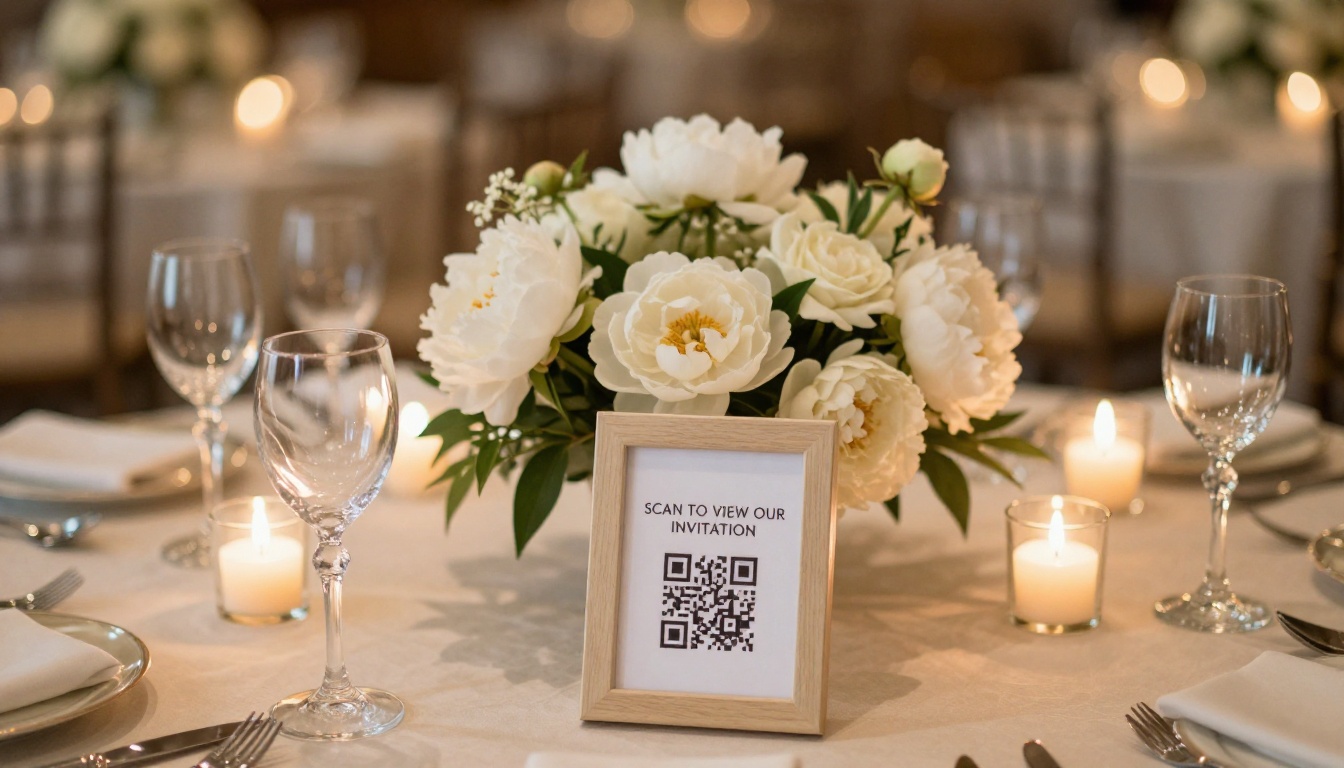
- QR code: Download a high-resolution QR code to include on physical save-the-date cards, rehearsal dinner programs, or engagement party table cards
- Website embed: Use the embed code to place the flipbook inline on your wedding website with one line of code, using the Embed Flipbook on Website tool
- Analytics (Professional plan): See exactly how many guests opened the invitation, which pages they spent time on, and the timestamps of their views, so you know well before the RSVP deadline who has actually seen the details
6. Send and Update Anytime
Share the link via WhatsApp group, email campaign, or individual texts. Because the flipbook lives at a permanent URL, any update you make, whether that is a corrected address, an updated start time, or a newly added hotel recommendation, is instantly reflected for everyone who opens the link. No resend required.

Flipbooks AI Plans at a Glance
Choosing the right plan depends on your guest count, your need for analytics, and whether you want to enable offline downloads.
| Feature | Free | Standard | Professional |
|---|
| Flipbooks | 3 | Unlimited | Unlimited |
| Watermark | Yes | No | No |
| Password protection | No | Yes | Yes |
| Custom branding | No | Yes | Yes |
| Background music | No | Yes | Yes |
| Offline downloads | No | Yes | Yes |
| Embed on website | Yes | Yes | Yes |
| Analytics dashboard | No | No | Yes |
| Lead generation tools | No | No | Yes |
| Priority support | No | No | Yes |
For most couples, the Standard plan covers everything needed for a wedding invitation: unlimited flipbooks, no watermarks, password protection, custom branding, and offline downloads so guests can save a copy to their device. The Professional plan adds the analytics dashboard so you can confirm which guests opened the invitation and follow up with those who have not.
Compare all pricing plans to see the full feature breakdown and current pricing.
Design Tips That Make a Difference
The PDF you upload is the foundation of your entire invitation. A few deliberate choices at the design stage make a significant difference in how your flipbook looks and feels:
Typography hierarchy matters more on screen than on paper. Your heading font should be at least 3 times the size of your body copy. Thin decorative fonts look beautiful on thick card stock but can become illegible on lower-resolution mobile screens. Always preview your design on a phone screen before exporting.
Color contrast for readability. Dark text on a light background or light text on a rich jewel-toned background. Avoid mid-tone text on mid-tone backgrounds regardless of how elegant the palette looks at full size.
Bleed and margins. Leave at least 5mm of safe margin on all sides. The flipbook viewer adds a subtle shadow effect at page edges. Content placed too close to the edge can feel crowded in the viewer.
High-resolution photography. Any photograph you include in your PDF should be at least 2000 pixels wide. Low-resolution images that look acceptable in print become noticeably blurry when viewed on a Retina display.
Creative Ideas Worth Stealing
The flipbook format rewards creative thinking. Here are real approaches couples are using:
The Film Reel Cover: The first page mimics an old photographic film strip with individual frames from different moments in the couple's relationship. Guests flip to reveal the next "scene."
The Map Journey: Page two shows the city where you met. Page three shows the city of your venue. A hand-illustrated dotted line connects them, with small icons marking meaningful stops along the way.
The Love Letter Page: A full-page letter in a handwriting-style font, addressed directly to the guest. Personal, warm, and impossible to replicate on a standard card.
The Countdown Embed: A simple date countdown widget linked from the RSVP page. Guests see exactly how many days remain every time they open the invitation.
The Behind-the-Scenes Video: A 60-second engagement video embedded on the final page before the RSVP. Guests who flip all the way through get rewarded with something extra.
💡 Pro Tip: Ask your photographer to shoot a short 30-second video clip at the same session as your engagement photos. You already have the location, the outfits, and the photographer. The clip costs nothing extra and makes your flipbook invitation genuinely unforgettable.
How Different Couples Are Using It
Destination weddings: International guests receive a multi-page invitation with the ceremony venue, local accommodation suggestions, airport transfer options, and a packing guide for the destination climate, all in one beautiful document with no customs delays and no postage cost.
Large guest lists: Couples inviting 300 or more guests find that the savings on printing and postage alone offset the cost of several other budget line items. At $5 per printed invite all-in, a 300-person list is a $1,500 decision. A flipbook invitation is a fraction of that.
Eco-conscious couples: No paper, no ink, no shipping. For couples prioritizing sustainability, a digital flipbook invitation eliminates the environmental footprint of physical invitations entirely without sacrificing the premium feel of a well-designed document.
Second weddings and intimate ceremonies: Smaller, more personal celebrations benefit from the storytelling format. An invitation that reads like a short, beautifully illustrated magazine about the couple rather than a formal card sets a tone of warmth and personality from the first tap.
Sharing Your Digital Invitation
Once your flipbook is live, you have more distribution options than any physical invitation could offer:
- WhatsApp and iMessage: Paste the link directly into group chats or individual messages. Most platforms automatically generate a rich preview showing your cover image and title.
- Email campaign: A simple email with your cover image as the hero visual and one prominent button linking to the flipbook. Tools like Mailchimp, Gmail, or even your wedding planning platform work seamlessly.
- Instagram Stories: Screenshot or screen-record the first page flip and add a link sticker pointing to your flipbook URL. Share it in your close friends list for an exclusive preview moment.
- QR code at events: Print the QR code on your engagement party napkins, rehearsal dinner menu cards, or on small gift boxes for your wedding party.
- Wedding website embed: Drop the embed code into your Wix, Squarespace, Showit, or WordPress wedding site and the flipbook plays inline, no redirect required.
⚠️ Note: If you enable password protection, share the password separately from the link itself, perhaps via a handwritten note to close family, for a personal touch that makes the digital experience feel more intimate.
Here is how the most common wedding invitation formats compare on the dimensions couples care about most:
| Style | Visual Impact | Storytelling Ability | Ease of Sharing | Updateable | Cost |
|---|
| Traditional printed card | High | Very low | Low (physical) | No | High |
| Basic email invitation | Low | Low | High | Yes | Free |
| Wedding website only | Medium | High | High | Yes | Low–Medium |
| PDF attachment | Medium | Medium | Medium | No | Low |
| Flipbook invitation | Very High | Very High | Very High | Yes | Low |
The flipbook format is the only option that scores at the top across every category. It combines the visual richness of a professionally designed printed piece with the distribution ease of a text message and the flexibility of a living document.

Your Wedding Starts with a Single Link
Every couple wants their guests to feel the excitement of the day before they even arrive. The invitation is that first moment. A flat image or a plain email cannot carry the weight of what you are trying to express. A flipbook can.
Flipbooks AI gives you the tools to build a wedding invitation that guests actually flip through, save, and share. No printing costs. No postage. No limitations on what you can include. The Wedding Album Flipbook tool is purpose-built for exactly this use case, and you can have your first draft live in under an hour.
Ready to build yours? Create your account on Flipbooks AI and start with the invitation your wedding deserves. If you want to review all features before choosing a plan, see the full pricing breakdown to find what fits your guest list and budget.
Your guests are waiting. Give them something worth opening.



