You do not need a design degree, expensive software, or hours of spare time to create a flipbook. If you have a PDF and five minutes, you have everything it takes to publish a polished, interactive digital publication that looks professionally made. Flipbooks AI makes this possible for complete beginners, small business owners, educators, and anyone who wants to share content in a way that actually gets noticed.
The difference between a flat PDF and a flipbook is significant. A flipbook feels alive. Pages turn with a realistic animation, content is easy to scroll and browse, and the whole experience works perfectly on mobile without any app downloads. This is the format modern audiences expect, and it takes less time to set up than most people assume.
Why Flipbooks Beat PDFs Every Time
PDFs were designed for printing. Flipbooks were designed for sharing online. Once you see the difference side by side, the choice becomes obvious for anyone who wants their content to actually get read.
The Real Gap Between PDF and Flipbook
| Feature | PDF | Flipbook |
|---|
| Page-turning animation | No | Yes |
| Mobile-optimized | Partial | Fully responsive |
| Share via direct link | Download required | Instant, no download |
| Embed on website | Difficult | One snippet |
| Analytics and tracking | No | Yes (Professional plan) |
| Password protection | Basic | Built-in |
| Custom branding | No | Yes |
| Video and audio embed | No | Yes |
| Offline access | Yes | Yes (Standard and above) |
The flipbook format wins on every metric that matters for sharing content digitally. And the best part: you do not need to rebuild your document from scratch. You bring the PDF, and the platform handles the conversion automatically.
Who Creates Flipbooks (and Why)
Flipbooks are not just for designers or marketing agencies. Here are real-world situations where anyone benefits from the format:
- Restaurant owners share menus as flipbooks instead of PDF attachments, making browsing effortless on a phone
- Real estate agents convert property brochures into interactive presentations clients can scroll through at their own pace
- Educators turn course materials into engaging digital publications students actually read
- Freelancers present their portfolio in a format that stands out from the standard website grid
- Marketing teams publish reports, lookbooks, and newsletters that feel premium without a high production budget
- Event organizers share programs and speaker schedules in a format that works before, during, and after the event
If you fall into any of those categories, or simply need to share a document in a way that feels current and professional, a flipbook is the right move.

What You Need Before You Start
The barrier to entry is almost zero. Here is what actually matters before you begin.
The Only Real Requirement: a PDF
Your PDF can be a brochure, a catalog, a menu, a portfolio, a report, or any document you want to present interactively. The quality of the source PDF affects the output quality, so use the highest-resolution file you have. Standard PDF exports from Word, Canva, Google Slides, or InDesign all work perfectly with no adjustments needed.
💡 Pro tip: If you are building something from scratch, design it in Canva or Google Slides, export as a PDF, then upload. The whole process, from blank page to live flipbook, takes about 15 minutes total.
Picking the Right Flipbook Tool
Not all flipbook creators are built the same. Some add their logo to your work, charge per flipbook, or lock basic features behind expensive plans. The comparison below shows what separates a professional tool from a frustrating one:
| Factor | What to Look For |
|---|
| No watermarks | Your branding only, never the platform logo |
| Flipbook limits | Unlimited on standard plans |
| Customization depth | Colors, fonts, backgrounds, page effects |
| Sharing options | Direct links, embed codes, password protection |
| Mobile experience | Fully responsive on any screen size |
| Analytics | View counts and time-on-page data |
| Offline access | Downloadable for sharing without internet |
Flipbooks AI meets all of these criteria. There are no watermarks on any plan, unlimited flipbooks from the Standard plan upward, and a full set of customization and sharing tools built into the platform from day one.
How to Create Your Flipbook in 5 Minutes
This is the actual process, step by step. No design knowledge required, no tutorials to watch first, nothing that requires prior experience.
Step 1: Sign Up for Free
Go to Flipbooks AI and create your free account. Signup takes under 30 seconds. You land directly in your dashboard, where all your flipbooks will be stored and managed going forward.
Step 2: Upload Your PDF
Click "Create Flipbook" and upload your PDF file. The PDF to Flipbook Converter processes the document automatically. Within seconds, every page of your PDF becomes a navigable spread with a realistic page-turn animation. No settings to adjust, no configuration required.
⚠️ Watch out: Very large PDFs with 100 or more pages may take a few extra seconds to process. For most documents under 50 pages, the conversion is nearly instant.
Step 3: Customize Your Flipbook
This is where your flipbook goes from functional to impressive. The customization panel gives you control over:
- Background color or texture displayed behind the flipbook viewer
- Brand colors applied throughout the interface
- Opening page thumbnail for the preview card
- Page transition style: soft flip or classic hard-edge turn
- Embedded videos or audio inserted on specific pages
- Font and typography for any added text elements
None of this requires any coding or design experience. Every option is a click, a dropdown, or a color picker.
Step 4: Share, Embed, or Protect
Once your flipbook is ready, several options are available for getting it in front of the right people:
- Copy the direct link: Paste it anywhere, including email, social media, or messaging apps. Recipients view it instantly without downloading anything
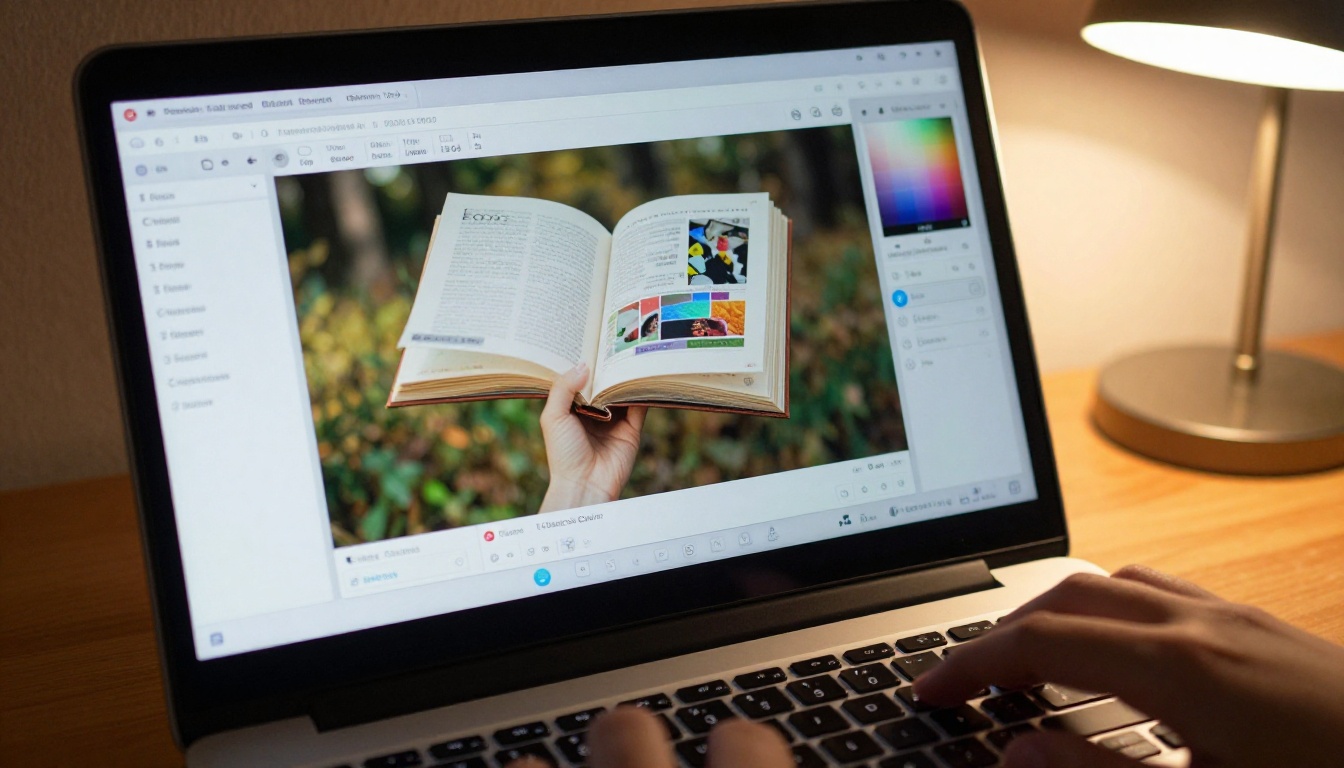
- Use the embed code: Paste a single HTML snippet into any website using the Embed Flipbook on Website tool, and the flipbook loads right inside your page
- Set a password: Protect private documents so only people with the correct password can view them
- Download for offline use: Available on Standard and Professional plans for sharing without an internet connection
✅ Best practice: Always share via link rather than re-exporting the PDF. The flipbook link works on any device, and you can update the content later without the URL changing.
That is the entire process. Four steps, five minutes, zero design skills needed.
Flipbooks AI Plans at a Glance
A common question from beginners is whether the free tier is actually worth starting with. The answer is yes, with some limitations. Here is how the plans compare across the features that matter most:
| Feature | Free | Standard | Professional |
|---|
| Flipbooks | Limited | Unlimited | Unlimited |
| Watermark | No | No | No |
| Custom branding | Basic | Yes | Yes |
| Password protection | No | Yes | Yes |
| Embed on website | Yes | Yes | Yes |
| Analytics and tracking | No | No | Yes |
| Lead generation forms | No | No | Yes |
| Offline downloads | No | Yes | Yes |
| Video and audio embed | No | Yes | Yes |
For most beginners, starting free and upgrading when a specific feature becomes necessary is the right approach. The full breakdown of each plan is on the pricing page.

Real-World Use Cases Worth Adopting
Ideas are often the hardest part of starting. Here are specific ways businesses and individuals are using flipbooks today, along with the dedicated tools that make each use case faster to build.
For Small Businesses
A restaurant does not need a PDF menu that customers have to pinch-and-zoom on their phones. The Restaurant Menu Creator turns a designed menu into an interactive flipbook that loads instantly on any device. The same approach works for product catalogs, where the Digital Catalog Maker handles everything from upload to sharing in minutes.
Boutique owners, service providers, and local businesses use the Brochure Flipbook Maker to replace outdated printed materials with something customers can save and share digitally after their visit.

For Educators and Trainers
A teacher sharing course materials as a PDF attachment misses an opportunity. With the Course Material Publisher, the same document becomes something students interact with rather than just scroll past. Training departments rely on the Training Manual Flipbook tool to replace static Word documents with a format that is easier to follow and more likely to be read end-to-end.
For Freelancers and Creatives
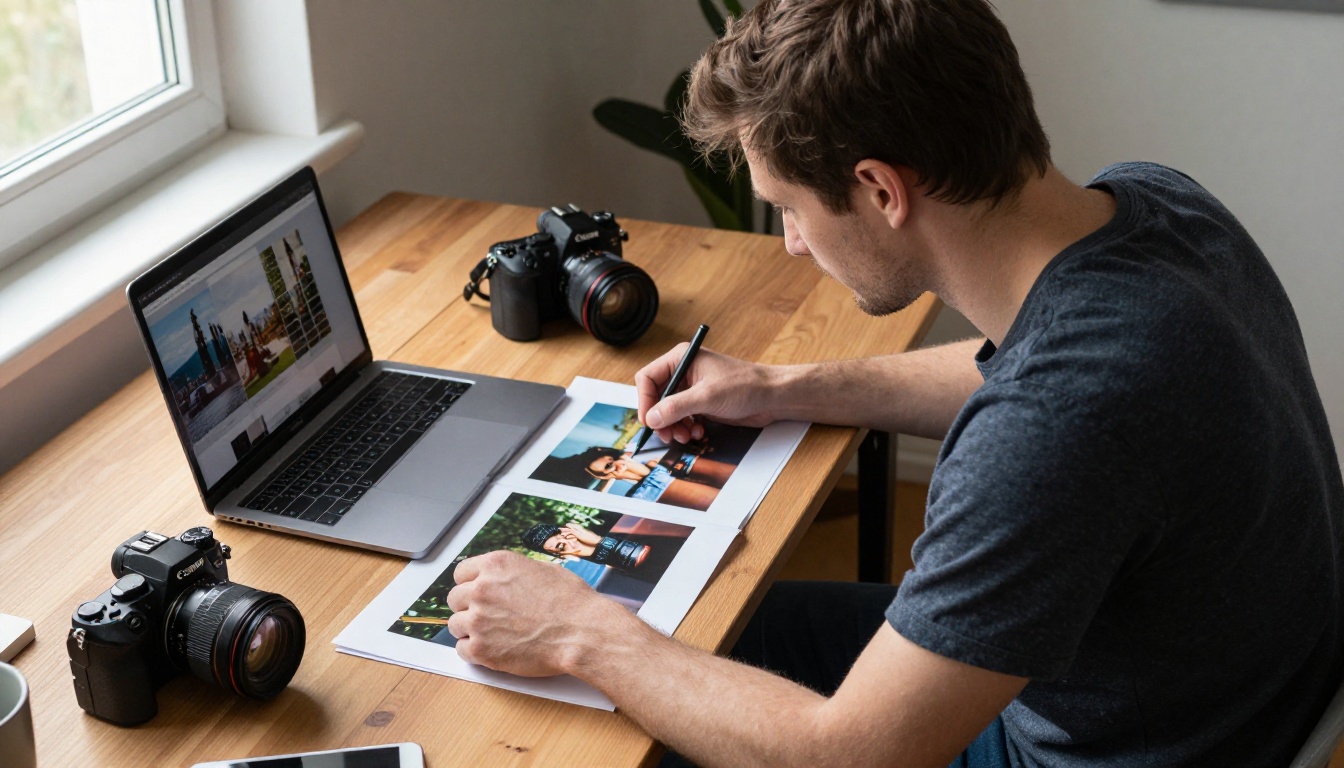
A portfolio that looks identical to every other freelancer website is easy to forget. The Digital Portfolio Creator and the Photography Portfolio tool let creatives present their work in a format that feels intentional and memorable. The page-by-page format works naturally for showing a body of work in a curated sequence that the viewer moves through deliberately.
For Marketing and Corporate Teams
Sales teams use flipbooks in place of static PowerPoint file attachments. Annual reports built with the Annual Report Creator look polished and are straightforward to distribute to stakeholders via a single link. Marketing teams rely on the Interactive Lookbook Designer for seasonal campaigns that need to feel premium without a premium production schedule.

3 Mistakes Beginners Make (and How to Avoid Them)
These are the most common issues new flipbook creators run into, along with how to handle each one before it costs you time.
Low-Resolution Source PDFs
If you upload a low-quality PDF, the flipbook will look blurry on larger screens. Always export your source document at 150 DPI or higher. Many tools default to 72 DPI for screen exports, which is not enough for a sharp, professional result. When in doubt, export at the highest quality option available.
Skipping the Mobile Preview
Your flipbook will be viewed on phones more often than desktops. After customizing, always check the mobile preview before sharing. A layout that looks clean on a large monitor can feel cramped or unreadable on a phone screen if the typography or spacing was designed only for print dimensions.
💡 Pro tip: If your PDF was originally designed for print at A4 or Letter size, it will still convert correctly. Most viewers default to a spread view on desktop and single-page on mobile, which works well for print-formatted documents without any adjustments.
Not Protecting Private Documents
If you are sharing a proposal, a confidential report, or internal training materials, set a password before distributing the link. This takes five seconds and prevents the link from being forwarded beyond your intended audience. Password protection is available on the Standard plan and above.
What Separates a Good Flipbook from a Forgettable One
Creating a flipbook in five minutes is the easy part. Creating one that people return to requires thinking about the content itself, not just the format.
Clarity over decoration. The page-turning effect is a feature of the format, not the reason to use it. The content needs to be clear, well-organized, and worth reading. If your source PDF feels cluttered, clean it up before uploading rather than hoping the flipbook format will compensate for weak structure.
Consistent branding throughout. Use your brand colors and custom fonts in the customization panel. A flipbook that matches your website and other marketing materials builds credibility with everyone who opens it, whether they find it through a shared link or an embed on your site.
A specific action on the final page. Every effective flipbook points somewhere: a website, a contact form, a booking page. Add a visible link or call-to-action on the last page so readers know exactly what to do after finishing.
Keep it focused and appropriately sized. Flipbooks work best between 10 and 30 pages. Beyond that range, most readers stop engaging before they reach the end. If your document is significantly longer, consider breaking it into chapters and publishing separate flipbooks for each section, linked together in a series.
✅ Best practice: For e-commerce businesses, the Product Catalog Generator includes layouts built specifically to convert browsers into buyers. Use section dividers between product categories to make navigation feel natural and intentional.
Your First Flipbook Starts Here
You now have a clear picture of what a flipbook is, why it outperforms a standard PDF, and exactly how to build one in five minutes. There is no reason to keep sharing flat documents when a better format is this accessible.
Create your free account on Flipbooks AI and have your first flipbook live before the end of your coffee break. The platform is free to start, requires no credit card, and has you publishing in minutes.
When you are ready to see everything the platform offers, browse the full library of flipbook tools to find the right starting point for your specific type of document. From restaurant menus to corporate reports, there is a dedicated tool for almost every use case.
If analytics, lead generation, or offline downloads are on your list, review the pricing options and pick the plan that fits how you work.
Your documents are ready for a better format. Start now.



