Selling baby products is one of the most trust-driven categories in all of retail. Parents do not buy on impulse. They read ingredients, compare fabrics, zoom into stitching details, and share links with their partner before completing a purchase. A flat PDF catalog is not built for any of that. It sits passive in someone's Downloads folder, never shared, rarely opened twice.
A digital flipbook changes that dynamic entirely. When you create a flipbook for your baby products brand, you give parents a browsing experience that feels close to sitting with a physical catalog, except it works on a phone, loads instantly, can be embedded in your website, and tracks which pages actually get read.
Flipbooks AI makes this possible without a design team or a developer. You upload your PDF, brand it, and share a link. The result is an interactive catalog your customers genuinely want to open.
Why Static PDFs Are Costing You Sales
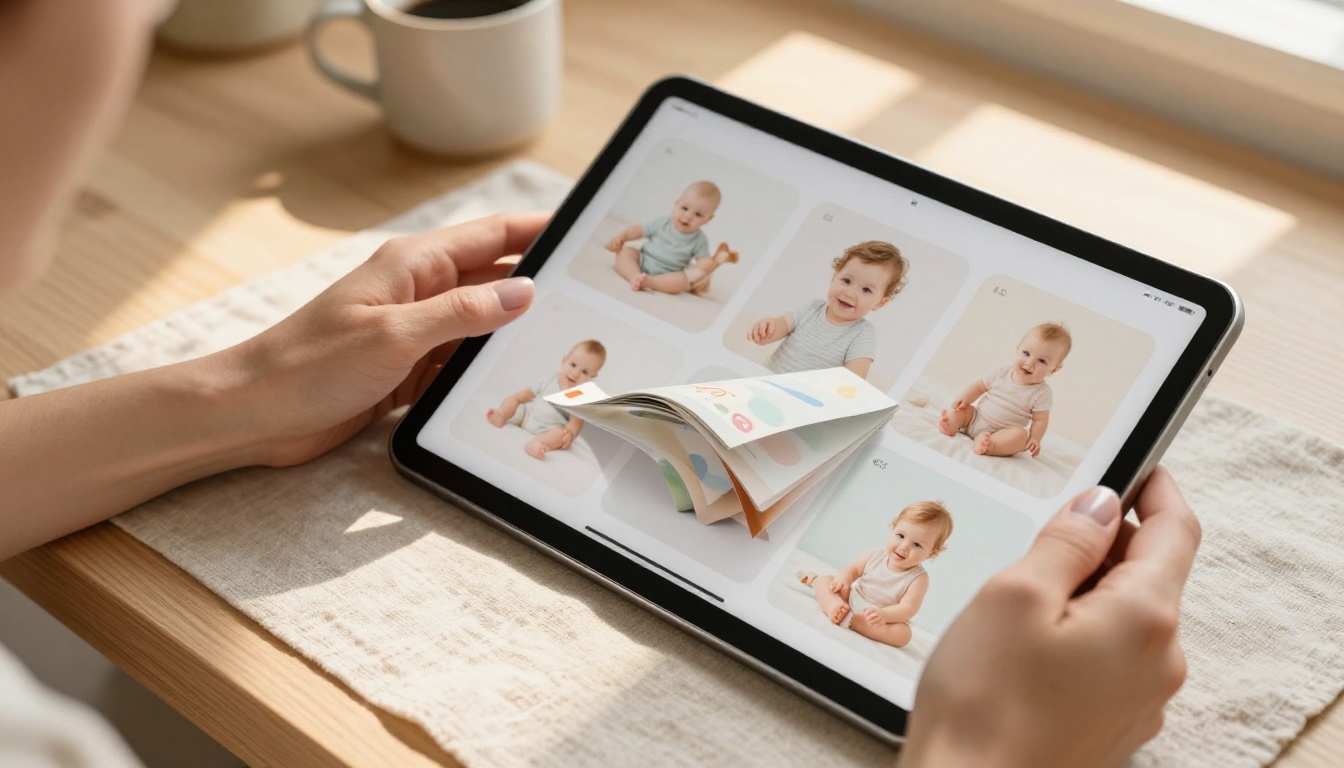
Parents research before they buy
New parents, especially first-timers, are among the most deliberate buyers in any market. Before they choose a baby carrier, a diaper cream, or a set of organic sleepers, they have likely read forum posts, watched comparisons online, and asked questions in three different parent groups. Your catalog needs to be the thing they share in those conversations, not a file they cannot attach to a message.
A static PDF is heavy, awkward to forward, and never looks right on a phone screen. A flipbook link opens in any browser in under two seconds, displays beautifully on mobile, and can be pinned to a Pinterest board, dropped into a DM, or embedded in a blog post.
The attention window is short
Parents of young children are, famously, tired. They browse in stolen moments: during a feeding, in a parking lot before a grocery run, while waiting for the pediatrician. Your catalog needs to earn their attention fast. Page-turn animations, clean product spreads, and quick loading times do that work for you. A PDF asks them to scroll endlessly. A flipbook invites them to browse.
💡 Pro tip: Flipbooks with embedded product links see higher click-through to purchase than static catalogs. Add your product page URLs directly to images in your catalog before converting.
What a Baby Brand Flipbook Actually Does for You
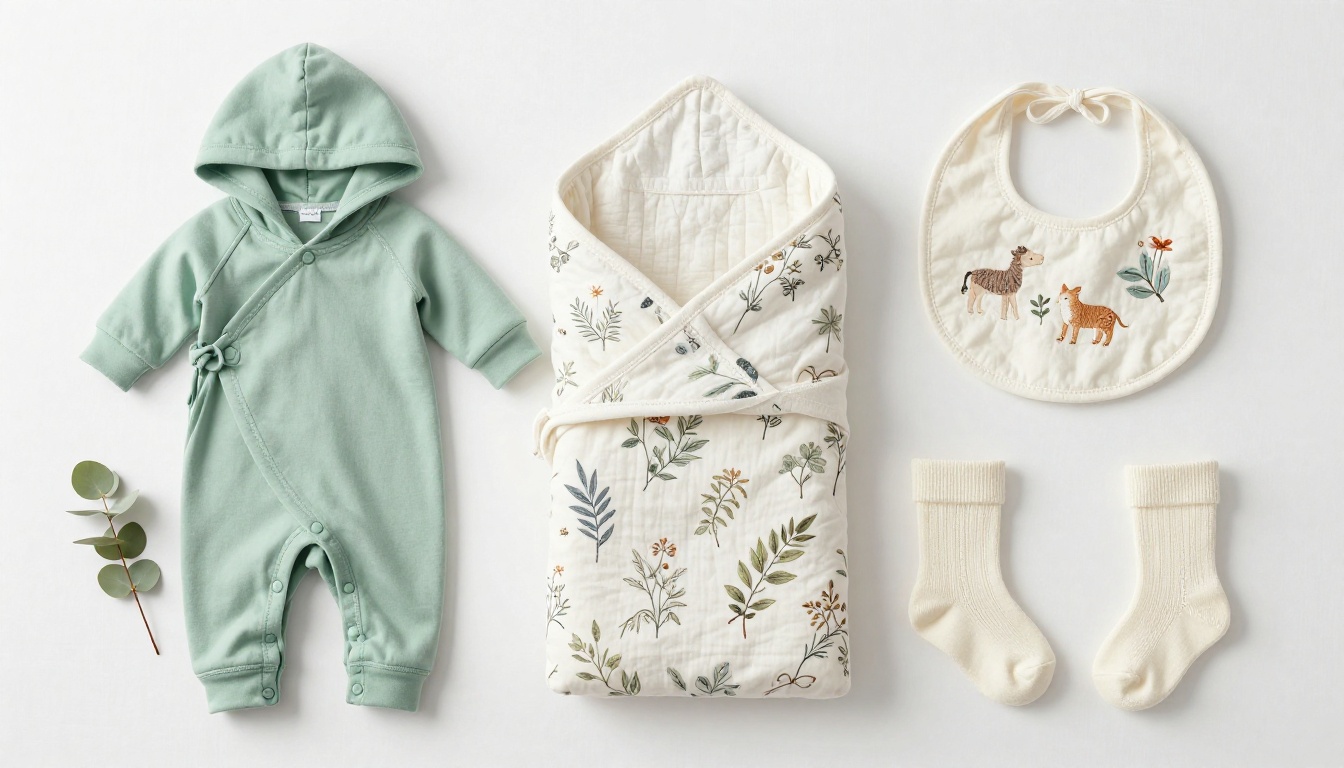
Beyond looking better than a PDF, a flipbook built with Flipbooks AI adds real business functionality to your catalog.
| Feature | Static PDF | Flipbooks AI Flipbook |
|---|
| Mobile-friendly | Poor | ✅ Fully responsive |
| Shareable as a link | Requires download | ✅ Direct URL, no download |
| Page analytics | None | ✅ Professional plan |
| Embedded video | No | ✅ Yes |
| Password protection | No | ✅ Yes |
| Custom branding | No | ✅ Logo, colors, fonts |
| Embeddable on website | No | ✅ One-line embed code |
| Offline access | Yes (file) | ✅ Downloadable on Pro |
| Lead capture | No | ✅ Professional plan |
| Watermarks | N/A | ✅ Never |
Branding that travels with the catalog
When someone shares your flipbook link, your branding travels with it. Your logo sits in the interface, your colors frame every page, and your domain can appear in the URL. A PDF that gets forwarded strips all of that context the moment it leaves your email.
Analytics that tell you what sells
With the Professional plan, you see which pages your viewers spent time on. If your swaddle blanket spread gets 40 seconds of average view time but your baby monitor page gets 6, that tells you something concrete about what your audience actually wants to see more of.
✅ Best practice: Use page analytics to decide which products to feature in your next email campaign or Instagram carousel. Your catalog data becomes market research.
How to Create Your Baby Products Flipbook

The process is simpler than you probably expect. Here is how to go from a baby product PDF to a published, branded flipbook in under 20 minutes.
Step 1: Create your account
Go to flipbooksai.com/account and sign up. The free tier lets you publish flipbooks immediately. You can choose a paid plan later based on which features your brand needs.
Step 2: Prepare your PDF
Your flipbook quality is directly connected to the quality of your PDF. For baby products specifically:
- Use high-resolution product images (300 DPI or higher)
- Leave generous white space around products so nothing feels crowded
- Include product names, brief descriptions, and prices clearly
- Add a contact page or website URL at the end of the catalog
If you do not have a catalog designed yet, tools like Canva, Adobe InDesign, or Google Slides can produce print-quality PDFs that convert beautifully.
Step 3: Upload and convert
Drag your PDF into the PDF to Flipbook Converter. The platform processes each page and generates the page-turn animation automatically. Conversion takes roughly 30 to 90 seconds depending on file size.
Step 4: Brand your flipbook
This is where your baby brand identity gets applied to the viewer interface:
- Upload your logo (appears in the flipbook header)
- Set your brand colors for the toolbar and background
- Choose a page-turn style that matches your brand's tone
- Add your brand name to the flipbook title field
Step 5: Add links and media
Click on any product image in the editor and add a hyperlink directly to that product's page on your website. Parents browsing your blanket collection can tap the image and land on the product page in one click. If you have product demo clips, embed them directly into relevant pages.
Step 6: Set sharing preferences
- Public link: Anyone with the URL can view
- Password protected: Ideal for wholesale buyers or VIP customer previews
- Embed code: Paste a single line of HTML and the flipbook appears on your website
Step 7: Publish and distribute
Copy your flipbook URL and share it everywhere: email newsletters, Instagram bio links, Pinterest, your website's catalog page, and wholesale inquiry emails.
💡 Pro tip: Use the Embed Flipbook on Website tool to place your catalog directly on your shop's homepage. Visitors can browse without ever leaving your site.
Designing a Catalog That Parents Actually Trust

A flipbook is only as good as the catalog inside it. For baby products, design decisions carry extra weight because the parent browsing your catalog is asking a deeper question: Can I trust this brand with my child?
Colors that signal safety
Avoid heavy, saturated colors in baby product catalogs. The palettes that perform best in this category:
- Sage green, dusty rose, warm cream, soft lavender
- Natural wood tones and earth neutrals
- White space as a primary design element, not an afterthought
Bright primary colors (toy red, primary blue) read as playful toy brands. If you sell premium organic baby care, they undermine your positioning.
Typography for new parents
New parents skim. They do not read blocks of text. Your catalog typography should:
- Use a clean sans-serif for product names and specs
- Reserve a warmer serif for section headers or brand statements
- Keep body copy to 2-3 lines per product maximum
- Use 14pt minimum body text size (parents often browse one-handed on a phone)
Photography standards for baby products
Product photography makes or breaks your catalog's ability to convert. This point is non-negotiable.
| Photography Style | Works For | Notes |
|---|
| Flat lay on linen or wood | Clothing, gift sets, accessories | Looks generic if overused |
| Lifestyle on a real baby or toddler | Clothing, carriers, feeding | Requires model releases |
| Macro close-up of texture | Fabrics, skincare, organic materials | Needs professional macro lens |
| In-use action shot | Strollers, carriers, play mats | Complex to shoot, very high impact |
| Minimalist product-only | Skincare bottles, accessories | Best on white or marble backgrounds |
Every image in your catalog should be high resolution and consistently styled. Mixed photography styles in a single catalog destroy the premium feeling you are working to build.
⚠️ Warning: Low-resolution or inconsistently styled photos will significantly reduce the time parents spend browsing your flipbook. Invest in photography before you invest in distribution.
Real Scenarios Where Baby Brand Flipbooks Win

The indie organic baby clothing brand
A small brand selling hand-dyed organic cotton onesies has a beautiful product line but a minimal marketing budget. Instead of running paid ads, they publish a seasonal collection flipbook and share it with 50 parenting bloggers. Each blogger can embed the flipbook directly on their review posts. The brand gets trackable exposure without a PR agency.
The baby skincare line at a farmers market
A skincare brand that sells locally wants to expand online. They create a flipbook catalog of their full product line with ingredient lists, certifications, and photographs. Every farmers market customer gets a card with the flipbook QR code. Repeat customers check the flipbook before their next market visit to see what is new.
The baby subscription box
A subscription box brand sends a preview flipbook to prospective subscribers each month. The flipbook shows that month's box contents with detailed descriptions of each product. Password protection keeps it exclusive to people who requested the preview. The lead capture form on the final page collects emails from interested parents automatically.
Choosing the Right Plan for Your Baby Brand
Not every brand needs every feature from day one. Here is how to think about which pricing plan fits where you are right now.
| Plan | Best For | Standout Features |
|---|
| Free | Testing your first catalog, early-stage brands | Publish flipbooks, basic sharing |
| Standard | Growing brands with multiple product lines | Unlimited flipbooks, no watermarks, custom branding |
| Professional | Established brands, wholesale, lead generation | Analytics, lead capture, password protection, offline downloads |
When the free plan is enough
If you are launching your first digital catalog and want to see how customers respond before committing, the free plan lets you publish and share a real flipbook immediately. It is the lowest-risk way to test whether your audience engages with the format.
When to move to Standard
Once you have more than one product line or season's catalog to publish, the unlimited flipbooks on the Standard plan make more sense than managing a single catalog indefinitely. Custom branding without watermarks also becomes important as soon as you start sharing links publicly.
When Professional features pay for themselves
The Professional plan's analytics and lead capture features are specifically valuable for baby brands doing wholesale or influencer outreach. Knowing which pages a wholesale buyer spent three minutes on tells you exactly what to follow up about. A lead capture form on the last page of a preview catalog converts browsers into email subscribers automatically.
💡 Pro tip: If you send your flipbook to wholesale buyers, use password protection so your pricing does not appear publicly. Then use analytics to see whether they actually opened it before you follow up.
Sharing Your Baby Products Flipbook Effectively

Generating the flipbook is only half the work. Getting it in front of the right parents is what drives actual sales.
Channels that work for baby brands
Email newsletters: A "View our Spring Collection" button linked to your flipbook dramatically outperforms a PDF attachment. No downloads, no compatibility issues, opens on any device.
Instagram bio link: Replace a static link-in-bio with your flipbook URL during a new collection launch. Stories can drive directly to it.
Pinterest: Pin a preview image from your catalog with the flipbook URL. Baby product boards have long shelf lives on Pinterest, and a pinned catalog can drive traffic for months.
Parenting Facebook groups: Many groups prohibit direct product links but allow catalog or resource links. A well-designed flipbook reads as a resource rather than a sales pitch.
Wholesale outreach: Send a direct flipbook link instead of emailing a PDF. Buyers can open it immediately without worrying about file size.
Your website: The Catalog Flipbook Creator and the embed tool make it simple to place your full catalog directly on a dedicated Catalog page. Parents who land on your site can browse without navigating away.
QR codes for offline-to-online
If you sell at markets, fairs, or boutiques, print a QR code linking to your flipbook on cards, price tags, and packaging inserts. A parent who picks up a product in person can scan and immediately see your full catalog on their phone.
✅ Best practice: Create a short, memorable URL for your flipbook if your platform allows it. Something like yourbrand.com/catalog that redirects to your flipbook URL is easier to communicate verbally and easier to remember.
What to Include in Every Baby Brand Catalog
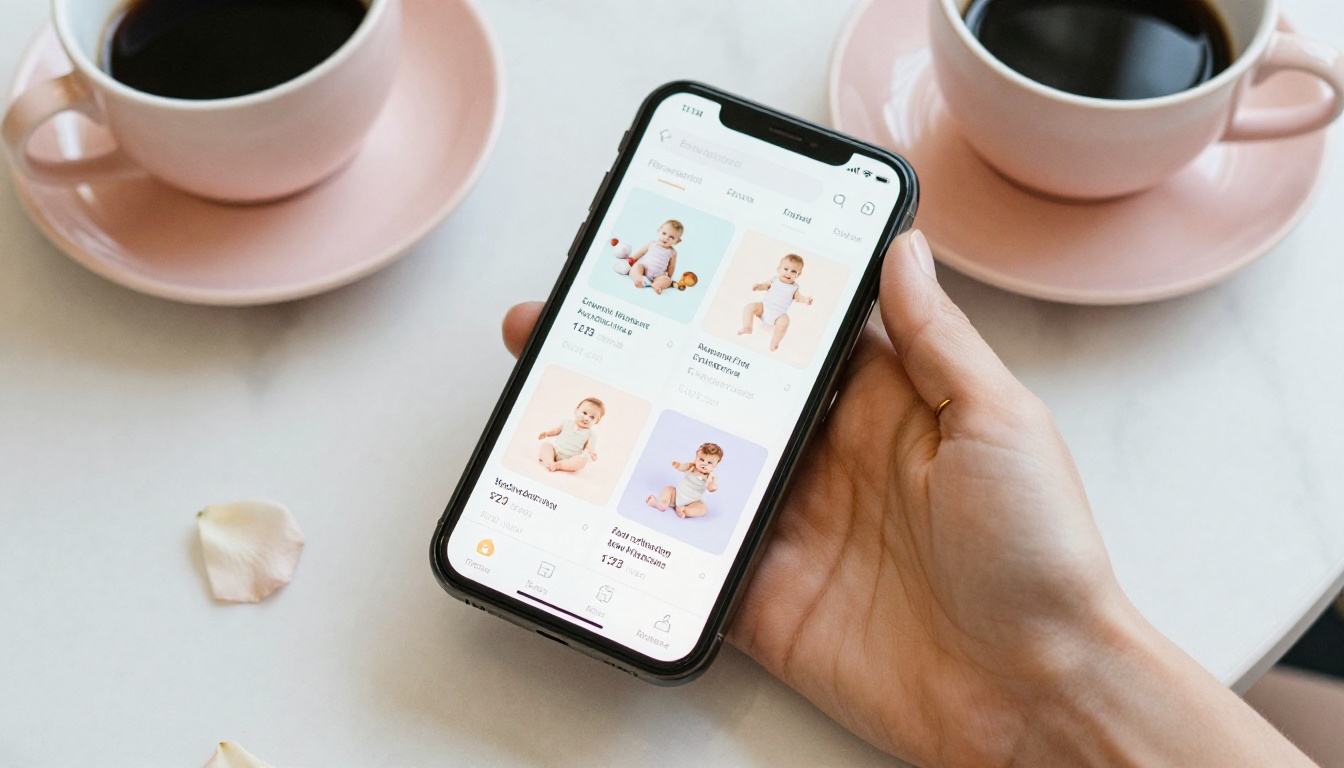
Not all baby product catalogs convert equally. The ones that actually move product tend to include the same set of elements.
Product information parents need
- Fabric and ingredient details: Parents of babies with sensitive skin need this immediately, not buried in a website footnote
- Safety certifications: OEKO-TEX, CPSC compliance, and organic certifications build trust fast
- Size charts: For clothing brands, a clear size-to-age reference removes the biggest barrier to purchase
- Care instructions: Shows you have thought about the full lifecycle of the product
- Country of origin and manufacturing standards: Increasingly important to this demographic
Brand story elements
A product catalog does not have to be purely transactional. A two-page spread about why you started your brand, who makes your products, or what certifications you pursue builds the emotional connection that turns first-time buyers into loyal customers. This is especially true in the baby category, where parents are choosing who to trust, not just what to buy.
Clear calls to action
Every page should make it obvious what the parent should do next: visit your website, add to cart, follow on social, sign up for your newsletter. Do not make them hunt for the path forward.
Building a Catalog That Scales With Your Brand

One of the practical advantages of a digital flipbook over a printed catalog is that it costs nothing to update. Prices change. Products sell out. You add a new collection. With a printed catalog, those changes mean reprinting. With your flipbook, you update the PDF, re-upload, and the link stays the same.
This matters especially for baby brands that operate seasonally. A summer swaddle collection catalog can be retired and replaced with a fall knitwear catalog without changing any of the links you have already distributed.
Build a catalog library
Consider maintaining separate flipbooks for:
- Seasonal collections: Spring and Summer alongside Fall and Winter
- Wholesale buyers: Pricing-specific version, password protected
- Gift collections: Holiday, baby shower, new arrival themed
- Category-specific: Feeding, sleep, clothing, skincare each with their own focused catalog
Each serves a different audience in a different moment. A parent shopping for a baby shower gift needs different content than a boutique buyer evaluating your wholesale terms.
Connect it to your broader digital presence
Your flipbook does not exist in isolation. It works best as part of a system:
- Your website has the embed code from the Embed Flipbook on Website tool
- Your email list gets the link each season
- Your social channels tease specific pages as preview images
- Your wholesale emails include the password-protected buyer version
Browse the full suite of flipbook tools to find catalog formats built specifically for product-based businesses, from the Digital Catalog Maker to the Product Catalog Generator.
Start Your Baby Brand Flipbook Today
Your customers are already browsing on their phones, sharing links in parent groups, and making purchase decisions based on how a brand presents itself digitally. A beautifully designed, interactive baby product catalog gives your brand the presentation it deserves and gives parents the browsing experience they actually want.
Ready to publish yours? Create your account on Flipbooks AI and build your first baby product flipbook today. No design experience required, no watermarks, and no download barriers standing between your catalog and your customers.
If you are ready to add analytics, lead capture, and wholesale features, check the pricing plans to find the tier that fits your brand's current stage. And when you are ready to build out a full library of catalogs for different seasons and audiences, all flipbook tools are available from your dashboard from day one.
The brands that win in the baby products space are the ones parents trust. A flipbook does not just show your products. It shows that you take your brand seriously enough to present it properly.



