If you've ever sent a PDF brochure and watched it disappear into someone's downloads folder, never to be opened, you already understand the problem with static documents. They don't engage, they don't impress, and they don't convert browsers into buyers. A flipbook brochure changes the dynamic entirely. It flips like a real publication, works on every device, embeds directly on websites, and actually gets read from start to finish. The best part? With Flipbooks AI, you can create a flipbook brochure with zero technical skills in less time than it takes to format a standard Word document.
Why Static PDFs Lose the Battle
The real cost of ignored attachments
The average professional receives over 120 emails per day. A PDF attachment labeled "Our Services Brochure.pdf" has minimal chance of being opened, let alone fully read. Even when someone does open a PDF, they're scrolling through a flat document with no navigation, no interactive elements, and no way to click directly through to your website, contact form, or booking page.
This isn't a content problem. Your brochure copy might be excellent. Your design might be polished. But flat formats are passive experiences, and passive formats get ignored in a world that rewards interactivity.
Beyond the open rate problem, PDFs carry practical frustrations. Large file sizes fail to send via email. Mobile users struggle to zoom and scroll through print-optimized layouts. And once a PDF is downloaded, you have zero insight into how much of it was actually read.
The page-turn difference
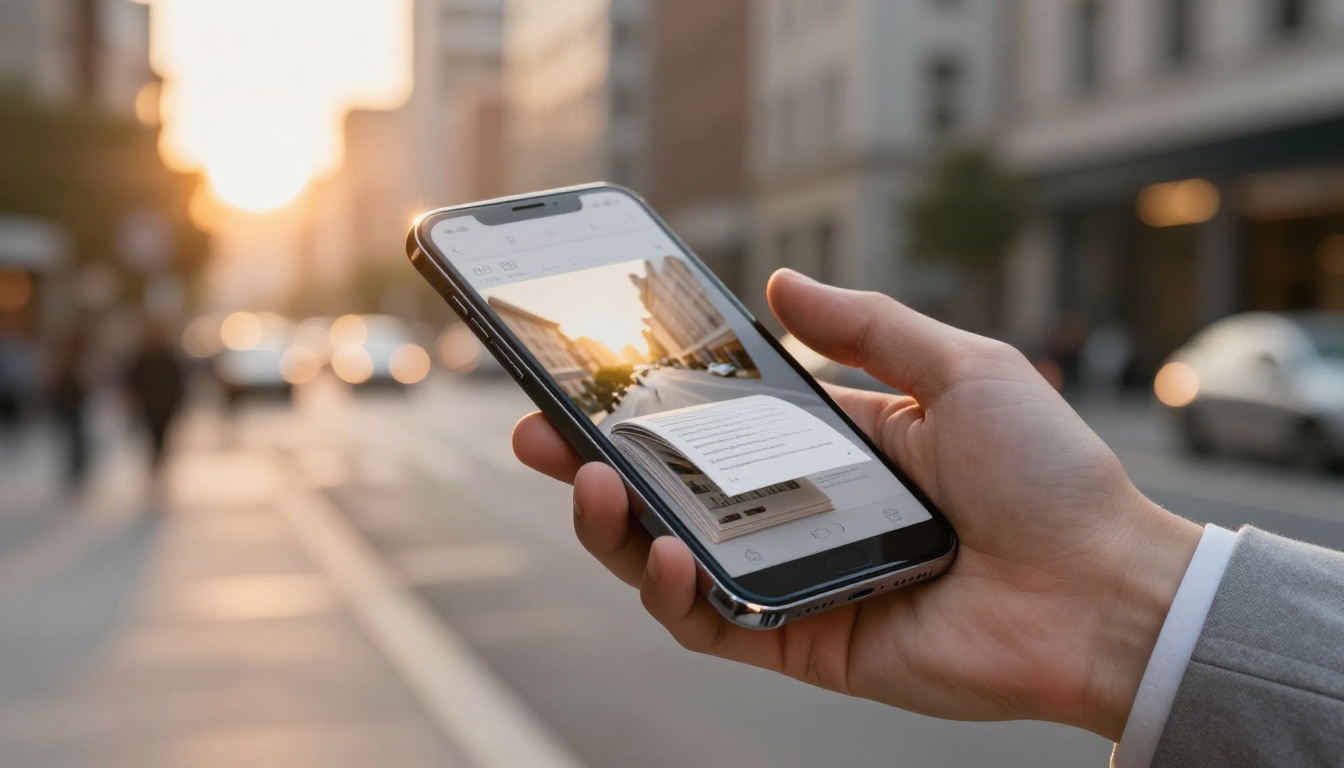
Flipbook brochures replicate the sensory experience of flipping through a physical magazine or catalog, delivered entirely in a browser window. Pages curl realistically as readers move through content. Typography, imagery, and layout are preserved exactly as designed. Embedded links are clickable. Videos can play inline. And the entire experience adapts flawlessly from a desktop to a phone screen without any reformatting.
💡 A flipbook brochure is not just a prettier PDF. It is an interactive publication that keeps visitors on the page longer and drives more action per view than any static document format.
The format also works for the creator. Analytics features, available on the Professional plan, show you which pages readers spend the most time on, when they drop off, and how they're accessing your content. You get real data, not just a download count.

Who Actually Uses Flipbook Brochures
The answer is far more businesses and professionals than you'd expect. The no-code nature of platforms like Flipbooks AI means the format is accessible to solo operators and large teams equally.
Small businesses and freelancers
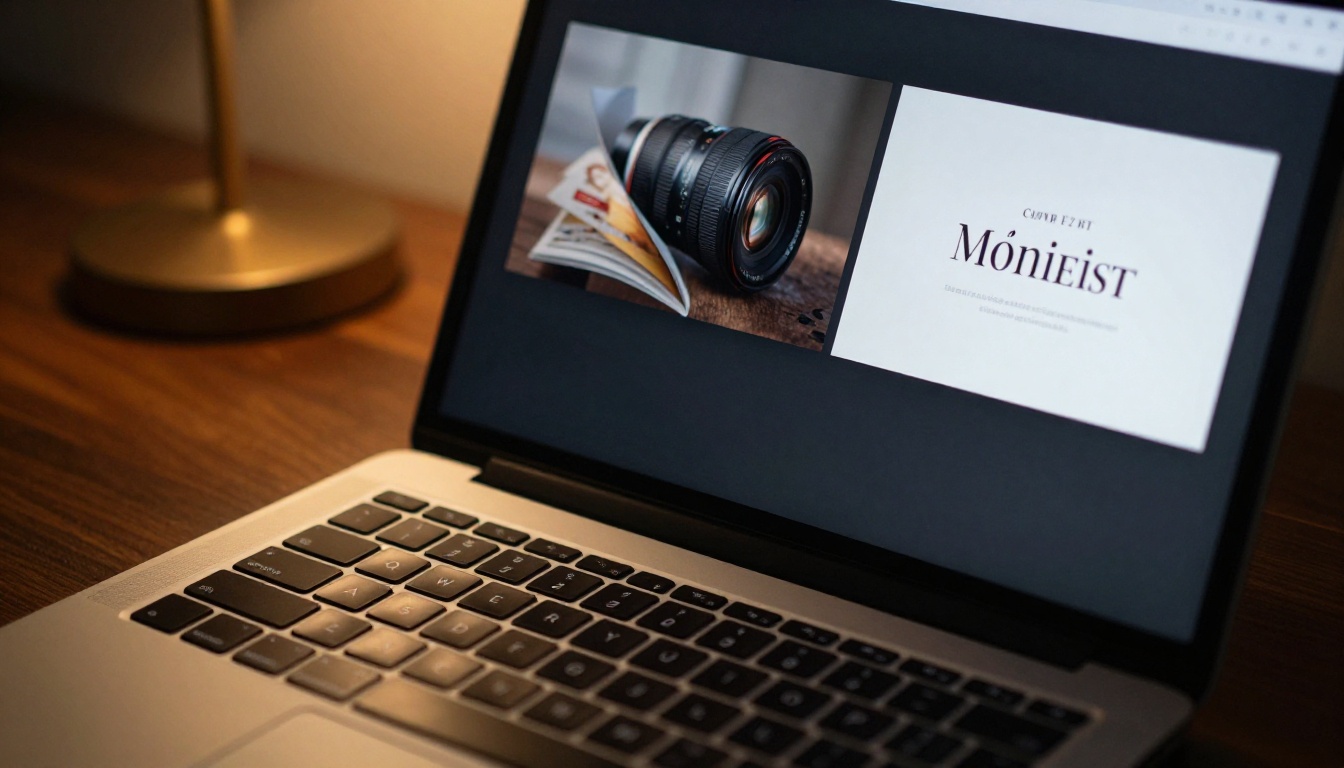
A freelance photographer can convert their portfolio PDF into a visual flipbook that clients actually sit and browse. A boutique clothing brand can transform their seasonal lookbook into an interactive catalog with links to each product page. A personal trainer can build a services brochure that links directly to their booking form and social profiles.
None of these require design software, coding knowledge, or a budget beyond a basic monthly subscription. The design work is already done in whatever tool created the original PDF. The conversion is instant.
Property and real estate
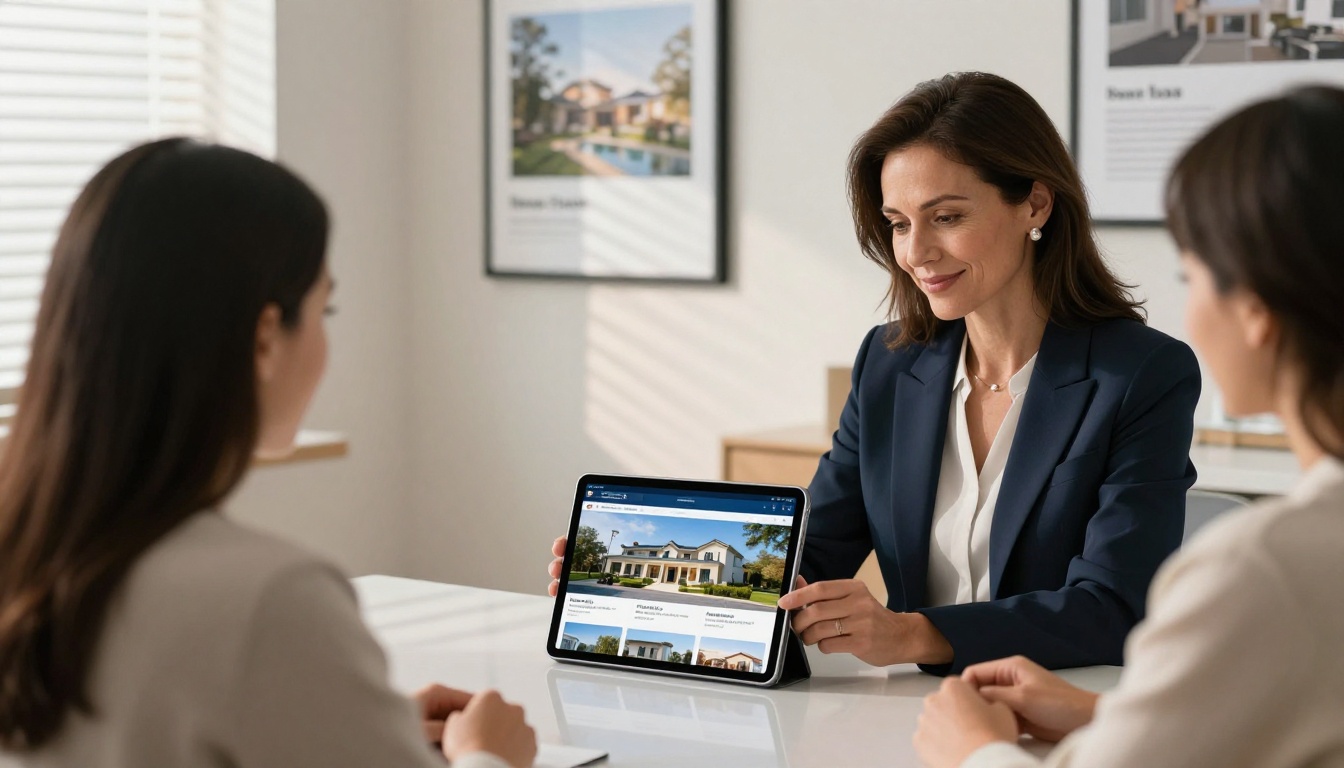
Real estate agents benefit directly from interactive property brochures. Instead of attaching a flat PDF to a client email, agents share a link to a flipbook with high-resolution property photos, floor plans, neighborhood maps, and an embedded inquiry form. It reads like a premium property magazine rather than a stapled handout from an open house.
The Real Estate Brochure tool on Flipbooks AI is purpose-built for exactly this use case, with layout templates optimized for property listings.
Food, hospitality, and lifestyle
Restaurants, hotels, spas, and event venues are among the strongest use cases for the flipbook format. A hotel brochure that shows rooms, amenities, seasonal offers, and local attractions in a glossy magazine layout converts better than a static webpage. A spa menu that reads like a luxury editorial pulls clients in before they've even booked their first appointment.
| Business Type | Traditional Format Problem | Flipbook Solution |
|---|
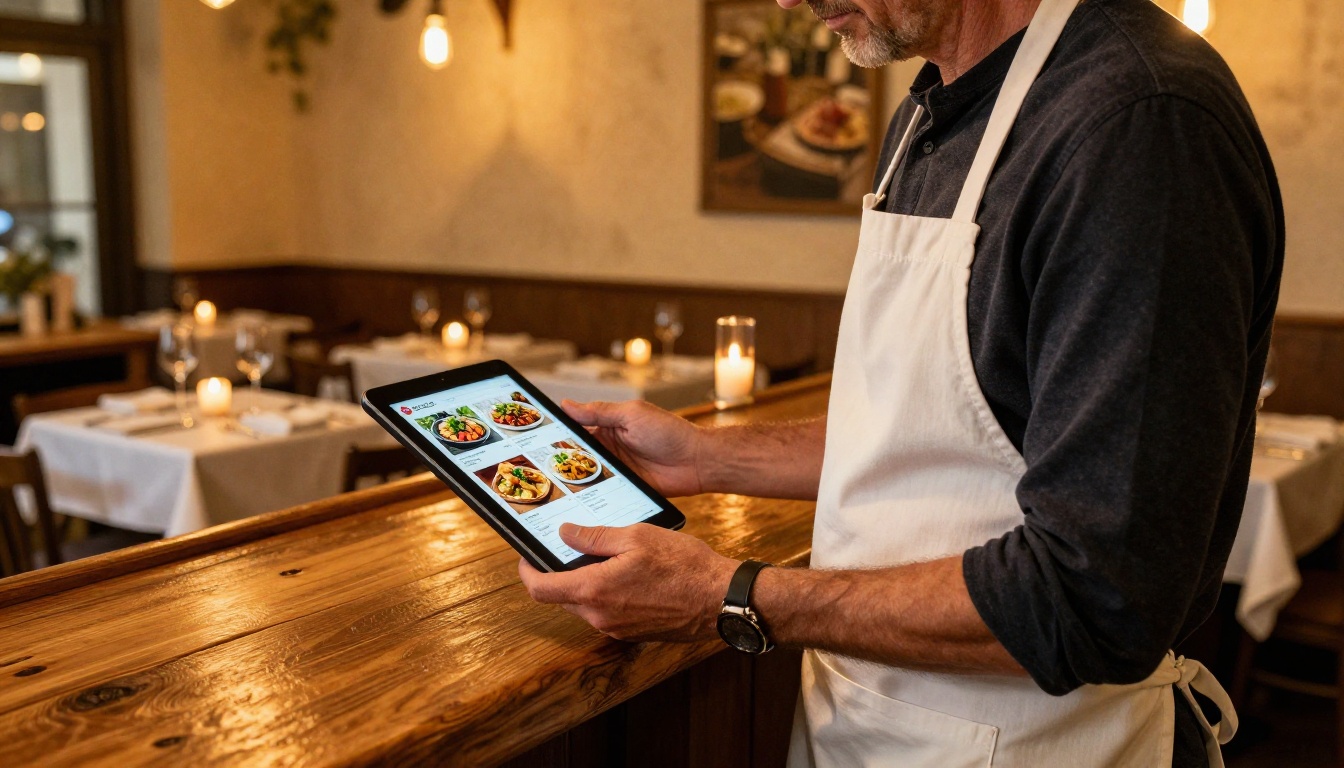
| Restaurant | Static PDF menu, no clickable elements | Interactive menu with food photos, reservations link |
| Real Estate | Flat property sheet emailed as attachment | Immersive property magazine, embedded map and form |
| Hotel / Resort | Text-heavy website pages | Branded brochure with room galleries and pricing |
| Freelancer / Photographer | Email attachment that goes unread | Shareable portfolio flipbook link |
| Retailer / Boutique | Printed catalog with no digital version | Scrollable lookbook with embedded product links |
| Event Planner | Word document proposal | Polished proposal flipbook with embedded video |
How to Create a Flipbook Brochure in 5 Steps
You do not need to install software. You do not need a design degree. Here is the exact process, from the first click to a published link.
Step 1: Create your account
Go to Flipbooks AI and sign up for free. The process takes under two minutes. You'll arrive in your dashboard immediately, where all your flipbooks are organized and accessible.
Step 2: Upload your PDF
Click "New Flipbook" and drag your PDF into the upload zone. Flipbooks AI converts the document automatically, preserving all fonts, images, and layout structure. Most conversions complete in seconds, even for multi-page brochures.
✅ Already have a brochure in Canva, Adobe Express, or Microsoft PowerPoint? Export it as a PDF first, then upload. The conversion handles all file types that export to PDF cleanly.
Step 3: Customize your branding
Once uploaded, the editor opens with your brochure already rendered in the flipbook viewer. From here, you can add your logo, apply your brand colors to the viewer interface, set a custom favicon, and choose a background style. This is also where you configure the reading direction and choose between a single-page or double-page spread view.
Step 4: Add interactive elements
This is the part that most surprises new users. Inside the editor, you can click on any element of any page and overlay a clickable hotspot. Link a product image directly to your online store. Add a phone number that dials on tap from mobile. Embed a YouTube or Vimeo video that plays directly inside the page, without redirecting readers elsewhere.
Audio narration is also available, which works particularly well for guided product demonstrations, property tours, or educational brochures with voiceover content.
Step 5: Publish and share
Hit publish. A clean, permanent URL is generated instantly. Copy it into an email, post it to LinkedIn, share it in a text message, or add it to your Instagram bio. Anyone with the link can open and read the full flipbook without downloading anything or creating an account.
💡 Use the Brochure Flipbook Maker tool for a pre-configured setup tailored to brochure-style content, with layout suggestions and branding defaults already optimized for marketing materials.
Customization Without the Confusion
Branding that sticks
Flipbooks AI gives you direct control over the presentation layer without requiring any design expertise. Upload your logo, choose your brand colors as the player theme, and optionally connect a custom domain so your flipbook lives at your own URL instead of a generic link.
On Standard plans and above, no watermarks appear anywhere in the viewer. Your branding is consistent from the first page flip to the last call to action. Clients and prospects see a polished, professional publication with your identity front and center.
Videos, audio, and links inside your brochure
A printed brochure can show a photo of your product. A flipbook brochure can show a 60-second video of it in action, with the video playing directly inside the page without opening a new tab. Add product demo videos, client testimonials, facility walkthrough clips, or audio narration to any page.
Every hyperlink in your source PDF is preserved automatically on conversion. If you have a linked table of contents, linked footnotes, or clickable call-to-action buttons in your original document, they all remain functional in the flipbook version.

⚠️ Embedded video files inside a PDF are not the same as video links. If your PDF contains embedded MP4 files, convert them to YouTube or Vimeo links and add them as hotspots in the editor for the best playback results.
Sharing Your Brochure Anywhere
One link, everywhere
Every published flipbook has a permanent, clean URL. This link functions in emails, text messages, LinkedIn posts, Instagram bios, QR codes on printed materials, and anywhere else you distribute digital content. Readers do not need an account. There is no file download. The flipbook opens instantly in any browser on any device.
Embedding on your website
Use the embed code from your dashboard to place the flipbook directly into any webpage. It renders responsively across screen sizes, looking equally sharp on a 4K monitor and a mobile phone.
The Embed Flipbook on Website tool provides a step-by-step setup, including iframe codes and JavaScript snippets compatible with WordPress, Squarespace, Wix, Webflow, and custom HTML sites.
Private access and password protection
Not every brochure is for public distribution. A wholesale price list, a confidential client proposal, or an internal training brochure each requires restricted access. Enable password protection with a single toggle in the settings panel. Only recipients with the password can access the content.
This is also where the lead generation feature on Professional plans becomes valuable. Instead of a password, you can require readers to submit their name and email before accessing the flipbook. Every submission is logged in your dashboard, ready to export or connect to your CRM.
Flipbooks AI Plans, Side by Side
Choosing the right plan depends on volume, branding requirements, and whether you need analytics or lead capture tools.
| Feature | Free | Standard | Professional |
|---|
| Flipbooks | 1 | Unlimited | Unlimited |
| Watermark | Yes | No | No |
| Custom Branding | No | Yes | Yes |
| Password Protection | No | Yes | Yes |
| Offline Downloads | No | Yes | Yes |
| Embed on Website | No | Yes | Yes |
| Analytics | No | No | Yes |
| Lead Generation Forms | No | No | Yes |
| Custom Domain | No | No | Yes |
| Priority Support | No | No | Yes |
💡 For most solo creators and small businesses, the Standard plan covers all core functionality with no watermarks and unlimited flipbooks. The Professional plan is the right move when you need to track results or capture leads directly from your brochure. See the full breakdown at Flipbooks AI pricing.
Real Use Cases Worth Copying
| Scenario | Recommended Tool | Key Benefit |
|---|
| Hotel promoting seasonal packages | Hotel Brochure | Immersive room galleries, embedded booking link |
| Automotive dealer showcasing fleet | Automotive Brochure | Page-per-model layout, specs at a glance |
| Real estate agency distributing listings | Real Estate Brochure | HD photos, embedded map, inquiry form |
| Freelancer pitching services | Online Brochure Designer | Professional format, shareable by link |
| Restaurant launching new seasonal menu | Restaurant Menu Creator | Food photography, click-through to reservations |
| Spa promoting treatment packages | Spa & Wellness Menu | Luxury editorial layout, booking integration |
The 5 Most Common Brochure Mistakes
Even without technical skills, a few simple decisions separate a forgettable brochure from one that drives real action.
1. Too much text per page
Brochures are primarily visual. If a page looks like a wall of paragraphs, readers will flip past it without absorbing anything. Keep each page focused on a single idea. Use bullet points, short sentences, and let your images carry the narrative weight.
2. Not checking mobile layout before publishing
More than 60% of digital content is consumed on mobile devices. Flipbooks AI renders all flipbooks responsively, but your source PDF layout should be reviewed on a phone screen before uploading. Double-column layouts and small fonts that look fine on a large screen often become unreadable at mobile scale.
3. Missing a call to action on the last page
Readers who reach your final page are engaged. That's the moment to direct them somewhere. A booking link, a contact button, a pricing page reference. Without a clear next step, even interested readers leave without acting.
4. Sharing sensitive content without protection
Price lists, wholesale catalogs, investor decks, and internal proposals should never circulate without access controls. Password protection takes two seconds to set up and eliminates the risk of your confidential content being shared beyond its intended audience.
5. Skipping the website embed
A shareable link is useful. An embedded flipbook on your services or contact page is far more powerful. Visitors who encounter an embedded flipbook on your site spend more time on the page, which reduces bounce rate and gives you more time to convert them into clients.
✅ Test your published flipbook on both desktop and mobile before sharing it. The reading experience should feel smooth and professional on both screen sizes.
Beyond the Brochure
Once you've built your first interactive brochure, the same workflow applies to almost every document you produce. Product catalogs, event programs, annual reports, training manuals, digital magazines, and client proposals all convert into the flipbook format with the same simple upload process.
The PDF to Flipbook Converter handles all of these without additional configuration. If a document exists as a PDF, it becomes a flipbook. Browse the full range of flipbook tools to see templates and presets built for specific use cases across every industry.
Your Next Step
There has never been a lower barrier to producing professional, interactive marketing materials. No software licenses. No developer fees. No weeks-long production timeline. A PDF, an account, and ten minutes stand between you and a published flipbook brochure that looks like it came from a professional agency.
Create your first flipbook free and publish it in minutes. If you want to see the full scope of what's possible first, browse all tools and templates to find the right format for your content. When you're ready to choose a plan, the full pricing options are worth a look before you start.



