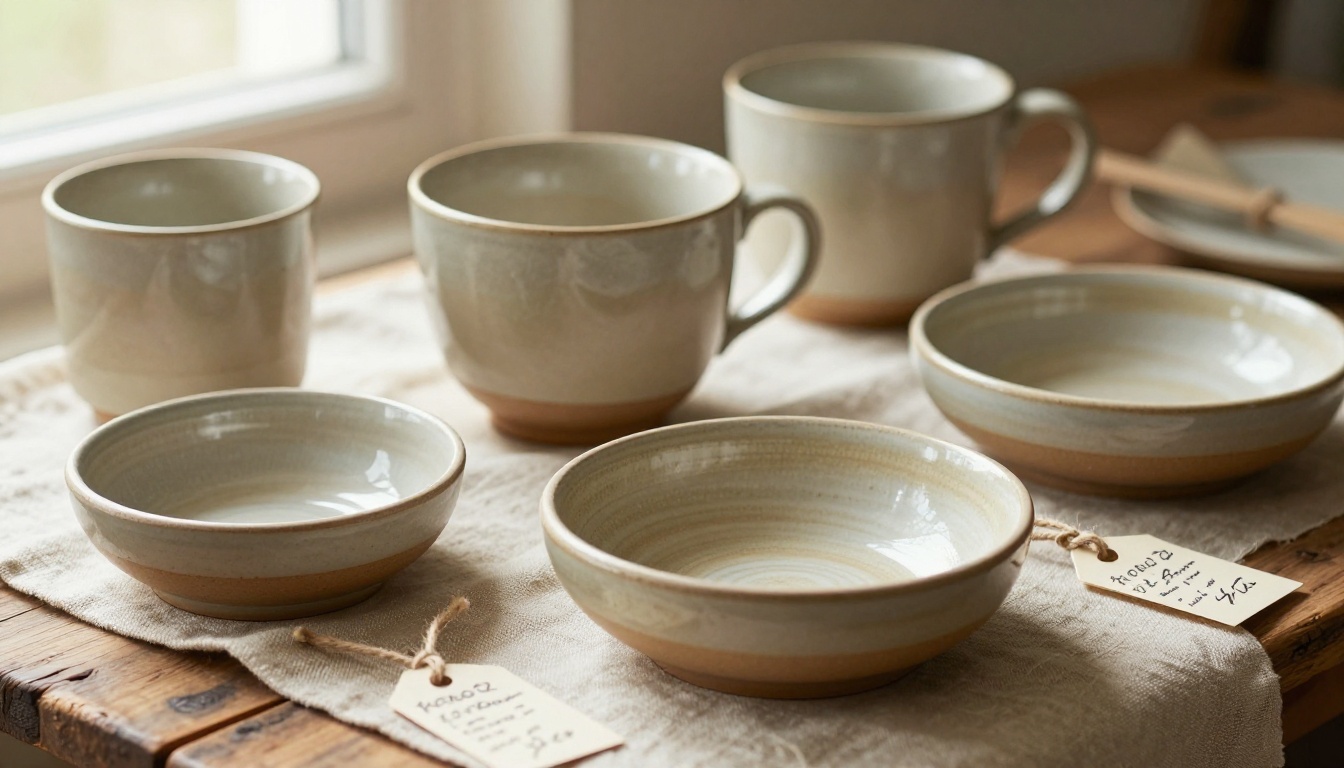
Selling handmade products is deeply personal. Every piece carries your time, your skill, and your creative vision, and when a buyer holds one of your items, they're buying a story as much as an object. The problem is that most handmade sellers tell that story in fragments: a few Instagram posts, a table at a weekend market, and a PDF someone has to ask for. A digital flipbook catalog brings your entire collection together in one professional, shareable, page-turning experience. With Flipbooks AI, you can build one without design experience or a large budget.
Why a Digital Catalog Is Worth Building
The difference between a handmade seller who grows steadily and one who plateaus is often presentation. Not the quality of the work, that's usually excellent. It's whether buyers can easily browse, share, and return to your collection on their own terms.
A printed catalog is expensive to produce, nearly impossible to update mid-season, and disappears after the event where you handed it out. A social media grid works for discovery but falls apart for serious browsing. A digital flipbook catalog solves both problems: it looks as premium as print, and it works like a live website.
The Cost Breakdown: Print vs. Digital
| Factor | Printed Catalog | Digital Flipbook |
|---|
| Design and production cost | $200 to $800+ per run | Free to minimal |
| Update cost when products change | Full reprint required | Edit live in minutes |
| Distribution method | Physical handout or postage | Instant shareable link |
| Analytics and tracking | None | Views, clicks, and time-on-page |
| Geographic reach | Local and regional | Global |
| Storage and shelf life | Degrades over time | Permanent until updated |
| Minimum order requirement | Typically 100 to 500 units | None |
The math is simple. A printed catalog run that costs $500 produces something you cannot change, cannot track, and cannot send globally. A digital flipbook does all three, indefinitely.
What Today's Buyers Actually Do
Buyers of handmade goods are researchers. They rarely impulse-buy a $120 hand-thrown ceramic set or a $200 leather bag. They browse, bookmark, screenshot, share with friends, and come back. Your catalog needs to support that entire behavior loop.
When a buyer can click a link you sent them, flip through your collection on their phone while commuting, zoom in on the stitching detail on a wallet, and then forward the exact page to a friend, you've made the sale dramatically easier.
💡 Pro tip: Buyers who receive a direct catalog link are far more likely to close a purchase than those who only see individual product posts, because the catalog creates context and helps them see how pieces work together.
What Goes into a Winning Handmade Product Catalog
Before you build your flipbook, you need solid content. A polished digital format raises the quality floor, but it cannot fix weak product presentation.

Photography That Does the Heavy Lifting
Your catalog's effectiveness depends almost entirely on product photography. Handmade goods live and die on visual detail because buyers cannot touch or feel anything through a screen. The glaze variations on a ceramic bowl, the hand-stitching on a leather wallet, the plant-dye gradients in a woven scarf: these are the details that justify the price.
For each product in your catalog, aim for at minimum:
- A clean hero shot against a neutral or complementary background
- A detail shot showing the texture, craft marks, or unique finishing
- A lifestyle shot showing the item in use or in a real-world setting
- A scale reference image so buyers understand the actual size
Consistency is everything. Mixing product shots on white backgrounds with dark lifestyle images shot in different color temperatures makes your catalog look fragmented. Establish a visual style before you start building and apply it to every product.
Product Descriptions That Actually Sell
Handmade buyers pay a premium because of the story behind the object. Your descriptions should lean into that. Skip generic copy and focus on:
- What materials are used and where they come from (local clay, organic cotton, reclaimed wood)
- How long each item takes to make by hand
- What makes each piece slightly unique or one-of-a-kind
- Care instructions, especially for ceramics, textiles, and natural products
Strong descriptions don't just describe, they justify the price and make the buyer feel like they're getting something rare.
Pricing and Availability Done Right
List your prices. Many artisan sellers avoid this, forcing buyers to ask, which creates friction and signals uncertainty. If items are made-to-order with a wait time, say so clearly. If stock is limited, note it. If a product comes in multiple colorways or sizes, show each option with pricing.
⚠️ Warning: Catalog pages with no pricing information have dramatically lower conversion. Buyers who have to ask for prices often simply move on.
How to Create Your Flipbook Catalog with Flipbooks AI
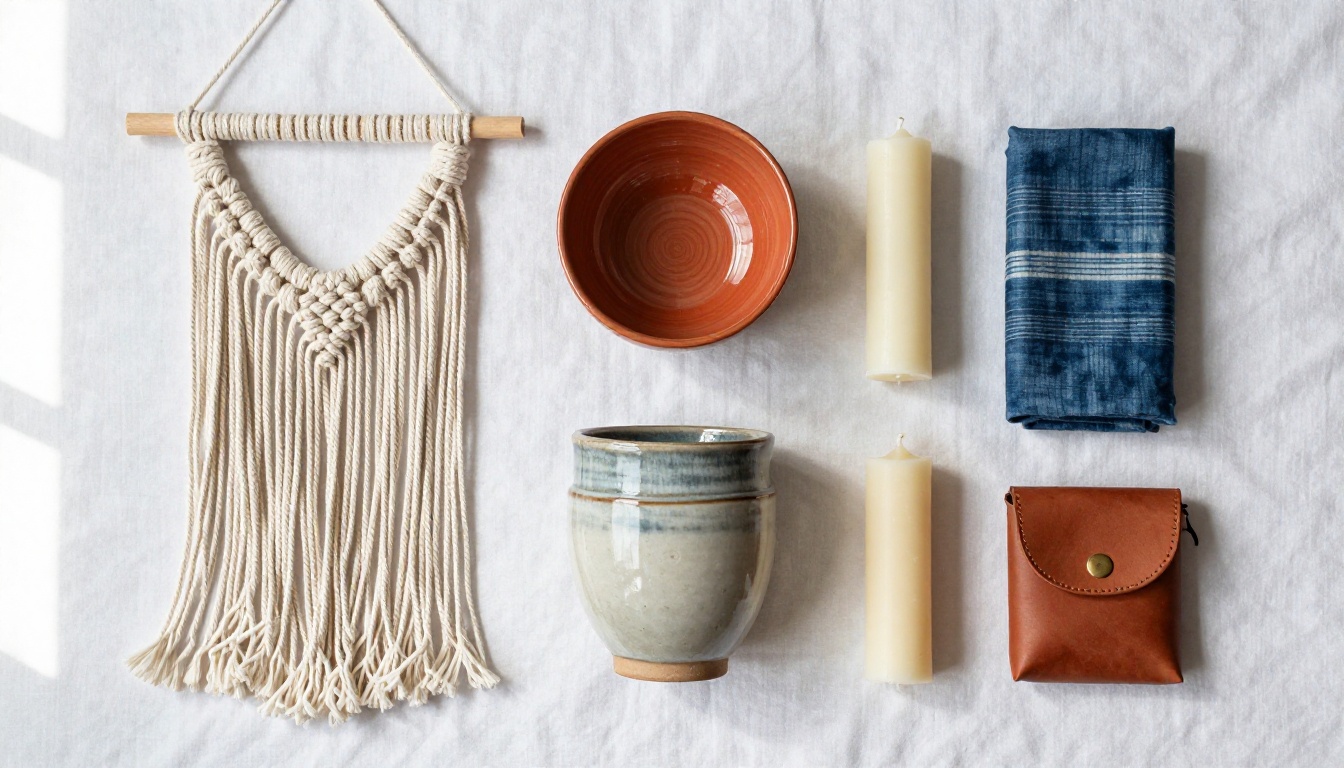
The Catalog Flipbook Creator on Flipbooks AI turns a PDF catalog into a fully interactive, page-turning digital experience in minutes. Here's the full process from a blank document to a live, shareable catalog.
Step 1: Build Your PDF
Start in any design tool you're comfortable with: Canva, Adobe InDesign, Google Slides, or PowerPoint with a clean template. Structure your catalog as:
- A title page with your brand name and a strong hero product image
- Category divider pages if you have multiple product lines (jewelry, textiles, ceramics)
- Individual product pages or two-product spreads with photography, description, and price
- A final page with ordering information: your website, email, social handles, and custom order instructions
Export everything as a single PDF. Aim to keep the file under 50MB for fast loading on mobile devices.
Step 2: Upload and Convert
- Create your account on Flipbooks AI
- Click New Flipbook from your dashboard
- Drag and drop your PDF into the upload area
- Wait for the automatic conversion, typically under 60 seconds for most catalog sizes
Your PDF becomes an interactive flipbook with smooth page-turn animations and mobile responsiveness automatically, with no coding needed.
✅ Best practice: Name your flipbook clearly. "Spring 2026 Ceramics Collection" is far more useful than "catalog-v3-final" when you're managing multiple catalogs across seasons.

Step 3: Brand Your Flipbook
This is where your catalog goes from functional to professional. In the Flipbooks AI editor:
- Upload your logo to display on the flipbook viewer interface
- Set your brand colors for the toolbar and background
- Add a custom thumbnail that represents your catalog at a glance
- Configure the page flip style and transition to suit your catalog's aesthetic
Branding means buyers see your identity in every part of the experience, not just the product pages themselves.
Step 4: Add Multimedia and Clickable Links
One of the biggest advantages digital catalogs hold over printed ones is multimedia. On the Standard plan and above, you can:
- Embed a video showing your making process or studio on a dedicated page
- Link product pages directly to your shop listings on Etsy, Shopify, or your own site
- Add clickable contact buttons so buyers can email or message you without leaving the catalog
These features turn passive browsing into an interactive experience. Buyers can go from seeing a product they love to ordering it in seconds.
Step 5: Share Everywhere and Track Results
Once published, you have several sharing options:
- Direct link: Share via email, social media, WhatsApp, or in your shop bio
- Embed code: Drop your catalog into any website with a single line of code using the Embed Flipbook on Website tool
- Password protection: Create a private catalog for wholesale buyers, custom order clients, or VIP customers
- QR code: Display at your market booth or print on business cards
On the Professional plan, you also get view analytics showing page-level engagement data, and lead capture forms that collect buyer contact details directly inside the flipbook. See all options on the Flipbooks AI pricing page.
Catalog Strategies by Product Category
Different handmade product lines need different catalog approaches. A one-size-fits-all structure rarely works when the products themselves are so different.
Jewelry and Accessories
Organize by collection or material (silver, brass, gemstone, resin). Show each piece from multiple angles, include close-up detail shots of findings and finishing, and always list dimensions. Add a ring and bracelet size chart as a standalone page. Buyers frequently skip jewelry purchases because they cannot determine fit.
Ceramics and Pottery
Group by function: mugs, bowls, serving platters, vases. Show both the inside and outside of vessels. Include images of items styled in sets or as table settings, since many buyers are thinking about gifting or hosting. Note directly on the product page whether items are dishwasher safe, food safe, and microwave safe.
Textiles and Fiber Arts
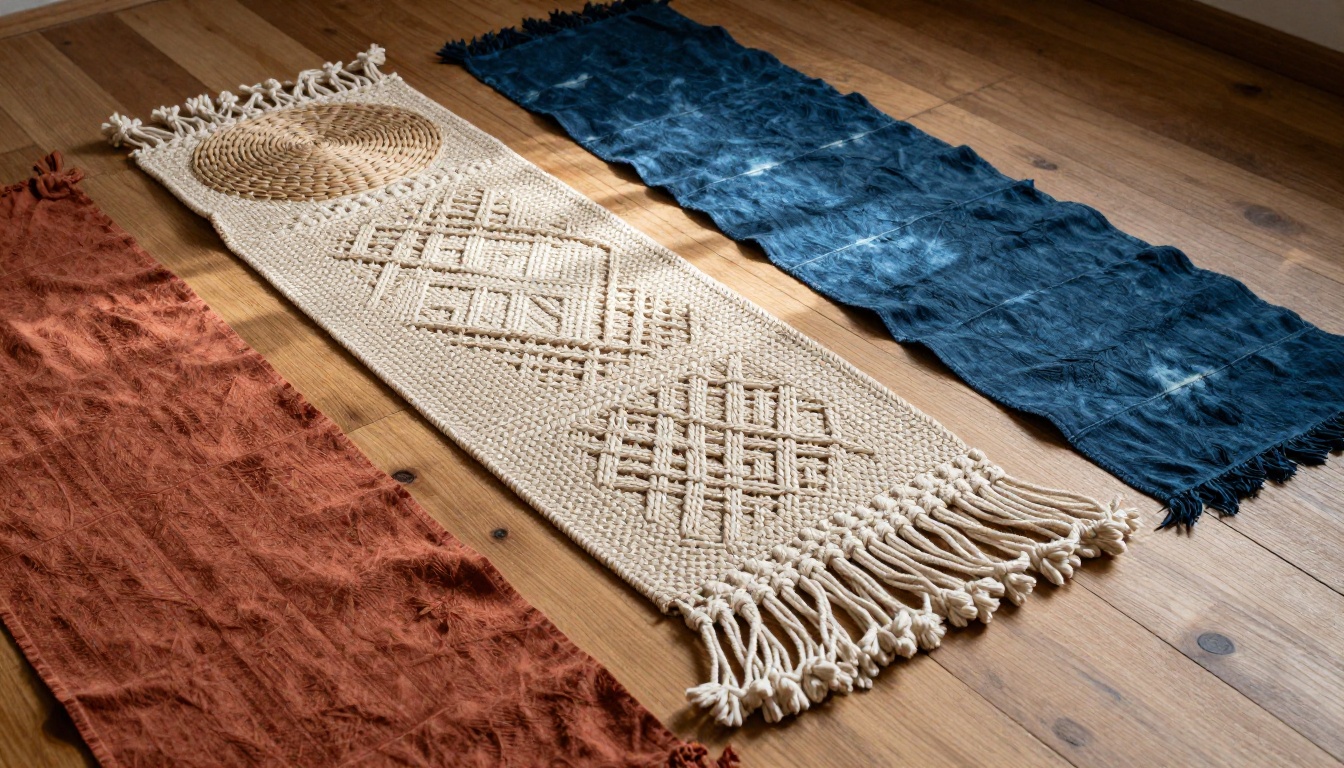
Textiles require lifestyle context. Show scarves worn, throws on sofas, wall hangings in room settings. Include a dedicated fiber content and care page. If you accept custom color or size orders, include a swatch section and clear instructions for placing custom requests.
Bath, Body, and Candles
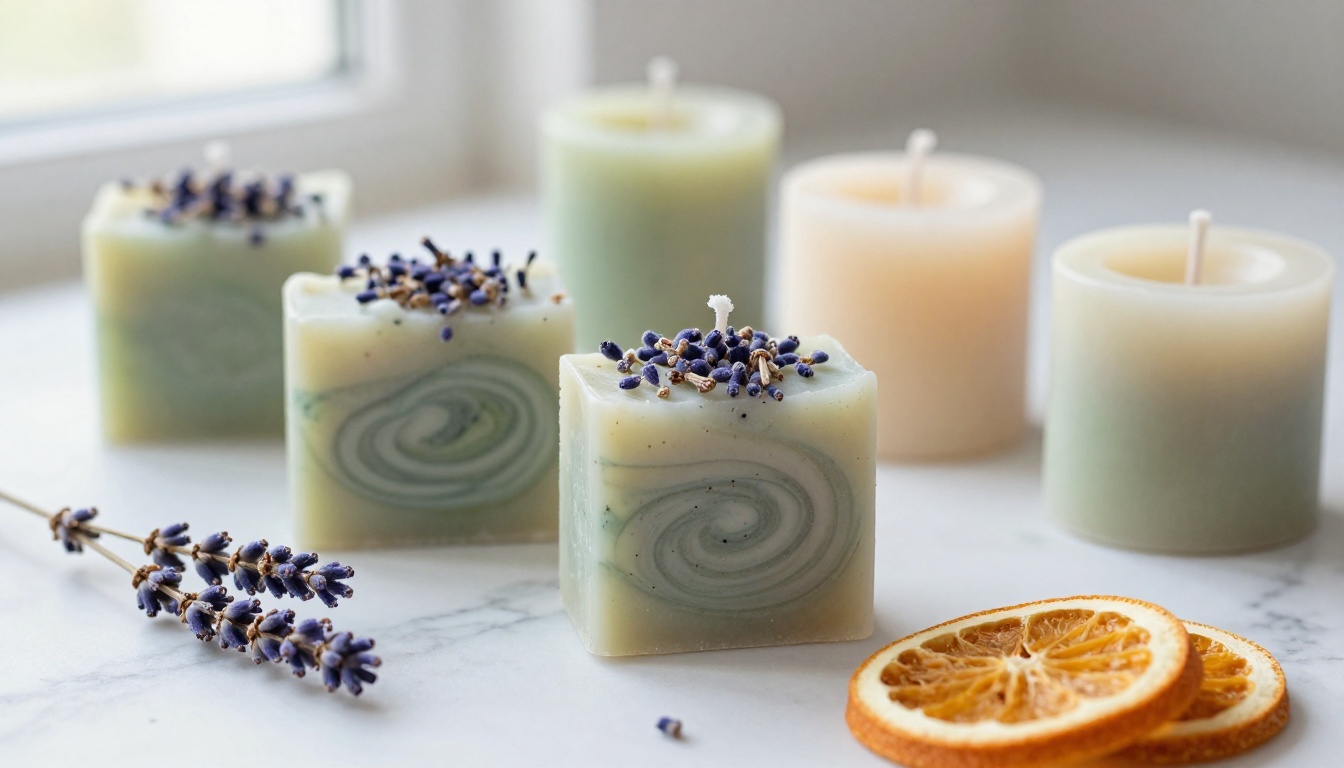
This category relies entirely on sensory description since scent and texture cannot translate through a screen. Describe fragrance profiles specifically and evocatively. List ingredient and botanical content prominently. Show products in their natural context: bathroom shelves, bedside tables, living rooms.

Not all digital catalog formats are equal. Here's how the main options stack up for handmade sellers:
| Format | Interactivity | Mobile Experience | Cost | Buyer Experience |
|---|
| PDF download | None | Poor on small screens | Free | Flat, static |
| Instagram/Pinterest grid | Limited | Good | Free | Fragmented, no context |
| Website product pages | High | Good | Medium to high | Good but clinical |
| Flipbook catalog | High | Excellent | Low | Premium and immersive |
| Printed catalog | None | N/A | High per run | Tactile but not shareable |
The flipbook catalog hits the right combination: the premium visual feel of a printed lookbook, global shareability, mobile optimization, and the ability to track results. No other format does all four simultaneously at a low cost.
💡 Pro tip: Send your catalog as a link, not a PDF attachment. Links are tracked and open on any device instantly. PDFs disappear into downloads folders and rarely get revisited.
Flipbooks AI Plans for Artisan Sellers

| Feature | Free | Standard | Professional |
|---|
| Number of flipbooks | 1 | Unlimited | Unlimited |
| Watermark | Yes | No | No |
| Custom branding | No | Yes | Yes |
| Password protection | No | Yes | Yes |
| Video and audio embeds | No | Yes | Yes |
| Analytics | No | No | Yes |
| Lead generation forms | No | No | Yes |
| Offline downloads | No | No | Yes |
For most handmade sellers starting out, the Standard plan provides everything needed to build a professional, watermark-free catalog and share it widely. The Professional plan makes sense once you're ready to track buyer behavior and capture leads directly from your flipbook. See the full breakdown on the Flipbooks AI pricing page.
3 Mistakes That Undercut Your Catalog
1. Too many products per page. Crowded pages feel cheap and make individual pieces hard to evaluate. Two products per page is the comfortable maximum for most handmade goods. Give each piece room to breathe.
2. Inconsistent photography. A catalog with mismatched photo styles, one studio shot against white, one snap on a kitchen counter, destroys the perception of quality across your whole collection. Establish your visual approach first, then shoot everything in the same style.
3. Weak ordering information. Your catalog should tell buyers exactly what to do next on at least three separate pages: the title page, mid-catalog, and the final page. Make it impossible to not know how to order.
⚠️ Red flag: If buyers have to scroll back through your whole catalog to find your contact information, you've already lost most of them.
Where and How to Share Your Catalog
Creating your flipbook is only part of the work. Getting it in front of the right buyers is what drives results.
- Email signature: Add your catalog link under your name in every email
- Social media bio: Replace a generic website link with your catalog URL, or use a link-in-bio tool to include both
- Welcome message: Send new followers or email subscribers directly to your catalog as an introduction
- Market signage: Print a QR code and display it prominently at your booth so in-person shoppers can browse your full range
- Wholesale outreach: Reach out to boutique stores and gift shops with your catalog link instead of a bulky PDF or physical samples
- Cross-promotions: Share your catalog with complementary makers (a ceramics seller and a textile seller, for example) for mutual promotion to each other's audiences
The Digital Catalog Maker and Product Catalog Generator tools give you additional formats depending on how you want to structure your product presentation. Browse all flipbook tools to find the right fit for your specific product type and business stage.
Your Products Deserve a Better Presentation
Every handmade seller has a collection worth showing off properly. The question is whether your presentation matches the quality of your work. A digital flipbook catalog built with Flipbooks AI puts your products in a format that buyers take seriously: one they can browse on any device, share with friends, bookmark, and return to without effort on your part.
The setup takes less than an hour. The impact compounds every time someone shares your catalog link. Get started for free on Flipbooks AI, upload your first catalog, and watch how many more conversations begin with buyers who already know exactly what they want to order. When you're ready for analytics, lead capture, and expanded sharing features, check the available plans and choose what fits where your business is headed.



